
Microsoft Flight Simulator has very few business jets in the sim at the moment. One of the few options right now is Marwan Gharib’s HJet – a detailed simulation of the Honda Jet. In this review I go over the types features and benefits, any issues I ran into and if you should buy it!
A bit of history with the H(onda) Jet
In the 1980s, Honda explored the possibility of creating light business jet and produced a couple of prototypes known as the MH01 and MH02. The design for the Honda Jet came together in the late 1990s and by October 2000, a research facility had been setup at Piedmont Triad International Airport in Greensboro, North Carolina to work on the prototype.
The prototype was shown off at the 2005 Oshkosh airshow and strong interest convinced Honda executives to green-light the exploration of a commercialization of the project. Ten years later, after significant testing and development, the project emerged with a FAA type certificate, and the aircraft went into production.
Over 200 of the Honda Jet have been produced to date and additional follow-up variants have been slowly revealed including the Elite II variant which has expanded range. Enlarged variants have been shown off in concept, usually by lengthening the wing and fuselage, but none have reached prototype or production yet.
The HJet in MSFS is not licensed thus the obfuscation of the name.
Visuals
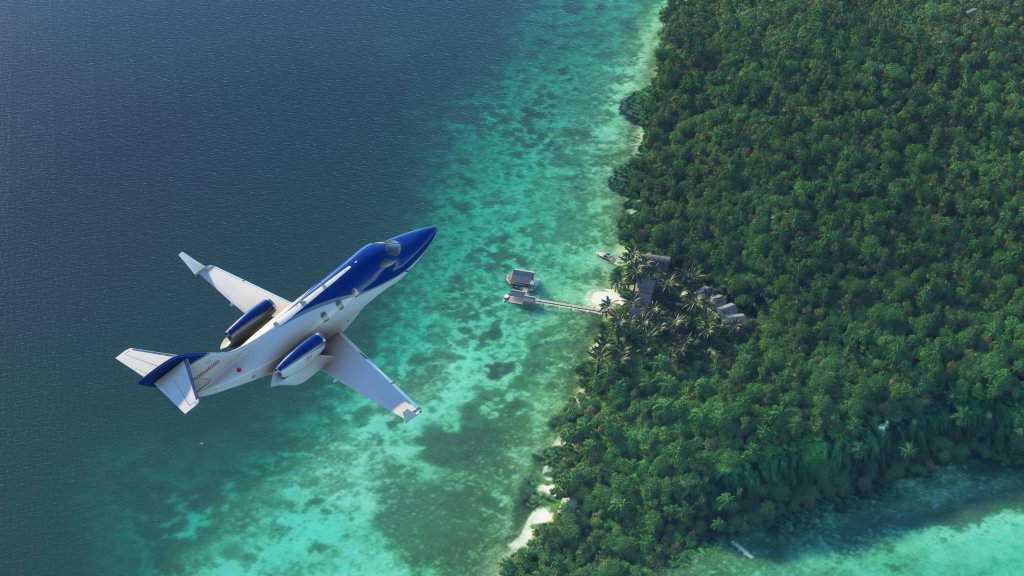

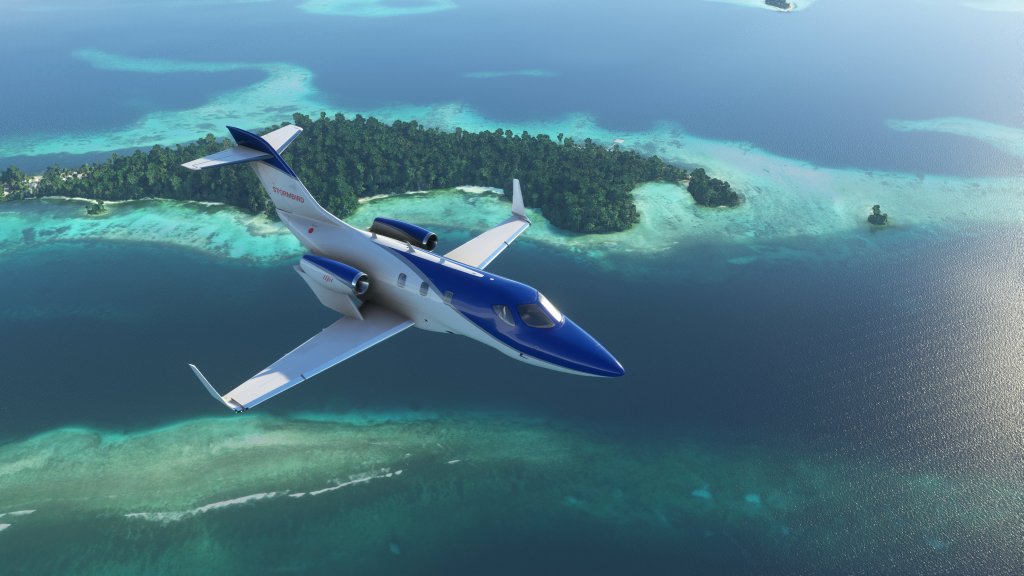
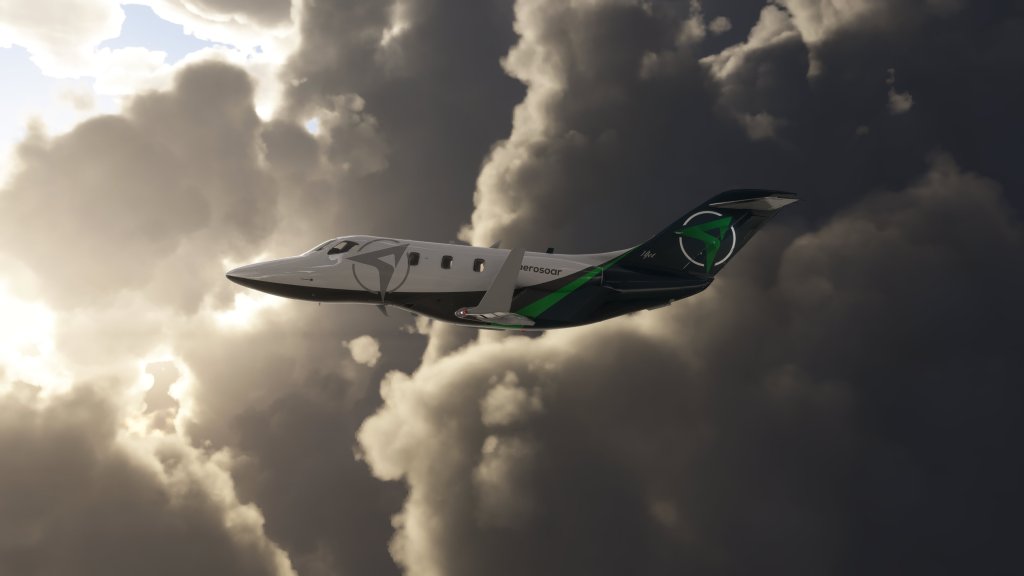
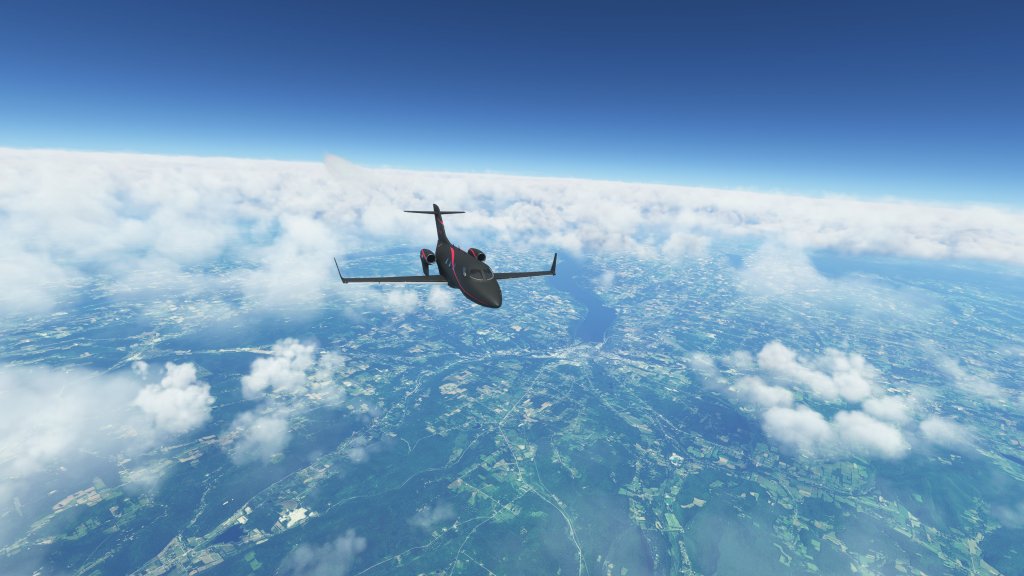
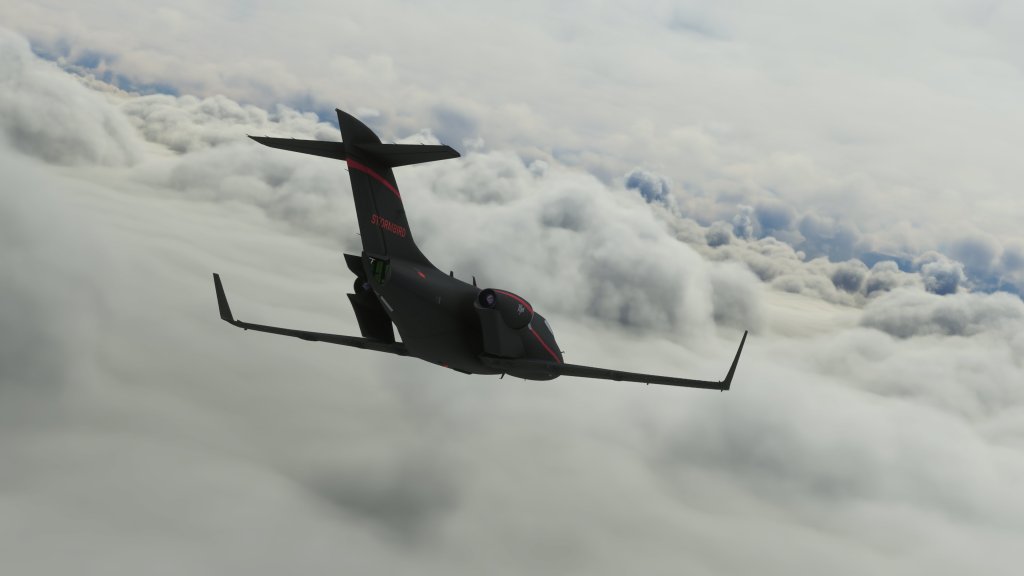
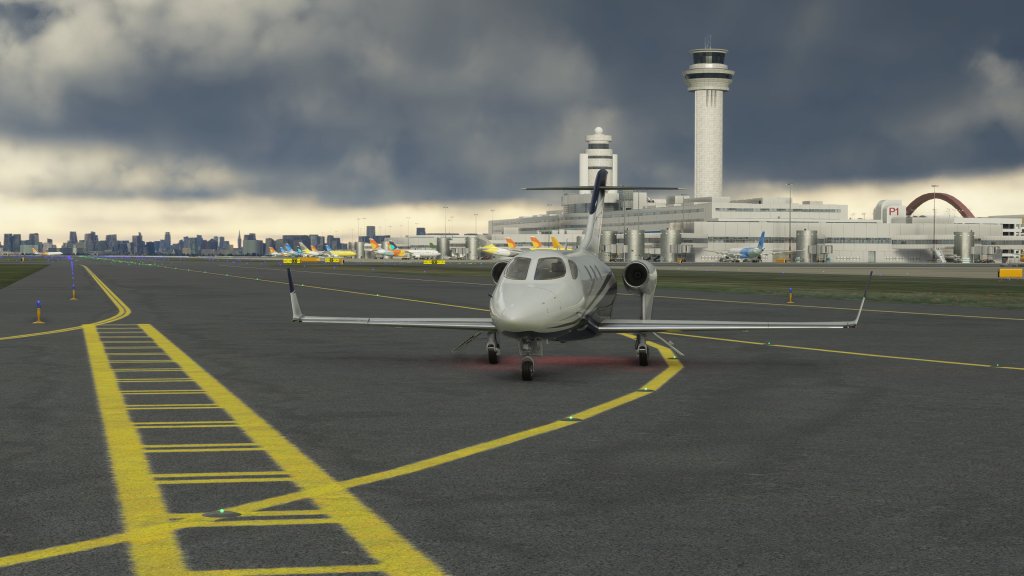
I’m constantly impressed with the work done on the visuals for the HJet. The exterior work here is extremely good and essentially at the same level as many of the Asobo aircraft which I think is high praise. The aircraft comes with a squeaky clean appearance with the same kind of aesthetic as you see on the default aircraft. It could use a bit more dirt and dust in a few places but I also do like the clean aesthetic and I can’t fault it for that sort of look. It’s also a business jet and so maintaining that premium aesthetic does usually mean sporting a cleaner airframe – or at least that’s the logic in my head.
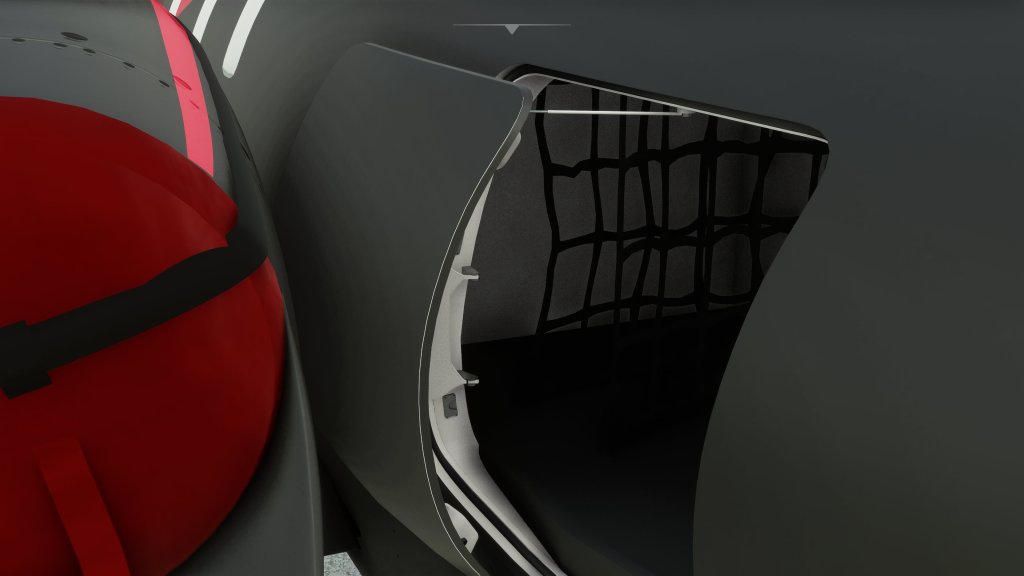
Texture work is solid with the usual 4K PBR quality and the modeling work is excellent. As are all of the animations which includes opening doors and storage panels as well as the usual items like landing gear and flaps. There’s also an exterior GPU and covers for the engines.

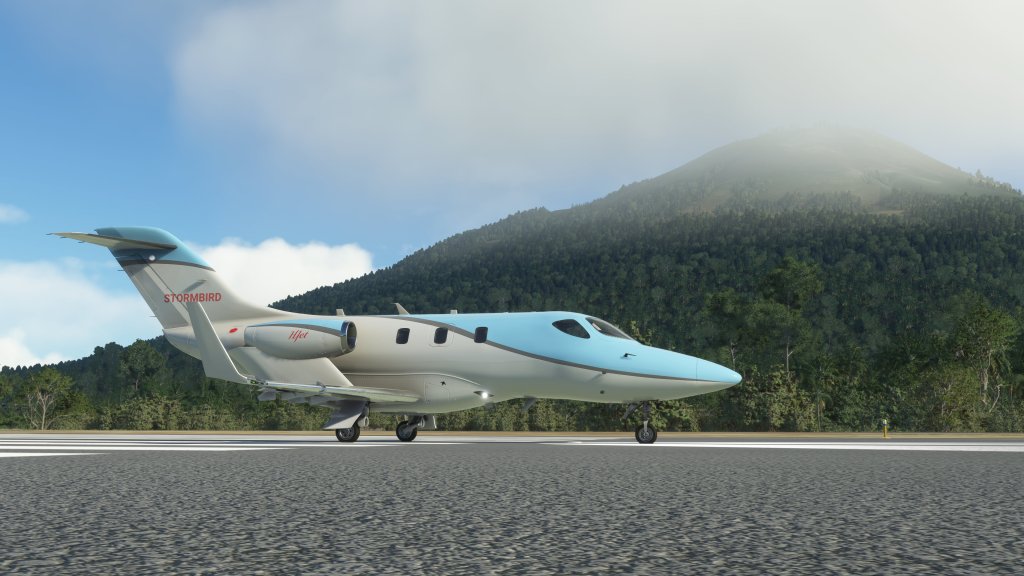
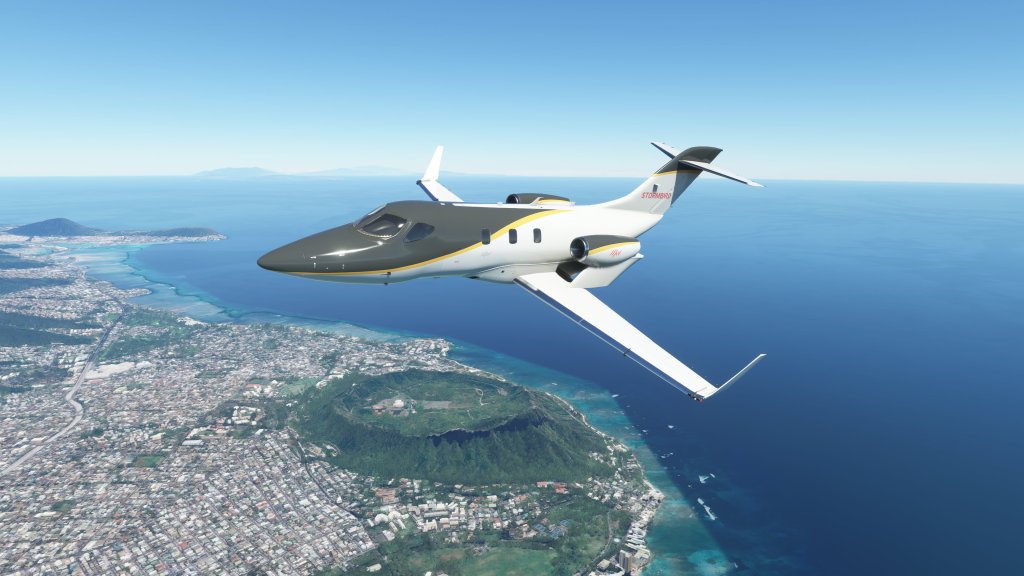
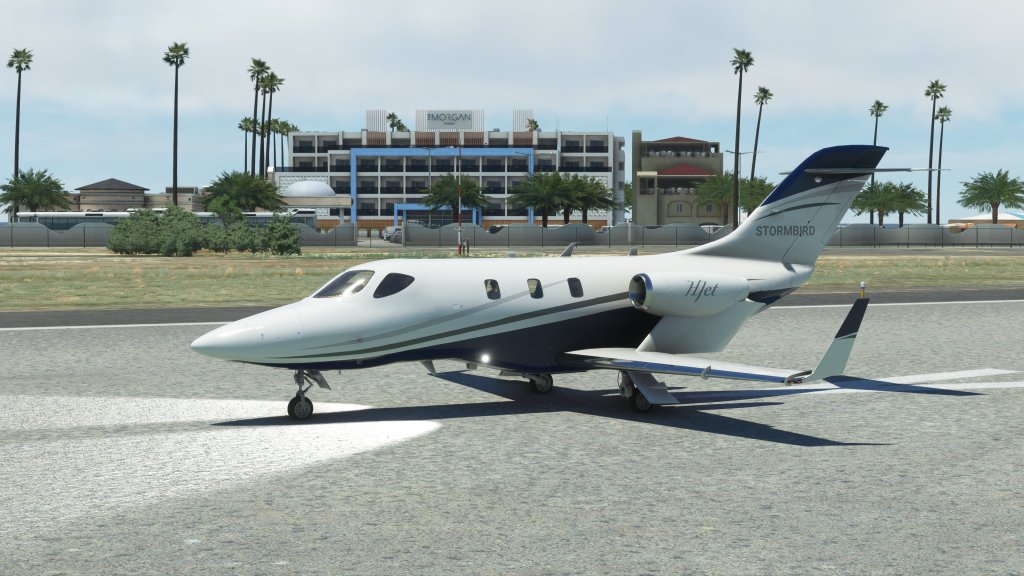
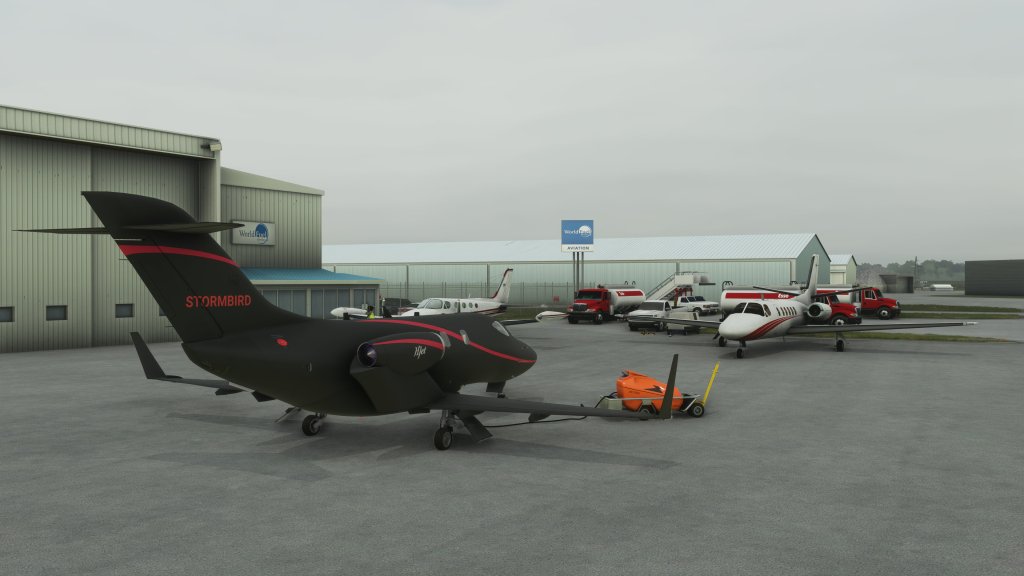
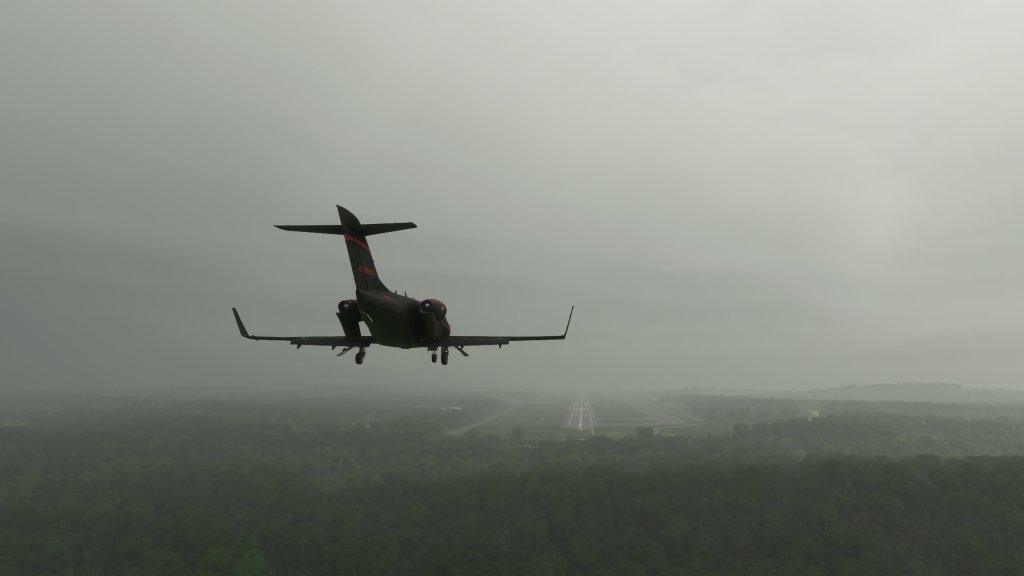
The HJet comes with a bunch of different liveries including a sleek new matte finish one added in the last major update. You can see the black and red above while you can see the various other livery options below.



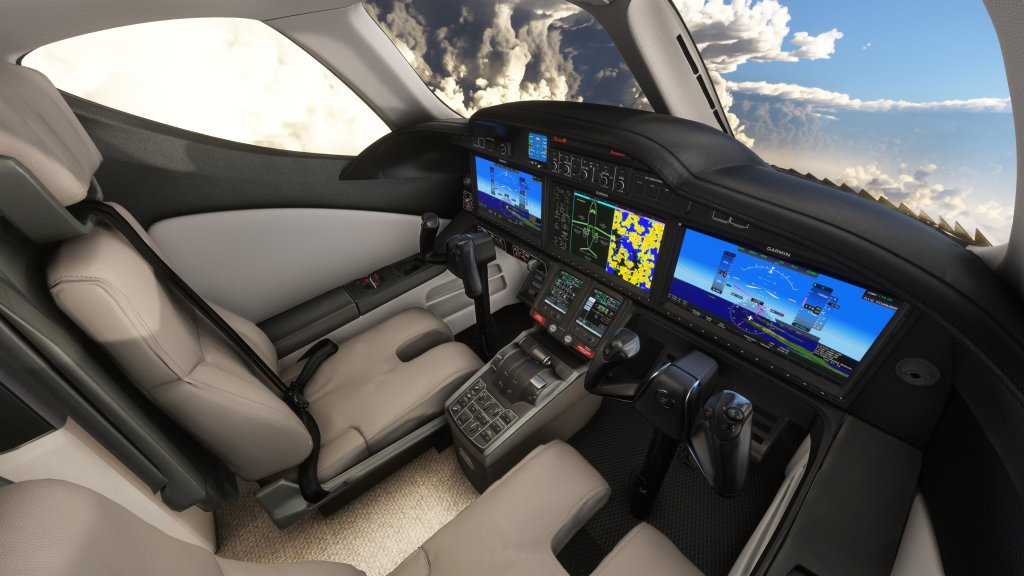
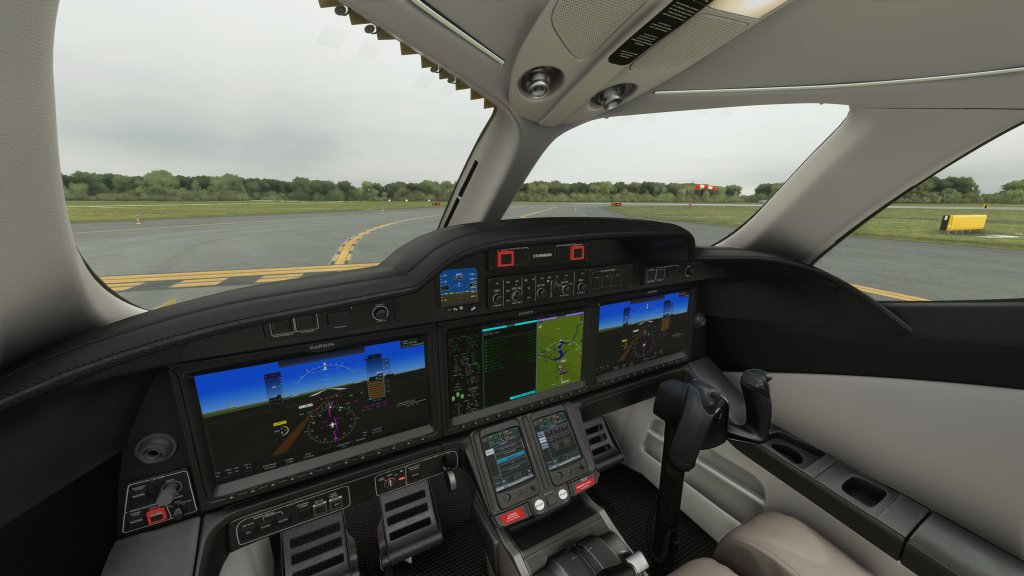
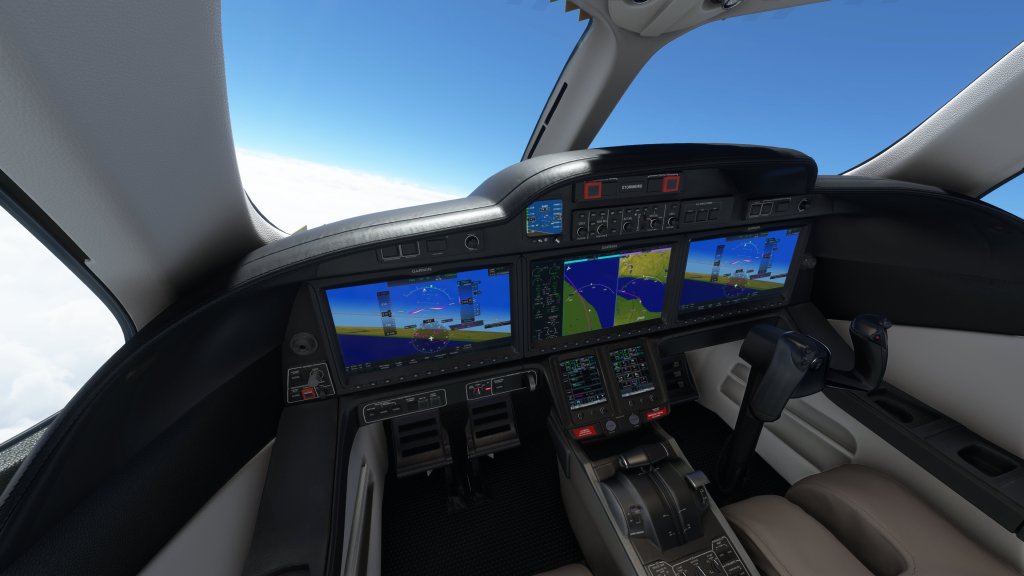
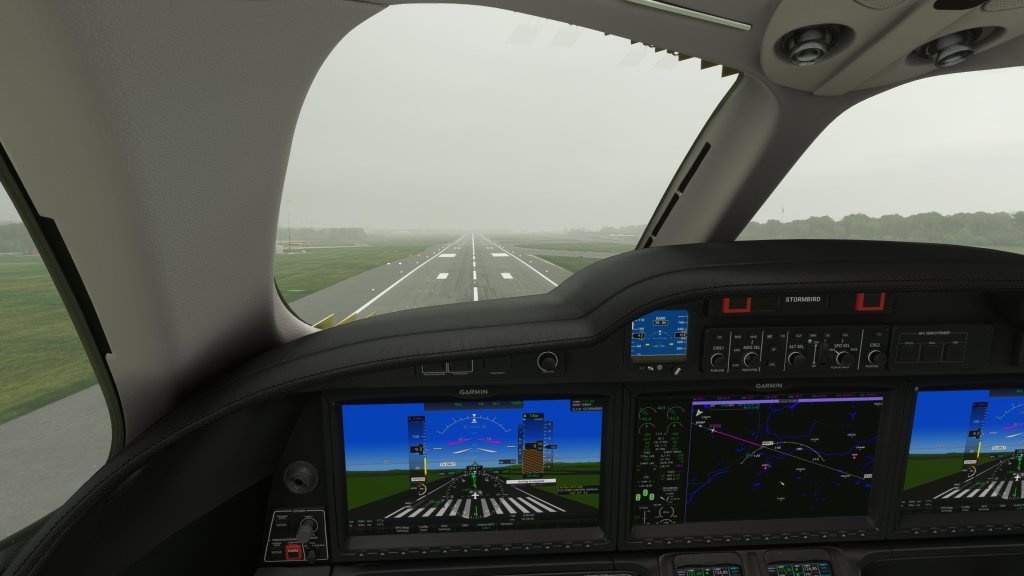
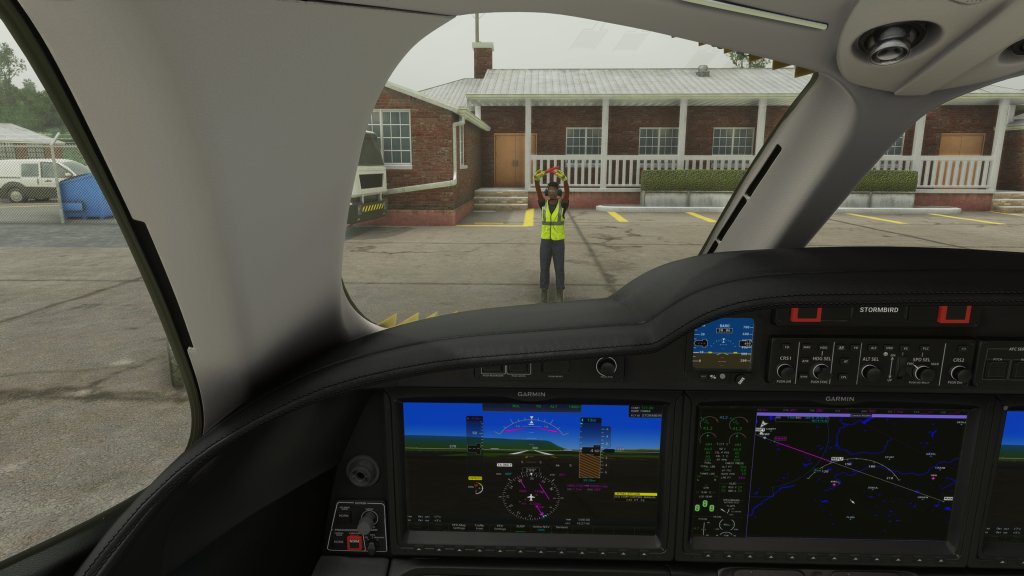
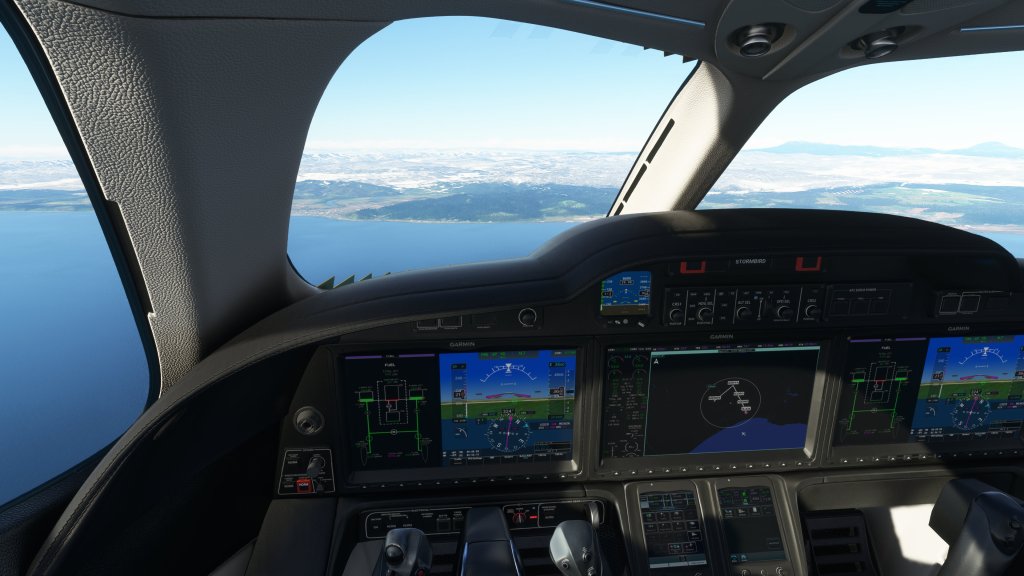
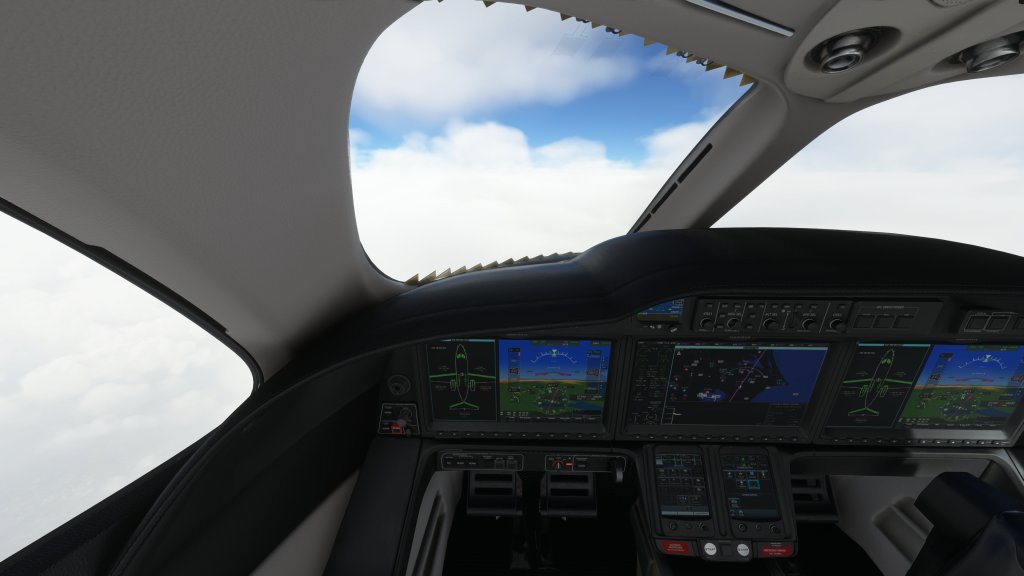
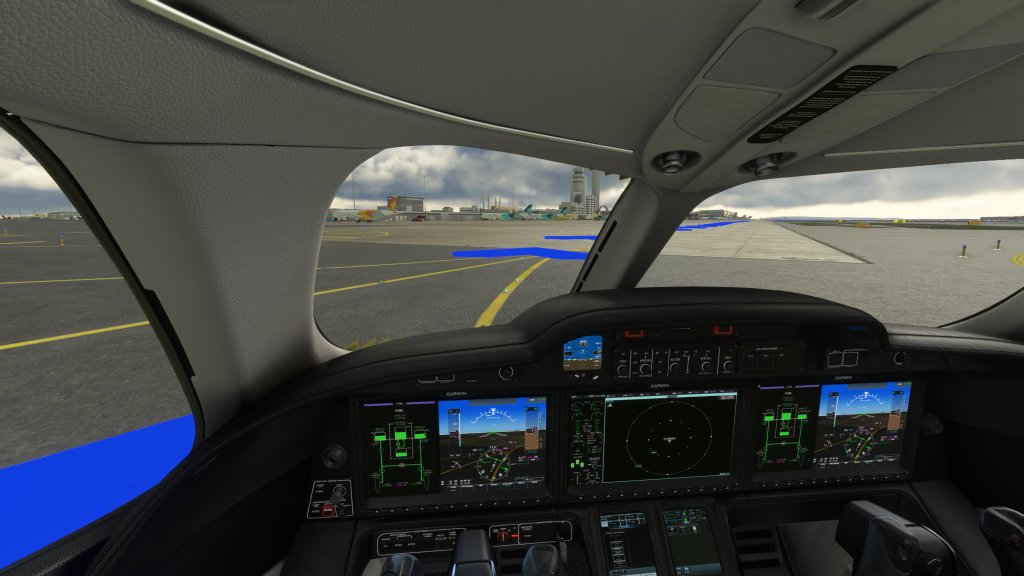
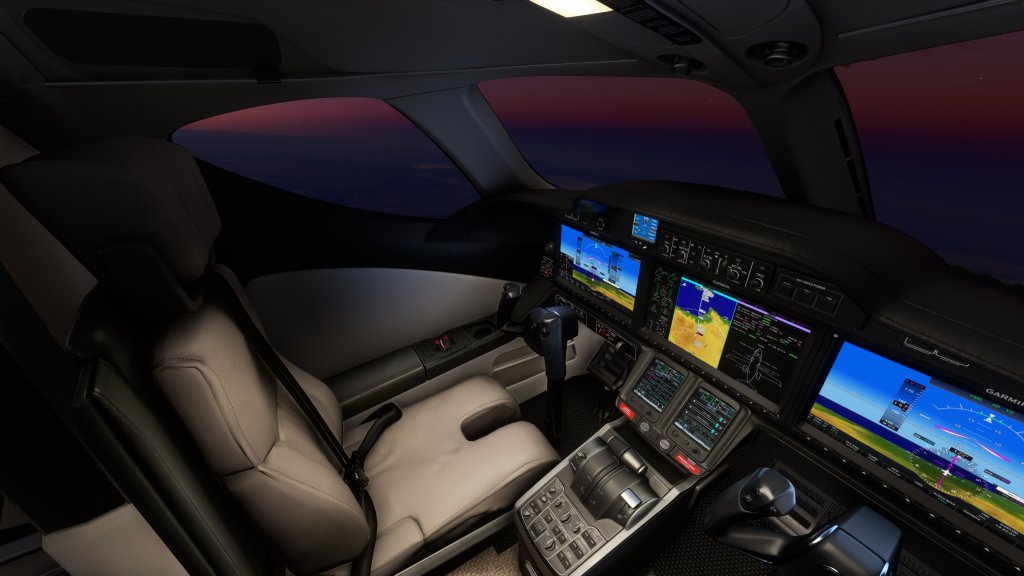
Turning to the interior I remain impressed. The cockpit is very sleek and stylish, as you’d expect from a business jet, and everything is highly detailed. It is a bit cramped feeling, likely owing to the small size of the jet but organic shapes definitely add to the cool factor!
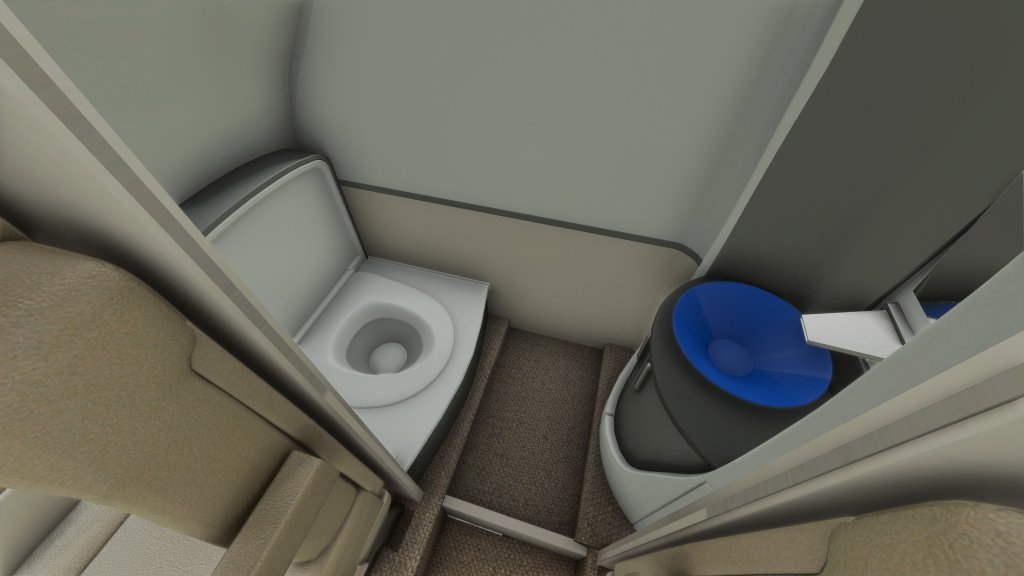
The rear area is also highly detailed. There’s even a small lavatory that includes folding doors. A few visual maladies that previously existed in the back area seem to have all been cleared up in the most recent updates which is great to see! Thus I have no complaints about the visuals. I do wish that the tray tables folded out like in my other favourite business jet, the Phenom 300 for X-Plane, but that’s a minor consideration.
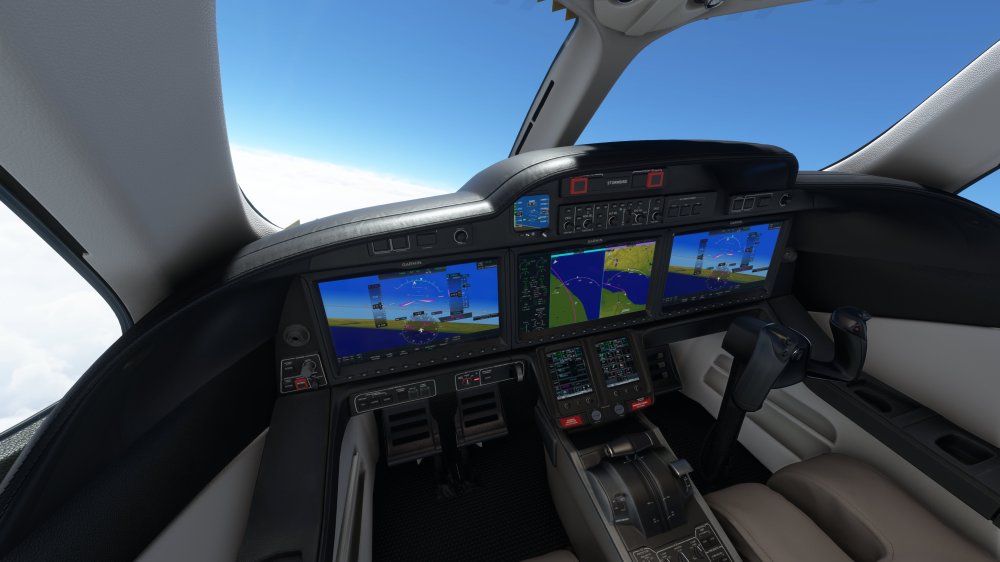
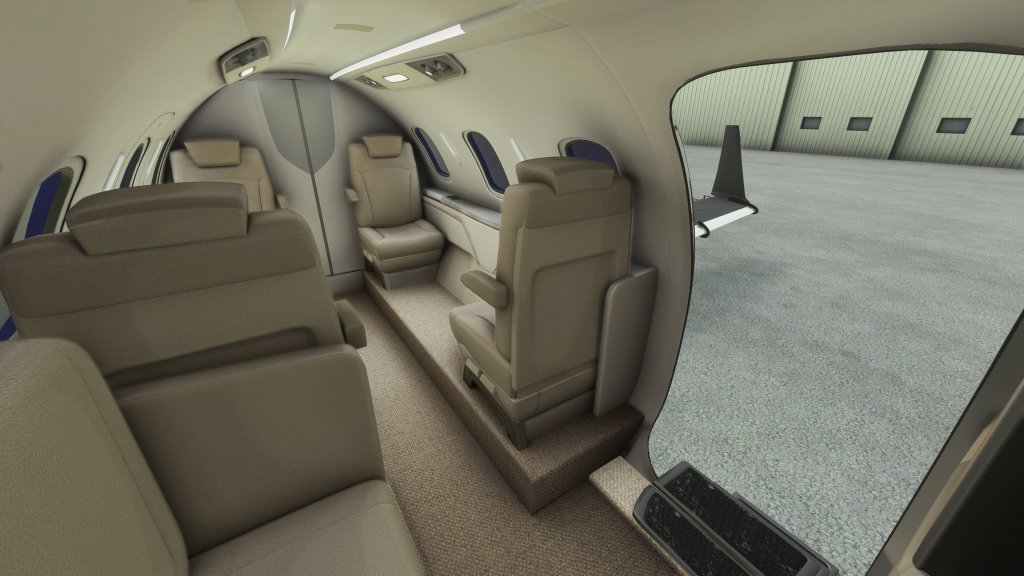

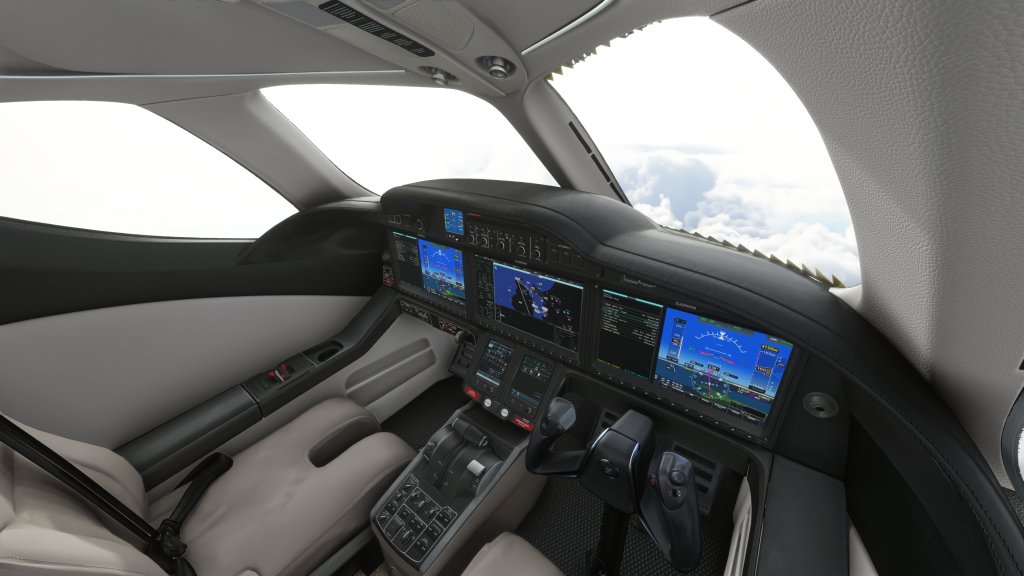
One issue that does bug me right now is the lack of any pilot or co-pilot models in the cockpit. For some reason, they do not appear right now and despite some extensive searching have not yet found a solution. It makes the aircraft look like its being flown without anyone in the cockpit. Oddly, passengers do appear in the rear cabin area and are a toggleable feature from the front control panel.
Flying the HJet
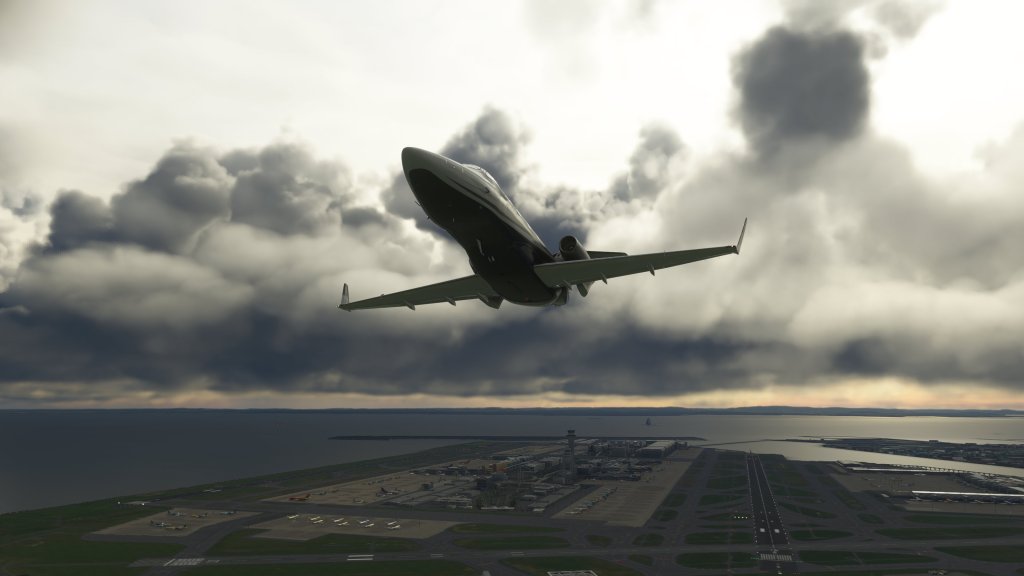
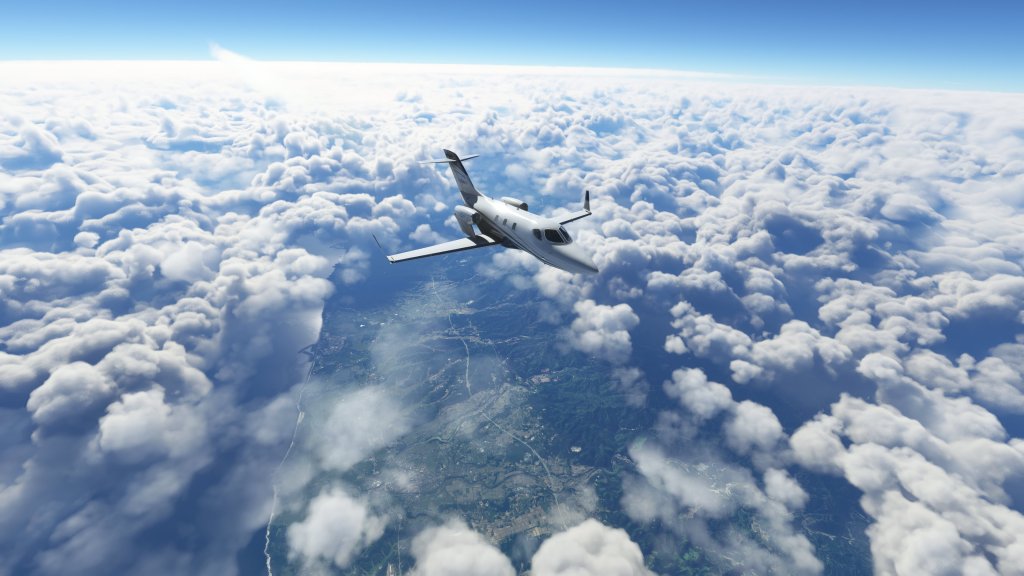
This is an absolutely brilliant little airplane. The small size of the HJet and it’s capable engines give it impressive performance and great climb capabilities. It easily matches airliners in performance and it doesn’t need a ton of space to land either meaning that the HJet can fly in and out of unique places that airliners might not always fly.
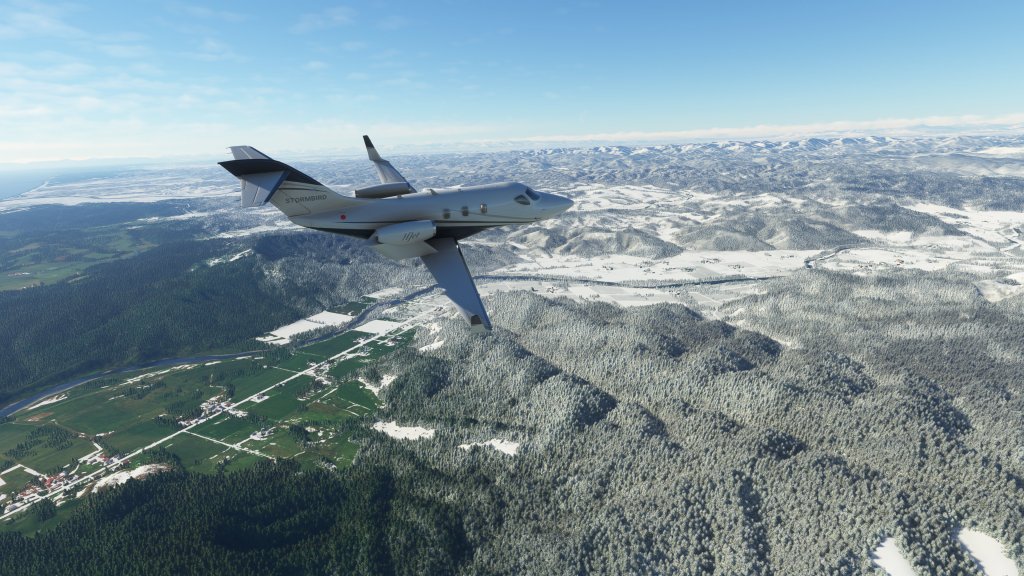
The small size continues to be an asset as the type is quite nimble giving you the ability to work through challenging terrain when needed or just have a bit of fun if you want to. It’s a flight simulator after all and flying procedures can be fun but so can zooming around the landscape. This little business jet does that well!
The type has a lot of raw performance too with numbers like a cruise speed of 422 knots, 4,100 ft per minute climb out , a range of over 1200 nautical miles, and a landing/takeoff distances under 3,500 feet. Very capable little jet to be sure and for flight simmers that means a lot of fun!

Button pushing
One of the things that impresses about the HJet is the deep simulation. There is an awful lot here that you can interact with, control, and must manage to ensure that you have a complete flight. All of this despite the real world automation that’s built into the jet.
There’s a custom implementation of the Garmin G3000 suite available here complete with its own HJet specific displays. Those include specialize displays for systems synoptics, icing state, fuel, and other Honda Jet specific capabilities. There’s also weather radar, custom crew alert system, as well as a custom MFD/PDF G3000 selection that includes the ability to control lighting, HVAC, TCAS, and nearly every other system. Nearly all of it is controlled through the touch panels which you can click on easily. Built in Navigraph capability is coming to the jet’s G3000 panels as well although its not here yet.
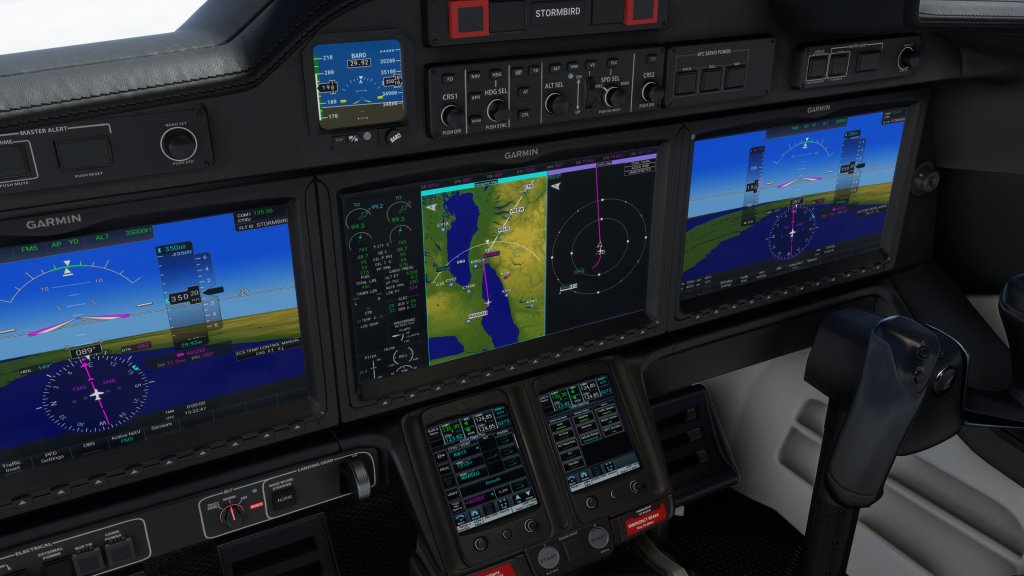
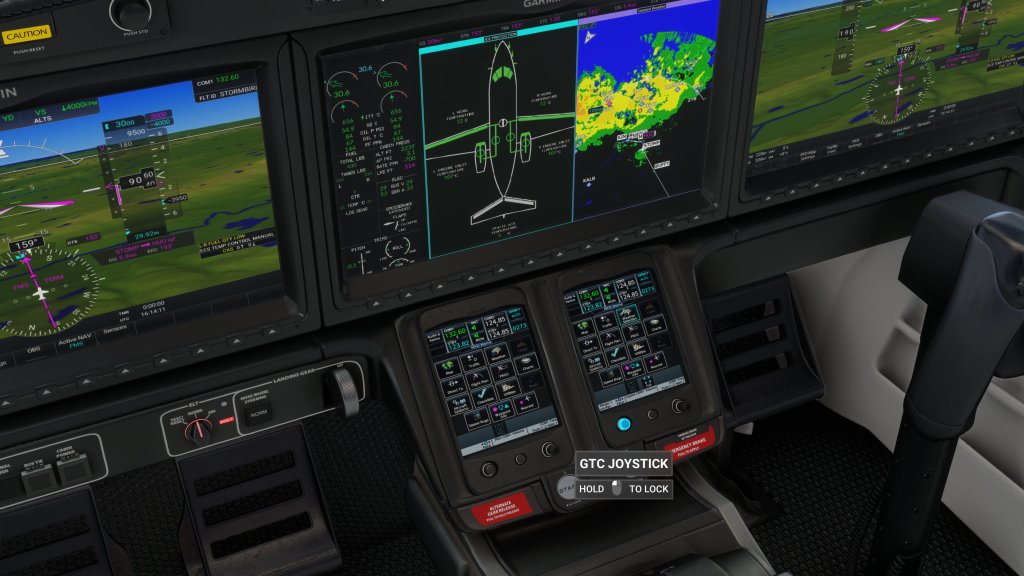
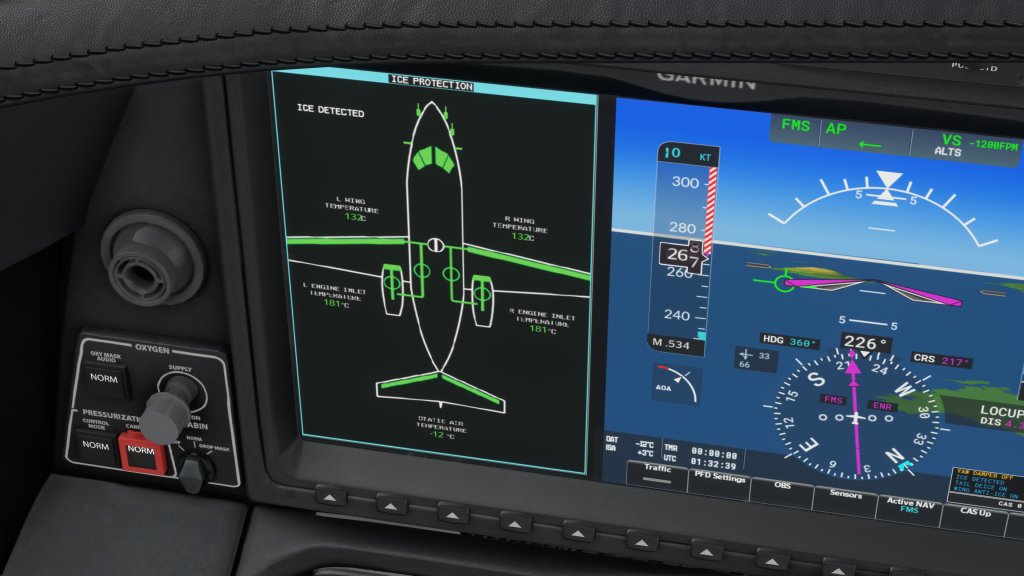
The type features custom coded HVAC simulation with target temperatures that take a realistic amount of time to reach. That’s also paired with a custom electrical model that simulates all of the systems onboard and their requisite electrical loads. There’s also a custom fire panel with audio warnings and test modes.
A customized on-screen checklist system is full featured and lets you check off each item as you go through them. That does mean, however, that the built-in sim checklist system is blank. I think its a fair trade-off but I do always like to see the in-sim checklist.
The aircraft lets you input your own flight plans or it can make use of the MSFS flight plan system which will automatically load into the G3000 making things nice and easy to get going. Those flight plan setups include a customized VNAV system which the author says is among the most sophisticated available in the sim to date. I haven’t really used the system yet but tutorials I’ve watched show off its depth. If you’re a bit simpler with your aircraft flying like I am… VS mode works great too. So does the available and optional auto-throttle which is found on the Honda Jet Elite II. You can choose if you want that feature.
Speaking of making things easy, the HJet is by its very nature a pretty simple airplane to get going. If you’re going for full immersive simulation you can absolutely go through the complete checklist but even that is not overly lengthy. If you want to make things fast and fun you really don’t have to do very much before you press the engine start button, move the throttle detent, and power the jet up. It’s more GA airplane and less airliner. There is no EFB one click to start but with this jet its so simple that it really doesn’t require that.
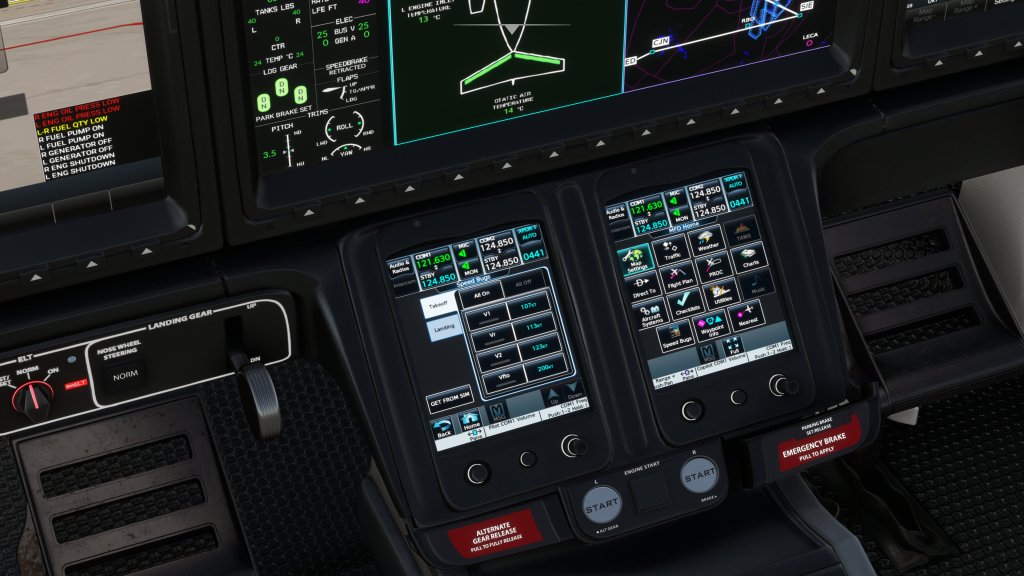
The jet also features a ton of realistic automatic systems that includes auto lighting, auto fuel management with an auto-cross feed, some degree of auto-deicing (although there are some manual modes that are still required), and more. That makes what appears to be a complicated airplane easy to manage and makes this fun for virtual pilots from a lot of different skill levels.
Conclusion
Microsoft Flight Simulator may have very few business jets right now but we are fortunate to have an excellent one like Marwan Gharib’s HJet. This small but capable jet packs impressive capability and flight performance together with reasonably deep systems modeling, lots of custom features, ease of use, and great sim performance into one very impressive package.
The regular updating and feature additions that the key has seen as recently as earlier this year is also encouraging that we’ll be flying and having fun with this jet for a long time to come!
The pricing on the jet is a bit higher than a lot of aircraft in Microsoft Flight Simulator but I think the quality of the presentation, the deep systems modeling, and the excellent abilities of the type make it worth the $36.99 AUD as sold on the Orbx Store, $44.22 CAD on the Contrail Store, $34.91 USD on the Flightsim.to store, and $31.99 CAD on the MSFS Marketplace. If those prices seem confusing its because it really is a bit all over the place depending on the storefront. Whatever you can get it for… I think it’s worth it!
If you want more info about the jet, visit the FlightFX website which has taken the HJet in under its wing. You can also get the manual here.
Screenshots

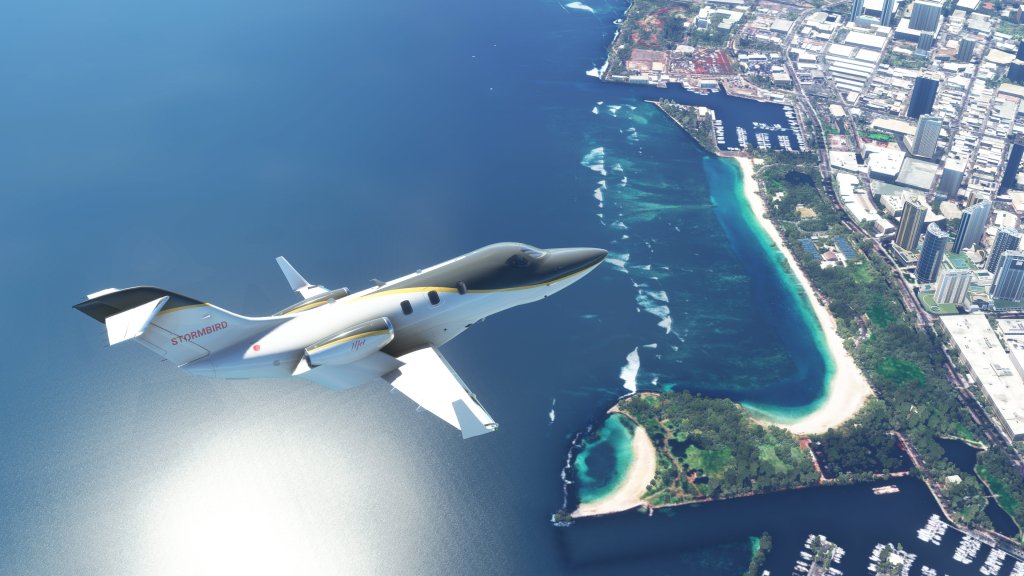



















 Stormbirds
Leave a comment