
In my quest to cover the major airliner releases on Microsoft Flight Simulator I’ve taken the circuitous route from some of the smaller and lesser-known types through to the best-known models such as PMDG’s legendary 737s. Now, I feel like I’ve finally arrived at the destination I was always heading towards with a review of Fenix Simulation’s A320. This simulation of the Airbus A320 emerged onto the scene in May of 2022, and it immediately captured everyone’s attention. Its another aircraft release with a lot of hype around it but does it live up to it? How does it really stack up against the growing number of A320 airliners available? Is this the king of airliners in MSFS? Let’s dig in!
A bit of real world history

Aerospatiale, British Aerospace, Dornier and Fokker setup a joint European program in 1977 to study the development of a new single-aisle passenger jet to replace the BAC One-Eleven and compete with the 737-200 and DC-9. Several design studies among the partners gave way to the JET 2 concept with three design studies featuring a 125 to 180 seat jet. The project started outside of Airbus but following the success of the A300 and A310 and the need for joint European resources to pull off the project, the effort was integrated into Airbus and became known as the A320.
The new aircraft took on orders steadily and commercial service began on April 8, 1988. Fast forward a couple of decades and the A320 series is everywhere with the type surpassing the number of 737s built as of 2019. Now, in 2024, it still maintains a small lead over its closest competitor.
Recent changes to the Airbus line-up have caused the nomenclature around the aircraft to change slightly too. The A320 series has recently been re-engined and modified to support the new CFM LEAP series engines. The change, together with other modifications, has made the A320 series more efficient and the “New Engine Option” has become known as the A320neo. The version that Fenix is simulating is not the A320neo but rather the older version that Airbus is retroactively referring as the A320ceo or “Common Engine Option.”
The visuals and the sounds
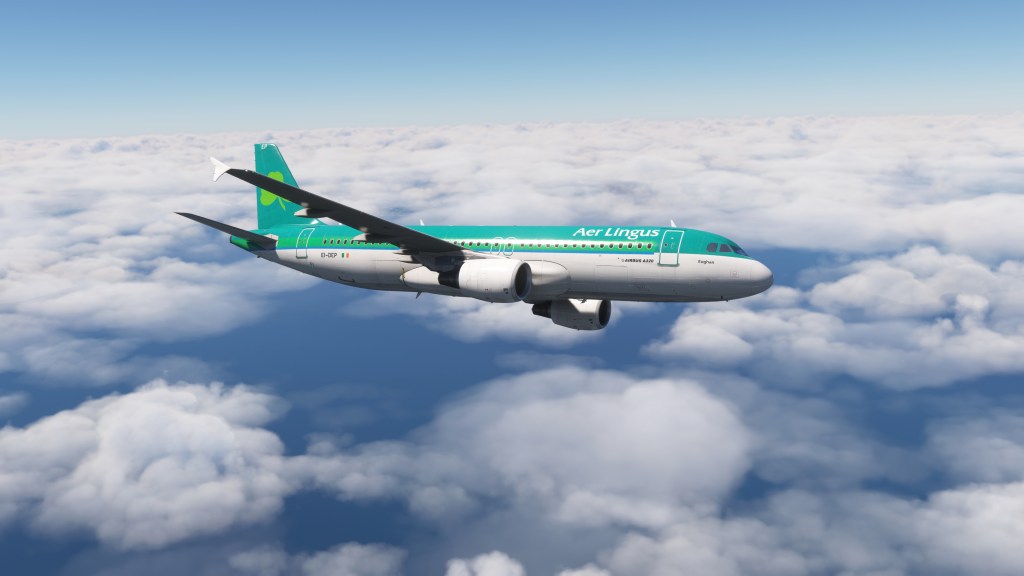

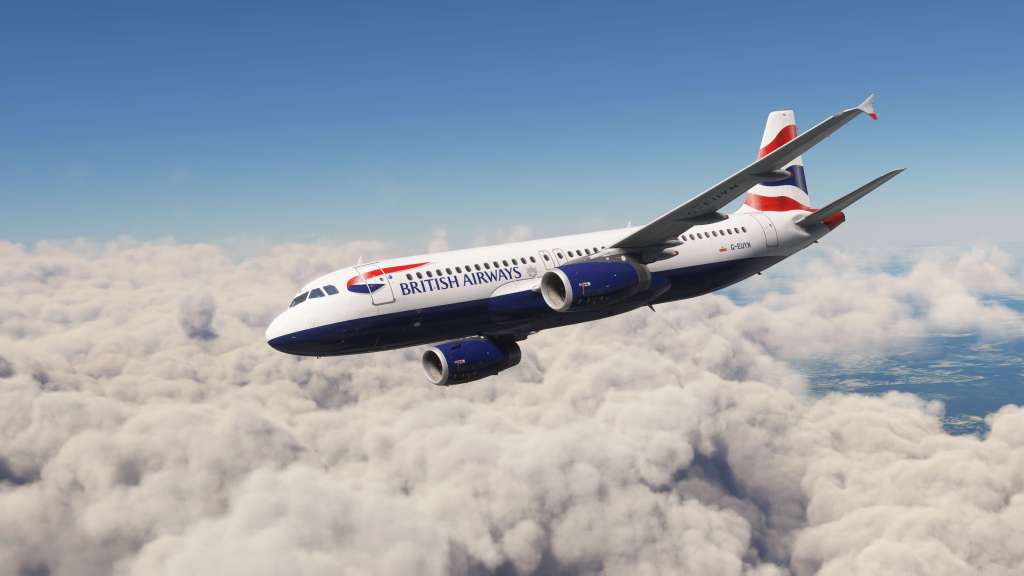
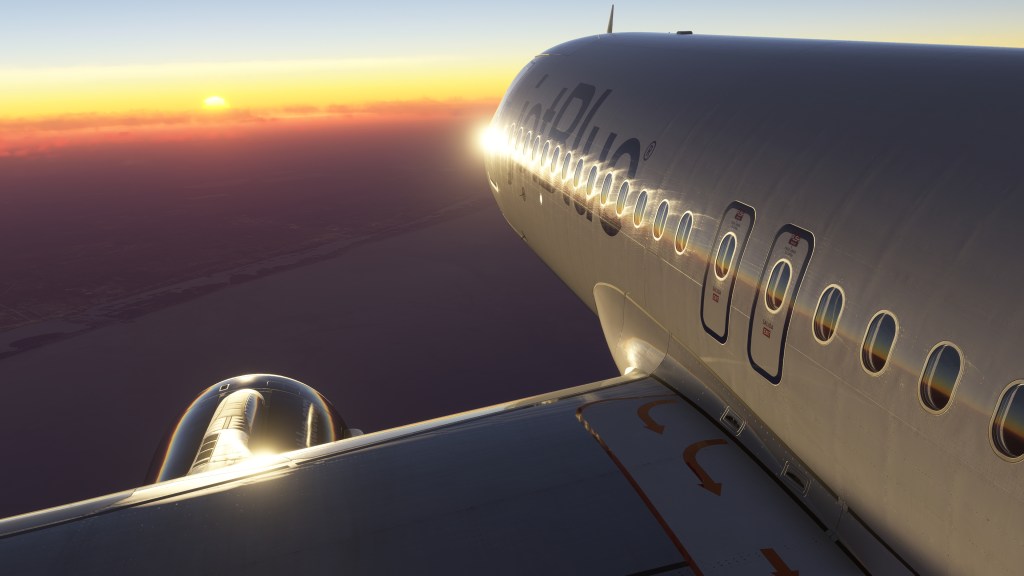

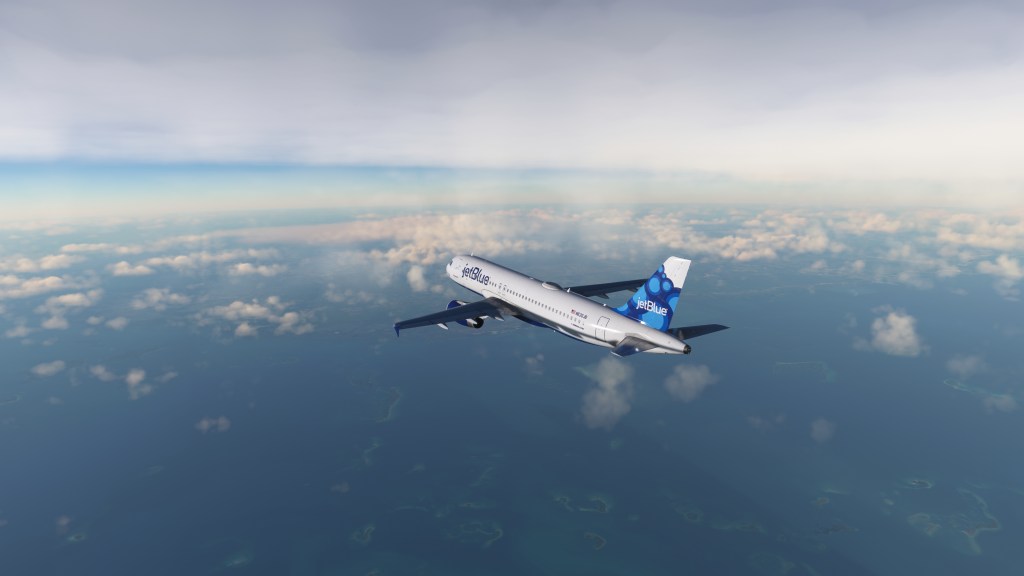
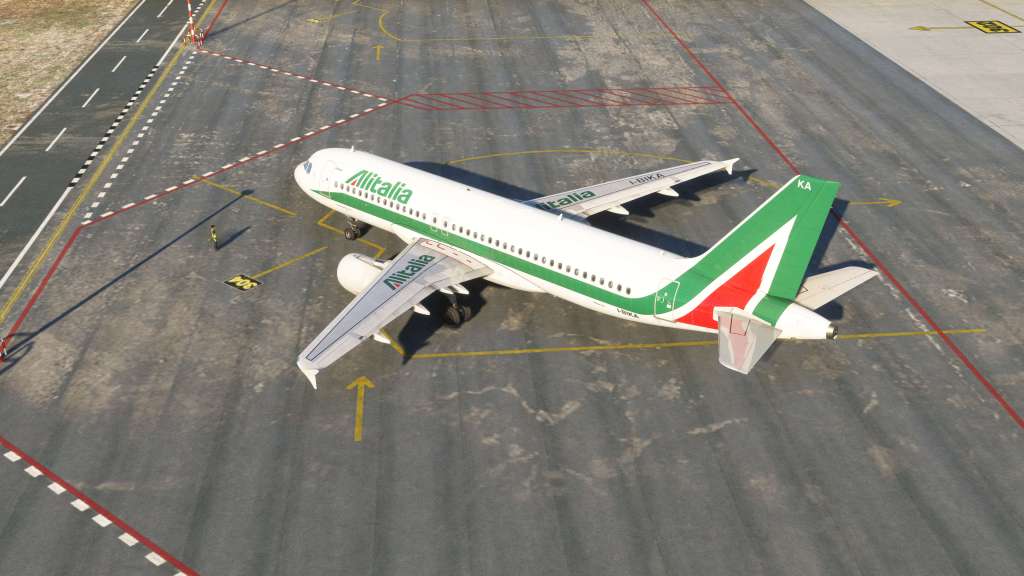
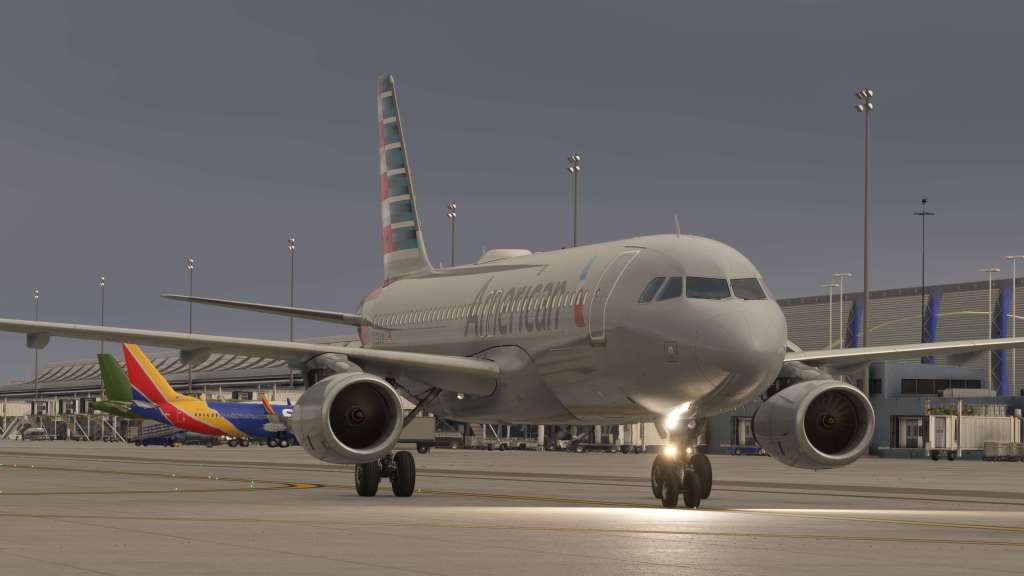
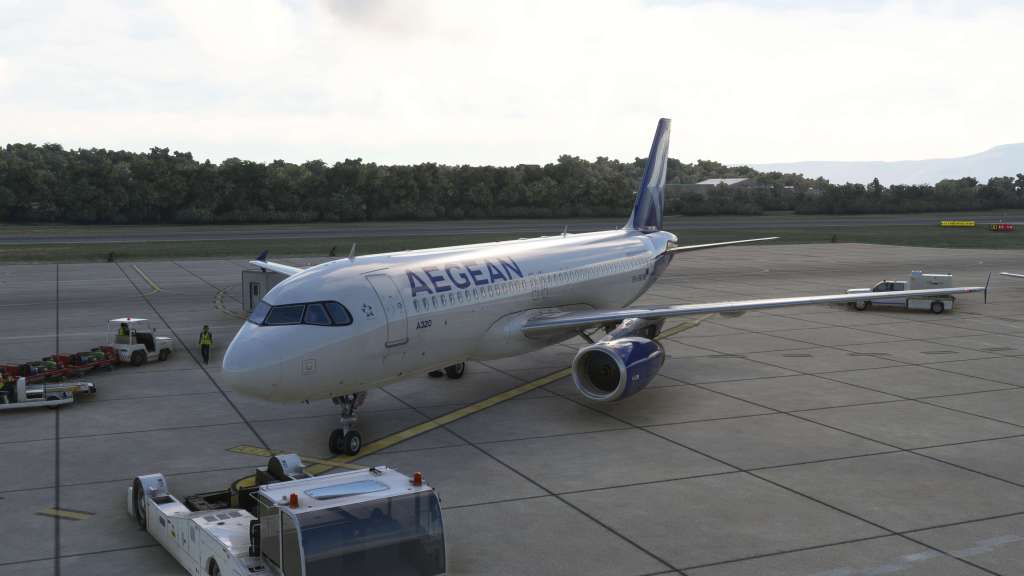
A deep simulation of an aircraft is certainly an important feature, but you do need to have the whole package to really bring an immersive experience and Fenix’s A320ceo is seriously impressive on both visual and audio fronts.
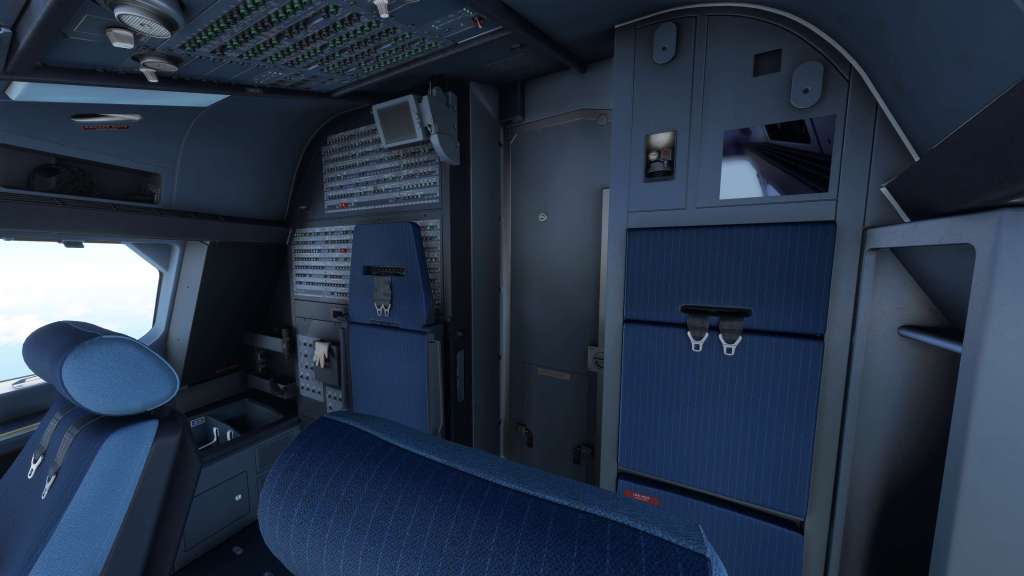
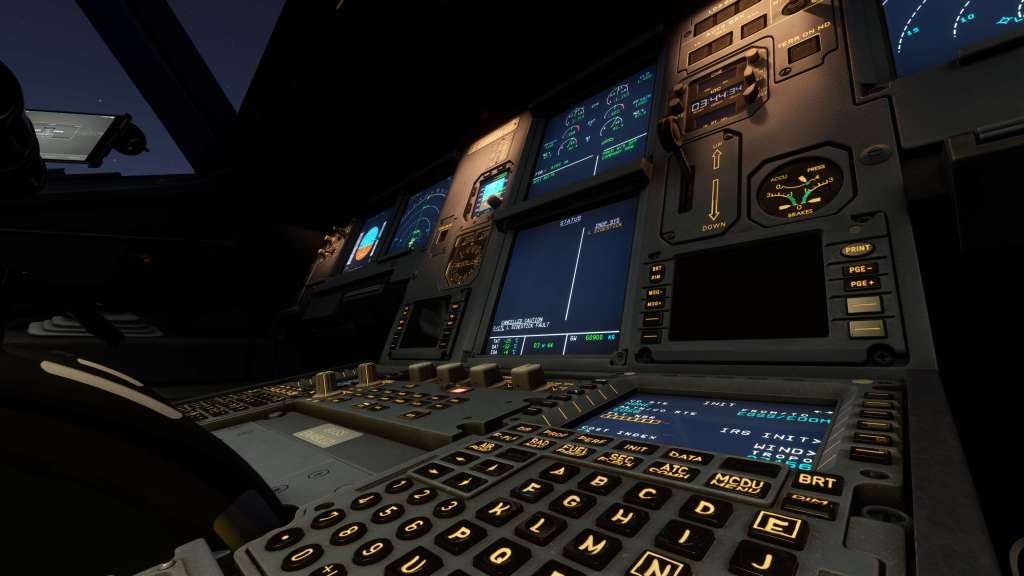
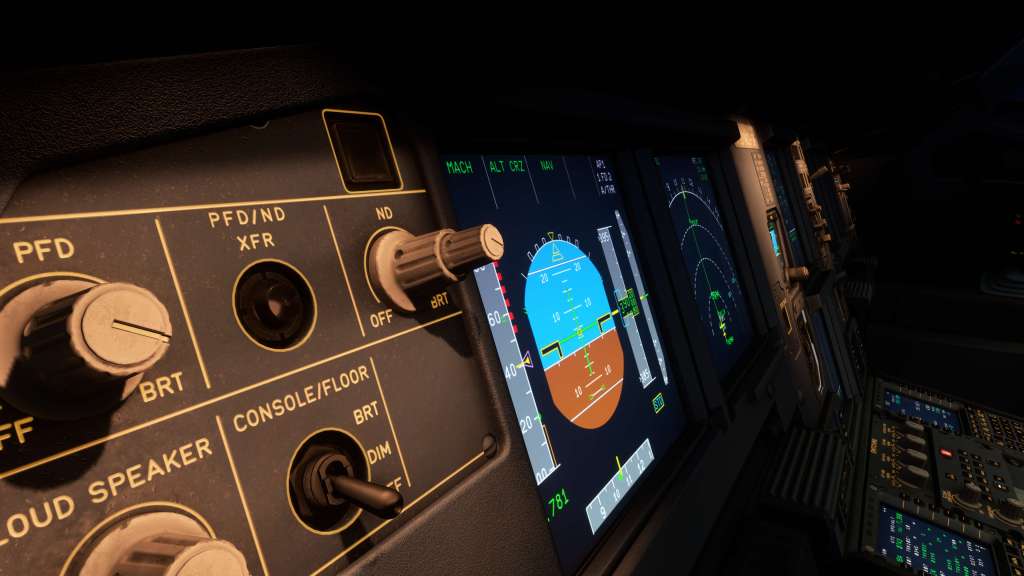
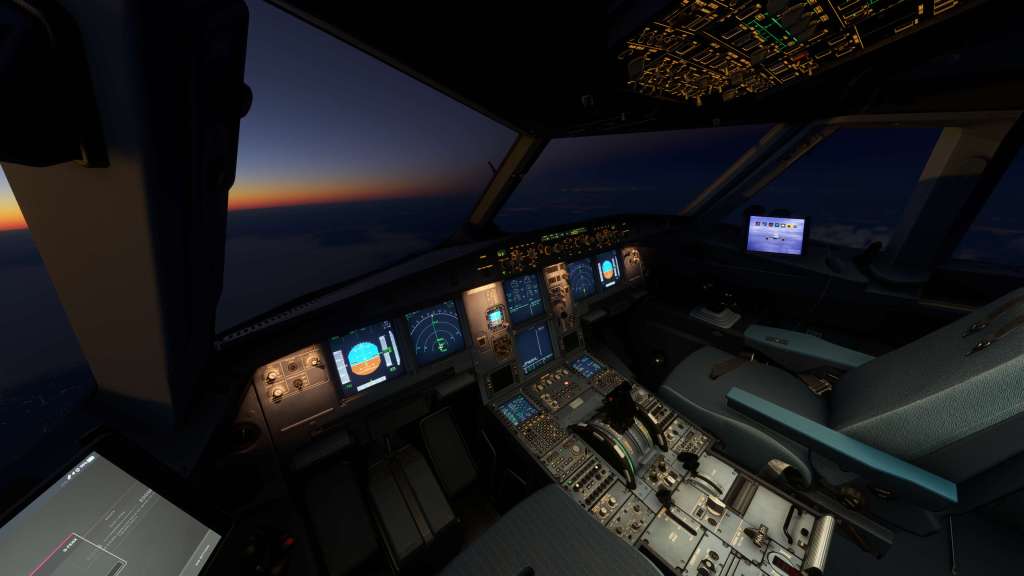
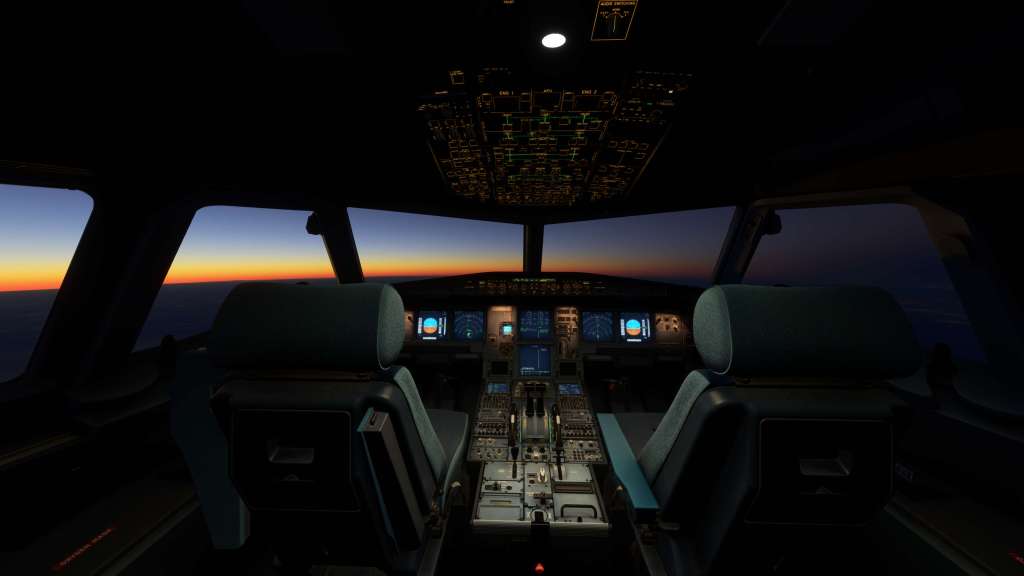
Fenix have produced an aircraft with beautiful visual details both inside and outside. We start inside where the cockpit is crisply textured, beautifully modeled, with sharp and readable displays that show off their individual pixels when you get up close to them. The scratches on the cockpit glass, the wear of the seat fabric, and the look of every switch, display, and toggle seems to have been extensively worked on by their visual team and they hold up under close inspection.
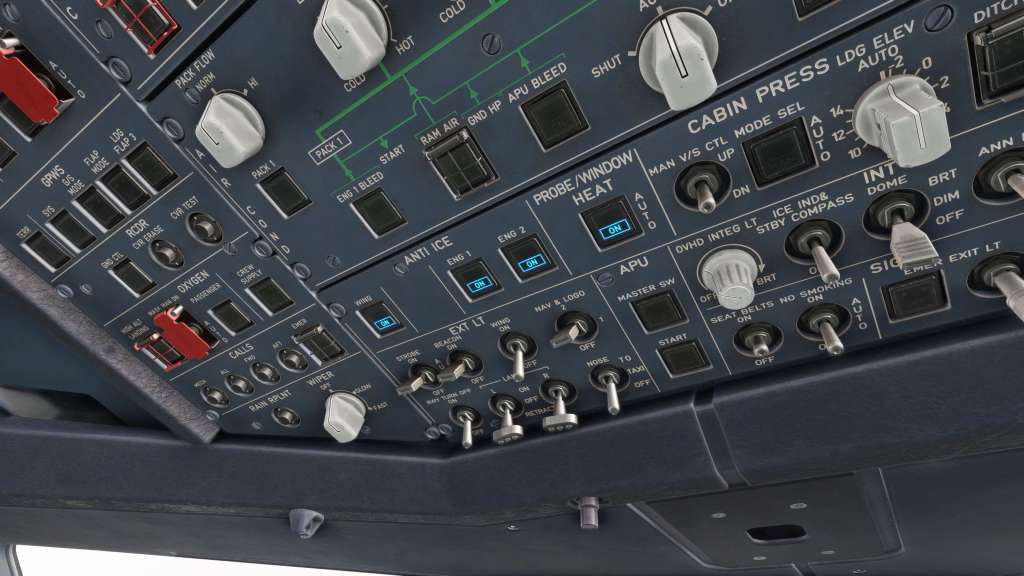
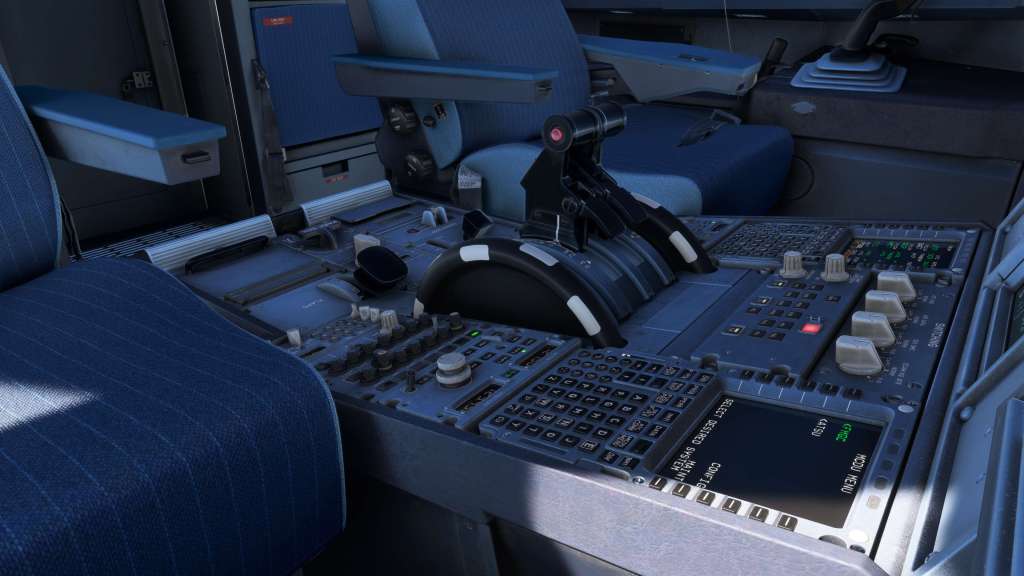
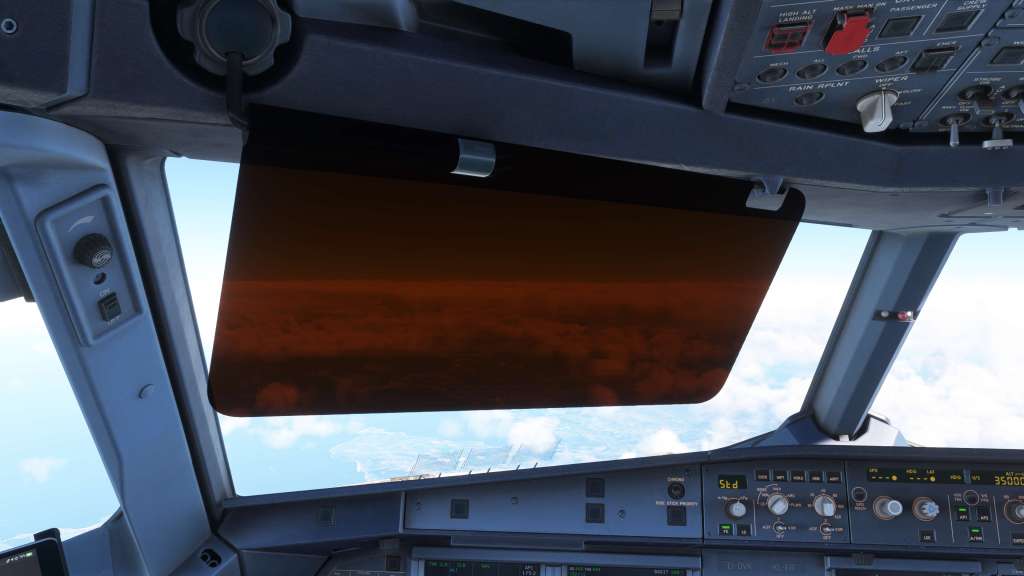
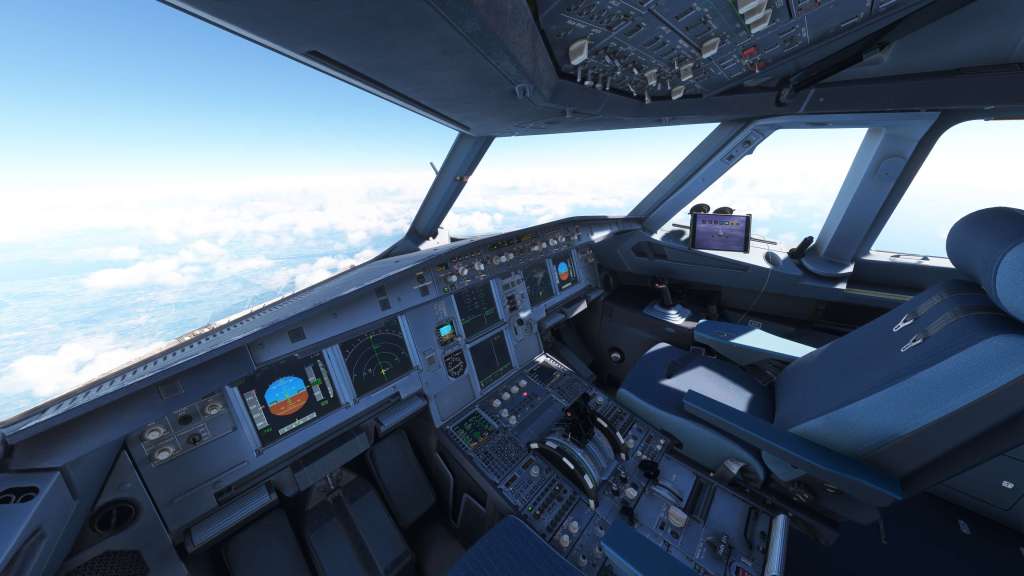
At night, the lighting is also very well done. The lights feel appropriately soft where they need to be for the more diffuse applications and then very sharp on the backlit controls. They are all very functional from both a practical and from a visually impressive appearance.
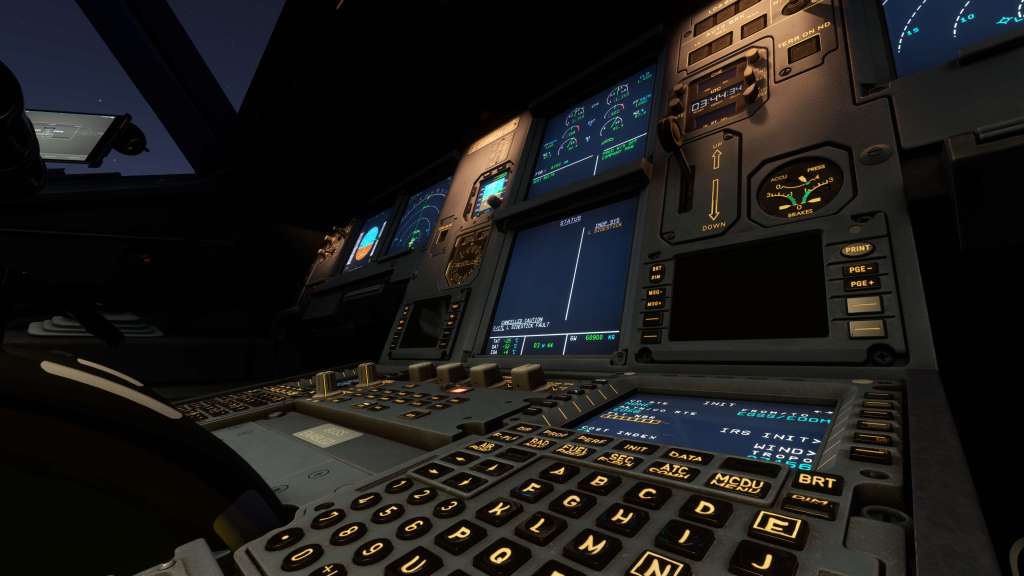
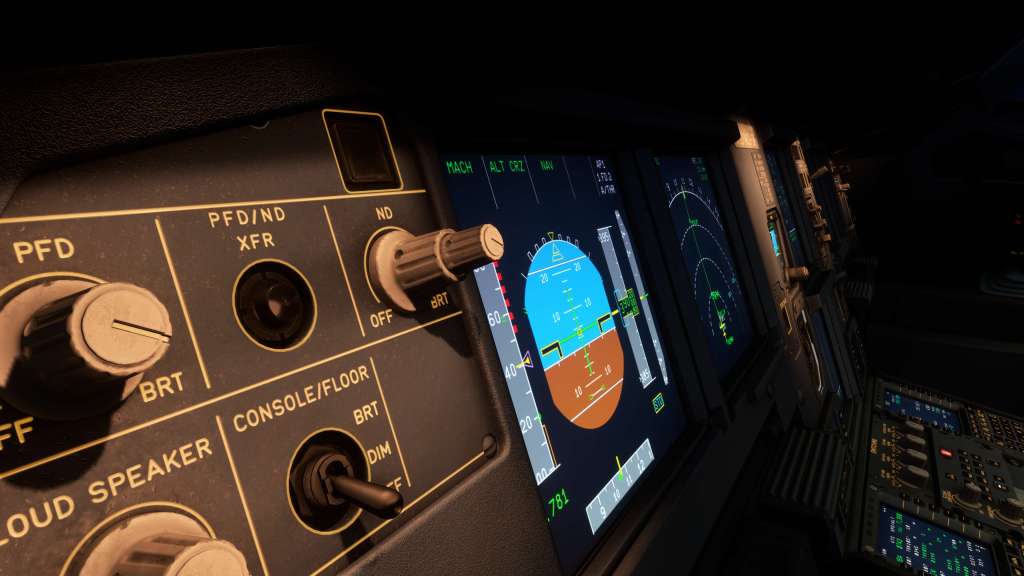
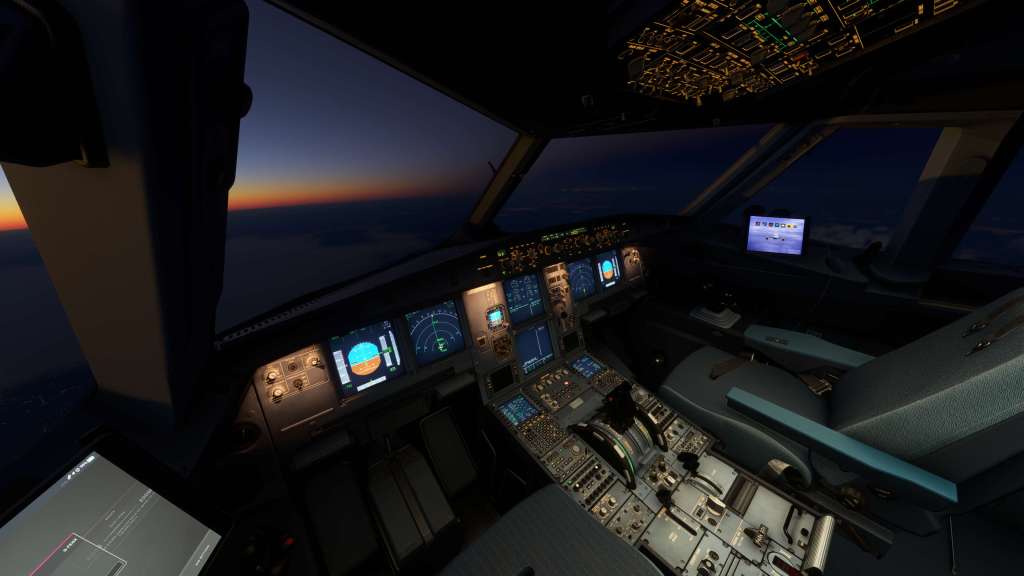
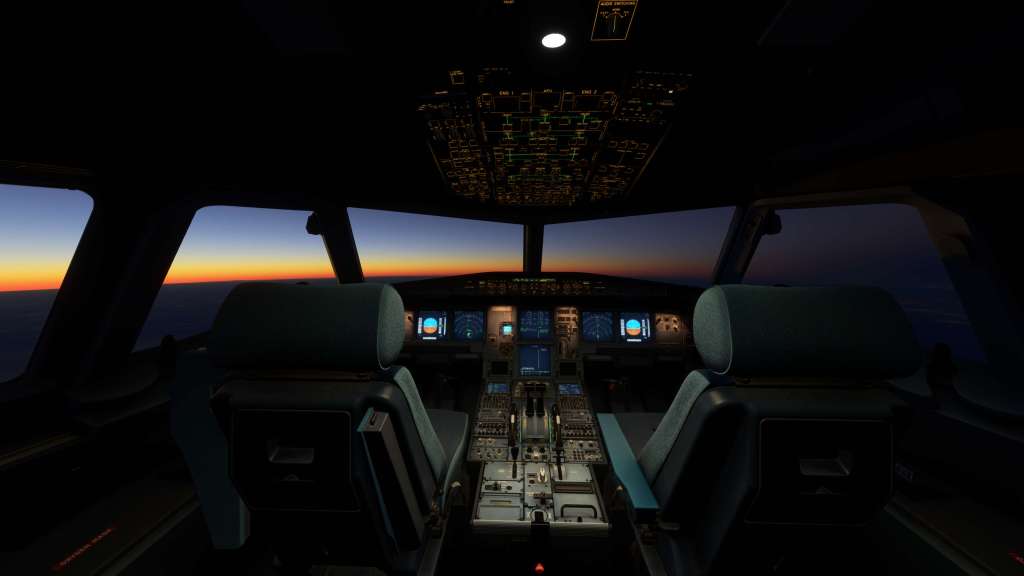
I’ve looked at real world photos, at this cockpit, at the FlyByWire cockpit, the original Asobo model, the one from ToLiss (another seriously impressive A320 over on the X-Plane platform) and I am convinced this is the best looking A320 cockpit in the business but only just by a little bit. Admittedly, we’re flying in rarified air here with all of them looking very impressive overall.
Fenix have modeled the cabin beautifully as well. It’s maybe the best looking that I’ve reviewed and although the cabin doesn’t matter a huge amount to me its still a mark of the polish that has been put in.
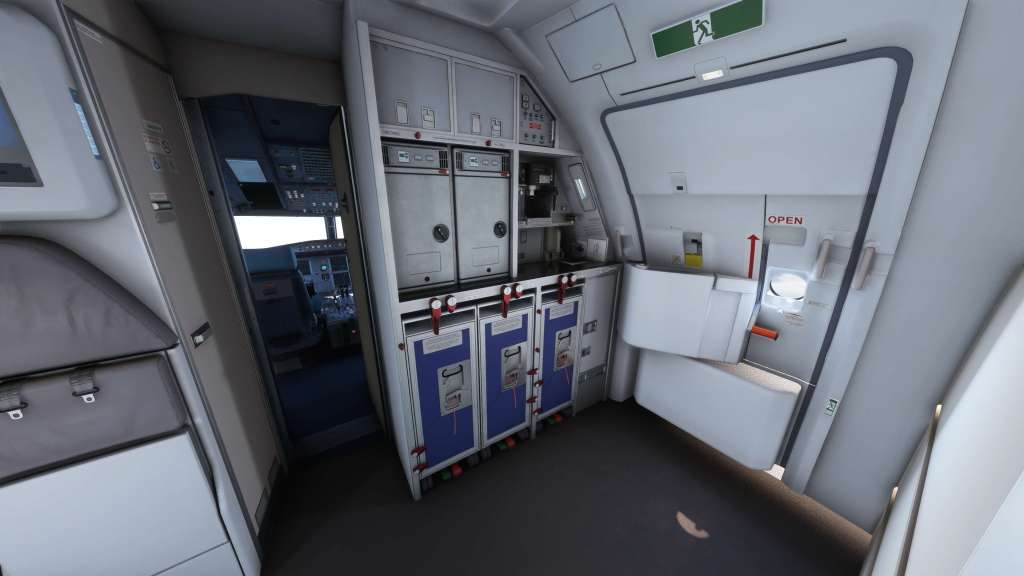
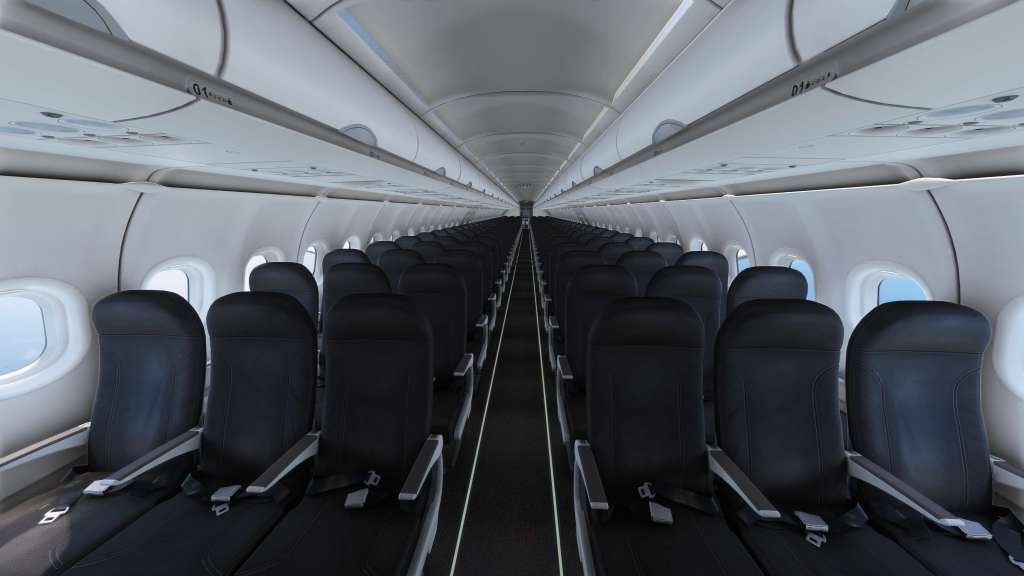
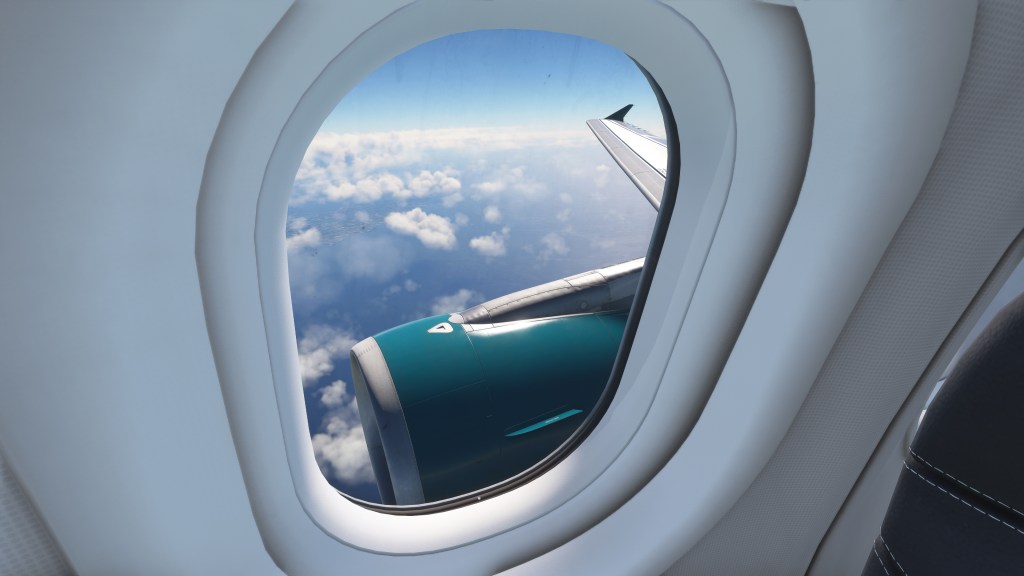
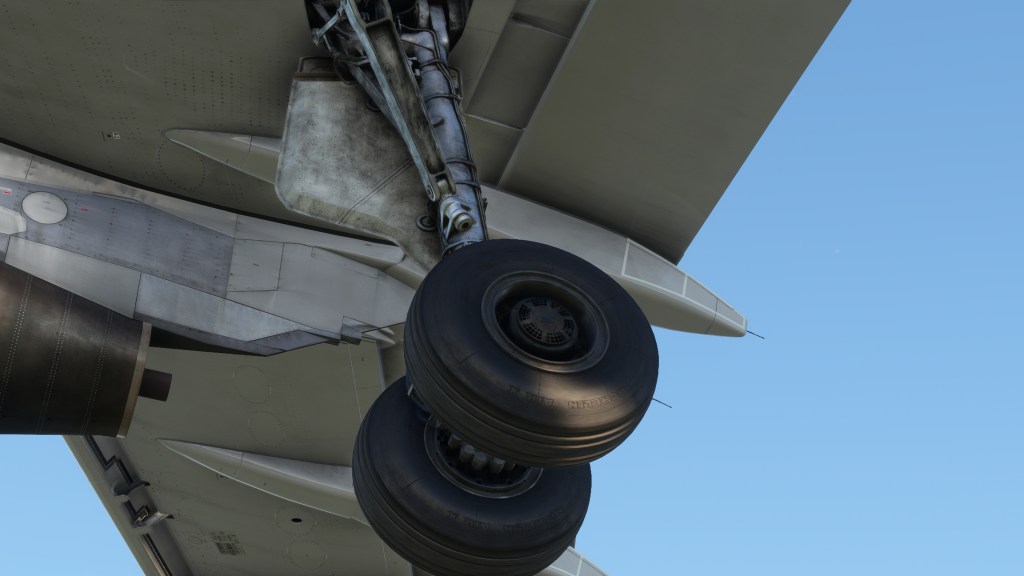
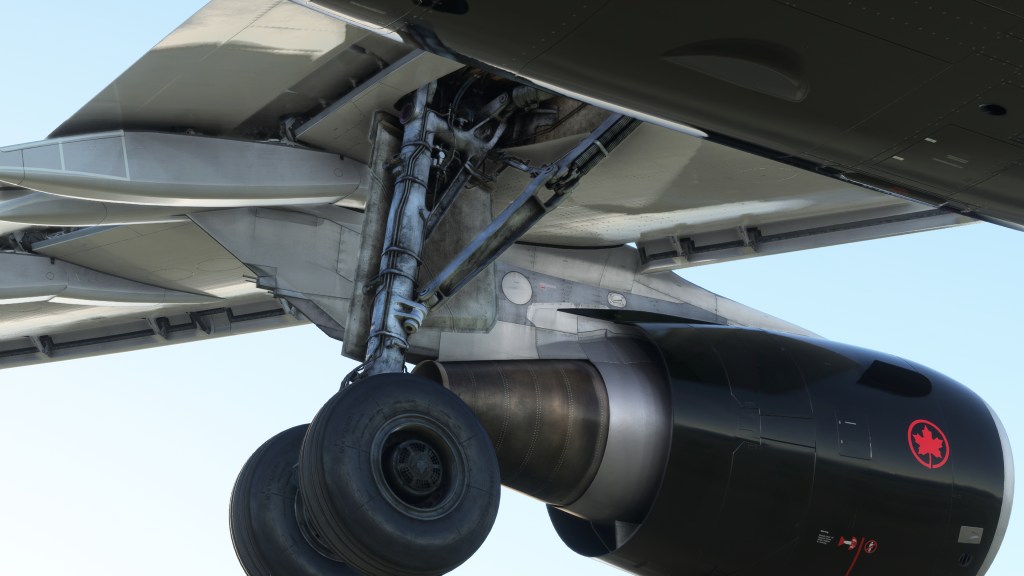
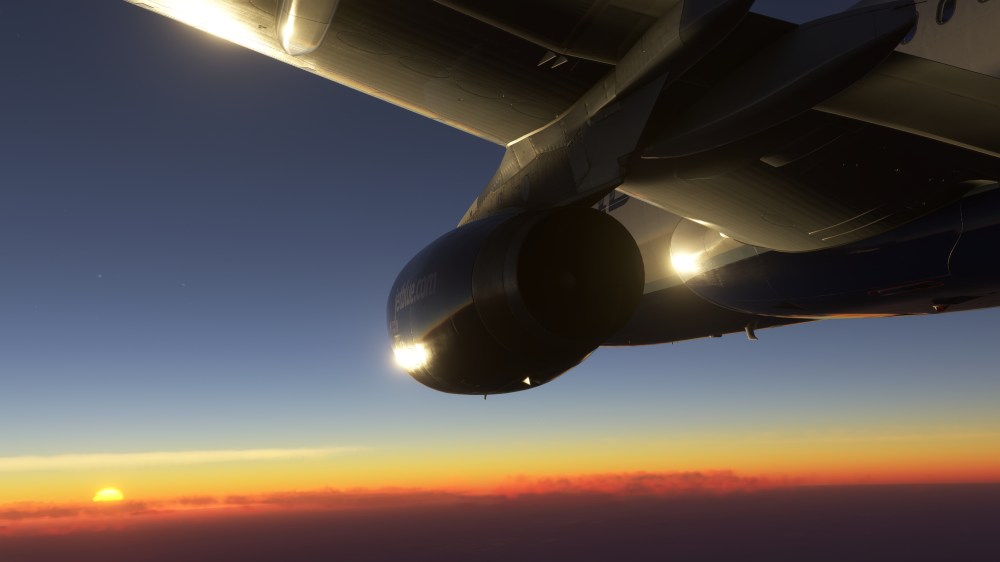
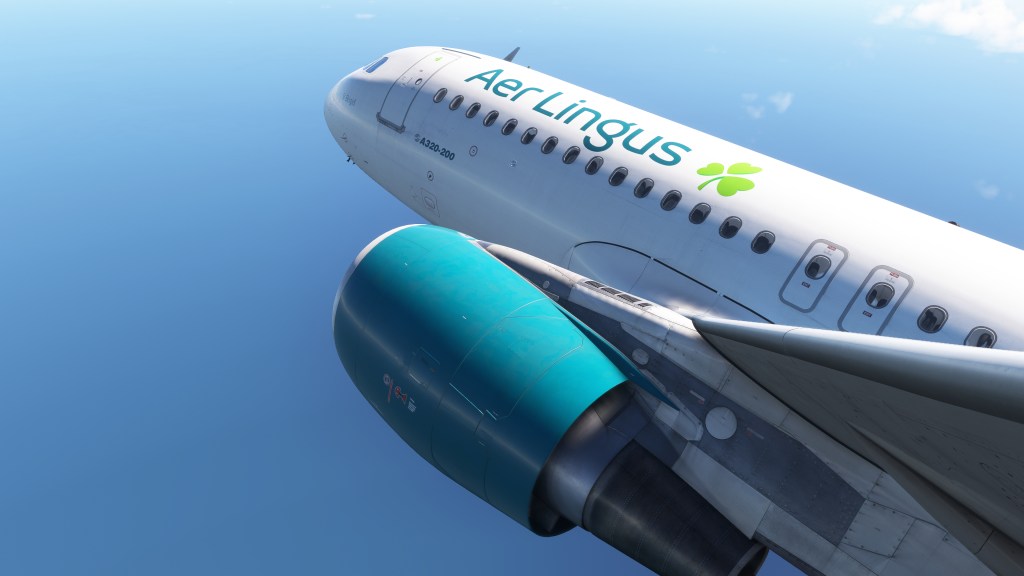
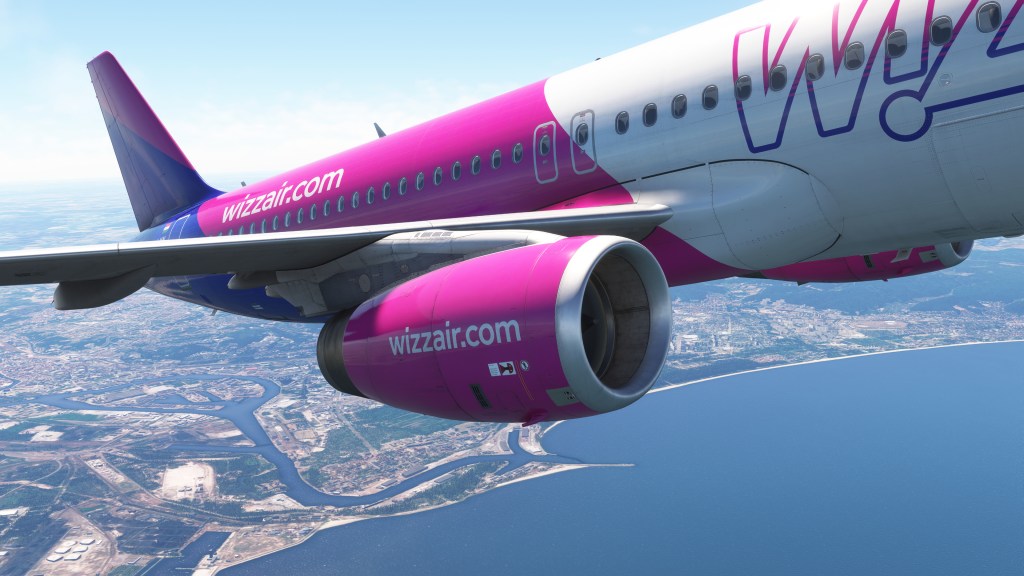
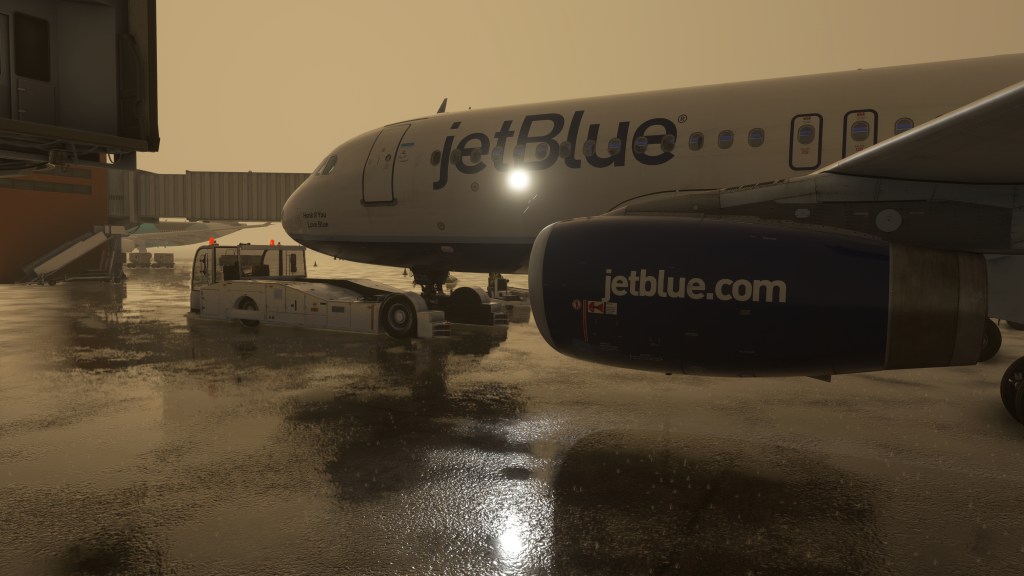
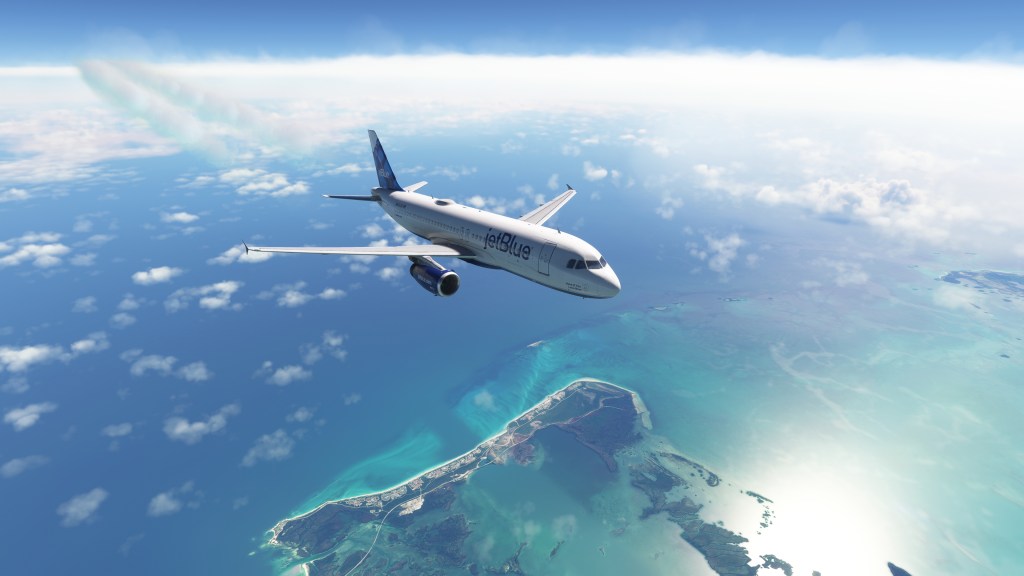
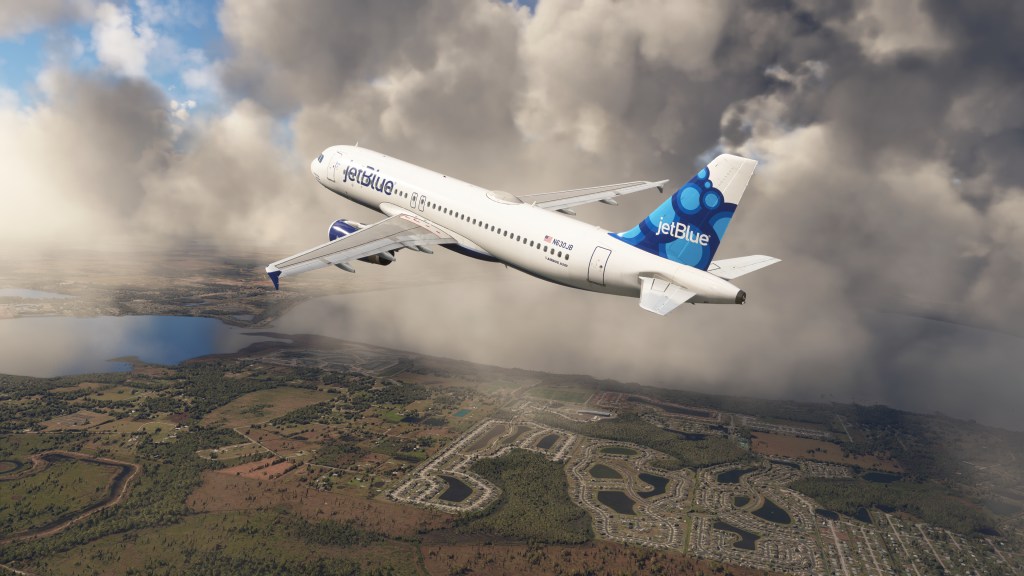
The same kind of detailing can be found on the outside. I’ve circled around the aircraft and looked closely at everything from wheels and brakes to the exhaust on the APU to the nav lights, engine nacelles and the wing roots. Even the various antenna on the top of the aircraft are well merged with the model. Simply put, its exquisitely detailed in every place that I looked and it very slightly beats out the work that iniBuilds has done on some of their recent airliners and its ahead of what PMDG has done with the 737 line too.
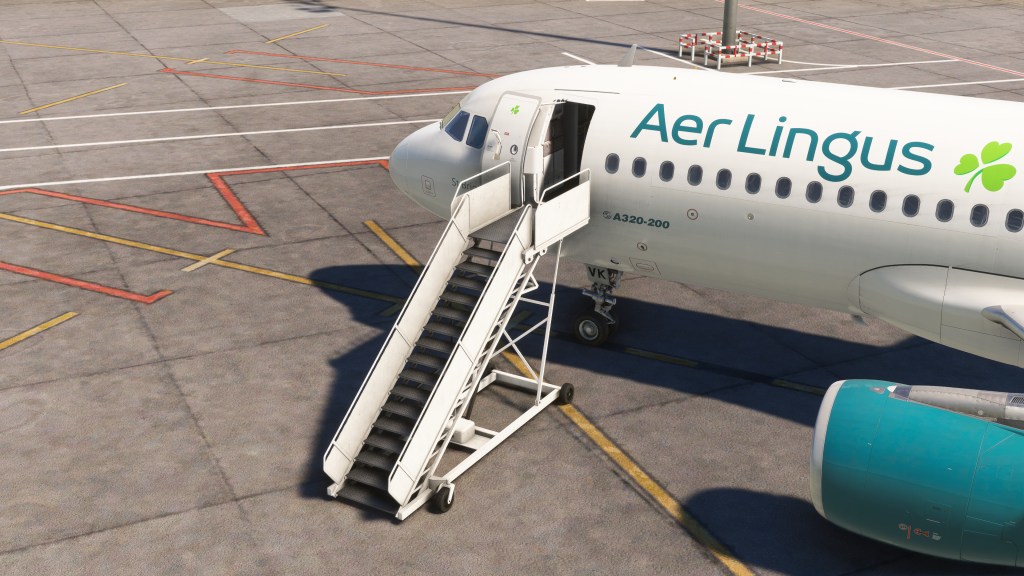
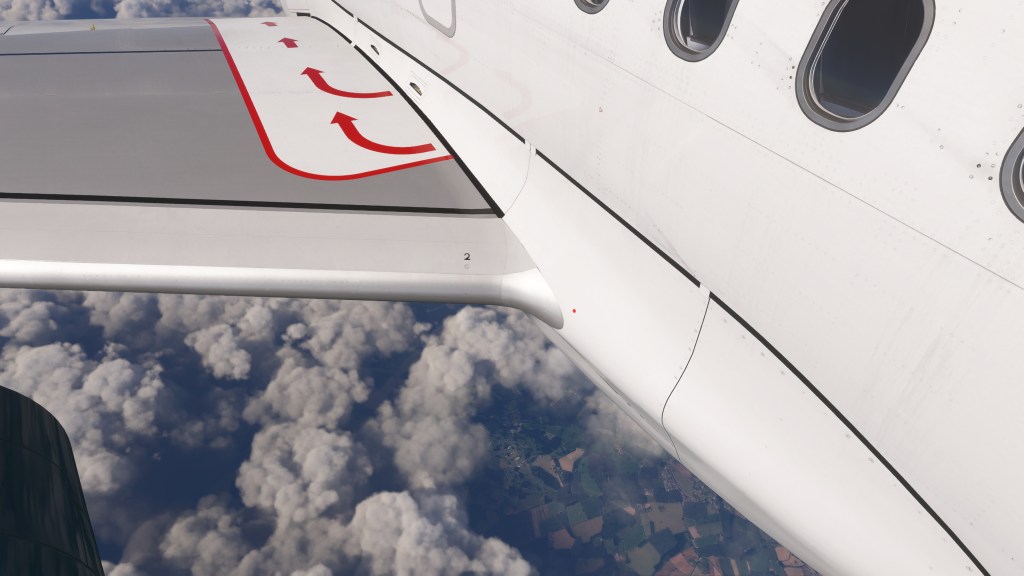
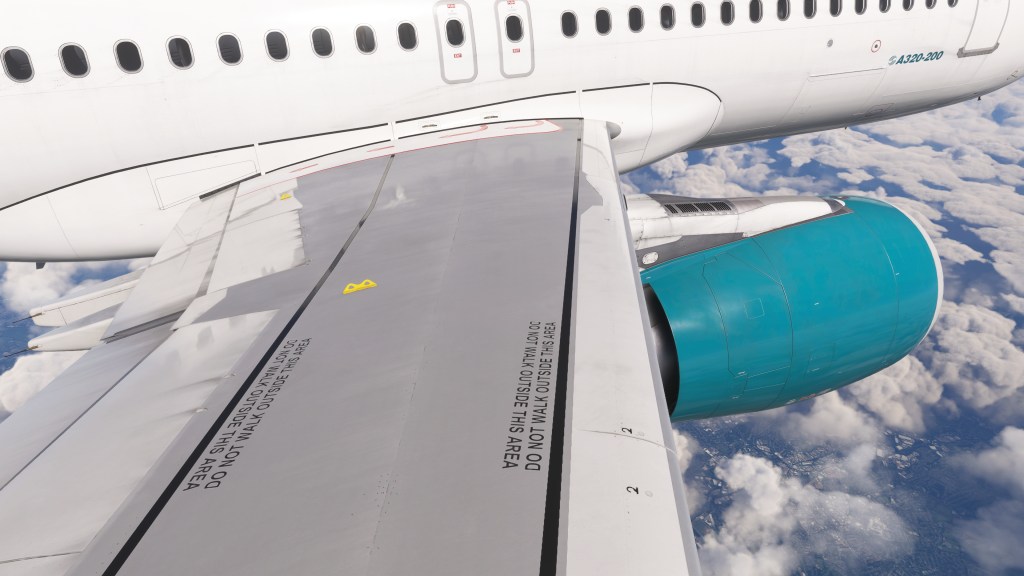
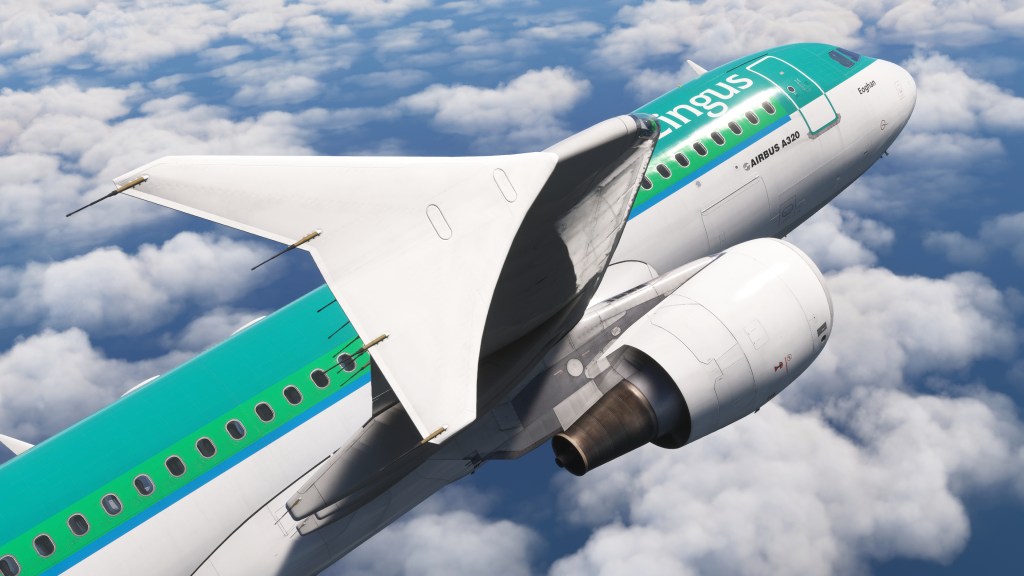
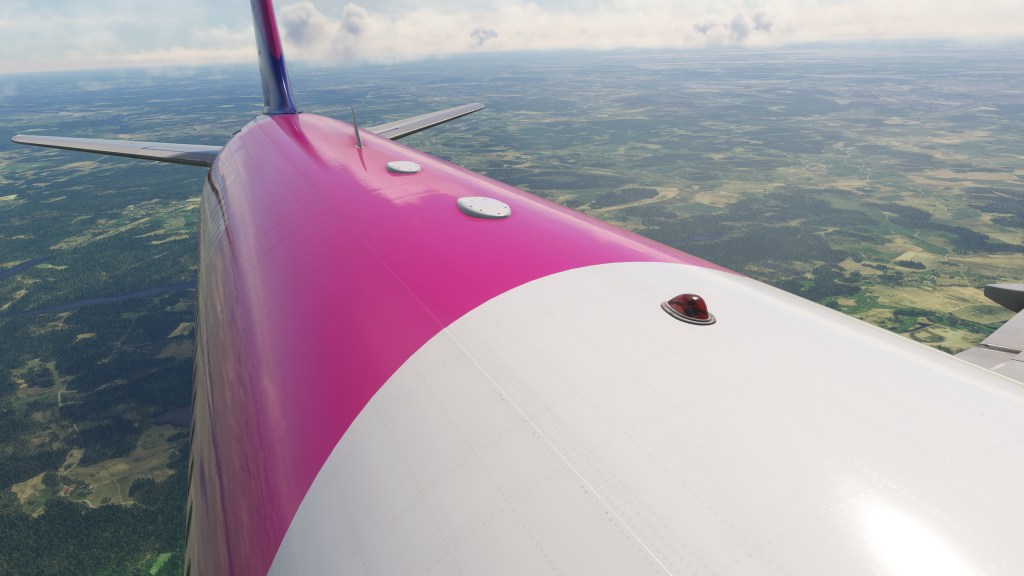
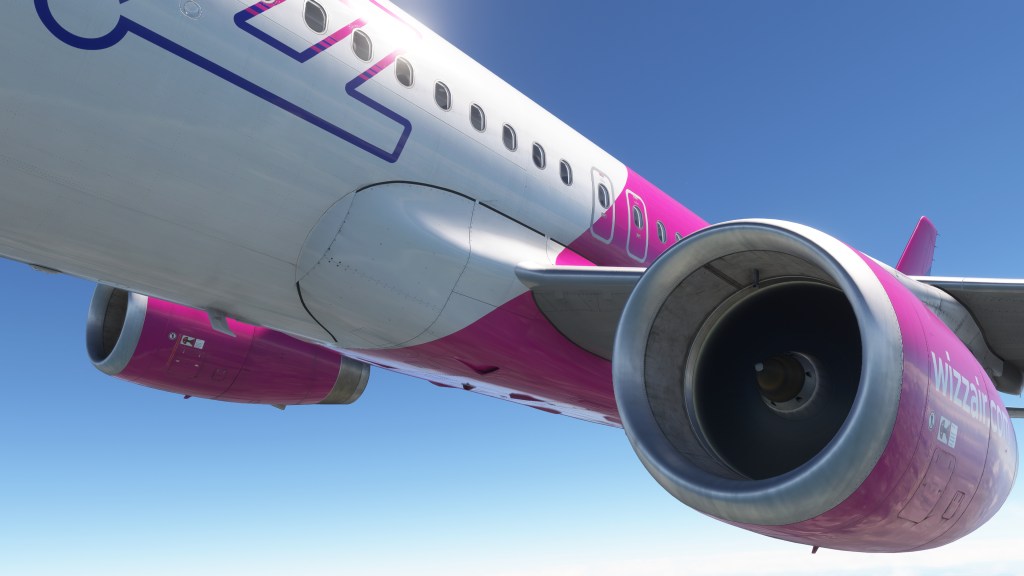
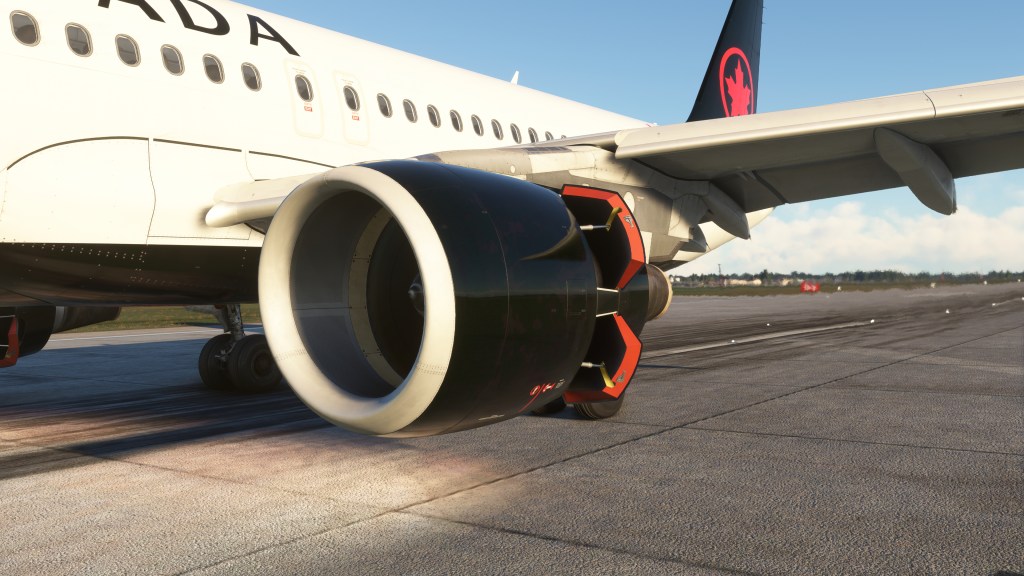

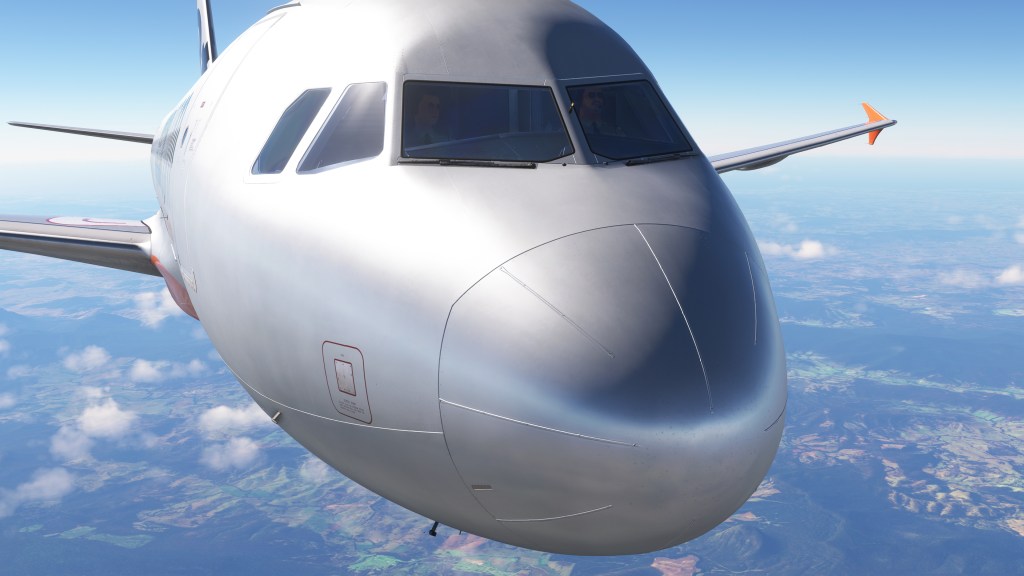
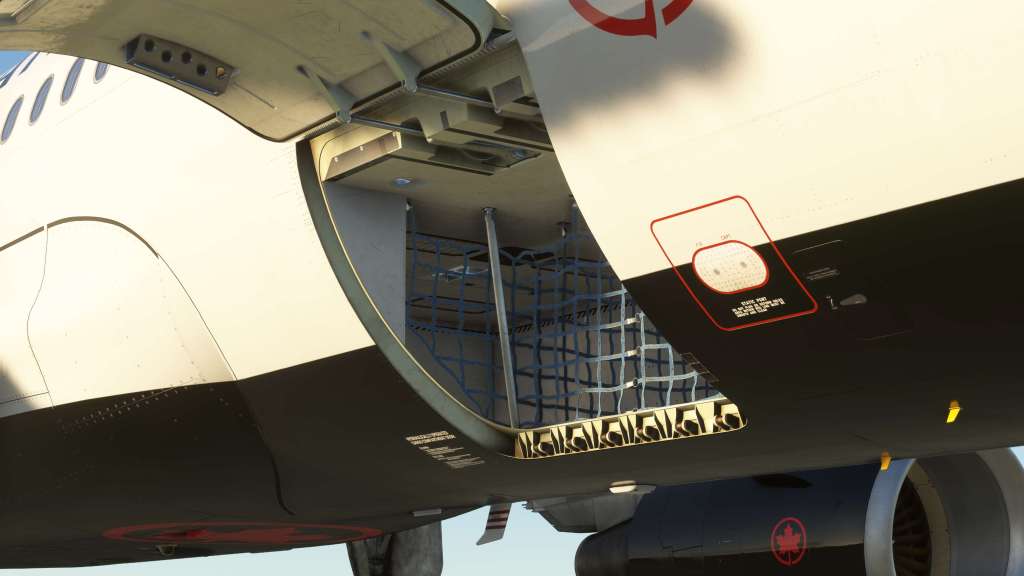
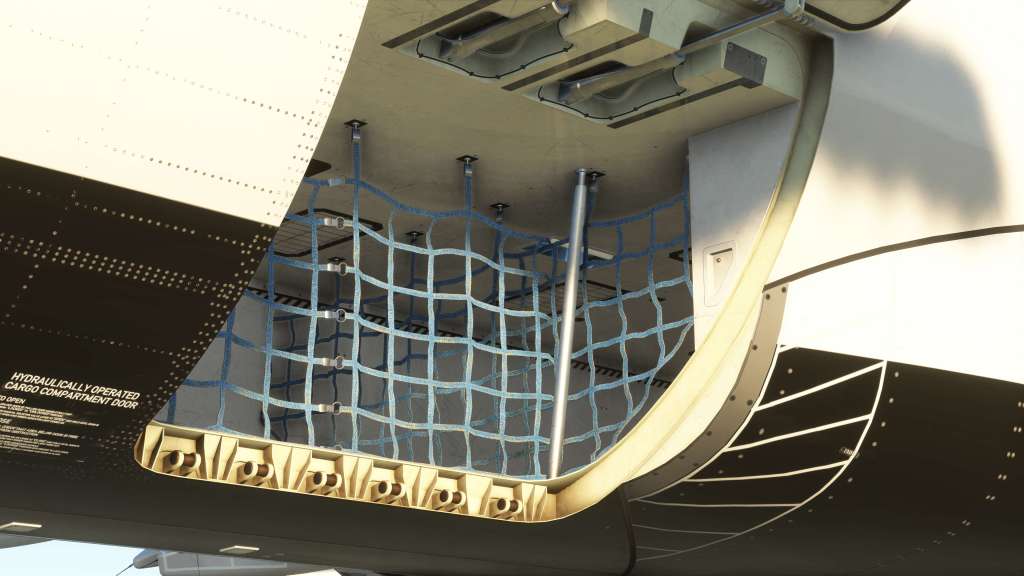
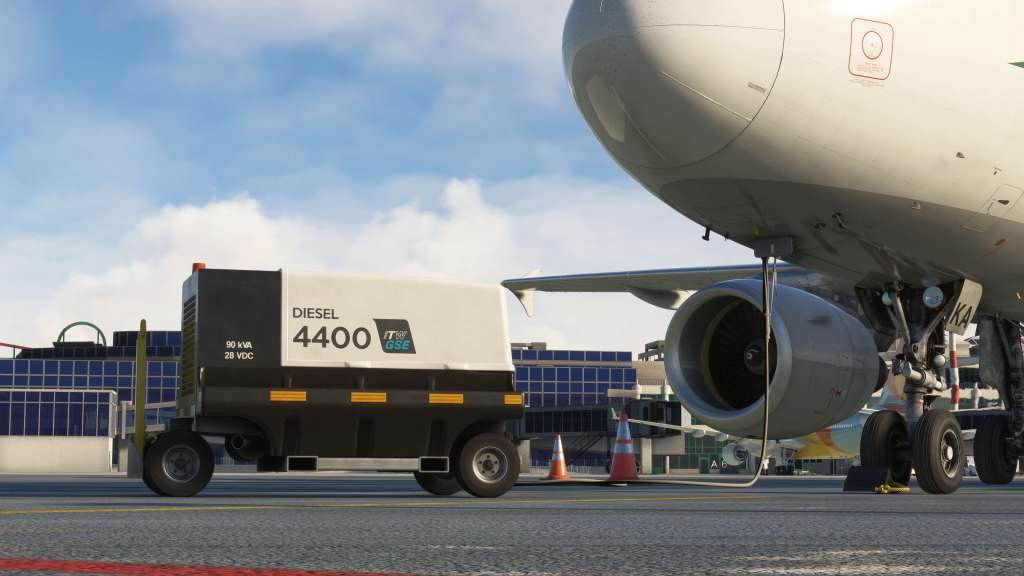
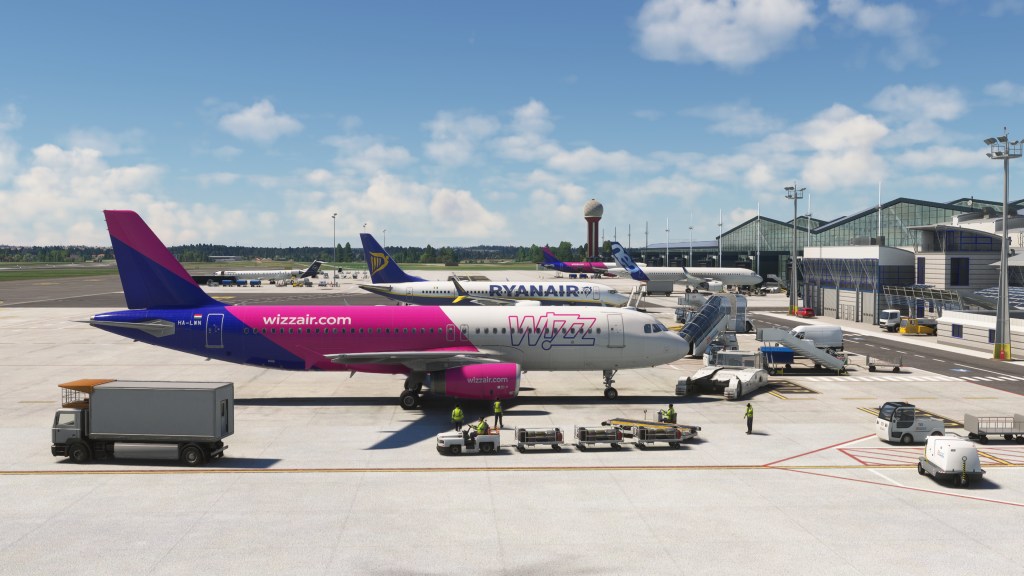
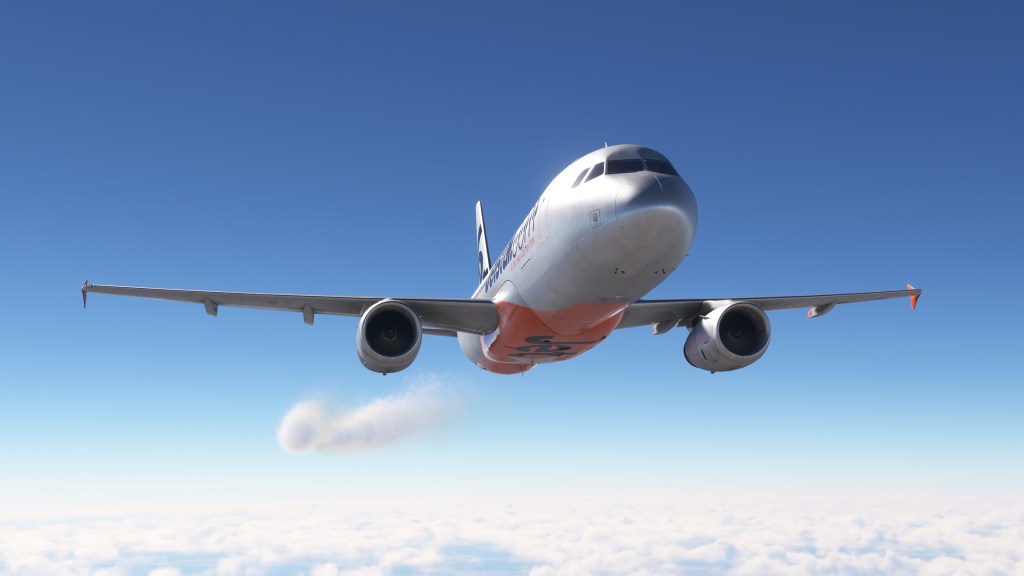
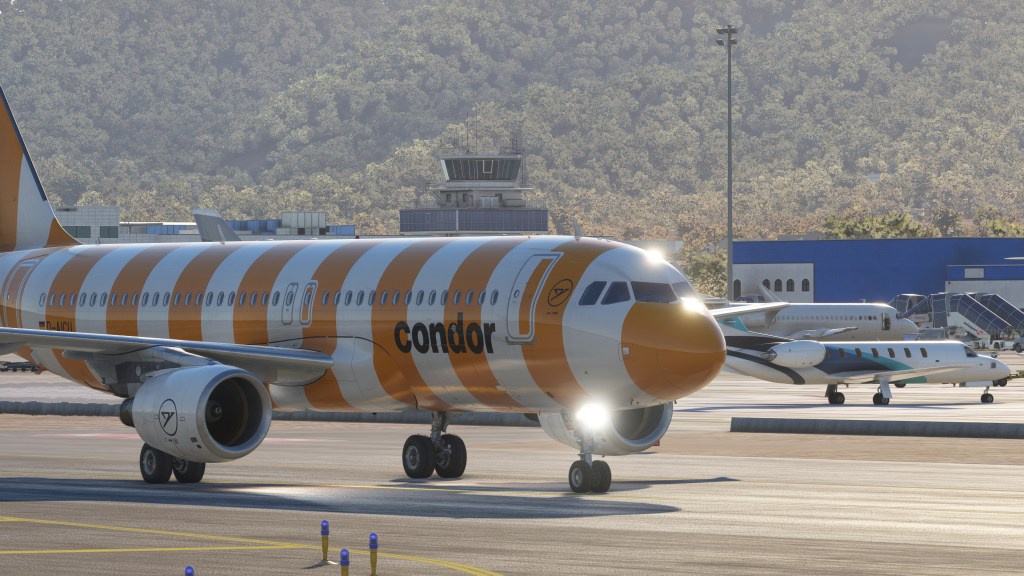
What about liveries? A huge collection is available covering a wide variety of A320 operators. Fenix have done something that many others in the industry are doing by offering an external application that lets you easily select and download from a list of curated selections created by various third parties. Its quick and painless. The only problem I had with it is that it silently fails if you, by chance, manage to fill up the drive that it is trying to store liveries to (whoops!). No other issues experienced with the software.
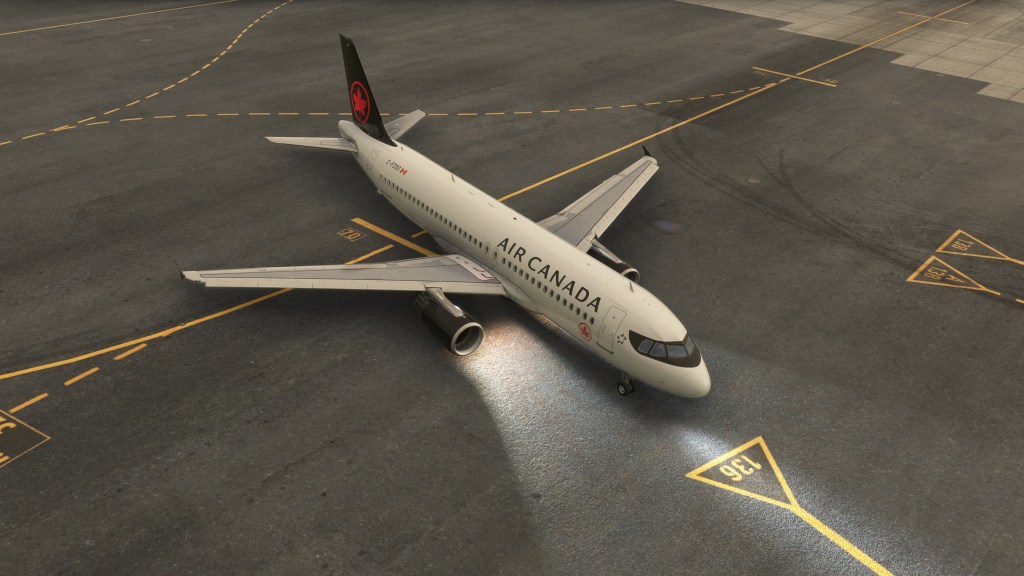
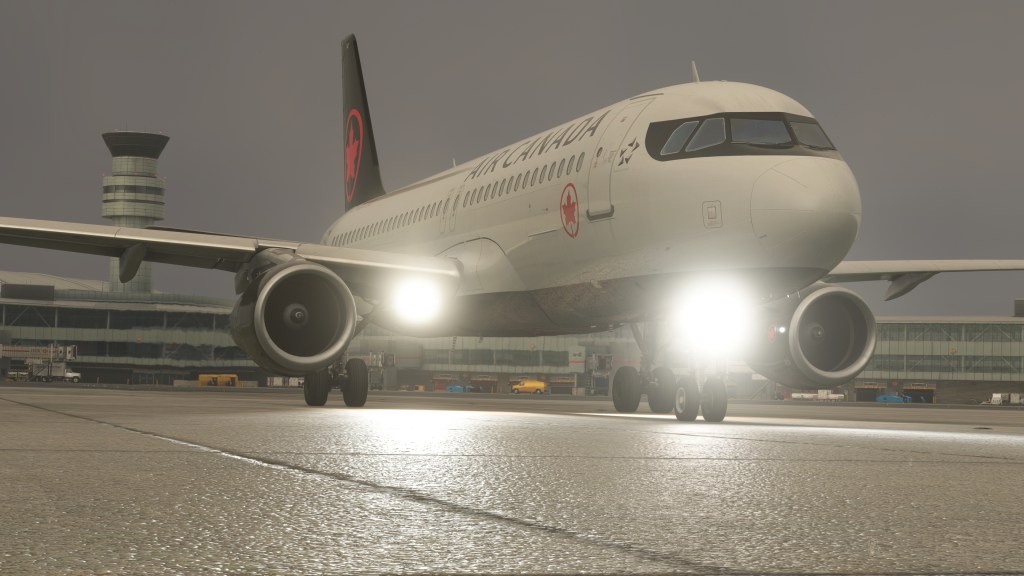
Sounds in the Fenix are just as good as the visuals! Both the IAE and CFM engines have their own unique sounds, and they do a great job of replicating their own unique soundscapes. The “buzzsaw” sound effect is very convincing on exterior and interior. There’s also the the bleeps and bloops inside the cockpit, the usual voice over on landing altitudes as well as the background hum of the cockpit. Their work blending the sounds of the cabin as you move the camera through it is also very impressive. Recent updates to the aircraft have refactored the sounds further and the Fenix A320 now sports sounds that have subtle differences depending on weather conditions in the sim.
Subjectively, I find there to be a bit more of a raw crunchiness in the sounds on other projects like Just Flight’s F28 that I like a little bit more. These don’t feel as satisfyingly punchy as those do. But I think from a clinical point of view these are about as good as it gets in the industry. Class leading sound work to be sure but surrounding by some very capable competitors!
Flying and operating
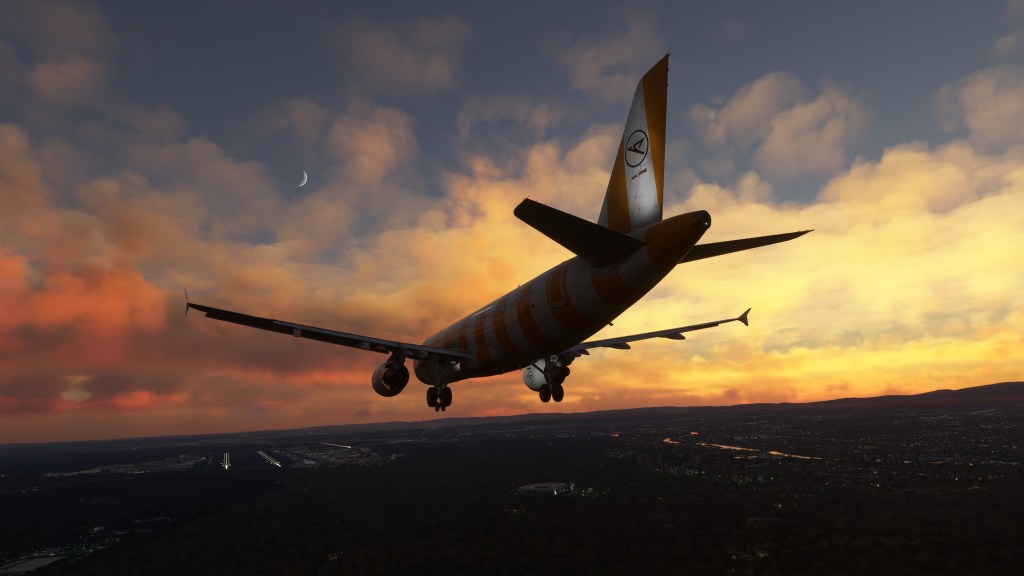
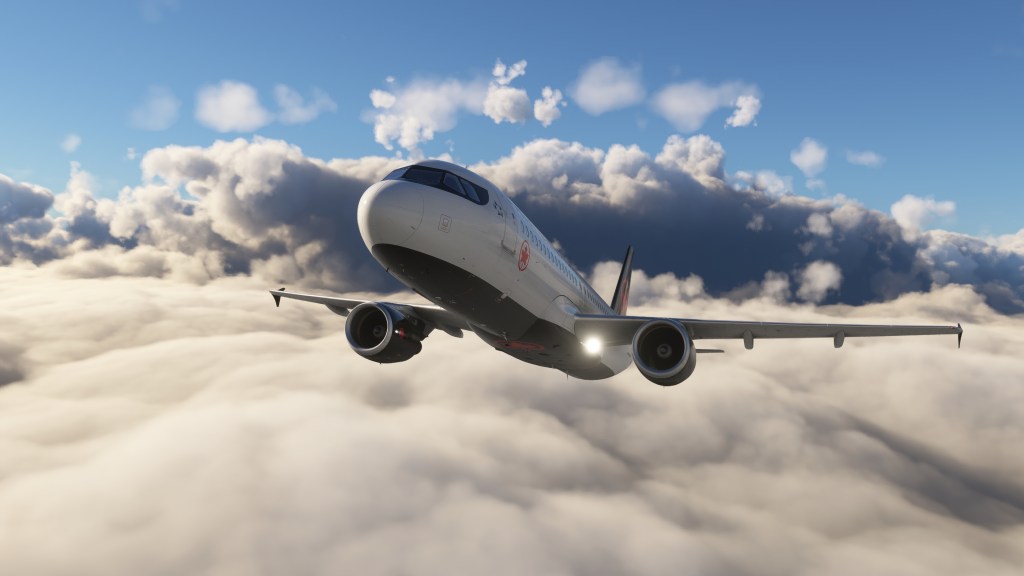
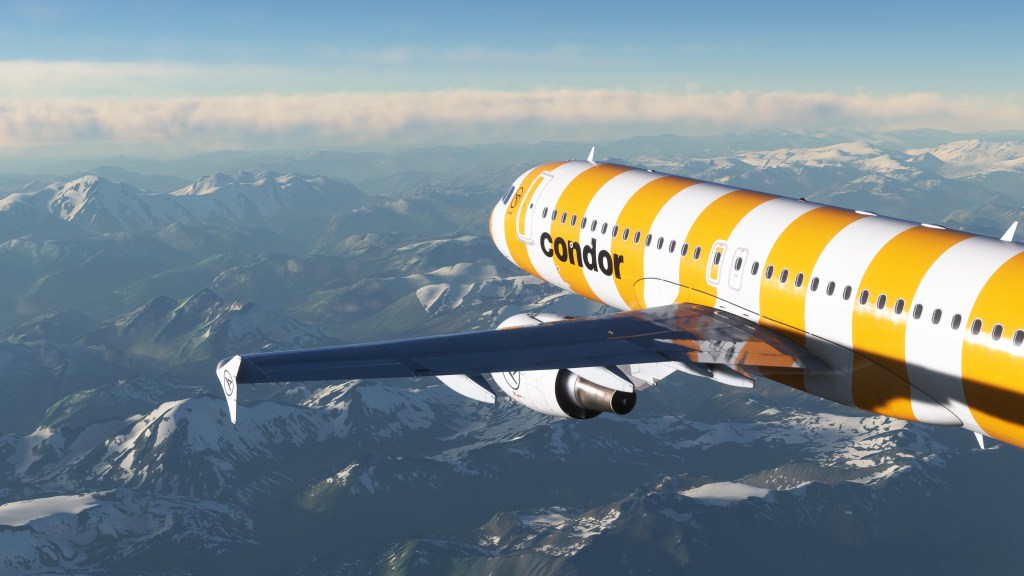
Flying the A320 from Fenix Simulations is more or less like flying any detailed simulation of the Airbus A320. This is an aircraft designed to be pilot friendly with a fair bit of automation and assistance built into the aircraft and that translates over into the simulation of it. Coming from the FlyByWire A320neo and jumping back and forth between this and the new A320neo V2 from iniBuilds had me doing more or less the same things albeit with some subtle differences.
As a now moderately experienced tubeliner flyer in Microsoft Flight Simulator with experience flying PMDG’s 737, I can safely say that this aircraft generally presents at a similar level of fidelity. That is to say that the fidelity is very high! I’m told and have read from real world flyers that the Fenix does some more advanced features better than the other A320s out there which is good to note but I also don’t think it fundamentally changes the experience. I say that one with one caveat because the Fenix does have an extensive array of systems failures modeling.
The aircraft has 200+ possible failures and electrical systems including the circuit breakers are simulated. I haven’t really spent too much time looking into what is possible but you can play it with randomized errors or setup something to specifically fail. Great for training or entertainment if you want the added challenge.
The flight model on the is aircraft is accurate according to some real Airbus pilots. I’ve never flown one but I can say safely that it also feels good to fly in the sim and is responsive while hand flying. I’d rate it as better to hand fly than both of the other A320 versions that I’ve flown in MSFS. It feels less stiff to me.
On the downsides, I don’t love the way that the rudder/tiller controls work on the ground. It feels just a little too sensitive and a bit frustrating to try and keep on the centreline. I know Fenix have their own set of control sensitivity recommendations, which do help, but its still more sensitive than any other airliner in the sim. With MSFS 2024 bringing in per-airplane control settings, this will be a bit easier to work with without affecting everything else.
I haven’t gotten myself into it yet but the aircraft does have support for GSX and can even sync the GSX passengers boarding the airplane with the boarding times in the EFB.
A few issues along the way
Fenix’s A320 has been out for couple of years now and the team have released several version updates along the way. They’ve sorted out innumerable problems and performance issues with the jet resulting in a top-level performer with frame rates just slightly behind PMDG’s excellent 737 line. On the ground I was seeing around 35fps most of the time and mid 40 fps in the air. Impressive given all of the stuff that’s going on behind the scenes and the 4K resolution that I typically run at (with no framegen mod).
I did have some problems with this aircraft that I did struggle to sort out. A lot of the issues with Fenix’s A320 appear to be as a result of its core architecture. Because so much of the aircraft runs external to the sim, some things don’t seem to connect as well as they do with aircraft that run more natively to MSFS.
For one, the throttle calibration never seemed to work completely the way I wanted it to. Despite doing the procedure a bunch of times through the aircraft’s MCDU, the calibration didn’t want to line-up with the axis on any of the throttles that I tried it on. The values it settled on sat just out of alignment. Thrust idle would somehow end up being reverser idle for example. I got annoyed with it and ended up just leaving it as it was.
I also received a constant side-stick fault warning as well with the calibration process never clearing it. Following the additional steps provided by Fenix Simulations also never let me clear up the issue. I’ve never seen this come up in any other aircraft that I’ve reviewed and from what I read it’s a semi-common issue and very likely has to do with how the core of the module is setup. Despite this, I never had any problems controlling the airplane so I moved passed it.
Another problem is some custom hardware controls. I’ve got altitude, speed, and heading assigned to controls on my HOTAS and they work great in a range of other aircraft (including both other A320 models) but not so for the Fenix. Fenix says that this is a result of the externalized software.
If you use time compression, the A320 from Fenix is also not ideal. They have a 2x rate that is activated by the MCDU but you can’t go beyond it. PMDG’s 737 lets you crank up the rate to 4x or higher without issue.
EFB features
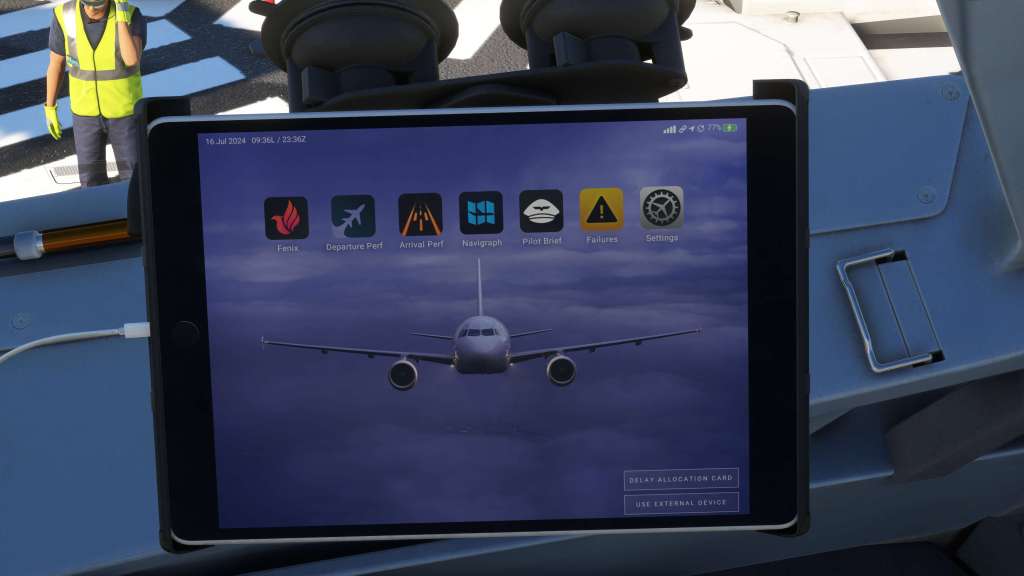
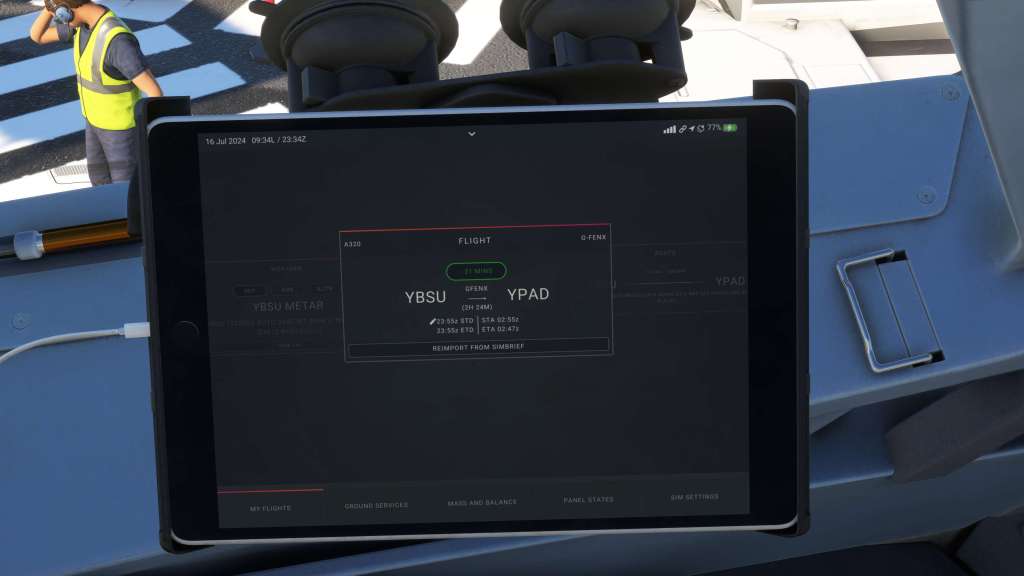

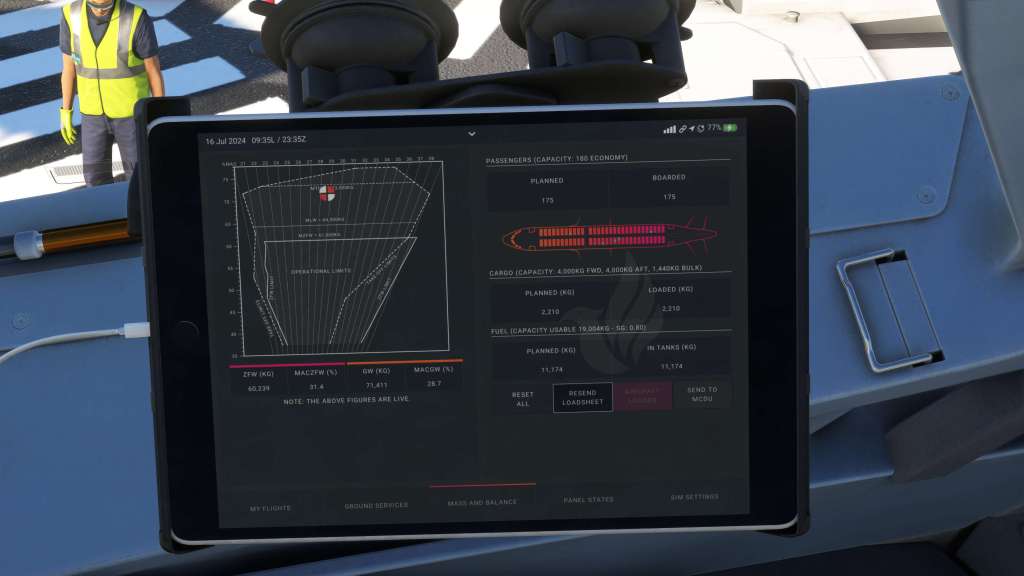
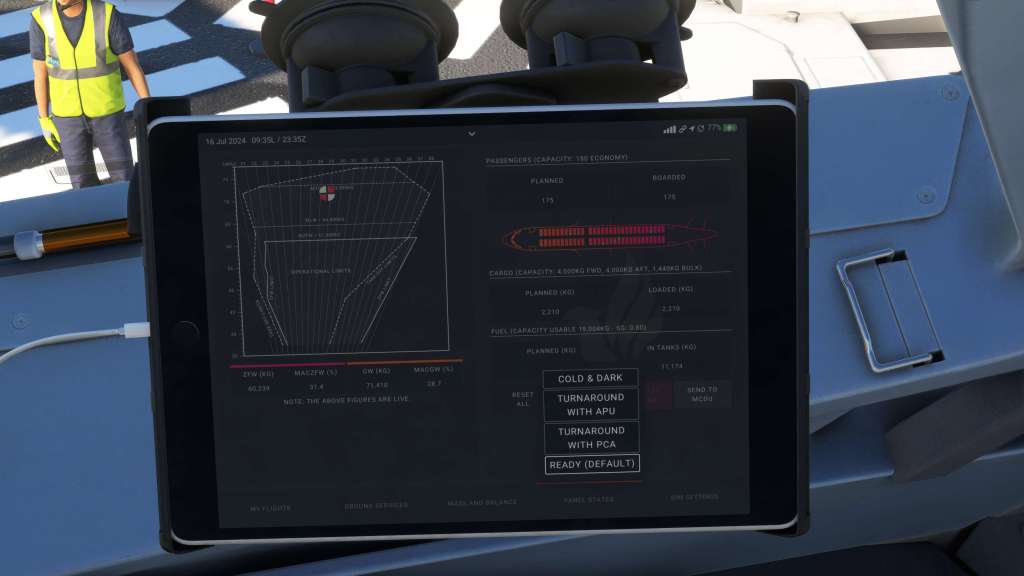
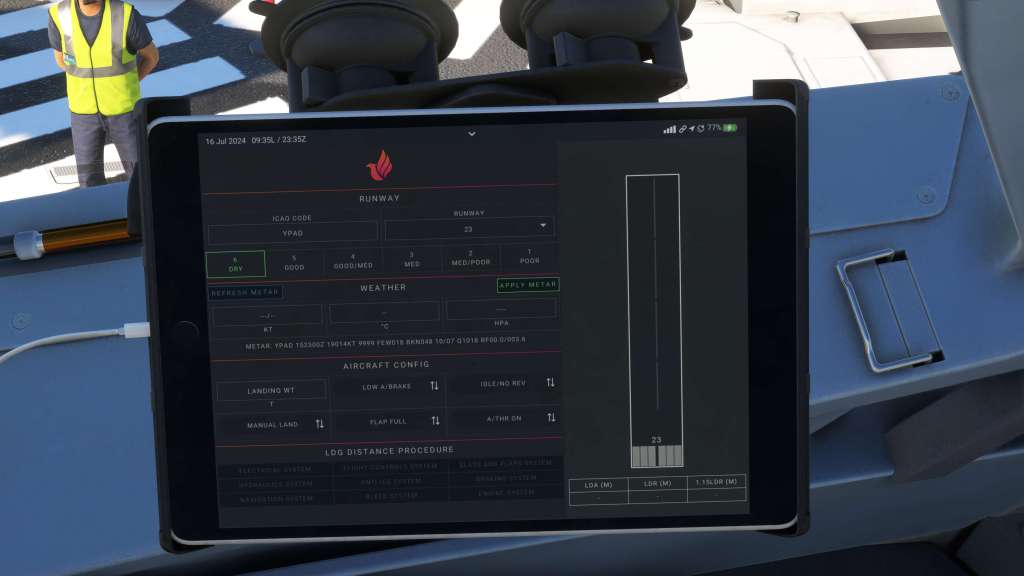
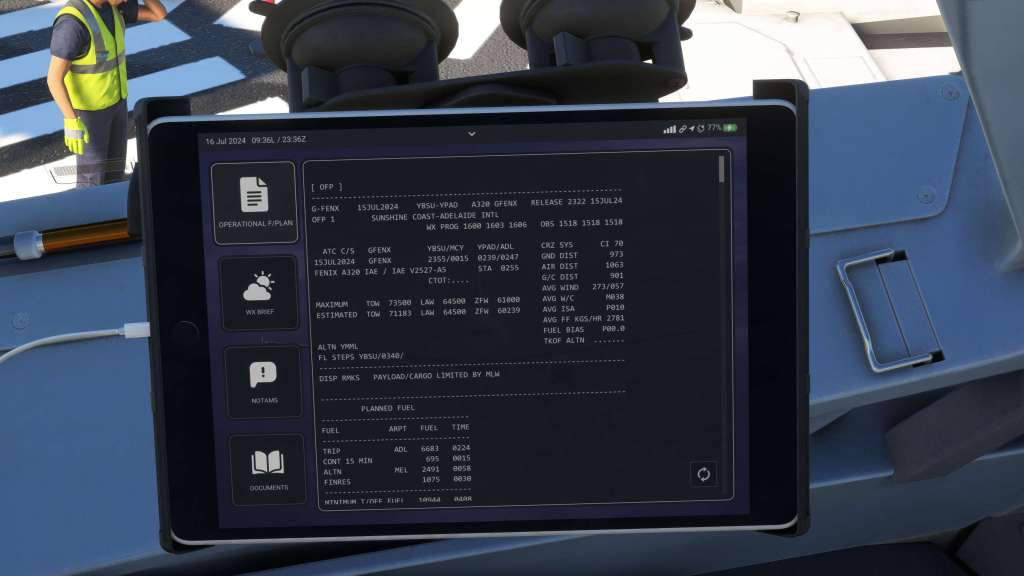
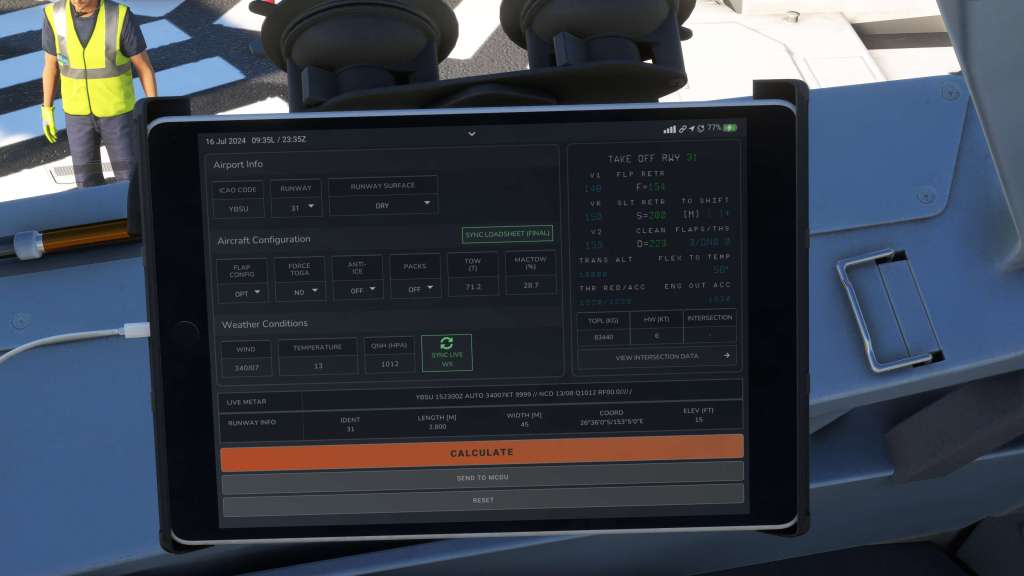
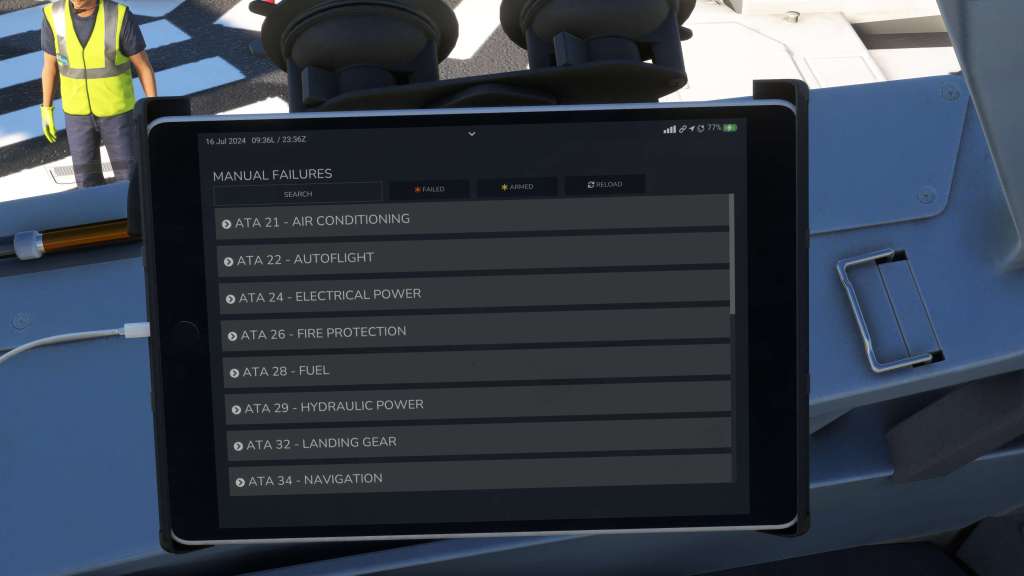
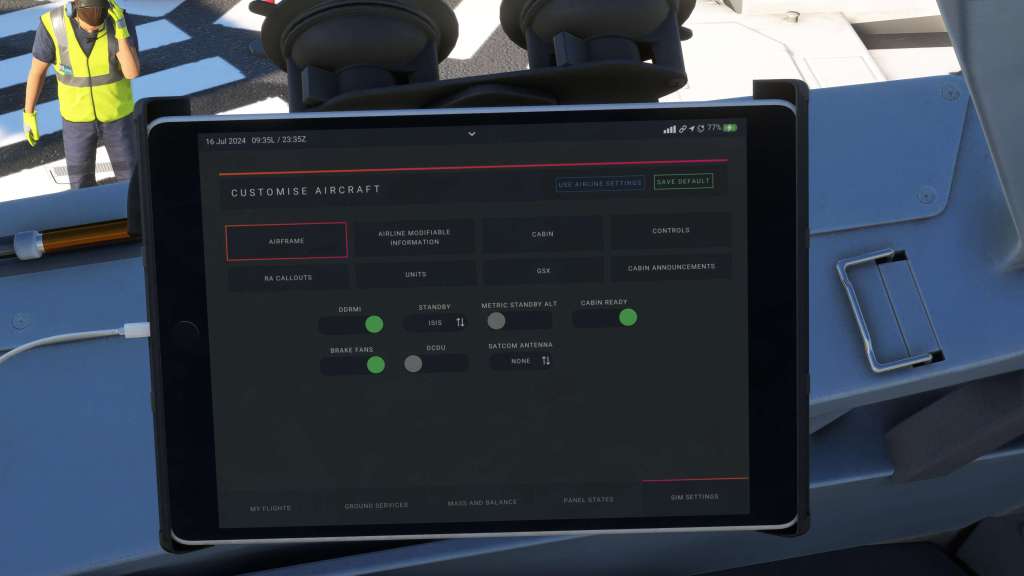
Like any full featured airliner in MSFS these days, an EFB (electronic flight bag) is a must have feature with performance calculator, load and aircraft state management, SimBrief and NaviGraph support too.
Fenix’s EFB tablet has been pretty much the gold standard since the airliner came out and it remains near or at the head of the pack. I like the iniBuilds setup better in some places but find the Fenix presentation graphics and overall usability quite good too. It does, on the other hand, really rely on a NaviGraph subscription a little more than the PMDG does (which still gives you a really nice map) so if you aren’t a subscriber a fair bit of the tablet function doesn’t work.
The EFB optionally can broadcast itself on a local webpage which lets you manage the features on the tablet with your own smartphone or tablet. That’s really cool!
Supporting software
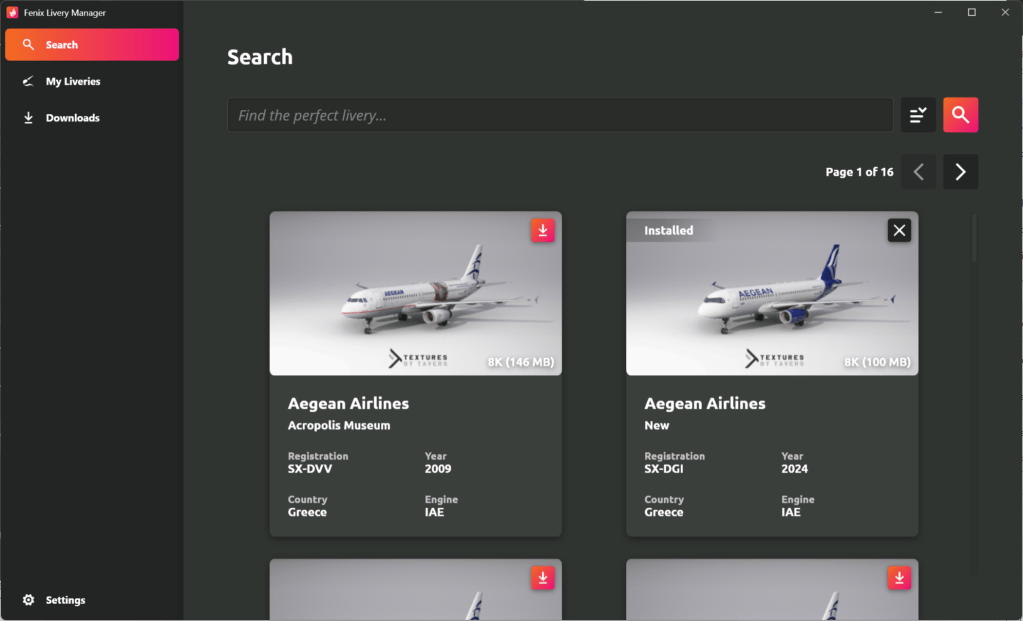
As I did with the A300 and 737 reviews, I should mention that Fenix manage their A320 through an external application. It’s not tied to a storefront the way iniBuilds manager is and instead operates roughly similar to PMDG’s Ops Centre. The livery manager is broken out into a separate application but the two together operate the same way providing support for the module and offering updates when they come along.
This software feels fast and modern and I experienced none of the issues keeping it up to date that I did with PMDG’s OpsCentre. The Fenix software just works in my experience. They have just, at time of writing, released a new installer/manager software that supposedly will make product updates faster and download fewer things in order to keep you up to date.
Is it fast and fun?
Frequent readers of my reviews know that I include a category called “is it fast and fun?” in my airliner reviews. Acknowledging that some virtual pilots love the checklists, clicking every button, and spending a realistic amount of time setting up, boarding, loading, and then flying their chosen airliner, there are also those out there who are looking for a bit of a quicker experience. But they also still want the heaps of detail that a high fidelity but may not have 30-40 minutes just to get the airplane in the air that day but still want to sneak in a quick flight.
Fortunately, Fenix have done a good though not excellent job of meeting the needs that I have set out for this requirement. State saving ensure that the aircraft can be powered up and ready to go if you want it to be. That saves some time and simplifies your day if you just want a quick flight.
Like most airliners, Fenix’s A320 does not load in the MSFS flight plan in any way so you have two options. Load it in manually or use SimBrief instead and load it in from there. If you do use the SimBrief option it does do a nice job of going from the provided fully functional EFB and loading in the flight plan, the aircraft weights and performance calculations, and so after a few clicks your A320 is ready to go. Probably one of the easiest to get going if you want to.
Like many aircraft you can also choose to board the aircraft immediately, in a reduced time or use realistic boarding times so you get to choose how quickly the process proceeds.
The tray table works!
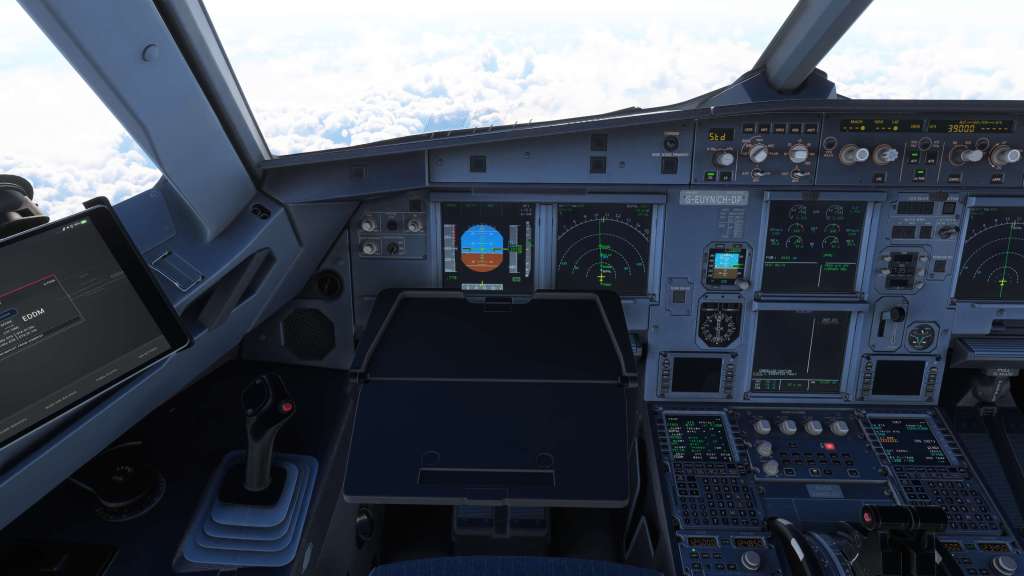

There are a ton of little details scattered all over this airplane. Some, I’m sure, I haven’t found yet but I do love that the team have taken the time to model things like the pilot’s oxygen mask box, the sliding and folding features on the jump seat, and I can’t go on without mentioning the tray table. You don’t get those on PMDG 737s… or real ones for that matter!
Future features
Fenix is working on some follow-up updates for their A320. It’s a way of life these days with aircraft for simulations where release, even a couple of years on, doesn’t really mean that its done. Improvements made to the Fexnix A320 over the last couple of years have improved performance and simulation depth alike.
Coming up next are some interesting additions. The A320 is going to get an optional sharklet winglet option which installs the newer style winglets, standard on the A320neo but also available for late build A320s, to the aircraft. That will be part of a free upgrade though the launch of it has been pushed back so we’ll have to wait and see when that comes to our own sim rigs.
Fenix are also going to be bringing out an update that add the shorter A319 and longer A321 to the mix. That will be a paid add-on. The ETA of these updates is unknown at this point and it may be a while before yet before we see them. Still, it’s always nice to know that a product you’re considering is getting updated and extended.
The competition
At this point, Microsoft Flight Simulator now has just over a half dozen simulations of the Airbus A320 series of aircraft. They include Asobo’s original A320neo that shipped with MSFS at launch, the redone A320neo V2 by iniBuilds that is meant as a spiritual replacement of that aircraft, the FlyByWire A320neo that is based on the Asobo A320neo but has come a tremendously long way, a series of middle of the road fidelity A318, A319, A320 and A321 models by LatinVFR and then we have the Fenix A320ceo.
It’s a crowded market and that makes choosing an aircraft a bit of a challenge. If you have an Xbox, the Fenix A320 is just not an option because of the externalized software so that means that this aircraft is just not in the running for you.
I’ve bounced back and forth between the A320neo V2 from iniBuilds and the Fenix A320ceo and there are definitely differences. Both are strong visually but the Fenix does have a few details that just go above and beyond and visually replicate the aircraft right down to the scratches and wear marks that the iniBuilds model does but I feel doesn’t do quite as well. Your eyes may see it differently and we are talking about some very fine details.
On a systems front its a very familiar experience going back and forth. They mostly work the same way and have subtle differences in handling and performance thanks to the engine differences. The Fenix, of course, has deep failure modeling and some under the hood features that simulate the aircraft’s engines and systems are going to work a little more closely to the real world. Does that make a lot of practical difference? At the moment its hard for me to tell between them.
One thing that the Fenix does do in their latest iteration is run at a fairly high frame rate. The Fenix A320 is roughly 5-10 fps faster in similar scenarios than the iniBuilds model. The FlyByWire is very good at frame rates too in my experience matching the Fenix quite closely.
Of course if you want a simpler experience, the old original A320neo is still there but it doesn’t really compare to the depth we have with these.
Final thoughts
The Fenix Simulations A320 is an extremely strong product with a convincingly deep simulation combined with great visuals, sounds, systems, failures, and some usability that makes for a great experience most of the time. Ongoing development that further tweaks and refines an already top notch product just helps bolster the argument that this is a seriously good experience.
It does have its quirks of course. Though I experienced few bugs, the externalized systems on the aircraft does cause for some weird glitches from time to time including my sidestick issues (which may yet be user error on my part) and the fact that a lot of external hardware cannot be mapped to some interactive elements does blemish an otherwise excellent experience.
I was also a bit worried that the Fenix A320, with all of its detail and simulated depth, would be unapproachable but I can firmly say that no that is not the case. To be fair, it is a complex aircraft and to get the maximum from it you’ll really need to study up and spend some time with it. But that doesn’t mean that you can’t still have a slightly more casual experience with it on par with other complex airliners.
The £49.99 pricetag is obviously more expensive than the freeware FlyByWire A32nx or included with the sim iniBuilds A320neo V2 options. Both of those offer good experiences without the extra cost. On the other hand, Fenix Simulations is capable of justifying its pricetag with its deeper systems simulation, failures, superb quality and highly optimized experience. It’s not perfect but Fenix’s A320 is very nearly so and it really does live up to the hype. This has been a near-perfect experience that exists in a small cluster of airliners for Microsoft Flight Simulator and X-Plane that are, together, the pinnacle of what is possible in simulation right now.
If you love flying airliners and you’re interested in one of the most deeply simulated Airbus experiences around, Fenix Simulations A320 is the aircraft for you!
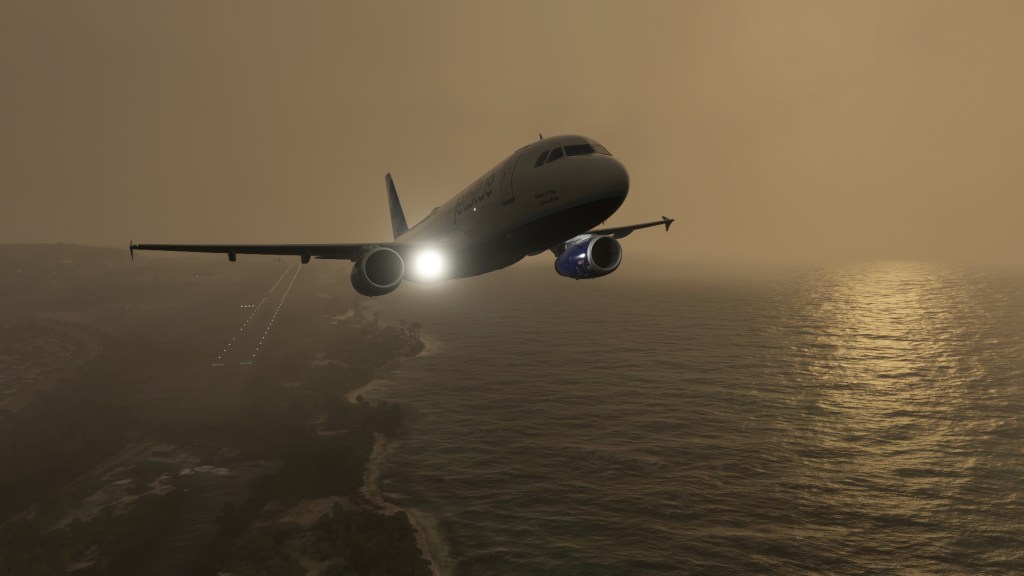
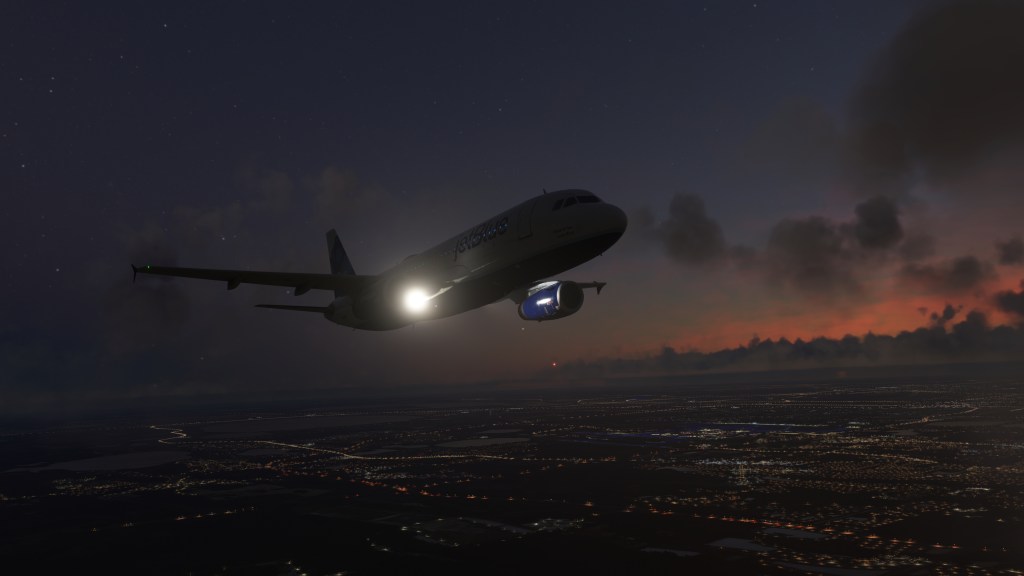
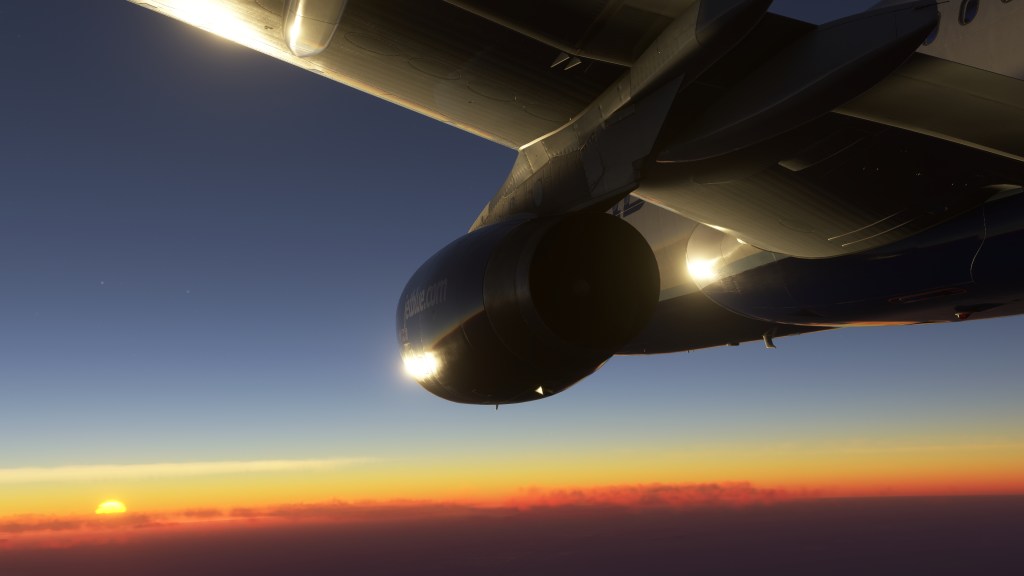
Screenshots








 Stormbirds
_FAB_SEP88_(13753510323).jpg)
Leave a comment