

Microsoft has released their Aircraft & Avionics Update 3 (or AAU3) for Flight Simulator yesterday with three aircraft seeing some updates and added features. There’s also some challenges for Navigraph users following the update so let’s check that out too.
Three aircraft get an update
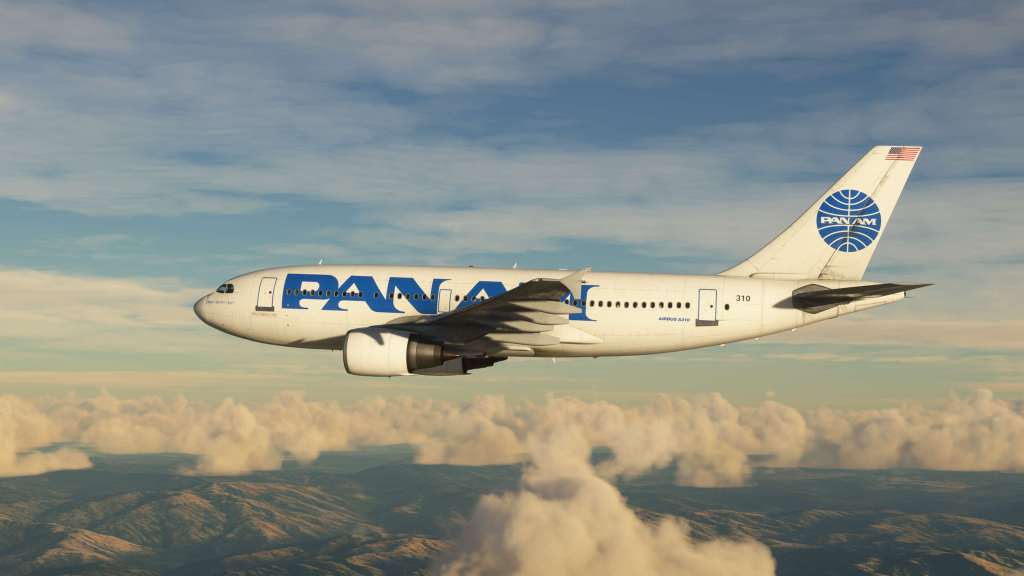
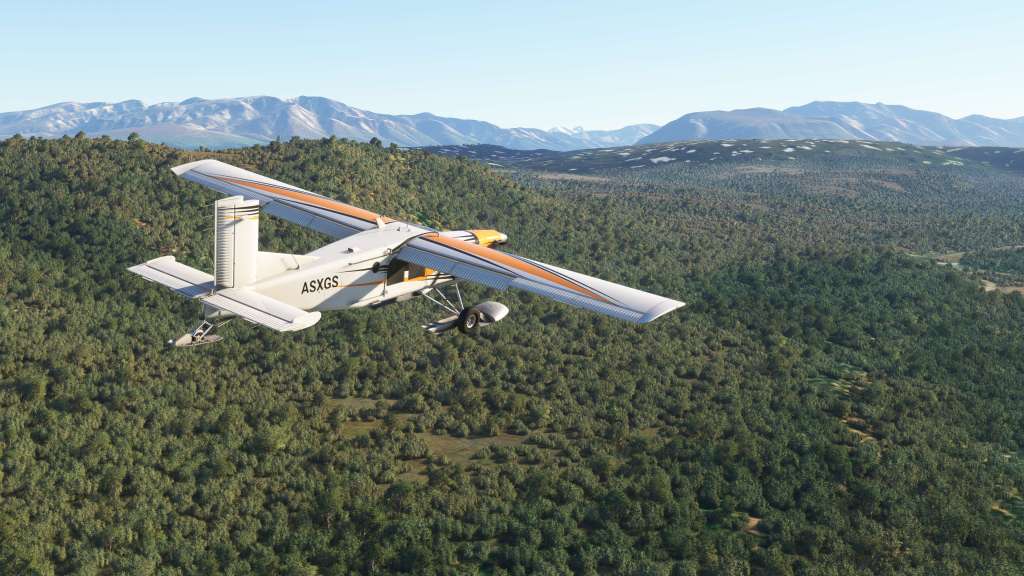

The Aircraft & Avionics Update 3 release is aimed at three aircraft that have seen some recent work done on them. The A310 and A320neo V2 were both updated with a lengthy list of fixes and updates while the PC-6 also saw some updates to that airplane too.
For the A310, the aircraft saw a small number of fixes with the interior cabin now rendering correctly on other player aircraft in multiplayer, the auto-throttle now animates correctly, and there’s a new Pan Am livery too.
The list of updates for the A320neo V2 is lengthier with both fixes and improvements. Some of the highlights include reworked audio levels for engines, adjusted flight director logic for more accurate functioning, various fixes to the MCDU, to the TCAS, misaligned jetway, fixed dome lights, and more.
There’s the PC-6 as well which has seen some updates with fixes to panel lights, flickering glass, LOD issues, engine autostart and stop, and the replacement of the old GNS530/430 combination with the more sophisticated WorkingTitle GNS530/430.
Navigraph issues
Soon after the launch of AAU3 users began reporting crashing issues. This appears to be limited to those with Navigraph subscriptions and a thread on the Navigraph forums has detailed some of the challenges as users and Navigraph developers tried to narrow down the problem.
One user has reported that a specific package, “Bush Trip – Scotland,” is apparently responsible for the crash. How that and Navigraph have anything to do with each other is a bit of a mystery. A temporary fix has been suggested by Navigraph here.
It does sound like Microsoft and Navigraph are both looking to find a solution so stay tuned.
 Stormbirds
Leave a comment