
I, like most of the MSFS community, have just had my first few minutes with FlyByWire’s A380X freeware airliner project. I haven’t had time for a full flight yet but I did taxi, takeoff, and have a pretty good look at the cockpit and the cabin of this aircraft. If you’re on the fence about if you want to spend some time with it, maybe this very early look at the aircraft will help you. And if I can’t help, I’ve also got some recommended YouTube creators who have spent far more time with the airplane than I have. Let’s check it out!
Beyond excited
It’s not every day that a high fidelity simulation of an Airbus A380 comes out. We’ve had a handful of attempts at the airplane over the years but this one really stands out as a big moment in flight simulation and in what is possible within the framework of a freeware developer like FlyByWire.
I’ll admit when they announced that they were tackling an A380, I thought maybe they had bitten off more than they could chew, but four years later we’re here and it is here.
FlyByWire have their own installer that supports both the A32NX as well as the A380X (and some other projects too). The installer and updater help keep the aircraft up to date with the latest versions as pushed out by the team. I elected to go with the 4K stable branch as I had heard that performance was taxing and the 8K sounds like it may just be too much. Keep in mind that any of the screenshots that are to follow come from the 4K textured version.

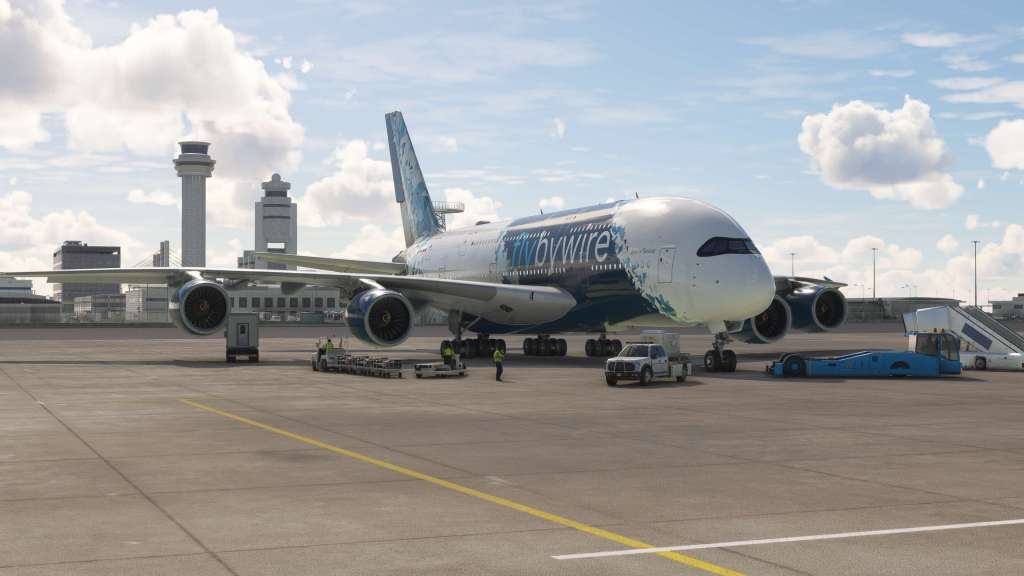
On the ramp at Haneda
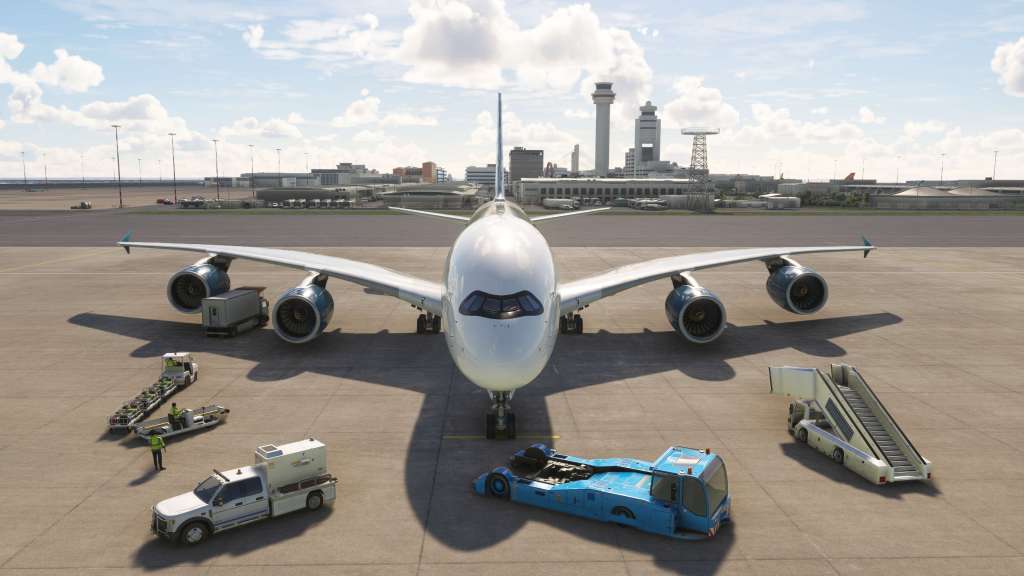
I thought I’d pick somewhere interesting that I hadn’t been for a while and Haneda airport in Tokyo Japan seemed like it would fit the bill. As I later learned, though the airport can handle the Super Jumbo, its not a common hub for ANA’s operations of the jet and some areas of the apron are off limits for the aircraft. We’re just going to ignore that in favour of the pretty pictures!
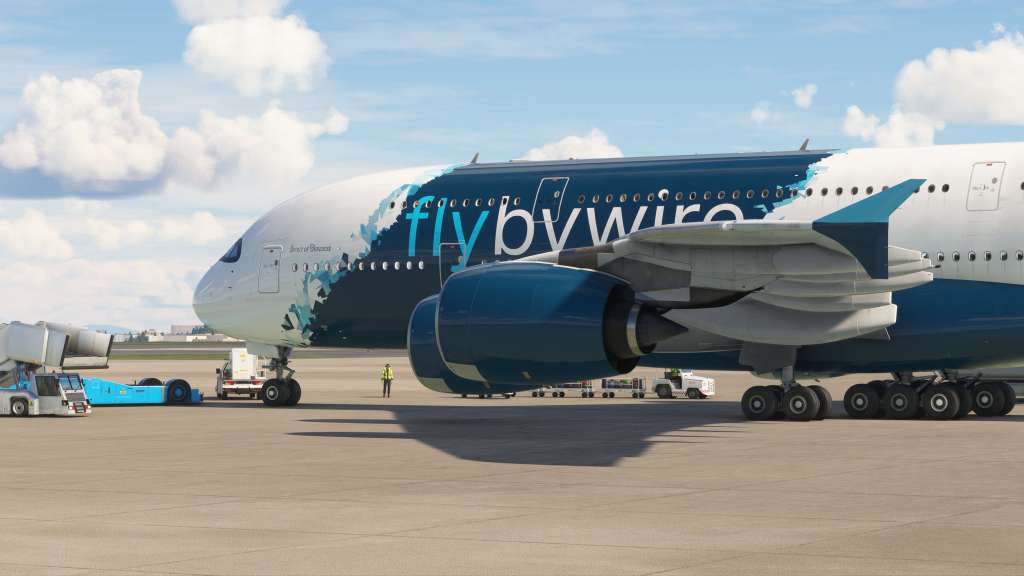
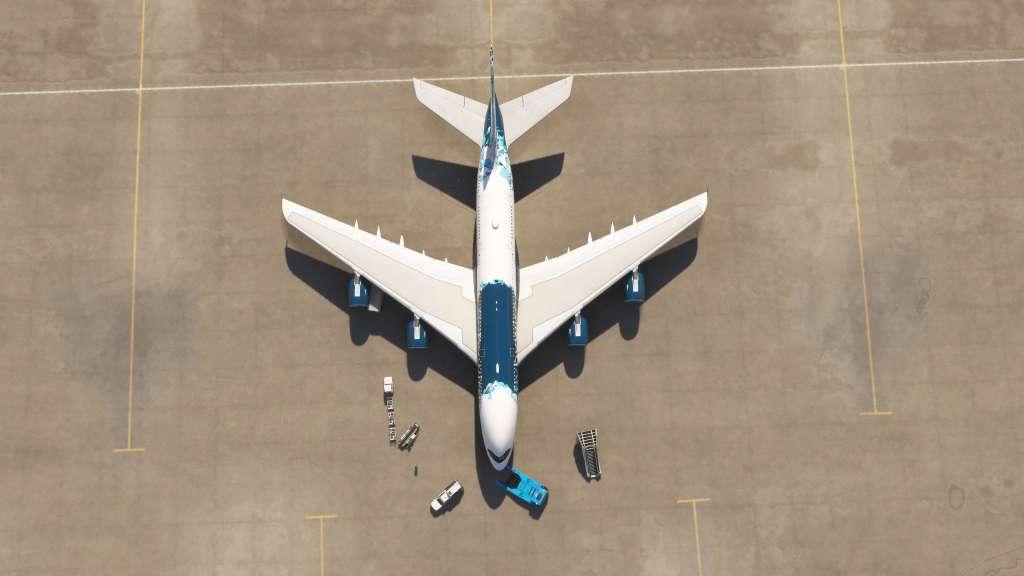
The details are outstanding on the exterior of this jet. The size is a novelty to be sure with the type casting long shadows over the apron and anything near it. The double decker nature of the passenger jet really becomes apparent as you pan around it. Zoom out a bit and look at some of the nearby supporting objects and you see just was a behemoth it is! The folks at FlyByWire, freeware as they may be, have put a ton of effort into this. It’s payware quality in every respect.


The cockpit, which I’ll have to explore in even more detail later, is also very impressive indeed. Here it is in a cold and dark situation with nothing yet powered. I’ll also want to explore the tablet EFB system that they have some more though it does draw heavily, as expected, on the A32NX.
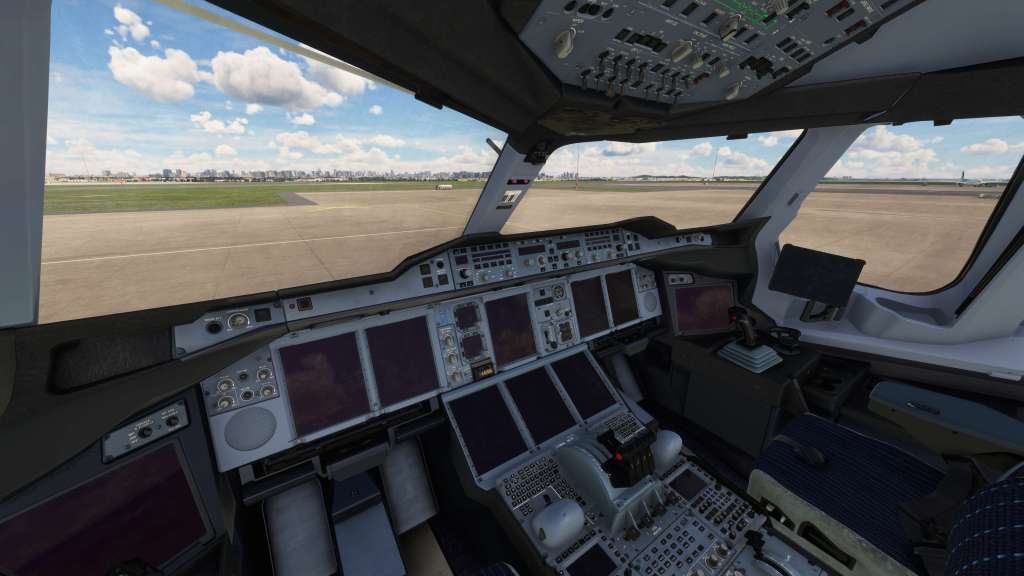

With no flight plan loaded, I only had time enough to taxi and takeoff so I used the quick start feature and then started rolling the giant jet along. The aircraft is certainly giant and that does make taxiing a little extra in terms of making sure that you don’t hit anything (I still have collisions with ground objects on) but I managed to make it work ok. Given how much airplane is behind you, it doesn’t feel that different than an A300 or a 737-900 even. It is slower and more ponderous but not as much as you might think.
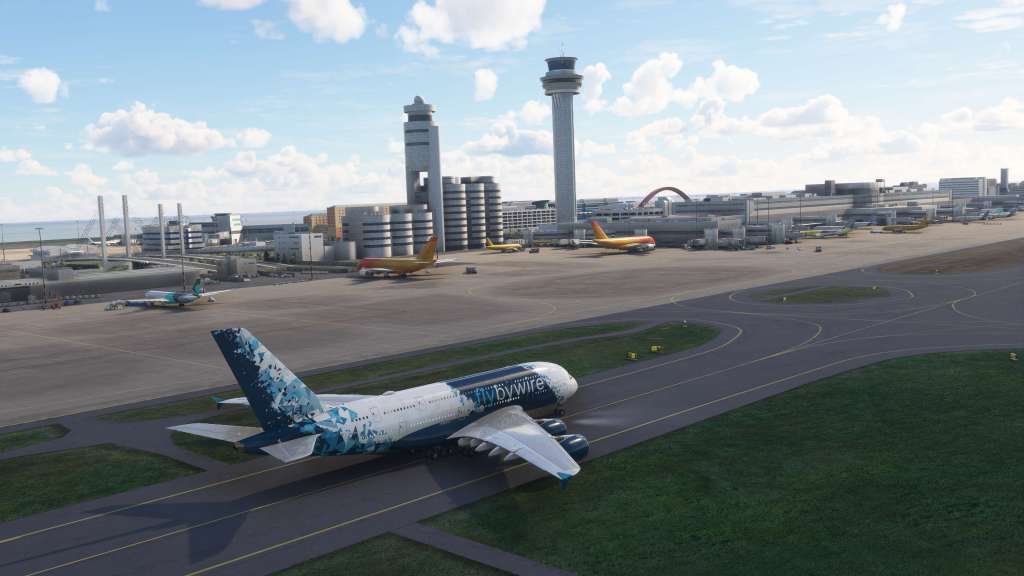

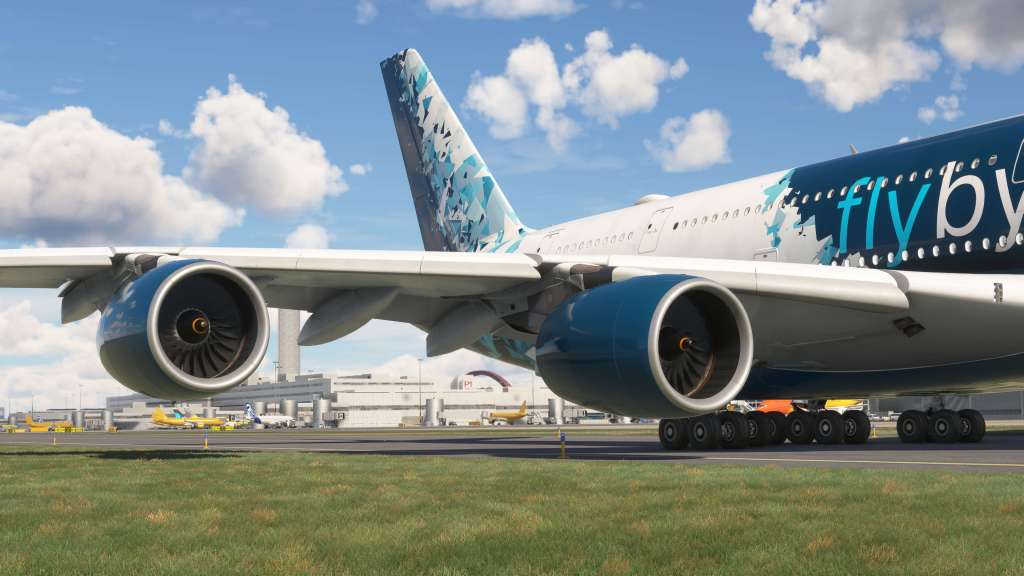
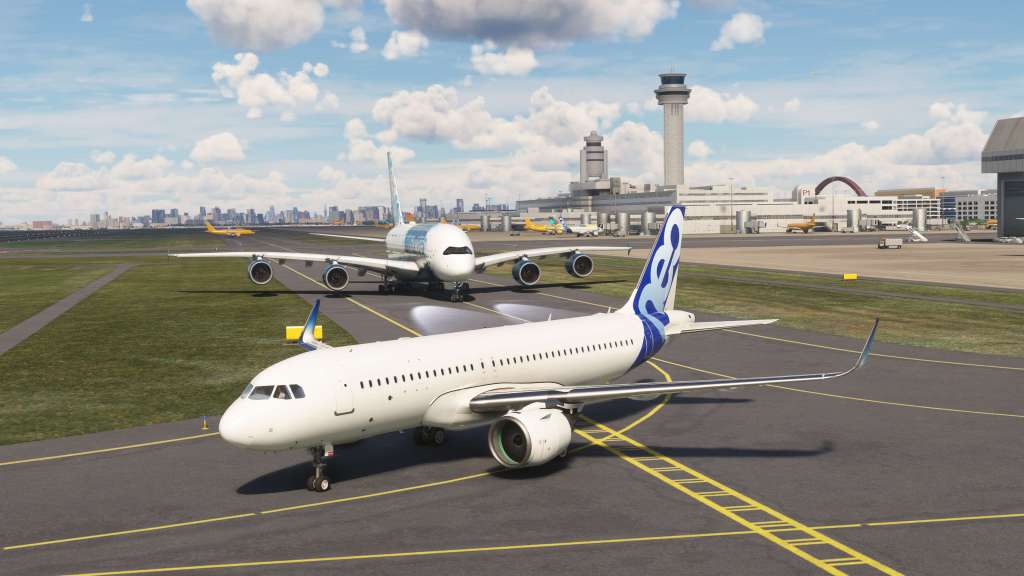
After a few minutes of taxiing we were on the runway and rolling along at takeoff thrust. Again, given the size of the airplane you’d expect this to take a long time for takeoff to happen but its not really significantly different from any other large airliner… you rotate and off we go!


This is sadly all the time I had for the A380X from FlyByWire. Next time around I’ll have liveries from Flightsim.to downloaded and a few shorter than typical routes to fly the jet on to really get a feel for it.
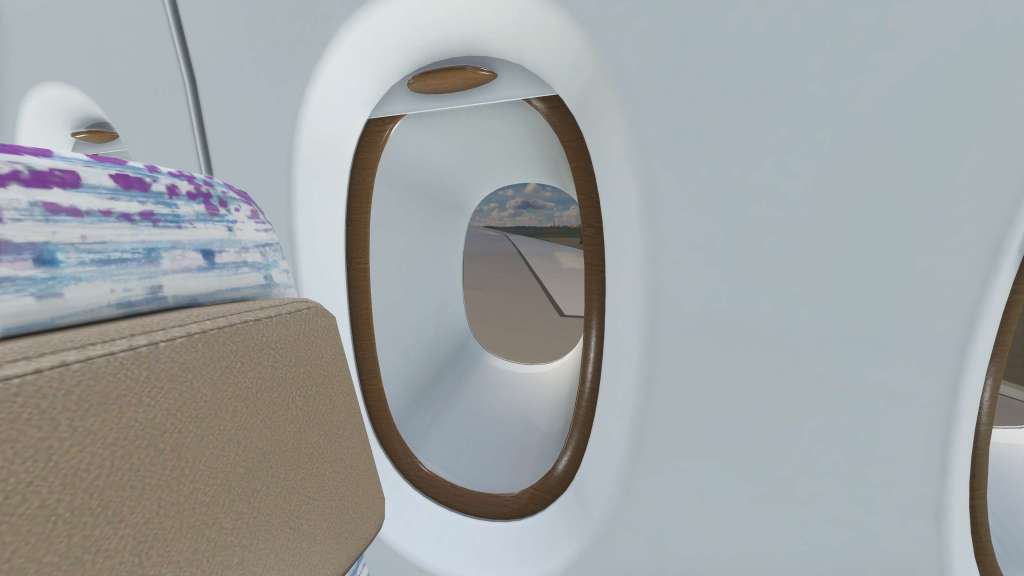
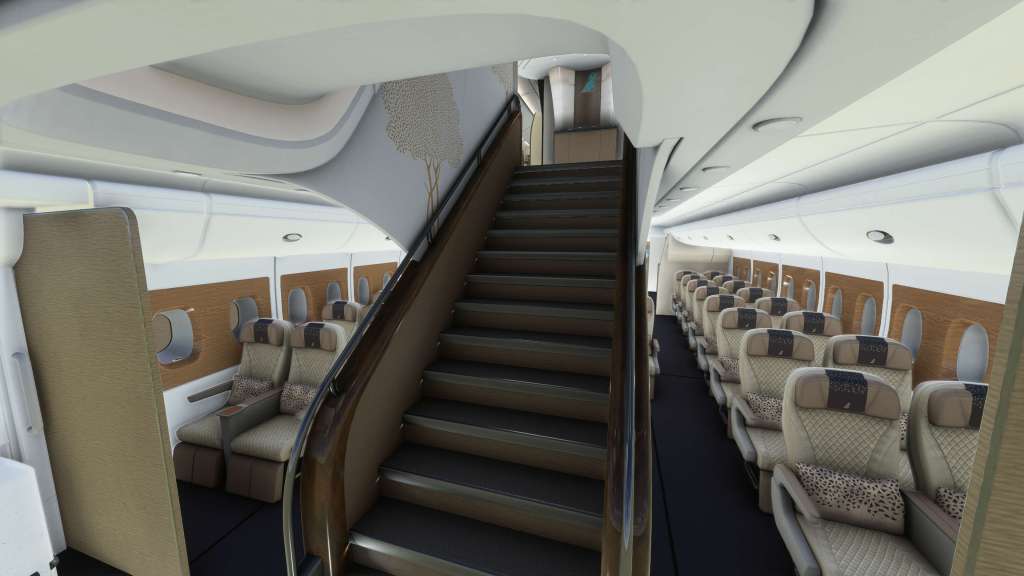
I did want to provide a shout to the designer of the interior as well which is, as noted in one or two places, still not finished but is nonetheless extremely impressive. Having never been on a jet like this before, I was just curious to see and get a feel for the double decker layout myself and FlyByWire definitely gives you that opportunity. It’s detailed, it feels a little opulent in places even, and you really get a feel for the construction of the jet including those thicker than usual fuselage windows.


A note on performance
I’ve got what I’d consider a pretty decent sim rig here at Stormbirds HQ. A RTX 3080, Core i7 13th gen, 64GB of DDR4 RAM… this jet definitely pushes the limits when paired with busy scenery (like at Tokyo). My frame rate was fairly consistent but low pushing into the 15-20fps range on the ground and improving to around 25-30fps in the sky. That’s with the 4K textures installed… I’m almost afraid to see what 8K is like.
So if you’re keen on high frame rates and great performance, this alpha release of the A380 may push your system to its limits and it may be too much for some rigs to handle right now. I’m not too worried about this just yet as FlyByWire have made it abundantly clear that this is an alpha launch and that they have much work ahead on the jet to do.
I suspect that we’ll see things get better over time as the features are fully implemented and more efficiency is extracted from all of the systems.
Congratulations on the launch
Cheers to FlyByWire on a magnificent first launch of this freeware airliner project. I still can’t believe that its here, that its as good as it is, and that despite a few performance hiccups its really quite something. More flying with it is to come!
This is a project that is only going to get even better with time and exposure. Opening the doors now gives the team many thousands of new beta testers crawling over every piece of this project. Whatever bugs, whatever improvements, whatever additional developers join in on the open source freeware project, it will contribute to the whole of everything that we see today and beyond. Can’t wait to see it mature!



 Stormbirds
Leave a comment