
It’s been called the Ferrari of helicopters and there’s no doubt about it that the MD 500E is quite the high performance helicopter. CowanSim has made the 500E available in Microsoft Flight Simulator for quite some time and I’ve been sitting on the helicopter flying it on and off as I got to know the bird. Now that I’ve spent time with it and other MSFS helicopters I feel ready to provide this review of an interesting aircraft. Let’s check it out!
A bit of real world history
The MD 500E started life as the Hughes OH-6 Cause light observation helicopter. The OH-6 first flew in February of 1963 and by 1967 was operating in combat situations in Vietnam. It was used as a scout helicopter flushing out and marking targets together with AH-1. Even as the military variant was headed into production, Hughes announced that a civil version would also be offered and the Hughes 500 emerged onto the market.
By 1982 the 500E became available with more powerful engines and was recognizable by its more pointed nose. This model together with the 500F and 520 have been the primary types offered up ever since with the production line moving from Hughes to McDonnell Douglas, then to Boeing, before being spun off into MD Helicopters.
The MD 500 series has been popular with aerial observation, utility, and law enforcement work typically with some also used as a personal helicopter and a few as a VIP transport. Other helicopters are more well suited to those kinds of roles so the 500E makes more sense on these other kinds of operations.
Visuals and sounds

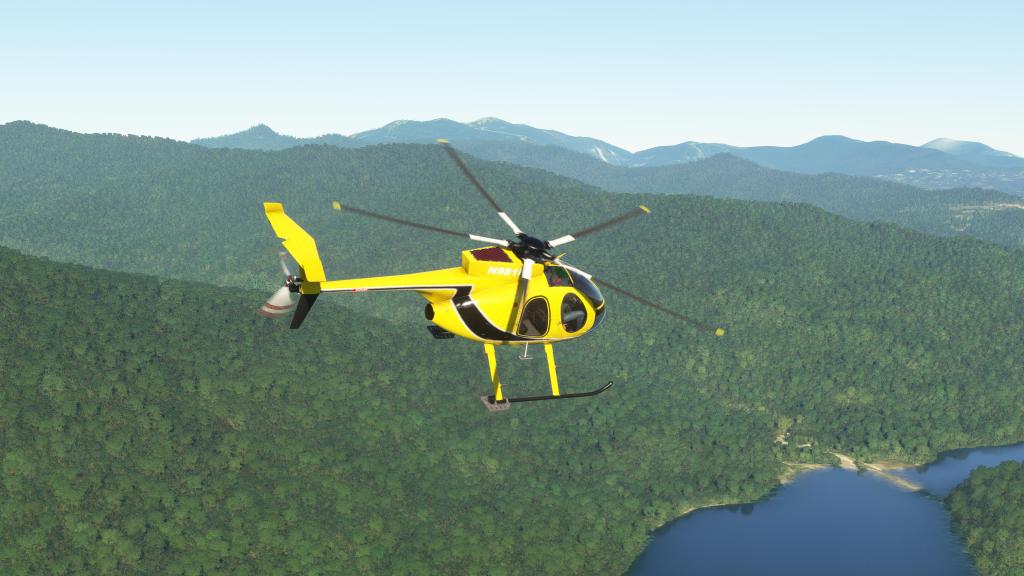



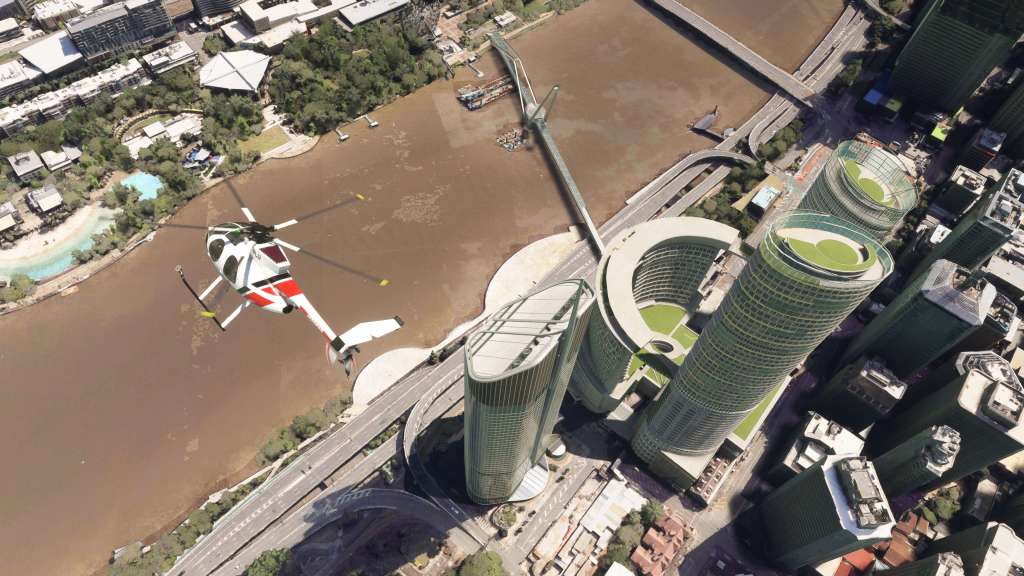
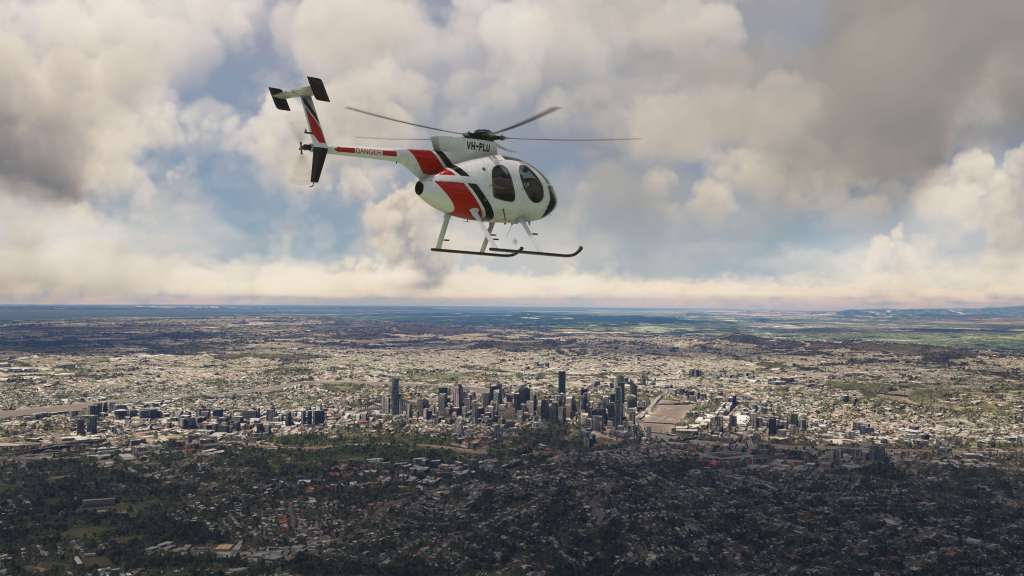
CowanSim generally are pretty good at visual details and the 500E does not disappoint in most respects. The helicopter has a good looking 3D model with ample details all around. That includes the type’s rotor blades which are typically among the most complex pieces to visualize on a helicopter. Here they are looking absolutely stunning both in motion and at rest.
I’ll get into some of the features later on, however, visually speaking the 500E comes with a lot of extras like pontoons, a spotlight, a camera, agricultural spray configuration, a cargo pod and more. All of these are very well represented too. There’s also optional downwash visual effects (toggle on and off available) and blur effects from the engine.


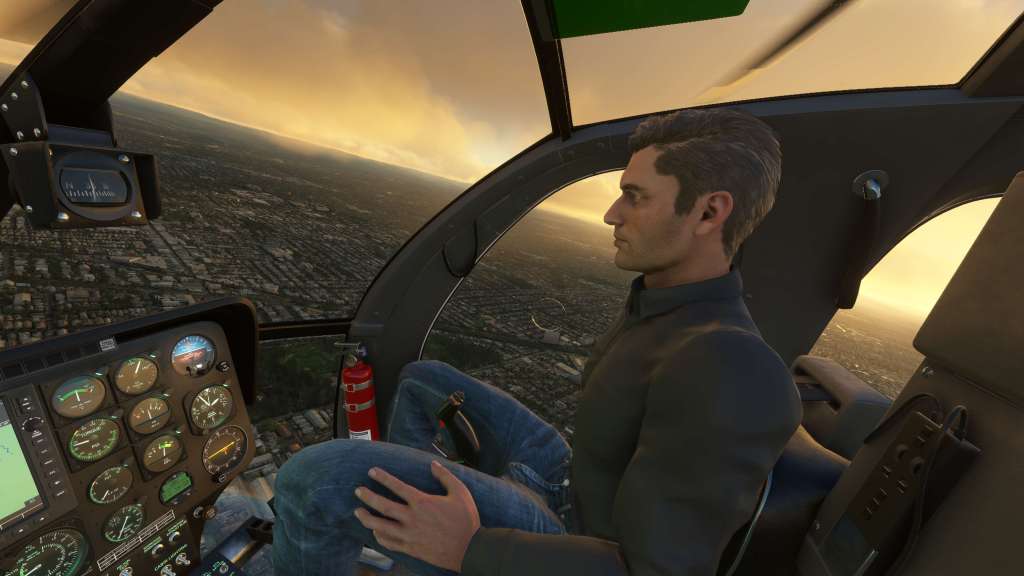
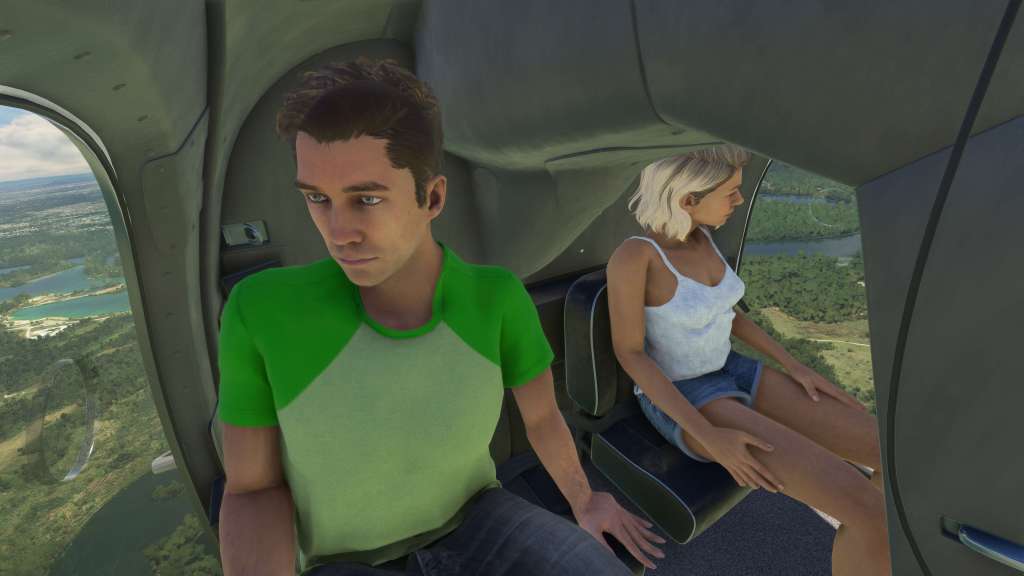
In the cockpit you’ll generally find solid texturing and modeling. There’s not a lot to the 500E’s cockpit on the whole but that generally makes it a pleasant place to be as there aren’t vast swaths of controls to worry about. Most things are where they should be and the visibility from the cockpit is outstanding. There are an awful lot of curves in here and they look great! Texture quality is consistently good but not outstanding.
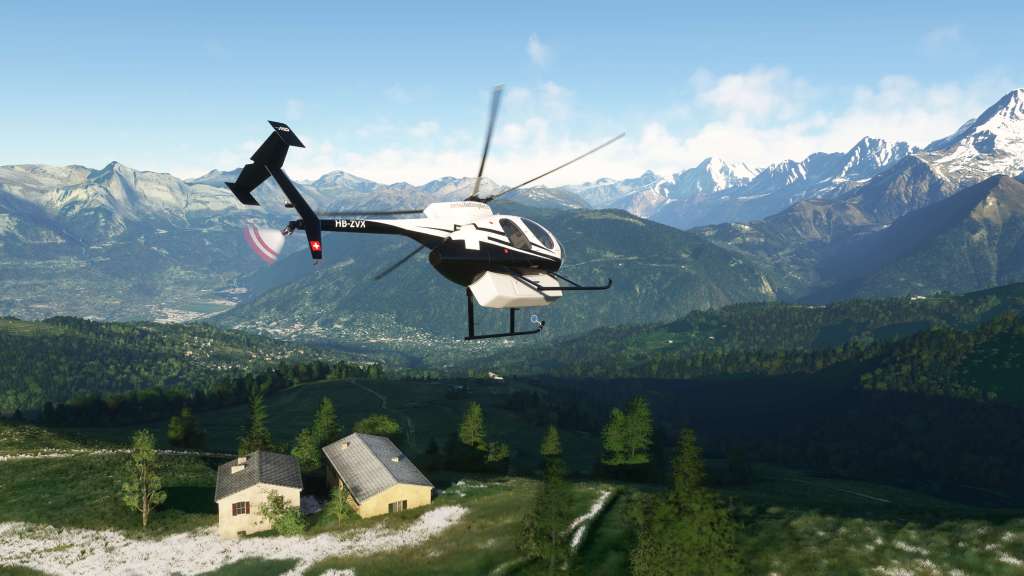
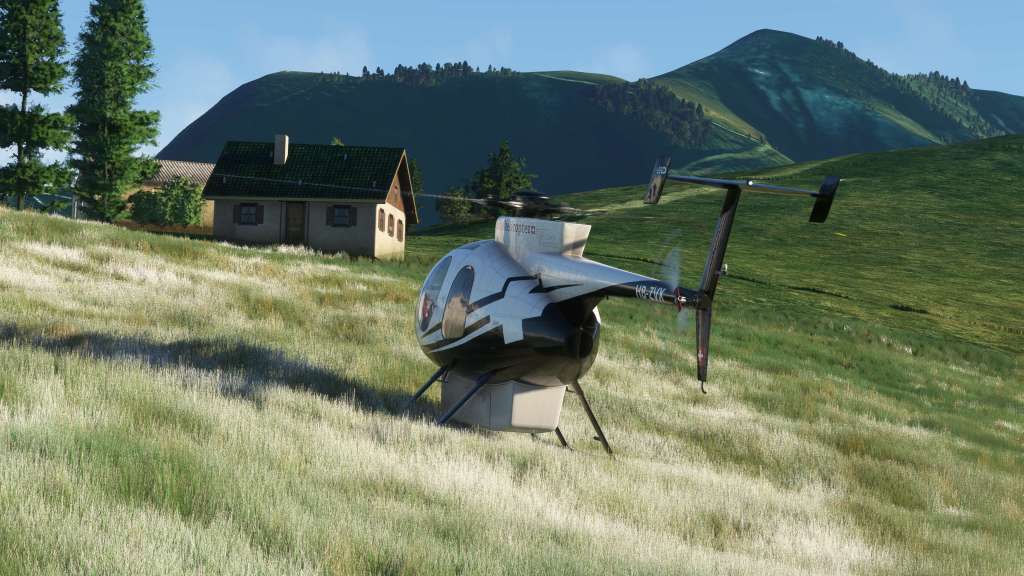
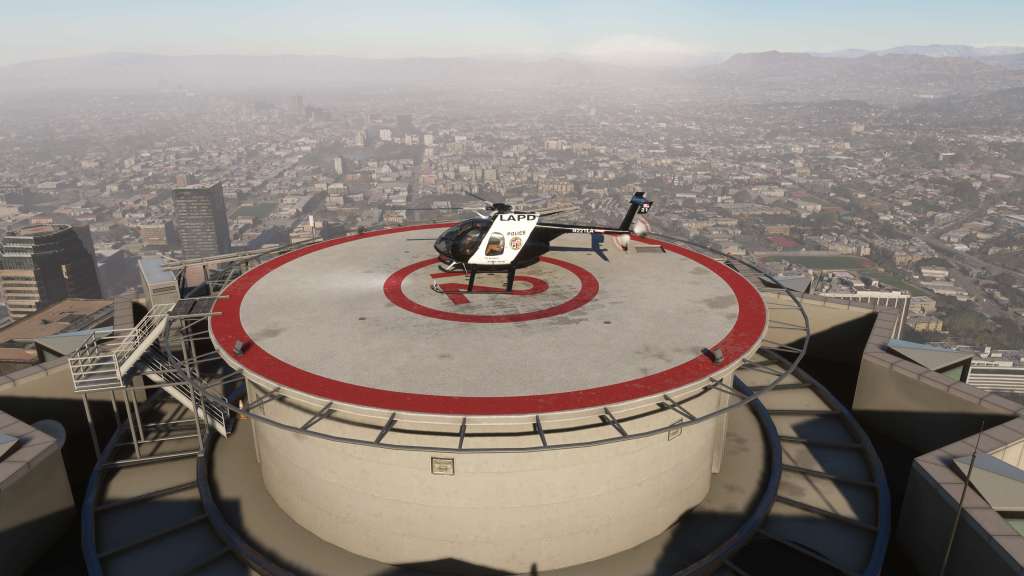
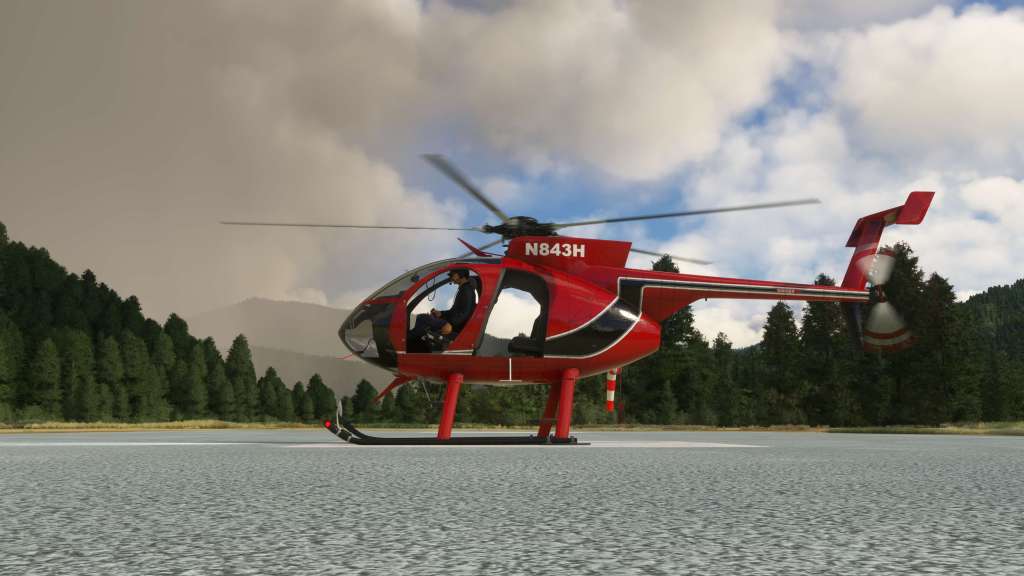
One thing that is outstanding are the liveries. The 500E comes with dozens and dozens of liveries – 63 to be exact. They cover a wide variety of countries and uses from helicopter tours, private operators, police forces, and private operators. It’s a gargantuan list and I think it’s a selling point because you have a ton of great visual options right from the point of purchase.

Night lighting is excellent and the spotlight feature, like on other CowanSim helicopters, works perfectly with a big illuminating cone and appropriate lighting effect on objects that its pointed at. It’s controlled via a dedicated joystick in the cockpit.


The sounds on the 500E are very good as well. From the engine start-up to the whir of the propeller blades in flight to the cabin air sound pitch changing with speed. There’s a lot that a developer can communicate with sound if done right and the 500E is like other CowanSim products in doing that. I even appreciate the blade slapping sounds that are here. Feels right to me!
Flying the 500E

One of the reasons that I sat on writing a review of the 500E for so long is that I just wasn’t sure about the flight model. I have no real world experience with the helicopter but I also was finding myself not really taming it. I took a long detour around on the 500E flying the H125 from CowanSim as well as the Cabri G2, Bell 407, and the Bell 47J all from Microsoft and/or partners. My conclusion? It’s probably the pilot that’s the problem.
This helicopter is a bit of a beast. It has a ton of power while also being small and light. That makes it very spirited in how it flies and that can make it a terrific performer in the right hands and a bit difficult to tame when not. Despite putting many hours in, I still haven’t found myself being a fan of how the 500E handles. I don’t think this is necessarily wrong as the real one is reportedly quite the performer too and the AOPA article I read about the helicopter called it the “Ferrari of helicopters.” This one probably lives up to that reputation as closely as any MSFS helicopter can.
Increasing collective slowly usually results in a helicopter gently lifting off the ground, however, with the 500E, at light weights, it tends to jump up and go. It’ll surprise you and then cause you a lot of concern as you try and get the type under control. The H125 by comparison is a far easier type to manage.
That all said, the 500E can be trimmed out and flown relatively long distances once you get everything sorted out. It’s not impossible to fly, it just takes a fair bit of experience and a light touch to get it flying the way you want. If you like that challenge and want a sporty feel, this will be a good fit for you!
Landing was a real challenge for me as well because it just doesn’t seem to want to settle. I’ve watched some other folks do it and it is doable but it is sensitive and difficult to get just right.
Additional features
CowanSim always manages to pack in a bunch of added features on their helicopters and the 500E is no stranger to that. There’s both a glass panel setup as well as steam gauge setup so you can choose the one you want – via a switch in the cockpit for hot swapping. If you have it, it also supports the PMS GTN 650/750 and the TDS GTNXi 650/750.

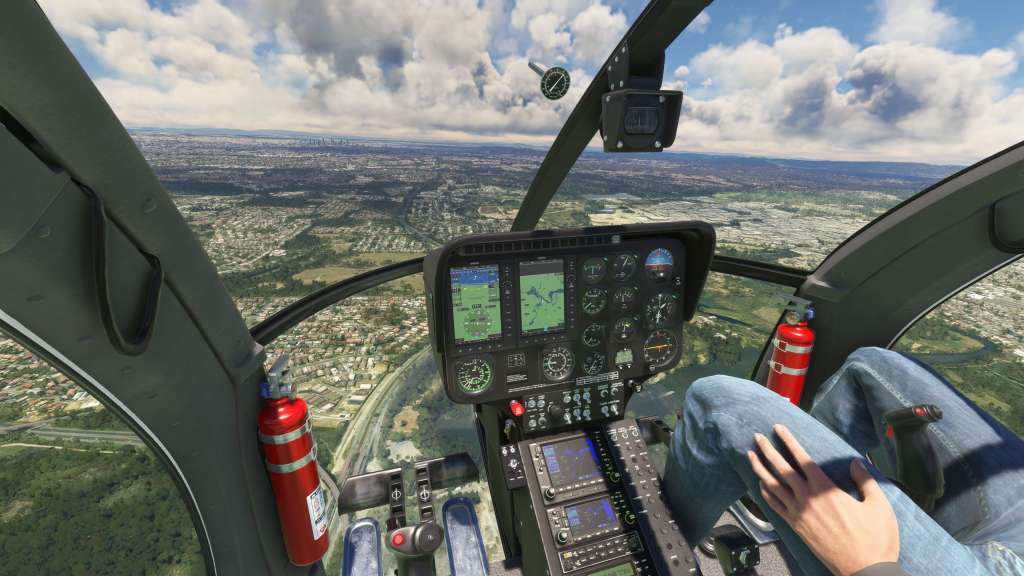
The helicopter makes use of the weight panel in MSFS to configure the aircraft with helpful labels intended to let you know how much weight you need to add to configure the aircraft. The search light, for example, is 30lbs and once added appears on the helicopter just like that. Neat!
In addition to a searchlight (with functional separate joystick and aiming capabilities), there’s also a Cineflex camera, cargo pod, spray kit, floats, bearclaw for landing on ships, and a utility bench with utility bench worker. Great for SAR or other utility operations. You can also add and remove a co-pilot and passengers in the back, though, as you can see in some of the images, the 500E is quite the tight fit!


In short, there’s plenty of options available so you can configure the helicopter for just about any kind of mission that you want to take it on from sightseeing and joy riding to more mission specific operations. MSFS 2020 doesn’t have any sort of built-in activities mode (we’ll have to see how that works for 20240) so you’ll have to use a bit of imagination with these but that’s fine.
Final thoughts
CowanSim have a consistent style and feature set that they have brought to the 500E. With plenty of optional extras, good systems and procedures, great sounds and strong visuals, there’s very little to complain about the 500E from an objective view point.
Subjectively, I struggle to fly this helicopter even when I have put in some ample stick time. It’s quite a lot of fun but I always feel like I’m one wrong move away from it spinning off in some direction that I don’t want it to. After several years of simulated helicopter flying, I’ve managed to master a wide array of types but the 500E currently eludes me. That’s not an indictment of the product because I think the reputation of the real world version and the desires of simmers might ultimately drive people to enjoy this helicopter for just these reasons. I, personally, probably want something a little more subdued.
I don’t believe CowanSim has issued a full plan for MSFS 2024 yet but I expect that the developer’s extensive list of helicopters are going to eventually make the jump to the new sim. As it turns out, this is likely my last full review of an aircraft for Microsoft Flight Simulator 2020 with future content aimed at the new sim. It’ll be interesting to see this and other helicopters in the developer’s virtual hangar make their way over.
CowanSim’s 500E is available on the Marketplace and on the CowanSim website for $32.99 USD.
Screenshots







 Stormbirds
Leave a comment