
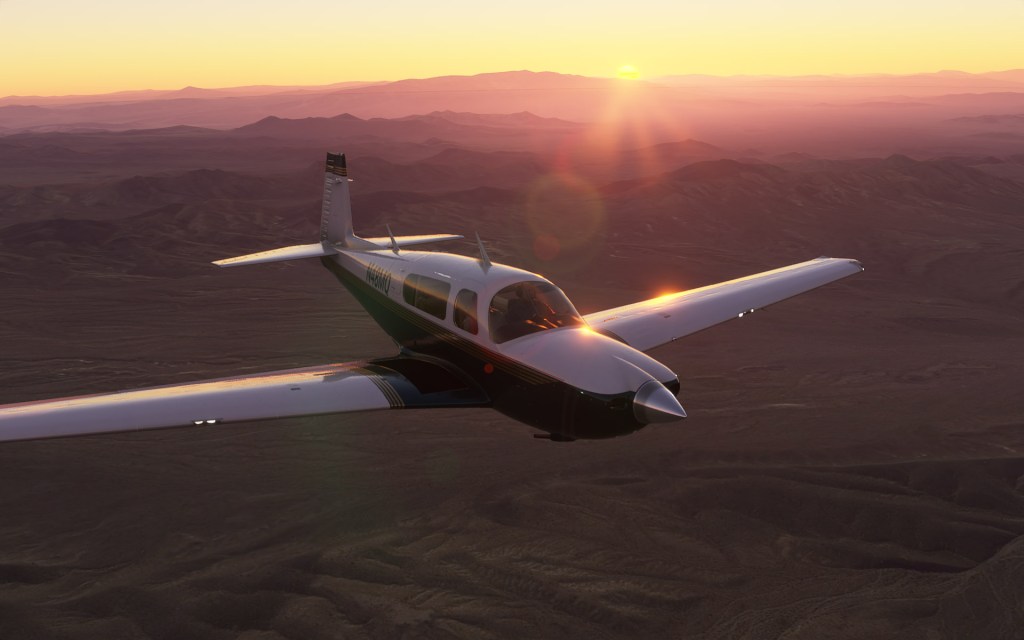
Being first out of the gate has its advantages and right now there are just three aircraft in the Microsoft Flight Simulator Marketplace. The most recent entrant to the Marketplace is the Mooney M20R by prolific flight sim aircraft developer Carenado and this is my review.
A bit of history
The Mooney M20 family has a long history that stretches back to the beginnings of the post-war popularity of general aviation aircraft. The first test flight happened in 1953 and the type was officially introduced by 1955. Early versions featured partial wooden construction for the tail and wings before a fully aluminum body was introduced in the early 1960s. Over 11,000 M20’s have been built between 1955 and 2019.
The M20R Ovation that Carenado chose to represent is a sportier GA aircraft introduced by Mooney in 1994 with a 190 knot top speed and a ceiling of 20,000 feet. That sportiness is thanks to a Continental IO-550-G engine with 280 horsepower. The motivation to introduce this more powerful version was in direct response to modification kits that were being sold by other companies that added more powerful engines to earlier versions of the M20.
Sadly, after the great recession of 2008, Mooney struggled with financial troubles and by November of 2019 had closed up shop.
Zippy performance and steam gauges

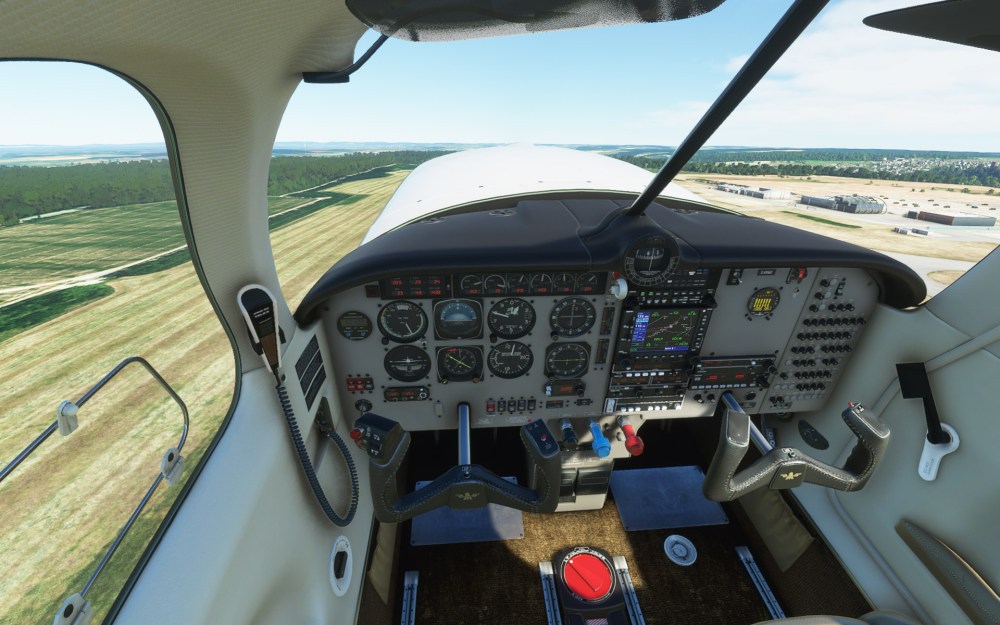
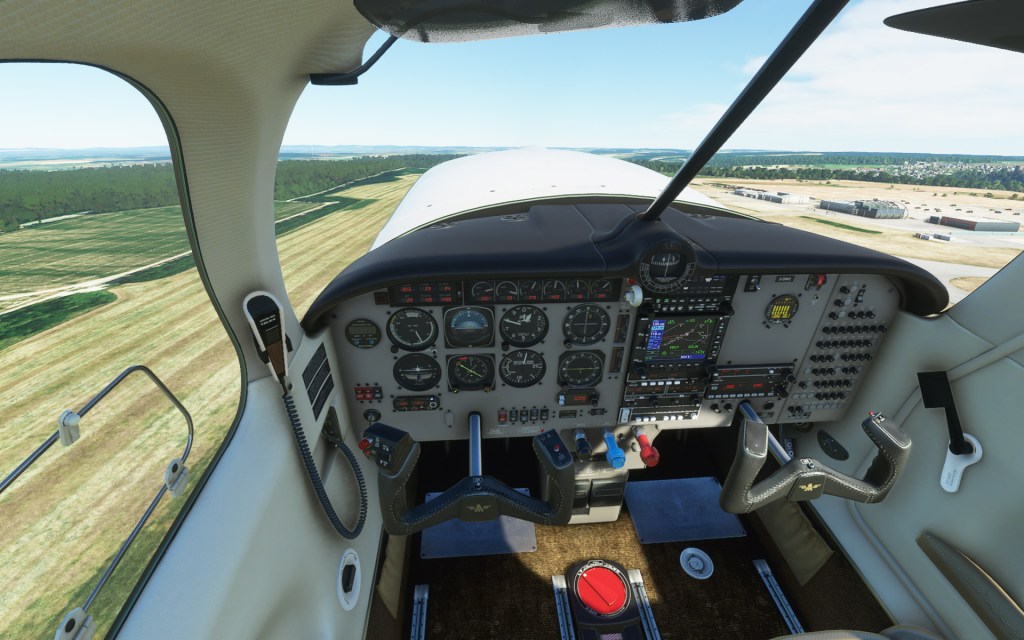
With plenty of GA aircraft in Microsoft Flight Simulator by default, there are some ways that Carenado has distinguished their aircraft from the rest of the line-up and it starts with the aircraft itself. The M20R is a clean and fast aircraft with retractable landing gear, plenty of power and docile handling characteristics. It’s also an aircraft from 1994 rather than the 2020 era that nearly all of the Asobo defaults represent and that means that this aircraft eschews the now standard glass cockpits for the more traditional steam gauge with GNS 530.
All of that comes together in a nice package for someone looking for a traditional GA aircraft experience that as as much driven by the GPS as it is the more traditional VOR navigation methods.
Navigation with GPS is my preferred method personally and I found the GNS 530 to be very workable. The aircraft has autopilot although its very easy to hand fly as well. Quite unlike the Asobo aircraft, the trim response here is quick and immediate and feels more like the X-Plane, IL-2, and DCS aircraft I’m used to doing trim with rather than the slow to respond Flight Simulator types. I prefer the quick response.
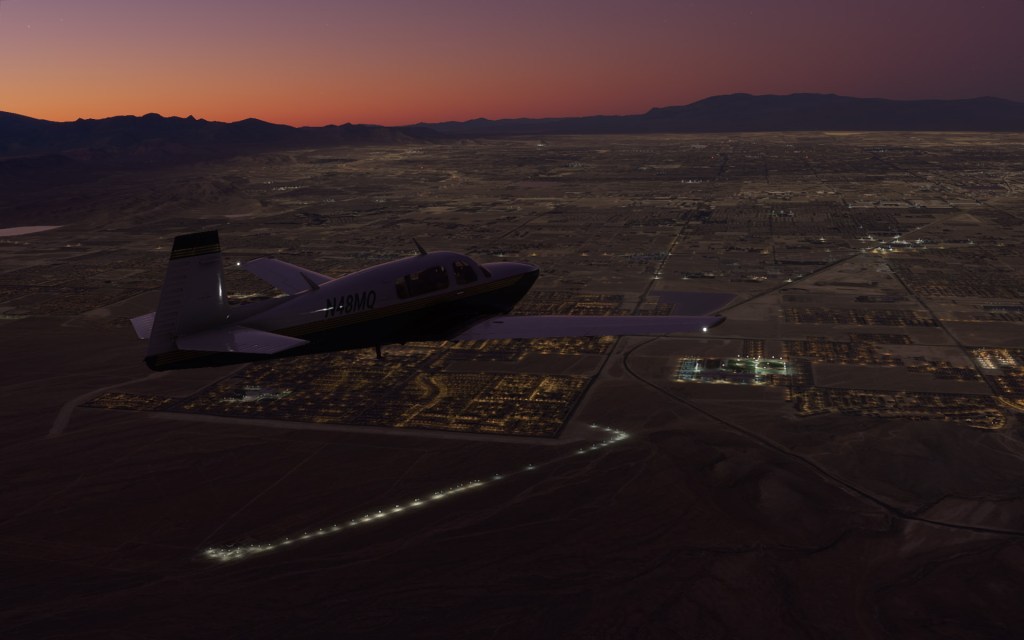
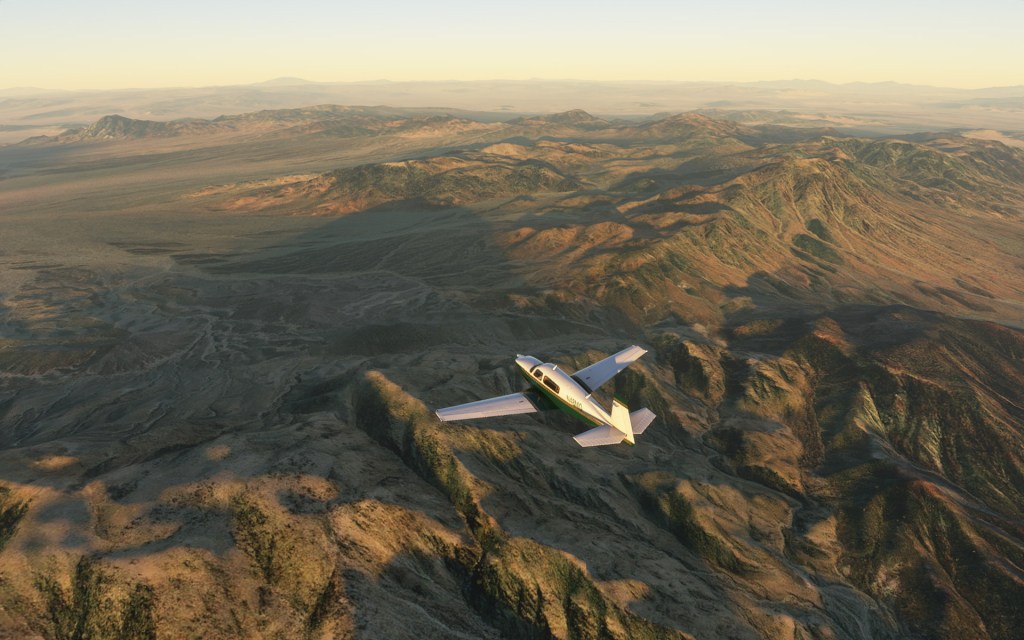
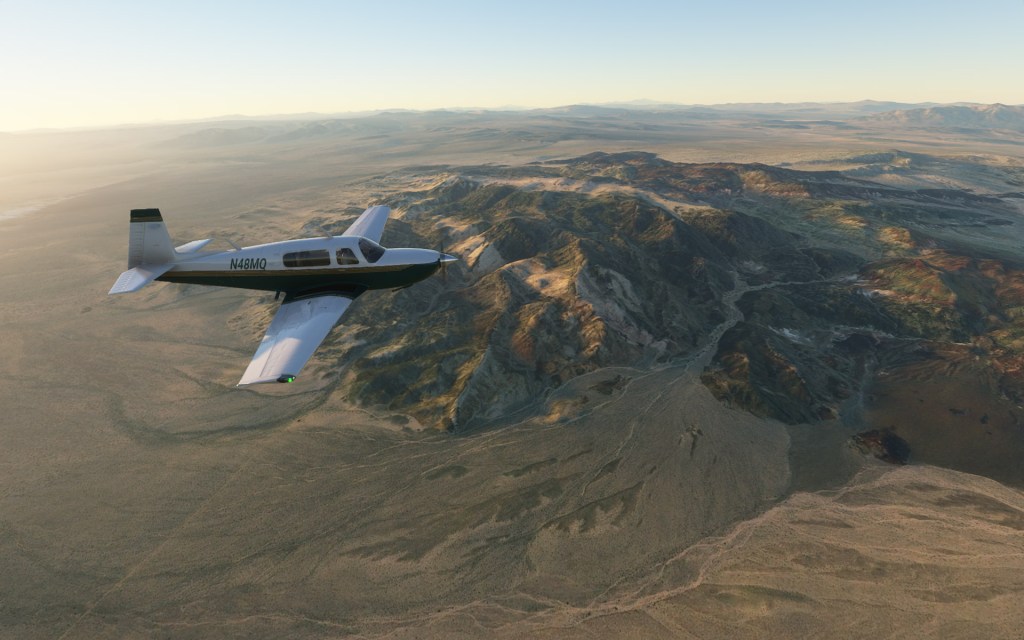
I took this aircraft up to about 190kts on a flight over California over to Las Vegas Nevada and I felt like that was a suitable indication of the aircraft’s speed. It made for a short trek between places and it felt great.
Handling characteristics
I like what Carenado has done with the M20R for Flight Simulator. The aircraft is fun to hand fly and is relatively stable. It feels like it has a bit of weight to it and the rudder response feels suitably dampened. It takes a bit of time for the nose to settle after some hard rudder maneuvers although its not that hard to return to centre without much fuss.
Putting the aircraft into a stall I found the handling to be extremely docile – something that made me suspicious that the flight modeling had been made a bit too easy. However, after reviewing some video from real M20’s in a stall, I’m prepared to drop that one. This seems to be an aircraft that doesn’t really have any nasty stall attributes which is great for a GA aircraft.

The biggest challenge flying it seems to be the drag or the lack of it. Trying to get the aircraft to slow down was more of a challenge than I’d been used to in other GA aircraft in Flight Simulator so far. I’m not sure if its a quirk of the real aircraft, noted for its clean lines and low drag, or if its something that needs a tweak.
Once settled into a suitable glide-slope, the aircraft is very easy to control and bring down to an easy landing.
Strong visuals and sounds
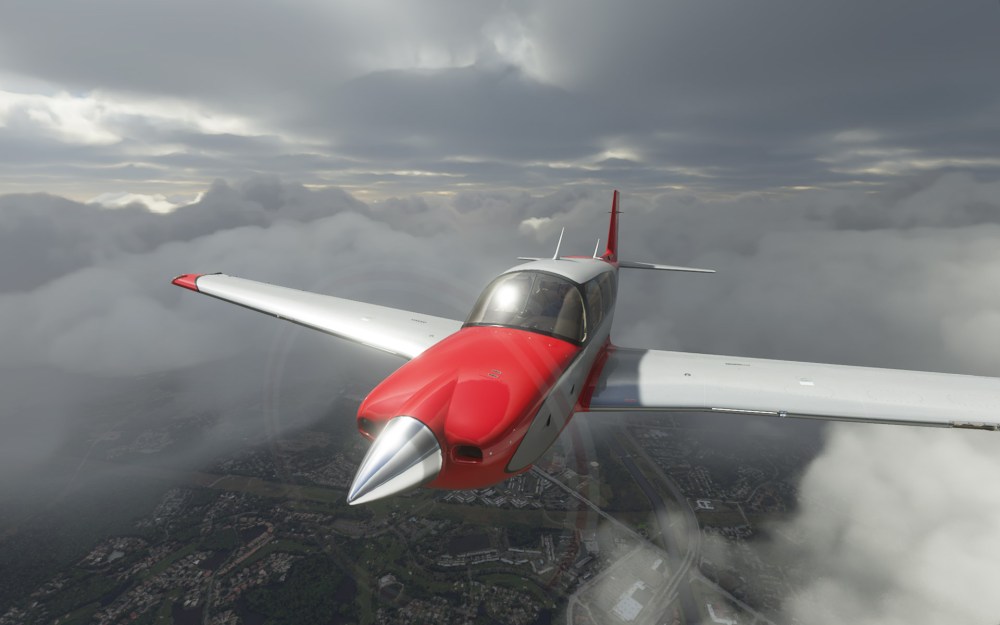
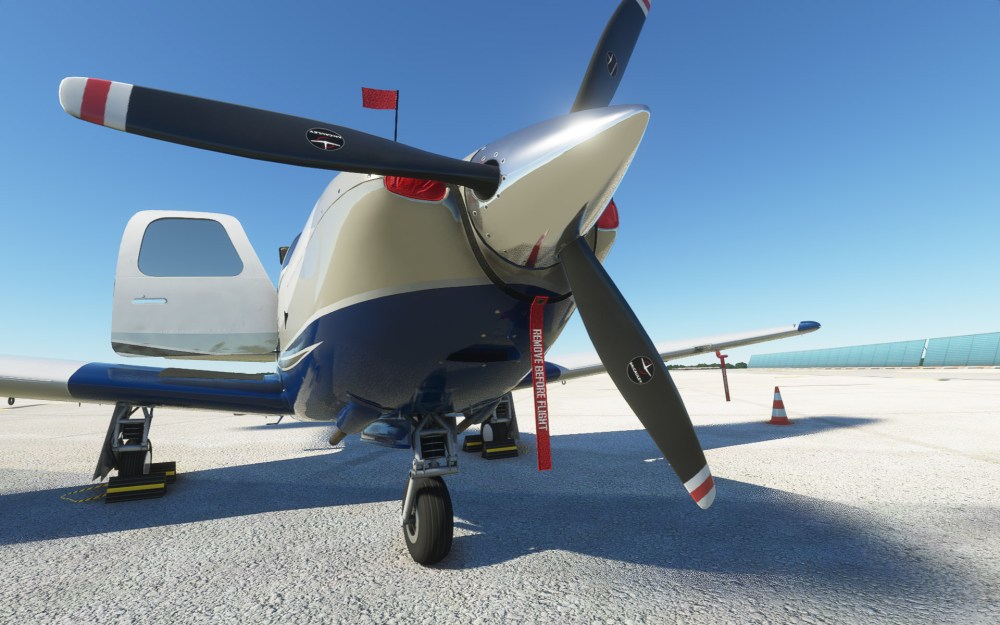
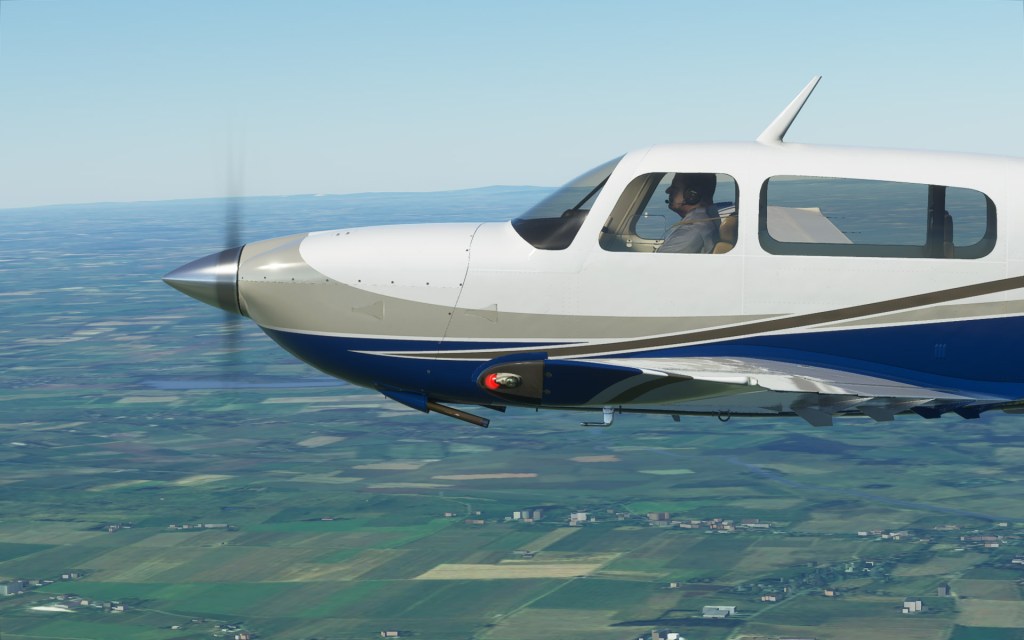
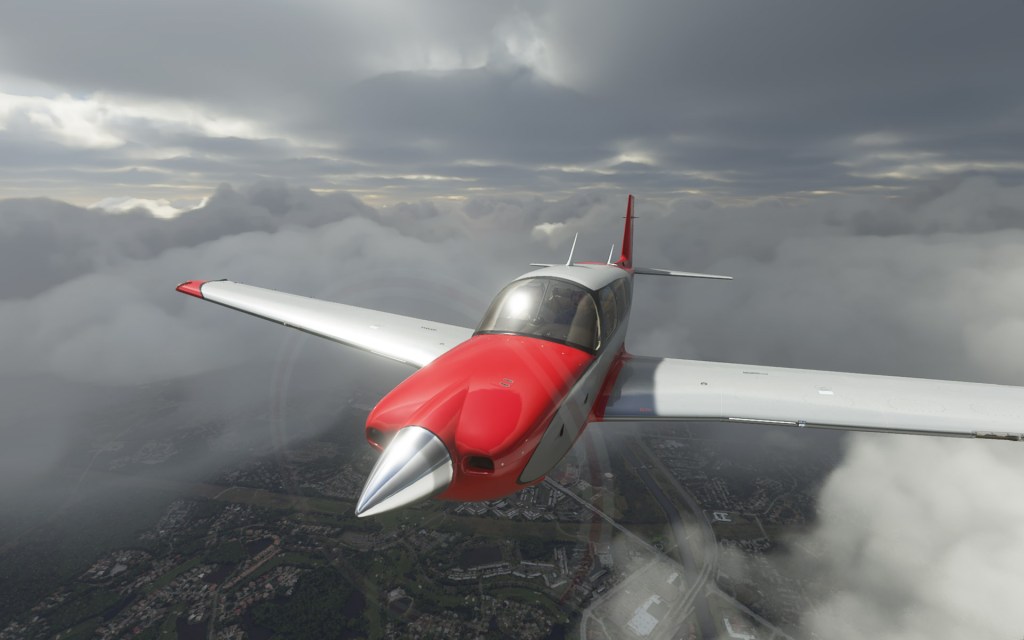
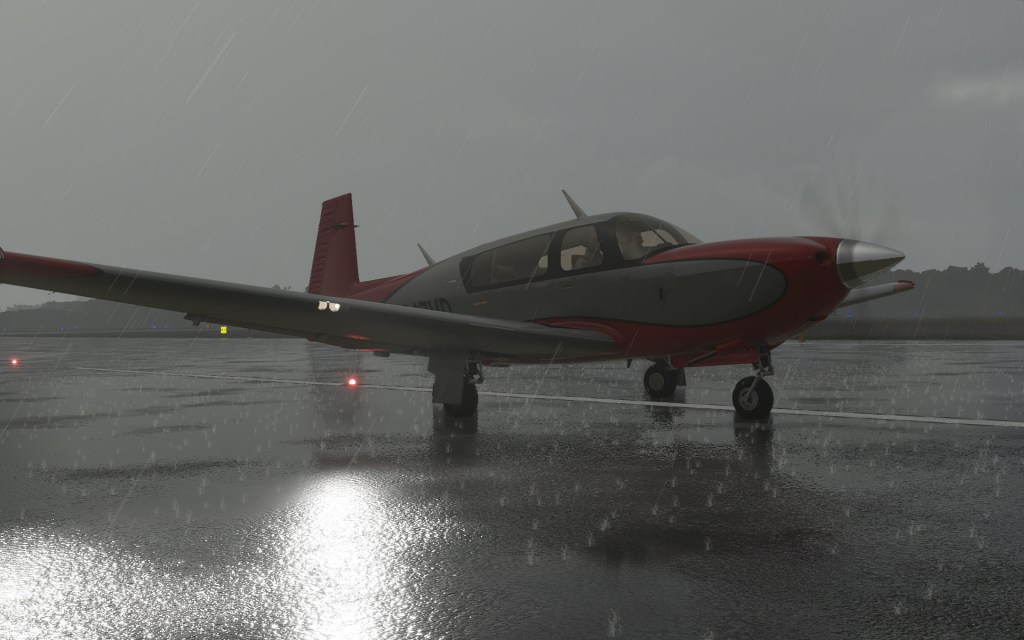
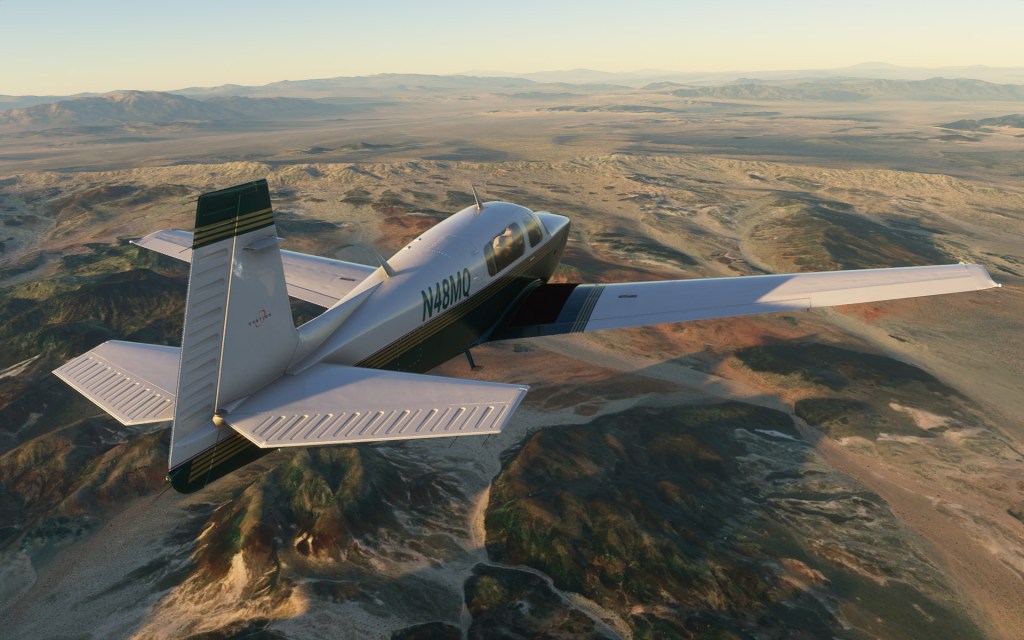
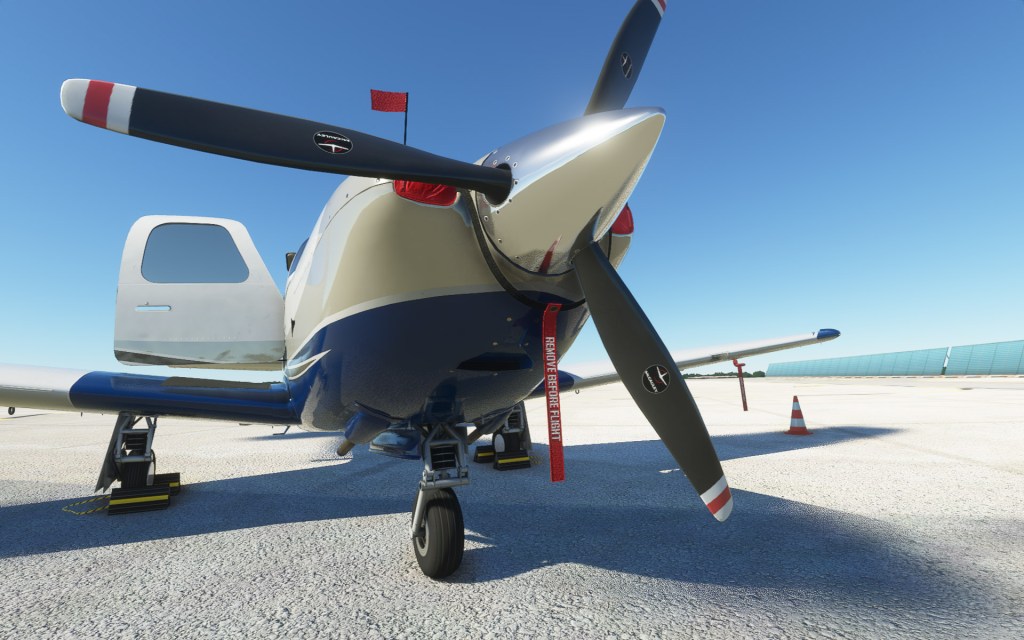
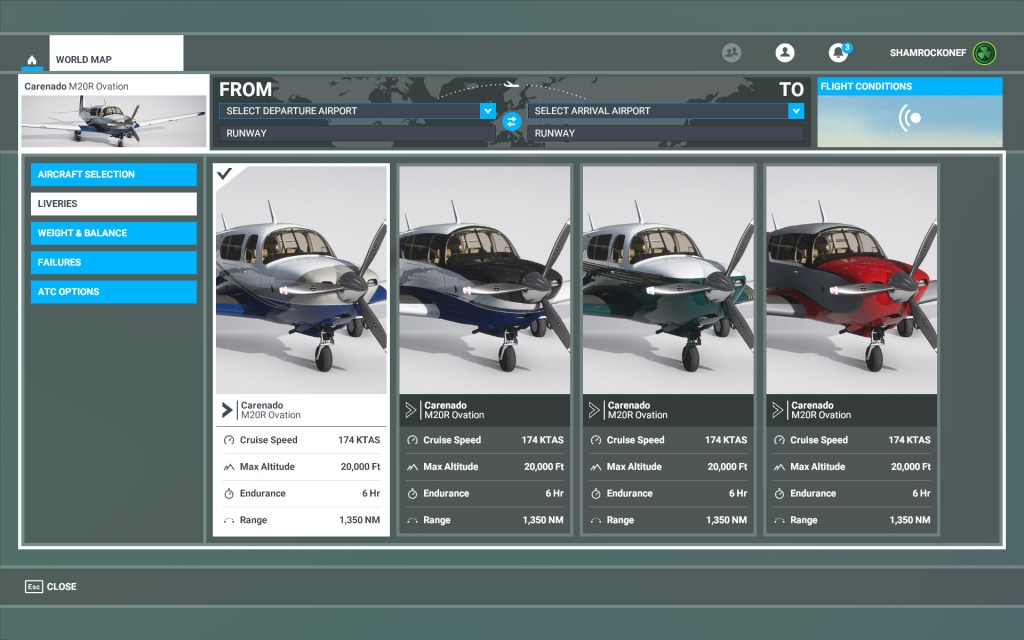
Carenado has developed a reputation for strong visuals and they do not disappoint with the M20R. Crisp textures, suitable bump mapping, and four included liveries bring the M20R to life. I particularly like the look of the wings in certain lighting situations as they show their imperfections and hint at the underlying structure.
Having been spoiled with the extreme attention to detail from Asobo’s models, I do have to point out a few inconsistencies if you get very close up with the aircraft’s lights. The landing lights in particular appear to have a baked on texture which looks alright from a distance but doesn’t quite hold up when you get up close and personal. That’s an extremely small detail in what is overall an impressive visual presentation on the outside of the aircraft.
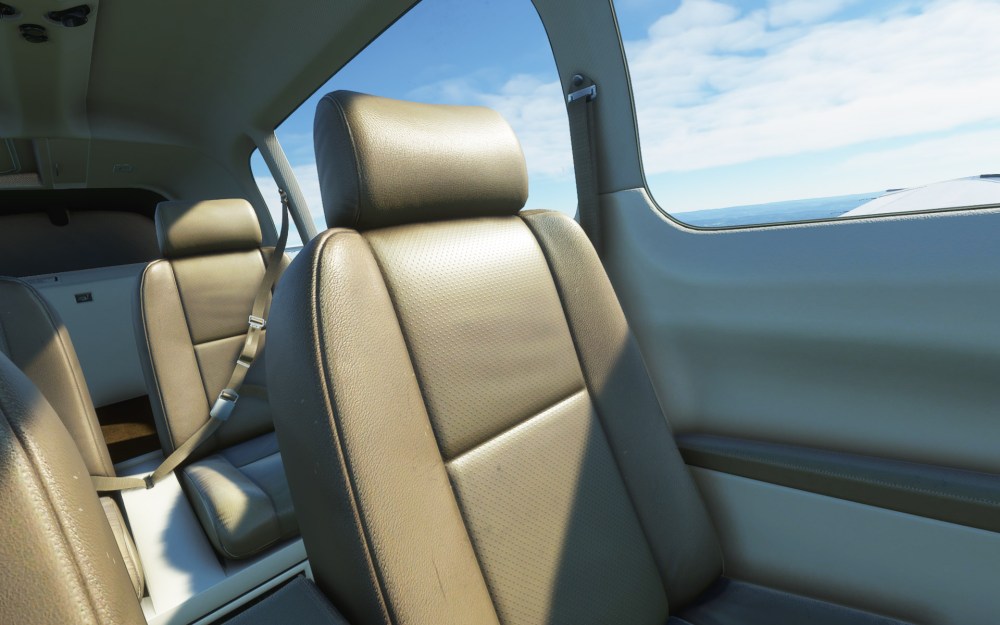
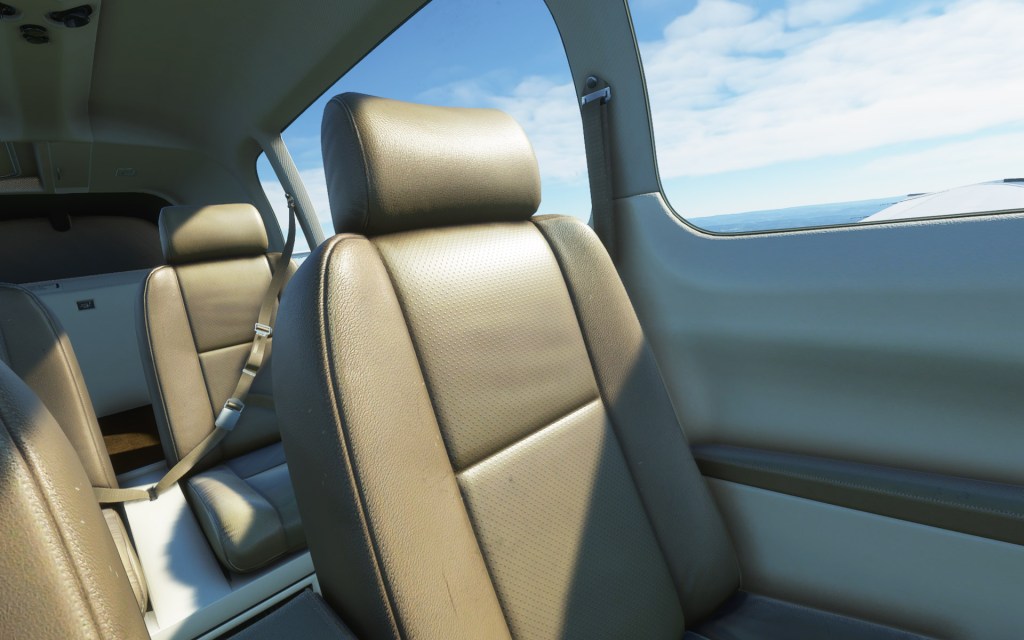
Heading into the cockpit and things continue to look great. The aircraft looks clean but not new at the same time with a suitable amount of wear and tear without looking like its been abandoned by its owners. I love the look of the leather seating in particular that has a comfortably worn appearance.
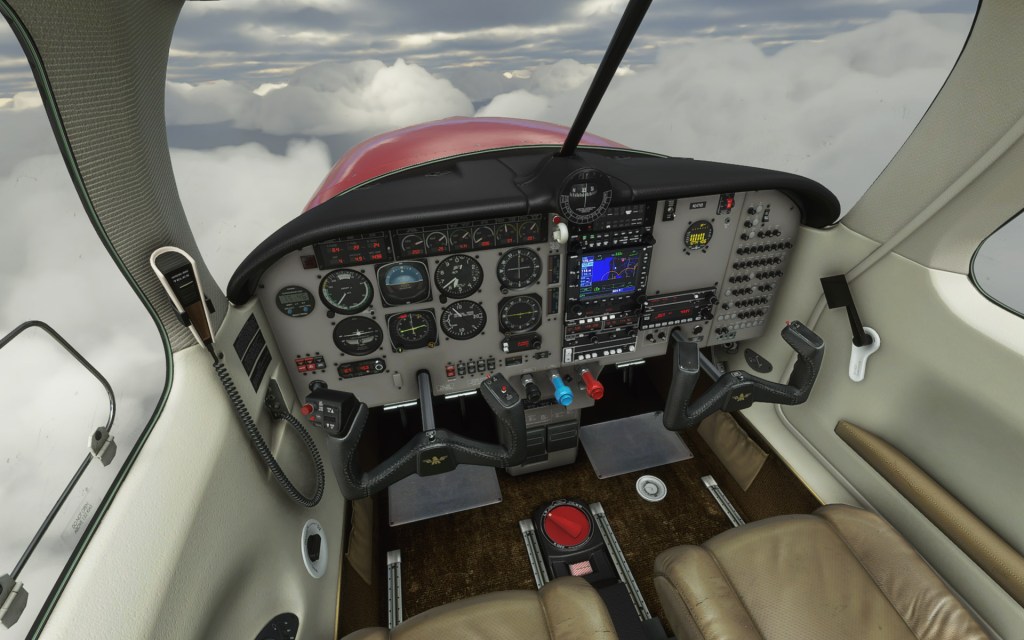
Gauges and displays up front all look great too and are easy to read. They hold up when the sun goes low and you need to turn on either the flood lights or just the gauge lights themselves. A really impressive looking effect. There’s a mix of digital and analogue here that screams 1990’s and I love that the attention to detail here is so good that most of the time I don’t even think about the graphical representation and I just look at the gauges. The analogue gauges and the compass also shake a suitable amount for the motion of the aircraft which just adds a nice little touch of realism to the experience.

The sounds in this aircraft are also excellent. From the push buttons to the creaking of the landing gear as you taxi to the engine throttling up. It sounds superb inside and out. My only complaint is that the audio level, versus other Flight Simulator aircraft, was a bit high and thus I needed to turn down my headphones to get to a more reasonable level.
Other features
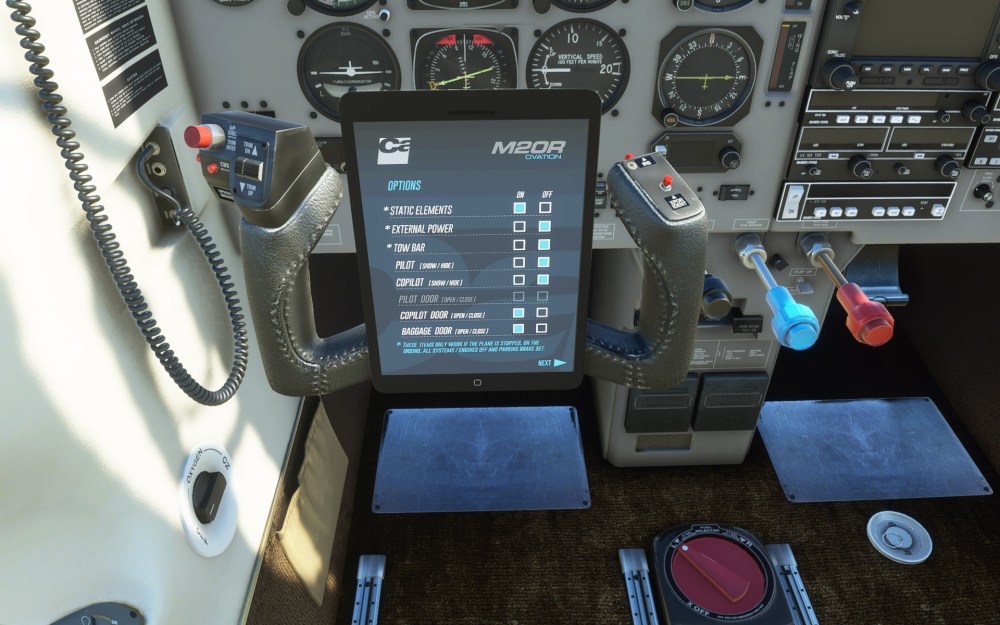
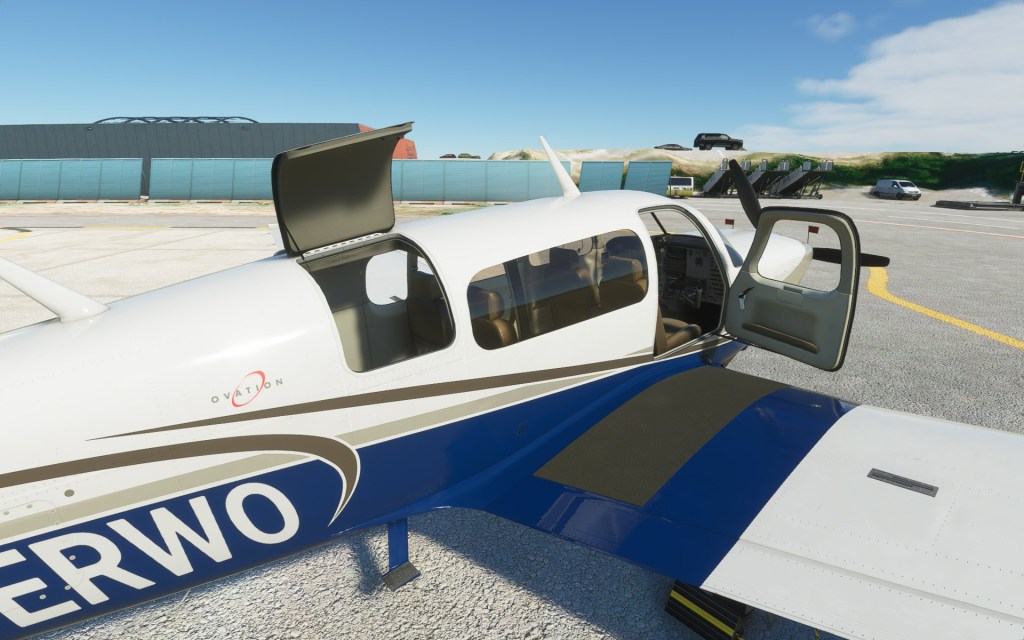
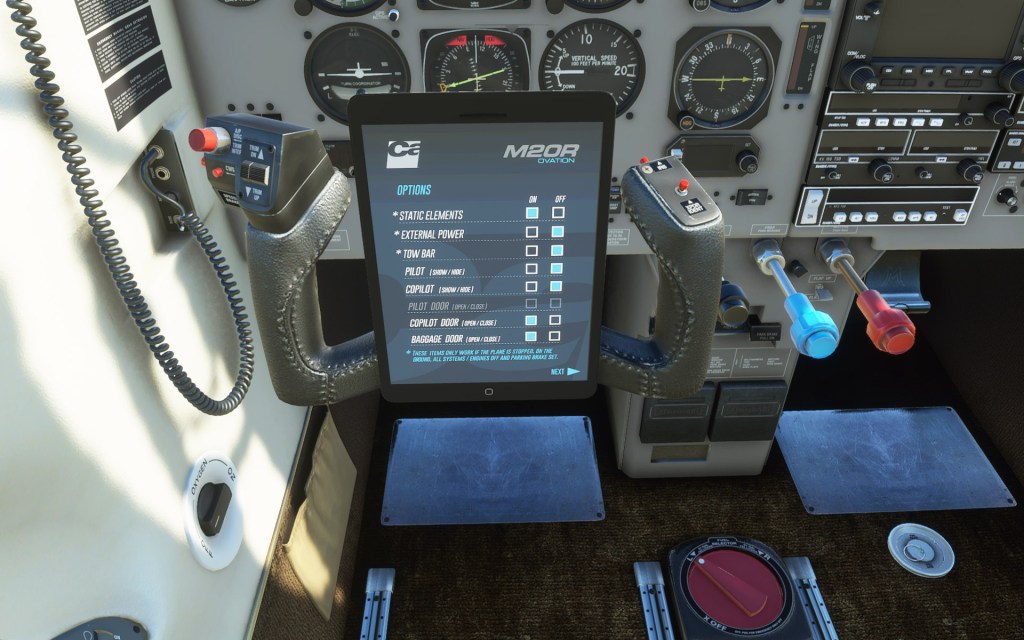
Carenado’s second aircraft in Flight Simulator features a now well established tablet that can be displayed on the aircraft’s yoke (something they also did for their Cessna 182T). This tablet is a reasonably immersive way to interact with some of the extra features of the aircraft such as configuring the aircraft with all of the covers, ribbons and pylons associated with a parked aircraft. You can also use the tablet (or click the levers) to open the doors and cargo area for the aircraft which is something I sorely miss on the Asobo aircraft.
The tablet also lets you configure the aircraft for cold and dark, ready to taxi, ready to fly and with a click of a button can get you up and going in no time flat. I really like this interface and I’m willing to bet we’re going to see this from a plethora of other Carenado products as time goes on.
Bugs, problems and a missing feature

The Carenado Mooney M20R is not without its problems. First, the autopilot associated with the GNS 530 seems to have some bugs. Enabling autopilot and turning on altitude hold seems to induce a bit of a roller-coaster ride of oscillations until the aircraft can settle down. In nav mode it has difficulty holding the course programmed in and so I’ve preferred to use heading mode and dialed it in myself using the course bug in the aircraft. How much of this is an issue with this aircraft versus it being a problem with all autopilots and GNS 530’s in Flight Simulator I’m not sure.
The GNS 530 also seems to randomly shut down (this is with failures off). There’s no rhyme or reason for it as it sometimes just fails to appear. I’ve also had it where both this and the radio stopped working together and the ATC dialogue telling me that I need to enable aircraft electric systems before I can contact ATC but my electrical systems were on and no amount of turning them on or off again would solve it.
It’s also interesting to note that Carenado is not using Flight Simulator’s pilot models but rather two rather serious looking gentlemen for their pilot model. I wouldn’t mind them using the configurable models from the sim to offer that extra level of customization.
Finally, there’s no interactive checklist use. One of Flight Simulator’s best features is the interactive checklist that highlights controls and walks you through a cold and dark startup. There is documentation from Carenado in the install folder but the checklist is a superior experience in my mind and one that I hope they plan to introduce as soon as possible.
Conclusion
Carenado have offered up an interesting aircraft that is, for now, somewhat unique in the Flight Simulator world with its steam gauges and 1994 aesthetic. Although I’m sure that uniqueness will wear off as more aircraft are added, there’s still a history to the Mooney M20 line that make this an interesting aircraft to own in the sim.
Speaking of purchasing, the M20R Ovation is available in the marketplace for $29.99 USD. I paid a bit more with the price coming in at $38.99 CDN (plus tax). For some that’s par for the course on third party aircraft add-on’s while others may scoff at the pricing.
This is a quality release on the whole held back by some bugs and the lack of use of the interactive checklist. I can heartily recommend this aircraft to people searching for a fun and fast GA aircraft with a more traditional cockpit arrangement.
Review at a glance
Pros
- Fun and fast GA aircraft with retractable landing gear
- Great visuals and sound
- Good handling attributes
- Traditional steam gauges (if you like that sort of thing)
- The doors open
Cons
- Quirky autopilot that can lead to a roller-coaster ride
- GNS 530 sometimes doesn’t seem to display or work
- Doesn’t use the built in checklist or pilot models


















 Stormbirds
Leave a comment