
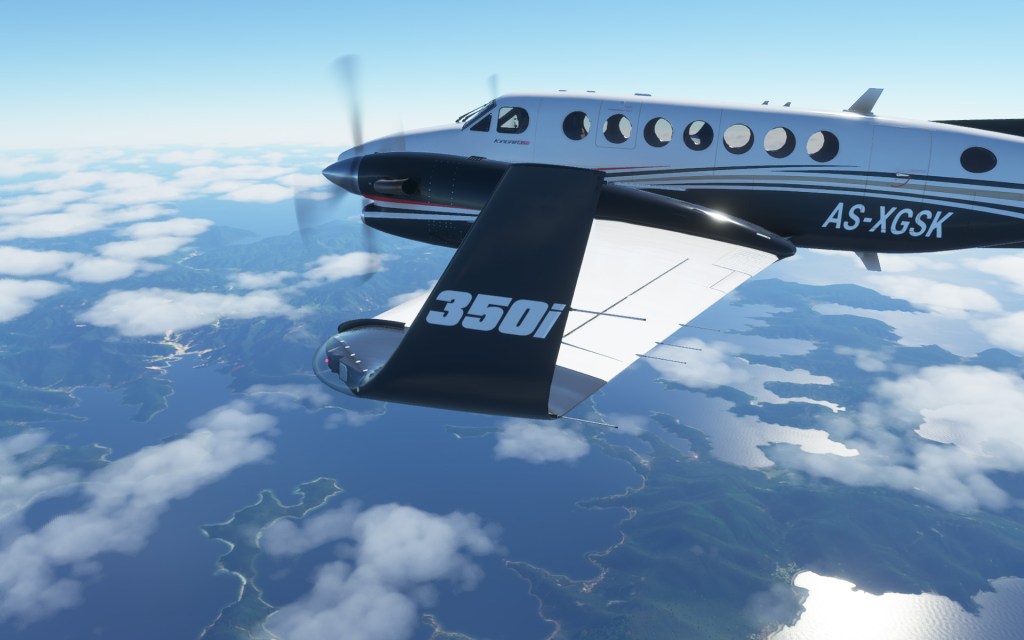
It isn’t the only part of update #5 but I’m sure nearly everyone will be pleased to know that the ‘press any key’ start-up screen which delays loading and forces you to press a button in the middle of start (when you could be getting coffee, beer, chasing a puppy/kid/kitten/etc.) is gone! Oh and a couple dozen other issues have been solved. Let’s have a look!
Lots of fixes, waiting on a few more
From fixing control sensitivity and twitchiness on specific aircraft and sorting out some more avionics screens going blank to autopilot improvements on the Cessna Grand Caravan, Citation Longitude, TBM 930 and 747-8, Update #5 has quite a bit going on.
I’m most happy to hear that autopilot issues continue to be tackled and sorted out. They have made me abort flights in certain aircraft or outright cancel others midflight. Hopefully this update makes all the difference for the aircraft already fixed and that any remaining others are sorted out in short order.
Also listed as a fix in the patch notes… that enormous hole in the ground in Brazil has now been fixed.
Each update from Asobo Studios and Microsoft have helped to turn Flight Simulator into the product that it should be. With continual updates on the horizon, the trajectory from here remains upwards.
Here are the patch notes
PLANES
- Improved sensitivity and twitchiness of control surfaces for the Daher TBM 930, Cessna 152, Cessna 152 Aerobat, Cessna 172 classic and Cessna 172 G1000
- Improved autopilot behavior for pitch management, altitude capture and stability for Cessna 208 B Grand Caravan EX, Cessna Citation Longitude, Boeing 747-8 Intercontinental and Daher TBM 930
- Fixed Zlin Shock Ultra caution amber light which was always on
- Fixed Cirrus SR22 windshield deicing not working
- Fixed Cessna 152 flood light always ON during tutorials
- Fixed aircraft avionics screens going blank in certain conditions
- Fixed Boeing 787-10 Dreamliner APU fault light behavior
- Unlocking longitudinal position of elevator to allow for “Canard” airplanes
UI
- Press any key to start screen is now automatically skipped at launch
- Option added to the Misc menu to switch between Metric and US standard units
- Performances has been improved in plane selection menu and marketplace
- The TrackIR can be enabled/disabled in the camera panel during flight
- Cockpit tooltips can now be deactivated in the Accessibility options menu
WEATHER
- Metar data refresh issue has been fixed
INSTALLATION MANAGER
- Solved several installation issues that were affecting edge cases
- We now display the download speed and amount of packages that are being downloaded
INPUT
- Support for Thrustmaster TCA Quadrant Airbus Edition
- Ability to move the origin of the sensitivity curve and change the sensitivity value on both side of the origin
- Fix input values when using deadzones
ACTIVITY
- All Landing challenge scores should now be properly tracked in the leaderboards
MARKETPLACE
- Quality of life updates for the marketplace
WORLD
- Motion blur has been added
- New temporal anti-aliasing (TAA) has been implemented
- The temporal upsampling has been fixed (when TAA is active with the render scale below 100%)
- Night lighting has been improved
- Water night reflections have been added
- Huge hole in Brazil has been fixed
KNOWN ISSUES
- VNAV can overshoot the climb speed. Disconnecting the AP after take off and re engaging it will limit the overshoot impact
- The Cessna Citation Longitude can be slightly below the glide slope as you get close to the airport
- Once activated, the Switch to Mach units knob won’t return to knots on the Airbus A320neo
- Live weather fails to save properly after restarting the game
- UI fails to refresh after you Buy & Download any item, letting the download button appear
You can also read these and get more at FlightSimulator.com.


 Stormbirds
Leave a comment