

I was not a happy camper last night when I wanted to try out World Update 6 for Microsoft Flight Simulator. The update process seemed to not see the update and I just couldn’t make it work. Eventually I did make it work and I wanted to share a bit about that process in the event that it helps you out too.
The key is in the Xbox app… apparently
To at least partially understand this problem, we all need to understand that Microsoft has a couple of different different storefronts. They are seemingly connected, yet have different wrappers on the front, and it looks like Microsoft might be aiming to push their new Xbox app as a manager and storefront for all Game Pass and Xbox on Windows related games in the future. That said, in the present, it might be the saving grace while trying to update Microsoft Flight Simulator right now.
Don’t I already have some sort of Xbox app installed on Windows by default? If you’re asking yourself this question then you were in the same boat that I was about 24 hours ago. Yes, there are a few Xbox companion apps that are baked into Windows and as time goes on it appears that Microsoft is aiming to integrate Xbox as an entertainment service into Windows on an increasing basis. It’s not just that Microsoft Flight Simulator has crossed over into Xbox land but that the whole of the PC and Xbox entertainment “sphere” is seemingly coming together.
It sounds good but it looks like we, and Asobo Studio (and probably a bunch of other studios), are having to jump through some technical hoops to get there and it’s not as smooth as it really should be.
What you need to do
First, load up the Microsoft Store and search for “Xbox.” Alternatively, you can visit the Xbox app website to get more information. This will replace the old Xbox companion app in favour of something that actually feels a little more focused and a little cleaner. It feels more like the Steam store and less like a big community hub that the old app was pushing.

Once you have the Xbox app installed and you’re logged into your account, it should recognize that you have Microsoft Flight Simulator purchased and installed. Logging into your Xbox/Microsoft account is critical in this stage.
From there, the Install/Play/Update button should indicate that an update is ready and that will start the process. For whatever reason, this should still work (according to Microsoft) from the Microsoft Store but it isn’t and, for what it’s worth, it looks like this Xbox app is going to be the way that the entertainment side of the Microsoft Gamepass and online store is heading so you’ll be back on the road by installing this.
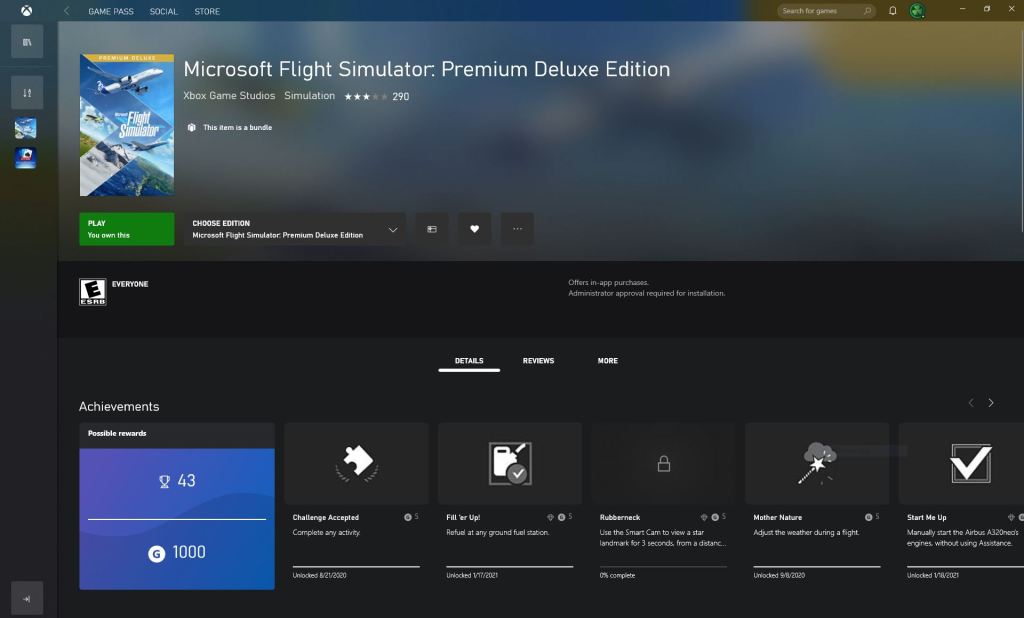
Remember, this is just the start of the process. After that you’ll be able to start up the sim and then go through the approximately 2GB patch process. If you want World Update 6 itself then there’s another 5-6GB to download after that.
It did work
I’m hearing people are having different problems and so this may not work for everyone but I can confirm that it worked for me.
I managed to get two short flights in tonight to varying levels of success. I flew a short flight in Cirrus SR22 and checked out the Matterhorn and the Sphinx Observatory on a nearby peak. In many ways the sim has never run better with mostly smooth frame rates, impressive details, and really impressive height mapping like I’ve rarely seen before. The alps has never looked as good as it does now.
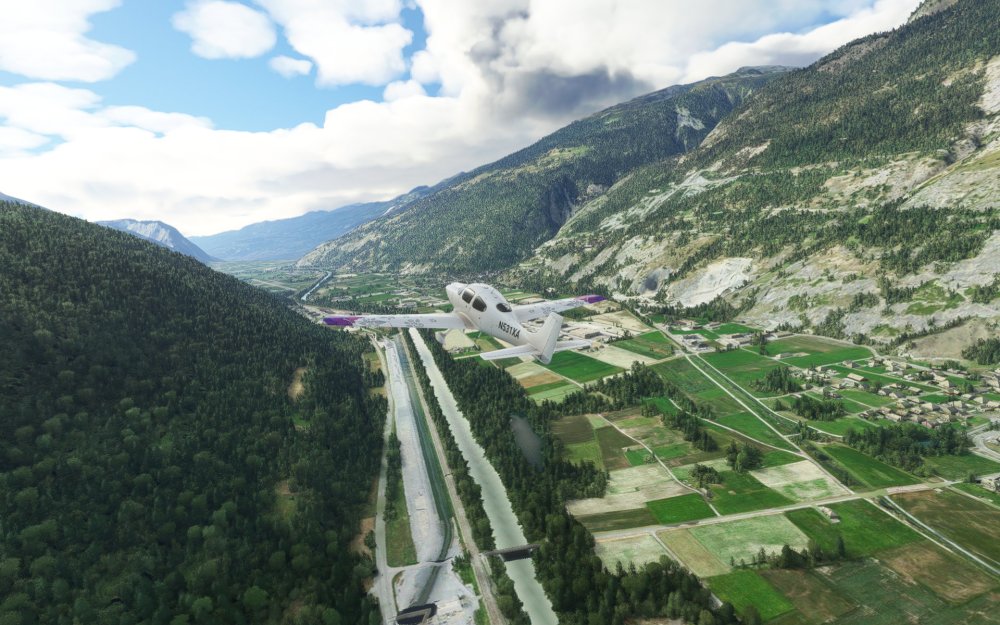
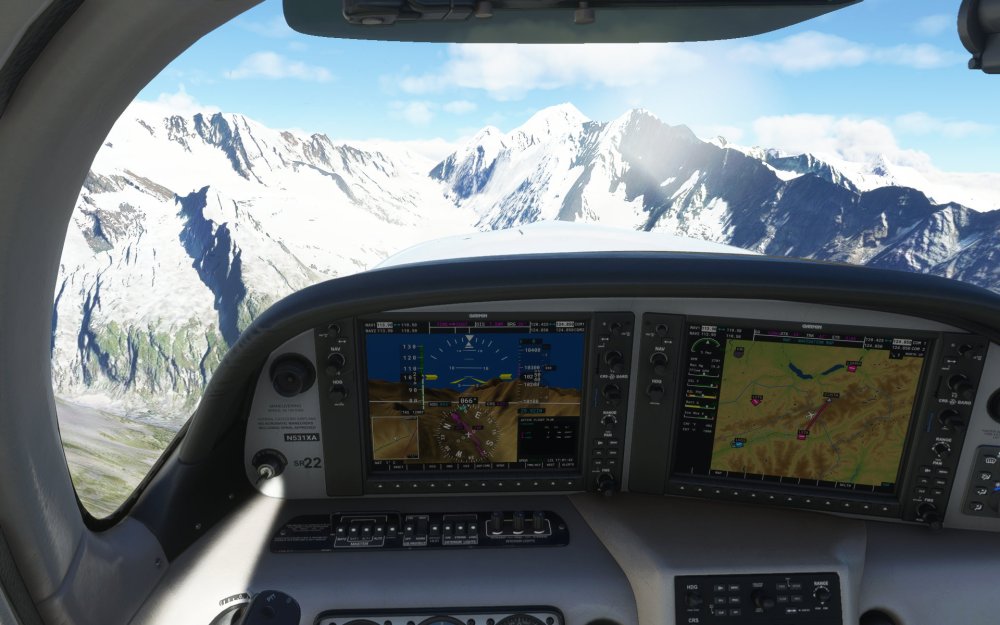
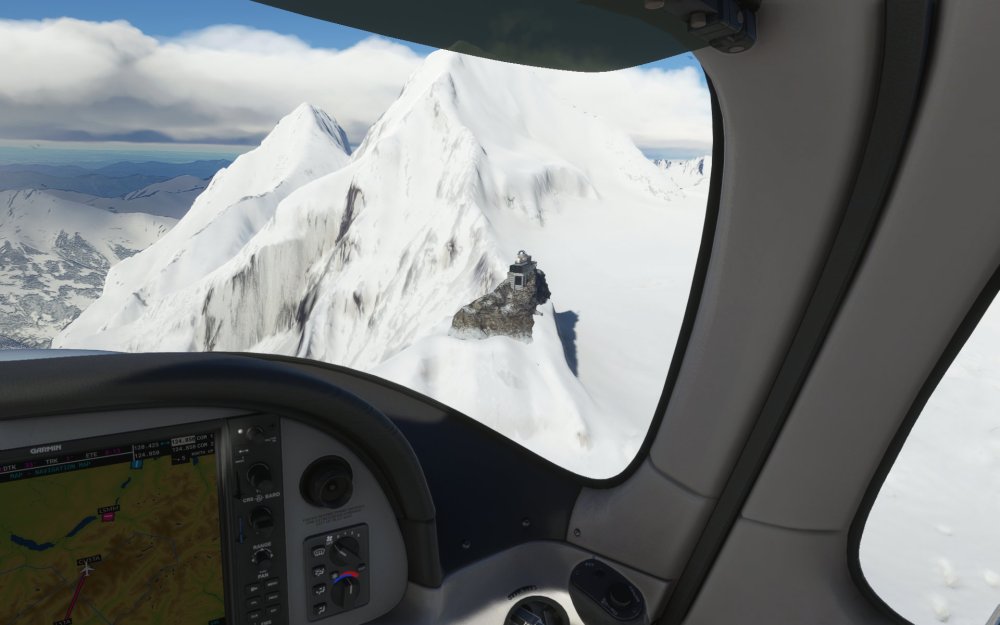
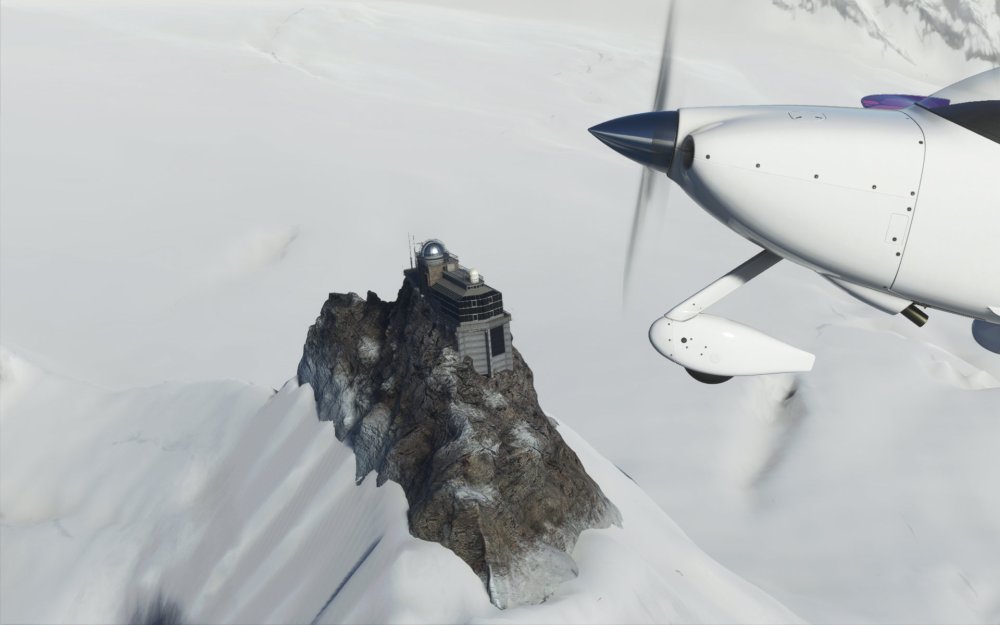
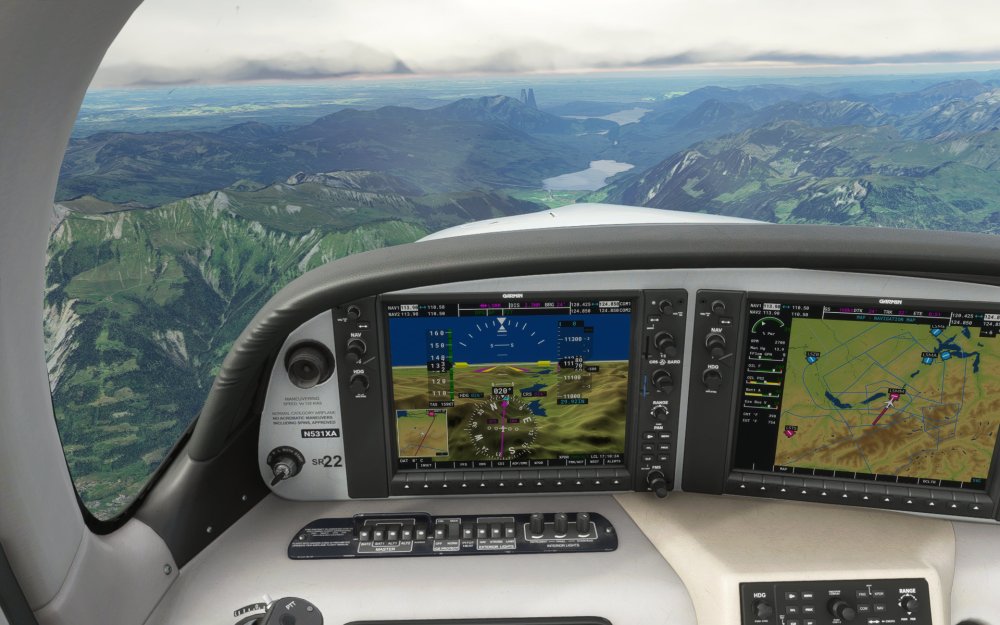

On the downside, I tried to time accelerate my second flight and the sim crashed to desktop with a mostly generic “0xc0000005” exception code according to the Windows Event Viewer. So, some things are not working the way I had hoped the would. I also haven’t tested any non-Asobo aircraft tonight as I was having a lot of crashes with anything not from the default package which has delayed a few different reviews now. Will this latest update solve that? Details still to come.



 Stormbirds
Leave a comment