
Sim Update 15 has introduced to us a new version of the Airbus A320neo V2 by developer iniBuilds. It’s freely available to everyone with Microsoft Flight Simulator and I was pretty excited to see how this rendition of the jet stacks up to everything else out there. So how is the new jet and how does it hold up at first impressions? Let’s have a look!
Crossing New Zealand
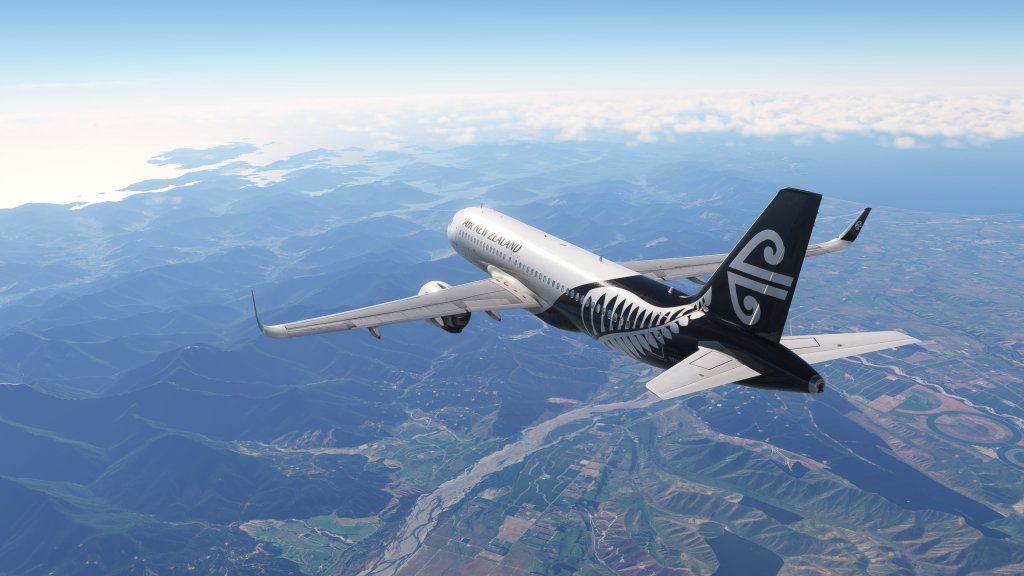
I’m always meaning to fly more in the beautiful country that is New Zealand and so for my first full flight in the iniBuilds A320neo V2 I decided to cross the majority of it.
For this first flight I decided to do my own MCDU flight plan input and get a feel for the systems in the cockpit. Though I consider myself now to be slightly experienced, my knowledge remains at a mid-level so I know a fair bit of whats going on but at the same time I tend not to sweat the small details or even know about a few of the quirks of the airplane. For that, you have to turn to YouTube channels or writers with real airliner pilots on them. Still, hopping in here feels all at once comfortable and familiar as its an A320 and both this sim and other sims have now had quite a few renditions of this cockpit.
I set up the jet, loaded the passengers, closed up the doors, requested pushback, and got on with the flying. iniBuild’s EFB system draws heavily on the A310 and a little on the A300-600 as well. Its easy to use, responsive and generally useful.
Then it was time for TOGA and takeoff. Off we went and I immediately was able to notice that the A320neo’s more powerful engines do make takeoffs a bit spicier with a greater ability to gain altitude than the A320ceo that I’ve been flying recently.

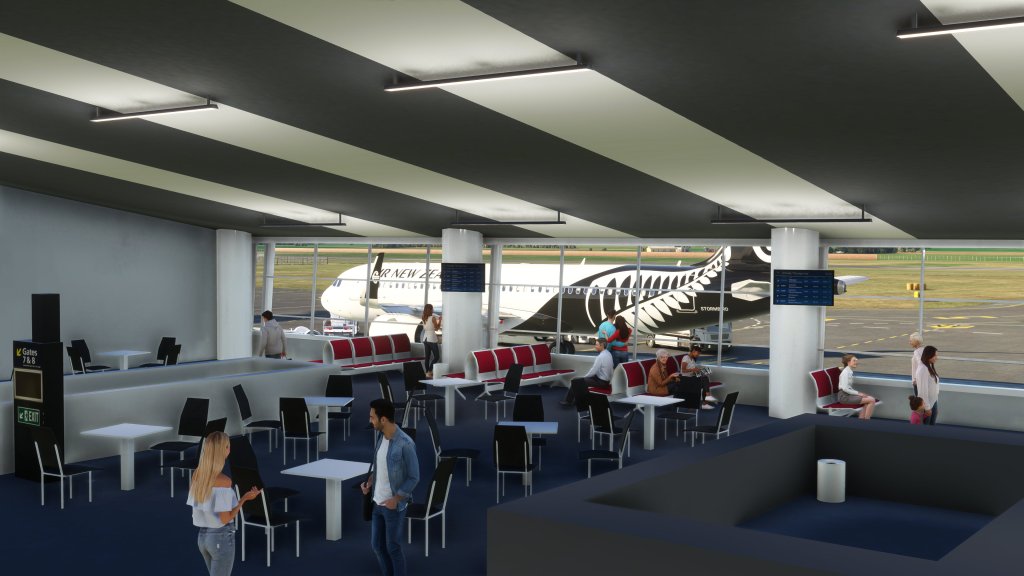
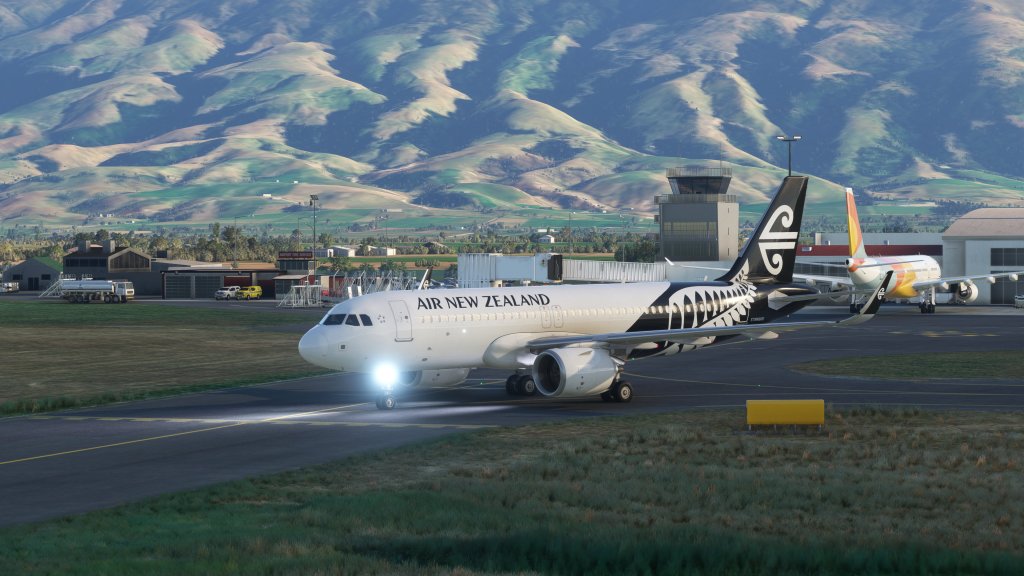

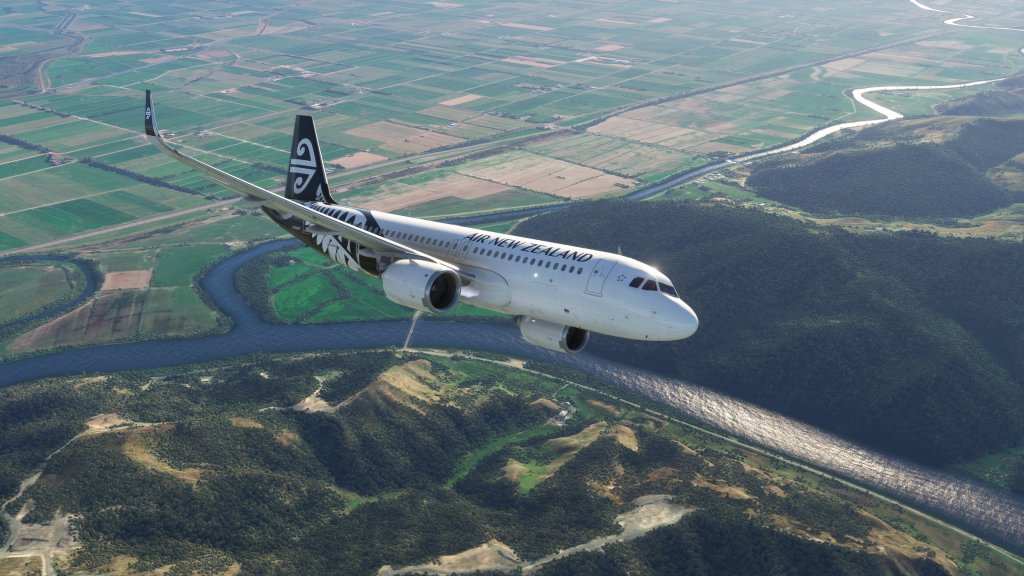
From there it was a series of ATC directed climbs to 11,000 feet, then 24,000 and then ultimately up to our high FL300 cruise altitude.
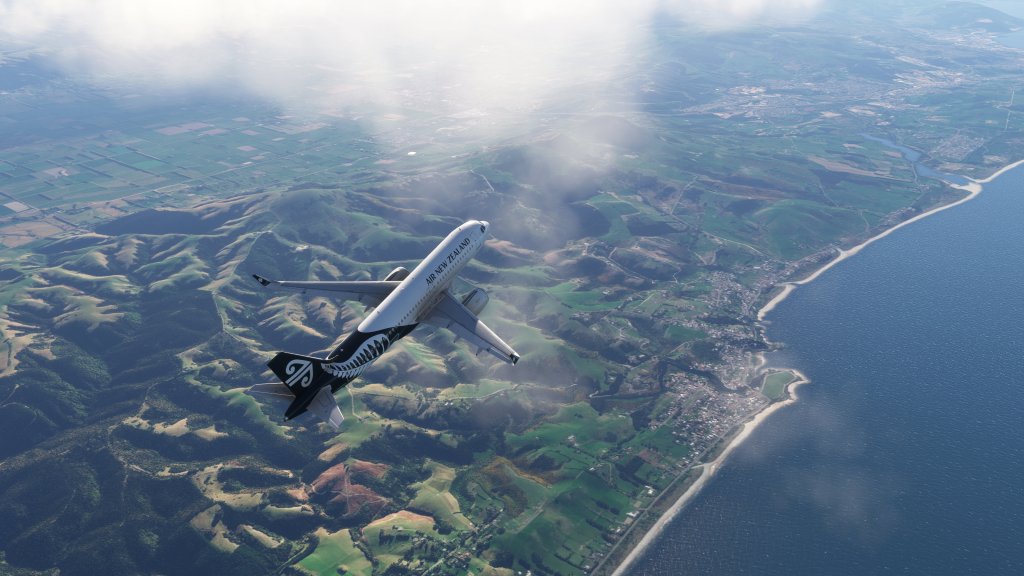


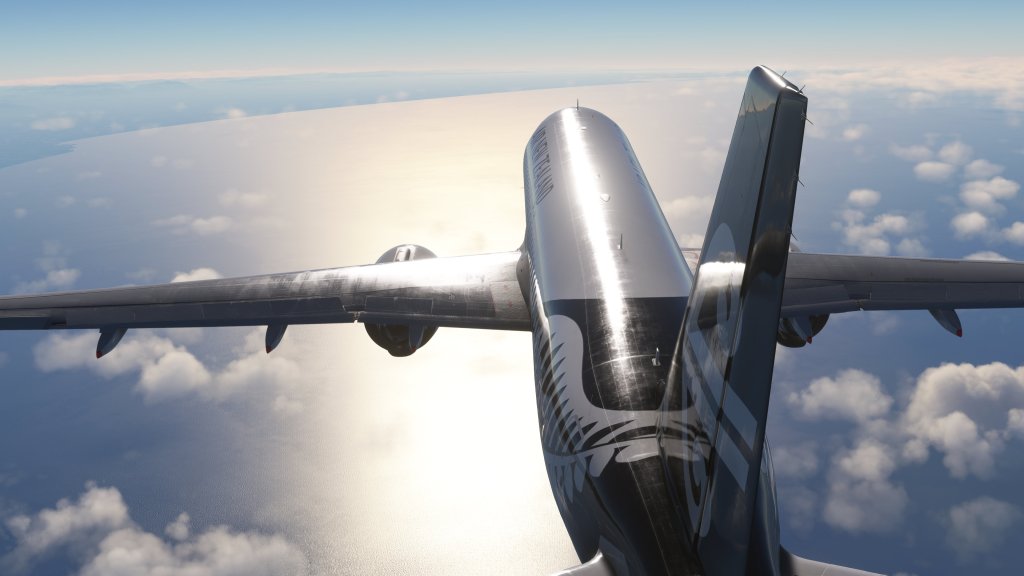
Things quieted down after that and it was just a matter of flying from my departure point at NZDN Dunedin up to NZAA Auckland. I’ve got some nice scenery from XWind to spice up Dunedin but I haven’t gotten anything for Auckland yet.
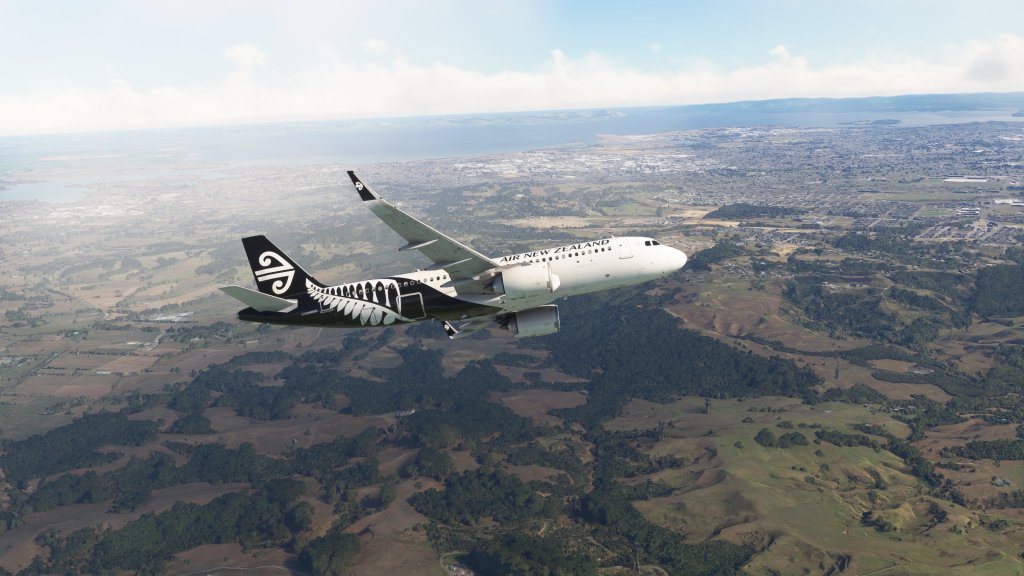
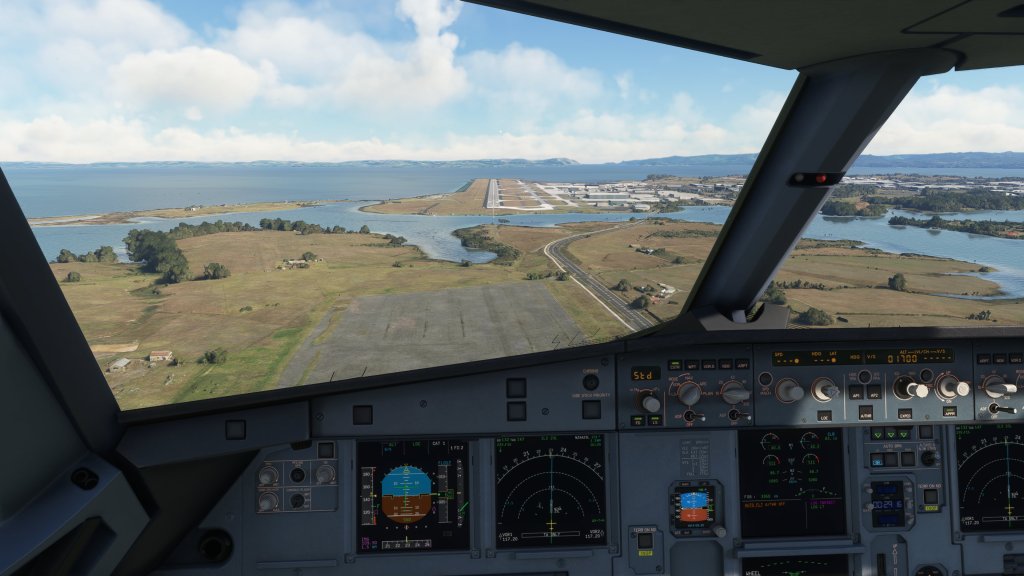
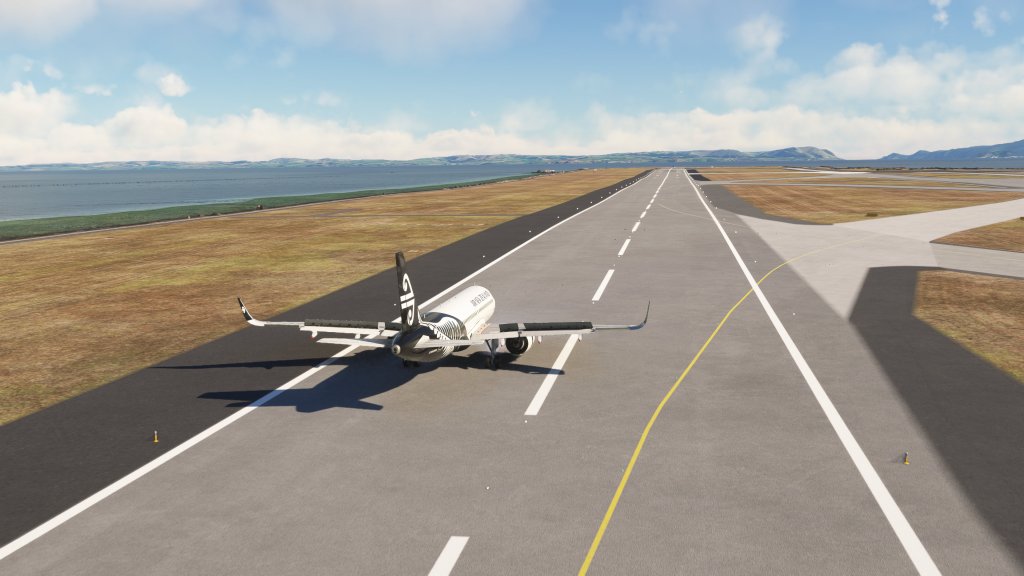
Finally, we approached Auckland and set up for a landing on runway 23L with the ILS system online. It didn’t quite capture the ILS the way I had hoped so I disconnected the autopilot (rather than fiddle around) and brought it in myself. Potential for user error here? Very high is likely! Nonetheless, I brought it in for a reasonably good landing.


First thoughts
My first impressions of this rendition of the A320neo are that its very good overall. I’m not the best placed to judge some of the nuance to some of the systems and its easy to see that Fenix Simulations A320ceo, with its advanced failure systems and undoubtedly deeper system model, is a more sophisticated experience. But this one is free.
The exterior model is very good with iniBuilds usual expertise in creating some seriously good looking aircraft coming into play here. Its about on par with their other airliner creations, the A310 and A300-600, with nice detailing all over. Its not quite as detailed as the Fenix but its most of the way there and certainly comes off as far better than the original A320neo from when the game launched a few years ago.

The cockpit is also generally excellent. It’s probably on par with the FlyByWire version (though it doesn’t have that custom coffee cup!) and just a little behind the excellent Fenix A320 cockpit. The Fenix is my favourite for overall artistry but this is still excellent.
Sounds have reportedly been an issue for some and while I do feel that they lack punch, they are subtly pretty good with engine sounds being about what I expect from an Airbus A320. I was just on one yesterday, albeit it was an A321 and it was not the new engine option variant so I can’t speak to the engine noise, but it was roughly right. Again, I think the Fenix is the best here with its sound package and FlyByWire have an excellent experience with theirs too. This comes in a close third on first impression.
Some have also reported that the A320neo V2 is the worst performing airliner in the sim comparing it unfavourably to the admittedly heavy on performance A300-600RF. My experience, however, has been to the contrary with the jet performing well and generally smoother frame rates and systems input than the A300. I haven’t yet tried the enhancement pack which adds the cabin behind the cockpit (and undoubtedly costs a few frames).
Its not quite as smooth or well optimized as the PMDG 737 series or Aerosoft’s CRJ but I would put it close to the FlyByWire in my non-benchmarked estimation. I’m curious to know if other readers have had any performance issues and how it compares to other jets. Let me know in the comments!
Everything else seems to be functioning the way its meant to function and systems are quite familiar from the other jets. The only thing I had a problem with was getting the altimeter out of STD mode and back into a selected mode – it refused to do so and the B hotkey to auto set to the local altimeter reading also didn’t function. Weird one.
That aside, it’s certainly competitive with the other two on the market and enjoyable to fly!
There are several liveries available on the iniManager software though it pales in comparison to the A310 and A300-600. It may yet pick up some more as time goes on!

Where does it fit in and final thoughts
I can understand Microsoft and Asobo’s desire to bolster their aircraft line-up. When they launched four years ago, their airliner offerings were basic and didn’t appeal to the more dedicated audience. Third party efforts have really added significantly to the selection but so too have the overhauls of the 747-8i and 787-10. That left the original A320neo which, if you’re on PC, was very quickly replaced by FlyByWire’s version of that aircraft.
The FlyByWire A320neo is excellent and that team continues to develop at their own pace using open source methods to develop the aircraft. It will undoubtedly continue on but it isn’t part of the base version of the game and nor is it likely to be available on Xbox any time soon. So Microsoft worked with iniBuilds to make this version happen.
While the original A320neo that shipped four years ago and this A320neo V2 will coexist in MSFS 2024, I can see the original disappearing from MSFS 2024 with this version remaining alongside a series of other new aircraft projects.
At the end of the day, flight simmers have some good choices and they can now choose between a few excellent renditions of the A320 airliner series. All I want now is to see the A321 and A319 show up!
I’ll be flying and journal writing on my future A320neo V2 flights so stay tuned for more!



 Stormbirds
Leave a comment