
Released earlier this year to mixed initial reviews, SimWorks Studios PC-12 is an airplane that I’ve been wanting to spend a lot of time with ever since they announced that they were doing it. The aircraft has seen quite a lot of attention by the developers post release and after months of updates and revisions it’s now time to check it out and give it the full review treatment. How does this plane handle? What are the systems like? Is it worth your time and money? Let’s have a look!
The real one
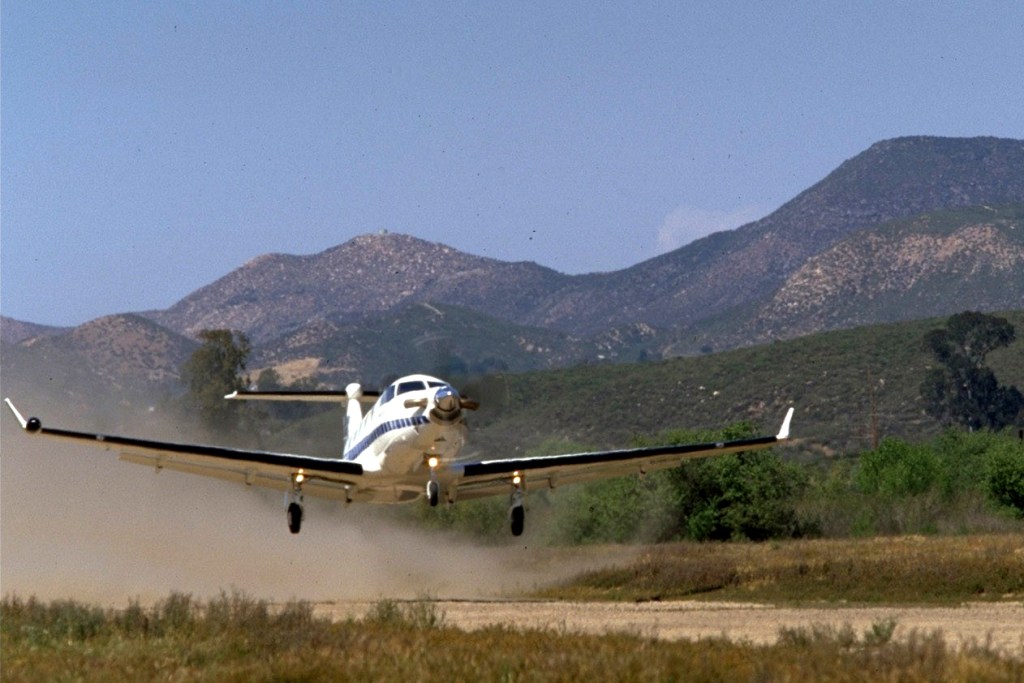
The Pilatus PC-12 was initially developed in secret by the Swiss aircraft maker. The leadership of the company believed that they were about to create a new category of aircraft and they were right though I think even they underestimated how valuable a single engine turboprop utility aircraft could be.
A variety of aircraft makers at the time were exploring similar concepts but Pilatus managed to find a successful balance with the combination of a pressurized, single engine, turboprop powered aircraft with a large cargo door. It’s 2,500 foot takeoff distance and 1,845 nautical mile range (longer on some modifications), and 30,000 foot service ceiling together with single engine turbo prop efficiency were and still are highly desirable traits.
Secrecy was high enough that the company was already building their first flying prototype when they revealed the airplane in October of 1989. By March of 1994 the aircraft received a type certificate from Swiss authorities and American FAA approval would follow in July of the same year.
Pilatus has gone on to produce over 2,000 of the type across several variants. They have sold their airplanes to air ambulance services, charter airlines, as a corporate jet alternative, government agencies and even to military services. The design has seen widespread success and there have been a lot of types that have followed closely in its footsteps.
The variant that SWS has chosen to represent is an older model, part of the legacy line of the series, rather than the latest NGX model. If you prefer more classic style avionics, this is what you’ll be looking for.
Visuals and sounds


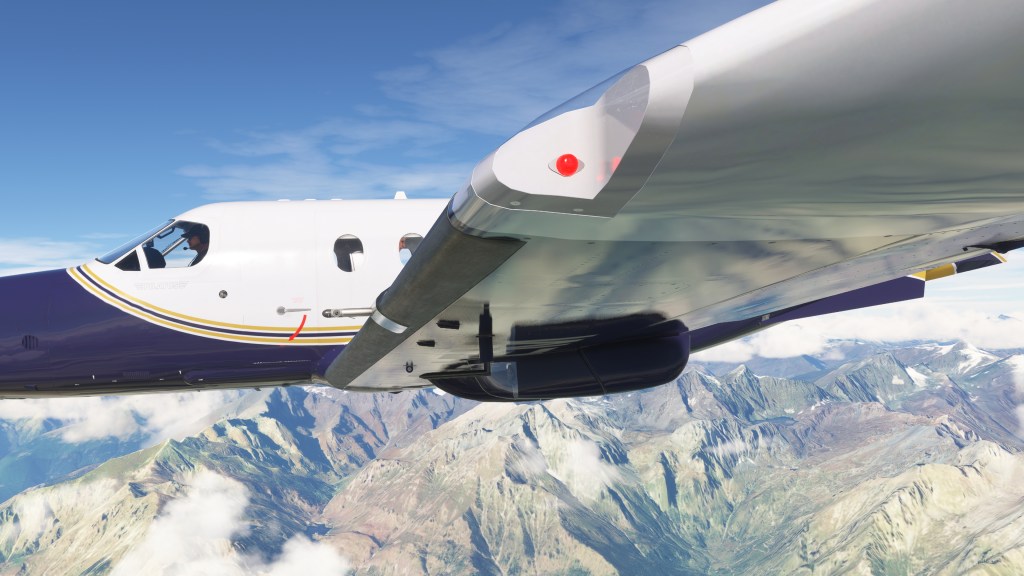

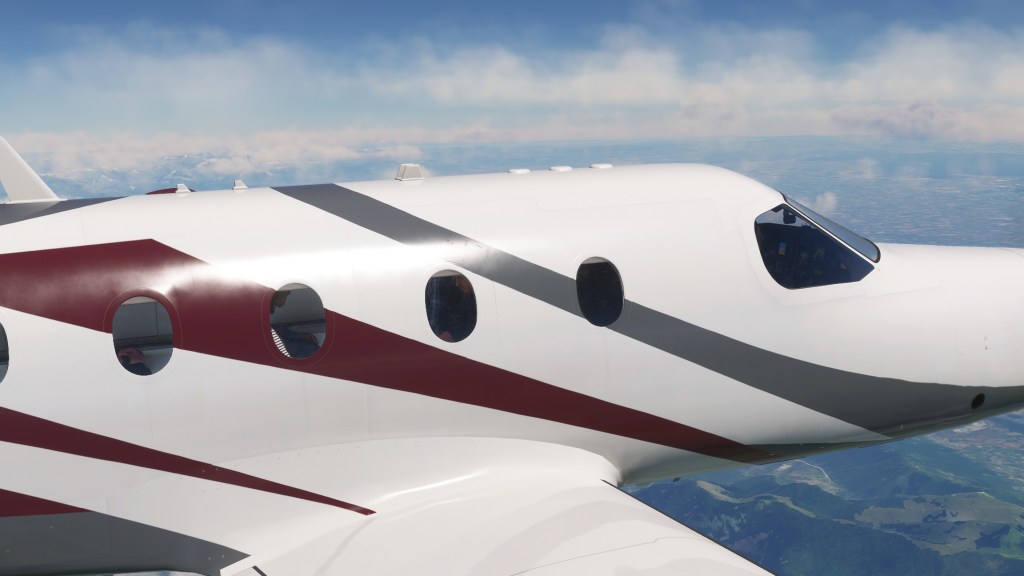

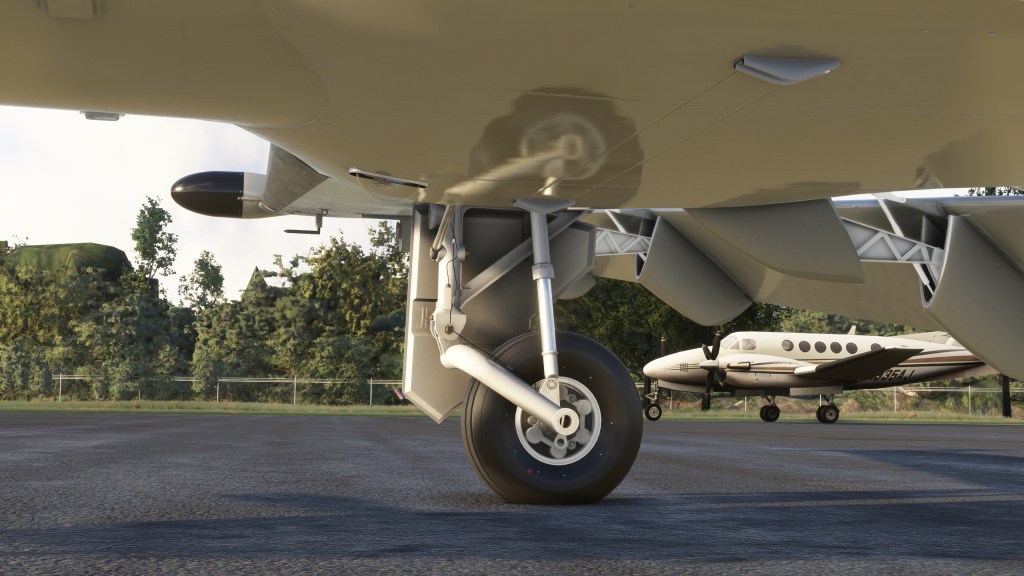

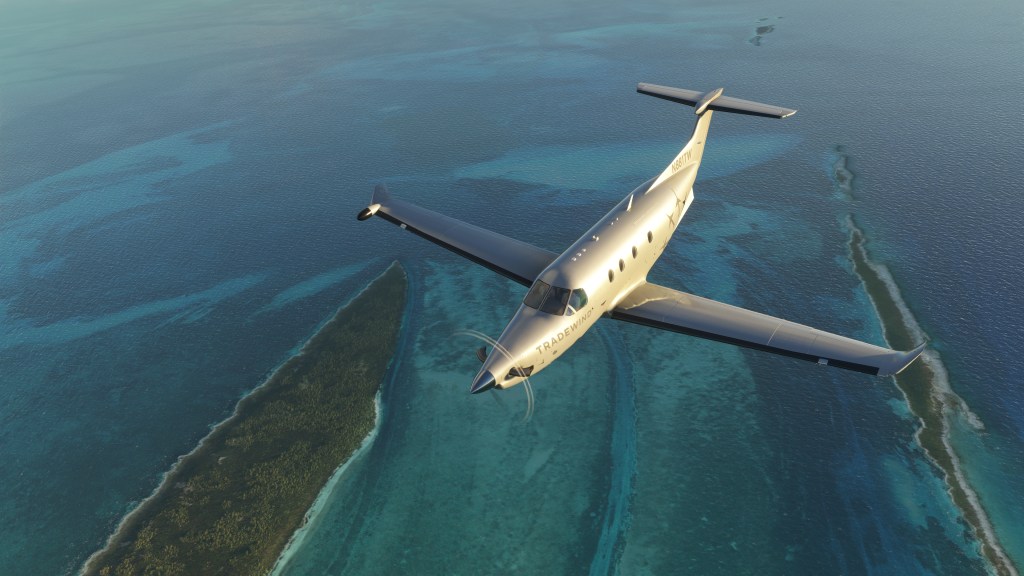
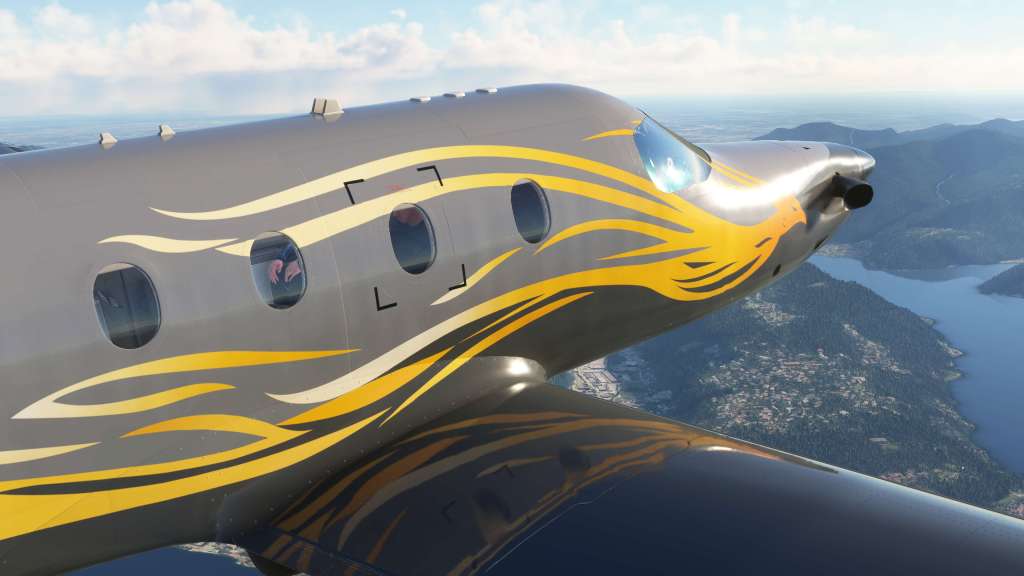
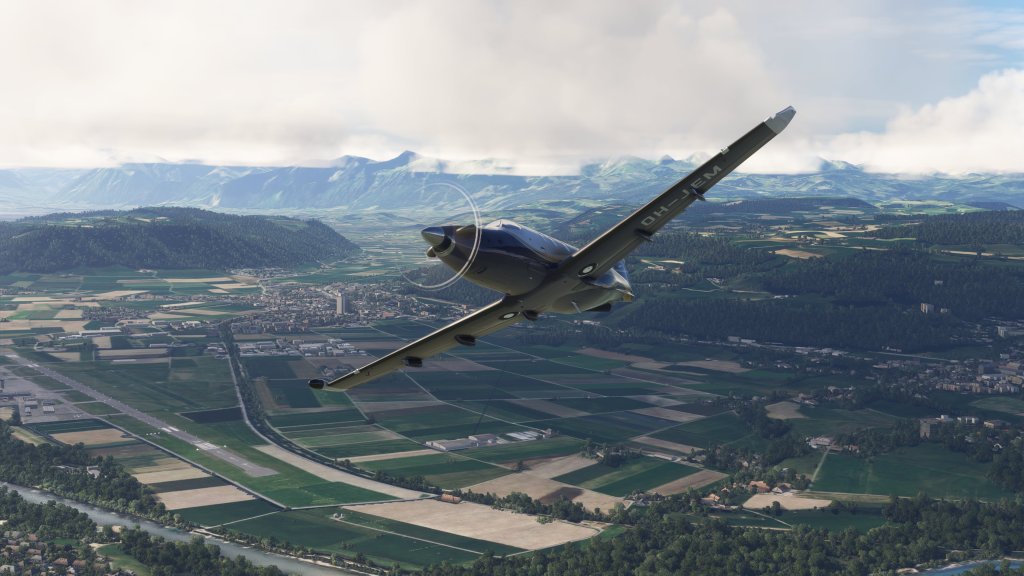
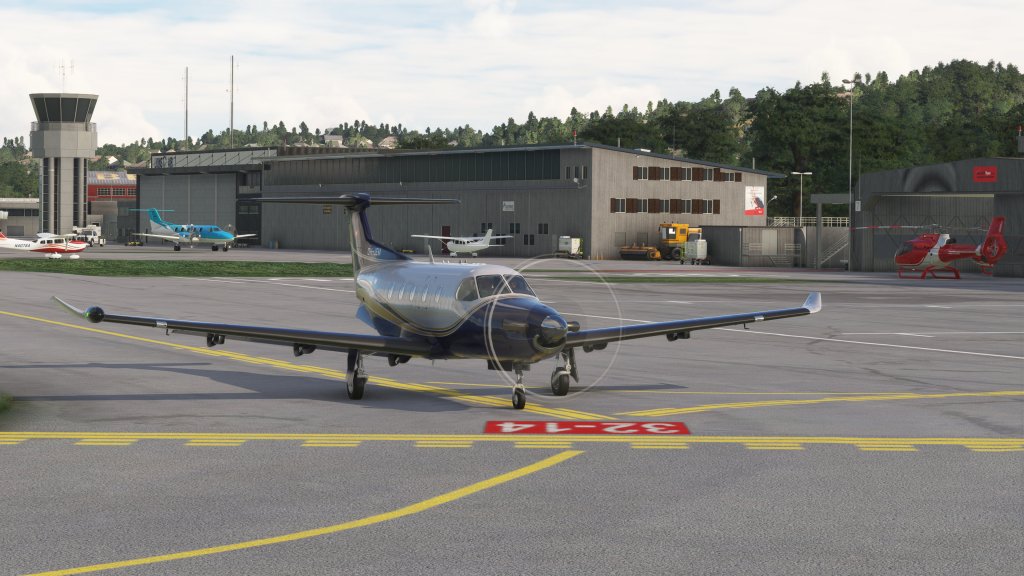
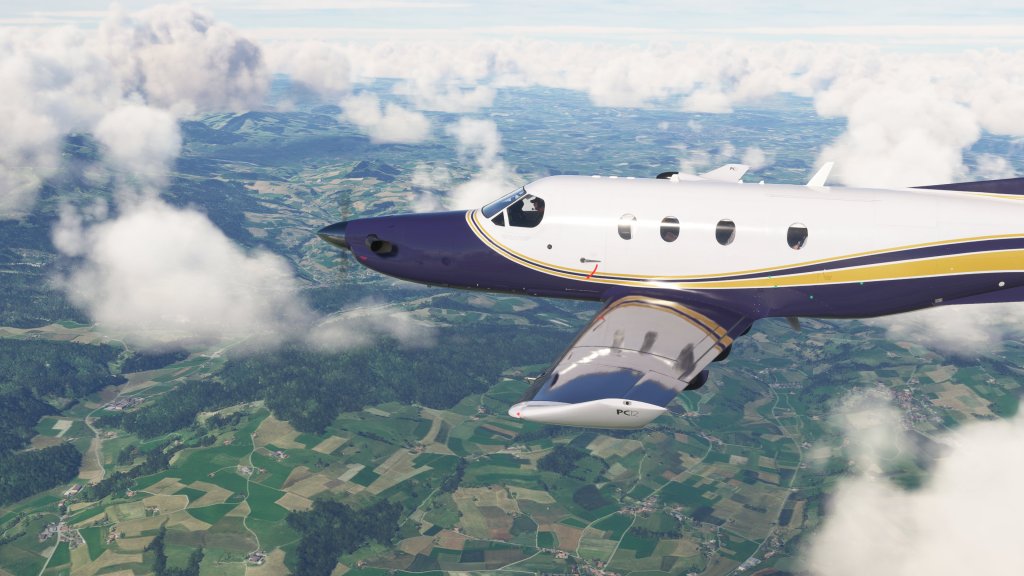
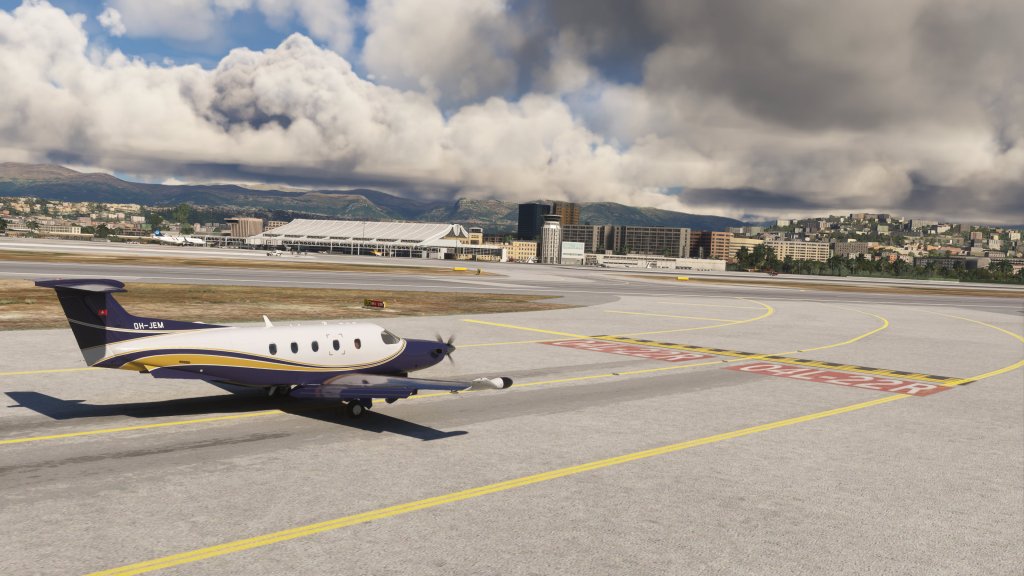
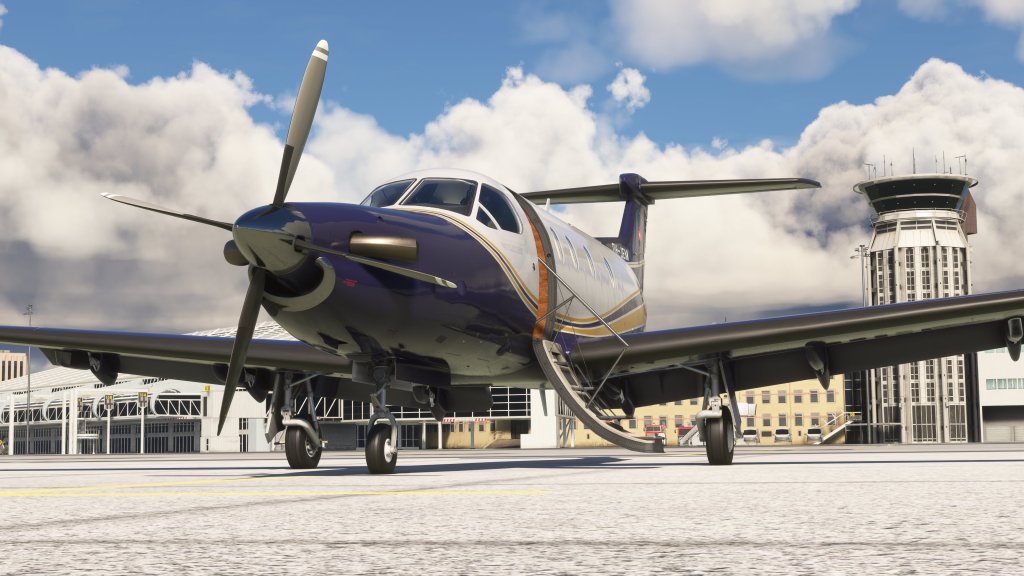
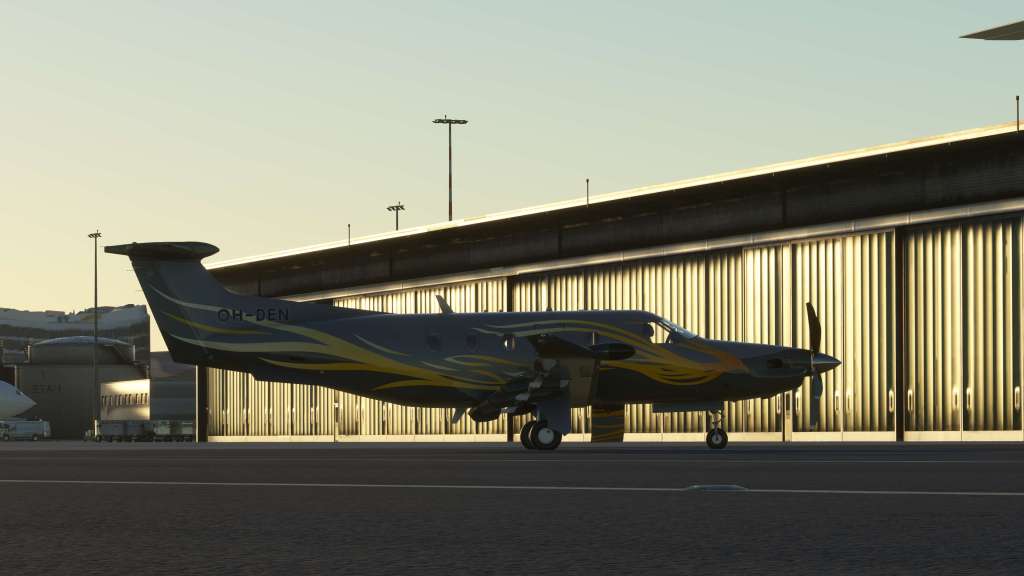
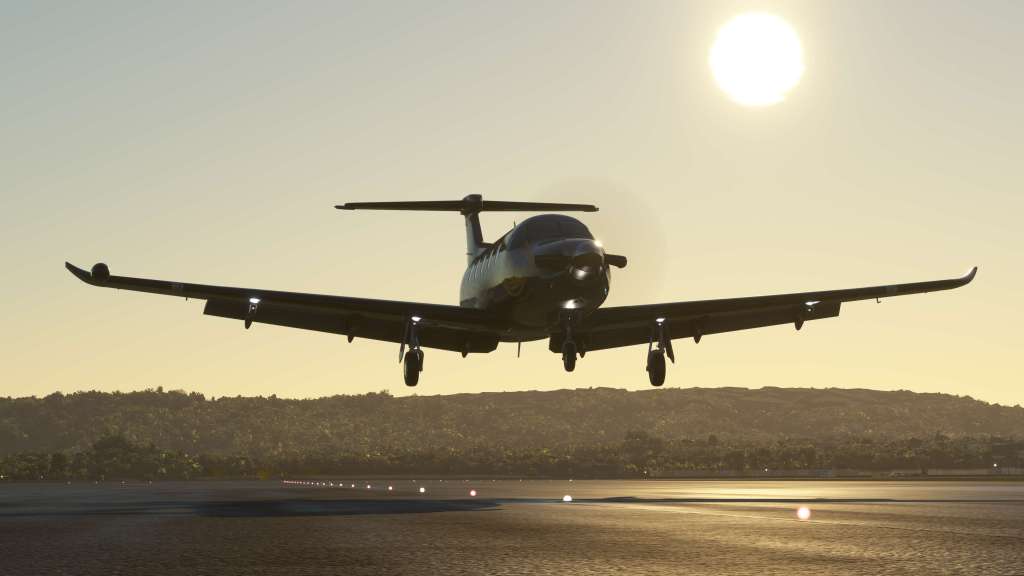
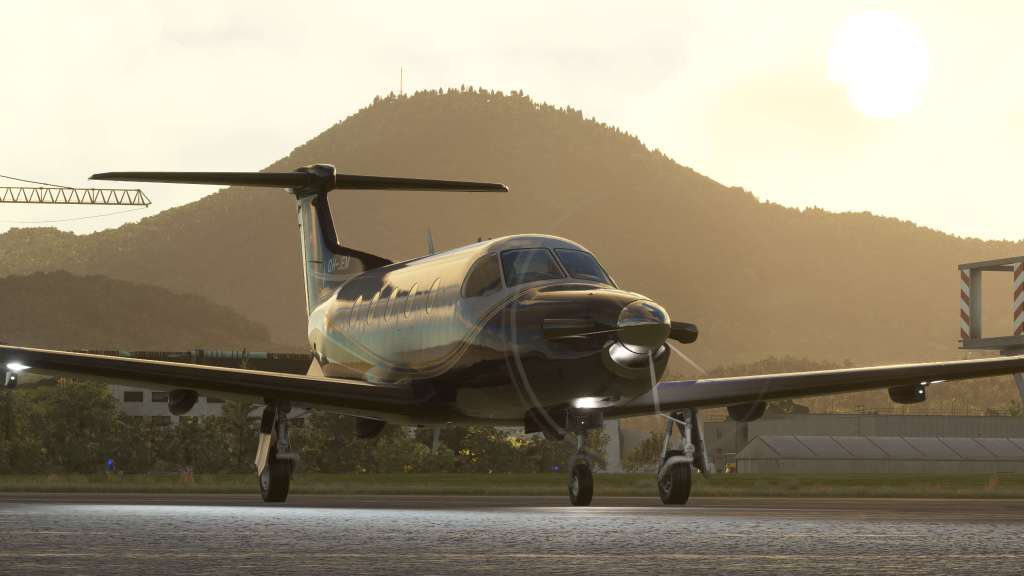
SimWorks Studios have traditionally been very adept at creating visually impressive aircraft and the PC-12 is one of their best. That’s high praise as their work on the Kodiak 100 and RV series have also been very good. The modeling detail is excellent and the texture work is sharp and impressive both inside and out.
They’ve got the little details like the nav lights, pitot tubes, the wingtip curves and the various labels around the aircraft beautifully captured. Animations for the aircraft’s gear and flaps are excellent as is the passenger door compartment. Protective covers for the various components also blow around in the wind.
There are thirteen liveries for the aircraft that include some well-known operators mostly based in Europe and North America. I do wish they had offered a few more options with generic liveries that otherwise have no other specific affiliation. I feel like there are lots of options out there as the PC-12 is an aircraft with quite a colourful selection! That aside, I’m generally pleased with the options.



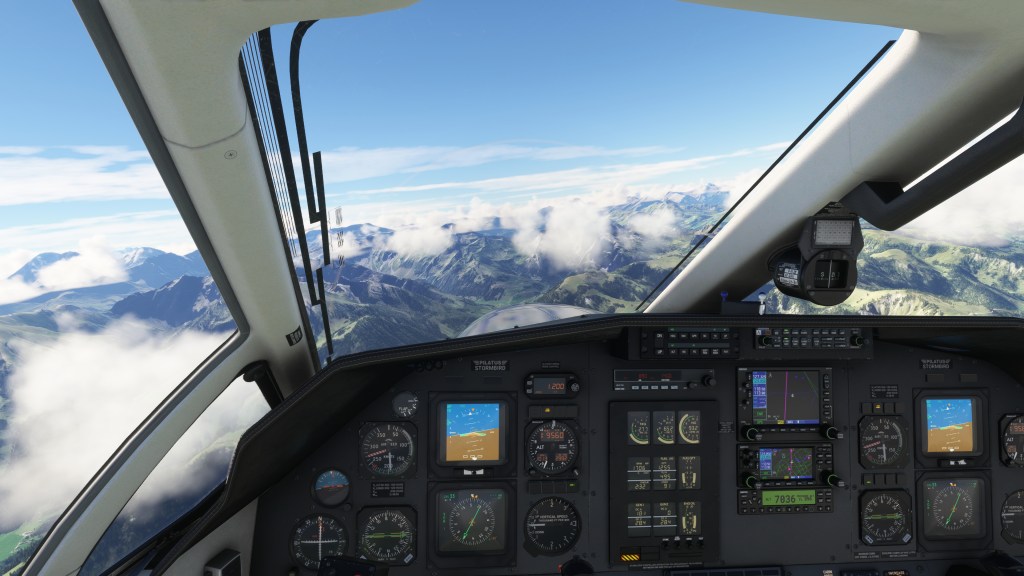
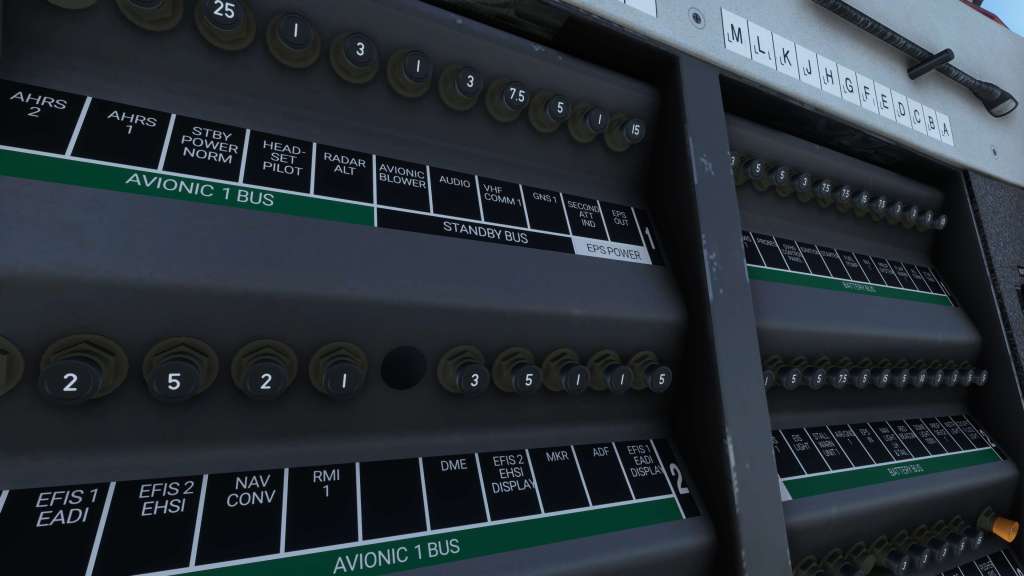
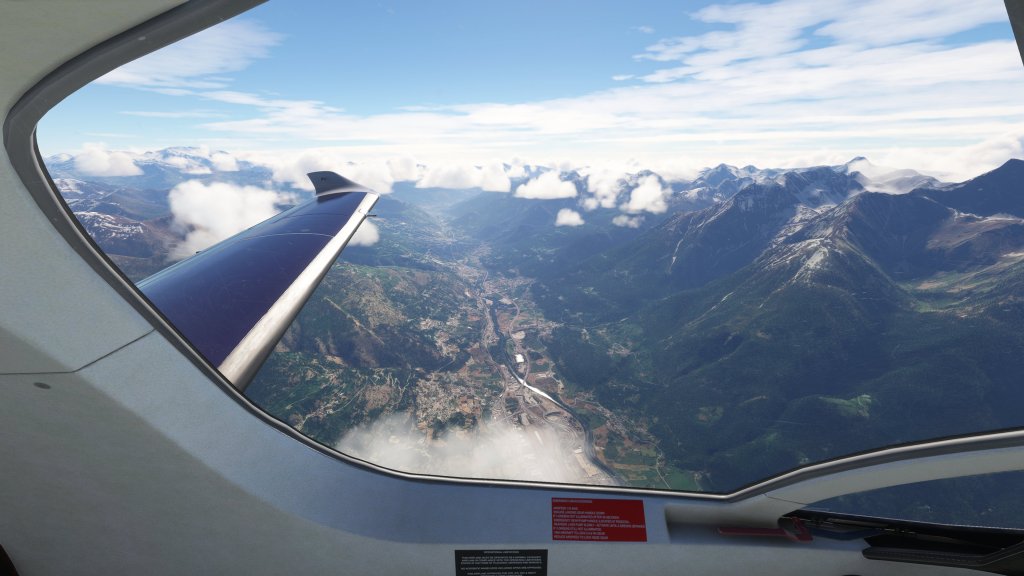
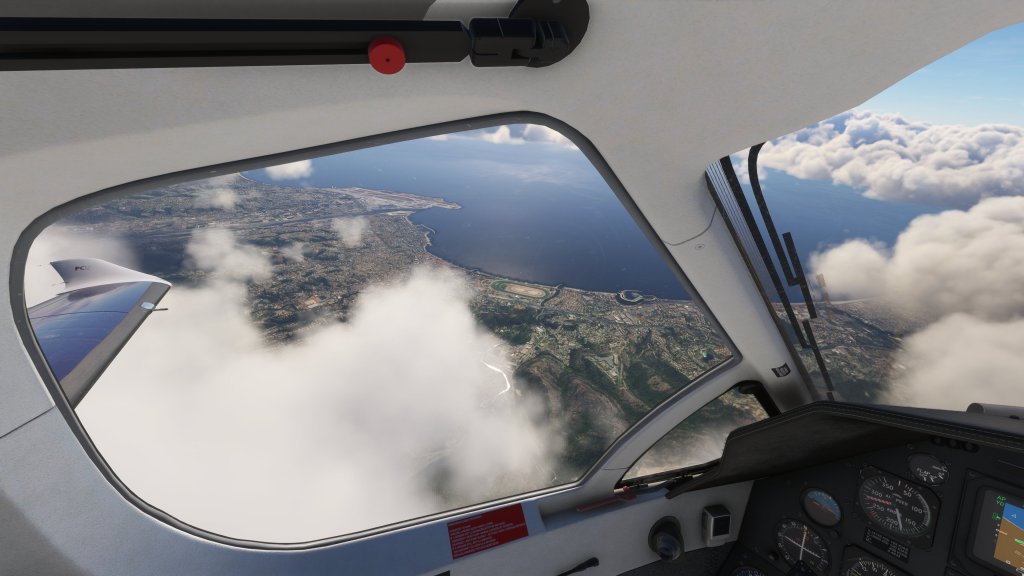
On the interior we have the same attention to detail that exists on the exterior. Textures are sharp, instrumentation is easily readable, and cockpit lighting including instrument backlights are very well managed. The rear cabin area comes with a number of interactive elements including folding trays, a lavatory, and on the executive version there’s a champagne bottle.




Speaking of variations available, we have a commuter, executive and cargo variant as far as the cabin area is concerned. There’s also both a four blade and five blade propeller variant with different configurations for each. There is a subtle yet noticeable difference in performance between the four and five blade.
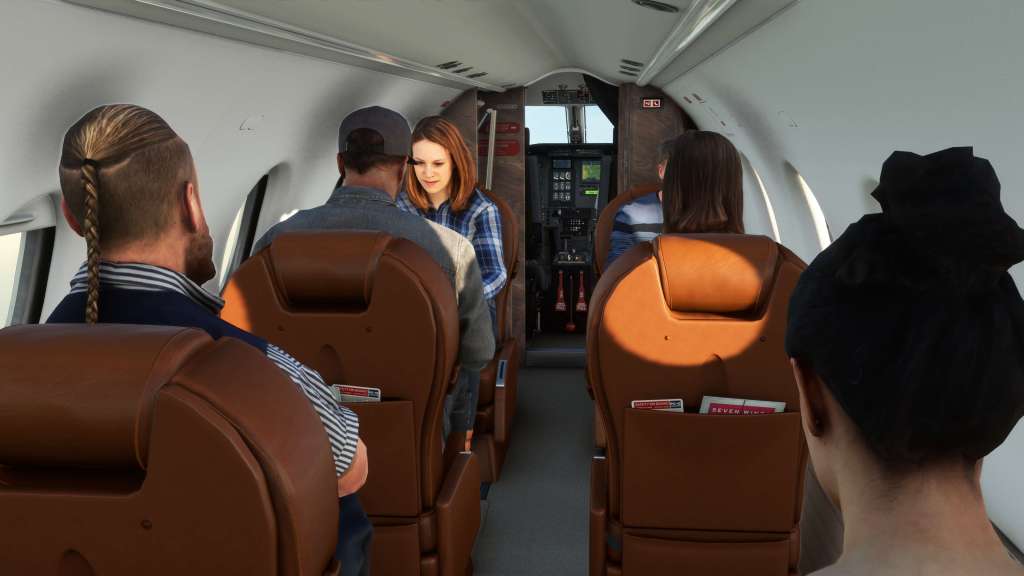


In the passenger versions you’ve got modelled and animated people in the back. They descend into the uncanny valley a little bit and their movements are all in sync so you kind of feel like you’re transporting the pod people in the back. But that’s kind of par for the course with most flight sim passengers. The co-pilot is visible with an Asobo style character in the seat.

I’m also very happy with the sounds on this. They are crisp and satisfying. Switches and buttons throughout the aircraft have satisfying sounds with appropriate ‘flick’ and ‘thunk’ noises. The PT-6 engine sounds are smooth and responsive to what’s happening in the sim. I love going in and out of beta, for example, while taxiing and hearing the gradual transition between power modes. It’s very well blended together.
It’s not quite as “chunky” sounding as a Just Flight aircraft and the style is a little more understated but overall its quite good.
Systems
SimWorks Studios have put together a lengthy list of features for the PC-12 as this legacy version of the aircraft has a mix of panels, GPS systems, stick shaker warning system, and a custom ITT simulation for the engine. Surprisingly, the company decided to opt out of the failures systems that they had implemented on their Kodiak 100. I feel this is a slight step back while they say that their market research suggests that it wasn’t necessary. I kind of miss that feature from the Kodiak as it encourages not pushing the engine too much.
While it is possible to cause the engine to fail on start-up by introducing fuel at the wrong moment, its still not quite at the level that they had on the last product. I feel like SWS are straddling the line between some of the higher end productions from companies like Black Square who have done similar work and some of the lower end developments from Carenado who also did a PC-12. It’s in a bit of an in between place and, as the market shifts around a bit, maybe an awkward one.
The in-cockpit interactions were interesting to me as the PC-12’s complexity is a bit more like an airliner than a general aviation airplane. The whole setup was a bit unfamiliar at first but I got used to it fairly quickly. Two rows of buttons on the upper panel flank various toggles and switches in the middle. It took me a few times to get the hang of it but most of the start-up sequence is straightforward, quick and easy to do and now I can do it mostly by memory. Even in this older legacy version, quite a bit is automatic.
SWS have ensured that you can follow all of the procedures as you would do in the real aircraft. That includes removing the control locks and reflective panels in the cockpit as well as doing the stick shaker calibration system. I admittedly have forgone the slightly lengthy stick shaker procedure nearly every time and I pay the price by being slightly irritated by the warning on the panel.
For some extra interest, SWS do have a cabin pressure simulation going on and not getting the pressure right can cause some warnings to flash on the panel. Similarly, there’s a cabin air temperature simulation also going on. The system mostly works though some users report wild temperature fluctuations. I’ve mostly been unaffected by those issues.
The aircraft has a variety of panel options for the airplane available with support for the TDS GTNxi Pro, the PMS50 GTN750, and the Sky4Sim tablet. You can choose between the following configurations:
- TDS GTN + Sky4Sim
- TDS GTN
- PMS GTN + Sky4Sim
- PMS GTN
- GNS + Sky4Sim
- Default cockpit

The options are great, however, they are not hot swappable. You have to leave MSFS and use the storefront you bought it from to do the switch. In my case, the iniBuilds software lets me install and uninstall the preferred panel. This issue would be solved, I suspect, by a piece that this aircraft release is currently missing: a EFB/tablet interface. SWS have one in the works, there’s even a blank 3D tablet in the aircraft, but its not here yet. An interface to control the doors, the exterior elements, and hot swap the various cockpit configurations would make for a better experience.
Through several months of on and off flying with this airplane, I have had a few systems struggles too. The biggest one being a somewhat inconsistent bug with the AV1 avionics control button getting stuck. Through a normal start-up procedure flicking the switch can turn on the system, with the appropriate lights going out, but the actual button doesn’t move correctly. It doesn’t happen all the time but it sure puzzled me when I first encountered it and its still there in the most recent version. Following the same procedure on subsequent start-ups has not caused it. Weird.
Though the PC-12 does have a weather radar onboard, it doesn’t appear to be simulated here.
Flying the plane

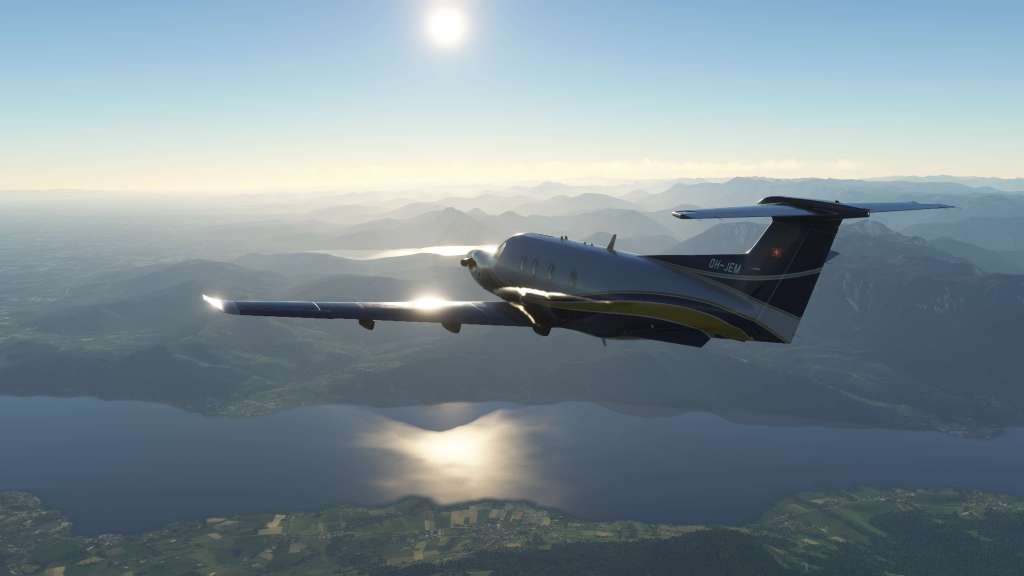
The PC-12 is relatively fast, it can fly into a huge number of airports, can skim the mountains in the alps in one flight and do a short hop at 3,000 feet in another flight and visit an island in the Caribbean in another. Whatever you want to do, the PC-12 can probably do most of it!
You can fly it hands on or make use of the capable autopilot flying pre-programmed routes. That’s great for virtual pilots who have both a range of ways to interact with the sim and for folks who may not have time for a lengthy flight but can do a short VFR hop from airport to airport.
Both in real life and in the sim the PC-12 is a bit of a quirky in its handling which requires a bit of knowledge about it to really understand and get the most out of it. SWS have done their best to try and incorporate a lot of those quirks into the simulated airplane, however, it seems that getting things just right has proven a challenge.

The aircraft, since release, has gone through several significant flight model updates with quite a lot of the work aimed at fixing unexpected quirks in the handling. That included finding and eliminating a bug in the propeller code that caused some very unusual performance values and solving some unusual crabbing behavior in landing configuration. Many of these issues are gone now though I find the PC-12 stiff to fly and sometimes behaves in unusual ways.
The PC-12 has coupled rudder/aileron controls which should help to reduce asymmetric yaw, however, the nose still wants to travel in the opposite direction and it takes an excessive amount of rudder to convince it to go back the other way. It feels quite stiff and a little disconcerting as a result. Now, according to the SWS PC-12 known issues document that is more or less how the PC-12 should fly.
The PC-12 requires a lot of pedal input without the yaw damper in reality, so it should be turned on as soon as the gear comes up and turned off for landing. It will help balance out the slips. Our yaw damper is somewhat limited by MSFS, but it will help in reducing the slipping.
Interesting! Still its quite disconcerting to watch the nose move around as much as it does in regimes of flight that you wouldn’t expect it to.
With yaw dampener off, a quick roll can cause the nose to rise as much at 10 degrees high or low depending on the direction of roll. It’s disconcerting to say the least and apparently SWS are still intending to work on the stability of the aircraft with the damper off. In the meantime, follow the procedure and keep that dampener on!
The other unusual thing that I’ve noticed is the elevator control sensitivity. Pull gently to about half deflection and the nose moves slowly. Pull a bit more and there’s a very sudden “bucking” motion with the aircraft’s nose rising or lowering very quickly and then snapping back into position. It seems to suddenly jump from a very sedate to a very responsive without any special joystick curves.
On the ground the PC-12 currently is also a little difficult to handle. For the most part it can track straight just fine. Dipping into beta can help control the aircraft’s realistically fast taxi speed (that PT-6 just wants to get the airplane rolling) which is fine too. It’s when you use the differential brakes to turn that you find the airplane just wants to just stop and the nosewheel doesn’t want to necessarily turn even if it visually has turned.

Another recently introduced bug is a kind of “jittering” on the ground that I’ve not seen on other aircraft. Sitting parked the aircraft can vibrate up and down slightly. It goes away with power on but its a weird issue that’s come up recently. I know from the developers Discord that I’m not the only one with the problem right now and hopefully it will be solved in a future update.
It also has an issue where higher speed landings have the aircraft “skating” to the left and right in a manner that is only partially controllable. It feels like pilot induced oscillation but even with controls neutral it can do it. This is on the known issue list. Once speed gets below stall speed the issue goes away.
Given the hard work that the SWS team have put in post release to try and get it right, I have to extend kudos for the effort of sticking with the process. I’m not sure if they have managed to fully achieve what they set out to with the PC-12 as it still feels a little off. This is no doubt just as frustrating for us as users as it is for the developers who have delivered some really dynamic and fun airplanes like the Kodiak 100. Maybe at this point the added capabilities of the MSFS 2024 flight model will come to the rescue with a difficult to simulate airplane.
Other features and performance
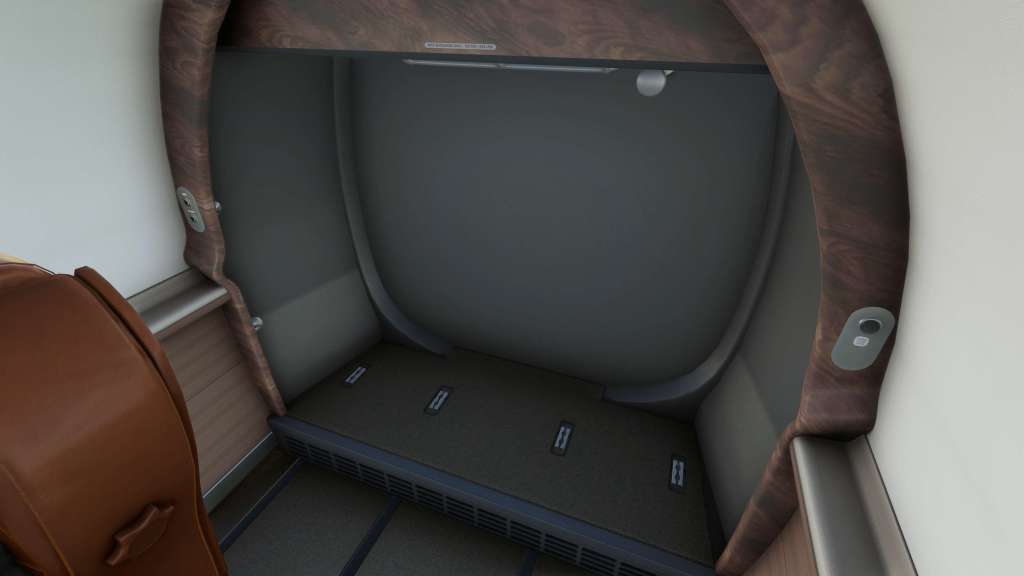
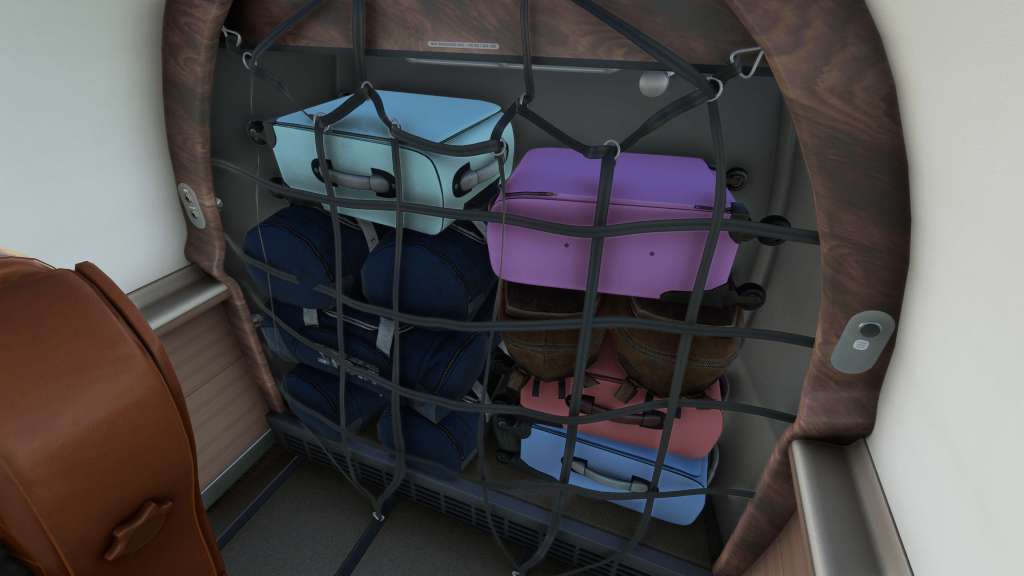
There are a few extra features here too that I should point out. Like many other SWS aircraft, the PC-12’s cargo and passenger variants react to loads placed in the aircraft both from a flight modeling point of view as well as visually. Put some weight in the passenger/cargo areas and you’ll both visually see and feel the difference adding cargo or passengers as appropriate. I always appreciate that as a feature.
SimWorks Studios has also done an exemplary job of optimizing the aircraft for high frame rates. Despite the myriad of systems onboard, the PC-12 runs smoothly on my system with average frame rates around 45 fps. Frame rates remain remarkably fluid and I’ve had no performance issues whatsoever with the plane in any situation or scenario.
Final thoughts
SimWorks Studios was nothing short of ambitious with their PC-12 project and their efforts have paid off in many ways – but not all of them. The PC-12 is visually impressive, aurally expressive, and it comes with a good mix of systems and features. It also performs brilliantly with fast and fluid framerates despite system complexity that rivals business jets and airliner projects in the sim.
On the negatives, the challenging issues with the flight model is better but there are still a few quirks to sort out. Also the lack of a failure model feels like a step back when the team were previously taking the lead on similar features. Some of this I know was done to keep the costs down, and the SWS PC-12 is cheaper than the competition, but it also means that it sits in a slightly awkward spot in the marketplace being neither cheap nor expensive and having most of the features that higher end sim pilots are looking for but missing on a couple.
I held off on reviewing this aircraft for quite a long time. Its initial issues and SWS’s ongoing messaging on solving many of the type’s problems made me wait and see. I am pleased to report that the aircraft handling has improved markedly over where it was in earlier releases but its still got a few minor issues as I mentioned above.
I’ve put quite a few hours into this aircraft, more than many that I own, and it is a fun airplane at times but it can be quite a handful too. I really needed that extra time to help form my opinion because my initial impressions towards disliking the product have changed and I’ve gradually grown to accept the few quirks and love the rest of it. At times it feels like a good replication of the real world aircraft’s quirks but at other times it feels like the flight model is struggling.
Can I recommend this plane? It’s a qualified yes if you can get past the quirks in handling. If you can, you’ll find that most other elements are top notch. I hope that this product continues to evolve because I’d very much like to report eventually that it has reached a peak in all respects because so much of what this airplane offer is so very good.
The SimWorks Studios PC-12 is available from SimWorks Studios directly for €24.99 on their store or from the iniBuilds store for £21.49 GBP or on the Marketplace for $24.99 USD.
Screenshots












 Stormbirds
Leave a reply to Urgent Siesta Cancel reply