
It wasn’t long after first getting Microsoft Flight Simulator that I decided to test the sim’s weather systems and fly into Hurricane Laura in the Gulf back in August of 2020. Four years later and we’re counting down the days to the launch of the next flight sim and it seemed fitting that I should assess the state of the sim’s hurricane modeling by flying into one. So fly into one I did and this one is a bit of a monster storm currently sitting at category 5 status. Let’s talk about the storm and flight simulator.
Stay safe out there!
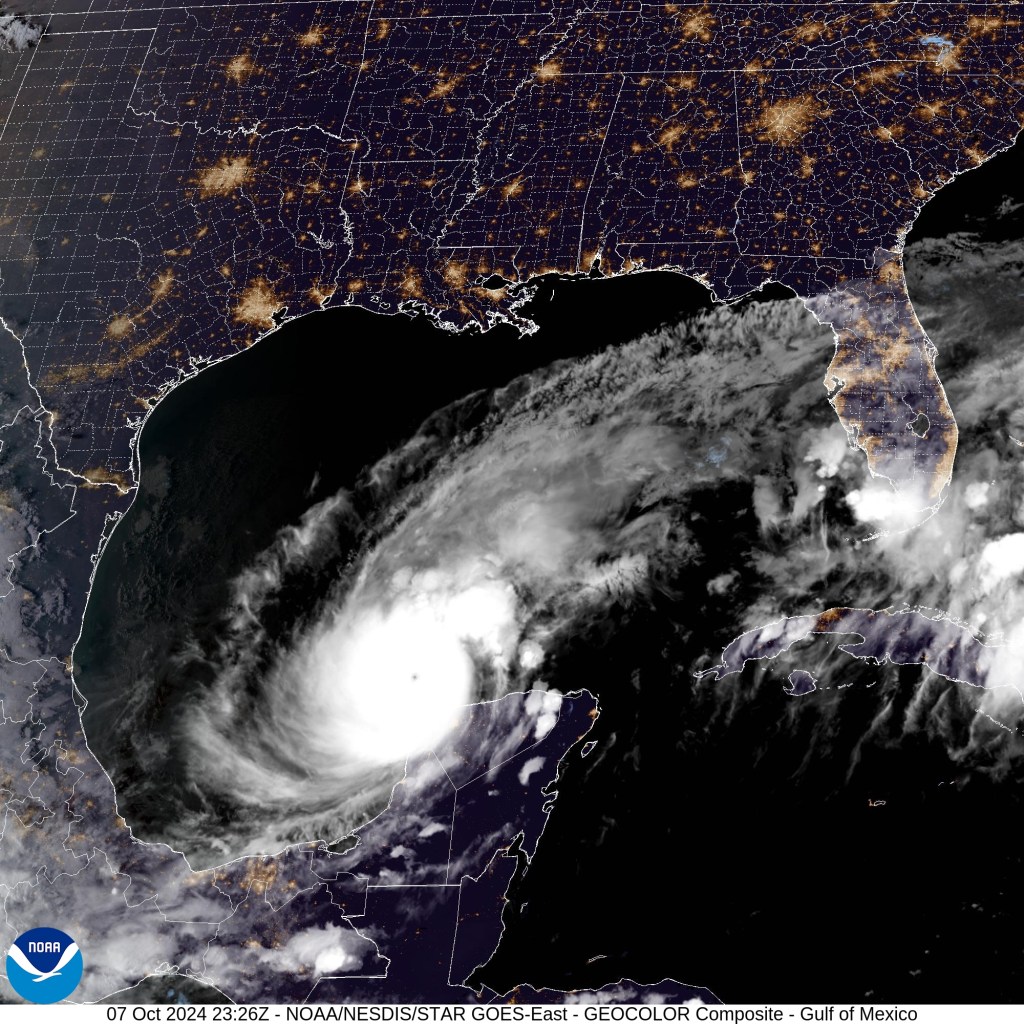
First message I want to put out there is for folks who are in this storm’s path. While many of us have the luxury of checking it out in a simulator with no real world impact, millions are in the path of what is right now a very dangerous category 5 hurricane. It looks a bit like this on the satellite imagery.
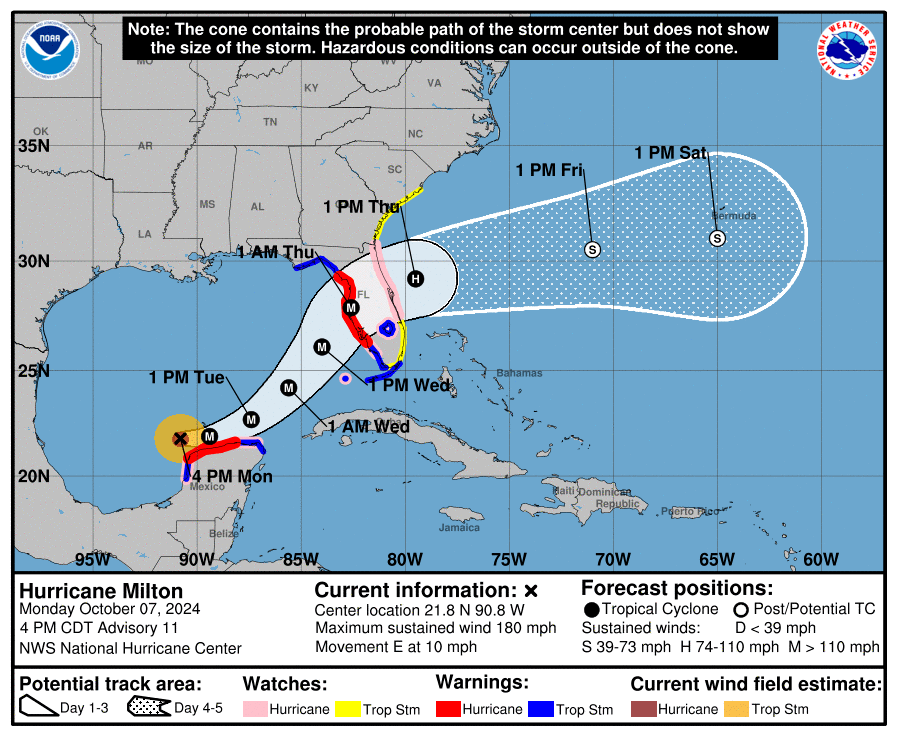
The United States NOAA (National Oceanic and Atmospheric Administration) provides detailed forecasts and warnings for people who are in its path. As of 4pm CDT this is the forecasted path for Hurricane Milton. The track on these storms can shift causing damage for some, sparing others, but its certainly cause for alarm. Especially as this is the second hurricane in a little over a week.
All of this to say, if you are in this storm’s path, I’m sending positive thoughts and hoping for the best. May the storm weaken more quickly than forecast and may it cause less damage than feared.
As always, monitor your local and national weather authorities for accurate and updated forecast information.
The virtual storm
The virtual version of Hurricane Milton is the focus for the rest of this journal. To go hunting you need the appropriate aircraft and I was hoping to find some sort of livery on Flightsim.to that might fit the purpose. Turns out there was a nearly perfect one with a Citation Longitude standing in for a Gulfstream that NOAA uses as part of their hurricane hunting team. N49RF has the affectionately emblazoned “Gonzo” logo on the front and that seemed perfect.
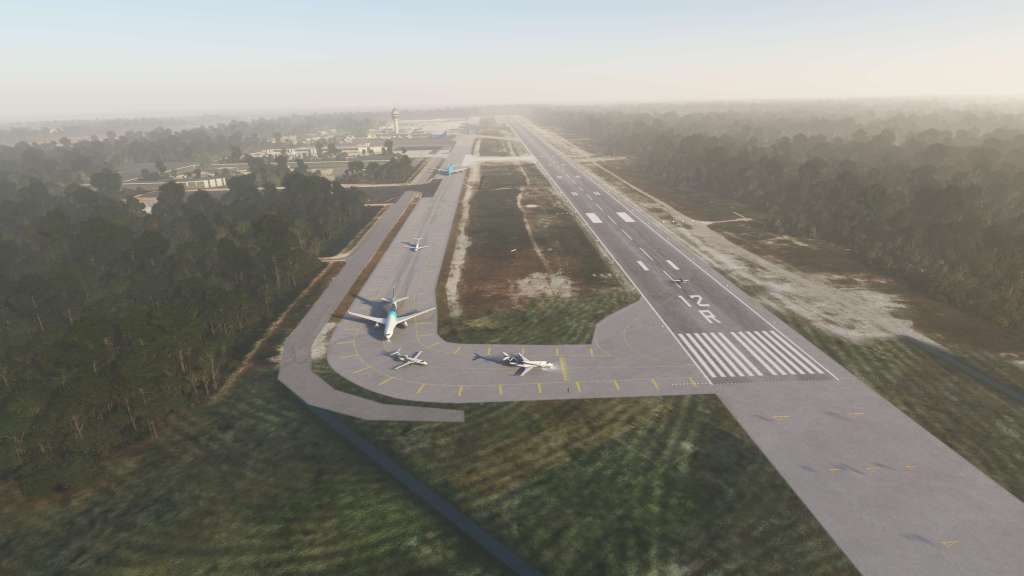
Nearby Cancun International airport (MMUN) was the launching off point for my mission – mostly because it put me near the storm without putting me in the storm. I wanted to see it on the horizon and examine it as we got closer. I wasn’t alone as I spotted over a dozen different player aircraft departing the airport and even more circling around the storm.



The Longitude has seen a lot of work put into it since the last time I flew it. It was very basic back then but its seen updates from WorkingTitle and Asobo to upgrade the airplane. Among the useful features on this journey is the combination of a working weather radar and Connext Weather giving me both an onboard sensor and datalinked weather too.
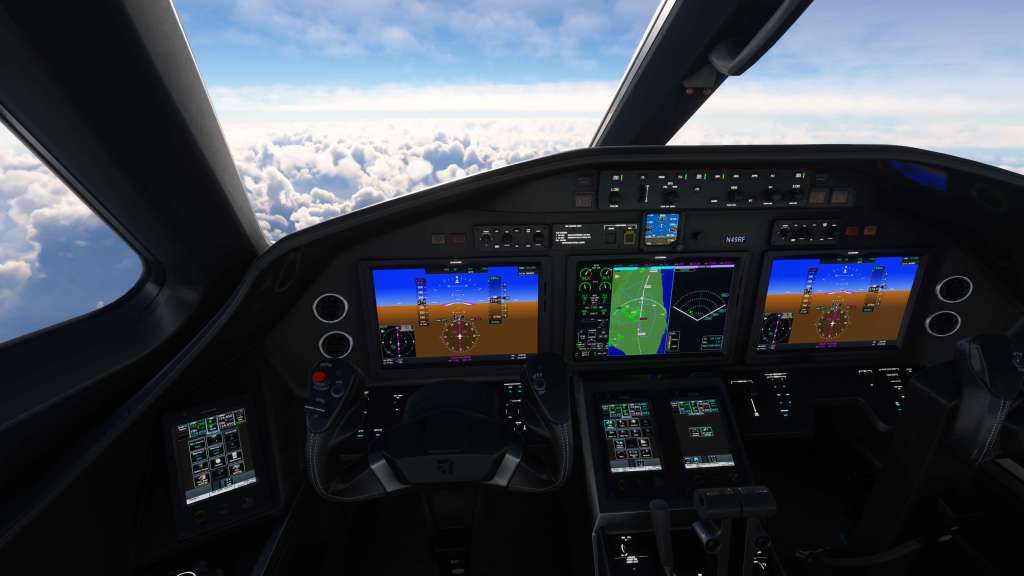
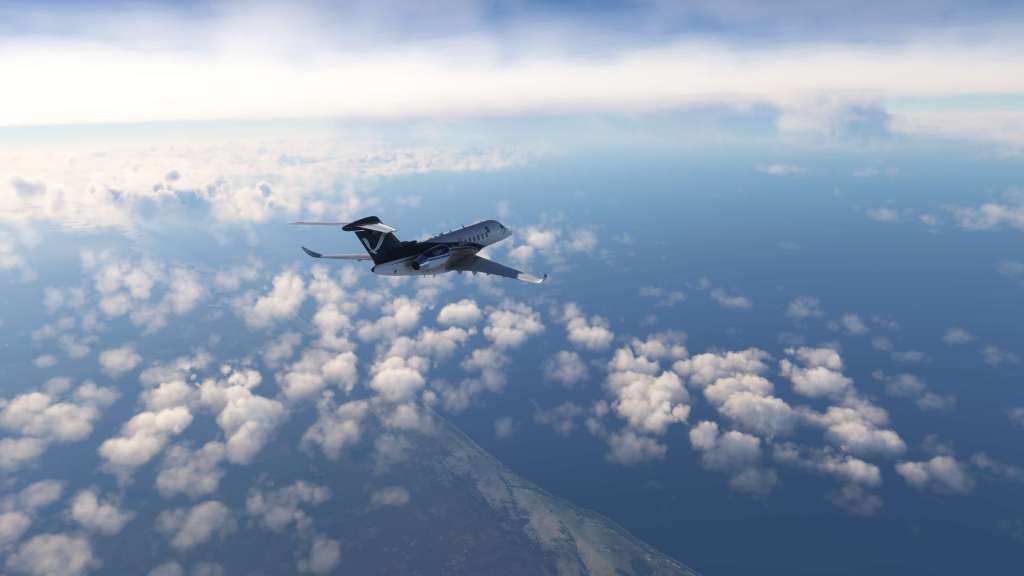



Climbing up through to FL380, I turned from my original course and aimed for the thick clouds on the horizon. Connext Weather confirmed precipitation out ahead and my weather radar began picking up some of the same. I descended down to FL320 to get out of some of the upper level clouds and get a slightly better visual.
My left PFD displayed wind speed which had increased from mid 20 knots as I climbed up to 40 knots and as that happened the aircraft began to shake and rock in more turbulent airflow. The wind would spike again soon after up to 55 knots. I saw as high as 63 knots which is bang on what Windy.com‘s wind data was reporting for my flight level.

My first journey into a hurricane had near zero wind as early versions of MSFS had issues with wind speeds in certain parts of the world. That hasn’t been a bug for years now.
As I got further into the storm I could pinpoint what appeared to be the center and I aimed straight for it. At 38,000 feet I was in a thick layer of cloud but the storm did open up beneath me as I got to the center. The sim was definitely attempting to show off an eye.
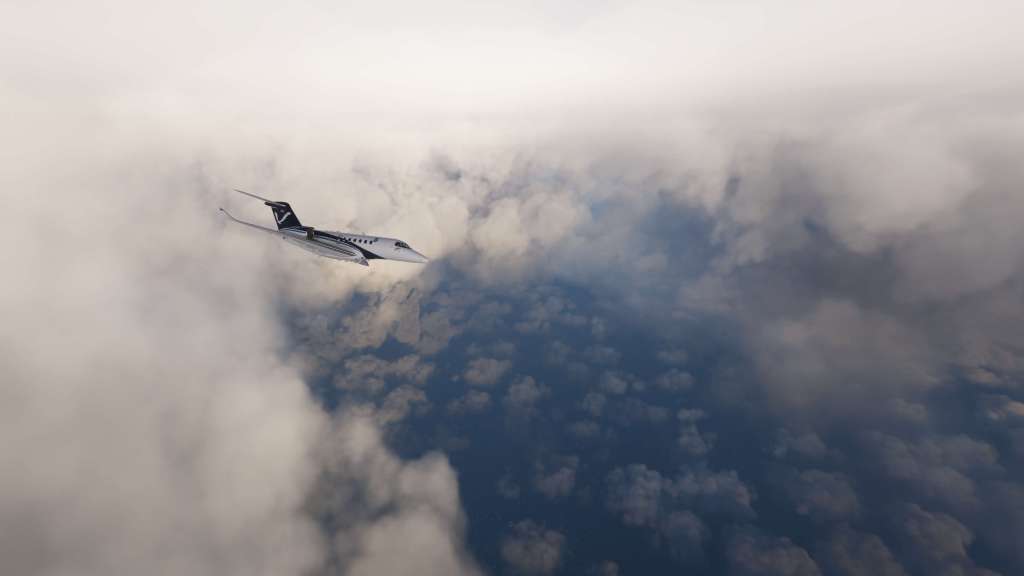
I flew around for a while taking in some of the sights. Although there was a lot of cloud, the structures between the broken clouds were definitely impressive and more than a little hair raising at the same time. Though MSFS doesn’t seem to quite fill in some of the lower clouds, except those with strong radar returns, it does capture the wind, the turbulence, and even parts of the eye wall structure. It certainly captures the scale and scope of it.
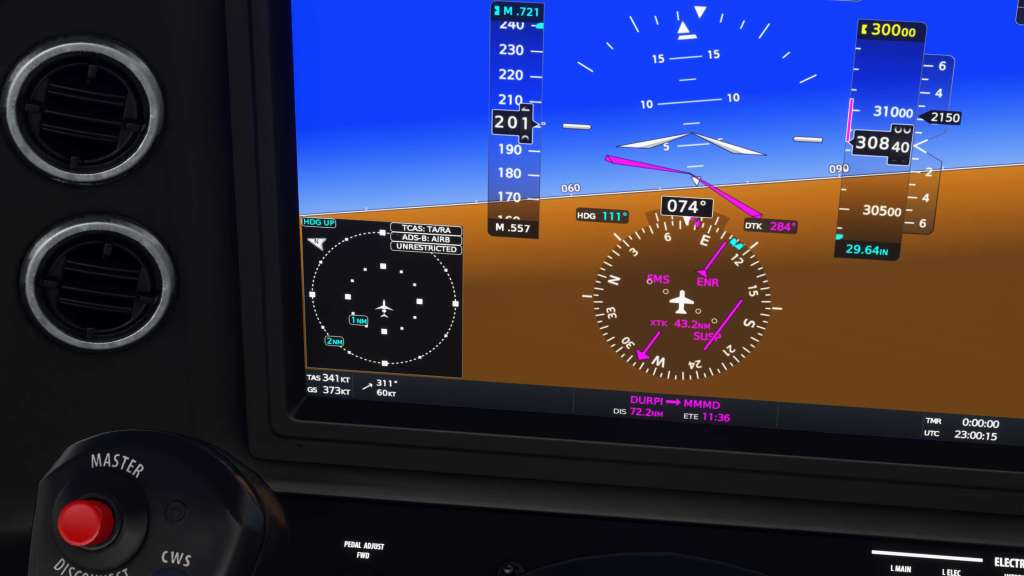
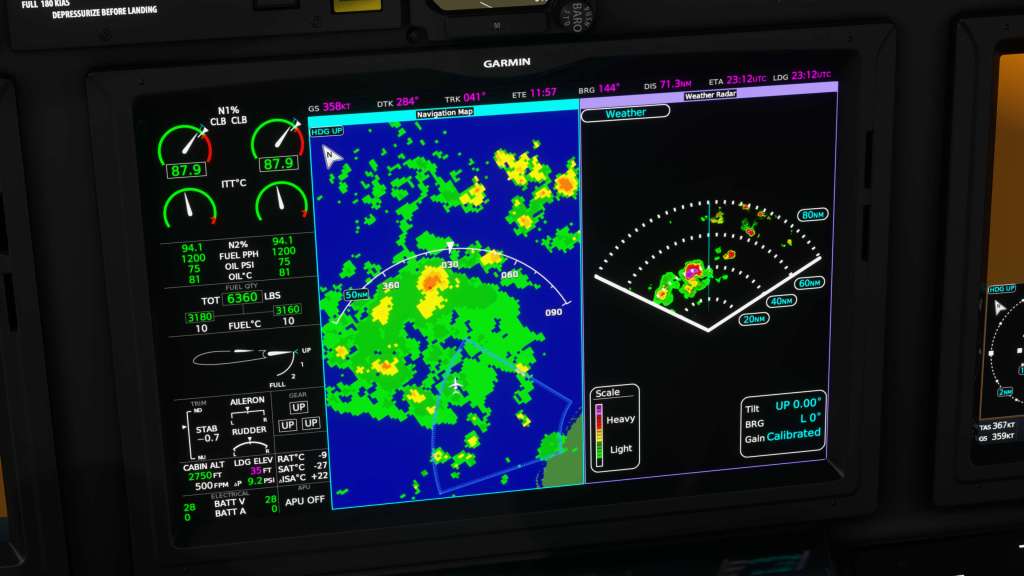
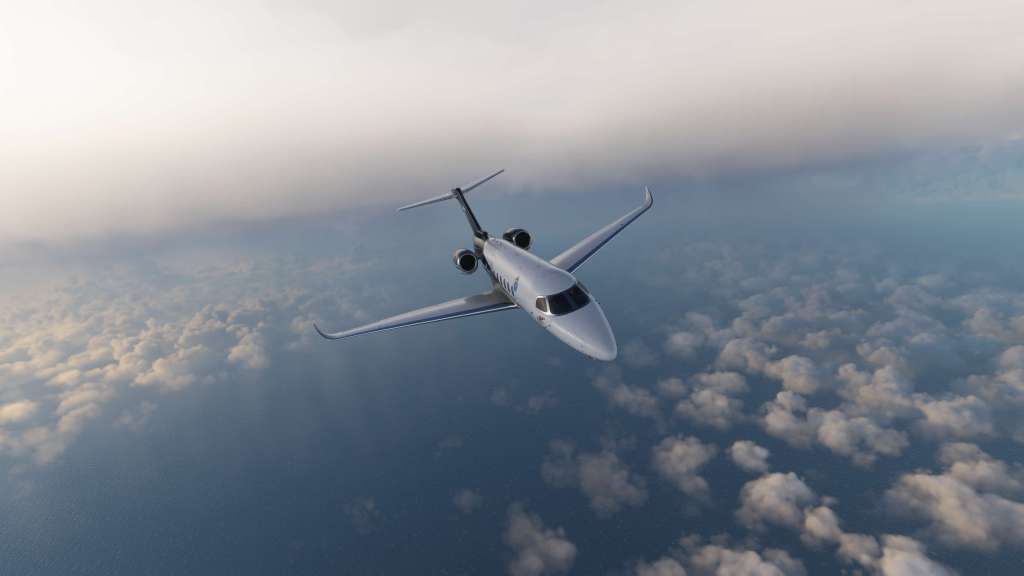
After departing the area I headed for Mérida International Airport (MMMD), the nearest major airport to the storm, so I could experience landing in the wind gusts that were almost certainly affecting the airport. The landing was a challenge with extremely strong wind gusts but I brought the Latitude down for a surprisingly soft landing and a quick taxi out.
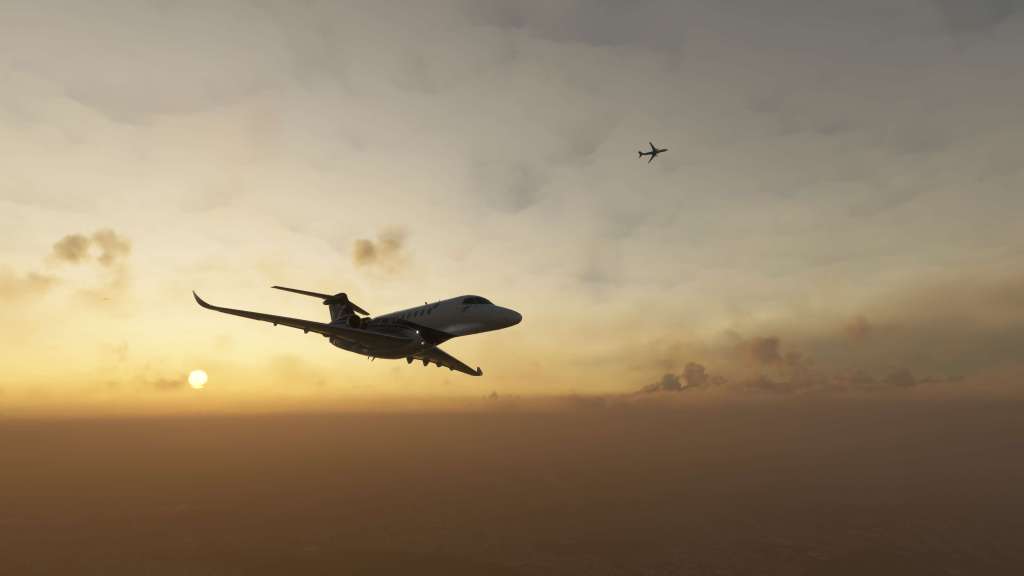

Once again, I hope all in the path of what appears to be a monster hurricane are staying safe. Flying into the simulated storm was fun but the real one is packing a serious punch. Stay safe!


 Stormbirds
Leave a comment