
This weekend, VATSIM has been hosting their scheduled Cross the Pond event, encouraging people to get on their network and take part in a mass aircraft movement across multiple sims. I’m not quite VATSIM ready yet but I love the concept and it worked out that I had a schedule that let me take part in my own faux-CTP experience. Here’s how that went!
Planning for it and a brief soapbox moment
The last time I did my own faux-CTP experience, it was a couple of years ago and my airliner experience was not at the level that it is now. I’ve learned quite a bit (and I have an awful lot more to learn) and that meant that I felt quite a bit more confident in my planning this time around.
Last time, it was 2021 and I used X-Plane 11 and the Aerobask Phenom 300 to cross the pond not really aware of ETOPS but still managing to get some planning in where I flew from Boston to Gander and then on to Dublin just managing to make to Ireland and land before the fuel ran out. That was fun!
This time around, its MSFS 2024 and I decided originally it was going to be a replication of a flight that I was on a decade and a half ago returning from Dublin to Toronto. Or that was the initial idea. Unfortunately, with MSFS 2024 the iniBuilds A310 has not yet received very many liveries either from the user created ones in the Flightsim.to section and, more annoyingly, none from iniBuilds themselves in the iniManager software. This is an aircraft that had ample liveries, including one that I wanted to use… but alas I switched gears to another airplane and another livery.
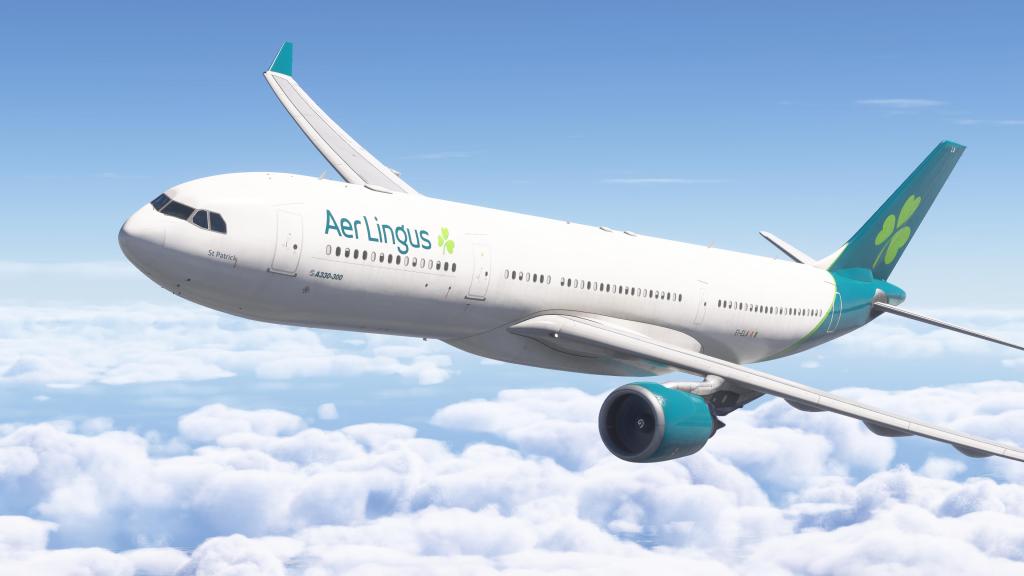
Instead, I chose the A330-300 and picked Aer Lingus for the livery. The airline flies into Toronto daily. So that worked!

I setup the flight making use of SimBrief. It’s a tool that I’ve not always used or liked using but, a revamped interface in the last couple of years, and my growing appreciation for the tools that it has and its integration with various airplanes in the sim, has me appreciating it quite a bit more these days.
One other note…just to appreciate the scale of CTP with a map image from Orbx’s Volanta software. It looked just as busy as the real world out there! Maybe more.

Takeoff and initial cruise
I felt a little more pressure to get everything right on this one. Setting up the A330 for departure meant checking the weights, the flight plan, doing the runway calculator, flex temps, rotate speeds, and generally making sure that everything was checked correctly and ready for flight.
I imported the flight plan and various information in from SimBrief, initiated the engine start and began pushback. After pushback, it was time to taxi and we were cleared to taxi over to our departing runway of 28L.


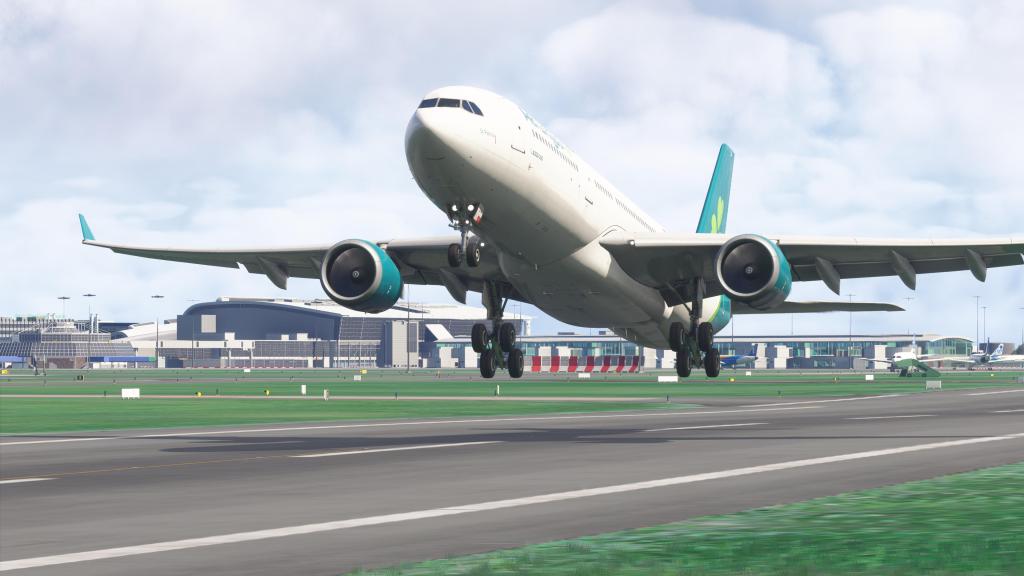
I held the breaks, slightly pushed the stick forward, checked to make sure we had power and then throttled up to TOGA. Off we went!
This was the first time I’ve taken off an A330 with a fuel load intended for trans-Atlantic flight so that was a little different. The first moments of flight felt similar to my earlier flights but then I immediately felt the added weight and the more sluggish climb rate as we initially set out.
Gear up, flaps up, and an initial climb to 8,000 followed by another climb to FL380. It took several minutes for the widebody airliner to climb up to that altitude but made it up there we did.
Before long we were nearing the coast, crossing over into the Atlantic not too far from Donegal, Ireland. And then, the emerald isle was behind us and the open Atlantic was ahead!



Cruise, time compression and chores
With a long flight like this I tend to do a couple of things. First, once everything is looking good I like to keep tabs on stuff for just a little while before I start to divide my attention.
After things are looking good, I start to test out what kind of time compression I could get away with. I was able to increase it twice or three times without too much trouble. Unlike earlier iniBuilds MSFS airliners, the A330 doesn’t seem to have very much trouble holding altitude or cruising along on the path despite some modest time compression. It does, however, struggle a bit when there’s a larger course change and so I did have to drop back to 2X mode to ensure a more reliable line.
After that, I checked in on the aircraft periodically while going about various chores around the house. Things need tidying, cleaning and straightening up and I’ve got some new hardware to setup on my sim PC (one is a new SSD… boring… but the other is a little more interesting!).


Crossing into Canada
After a few hours, signs of land appeared up ahead and we came in off of the Atlantic and over the jagged shores of Labrador. We flew not too far away from our ETOPS diversion airport of Goose Bay (CYYR) but with no trouble to deal with, on we went.
We swept southwards now following the coast of the Gulf of St. Laurence and flying over Sept-Îles and Baie-Comeau Quebec.


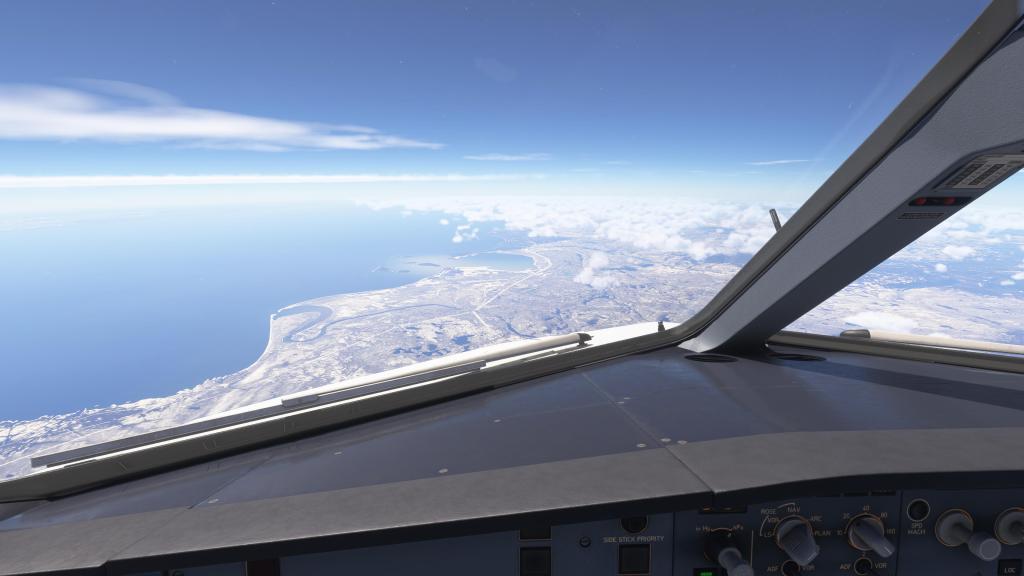

After hours of flying in relatively clear weather, minus some rain storms over the Atlantic, we now crossed into more turbulent air. As we approached Montreal, the clouds beneath us took on more vertical forms and the aircraft began to bounce around. Radar showed storms up ahead and the seat-belt signs went on. For the record, MSFS 2024’s live weather service was picking up on the storms exactly where they should have been… positioning was maybe slightly different but the overall effect was exactly right.


Almost a descent into Toronto
Things were going so well. I was excited about the arrival into Toronto and I started doing my planning.
Next up, I wanted to setup my landing with Simbrief giving me the IMEBA9 STAR via POLTY with ILS arrival onto runway 23. I started plugging the values into the MCDU when the most annoying thing to happen on a long flight… happened. A WASM crash!
The aircraft stopped responding and I couldn’t make any further changes to the flight computer, the autopilot, or anything useful. The sim continued to run…. but that was it for the flight. Ugh! So close too.
It was going so enjoyably well over the hours that this was working. I got work done around the house which was great but I was also looking forward to the accomplishment of landing and taxiing the airliner at my destination. Unfortunately, circumstances were not allowing that to be. Next time, I will try another airliner…


 Stormbirds
Leave a comment