
Following on with my recent review of the GotFriends Crosskart, the scenery suggestion of Lost Trail Pass Airstrip, made by TheDukeNewcomb on Flightsim.to, clued me into a small but great looking collection of mountainous Idaho-based bush strips. The collection makes use of the authors own asset pack and Emerald Scenery Designs asset pack. I thought I’d check a few of them out!
Crosskart time
For the first part of the journey I wanted to start out with the Got Friends Crosskart. The mission? Start up, leave the house at Lost Trail Pass Airstrip (IDS93), drive up US-93 Highway, turn off and run the dirt road that winds its way up the mountain, stop off at Johnson Gulch Airstip (IDJ93) and then switch to an aircraft.
Starting up the Crosskart takes just seconds. I did a quick donut just for fun and then proceeded off of the property and onto US-93. Making a left turn I accelerate down the road at speeds that probably aren’t legal… but this is a flight sim and we’re here to have fun!


It only takes a few minutes of on road adventure before its time to turn off and get onto the gravel portion of the journey. The scenery is setup so that you have a beautifully detailed gravel road that is great for taking at medium and high speeds, hand brake turns optional, as you navigate the terrain up the side of the mountain.


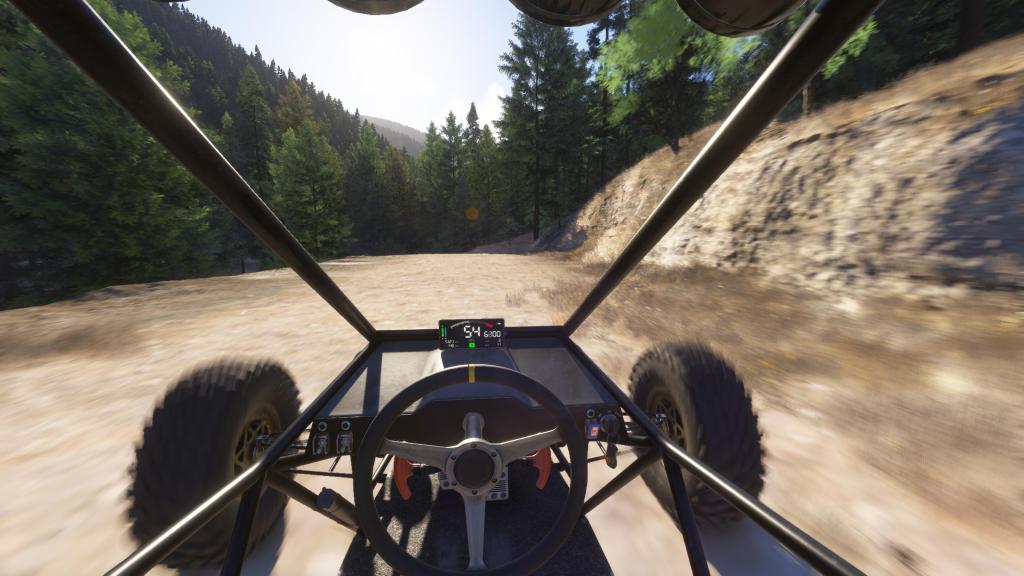
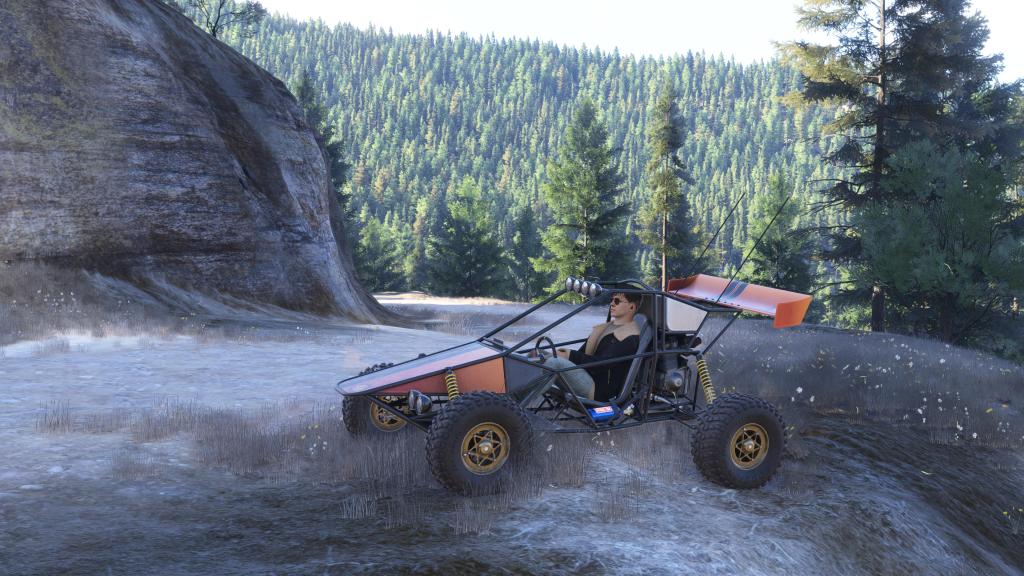


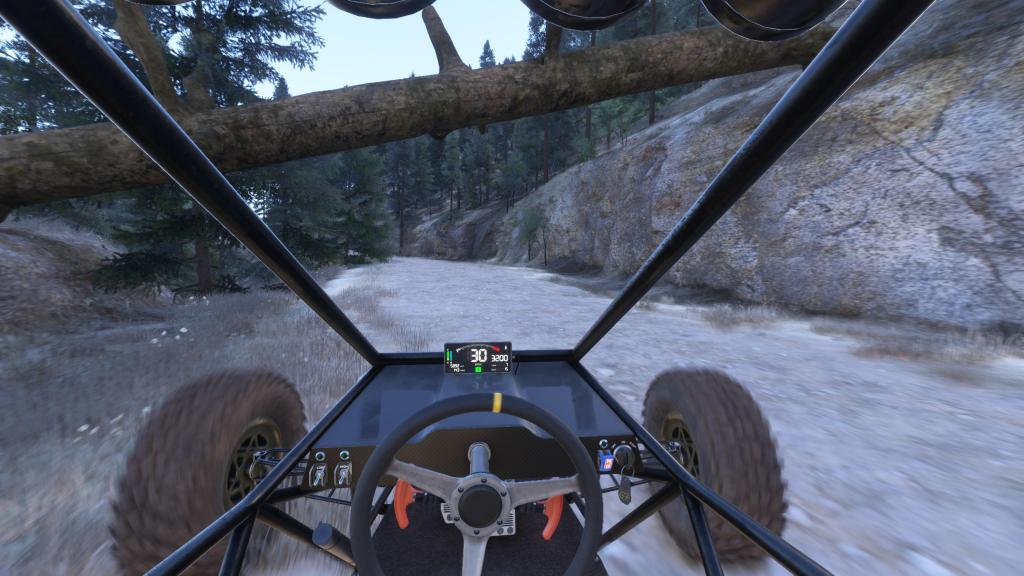
I wove my way up through several tight turns (and one unfortunate tumble off a cliff… wooops!) generally blasting my way through all of it. There’s scenery to take in along the way. A truck that is stuck on the edge of the road, campers, wildlife, a partially fallen tree. It’s really quite fun as you don’t know what’s coming up next.
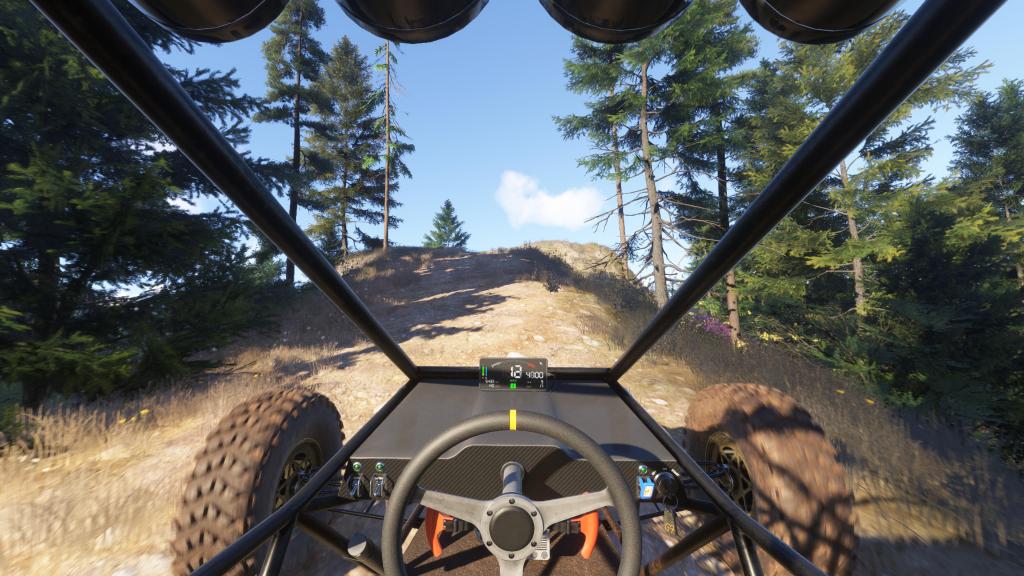
Eventually I got to the turn off point. You can take the rest of the journey on the gravel road, or, as we were doing for this adventure, you can take the short road up to the airstrip.
I drove my way up to the airstrip, parked, shut off the Crosskart, and got myself ready to switch into a different mode of travel!


Norden into the skies
For this next part of the journey, I’m hopping in another Got Friends product. The Zlin Aviation Norden is one of the bush planes that ships with MSFS 2024 and it has become a favourite. The mix of performance, looks, and capabilities really makes it tremendous fun to fly.

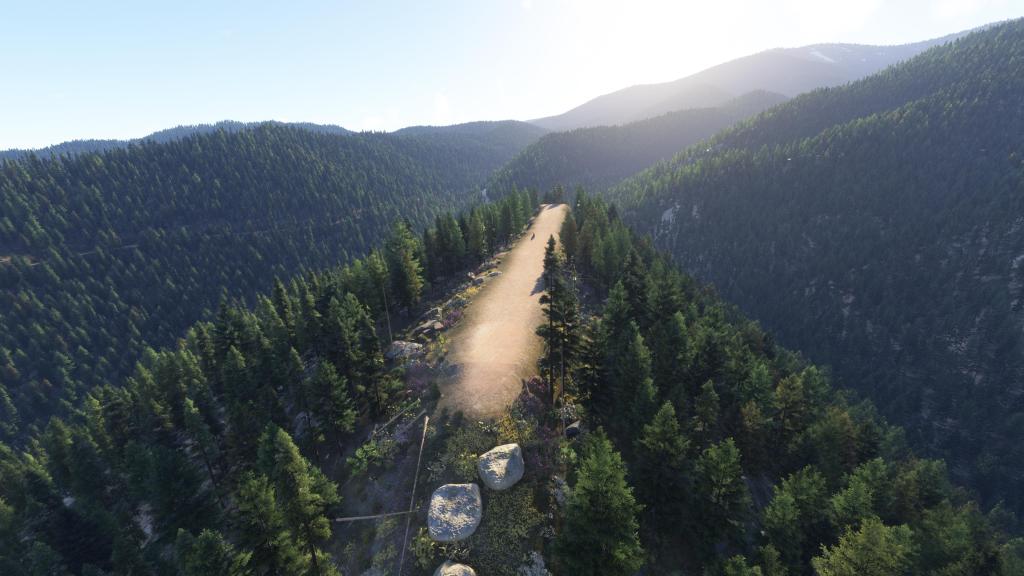
The mission? Simple exploration. Fly and check out or land at as many of the scenery packs as I’d downloaded to that point.

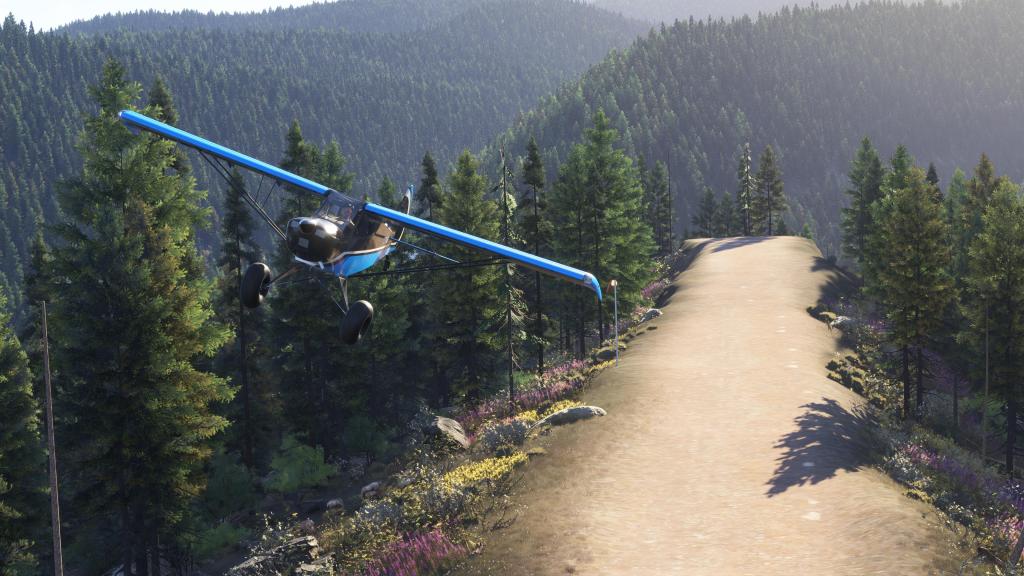
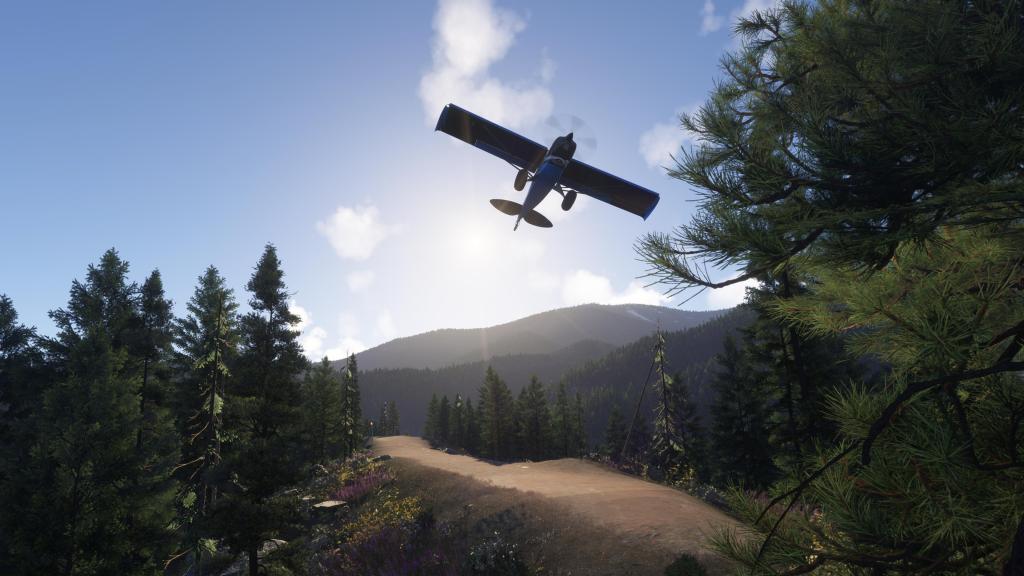
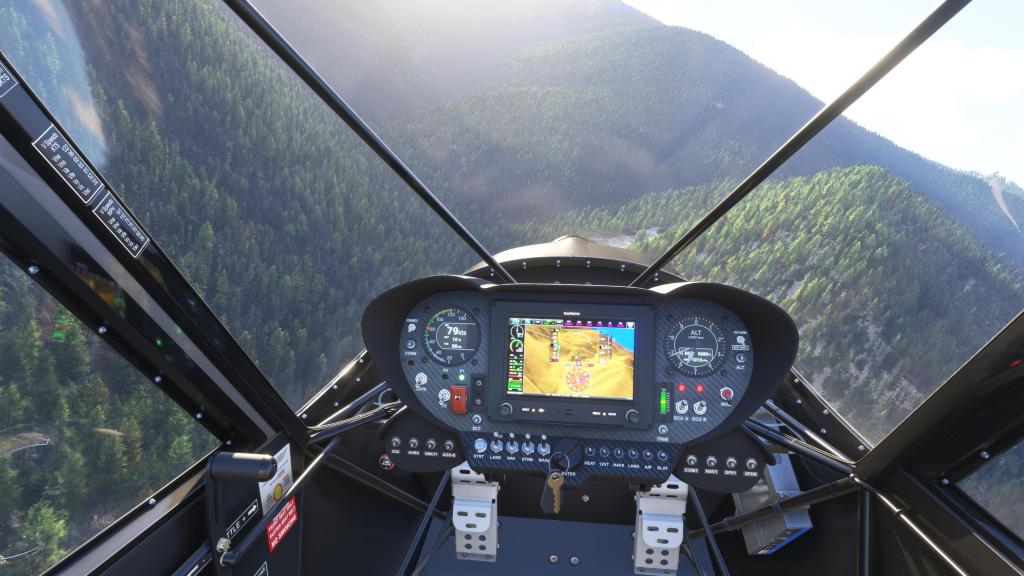
The first part of the journey would take me back the way I came. I wanted to see if I could land at Lost Trail Pass Airstrip (IDS93). So I worked my way down the mountain, covering the same territory that I had in the Crosskart except doing it in just a minute or two. Benefits of an airplane! Within a couple of minutes I was overhead.
The airstrip really doesn’t seem to work well coming in the one direction as there are too many trees. Plus… we had a strong crosswind from 90 degrees off the strip. So in the other way I came. It was a hairy landing with a lot of sideslip but I managed to get the Norden down with no real trouble. Like I said… very capable!


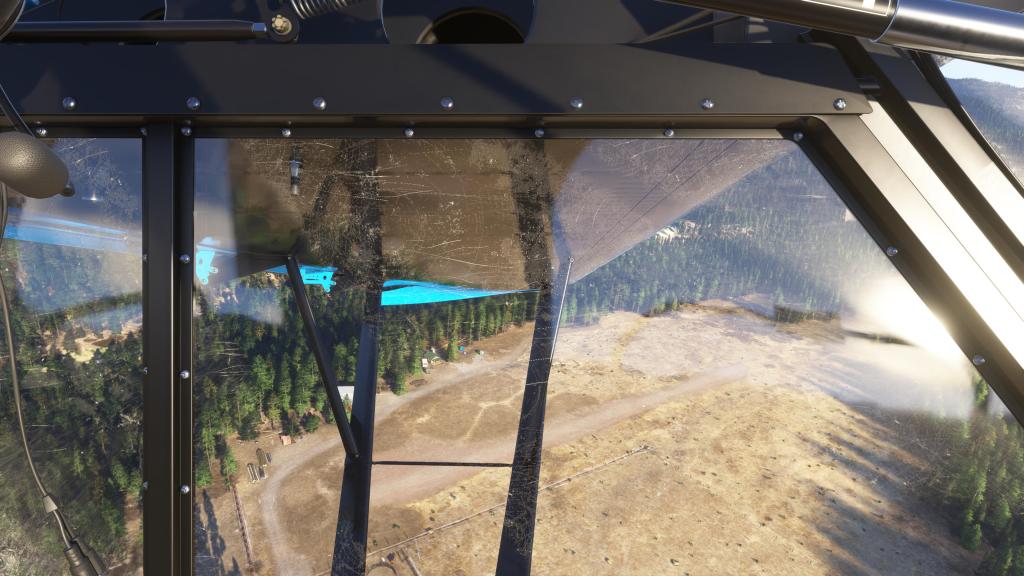

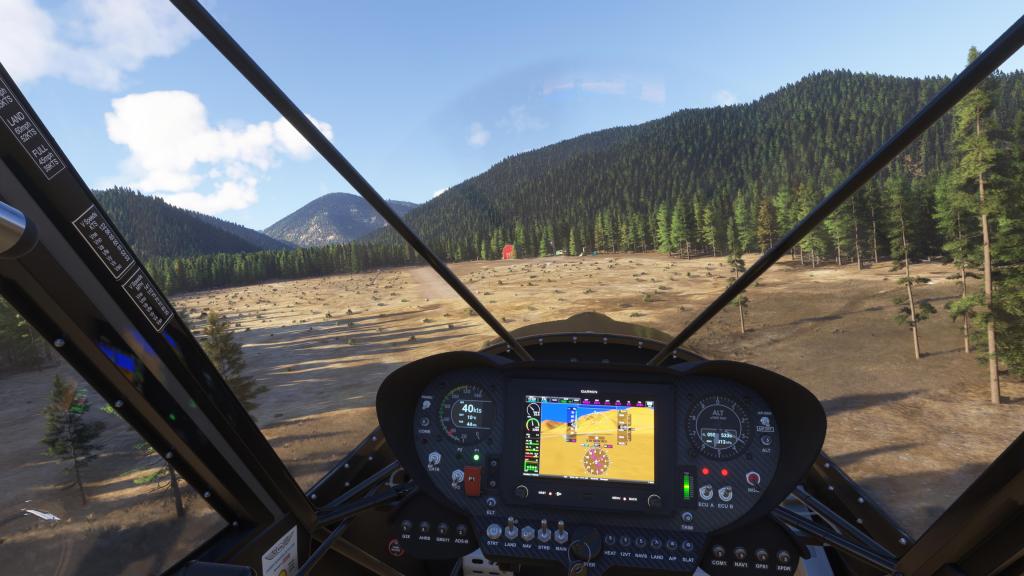
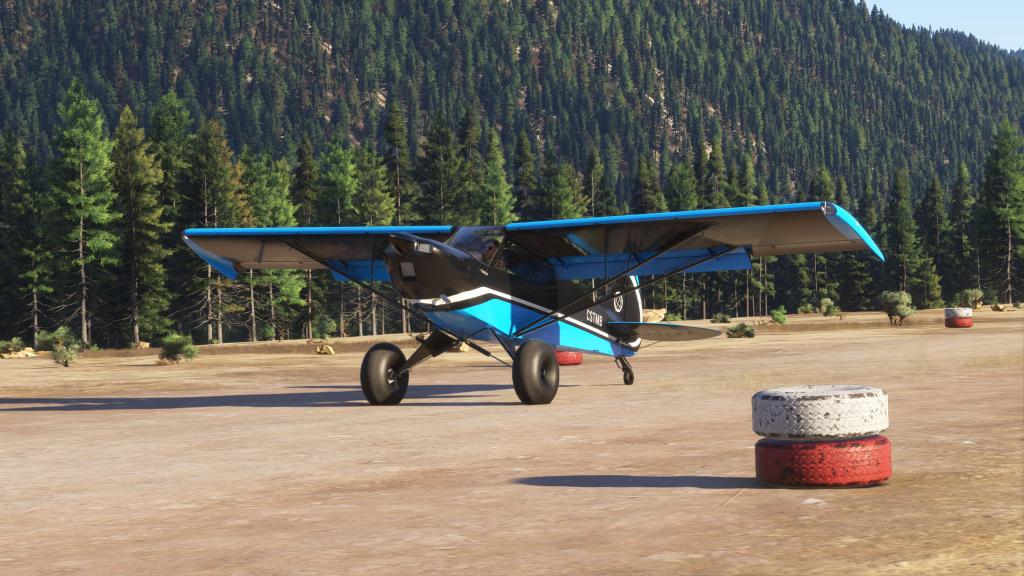

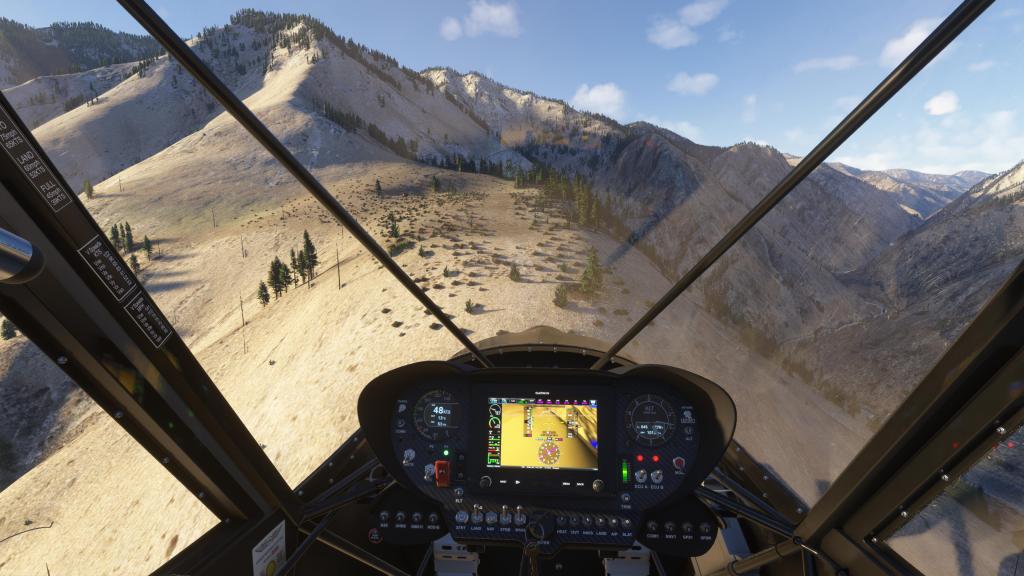
After a quick stop there, it was on to the next destination. Riggins Ridgetop 69ID and Kelly Creek Ridge KCR6. As it turns out, I only found one of them and I’m pretty sure its Kelly Creek Ridge.
There was a beautiful cruise through the valleys and mountains on the way. I’m still a little in awe at how good MSFS 2024 can look when everything is going right.


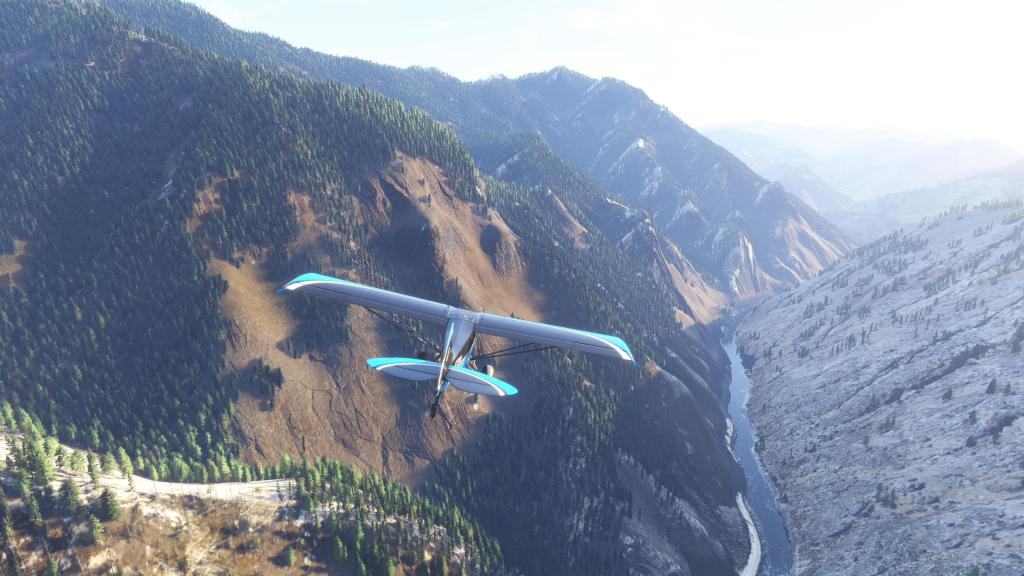
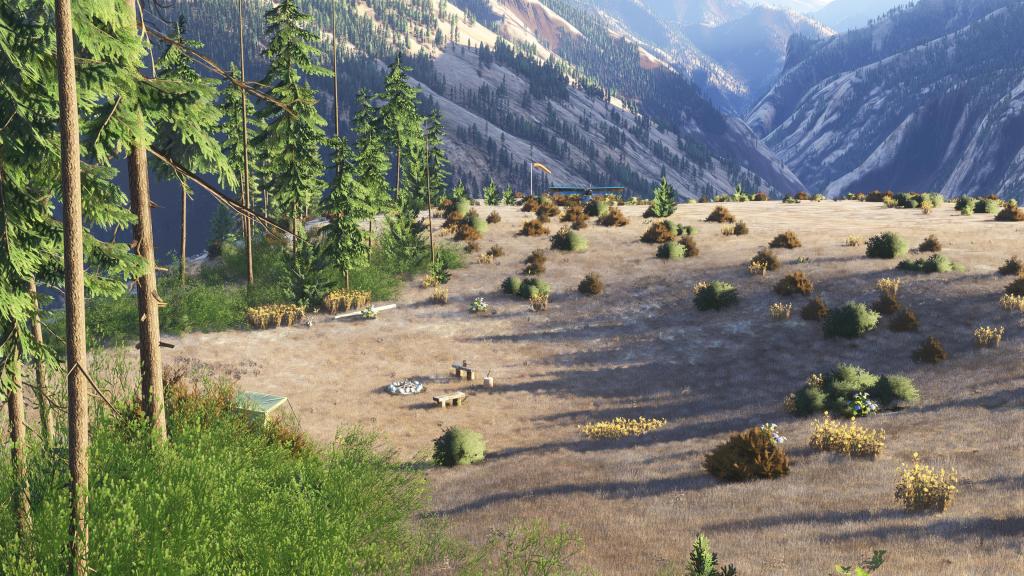
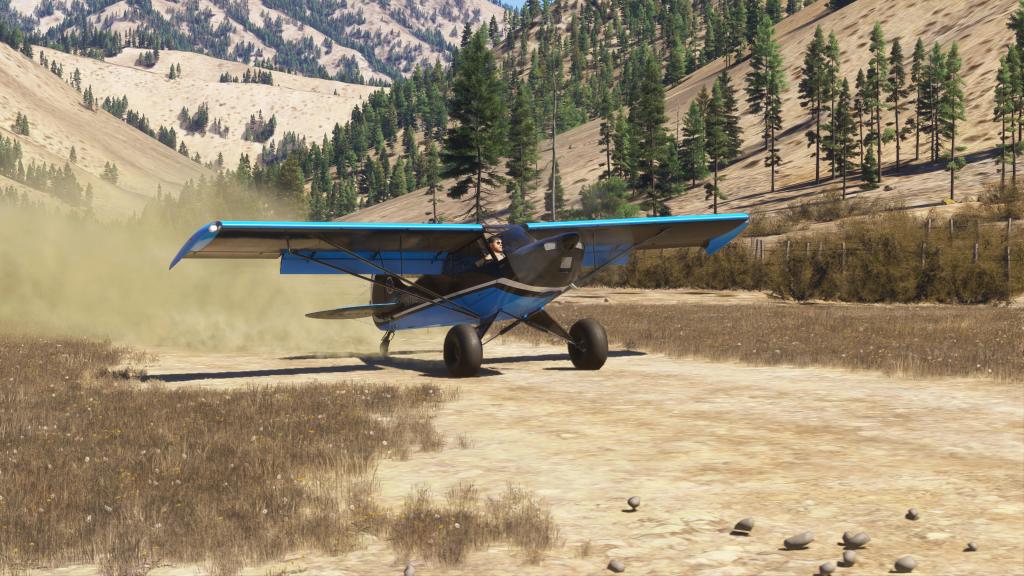
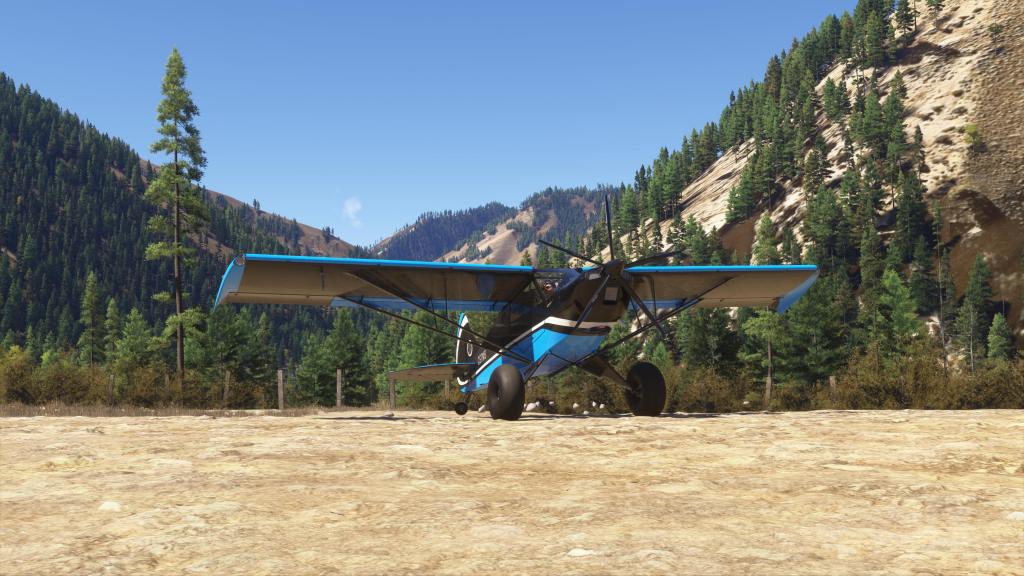
I did locate the strip after some difficulty. The landing was a bit of a challenge but a fun one to do. I set the Norden down and found a nice little spot to park! That was that for the first night.
More adventuring
The second part of the journey would be to check out Burnt Knob Lookout 30BK and Burnt Knob Lakes 3BUL.
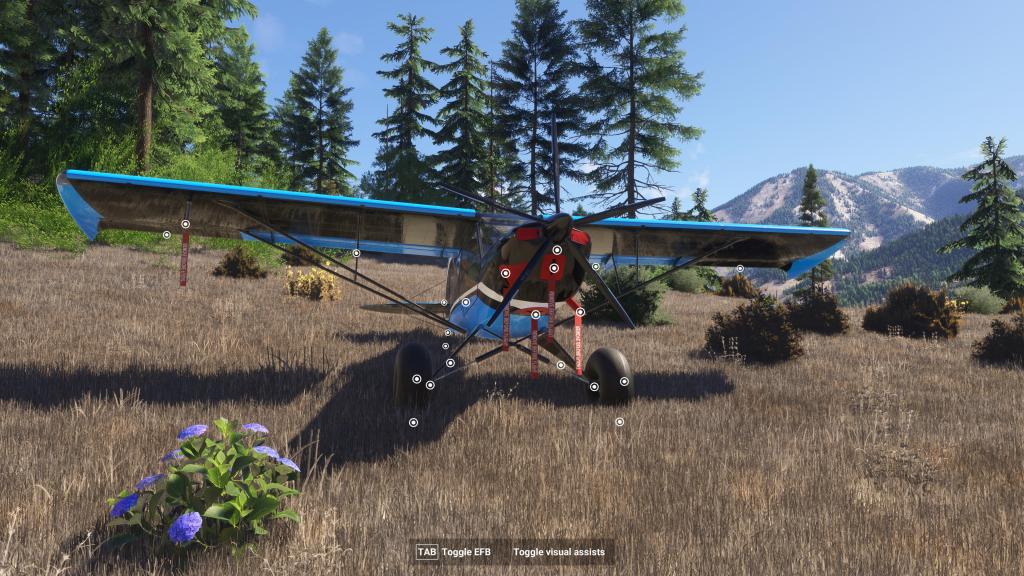
After getting the Norden setup for flight, I took off down the improvised runway and set off into the mountains. The scenery here is stunning and everywhere you look there are trees, hills, ridgelines and mountains.
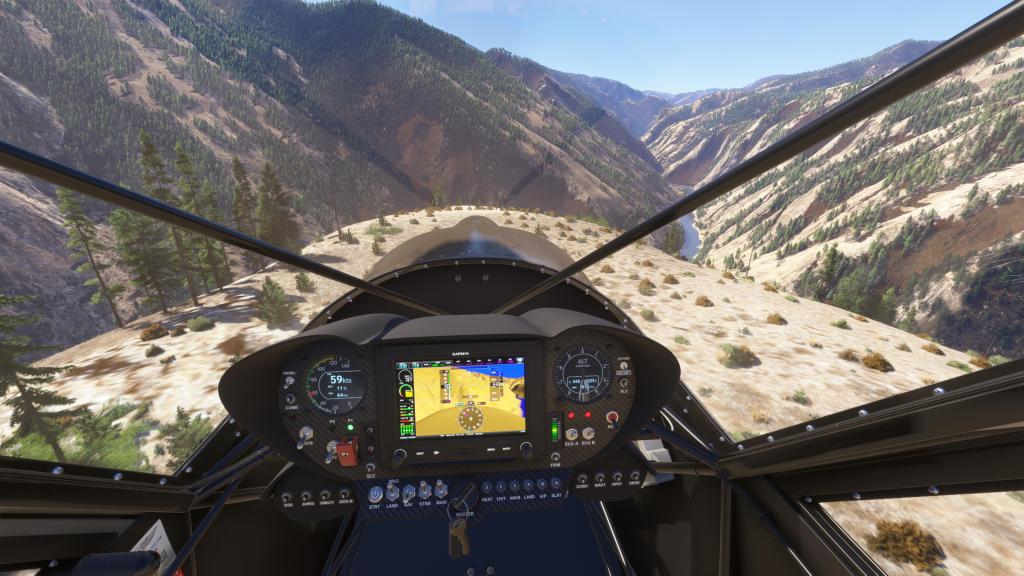
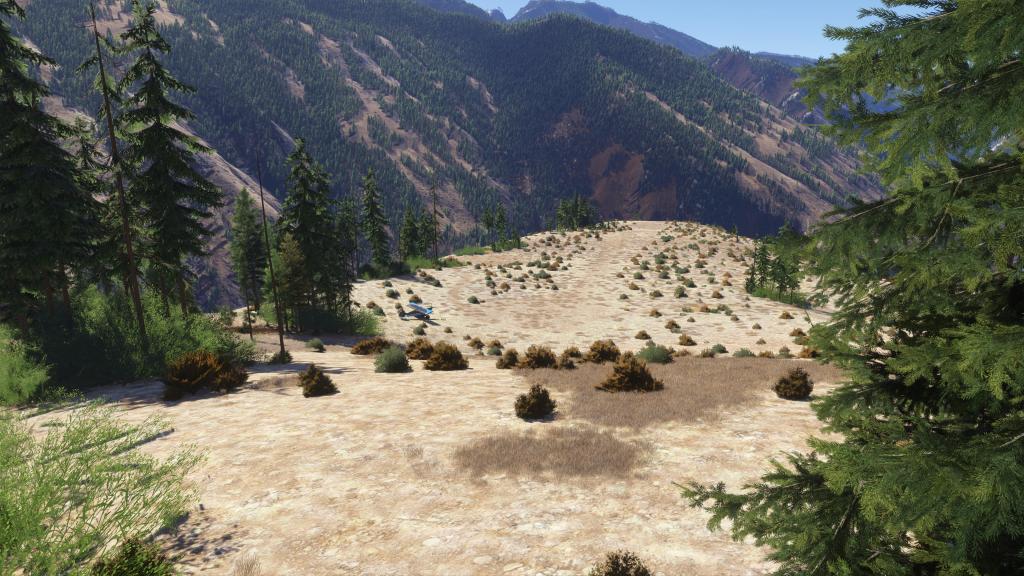

There’s also a quite a bit of turbulence so you’re always on the stick holding the aircraft as steady as possible.
To get to the next destination the best way forward was up! I climbed and reached approximately 10,000 feet. The Norden still manages to pull at this altitude which is great and I settled in for a cruise around 95 knots. The Norden does have an autopilot though I haven’t used it much. To engage it, you hit the AP Arm switch first and then use the G3X touch screen menu to bring up the autopilot modes. Its really quite capable!
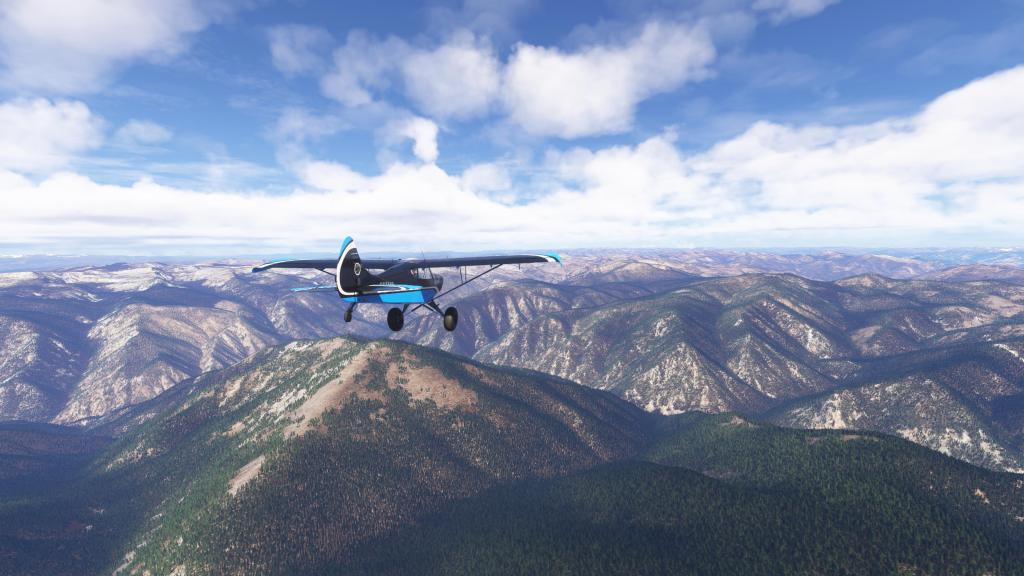
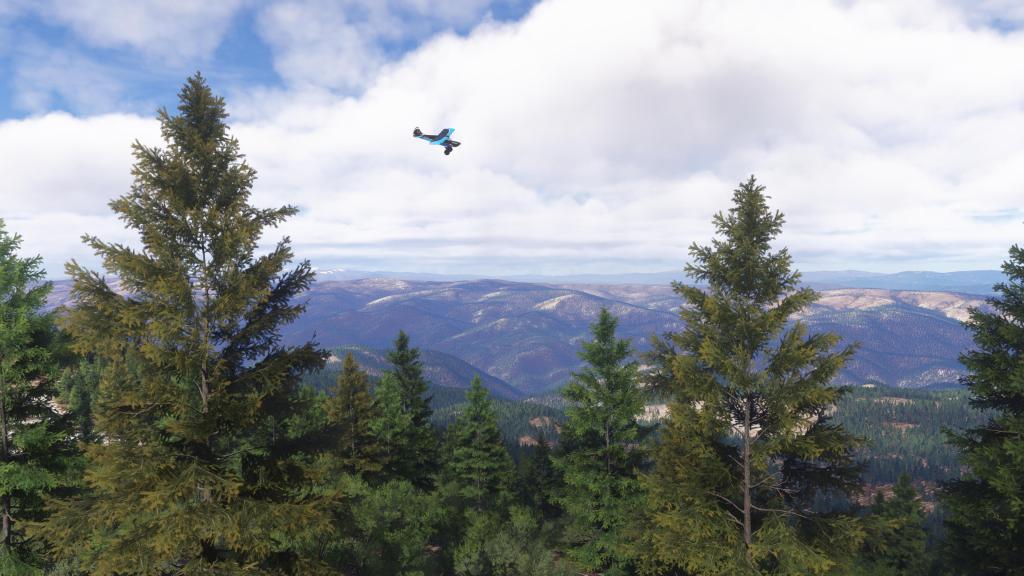

I reached Burnt Knob Lookout doing several fly pasts. This is more suited to a helicopter landing zone than an aircraft though apparently there is a strip that you can land on. I failed to find it! So, after some looking, I set out towards my final destination which is a MSFS classic of Lower Loon Lake.
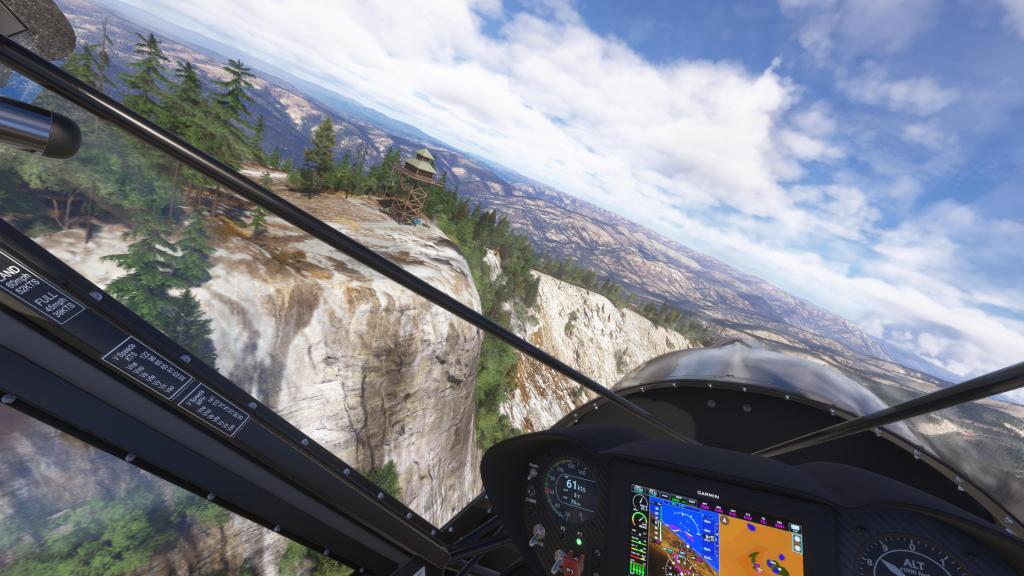


Again, cruising around 9,000 feet, I set out into the mountains. Buffeted around by strong gusts off the peaks, it was certainly a bumpy ride. But the Norden can handle it!
Cruising on autopilot is good but always pay attention. Especially when one of the peaks is taller than you expect it to be. At least twice I pulled it off of autopilot and took control to avoid a particularly troublesome peak.
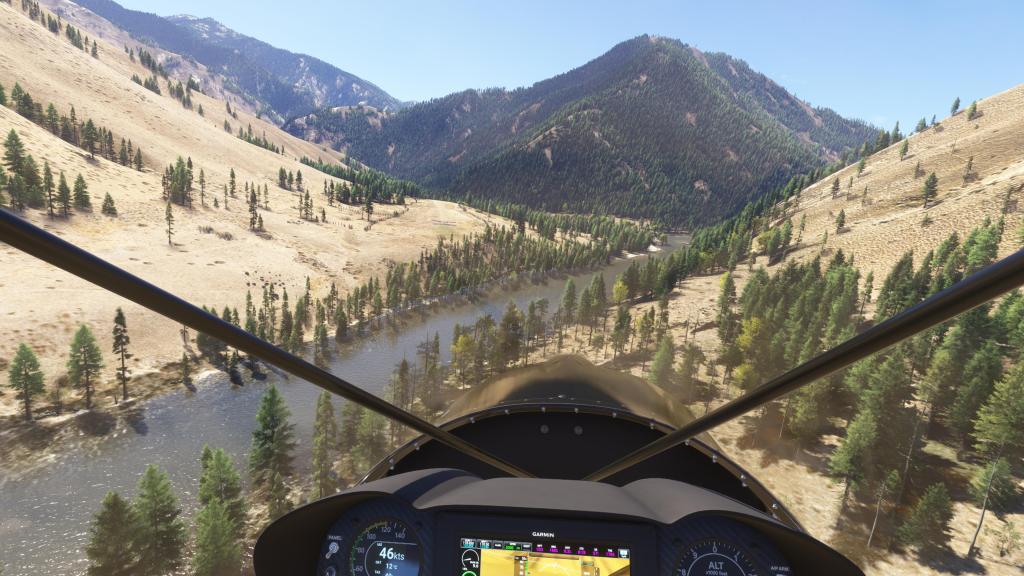
Coming in at just over 10,000 feet, it took a little while for the very speed constrained Norden to descend down to Lower Loon Creek. But that was ok! The scenery was spectacular.
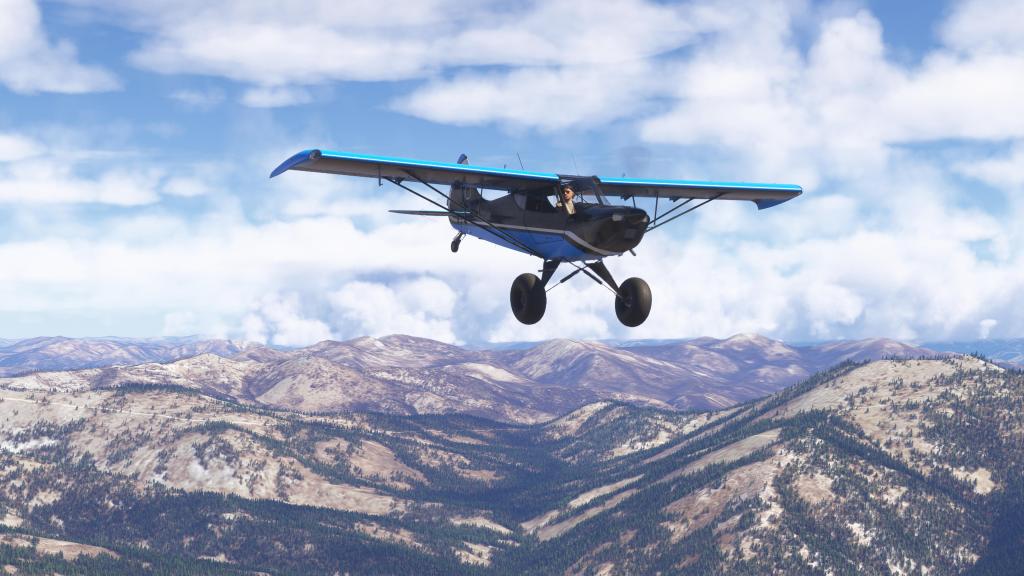
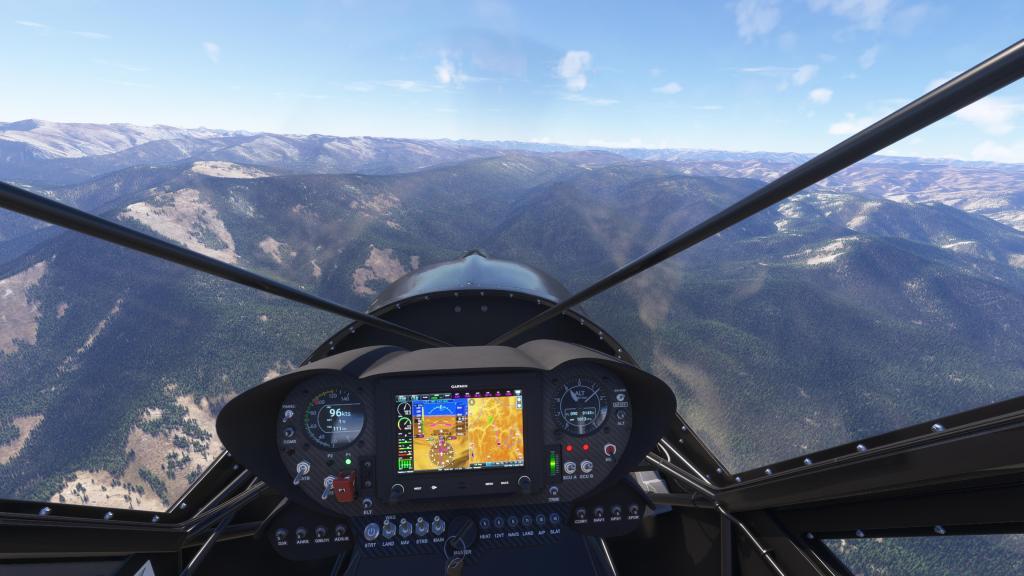

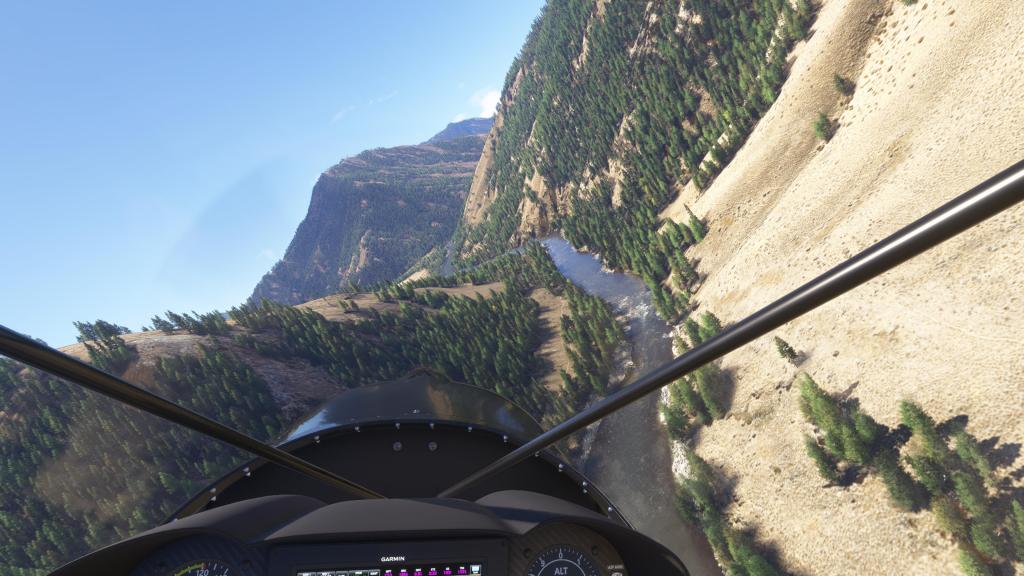
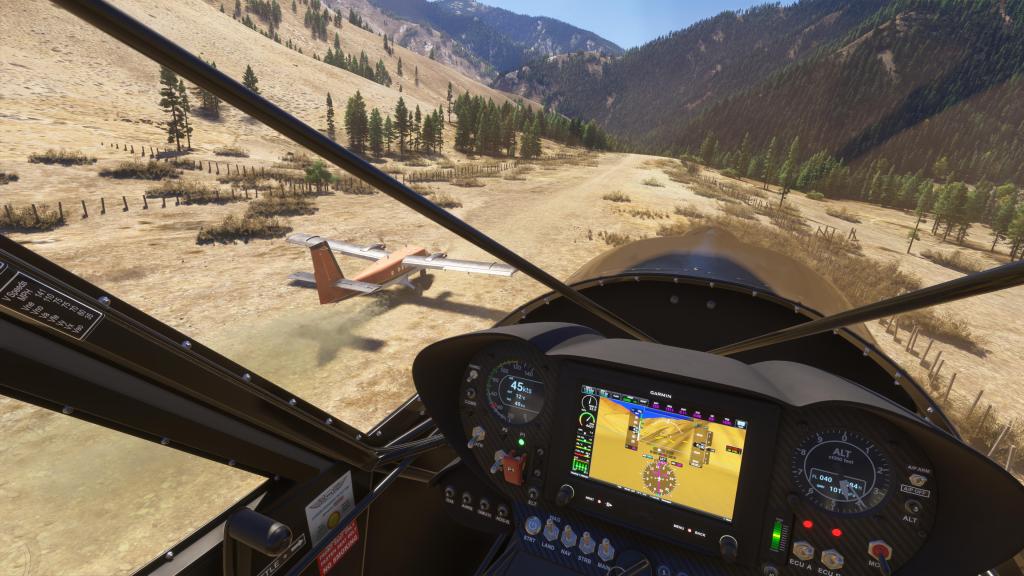
On my first approach I could make out a dustcloud which turned out to be a Twin Otter! Multiplayer MSFS is always interesting that way. I did a little friendly fly past before landing alongside.
Parked, shut down, and set up for the next adventure. I think I will be back here again! Spectacular scenery that you should check out, with our without the amazing scenery by TheDukeNewcomb.

 Stormbirds
Leave a comment