
One of the recently upgraded aircraft that has come back into my virtual hangar is Blackbird’s Cessna 310R simulation. The aircraft has just been released with compatibility for MSFS 2024 and I wanted to put it through its paces with some sort of adventure in the airplane. This is how it went!
Journey to Tofino!
My mission was to carry three passengers from Castlegar, British Columbia over the Rockies to Tofino, BC. A reasonably long distance sortie for this twin engine GA airplane. CYCG, West Kootenay Regional Airport, aka Castlegar airport is one of the custom scenery airports added to MSFS during the Canada world update and its a fun mostly GA airport nestled in the interior of British Columbia. Mountains and scenic views all around! With live time and live weather on, the challenges of flying through the mountains would surely make for an interesting journey.
It’s been a little while since I’ve flown the C310R seriously so it took me a little while to get re-acquainted with all of the systems. It’s not the most complex aircraft around, especially compared to my usual aircraft these days, but you need to still pay attention and get it all setup right.
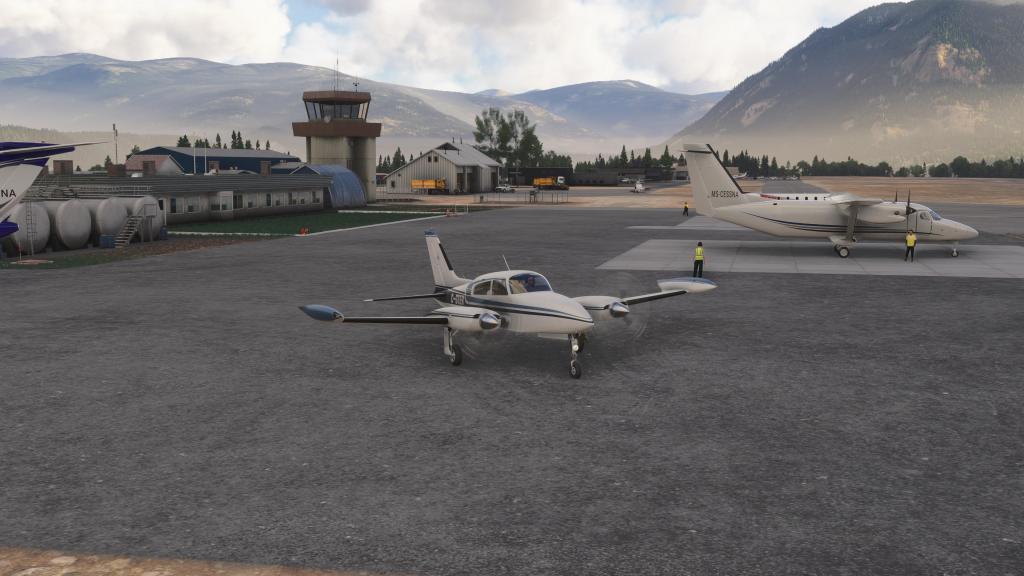
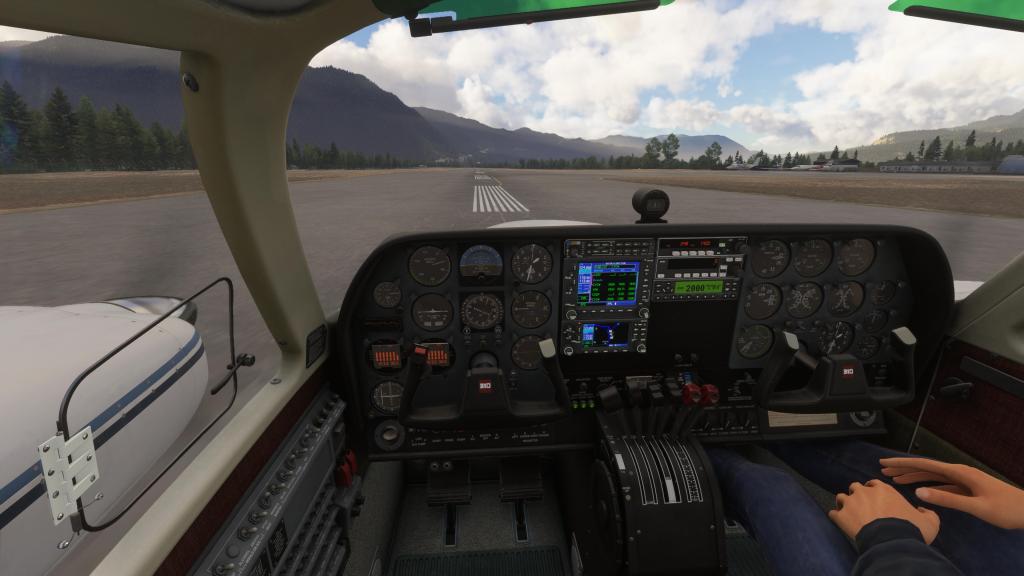
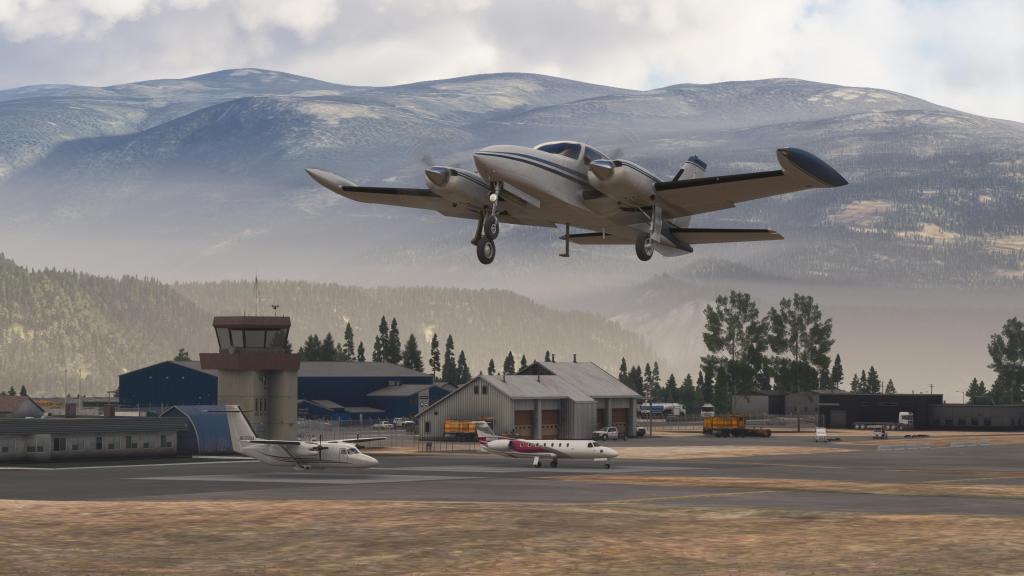

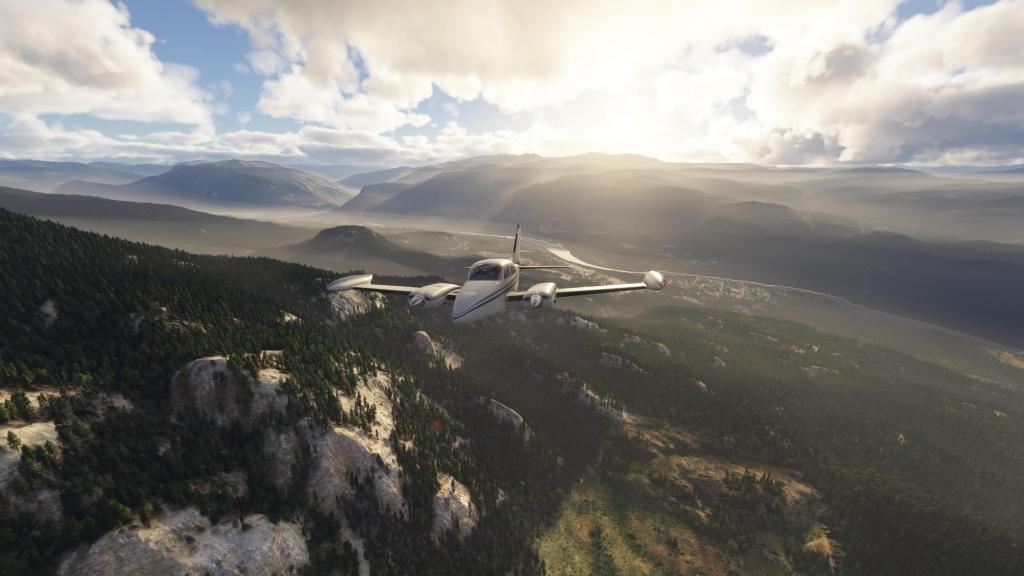
With nearly full fuel tanks and four passengers onboard I gingerly left the ground at West Kootenay and climbed into the mountains. The 310R is plenty confident in these situations but only just enough to make you think about maybe making a backtrack or circling a bit to get out of the mountains. Despite passing a few peaks just under the nose, nothing seemed insurmountable for the twin IO-520M engines.
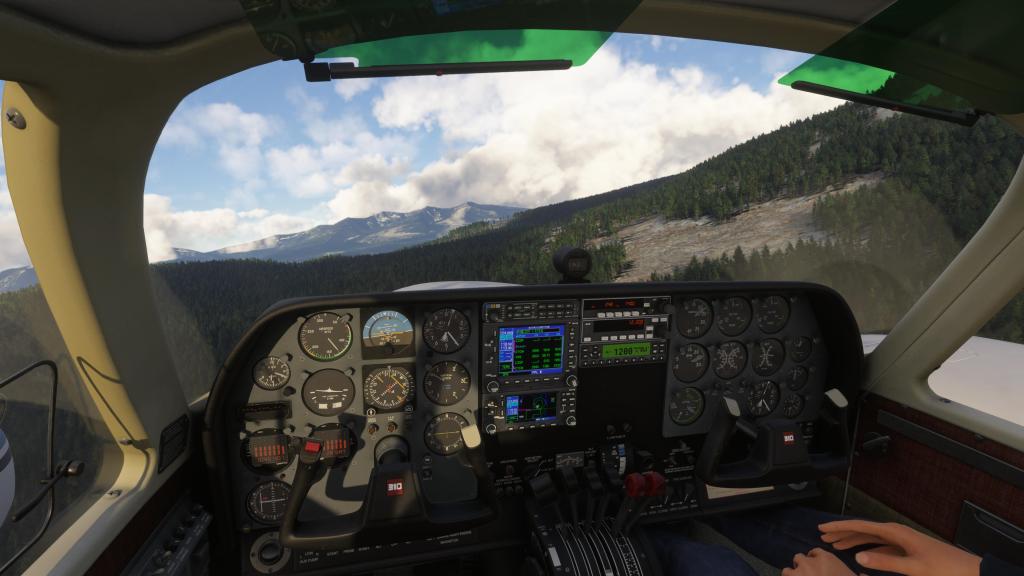
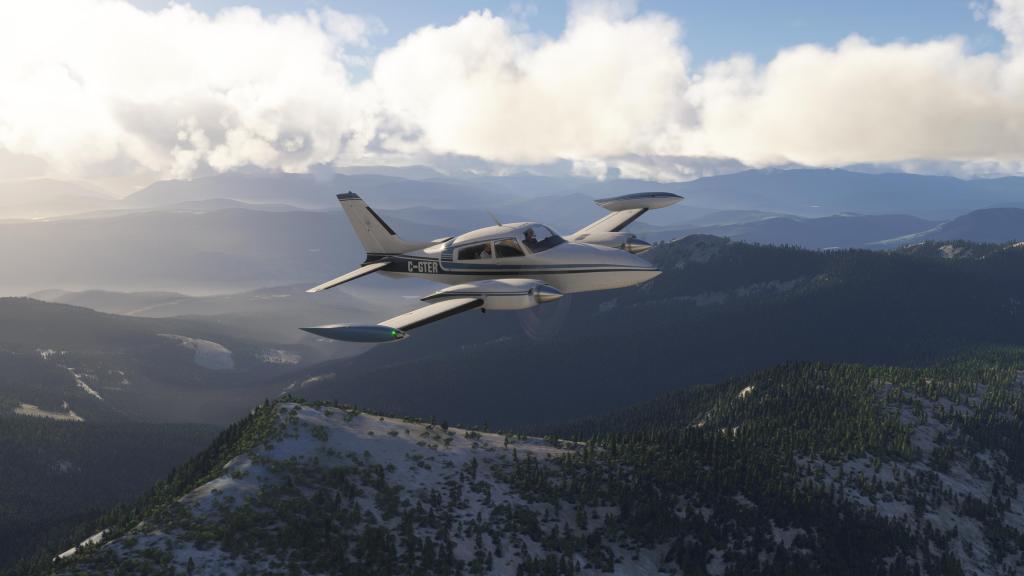
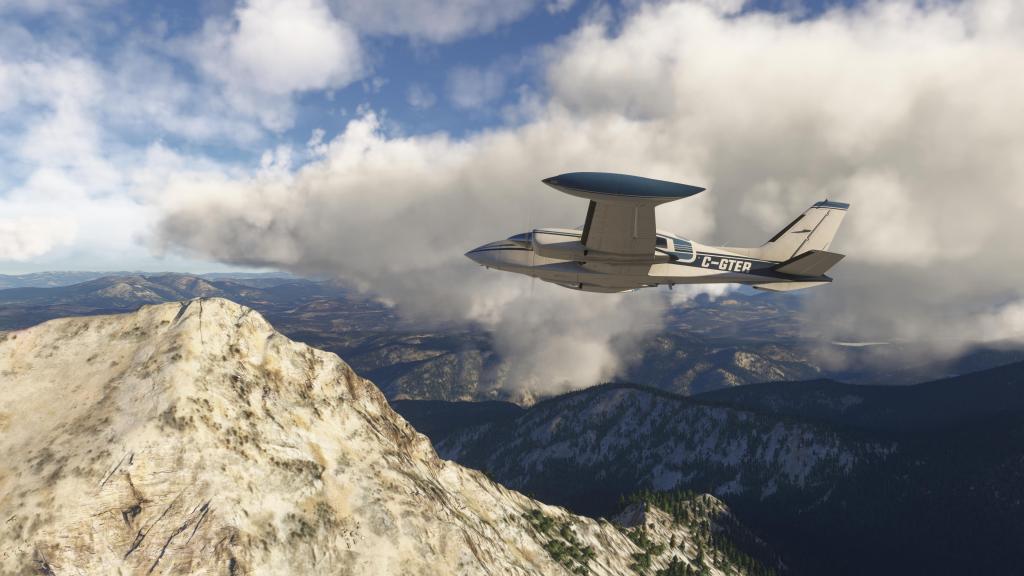
Cruising through the mountains
After settling out and playing around with the avionics (you’ll note I swapped the default GNS530 for the PMS50 GTN750 during this stage) and my flight route, I reached a cruise climb of 11,000 feet and kept on into the journey.
The first part of the cruise went very smoothly with relatively clear skies in the immediate vicinity and some stunning mountain visuals. A brief bout of icing required the windshield heater and airframe deicing to be switched on. Fortunately we got out of that fairly quickly.

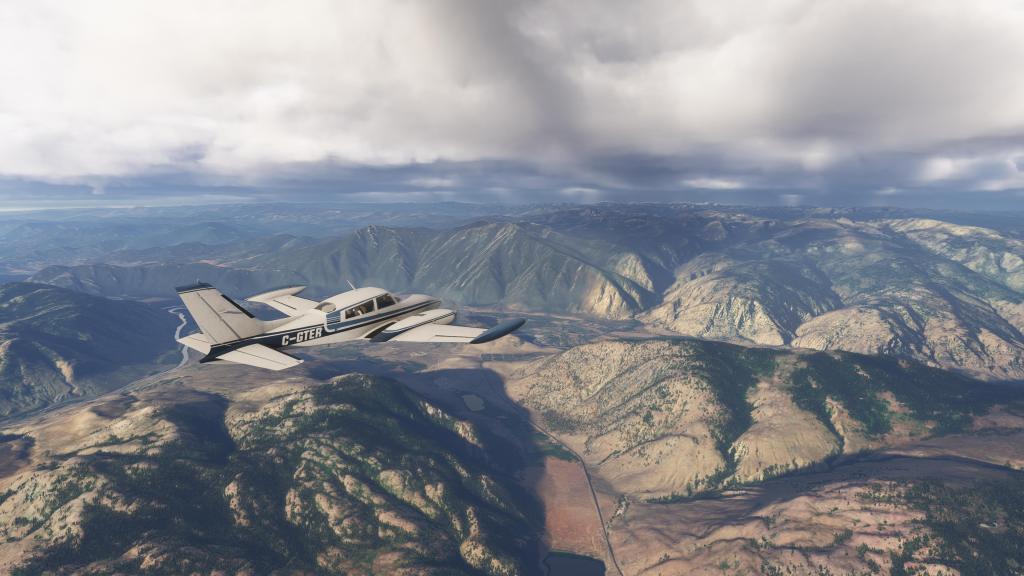
The cruise was going well, however, up ahead were some darkening skies and rising peaks and this was the part of the journey that I was most concerned about. Some of the concern was unwarranted as we got in under some thick, but not overly threatening overcast. Then we got into the rain, sleet, and snow!
With low visibility and bad weather ahead this would probably be a moment in real life where you’d find somewhere to wait it out. But this is a simulator and we’re here for the entertainment value…. I pressed on!

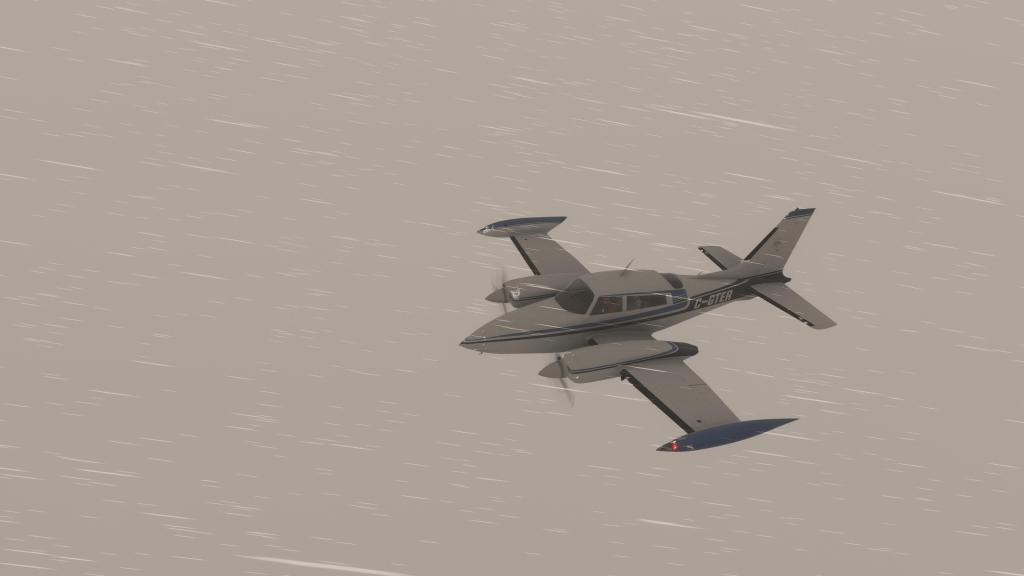
I did, however, increase my cruise altitude to 13,000 feet knowing that most peaks in the Rocky Mountains are 12,000 or lower. The increase to that altitude took quite a long time as the 310R is not turbocharged and the manifold pressure was beginning to drop even at maximum power and my best adjustments to the fuel mixture.
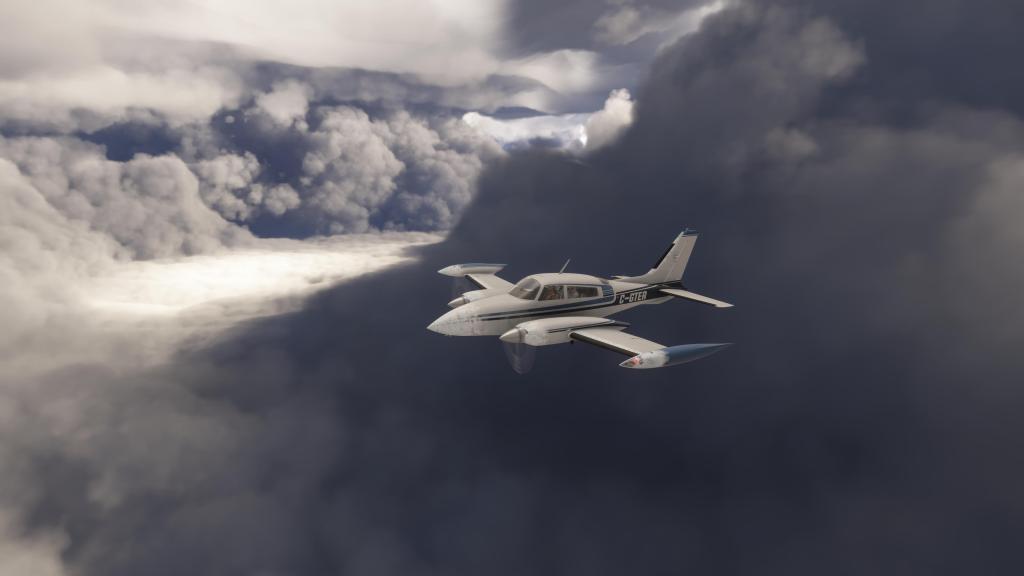
Then we really got into some icing and that gave me a chance to try out the 310’s deicing boots which expand and deflate the leading edge of the wing. Blackbird visually simulated it which is very cool to see. There was, on the other hand, so much ice building up I didn’t know if we’d make it.
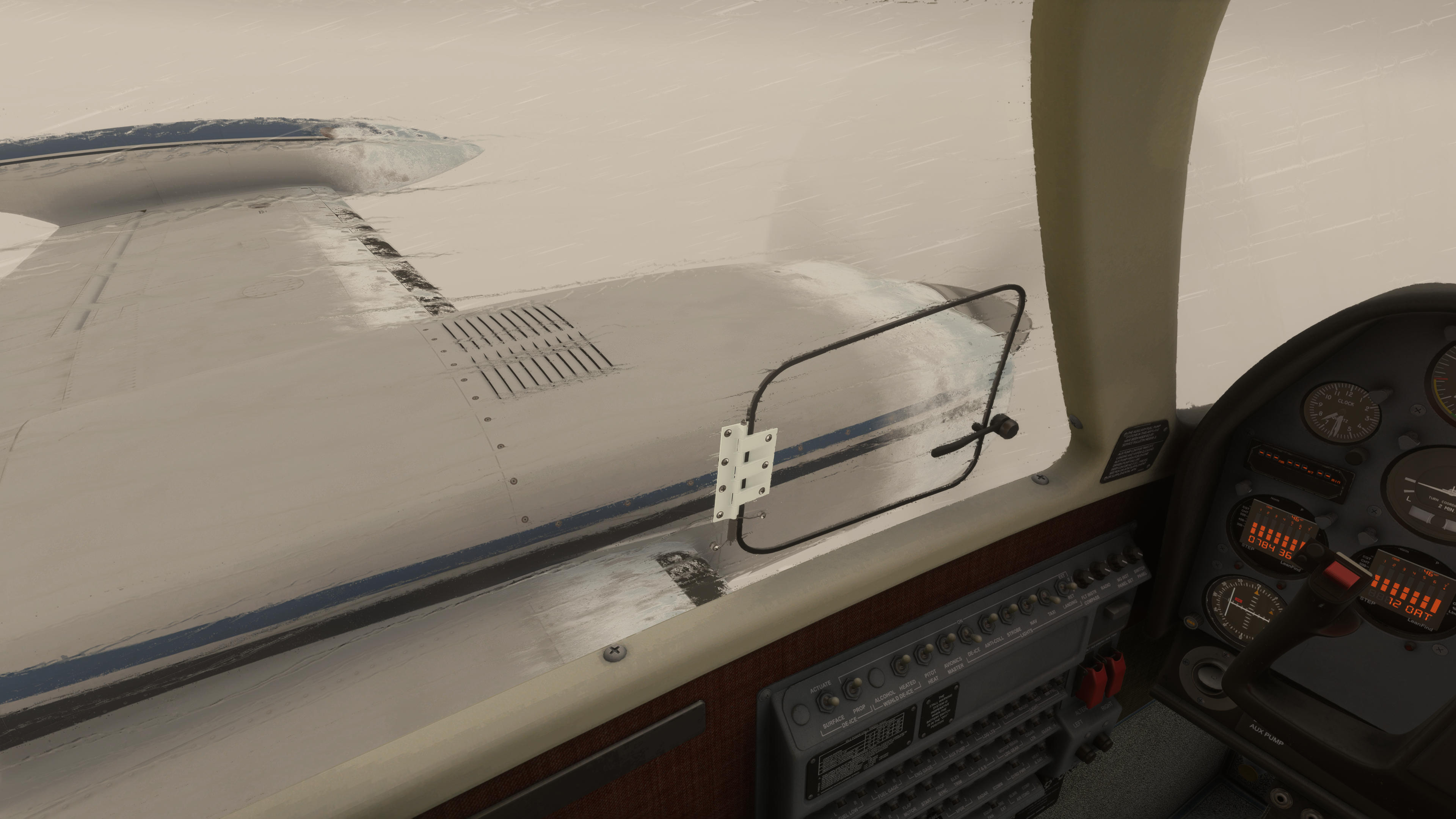
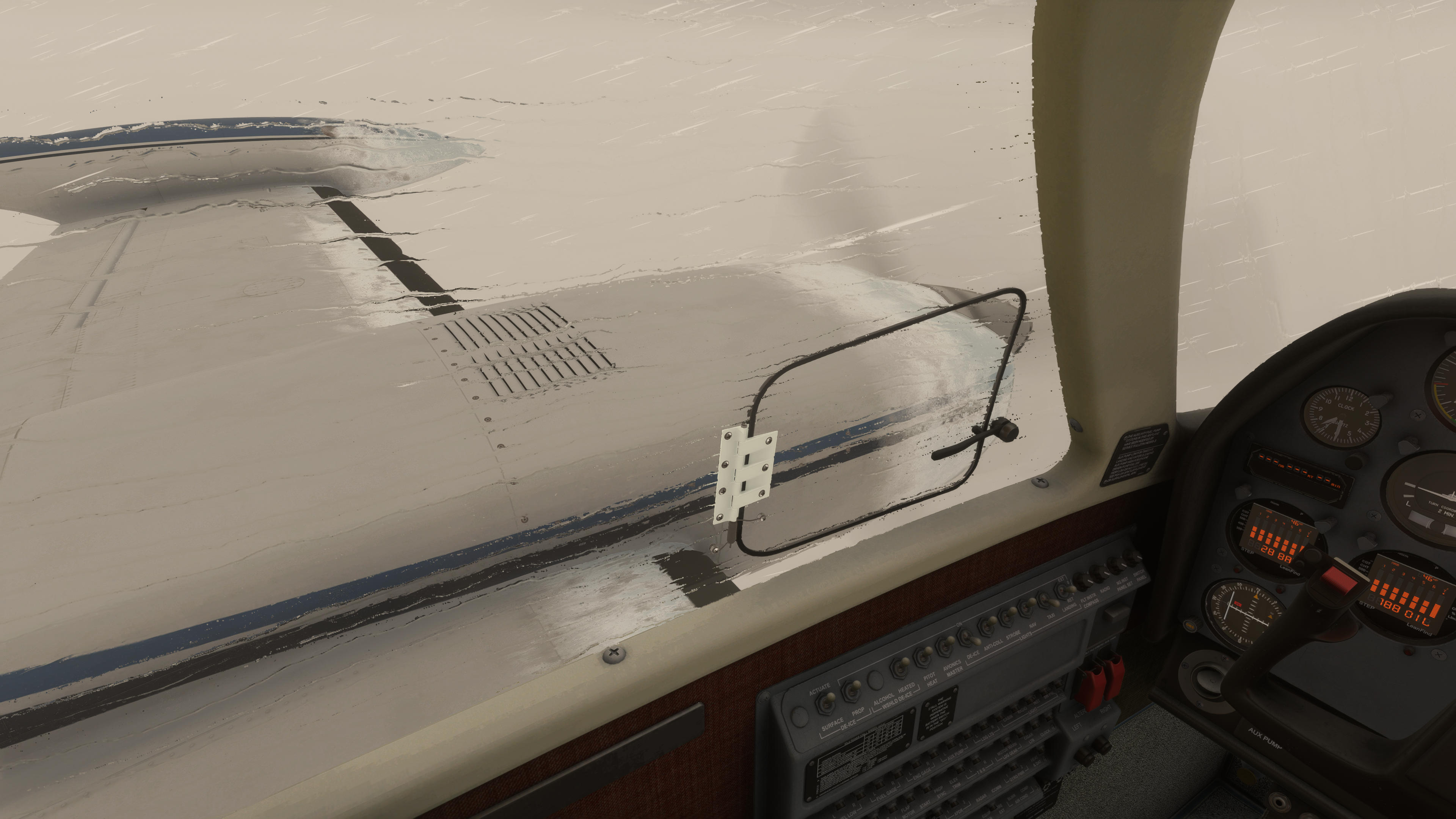
I adjusted course slightly to move me a little to the south and hopefully into some clearer skies more quickly than had I taken a more northerly route.
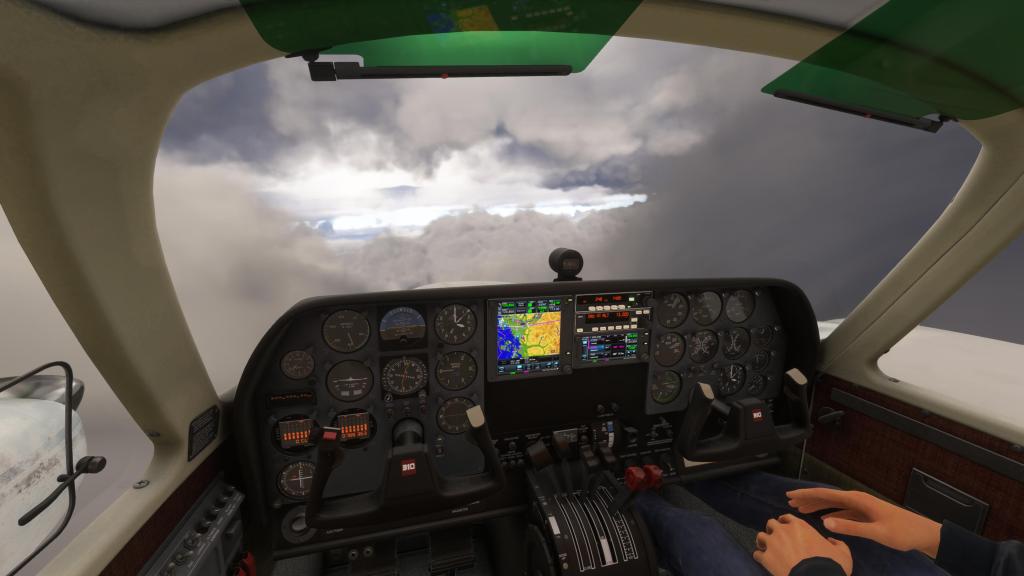
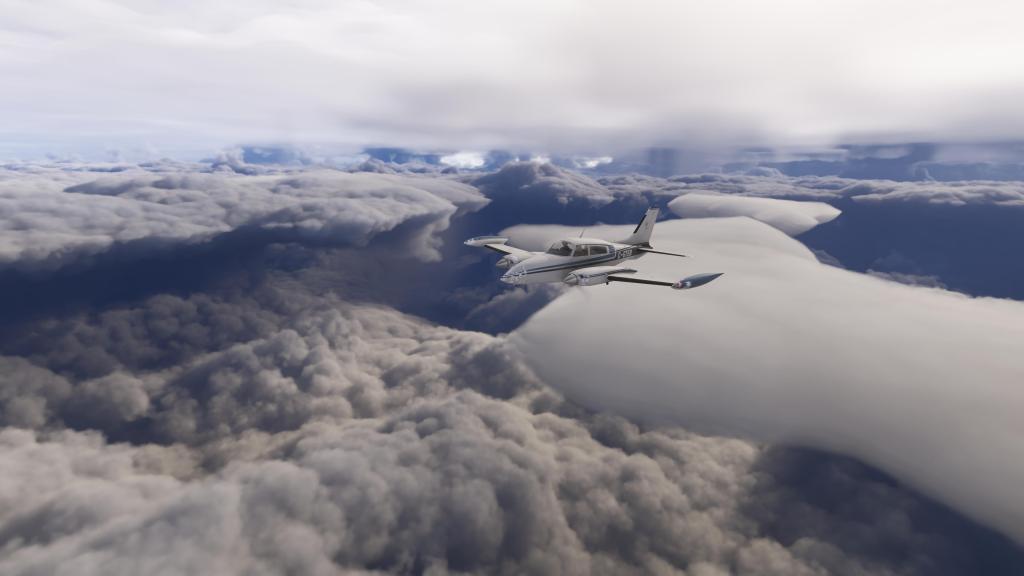
After quite a long time with just grey ahead we finally achieved a breakthrough. Nothing is as satisfying as breaking through bad weather in a GA sized airplane. Phew! The ice build-up slowly began to melt and ahead we were now looking at some incredible cloudscapes and a bit of turbulence from time to time.
The upper layer cloud deck eventually disappeared behind us as well and the sun finally came out again! Incredible.

Approach to Tofino
Having crossed the Strait of Georgia that separates mainland British Columbia and Vancouver Island, it was now time to start thinking about my approach to Tofino.
Weather was not good and scattered clouds at 1,800 feet and overcast at 2,300 feet would make this a challenging approach in. Winds, however, were light at just 3 knots so mostly a non-factor there. I was hoping that by the time I arrived the weather might have cleared up some.
And I was right! The winds had increased to 8 knots, however, conditions over the field were beginning to clear according to the latest weather reports coming out of Tofino.
Now all that remained was a slightly dubious descent into some thick clouds with hope that the ceiling had raised enough to get a solid visual on the airport.
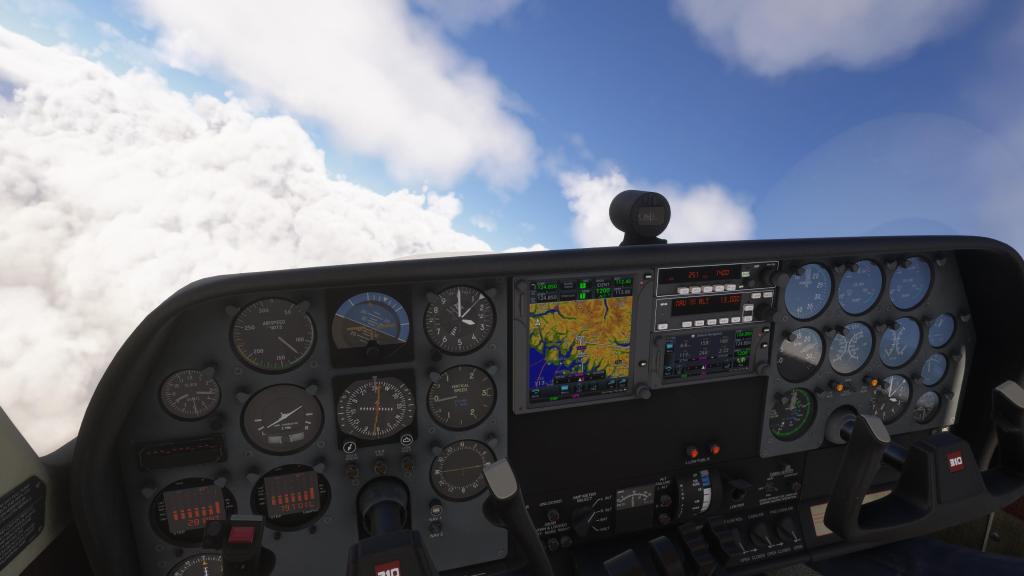
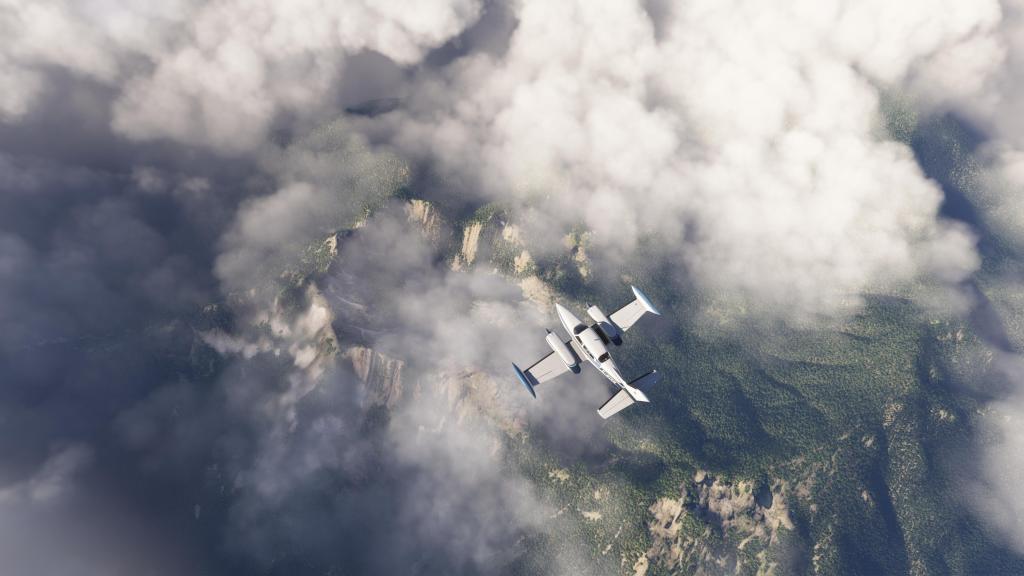
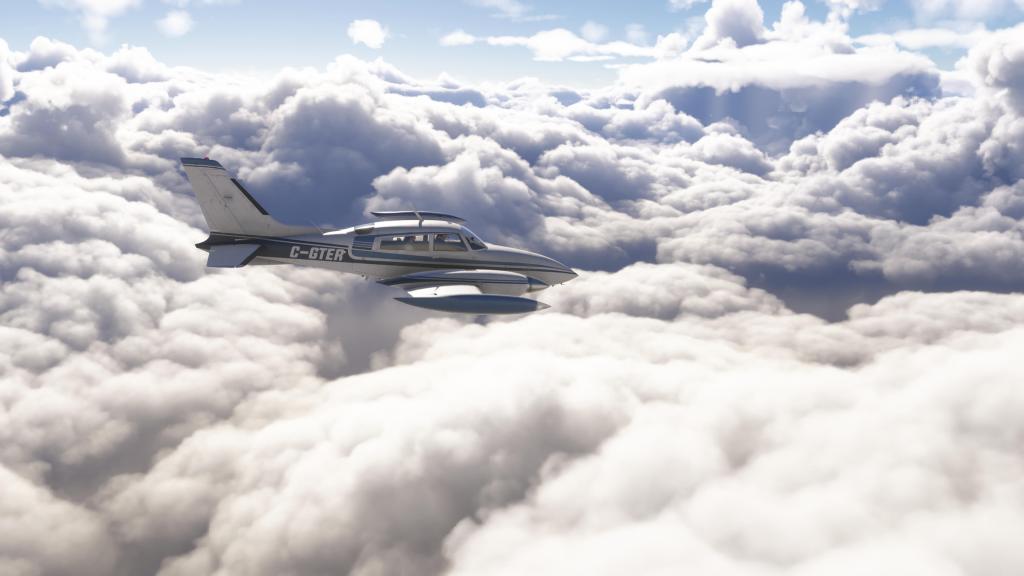
Diving through the now broken clouds the faint outline of Vancouver Island’s Pacific coast was beginning to break through. We finally emerged underneath the overcast and using my GPS I was able to spot the runway.
The landing was a bit challenging with lots of turbulence and bumpy air on the final approach. Despite that, I managed the grease the landing beautifully on Runway 25. A quick taxi to a parking area and shut down. Aircraft intact, passengers happy, and mission accomplished!

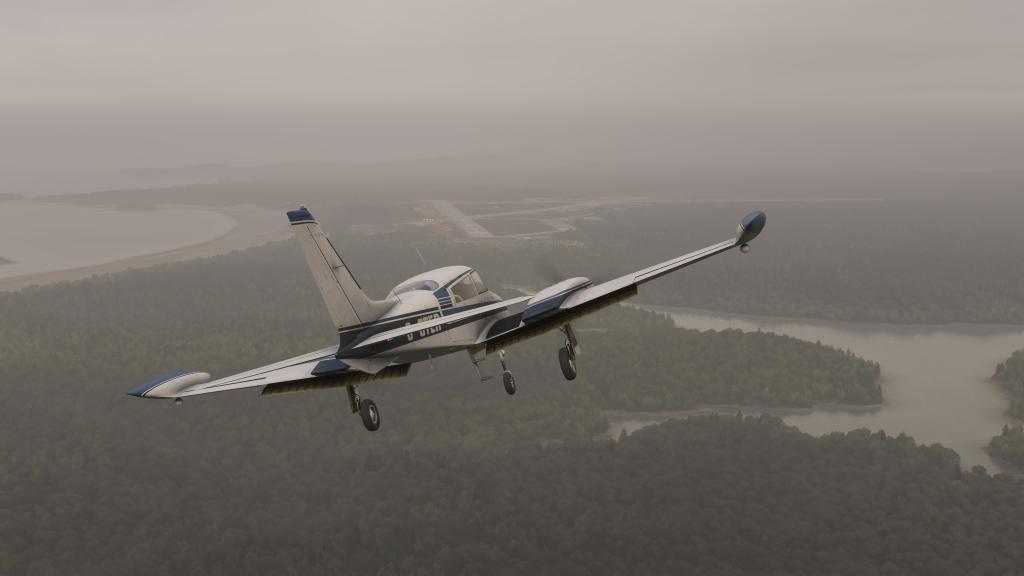


Blackbird MV310R in good shape
Though still very much a 2020 airplane without some of the fancy new features of 2024, Blackbird’s 310R is one of the best of the general aviation types that I had tested previously and it holds up well in 2024.
I noticed that the landing lights were dim as were some of the other emissives within the cockpit. A common issue moving over to 2024. The pilots were drawn from the 2020 collection as well and aren’t yet using the 2024 versions. Once again, a common 2020 compatibility consideration. Updates continue to come and I suspect that we’ll see this airplane in even better shape once those items are dealt with.
This was one of my better 2024 experiences in recent memory and it shows off what a capable sim it can be. Weather, icing, navigational challenges, beautiful scenery and cloudscapes, and a well simulated airplane can really be a fun and enjoyable experience. Other elements continue to plague MSFS 2024 (more on that soon) but this was a good moment!
 Stormbirds
Leave a comment