
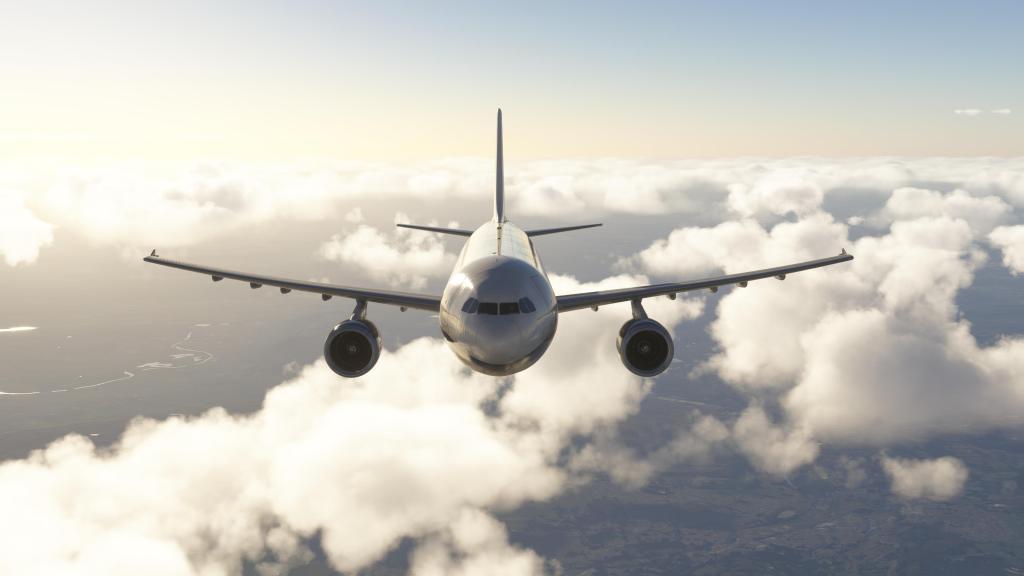
A short message on this one but something I wanted to share after struggling with poor performance on a couple of aircraft and one in particular that was really causing me some trouble. Deleting the WASM cache, particularly after Sim Update 2, can have a big impact towards improving performance.
The trouble with frame rates
One of my personal airliner favourites, a type that I haven’t actually done a full review on yet, is the Airbus A300. The folks at iniBuilds have had an A300-600R(F) available for quite some time now and its among my most flown airliners. It is, however, a bit of a frame rate hog at the best of times.
Recently, with Sim Update 1, I’ve had a lot of trouble with the airplane. First I was using the Compatible version but I upgraded to the Premium version hoping for things to improve. They instead got worse and I was really annoyed with the whole thing. I hoped that maybe Sim Update 2 would make a big difference…. and it did for nearly my entire fleet. Except the A300-600. It got worse!
Delete that cache! Maybe!
With that evidence in hand, I decided that I needed to seek out some more answers. One of the more common suggestions, particularly after a significant update, is to go in and delete the WASM cache. Presumably these are compiled bits of code that are cached to help with performance, however, they seem to occasionally gum up the works.
While some other airliners, like the Avro RJ that I’ve been flying a lot recently, was getting 60-70fps with frame generation turned on, the A300-600 was getting 11-12fps. Ouch! After following the instructions, things changed dramatically.
Now at a busy airport scene, iniBuilds own Leeds-Bradford for example, I was getting around 35-60 frames instead. Its still somewhat stuttery as new objects are loaded and unloaded into memory but the overall experience is much better.
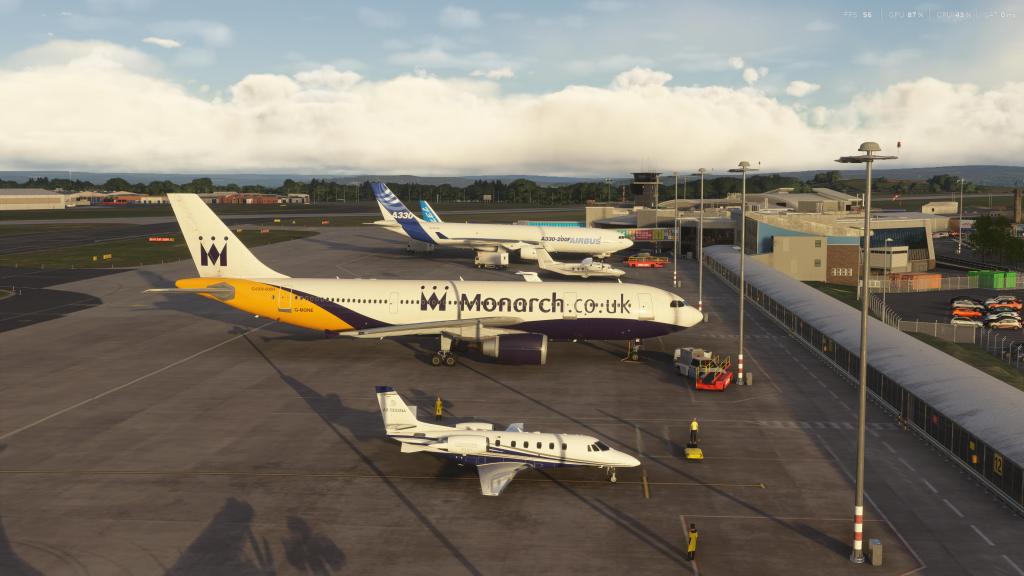
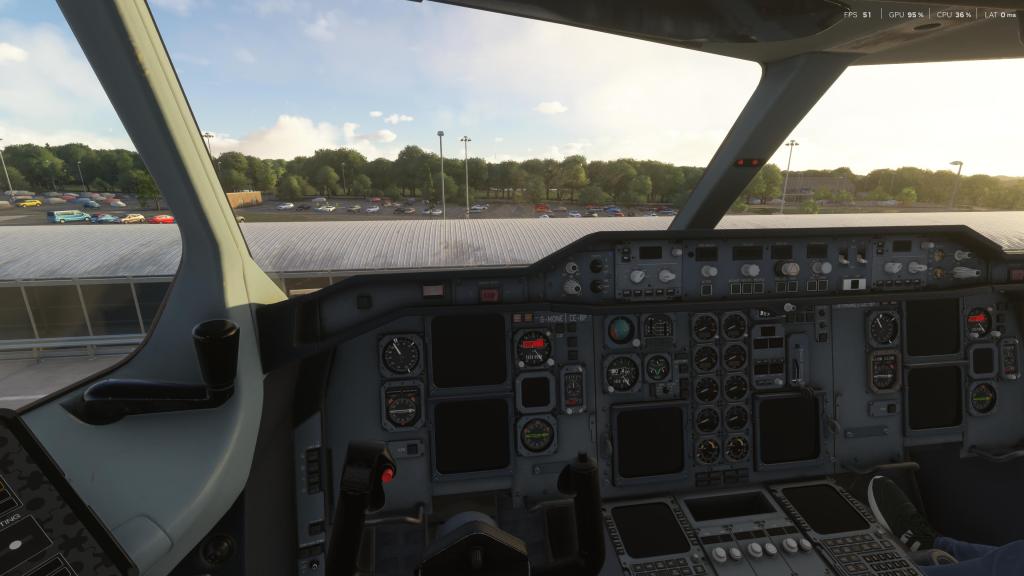

After takeoff and up at cruise altitude? Even better. Now I’m getting 60 frames per second and the clouds cruising by the window look buttery smooth.
An amazing improvement to me. Frame gen is the biggest provider of these extra frames per second but frame gen was struggling versus a, for lack of a better and more technical term, gummed up WASM cache. Unpleasant to much more playable!
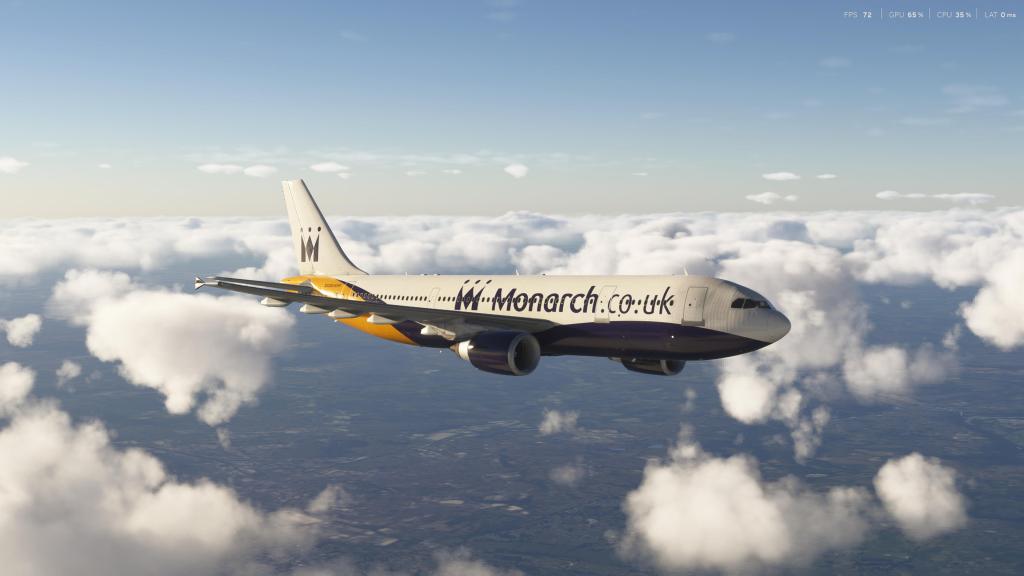

So, if you’re having performance troubles after Sim Update 2 with specific aircraft. Check and see if clearing a cache or a reinstall might help sort out some issues. Not every module is exactly the same so check and see if this is a suggested course of action. If it is, try it out.
If you’re an A300-600 flyer and you’re struggling, try and follow these instructions from iniBuilds for MSFS 2024.
There’s my PSA! Back to flying!




 Stormbirds
Leave a comment