
This Flight Journal has long been in the works. Over the years I’ve talked more than a few times with Marko from X-Crafts. If you don’t know his and his team’s work, they are the folks responsible for a high fidelity E-Jet series of aircraft for X-Plane. Marko set me up with the fleet and encouraged me to check them out. The lead-in has been a bit longer than usual because I wanted to not only fly the E-Jets but build up my ability to fly airliners in a different sim. Most workflows are transferable, however, X-Plane and X-Crafts does a few things differently than what I’m used to in MSFS. So this journal is me stumbling my way through a complete flight. Let’s go!
I’ve been in this (simulated) jet before
Starting off, I’ve been in the E-Jets series before. I’ve flown FlightSim Studio’s E-Jets for Microsoft Flight Simulator so the cockpit was already familiar. But I’ve been in the X-Crafts versions a few times recently all for the purposes of studying up and getting myself acquainted with how they doing things.
I also have to say that X-Crafts themselves have done quite a bit to build up not just the aircraft but an ecosystem surrounding them to help people get started. Things like the E-Jets Cheat Sheet are all aimed at helping people learn the jets.
Also of benefit is the fact that Embraer made the real world E-Jets series with the idea that they would be relatively easy to fly for a complex airliner. You absolutely need to know what you’re doing to make it all work together, but with a bunch of airliner hours behind me now, E-Jets feels pretty easy to follow.
Getting started
That all said, I’m still stumbling my way through a few features here and so I’ve learned quite a bit on prior flights. This one, however, I wanted to really document as I brought quite a bit together.
Going through the checklist, I got the E-Jets started up. It doesn’t seem like SimBrief import is available into the FMC so I did it the old fashioned way. Not a big deal on shorter hops and this one wasn’t too bad with a Detroit to Milwaukee mission like this one.


I’m still learning how X-Planes handles some of the airliner functions and I learned late that a ground handling menu can setup gates and pushback. Took me a while to find it but now that I know… lesson learned!
With the jet ready to go, it was time for pushback and engine start. The E-Jets is very easy to start and in moments both engines were up and ready to go. APU off and time to taxi!
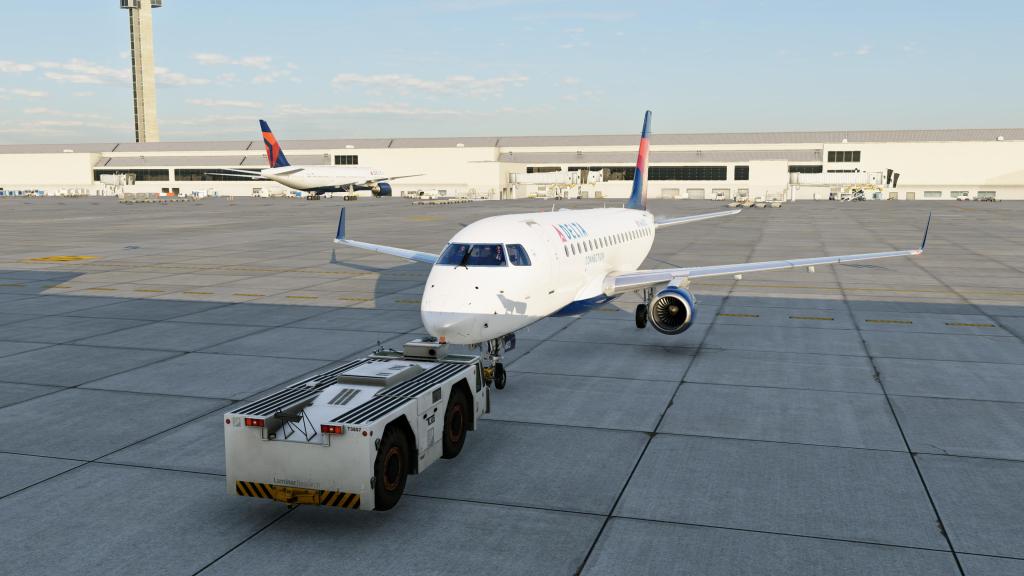

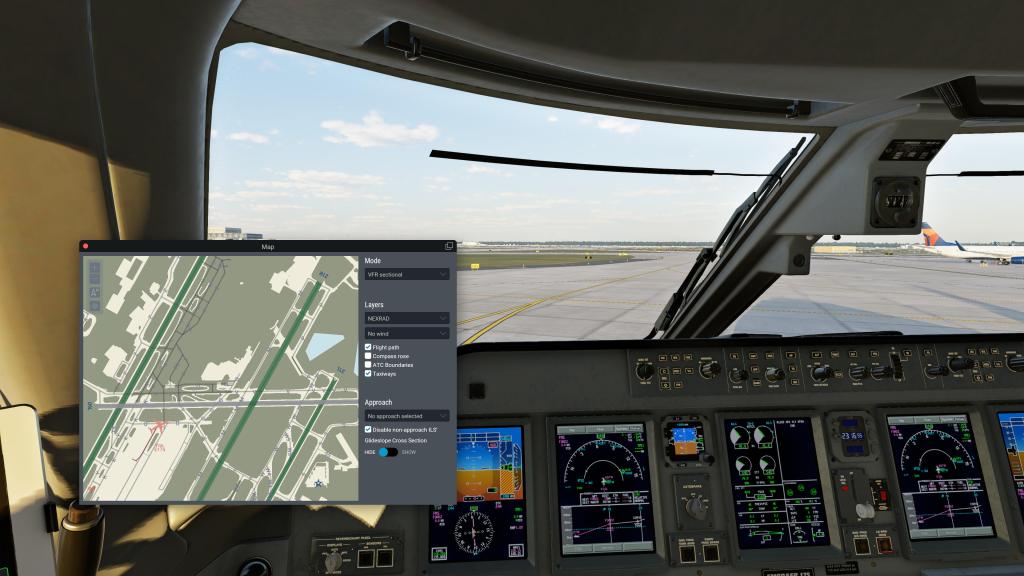

X-Plane’s ground handling is still a few steps ahead of what MSFS 2024 can do and so here I’ve been pleasantly surprised over the last few months where the aircraft has both weight and presence on the ground. It rolls, turns, and you feel subtle undulation of the ground under the aircraft in a way that the other sim doesn’t do just yet – it’s gotten closer but not quite this.
Once on the runway, it was time for full power and away we went. The takeoff run took longer than I’m used to which is something I’m going to have to check on at some point. I was using the recommended settings but maybe I did something wrong there.
Skyward

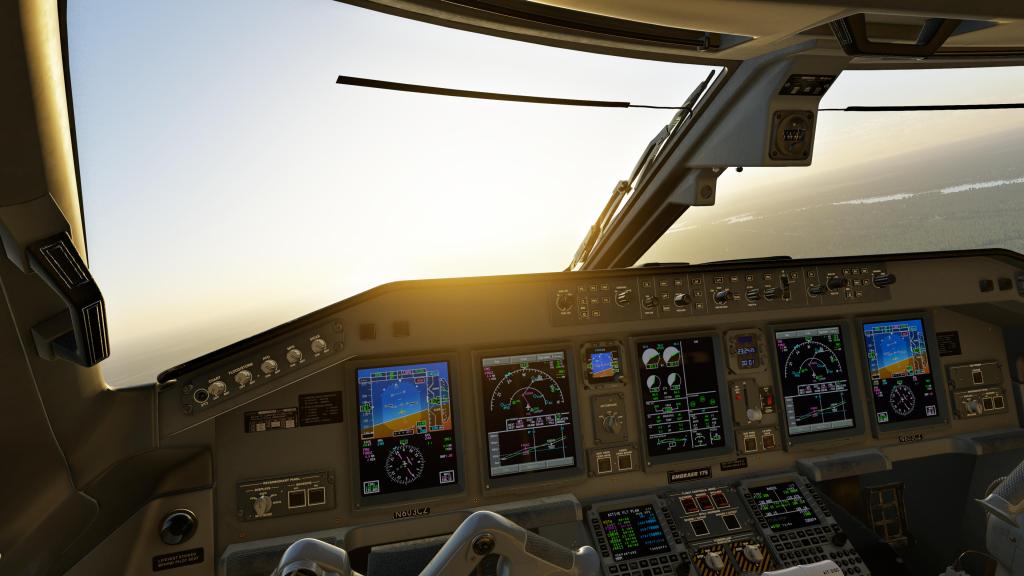

Then we were airborne and I was working my way through the cockpit getting the jet set for the climbout into the evening sun.
It took a bit of time but we worked our way up to our 32,000 feet cruise altitude and settled into our course west.
X-Plane 12 has made major strides with their lighting and weather rendering and the presentation here in these screenshots helps illustrate some of the good progress that the sim has made. It’s still got some rough edges and while some cloud formations look great, others fall below the standard. There are also weird lighting changes like someone is flicking a switch from one lighting state to another. The overall impression in screenshots, however, is great.



The cruise portion was also where I went back into the cabin briefly. X-Crafts are keeping up well with the industry and have a fully rendered and detailed cabin area.
The descent

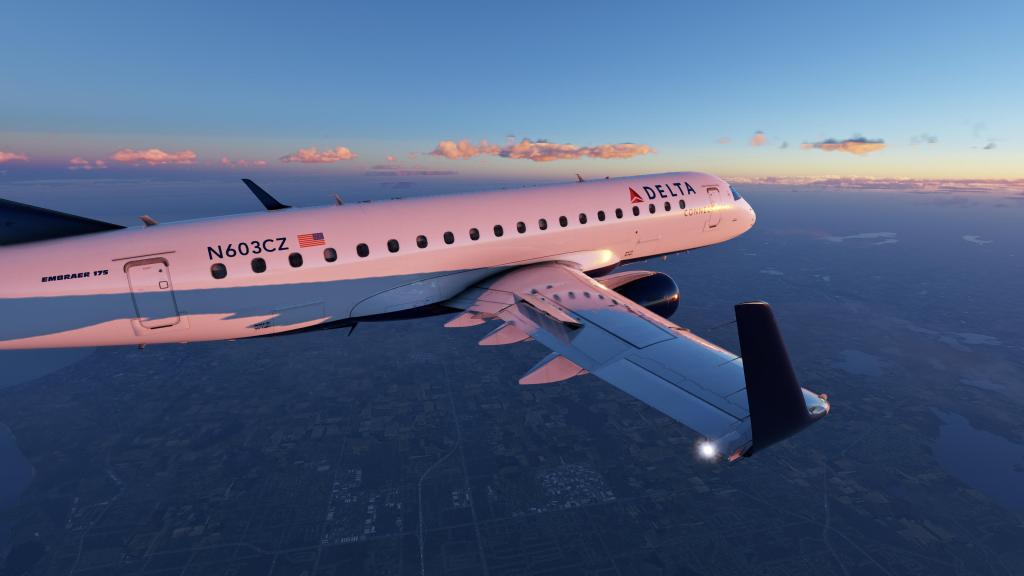

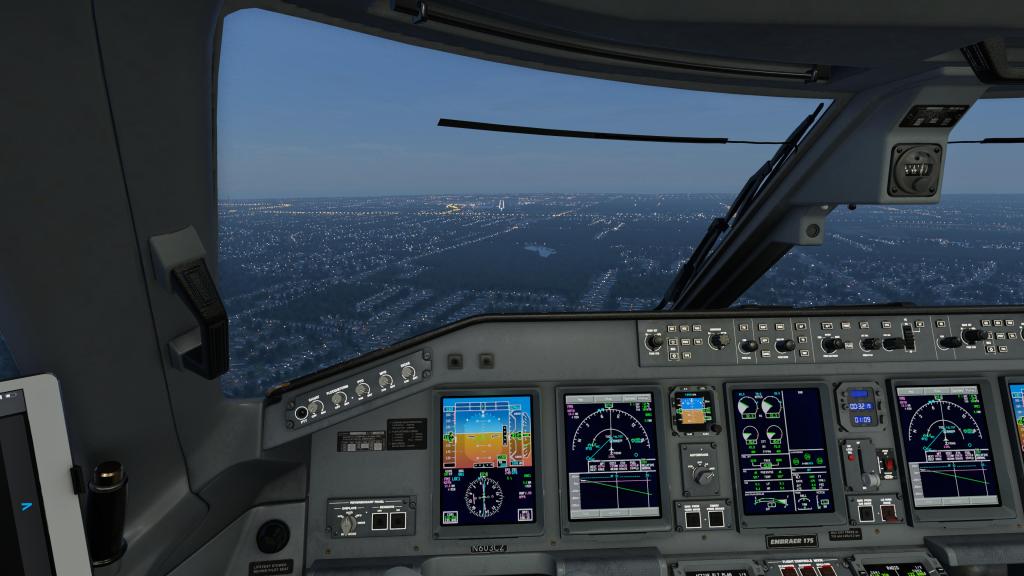
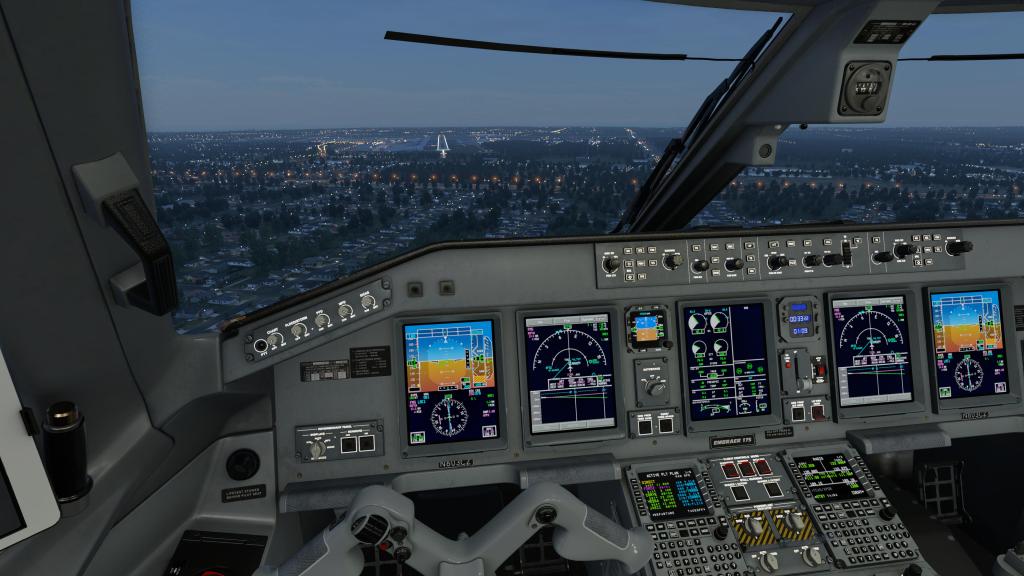
Then it was time to get my descent on and here I was relying on the calculated VNAV to get a good angle. That was a bit of a mistake or rather I’m sure I made some sort of mistake entering in some data because I was well above the altitude that I wanted to be while making the turn back towards the runway.
Absent any screaming ATC for this run (I will be introducing ATC in my future flights) I just extended the downwind for about a dozen miles and then turned around to get myself established on the flight path. It wasn’t the most elegant flight path but it did the job for this first effort.
Landing the jet was relatively straightforward and felt quite natural though I got the flare a little wrong and the landing was slightly harder than I wanted it to be. I’ll have that under control for the next flight I’m sure.
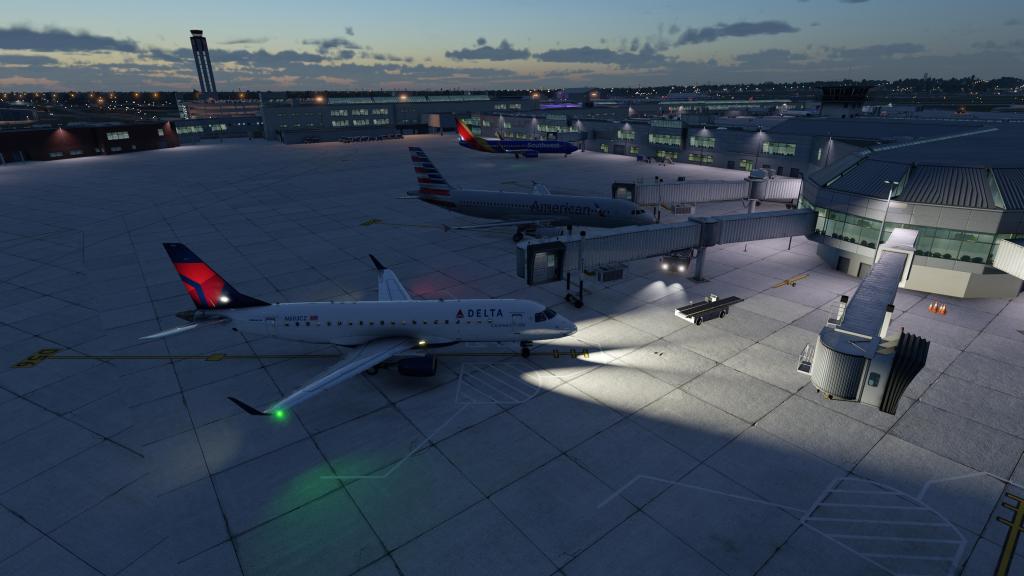
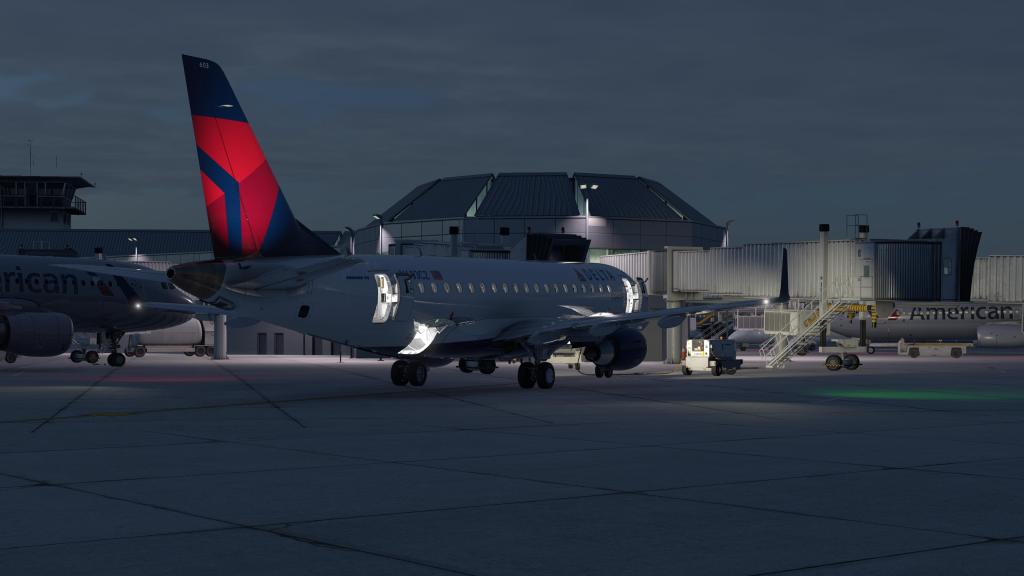
I taxiied off the runway and over to the gate. A relatively successful, if slightly bumbling, first effort with X-Craft’s E-Jets! You can bet I’ll be telling some more stories with them soon.


 Stormbirds
Leave a comment