
A new developer update has come out from 1C Game Studios and its got some really interesting information packed into it. Sometimes the little details in a sim matter and here it looks like 1CGS rethought how their information displays work and how it will apply to simmers with varying controller setups. Let’s have a look.
A new GUI might make a big difference
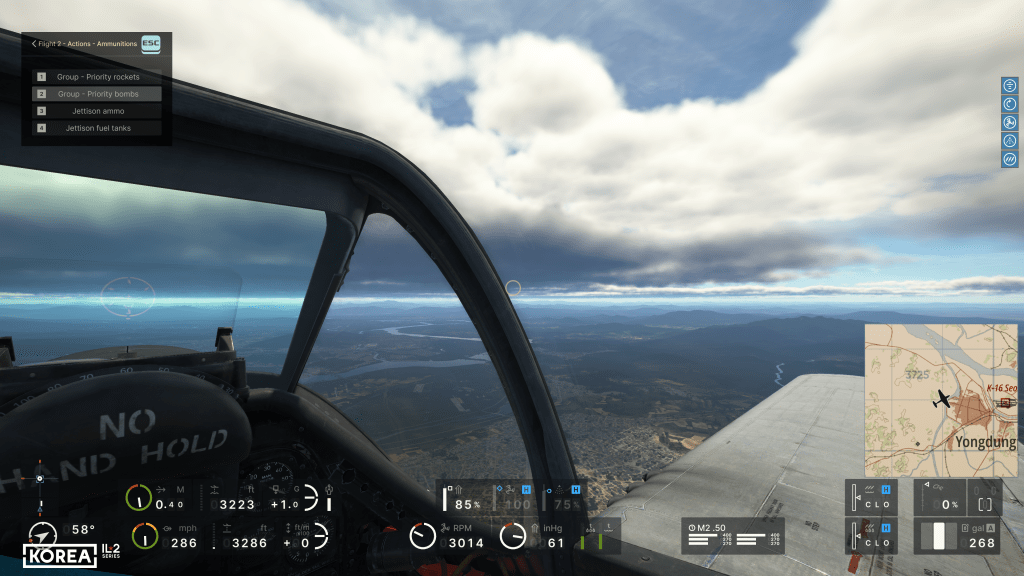
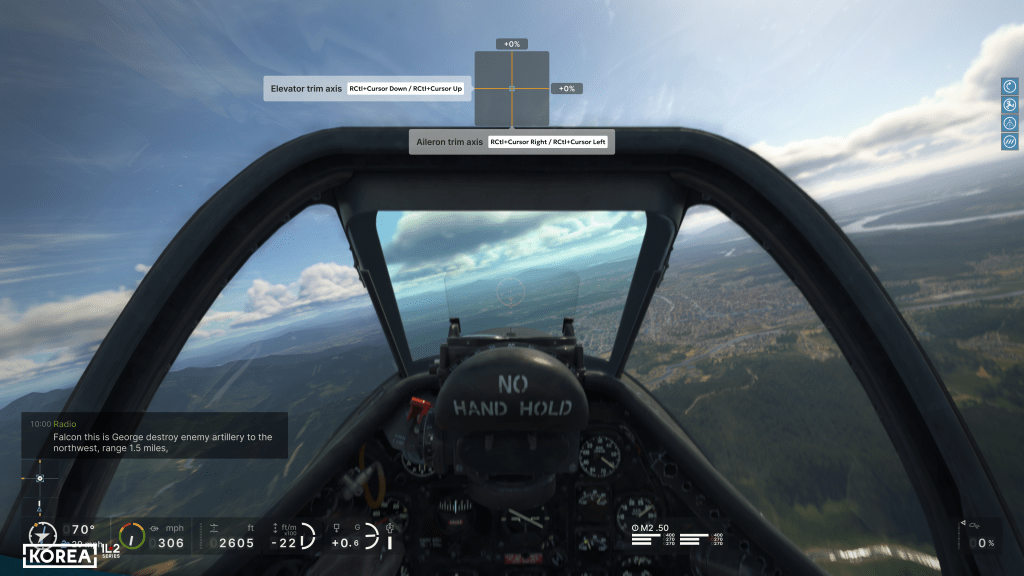
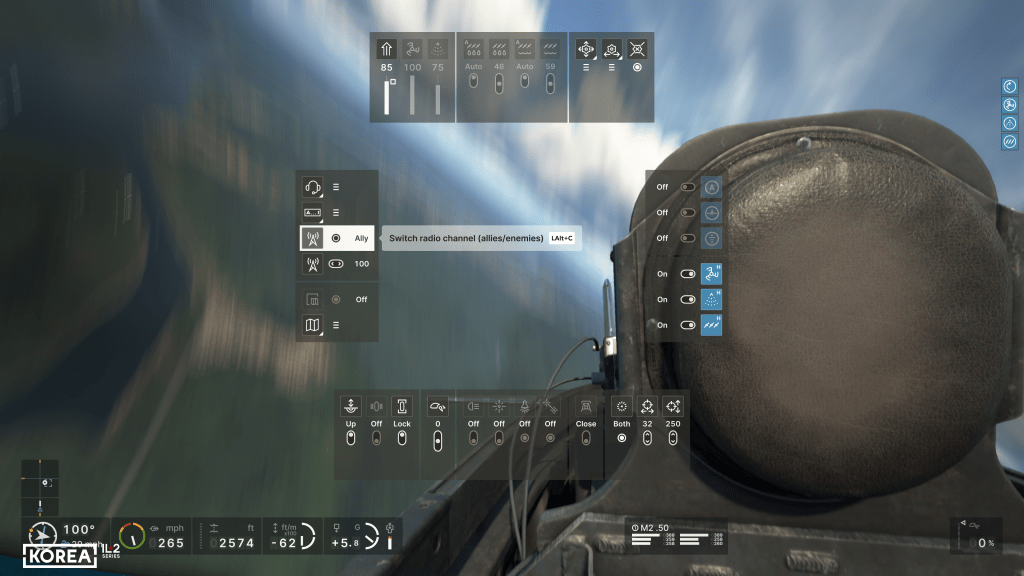
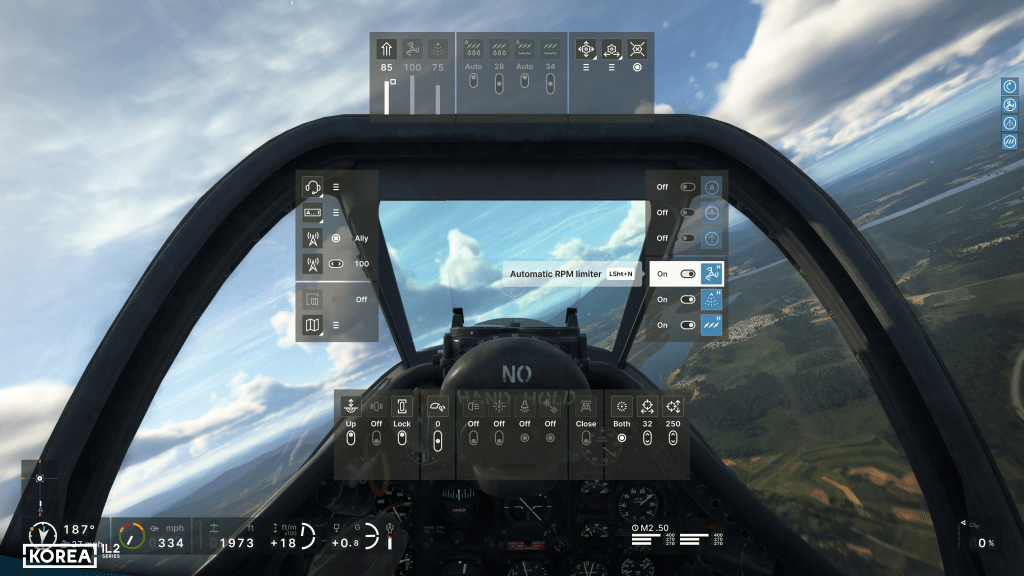
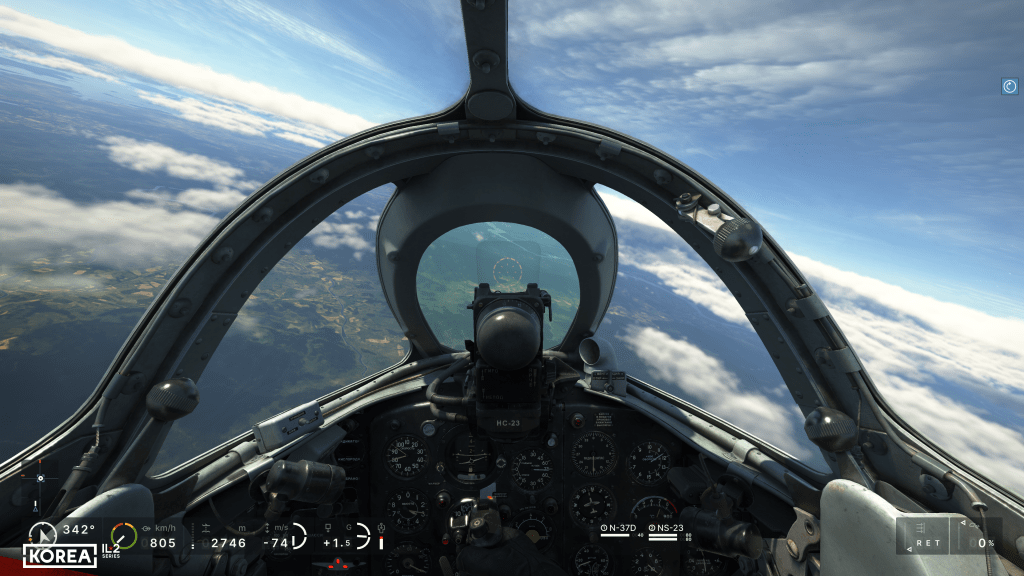
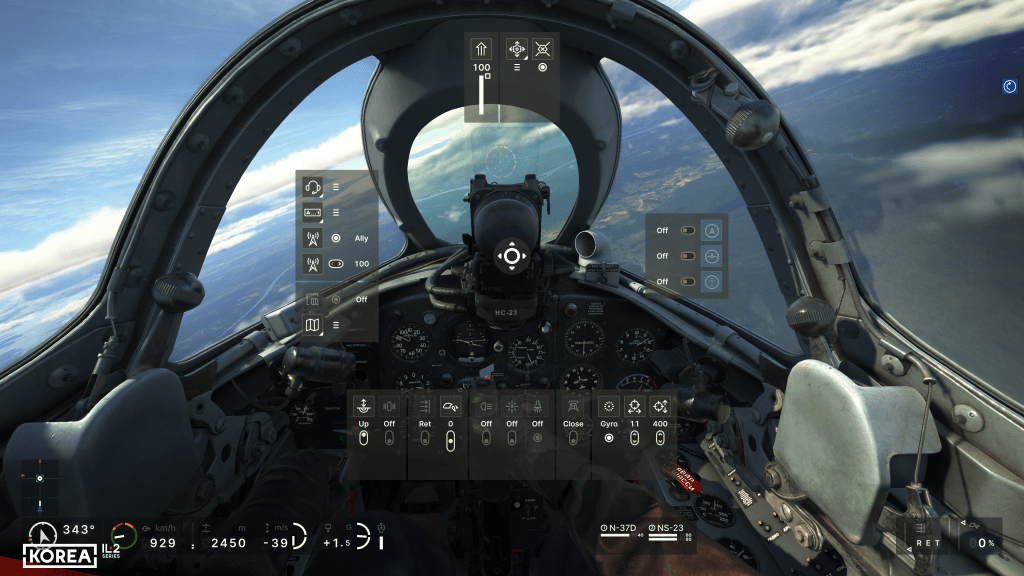
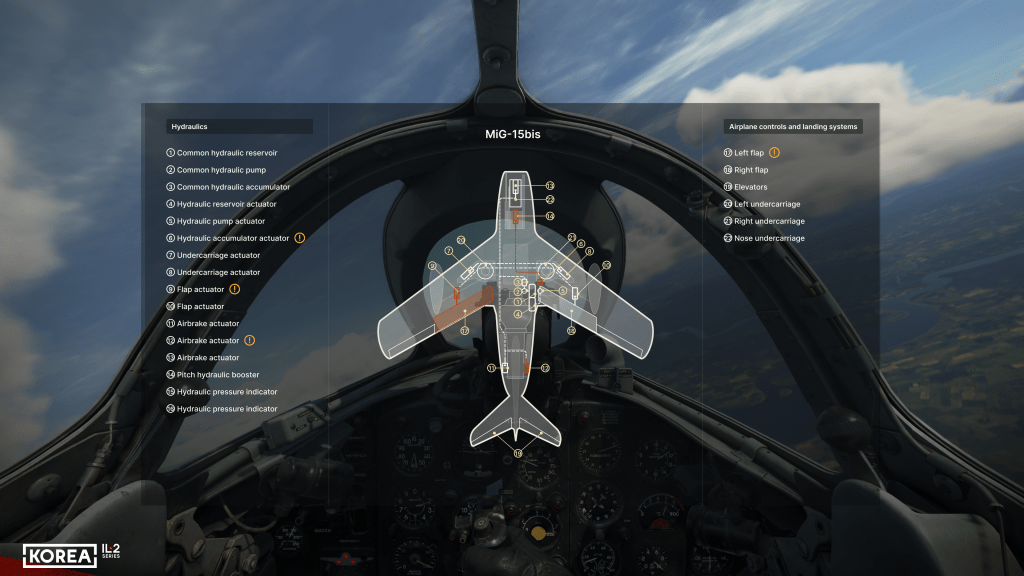
I think some of my veteran regular readers, many whom have been flying combat flight sims for a couple of decades or more, are a little harder to impress when we’ve seen so much over the years. Cool aircraft, sure, some fancy new graphics, cool, but what else have you got? This update, for me, showed an impressive level of rethinking which I hope will be for the better.
Dev Blog 58 is all about the updated display graphics. IL-2 Great Battles had a fairly good system for showing the state of your engine, throttle, pitch, trimmer changes, certain types of damage. All popping in and out on the right side of the screen with some performance information along the bottom of the screen. Optionally of course!
1CGS has rethought that and then added quite a bit more too. The new HUD-styled graphics can be configured to show a lot more. Altitude, speed, Mach number, G-load, etc. It can show engine parameters, weapon status, ammo loads, and so forth in what they are calling the “cross” or “sector” menu. These are branching and can expand as you dig into them. It’ll let you manage complex systems by clicking and changing on the UI while simultaneously being reminded what the keybind for it is. I’m betting we’ll spend considerably less time digging through the control menu trying to remember what it is that we bound to some more obscure control. That’s what I hope anyways!
For new players, this will help them fly with a gamepad as it looks like the new sim has been designed to work with keyboard, joystick and gamepad (as they say in the diary).
There’s also a new radio control menu for your wingmates which looks like a considerable improvement – giving me hope for much better AI operations there too.
I am genuinely impressed with the work here. If it works as well as I hope it does, this will be a significant leap forward. Even for seasoned veterans, having to spend less time digging through to find a specific keybind should be a great thing even if we end up hiding most of the on screen visuals (for maximum immersion).



 Stormbirds
Leave a comment