
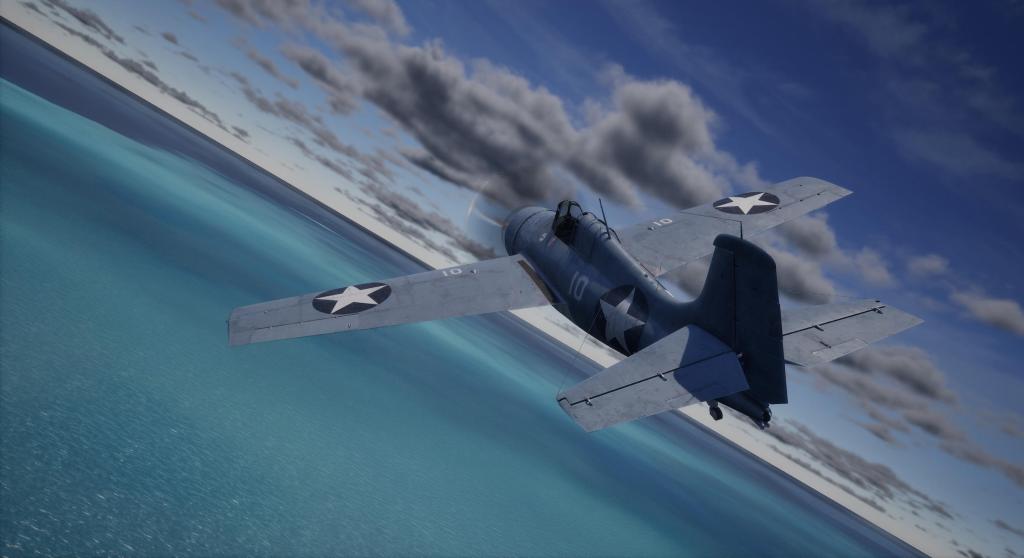
Steam Next Fest is a celebration of upcoming games and one game that I know I’m looking forward to is Combat Pilot! You’ll be pleased to know then that the nascent combat flight sim focused on WWII Pacific War air combat is taking part with a playable demo giving the entire community the opportunity to take part in a limited time demo experience. Patreon Alpha members have been playing various releases of the sim for about a year now and it has really started to come together. Here are some comments and a look at the sim ahead of the Next Fest launch tomorrow!
UI and setup
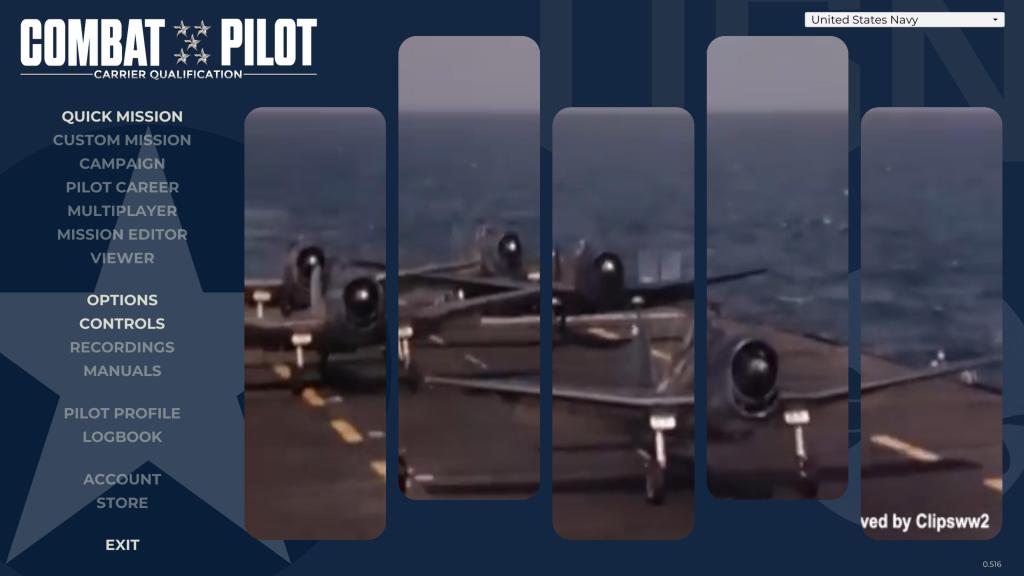
It feels like every time I load up the alpha of Combat Pilot, the UI has changed, and that’s a good thing because the sim is coming together nicely. The main page will greet you with some video clips from the Pacific War and a list of menu items over on the left side. Right now you’ve got Quick Mission, Options, Controls, and Exit but you can clearly see what the ambition is with future mission, campaign, career, multiplayer mission editor and viewers planned.
I recommend spending a bit of time setting up the sim in the options. Make sure your resolution is correct because it doesn’t always detect the right setting at first.
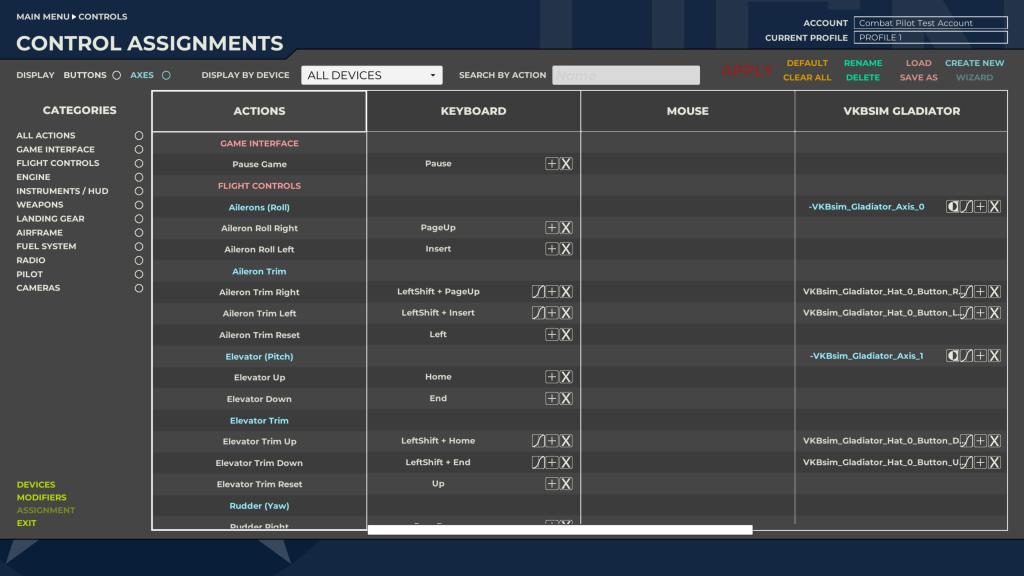
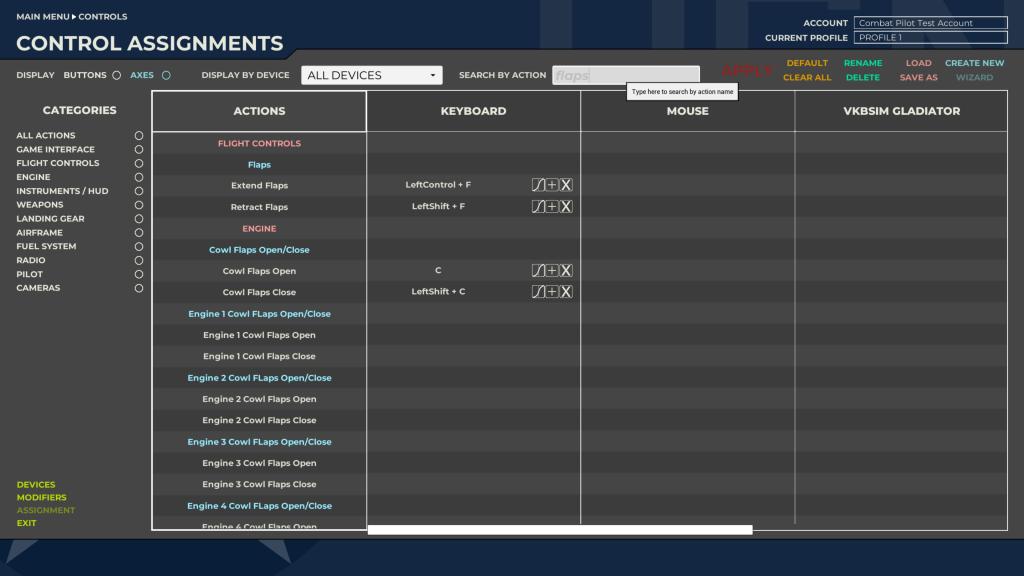
Then you’ll participate in the time honoured tradition of setting up your controls. A flight simulation mainstay, Combat Pilot’s control system has evolved quite a bit over the course of the Patreon Alpha experience and the system is already quite well evolved with the ability to sort, isolate by type and even do searches for the control you want to bind. Its fast, fluid, and functional though its no more (or less) fun than any other control setup process.
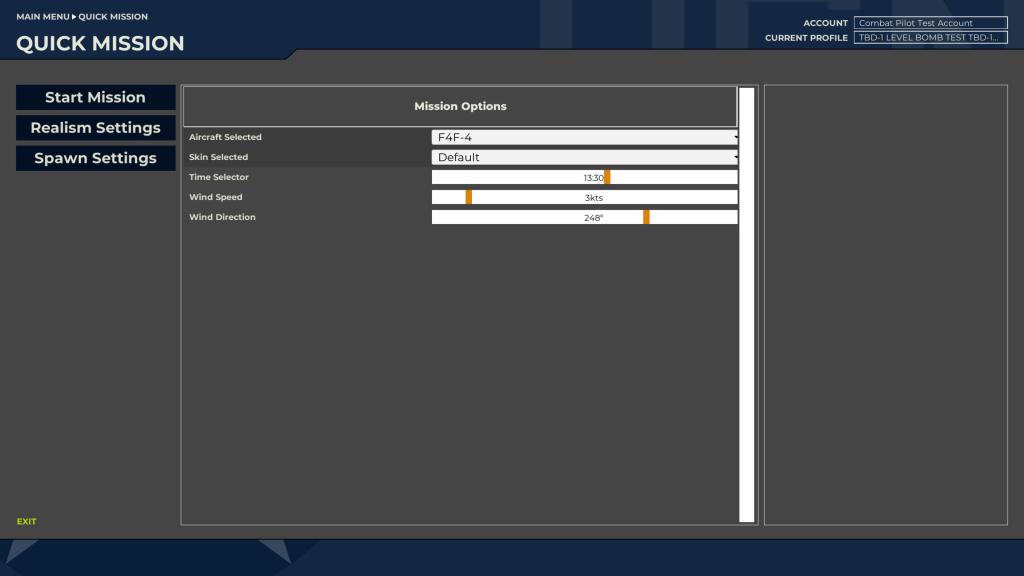
Then we’re off to the meat and potatoes of the experience. Quick mission lets you setup a flight with settings for time of day, wind speed and direction and of course you get to choose your aircraft and your spawn location. You can fly from Midway or directly from the Enterprise or the Akagi and you can choose between the F4F4 and the A6M2.
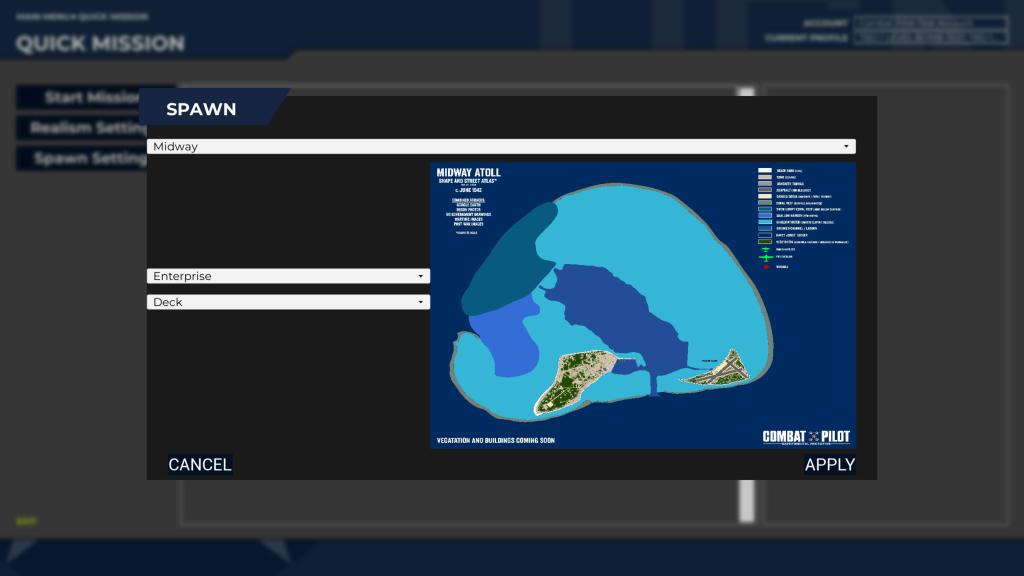
What evolves from there is a free flight experience which gives you a chance to check out the visuals, sounds, modeling, systems and flight model as you fly your way around Midway.
Qualifying for carrier ops
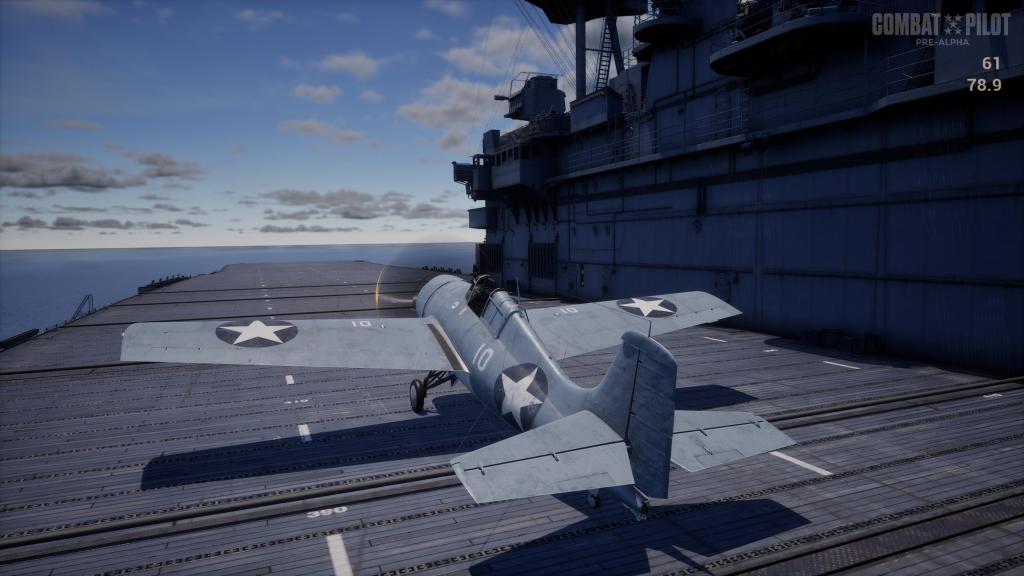
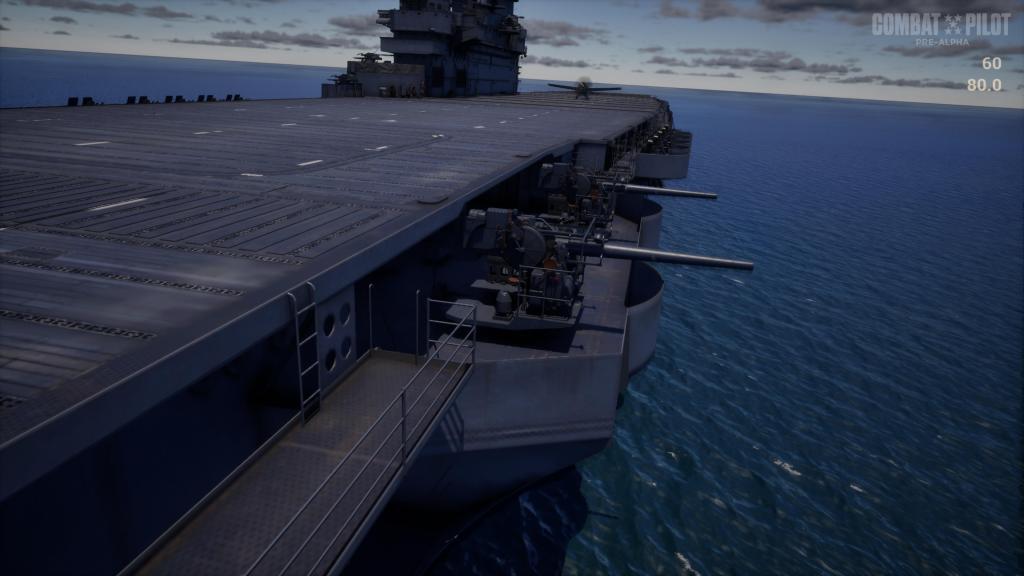
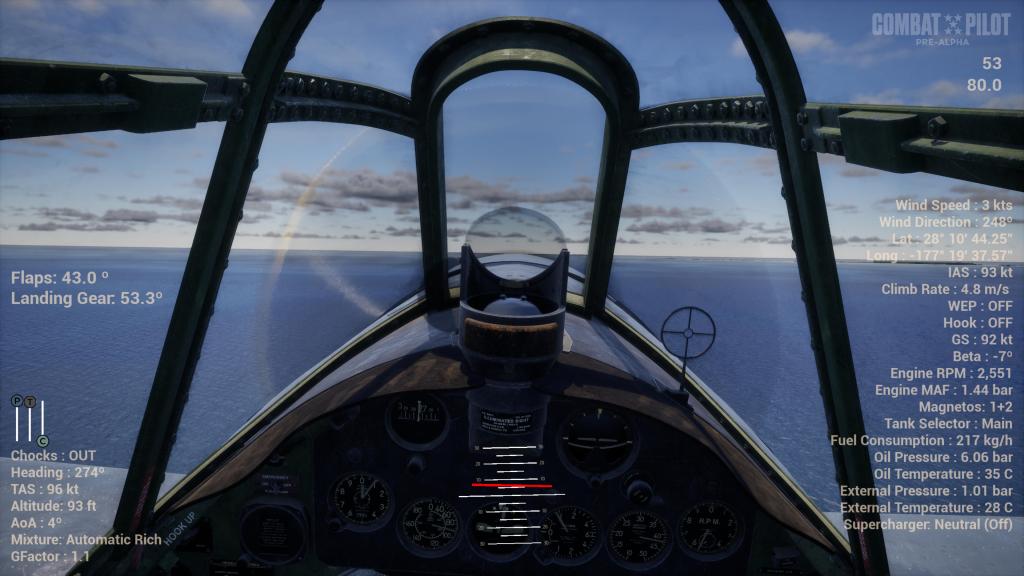
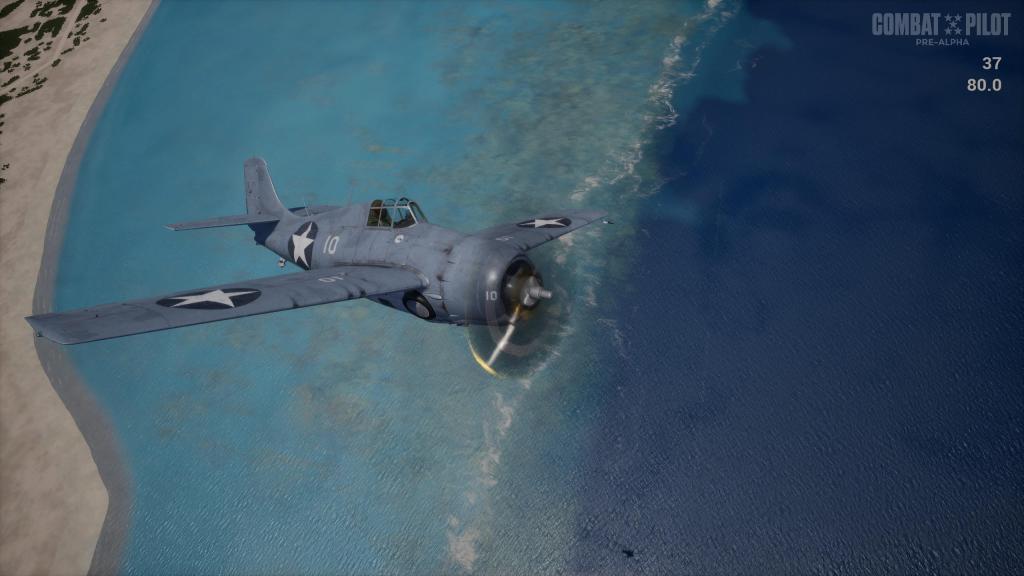
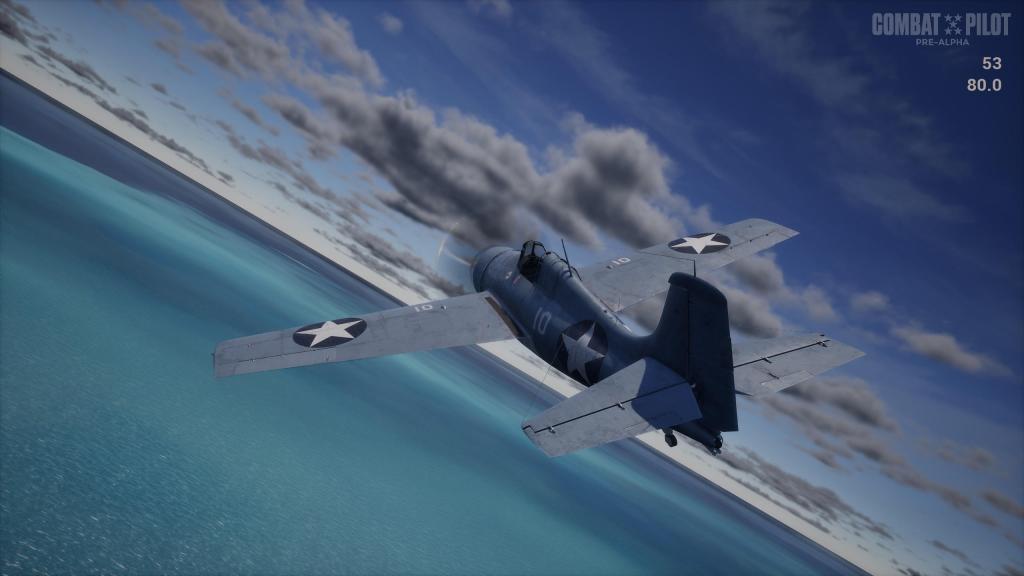
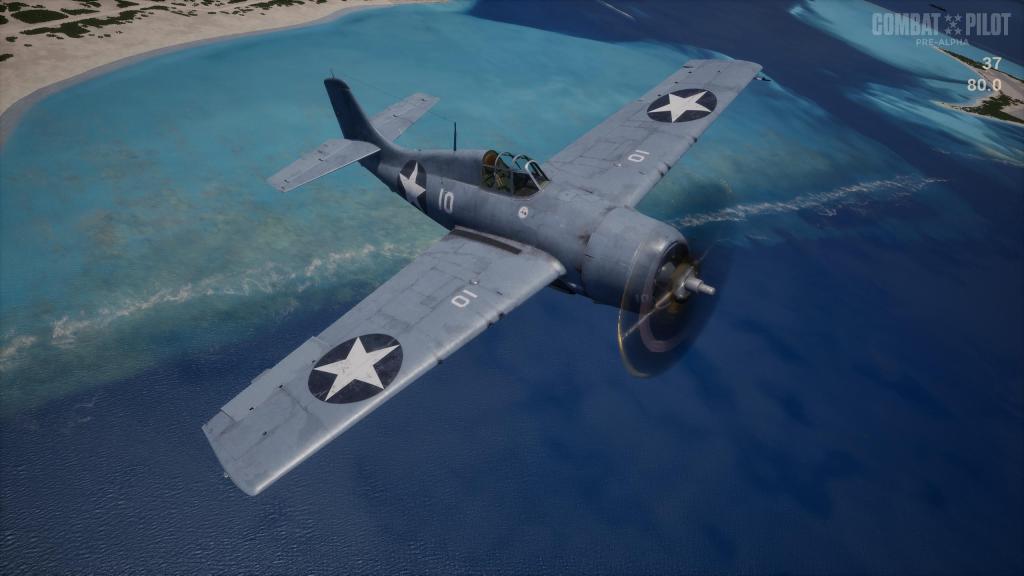
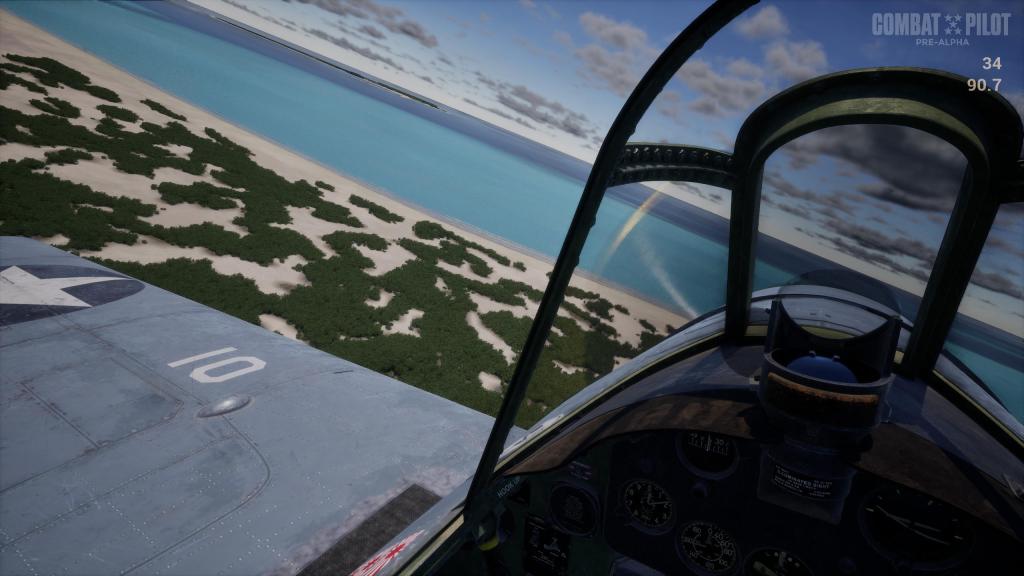
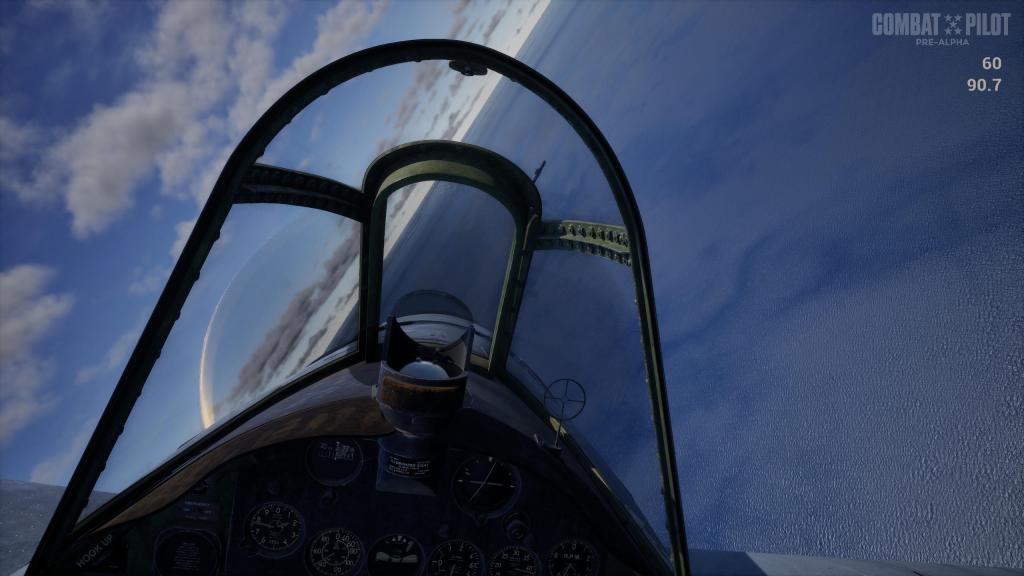
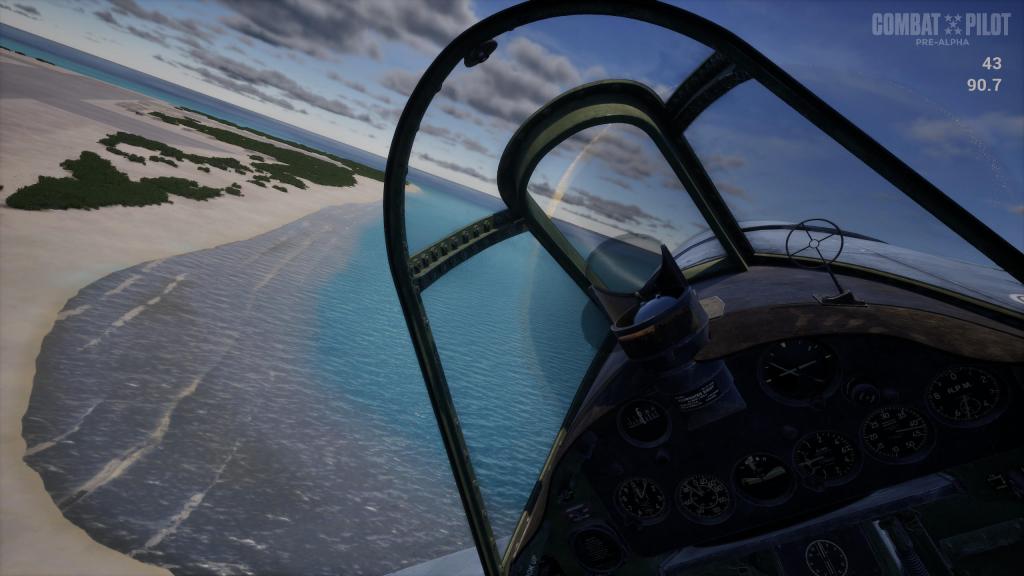
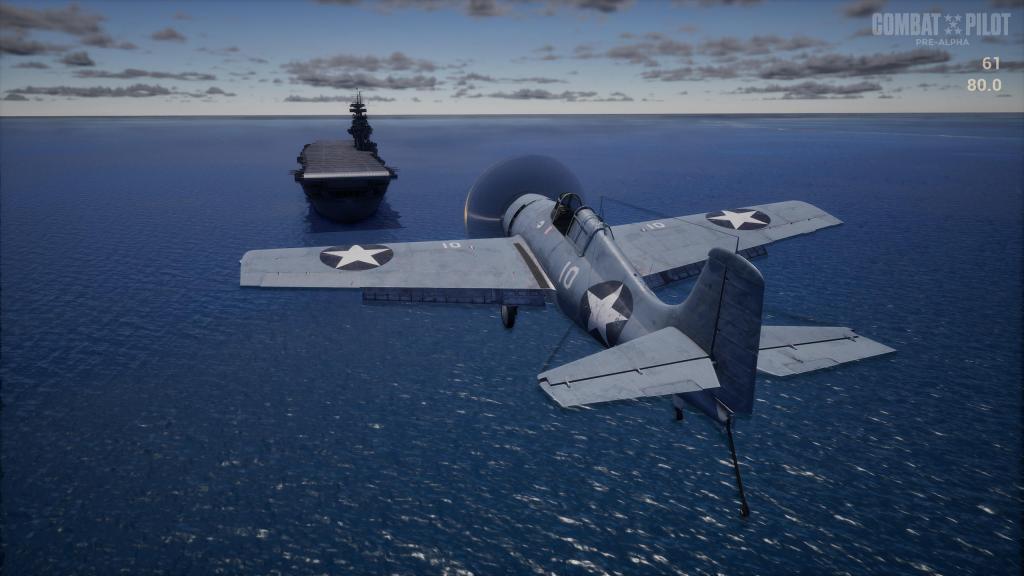
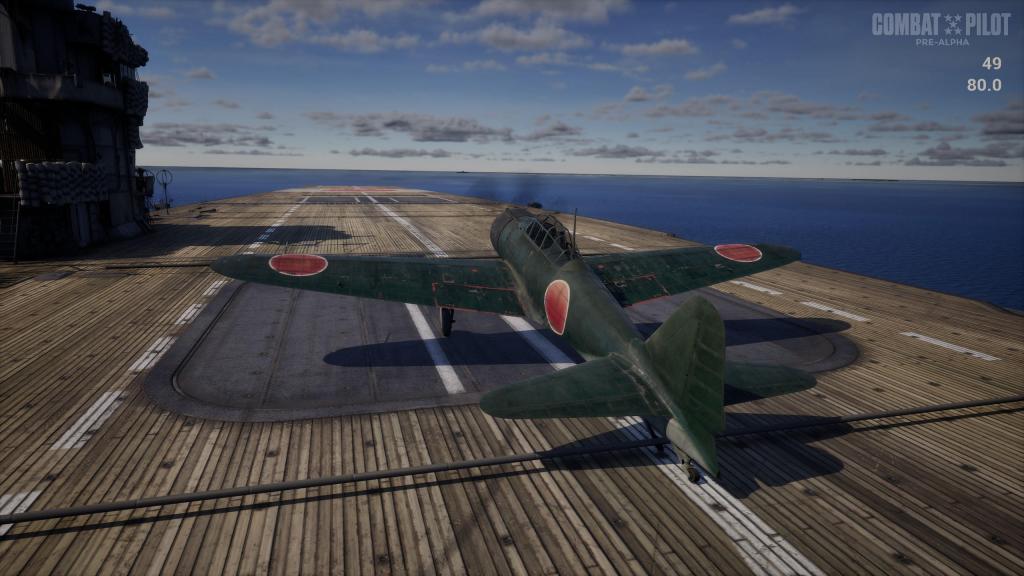
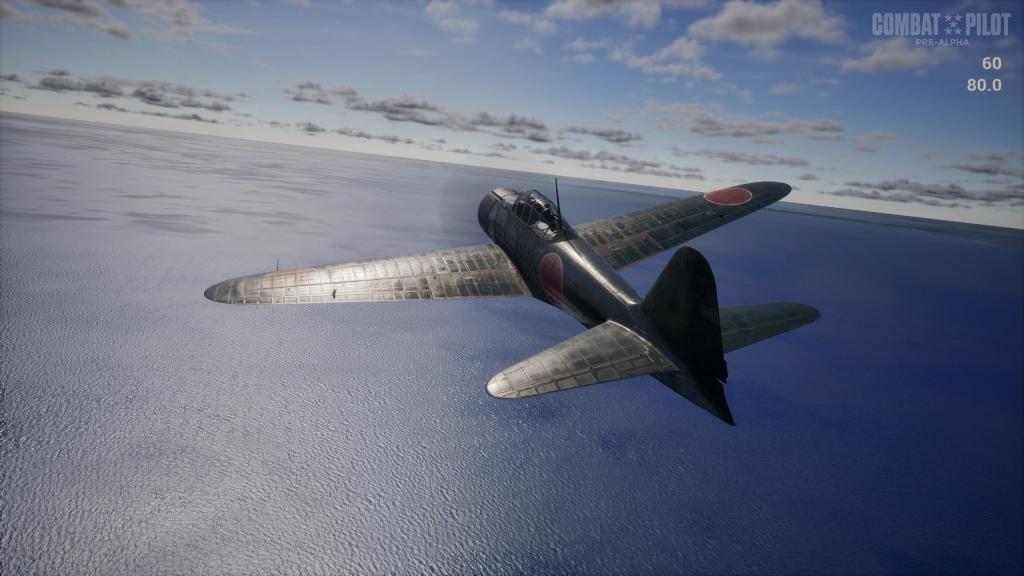
I love flying from carrier decks although I sometimes loath trying to land back on them. My landing experiences in Pacific Fighters were middling at best and a mixed bag with DCS types… I’m terrible in the Corsair but not too bad at the Hornet. Both the A6M and F4F present their own unique challenges and handling quirks that make landing on the carriers a true challenge and so if you do nothing else but fly circuits and land on the carriers… that’ll be a good experience! It’s also preparation for more carrier borne flying coming up in the future!
The ‘E’ key will give you a quick start getting the engine on. ‘P’ will release the chocks and ‘V’ will cycle through the HUD displays turning on and off most of the GUI elements leaving minimal helpers at best.
After that, its all up to you to get yourself airborne, fly around, and attempt some landings! As you can see in this 21-minute video, landings are hard. I waved off one, made a rough landing in another, and in a third video managed a horrible crash that, had there been any damage modeling, would surely have been a disaster not just for my airplane but for the carrier itself. I’m not yet fully carrier qualified but I will be! Check it out!
Final thoughts
Combat Pilot has a lot going for it already if you consider the steep climb any developer faces building and maintaining a flight sim product. Flight modeling has really progressed with the developers putting together their own bespoke system into place. It feels lively and capable and both the Wildcat and Zero already have great feel to them. There’s also still an awful lot for Entrop Aero to do so set your expectations accordingly.
This is an alpha product and nowhere near a final product. We don’t always get a chance to see things at such an early stage but these moments are critical for any developer as they build their technology base, put content into place, and learn how to overcome inevitable obstacles.
Despite all of that, I think its terrific fun to get in early and check out the sim as it begins to develop. Steam Next Fest starts tomorrow and I’m sure access to the limited time demo will be along quite early into the festival. Stay tuned for more!
Learn more about Combat Pilot here. Check out their Steam page here and if you want to throw some money at this flight sim developer, check out the Patreon here!


 Stormbirds
Leave a reply to ShamrockOneFive Cancel reply