
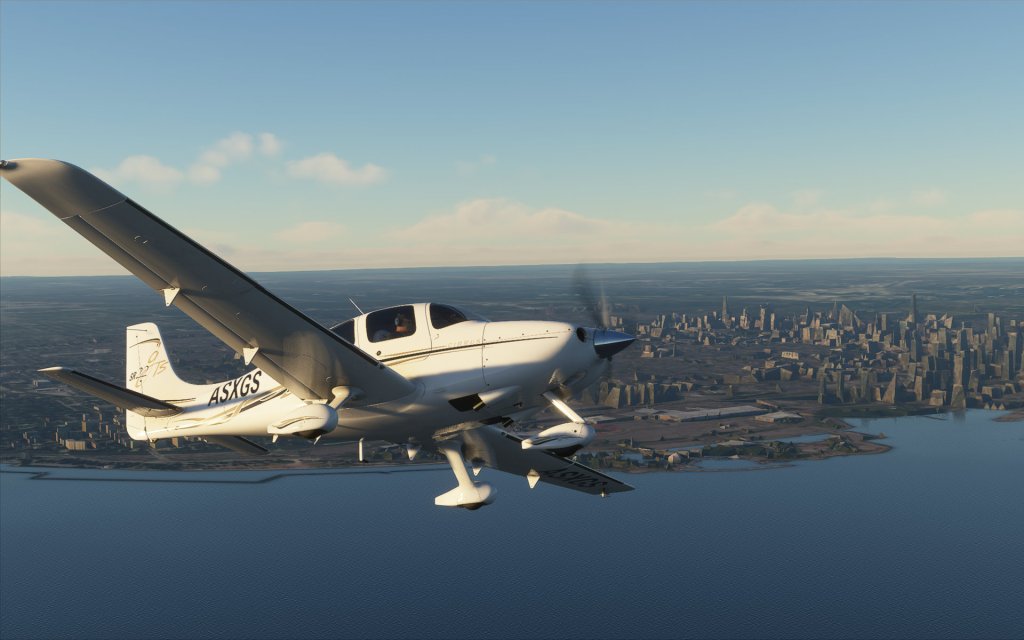
The moment is finally here and Microsoft Flight Simulator has been unleashed on to the world with a globe spanning scenery package that pushes the envelope on technology in simulation. This is an exciting time but not one without some challenges. If you’ve been struggling to get the sim installed or working correctly, you’re not alone and here’s what we know.
Known issues
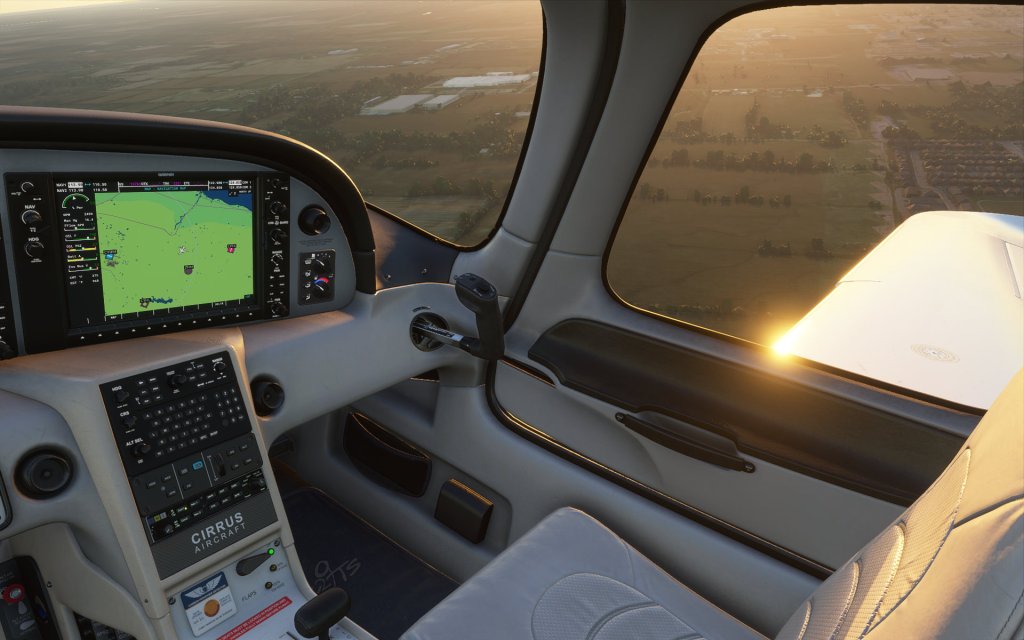
The launch of the new sim has been, a bit rocky in places. While some seem to be up and running without trouble, others are struggling in different ways to get the sim to work.
Stories of installers pausing halfway through the lengthy download process is common. Some have seen messages indicating that they need to “Please insert disk” are obviously an issue that feels off in the modern age of digital downloads, and missing Premium content is a bit of a challenge too for those who have purchased the higher end versions of the sim.
Fortunately, many of these have already been solved while others are still awaiting a fix. Microsoft and Asobo Studios have put together a Knowledge Base which, for the moment, contains six known problems including the ones above.
Unknown solutions
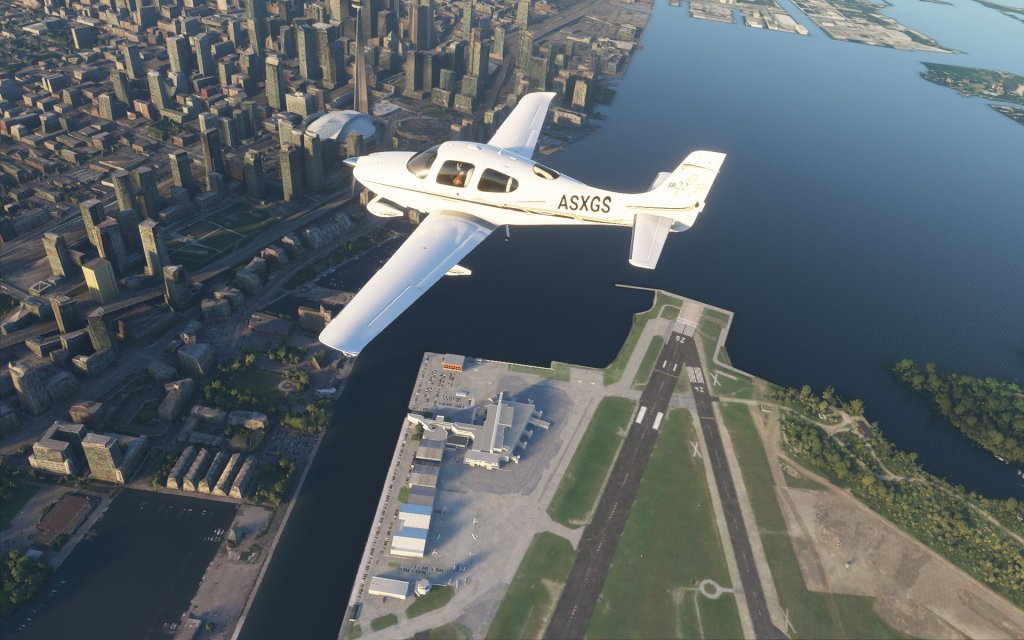
Other problems with sometimes less obvious solutions are also out there. Crashing and hard locks of the software as well as performance issues. I myself struggled to fly a route that I regularly flew during the alpha and beta without issue thanks to both a few crashes and some severe performance issues.
Unsurprisingly with a launch of a new sim with the level of complexity as this one that there would be some growing pains and that the new sim may not work 100% on launch day. Urgent patches and continued efforts by Asobo Studios to smooth out the rough patches will hopefully pay off sooner than later.
And it’s not all bad either as many are having good experiences and seeing good performance. With any luck, we’ll see everything start to come together more and more over the coming days.






Leave a Reply