
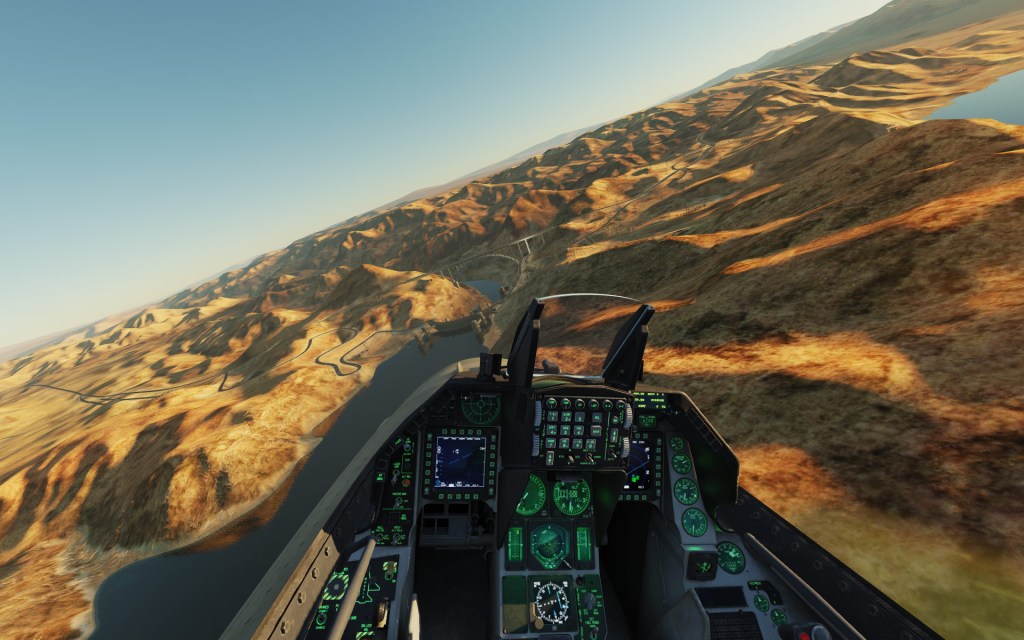
I’ve seen quite a few discussions across the DCS World community over the last couple of weeks from HP Reverb owners who are trying to get better frame rates out of DCS World. With higher resolution, the Reverb G2 offers the best visual sharpness and the partial elimination of the so called “screen door effect.” But that sharpness and resolution comes with a price. This thread might help.
Tweaking DCS for performance
Eagle Dynamics community manager BIGNEWY posted a thread today and then shared it around the community with detailed specs of his PC and how he had configured it for best performance with the HP Reverb G2. His configuration is running at 90 fps in VR although it does drop to 45 fps in busy multiplayer scenarios. Those are very good numbers though they are coming from a powerful system. Nonetheless, others with similarly powerful systems are struggling to get the same numbers so power is one thing but software configuration is another.
BIGNEWY also shares his comments on the G2 and how it feels in DCS World, saying,
I am very pleased with the reverb G2 and feels like a big upgrade from my vive cosmos, and the Dell Visor I started VR with.
BIGNEWY on the DCS World forums
Read BIGNEWY’s thread here for some configuration tips that seem to be making a sometimes big difference for people around the community. A few of them might even help those playing on traditional screens too. Check the thread out.






 Stormbirds
Leave a comment