

There are a growing number of modern and historical military aircraft being added to Microsoft Flight Simulator all the time. One developer, IndiaFoxtEcho (together with MILVIZ), has taken a more serious approach than some of the other options on the market so far and has focused on military trainer aircraft. First they came out with the Italian MB-339 and now they are replicating the US Navy’s T-45C Goshawk. Flying faster and with snappier handling than the average aircraft in Microsoft Flight Simulator, the T-45C should offer plenty of thrills. Does it? What is like to fly? How well are the systems modeled? Will it appeal to those looking for a deeper simulation of a military aircraft in Microsoft Flight Simulator? Let’s have a look!
A bit of history of the T-45C
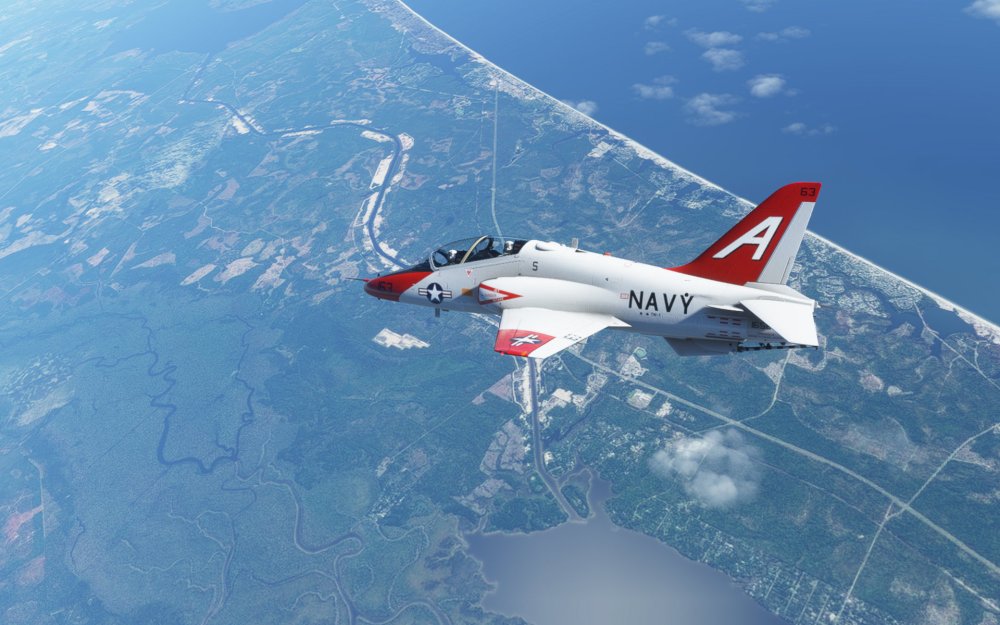
When the U.S. Navy went looking for a trainer to replace their T-2 Buckeye and A-4 Skyhawk trainers, they settled on an Anglo-American option making use of the already existing BAe Hawk trainer and retrofitting it for carrier use. The development was a success and the the T-45 has soldiered on for 33-years as an advanced jet trainer offering an intermediate step before pilots go on to fly more advanced jets for the U.S. Navy and Marine Corps.
The T-45C that IndiaFoxtEcho put together is an updated version of the Goshawk that came into service starting in 1997. The biggest difference between the A and C model are the inclusion of a glass cockpit setup with dual MFD displays and a modern HUD that makes the transition to aircraft like the F/A-18C Hornet easier.
With a maximum speed of 543 knots at 8,000 feet, a range of 700 nautical miles, and a G-limit of 7.33 G, the T-45C is considerably faster and more spirited than your average Microsoft Flight Simulator aircraft. And that does offer plenty of fun even if it doesn’t have an afterburner.
Manual and systems
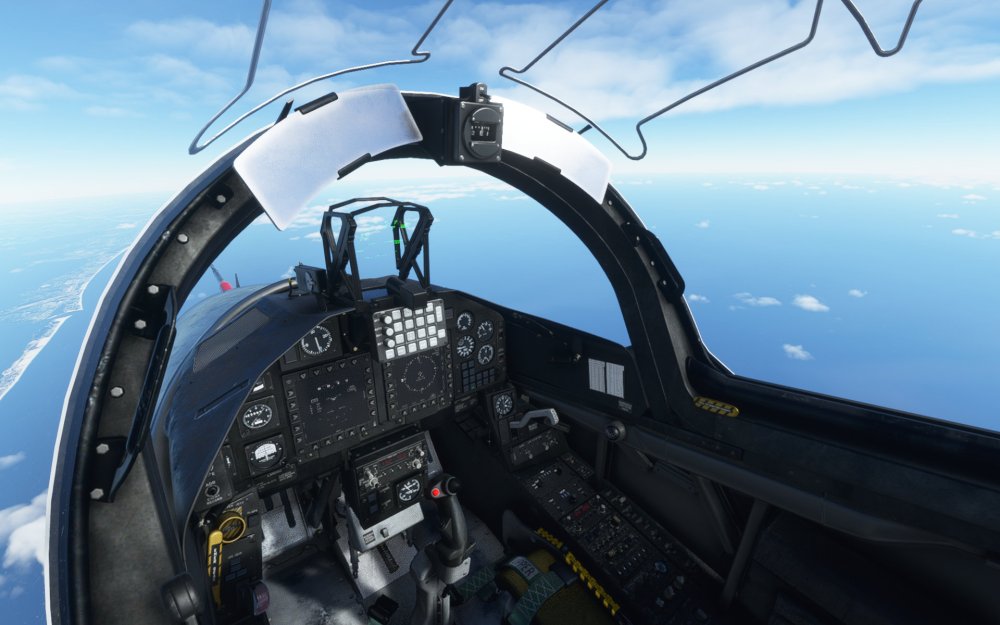
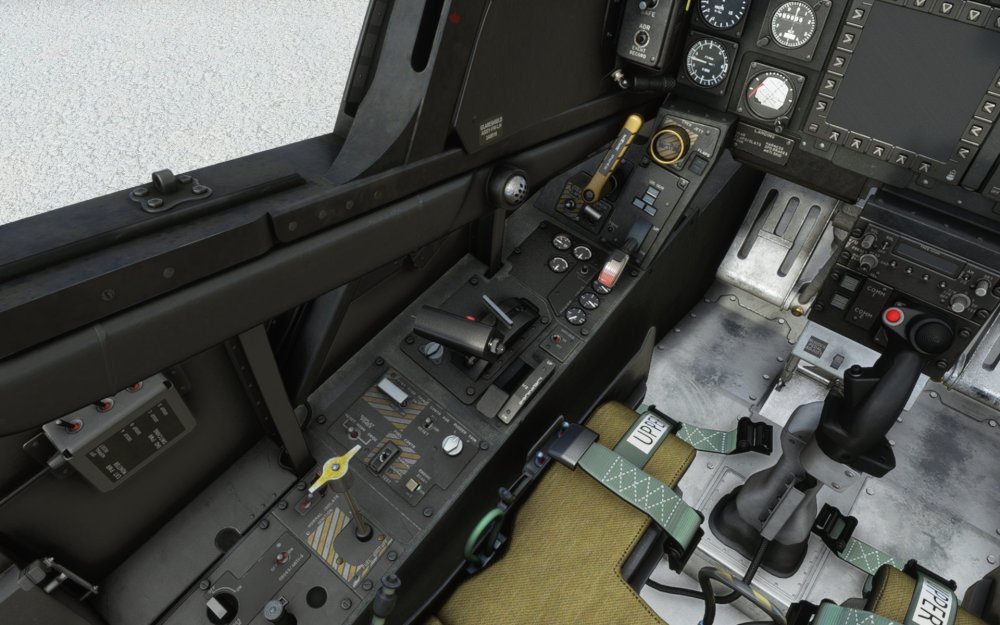
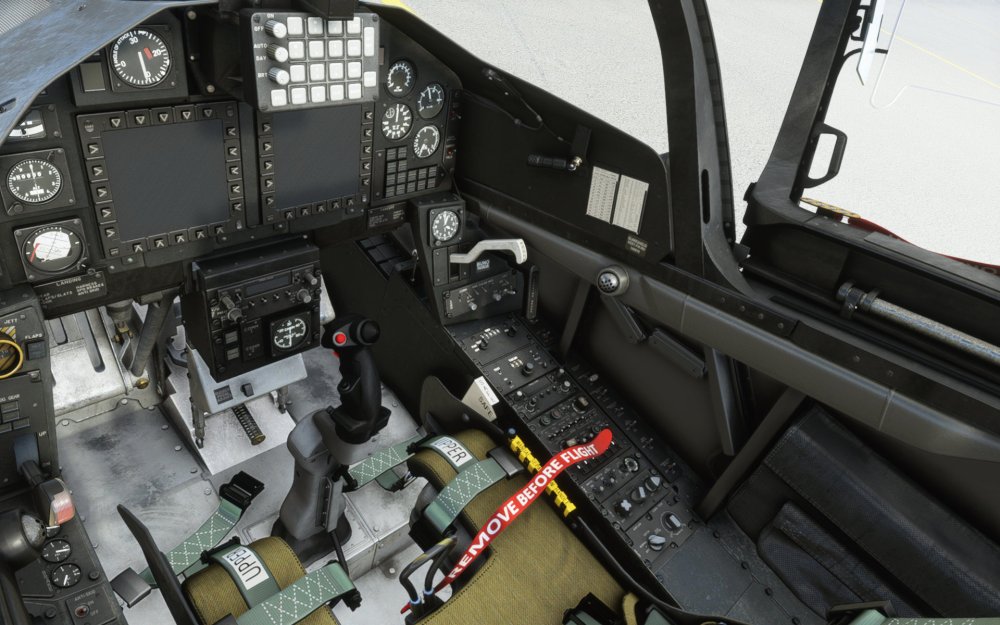
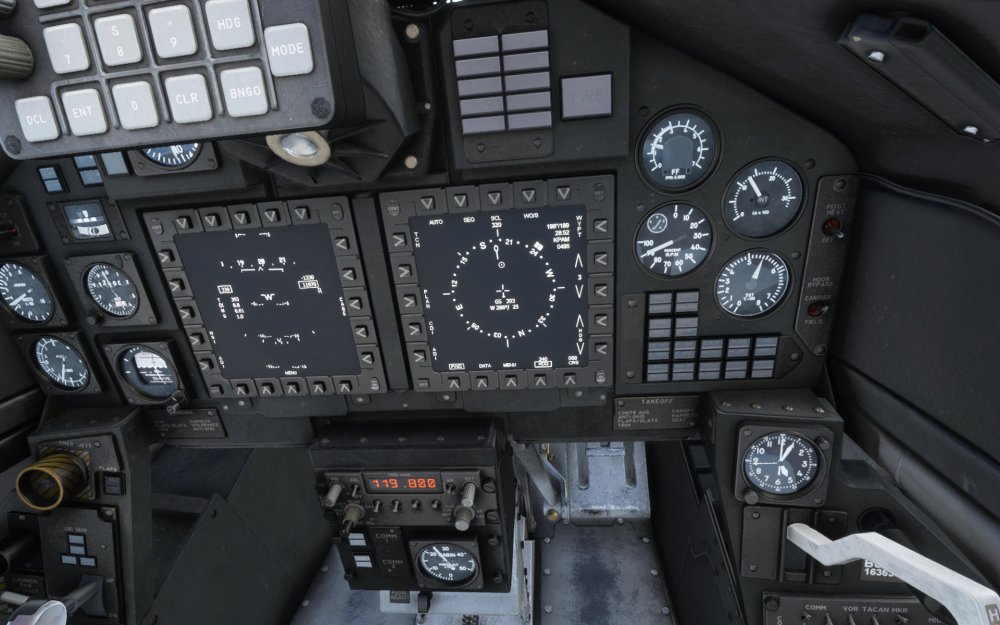
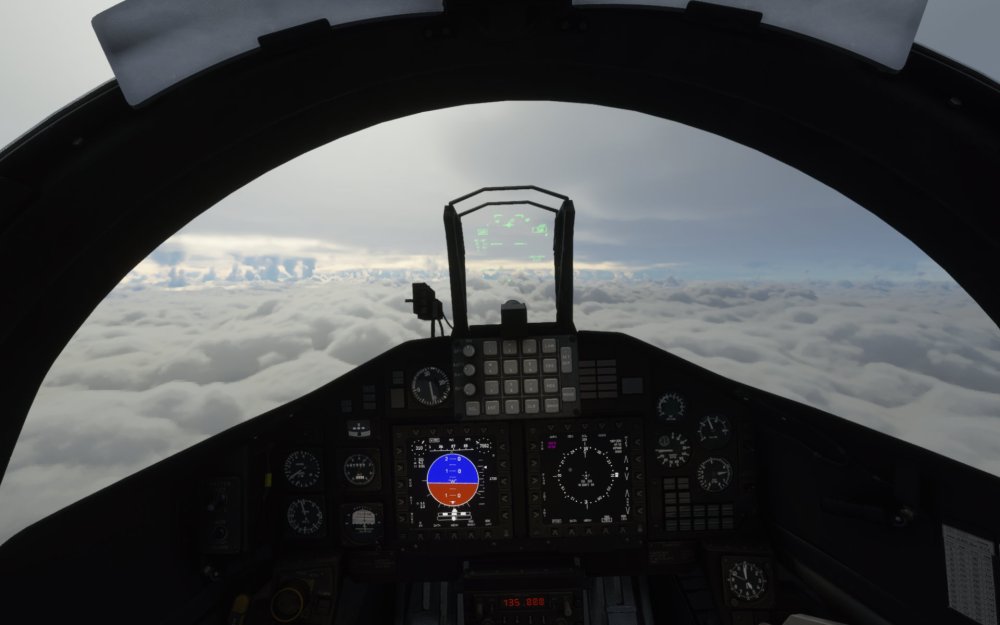
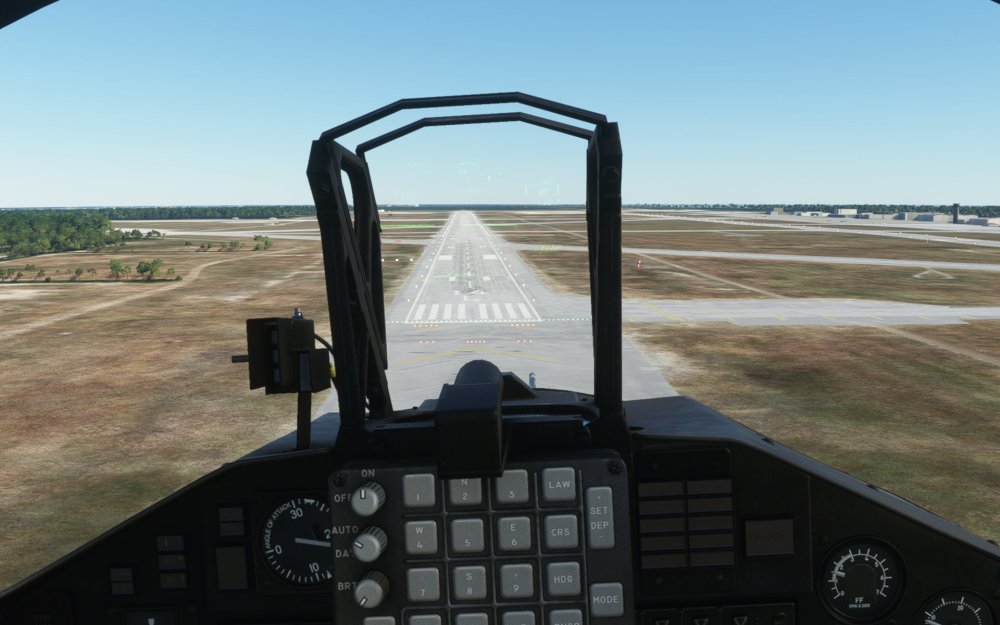
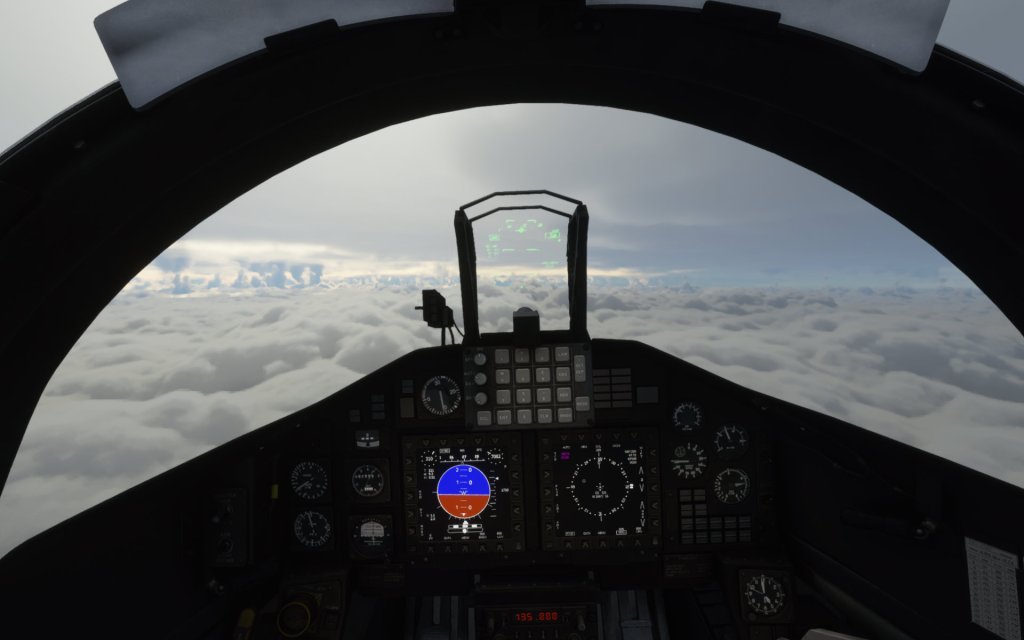
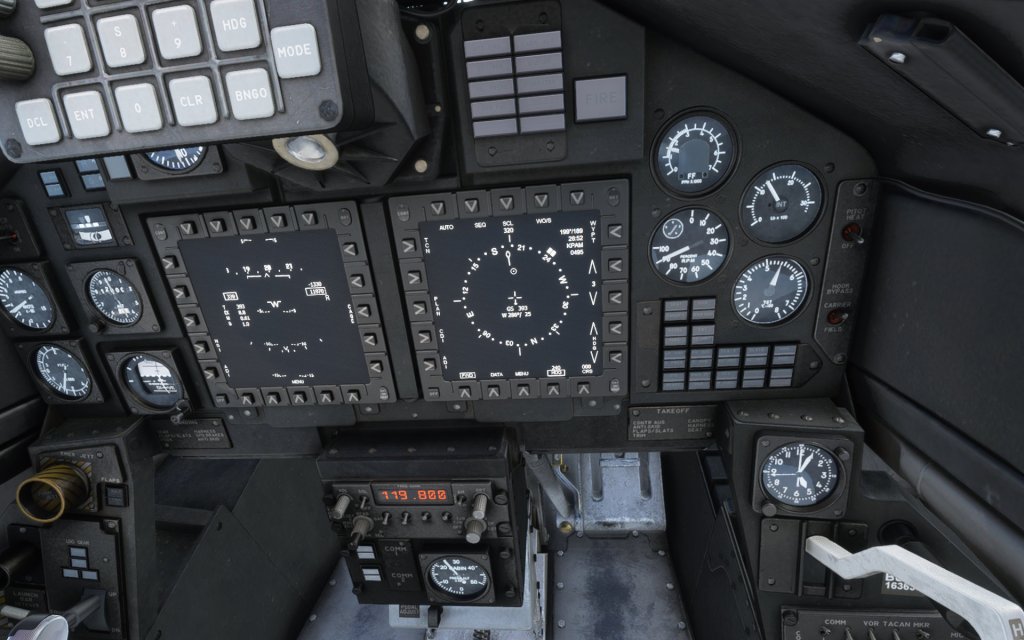
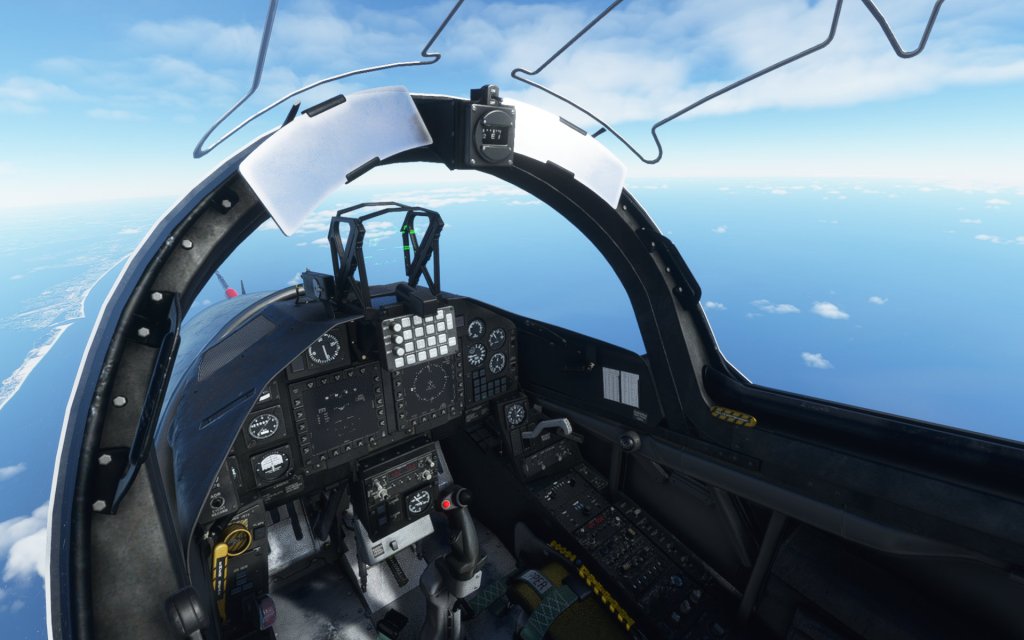
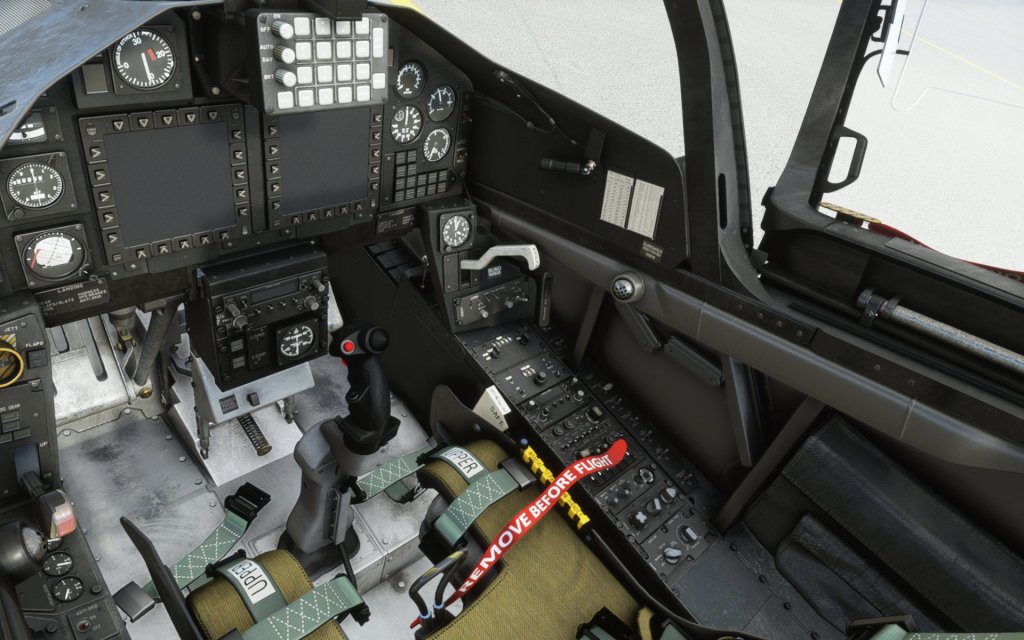
IndiaFoxtEcho has really put in some effort to ensure that the T-45C is a detailed recreation of the T-45 Goshawk and I want to start this review with some of the systems that the aircraft supports. The dual MFD’s are a centerpiece of the types’ cockpit and are able to display a variety of information. Coming from my extensive time on the DCS: F/A-18C Hornet, I was very quickly able to work with the two displays. Most of the pages contained within are very similar, albeit simpler than the ones in the F/A-18C Hornet. The STRS (Stores) page is even present although it’s not likely the that type will be configuring or firing any weapons in Microsoft Flight Simulator any time soon.
The type has realistic start-up procedures and that includes slightly different procedures depending on if you’re using the front or back cockpit.
To work you through all of the procedures, you’re best off referencing the provided 202 page manual from the developers which reads like a NATOPS document. There are a lot of details to getting the most out of this jet and you can easily spend some serious time just learning all of the details if you want. Of course, you can still start it hot on the runway and just get to flying as well.
As extensive as the manual is there are simplifications to the aircraft because of the sim that underpins it. The manual says that TACAN works (or at least it does if you tune the appropriate VOR) but I wasn’t able to figure it out myself. I also can’t tell if the anti-skid system is actually working or if MSFS’ ground handling models that kind of feature. You can flip the button but I couldn’t feel the difference.
The nav system works great with waypoints easily being imported from the flight planner in MSFS. I used that to do a couple of hops around from NAS Oceana to Atlanta and back again.
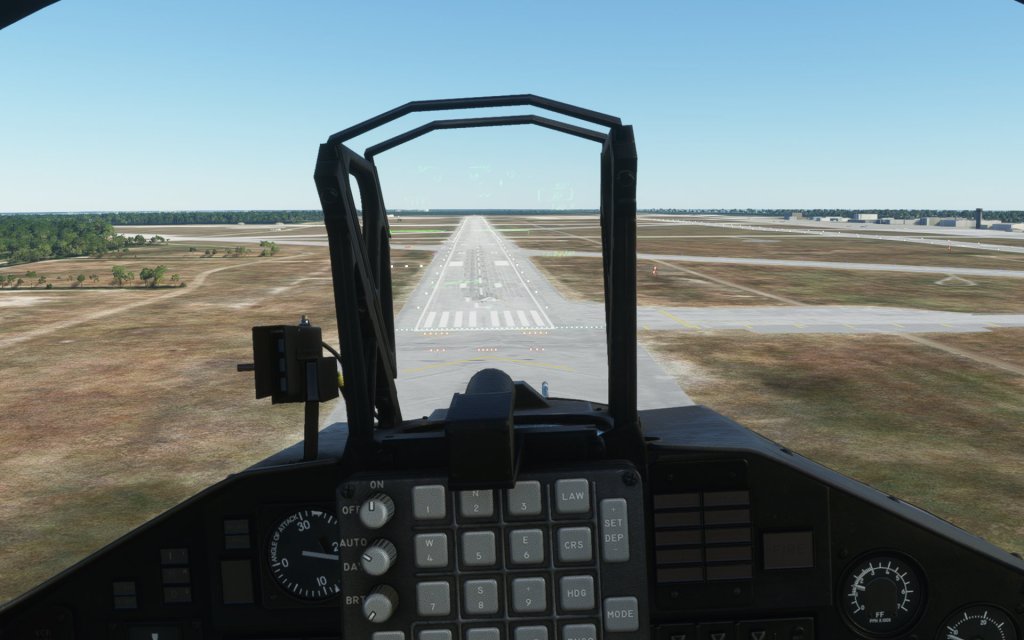
Finally, there’s the HUD which is the biggest disappointment on this aircraft. For one, the HUD is not collimated and instead sits on the HUD glass as a flat texture. This angles the text and makes the purpose of the HUD almost pointless as the heading bug moves around depending on your head position. Another, referenced by the T-45 manual, is the issue of text readability which seems unduely affected by temporal anti-aliasing modes making the text hard to read when you move your head. It’s also poorly contrasted against the various sky/terrain backgrounds and is difficult to see. This is once again an issue of underlying technology rather than something that IndiaFoxtEcho did. Although MSFS supports HUD’s and has a default aircraft that ships with one, the system is not fully baked (yet).
The dev team did spend time here and this is not just a HUD ripped from an airliner but is rather representative of a real T-45 HUD with the appropriate controls, multiple colours, and the correct symbology. The problems are more an issue with the simulation engine itself than with the developer. One day I have high hopes that this will be solved and IndiaFoxtEcho will be able to make it work better.
Strong visuals
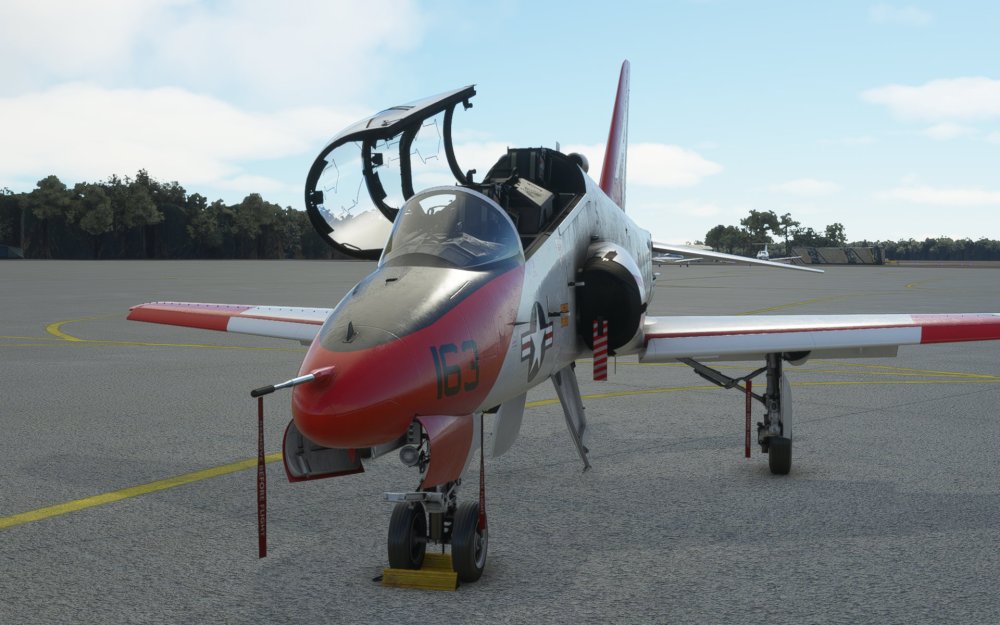
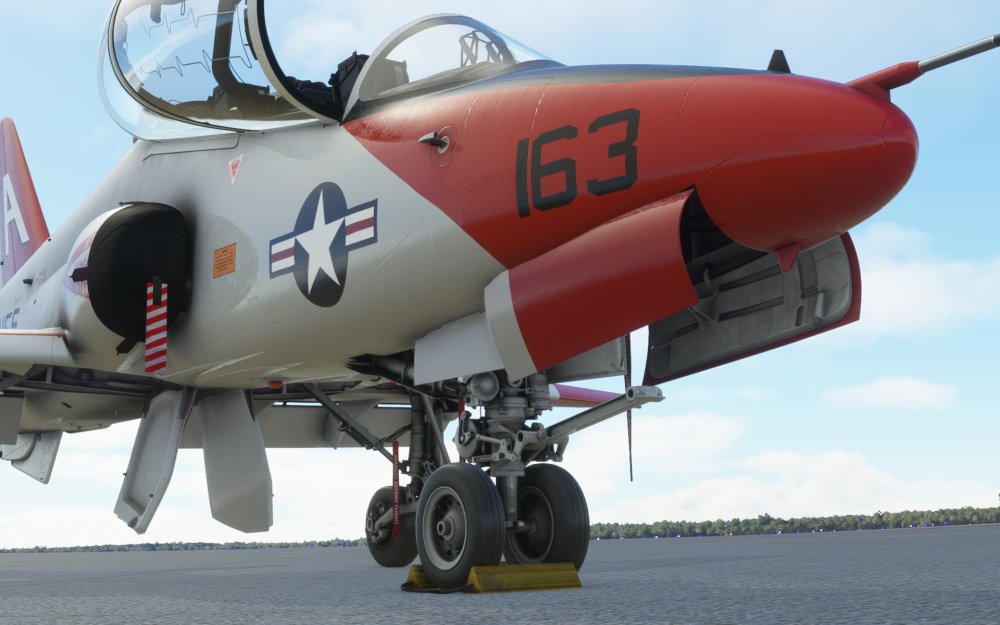
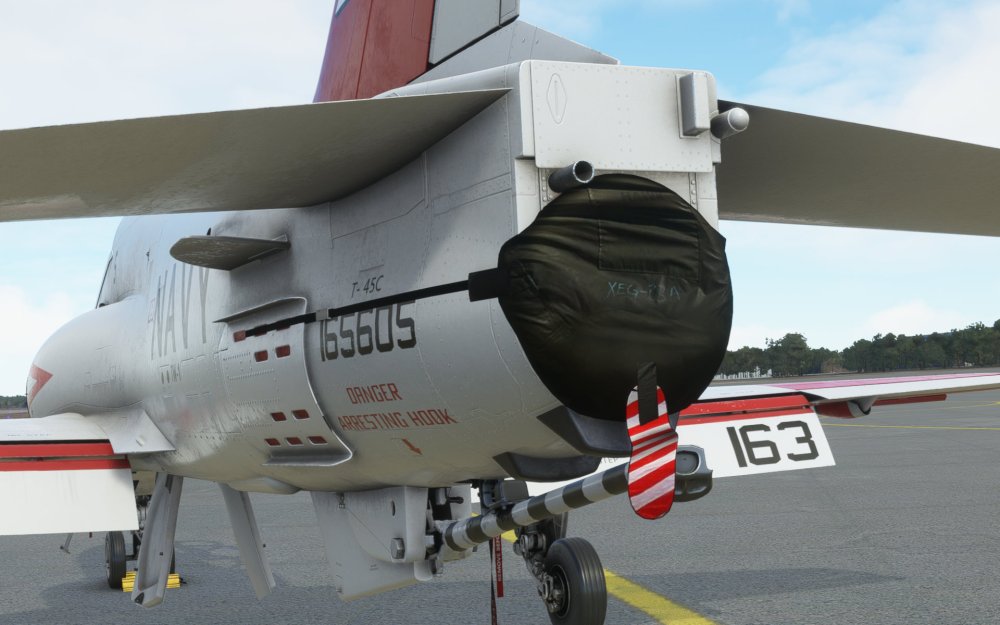
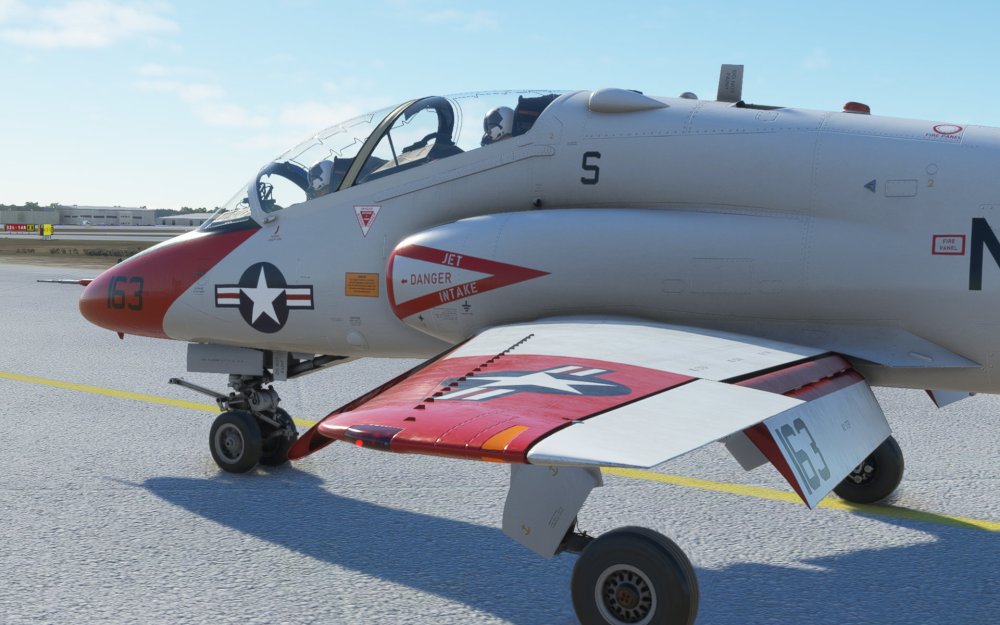
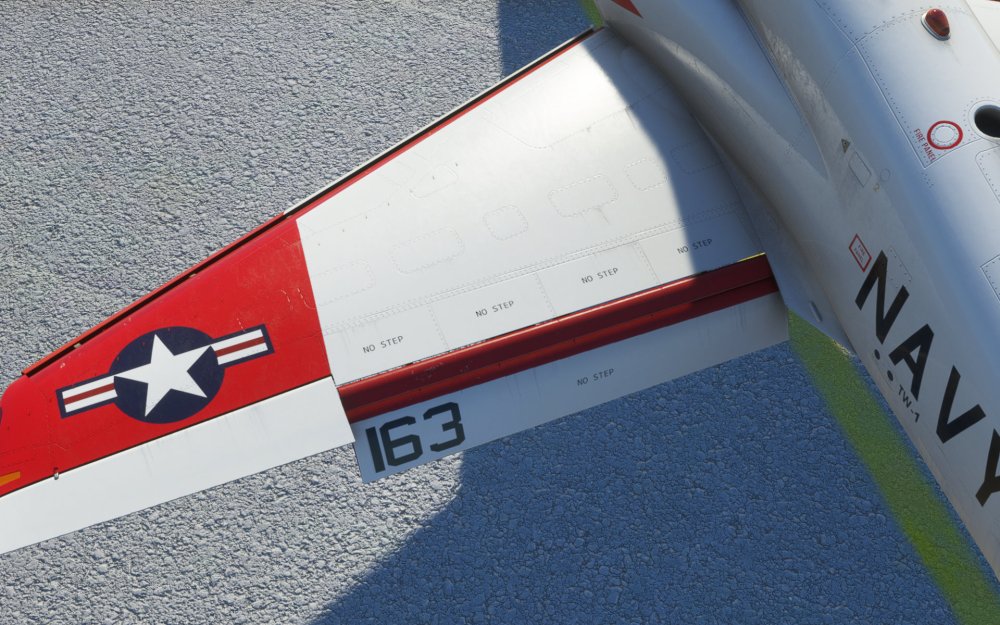
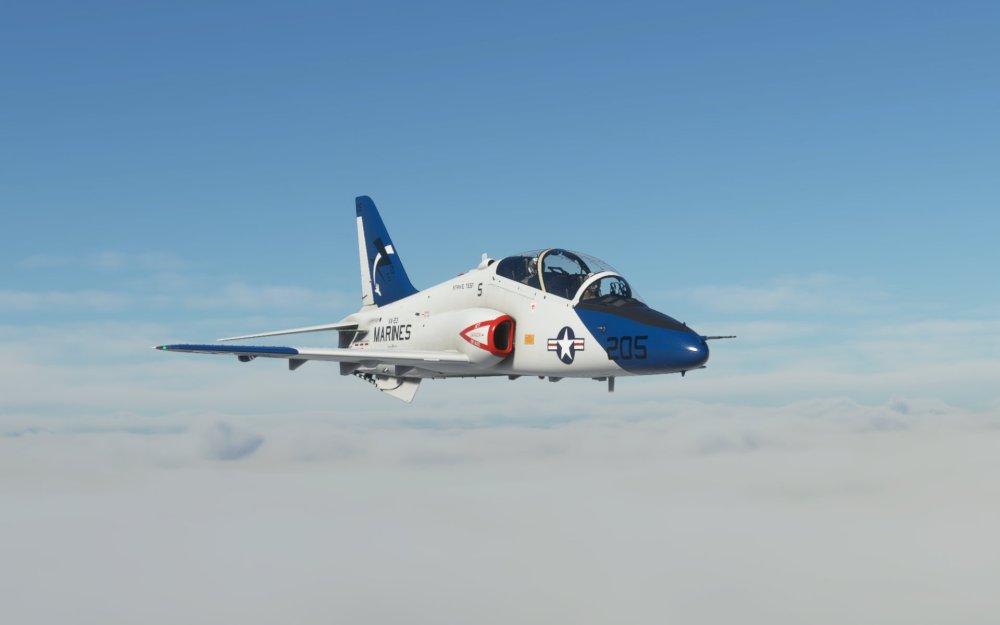
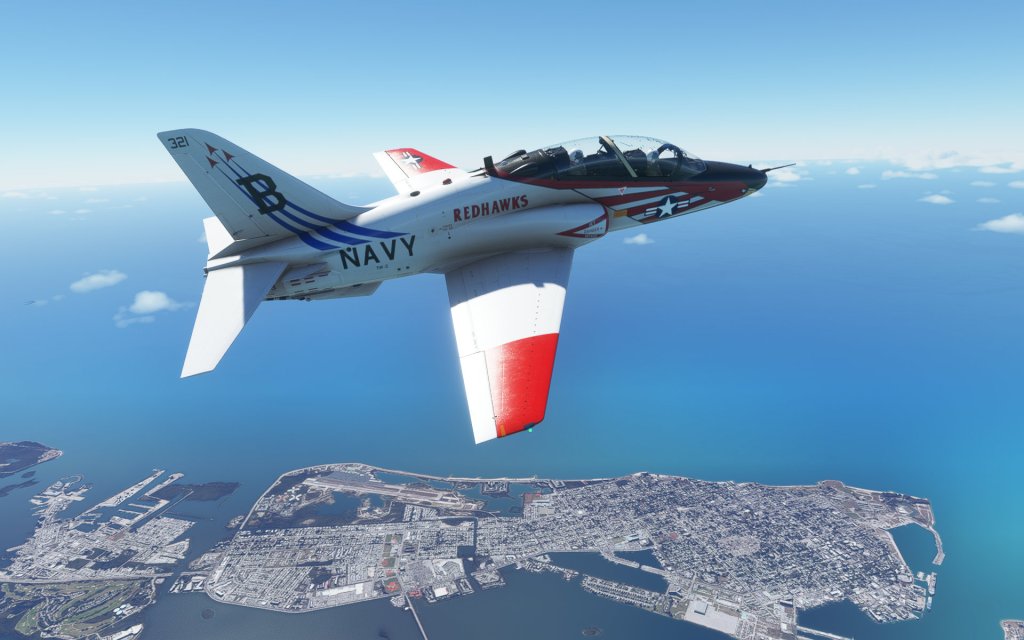
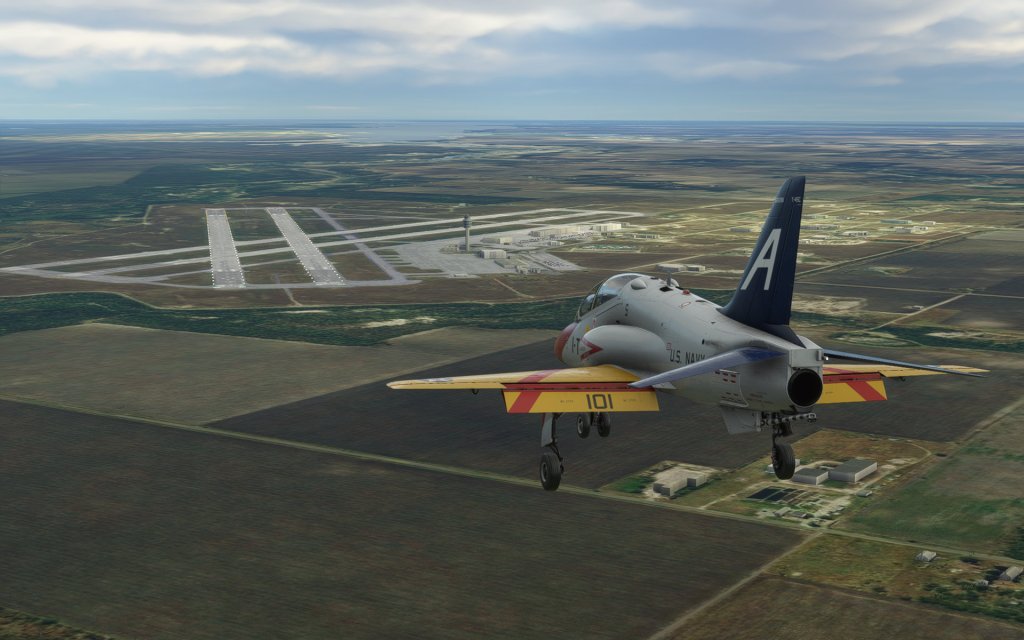
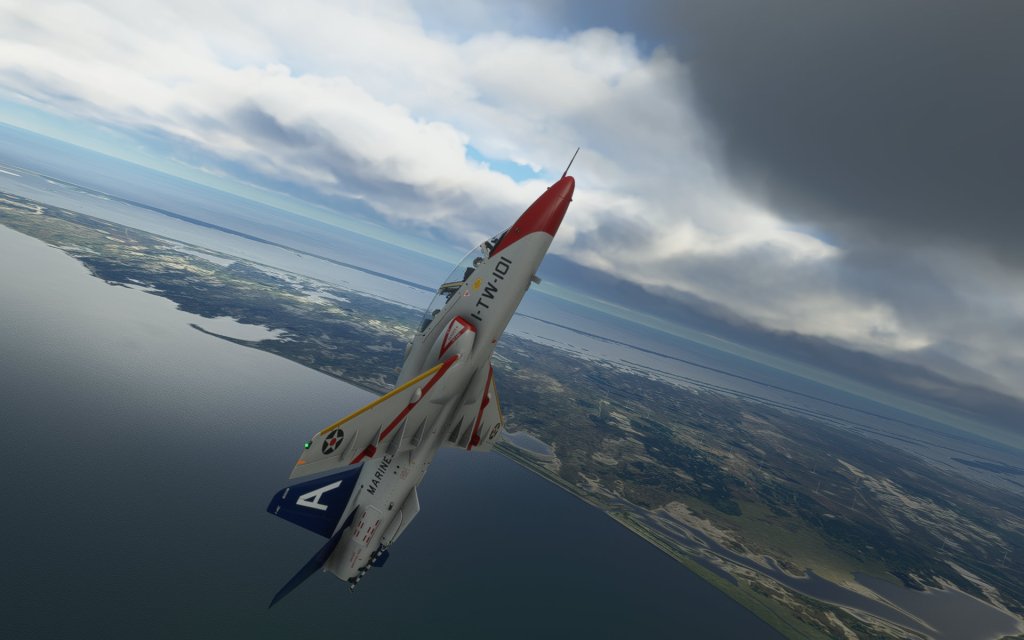
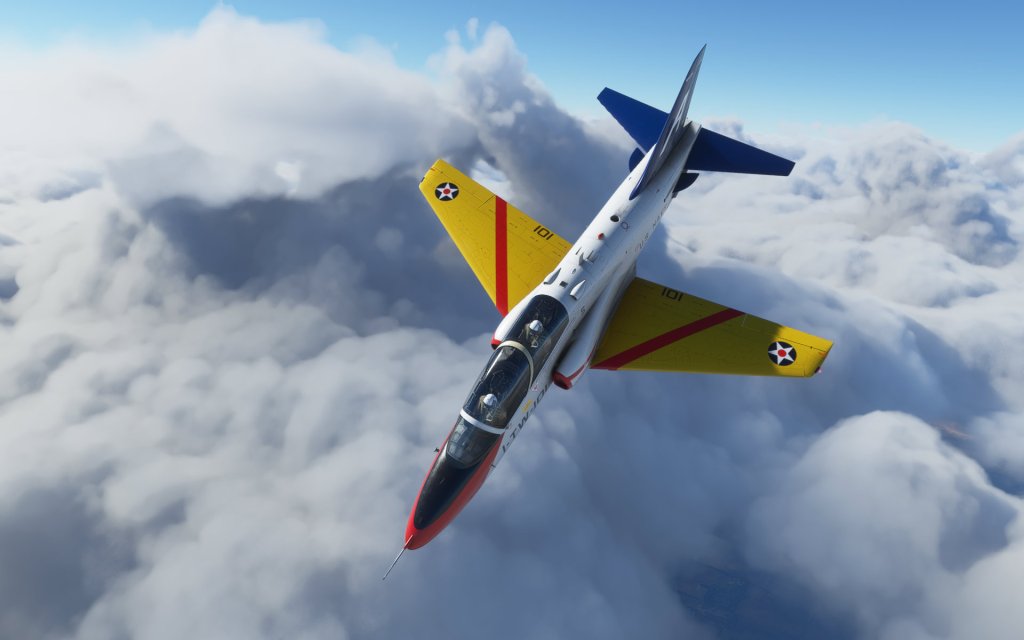
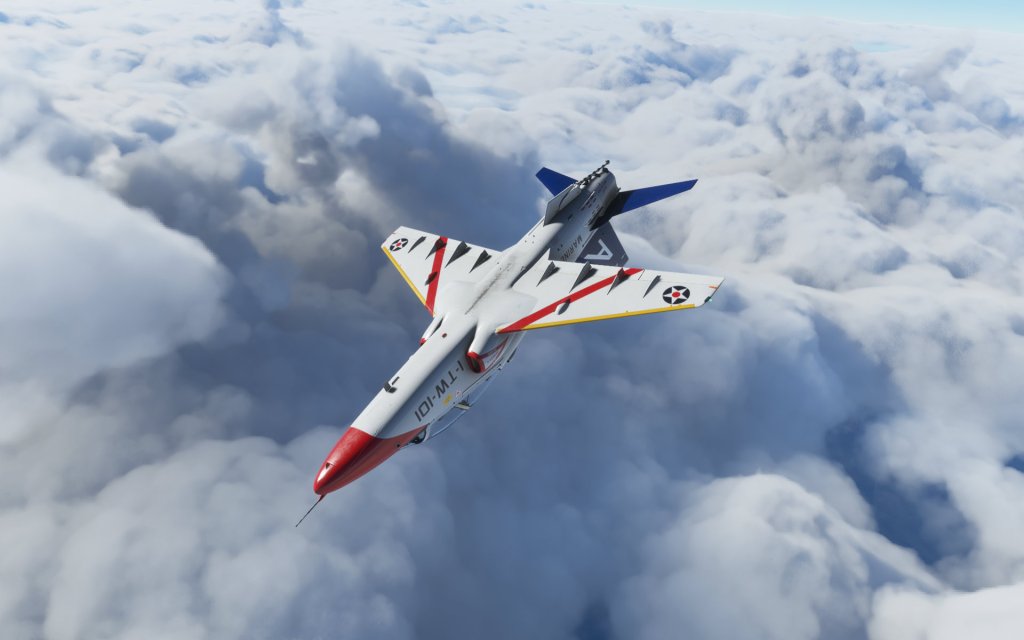
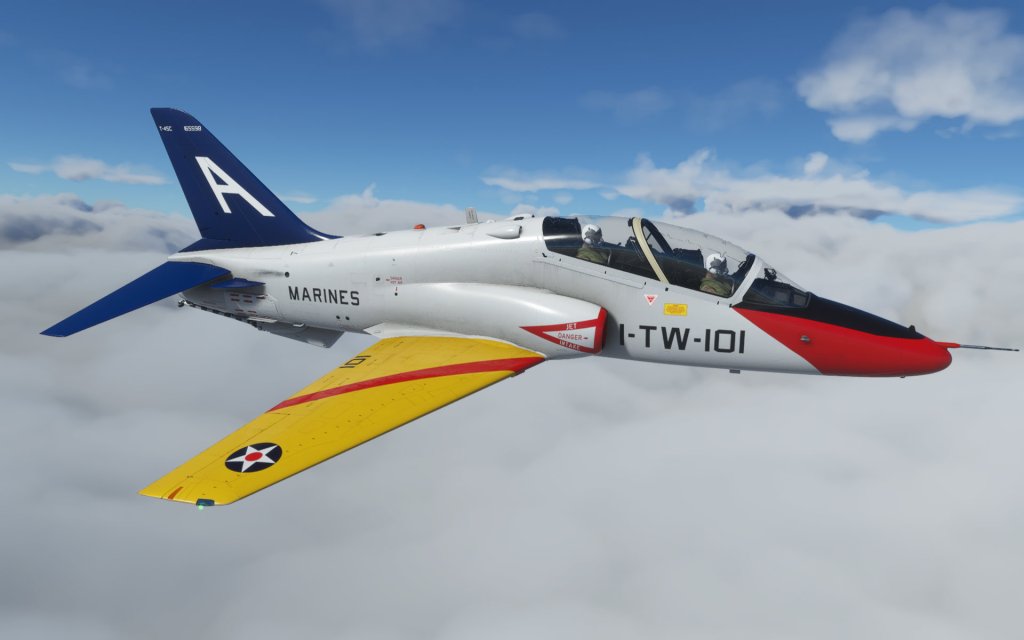
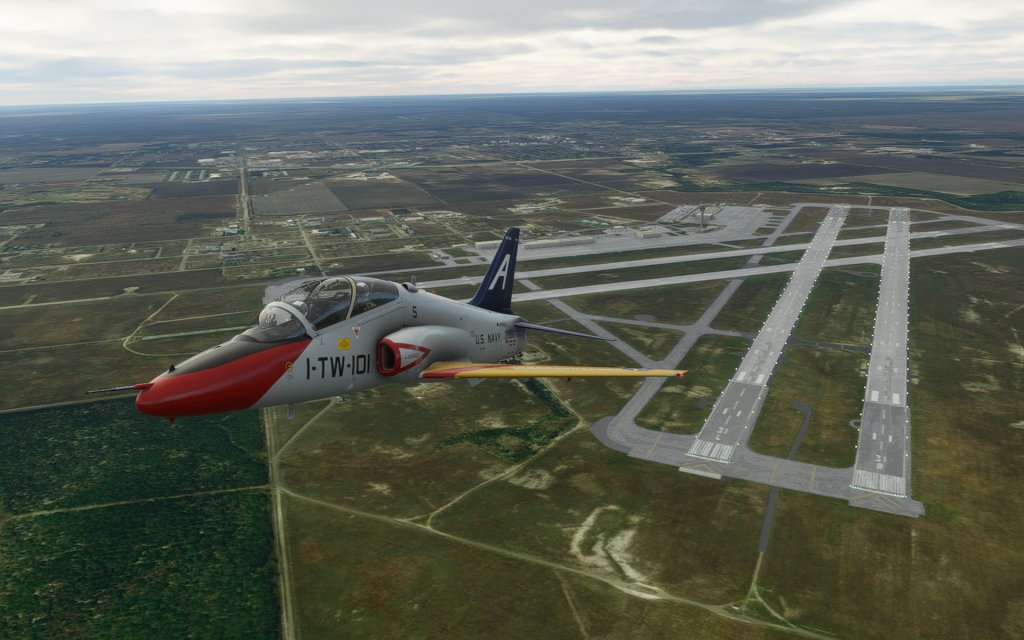
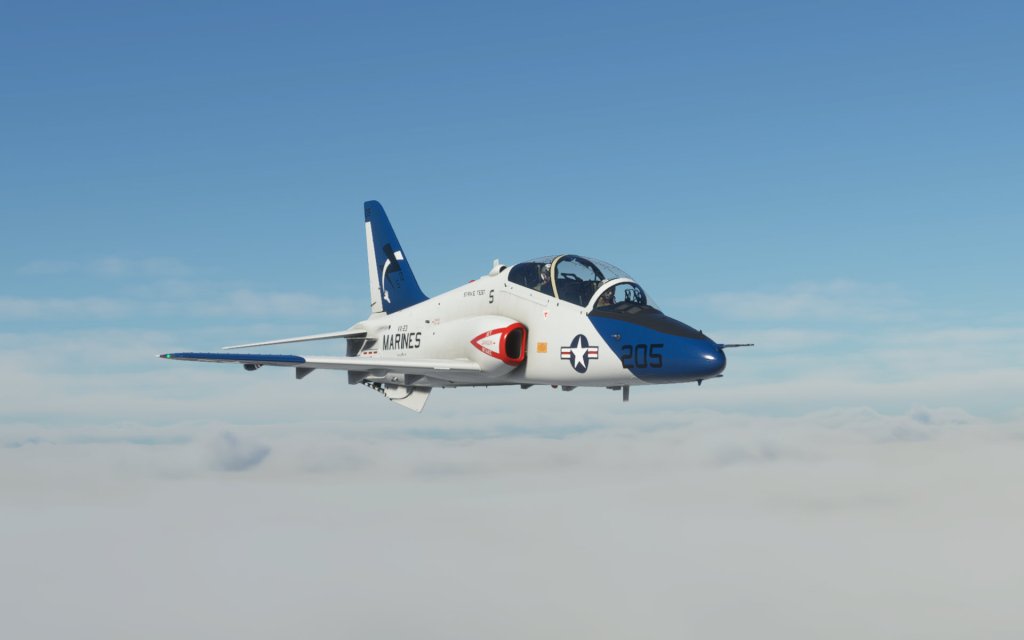
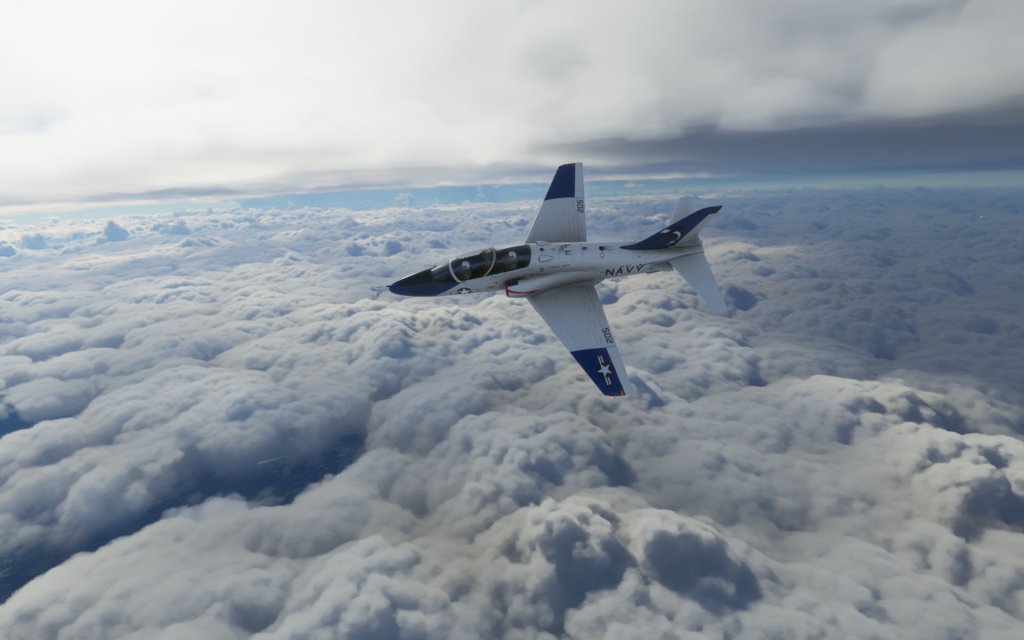
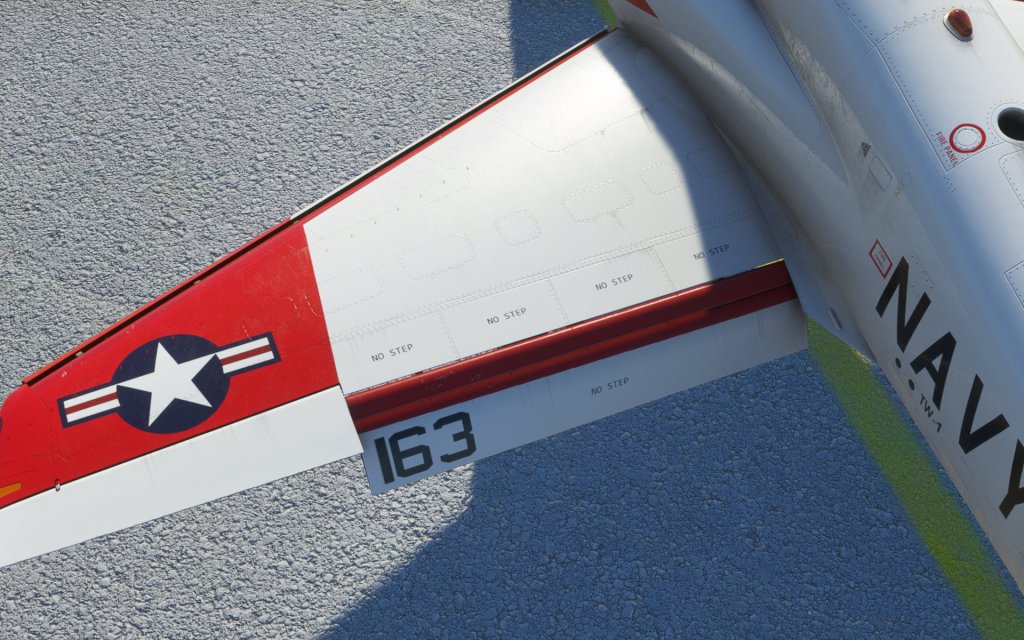
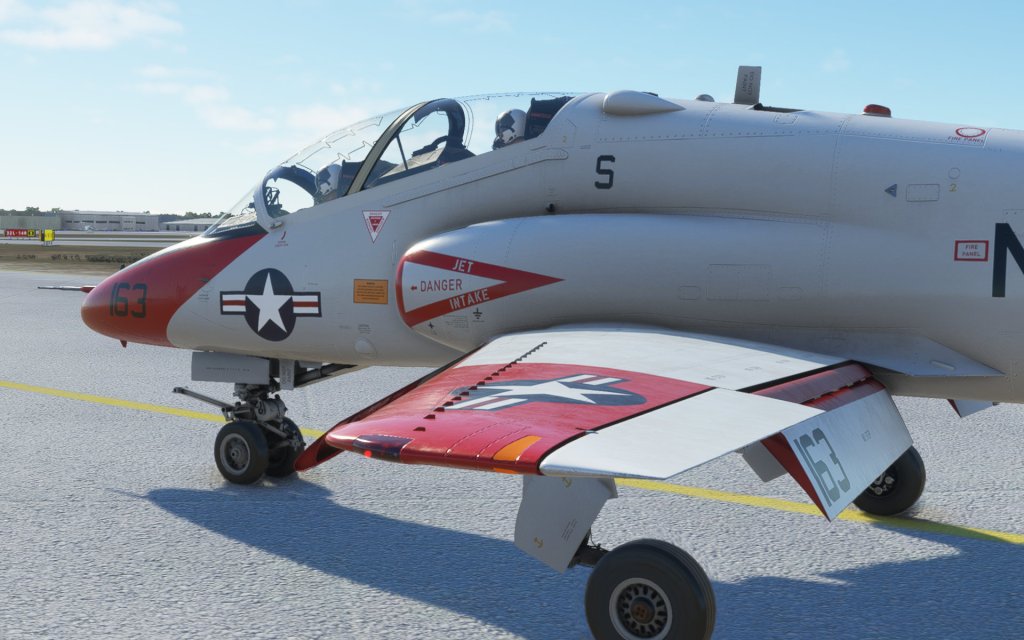
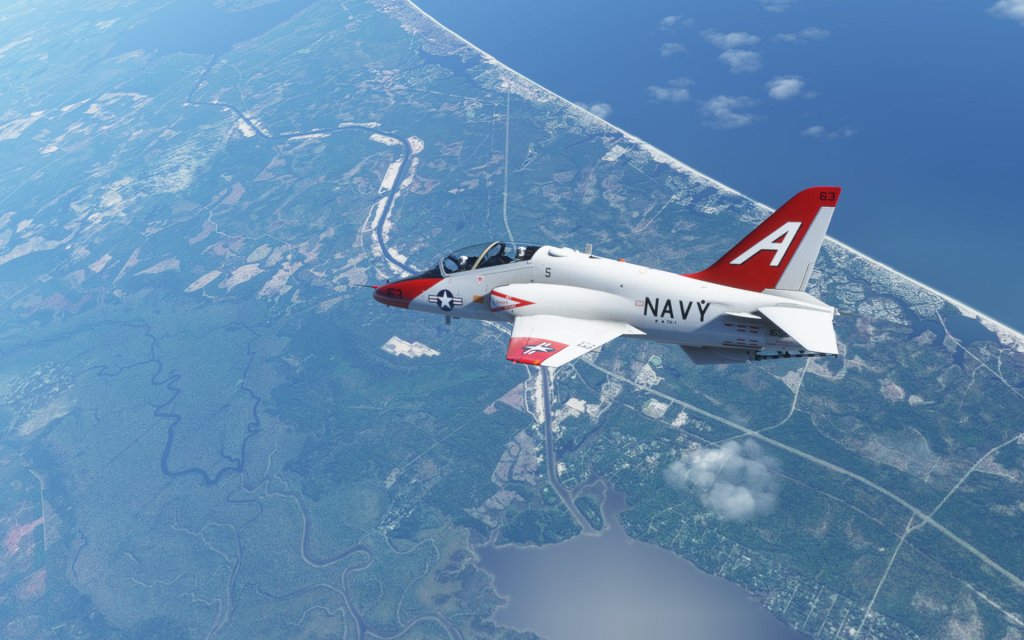
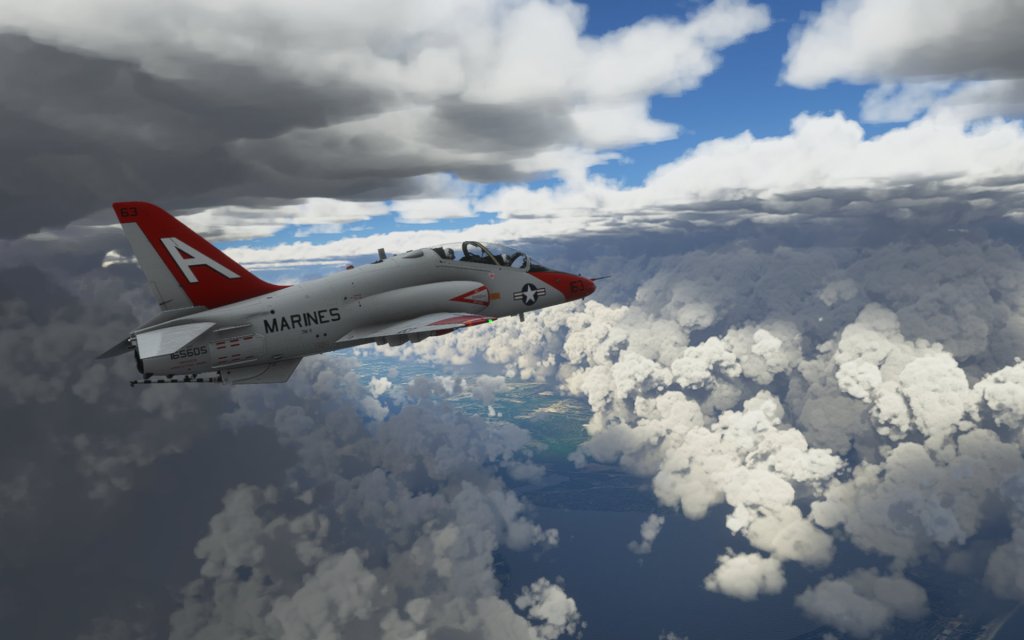
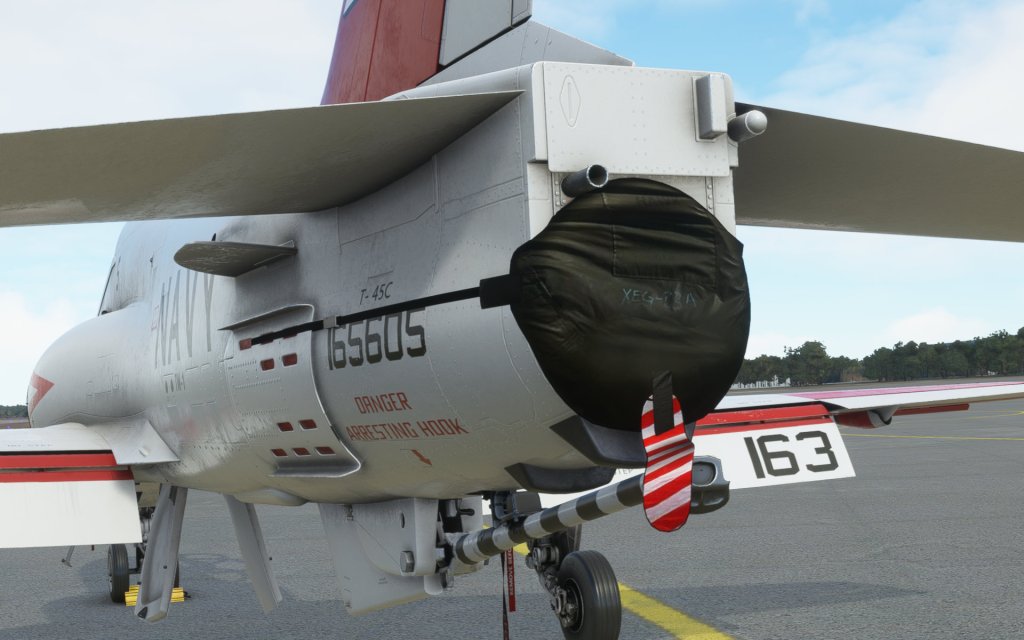
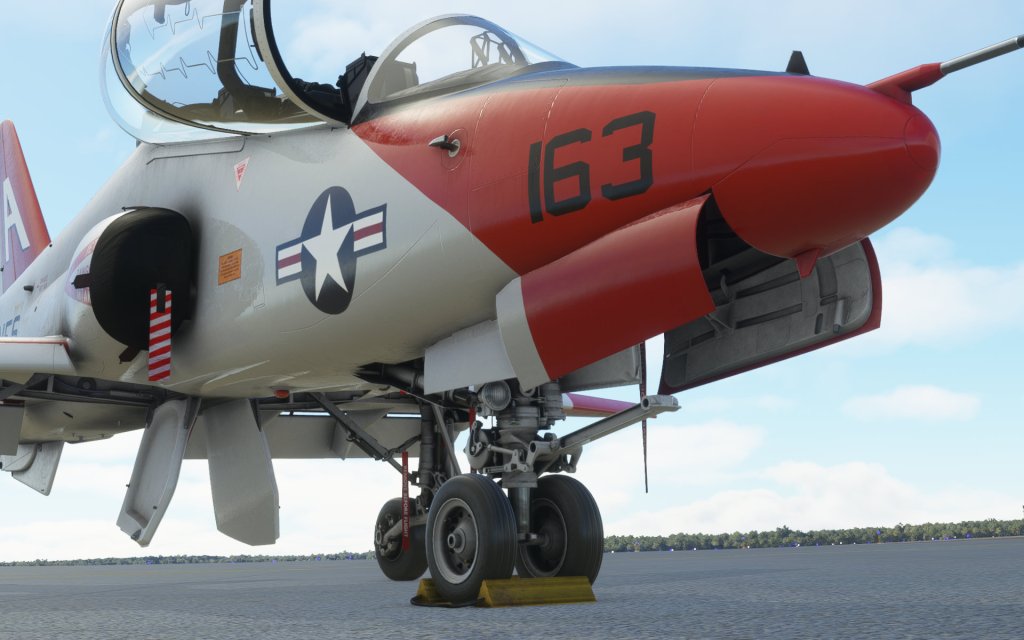
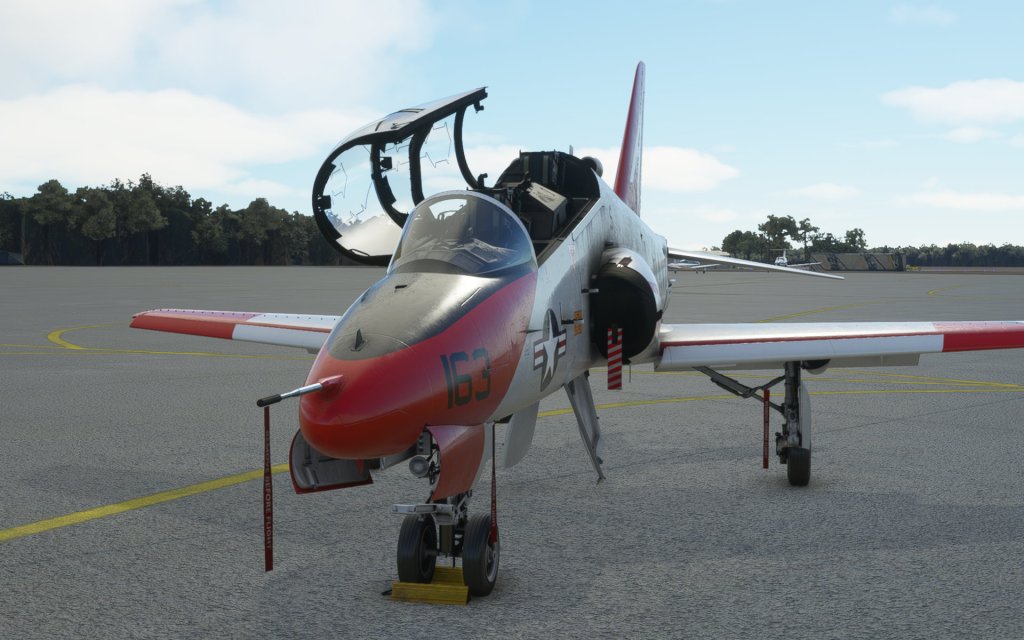
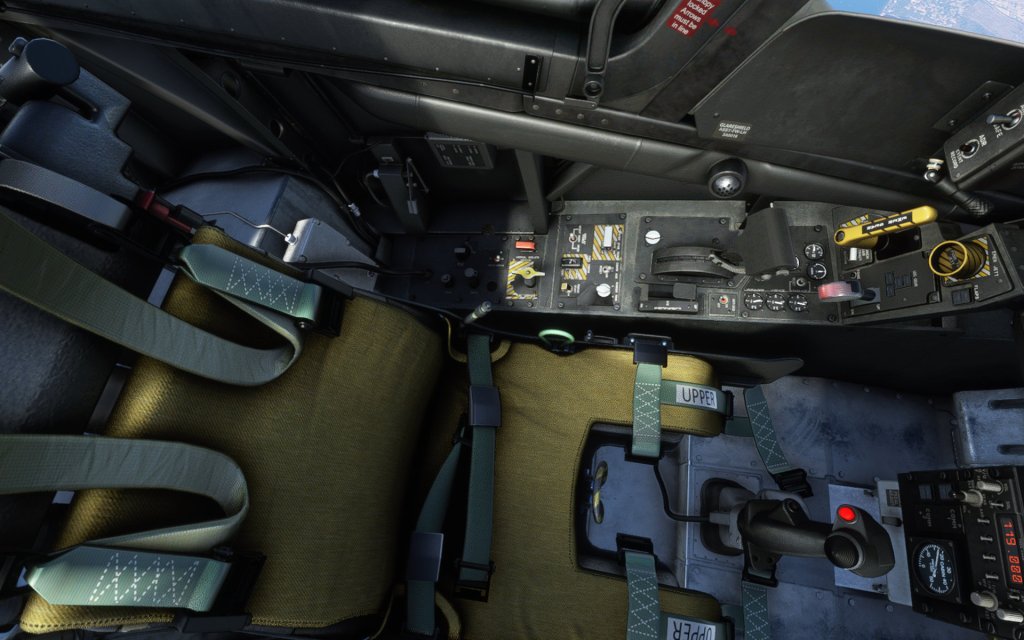
Problems with systems aside, the T-45C’s visuals are extremely strong. Not just because of the lighting and shadowing system in the sim but also because of the great artistic design of the developer. From the shape to the detailed reflections and surfaces, I was impressed with all of the details that the developers have put into the aircraft. Lighting inside and out are good and that includes appropriate visibility from the cockpit’s instrument and flood lights as well as exterior nav, landing and formation lights.
The cockpit is highly detailed with good texture work throughout and nearly every button and switch, even the ones that don’t really have a purpose in MSFS, are still clickable and correctly animated. IndiaFoxtEcho knows the limitations of the current technology and still chose to do as much as they could to make this feel complete. The back seat and front seat are both modeled at high detail. If you’re having memory related issues, there is a ‘lite’ version of the aircraft which removes the details from the back seat for improved performance.
The exterior is also beautifully executed. There’s an appropriate amount of dirt and scratches in places on an otherwise clean aircraft. The landing gear is well detailed and the aircraft has great animations from the control surfaces to the air brakes. Even the launch bar is animated although it doesn’t have full use without a fully modeled carrier. I really have no complaints about the T-45’s visuals at all.
Flying the Goshawk
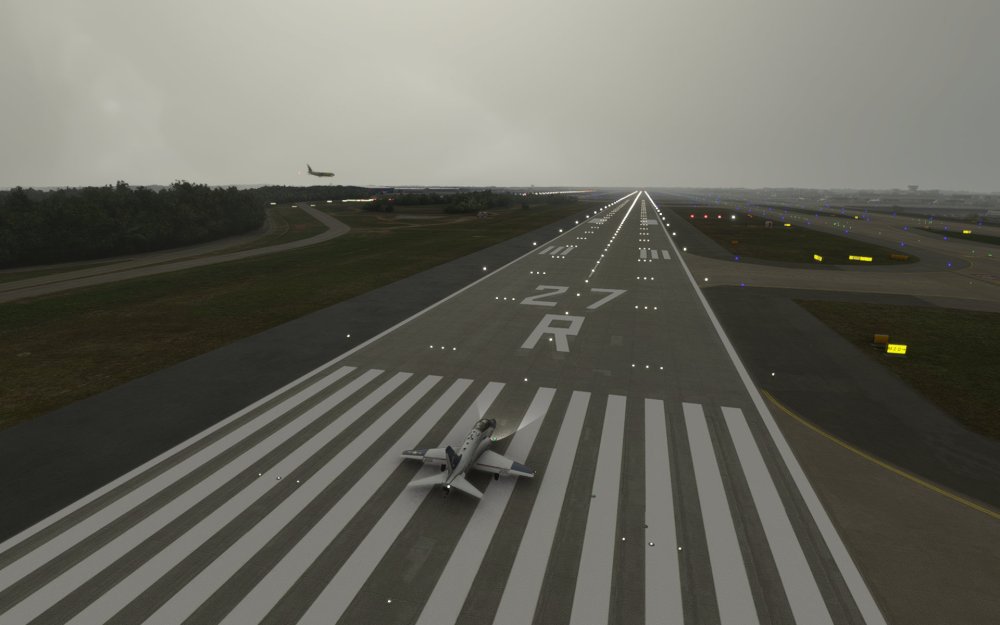
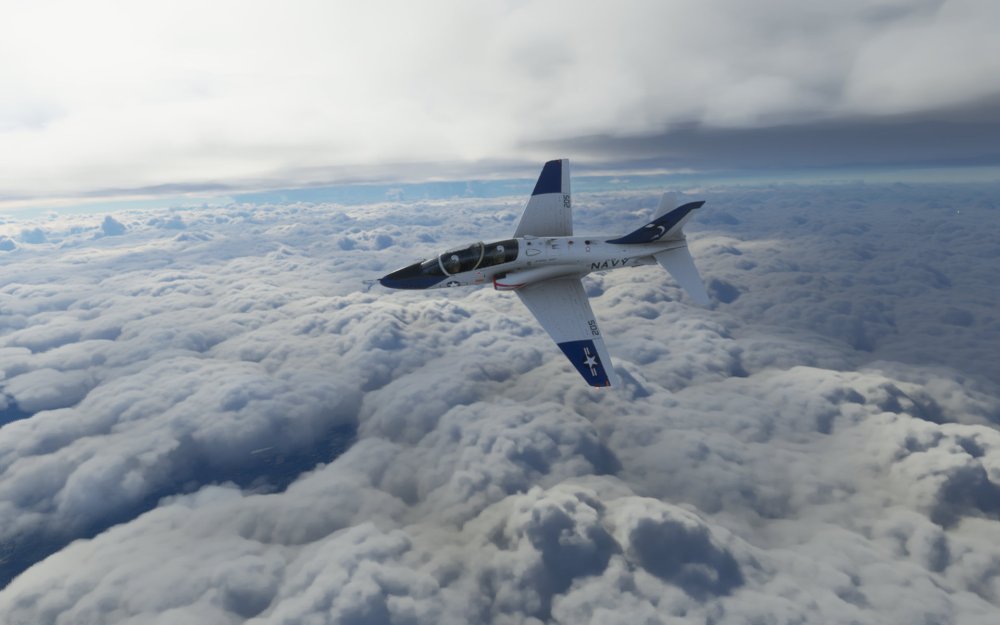
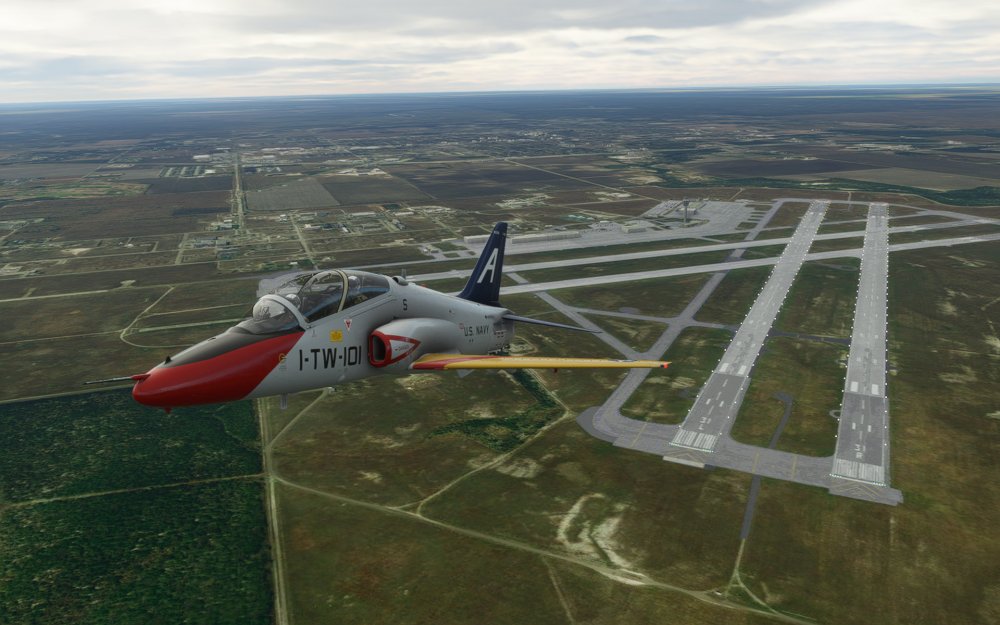
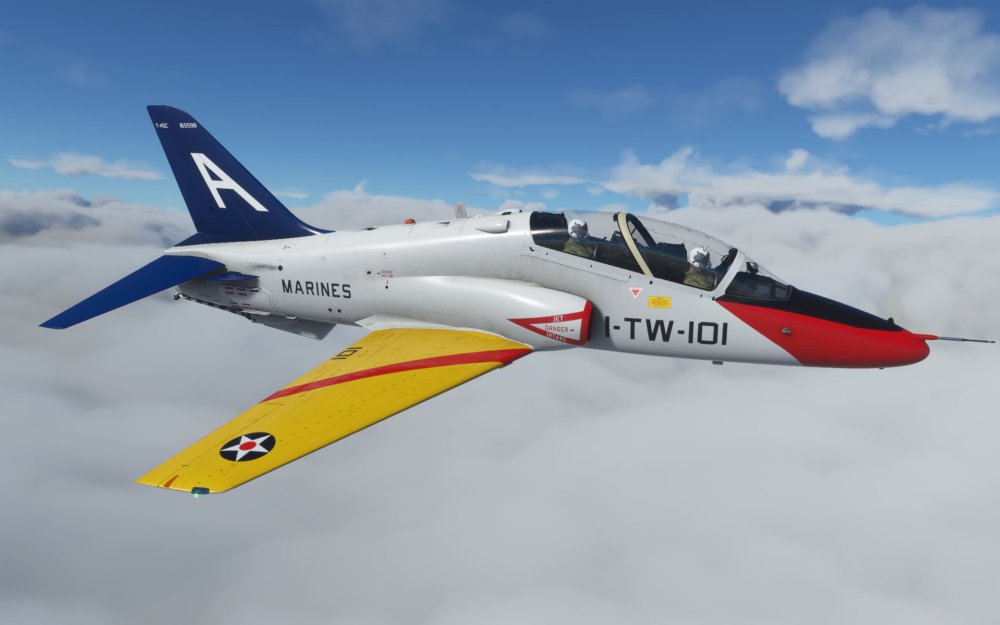
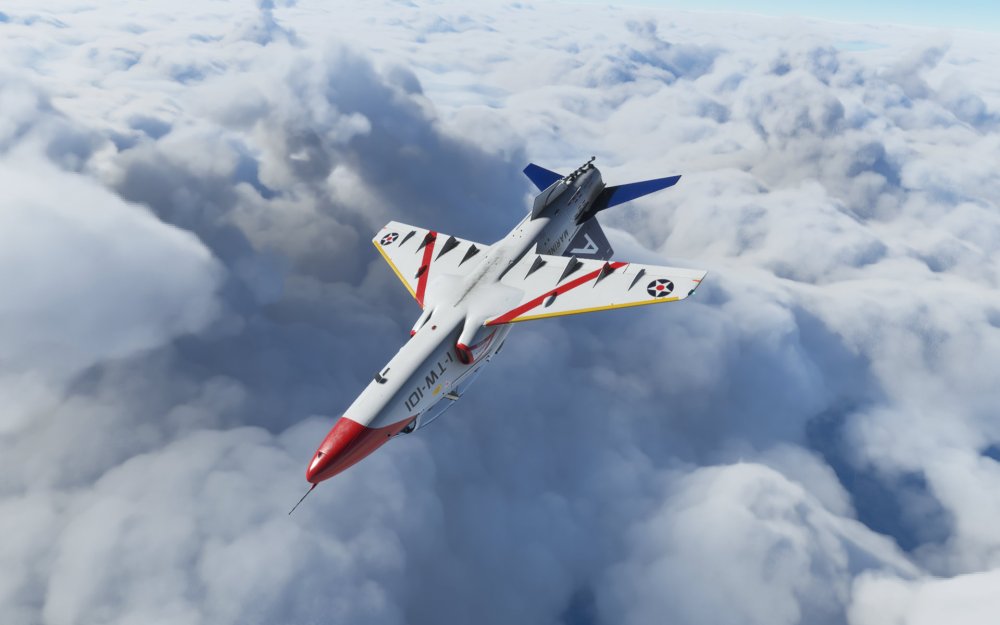
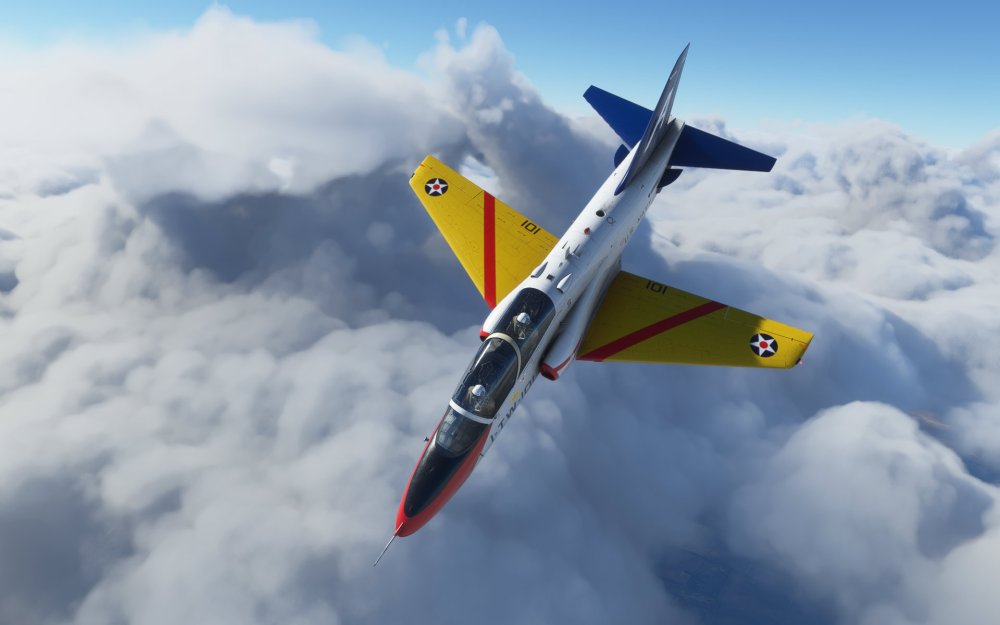
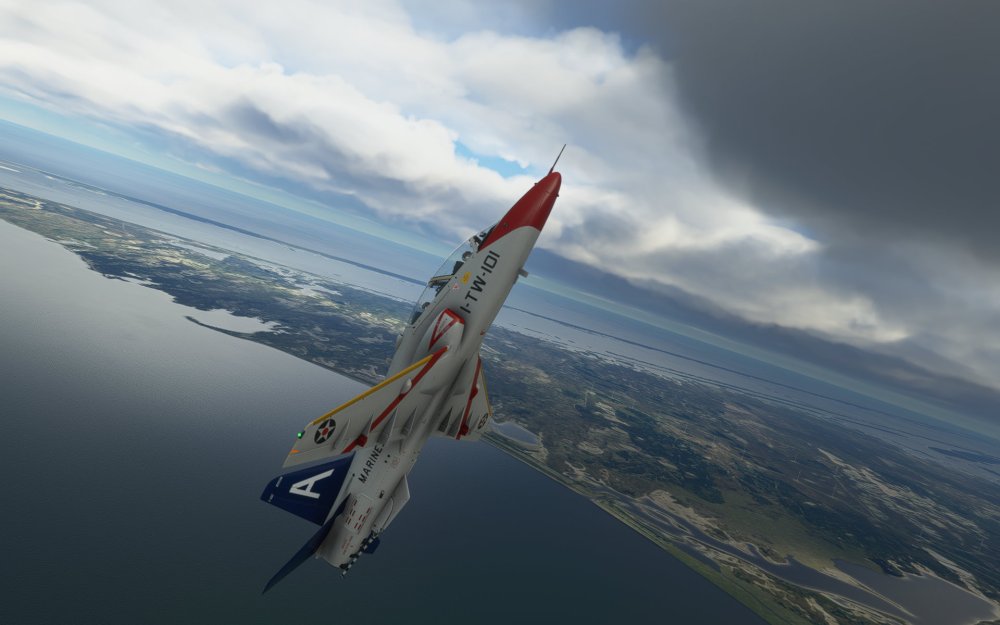
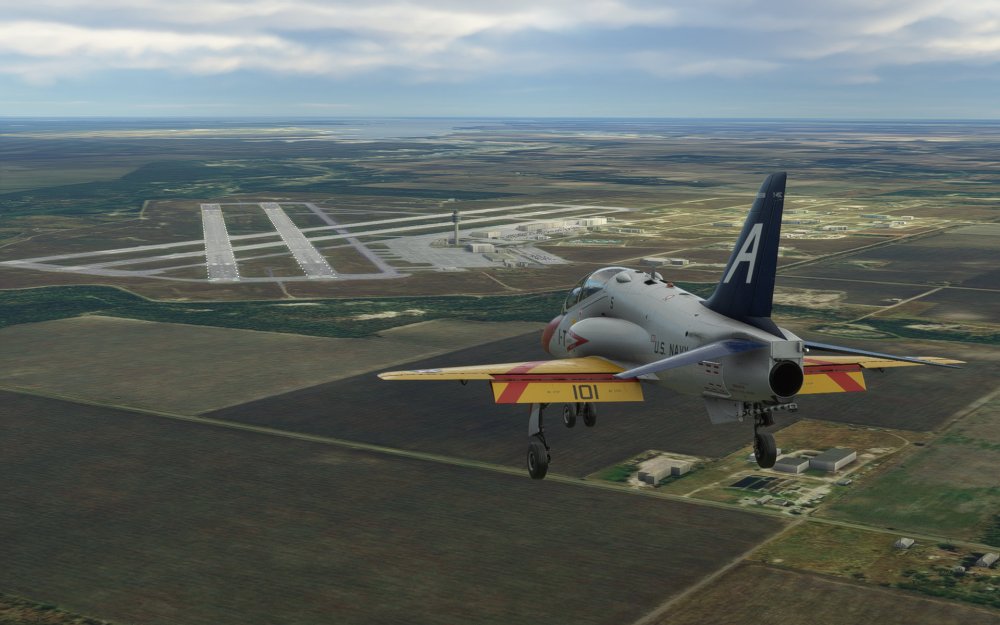
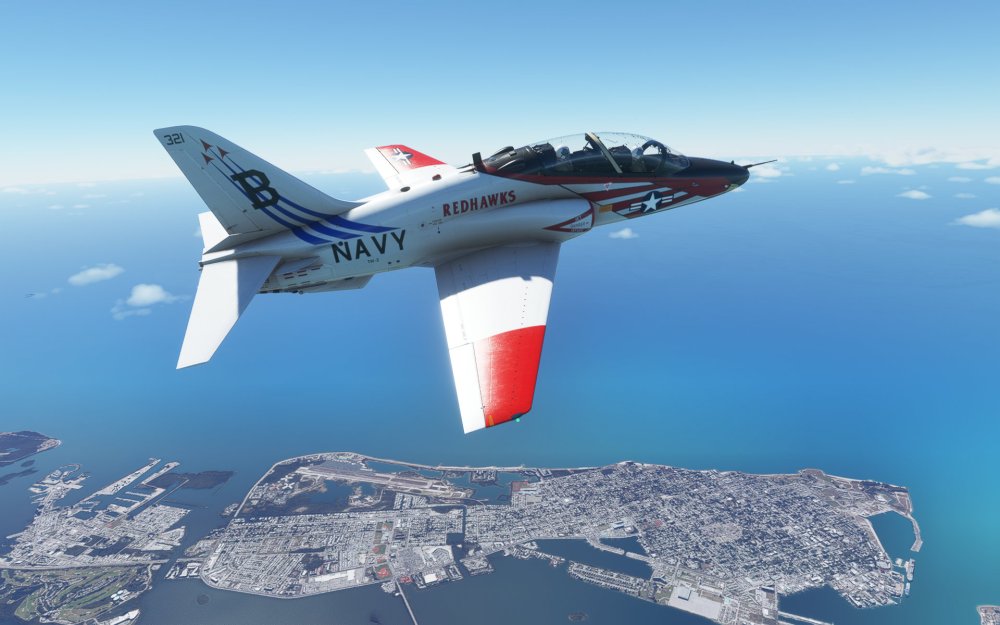
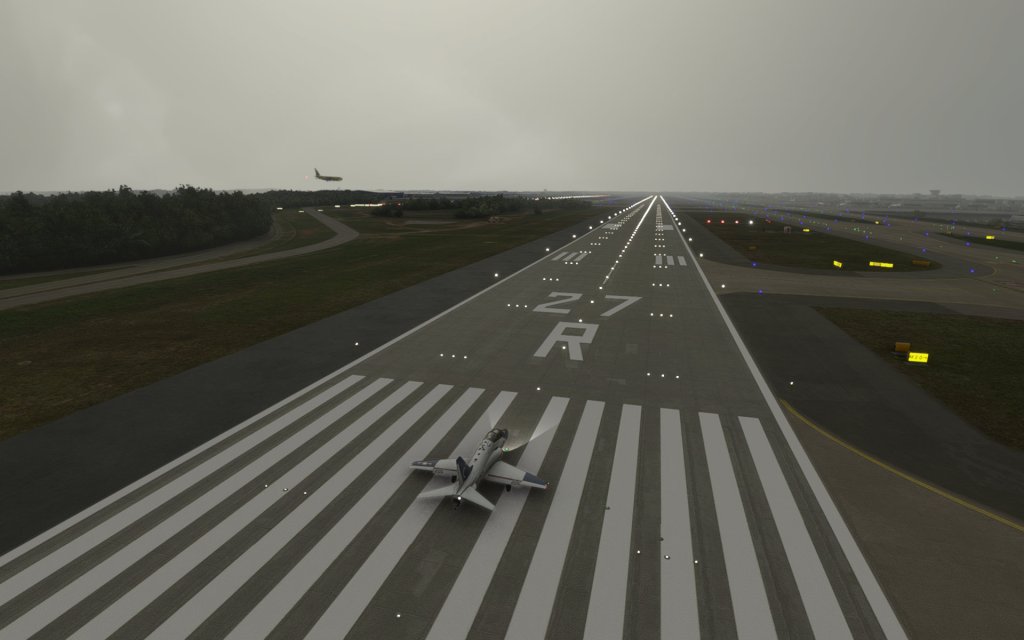
Powering up for the first time, it’s clear that this aircraft’s Honeywell F124 engine putting out a maximum thrust of 6250 lbf is more power to weight than most of the aircraft I’ve flown in the sim. Rotation comes quickly and takeoff is relatively painless provided that you track successfully down the runway. Slight corrections are made but the T-45 is remarkably well behaved as are most aircraft in the sim.
Having flown so many jet fighters in other sims, the T-45 feels very at home to me. A fast roll rate and reasonably responsive elevator make for a pleasant flying experience. You do need trim controls to get the aircraft trimmed up and flying smoothly but it does have a propensity to want to roll left or right so constant trimming is necessary.
It climbs quickly to cruise altitude and once there can be thrown around almost effortlessly. The elevator does appear to have a limiter on it so that it doesn’t over G and the pilot has their own custom sound effect of them straining against the G’s. There is no black out or red out conditions in the sim so you’ll have to ignore that but I appreciate the extra effort that IndiaFoxtEcho went to make it feel like you’re pulling hard on the stick.
I like the handling of the aircraft. It feels agile in the way that a fighter jet feels agile although with none of the high alpha or insane power that you might get from a Typhoon, Hornet, or Eagle. Still, it rockets down beaches near NAS Oceana or between hillsides, mountain passes, or between thunderstorms with terrific speed.
Landing I found to be relatively straight forward with a relatively easy to manage 125 knot approach speed and effective air brakes.
Some sounds are good, others not as much
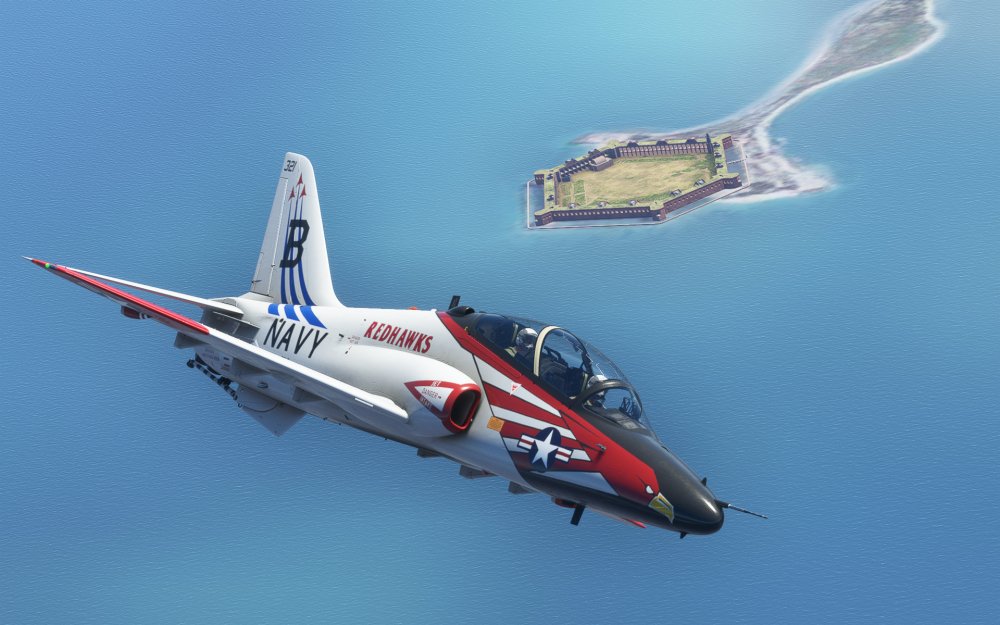
Most of the audio sounds inside the jet from the “deedle-deedle” of the master caution to the sound of the switches in operation feel really good. I have no issues with any of them. The engine sound, on the other hand, is a weaker spot and IndiaFoxTecho have already updated the sounds a bit already but I’m not sure if that’s really helped it clear the mark.
The engine sounds ‘ok’ from inside the cockpit but some of the other ambient cockpit sounds are less appealing. Go to the outside of the aircraft and while it has a vaguely jet like sound to it I wouldn’t give it high marks. I’ve been spoiled by the excellent work on engine sounds on other modules and in other sims and this doesn’t quite measure up.
To be clear, the sounds are passable and reasonably well implemented but they lack some of the character of the type’s engine and it diminishes the thrill when you throttle up for the first time.
What about an aircraft carrier experience?
Although not part of the aircraft experience itself, if you do want to launch or recover a T-45 from a carrier deck, you can have that experience with an addon. Note that these don’t (currently) give you anywhere close to the kind of carrier experience that you can get with something like DCS: Supercarrier and DCS: F/A-18 Hornet but it is something at the least.
Here are a few things you can check out:
- Hard Deck Simulations – Functional Aircraft Carrier for MSFS from SimMarket for EUR 12.99
- Aircraft Carrier Group – Worldwide Locations from FlightSim.to for free
Note: I haven’t had an opportunity to test either of these just yet.
Final thoughts
When I started flying the Goshawk in Microsoft Flight Simulator I ran into several realizations around both the sim and the kinds of operations that it supports.
IndiaFoxtEcho have done well for themselves recreating military aircraft in a civilian flight sim but there’s a voice screaming at me (probably from the back seat) that this aircraft would be so much better served by being in another sim – notably DCS World where IndiaFoxtEcho are already bringing their MB-339 to the sim. Features like the T-45’s carrier takeoff and landing capabilities, weapon system and navigational systems like TACAN, and far better HUD displays are all well implemented in that sim. In MSFS, they are not or at least not yet.
To be clear, given what’s available and the realization that MSFS is not yet fully setup to handle some of these features, I have to applaud IndiaFoxtEcho for still producing a great aircraft. The T-45C flies well, has a decent amount of systems depth, an in-depth manual, and it is a few steps above some of the other military aircraft that we’ve seen rushed into the sim. This was no rush job by comparison and is the work of a dedicated developer.
The advantage of flying an aircraft like this in the sim is of course the great built-in weather simulation, the ability to take a T-45 and go flying literally anywhere in the world, and the fun factor that can’t be found with your conventional GA aircraft that involves screaming across the landscape at a 300 knots dodging trees and hills and flying into scenic valleys.
If military flying is something you want to do in Microsoft Flight Simulator, the T-45 is a solid choice offering a beautiful aircraft that flies well but struggles a bit with some underlying technology issues. Those issues aren’t show stoppers but they do show the immaturity of the Flight Simulator platform when you step outside of the paradigms that the sim has focused on. That shouldn’t stop you if you want a good military jet experience because this is still one of the best ones I’ve seen in this sim so far and I have high hopes for future efforts by IndiaFoxtEcho.
Screenshots

NOTE: This review has been updated to correct the previous admission of MILVIZ as an author of the module.


 Stormbirds
Leave a reply to Dave Stewart Cancel reply