
Simulating history’s most produced commercial airliner is no small task. Boeing’s 737 series has over 65-years of history packed into it’s legacy and if you’ve been on an airliner anywhere in the world there’s a good chance that you were either on a 737 or parked next to a half dozen of them. Against that backdrop, we have a flight sim developer who has managed to create their own multi-decade legacy of simulator products based around this storied airplane. PMDG’s 737 series for Microsoft Flight Simulator are only the latest in a series of releases stretching back to 1997. After almost two-years of availability in Microsoft Flight Simulator, I thought it was well past time that I penned my own review of this aircraft. Does it match up to the hype set by company and community? How does it compare versus its rivals? This is a long one so get your tea, coffee, beer, wine, whisky or scotch ready and let’s have a look!
Updated: This article was updated on April 7 at 7:48 pm EDT to correct what is bundled with the -700 and -800. Commentary has been updated as a result.
A bit of aviation history

The history of the Boeing 737 is a long one that stretches back to a 1958 requirement set out by Boeing to build a twin-engine airliner to supplement its tri-jet 727 and four engine 707 series. Design work commenced in 1964 and on April 9, 1967 the aircraft conducted its first flight.
To save time and expense, the 737 used as much of the 727 as possible which included using the same avionics, doors, leading edge devices, cabin fittings and the same fuselage cross-section, which itself was related to the 707 design.
Early models sold slowly and a combination of civilian operator sales together with an order placed by the US Air Force saved the 737 from an inauspicious early cancellation. Demand, however, was set to increase as the oil crises of the 1970s and airline deregulation spurred renewed interest in the type. As of February of 2024, 11,703 737 models of all variants have been constructed.
There are now four distinct generations of the 737. The earliest of the 737 series, the -100, -200 quickly gave way to a second generation with model numbers of -300 through -500. All of these models were succeeded by the third generation, known as the Next Generation or NG, with these models first flying in 1996. These are the models that PMDG have represented in MSFS so far with the -600 through -900 all on offer. The NG introduced a redesigned wing with wider wingspan, greater fuel capacity, longer range and higher maximum takeoff weight (particularly on some models). There were also new engines and new glass panel avionics.
The fourth generation of 737, the 737MAX, introduced further changes to the design that stretches back 60-years. Larger more efficient engines boosted range and reduced costs, however, the redesign and various corporate decisions have caused their own series of problems including fatal crashes, a blown out door plug, and other issues. No high fidelity 737 MAX is currently available in MSFS, however, a couple are in development including by PMDG.
Available models
I want to start this review by going over the options for sale because this isn’t really just one product. PMDG sells four independent iterations of the 737NG series for Microsoft Flight Simulator with each model having its own price, features and flight model. All of them are ultimately the same aircraft, a 737NG, with the same core features and systems. Let’s explore the available models a bit more to get some context on just what is available.
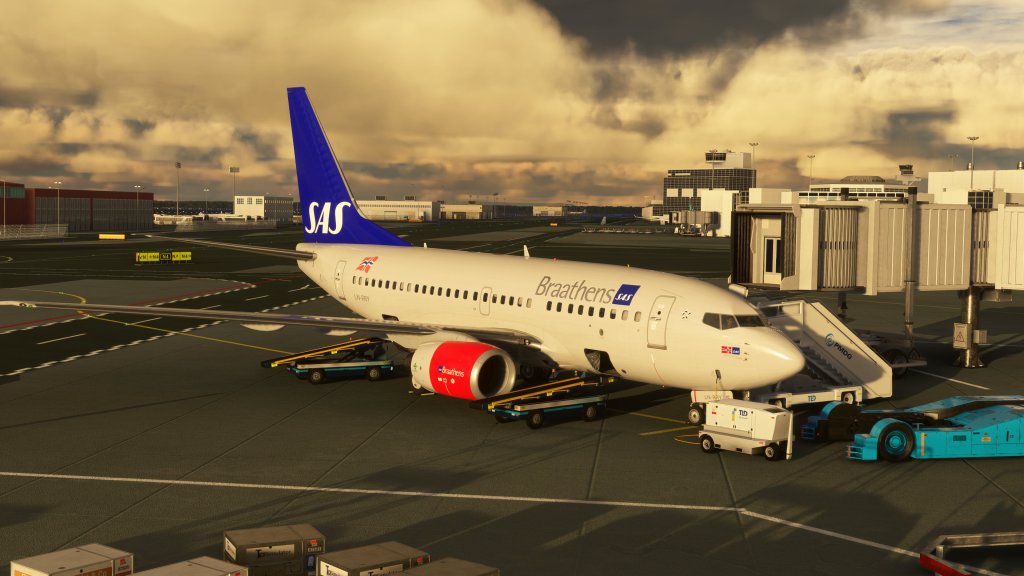
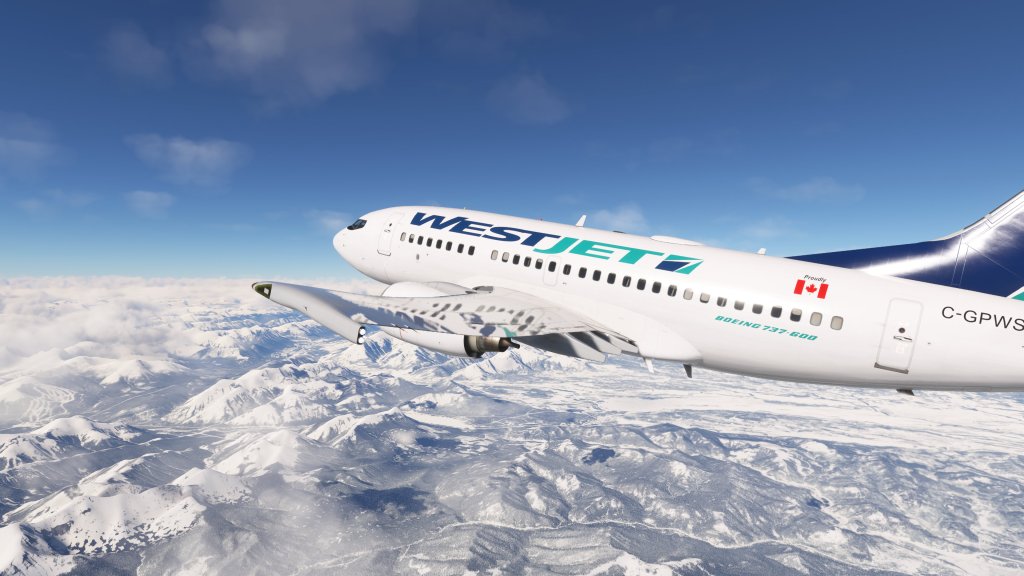
First up is a model that has proven popular with MSFS flyers mostly on account of its price. This is the 737-600 which is the shortest of the 737 Next Generation series. The -600 seats a maximum of 130 passengers (in a 1-class configuration) and stretches to just 102 feet long and a wingspan of nearly 113 feet – wider by wingspan than long! The -600 also has the smallest MTOW, the shortest takeoff run, and the smallest cargo area. PMDG offer this model at a cheaper price than the other models at just $34.99 USD making it inexpensive by airliner standards and undercutting much of the high end competition. It’s also notable for its more classic looks and retro liveries.
The next model is the slightly larger -700 model with seating for 148 passengers in the real world and a stretch to the fuselage of about 8 feet. PMDG offer this aircraft with standard wing, winglet and scimitar split winglet configurations and they also offer it with a freighter variant and in the Boeing Business Jet (BBJ) configuration which adds some additional options to the mix. The -700 jumps in price to $69.99 USD with the current sale that PMDG have been offering in perpetuity so far.
Next up we have the -800 which stretches the aircraft further to almost 130 feet in length and enabling for a maximum 184 passengers to be carried in single class configuration. This model also comes with the optional winglet configurations, two freighter variants and the BBJ configuration too. Pricing for this is $69.99 USD with the same sale pricing that I mentioned with the -700.
Finally we have the longest 737NG known as the -900. The fuselage on this model stretches to 138 feet and offers seating for a maximum of 215. This one has the highest MTOW and the longest takeoff run. PMDG have priced this one at $49.99 USD. This model has the three winglet configurations and comes in both standard and ER (extended range variants) but there is no BBJ model here.

PMDG let you buy any model of the 737 that you want (unlike the CRJ that I reviewed recently where the second bundle is reliant on the first purchase) but the price differences between the models are significantly different. While the official justification is that the -700 and -800 come with the BBJ option and freighter options which help justify the increased price. The other two models are less popular in the real world and thus don’t command the same kind of sales volume so their cheaper prices probably help boost sales.
PMDG reportedly have a 737 MAX model planned for MSFS but none are available right now. If one comes out, I’ll definitely be doing a review of that too!
In this review I’ll be looking at the overall series with a focus on the two models that I reviewed personally: the 737-600 and the 737-900. These two models give the greatest breadth of experience from the shortest and lightest to the longest and heaviest.
Visuals and sounds
Exterior
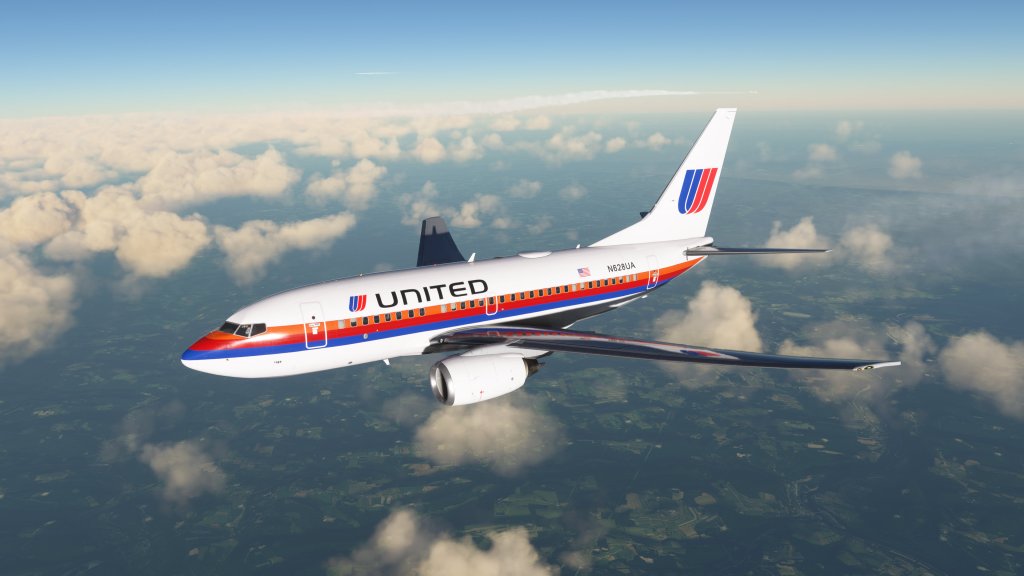
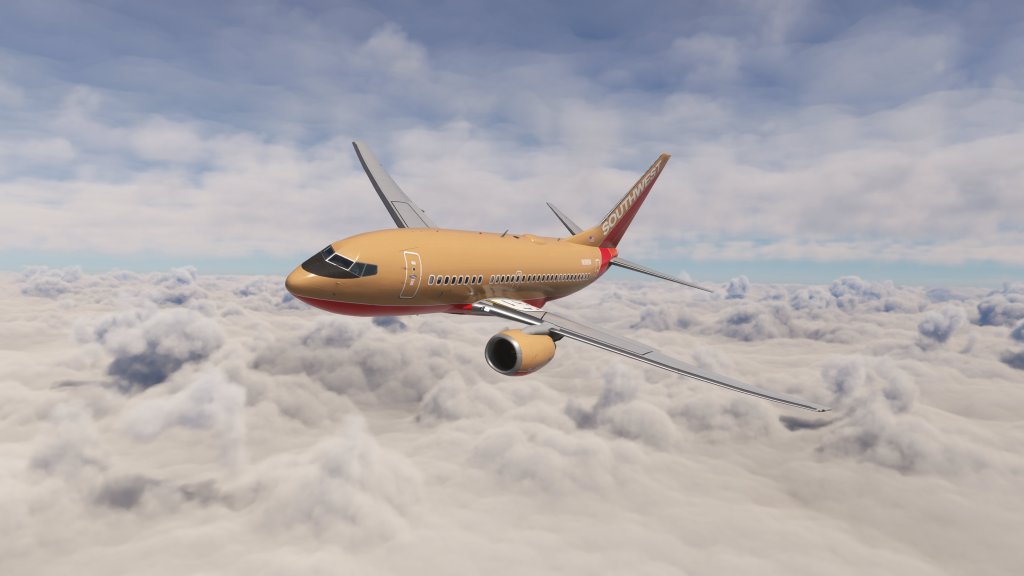
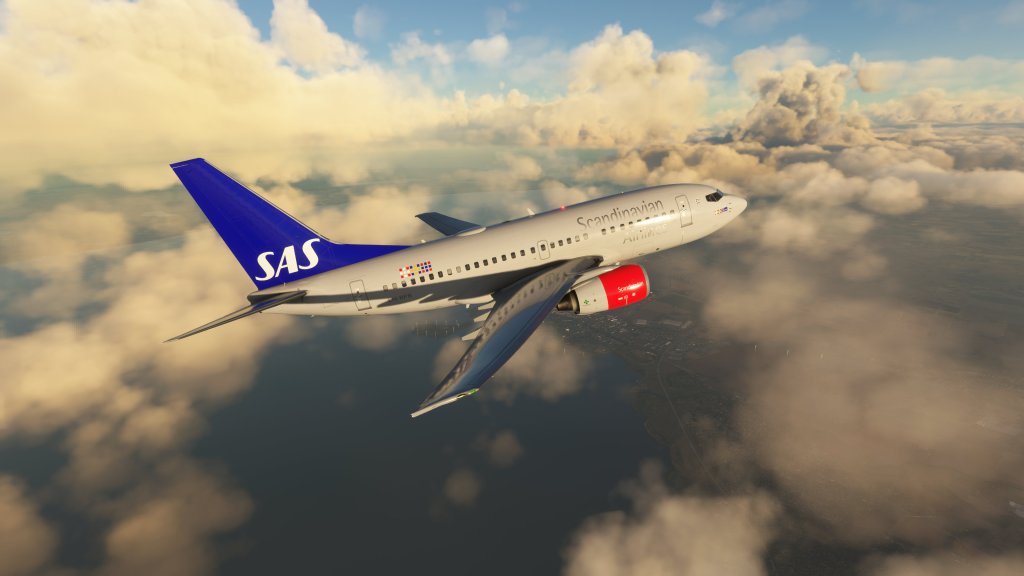
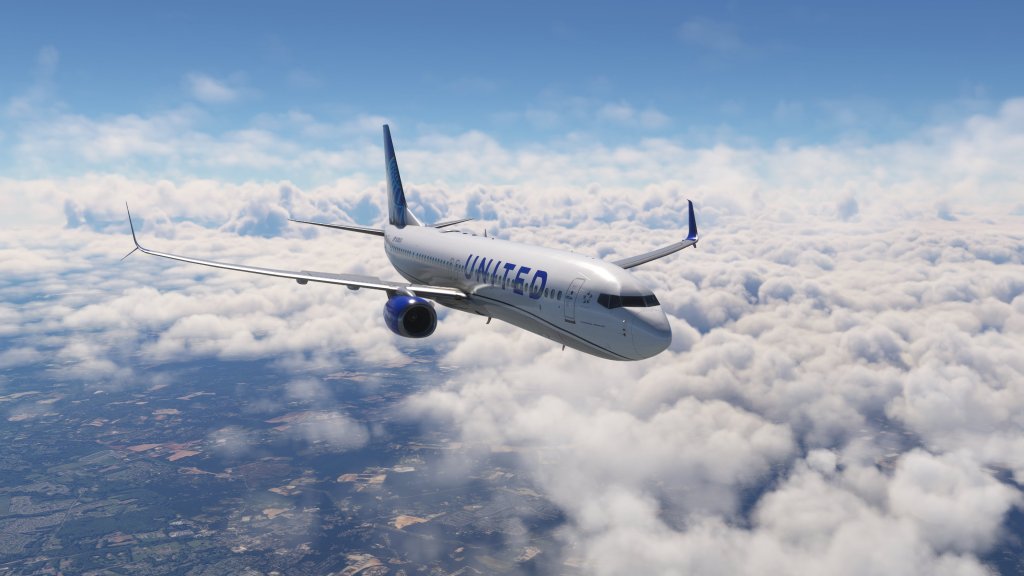
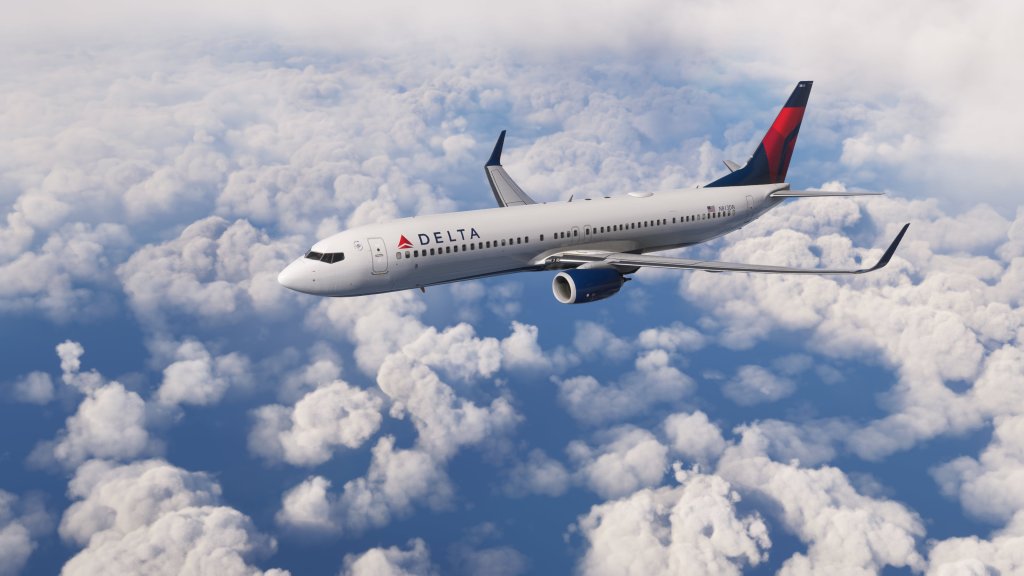
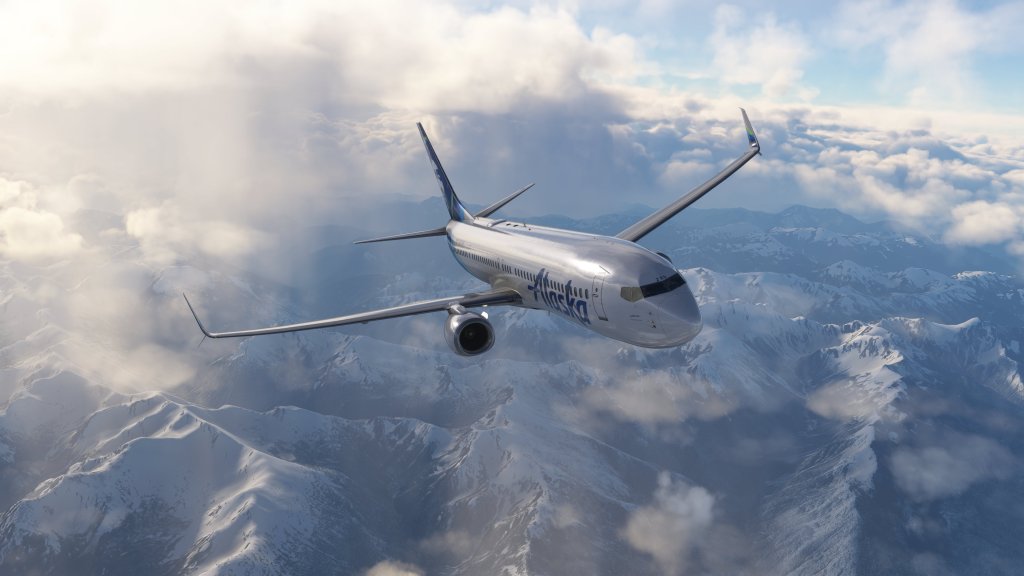
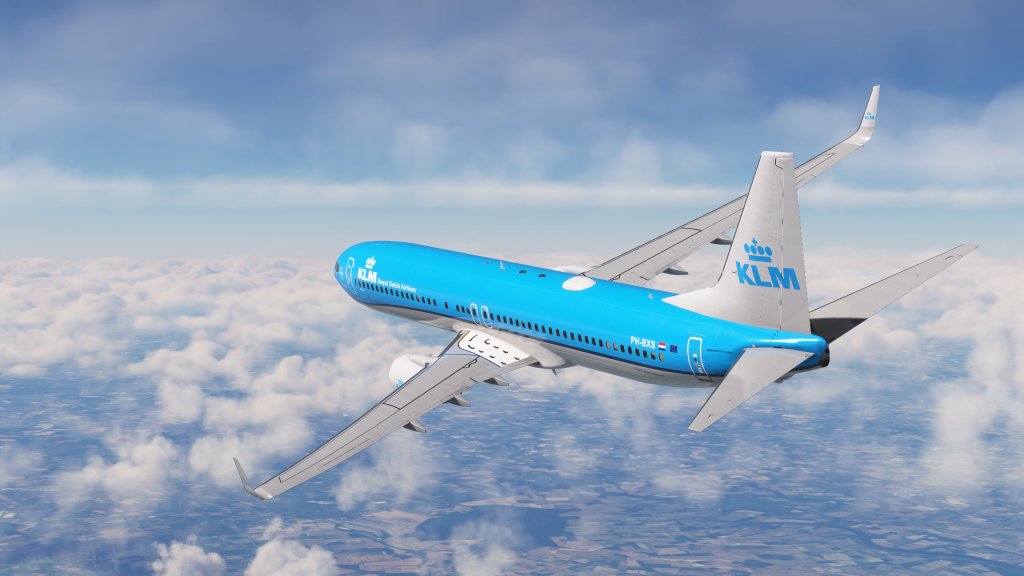
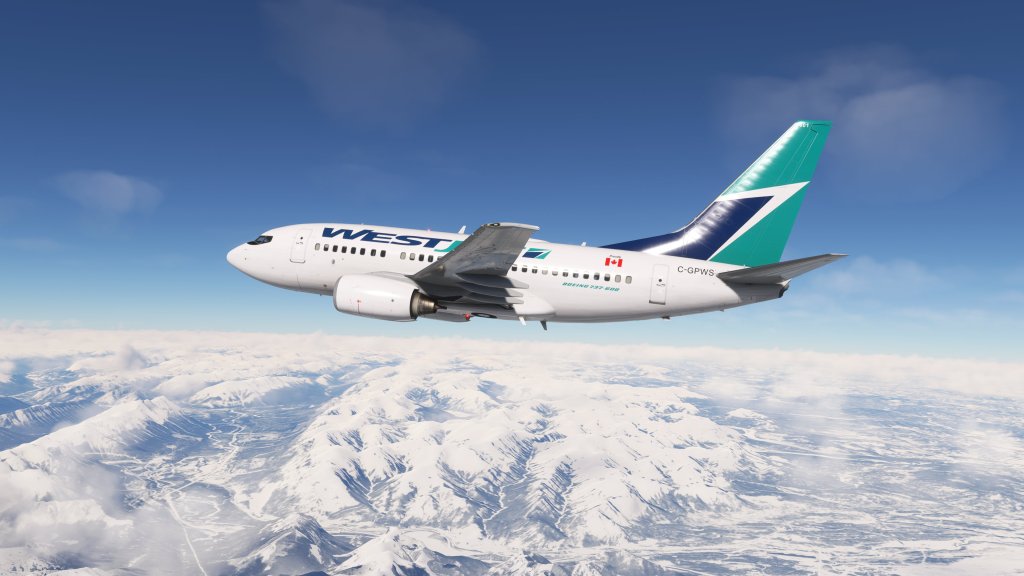
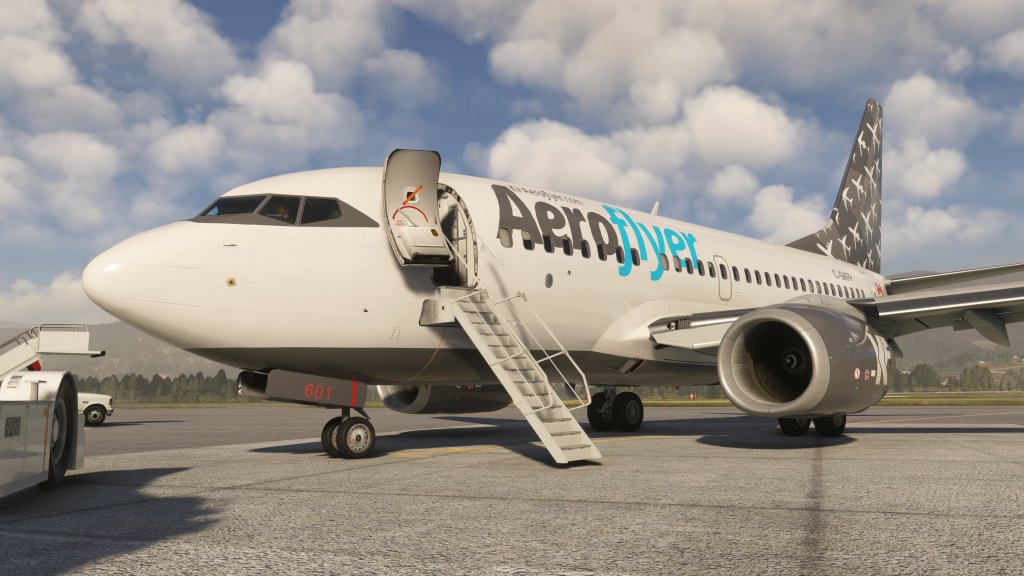

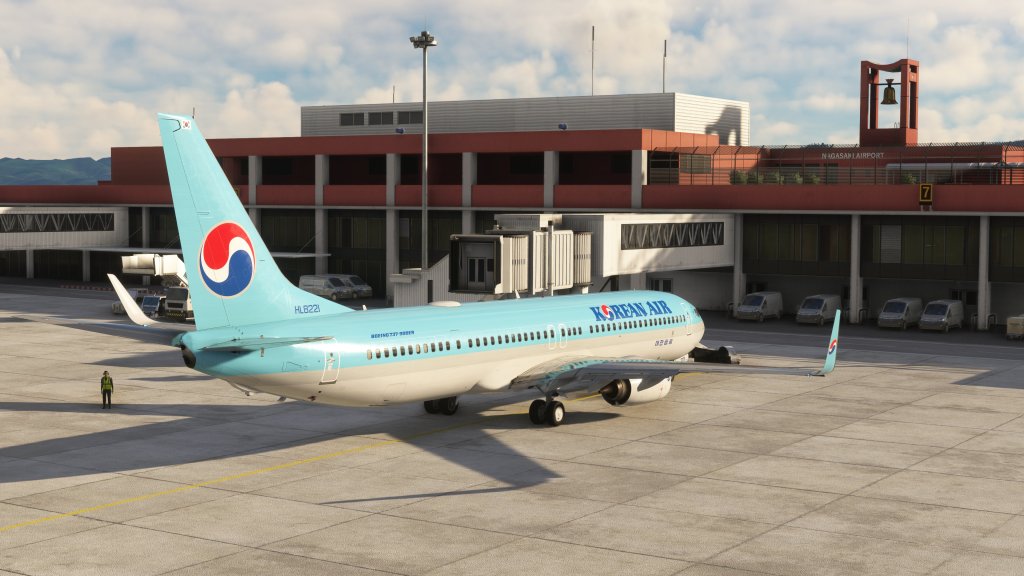
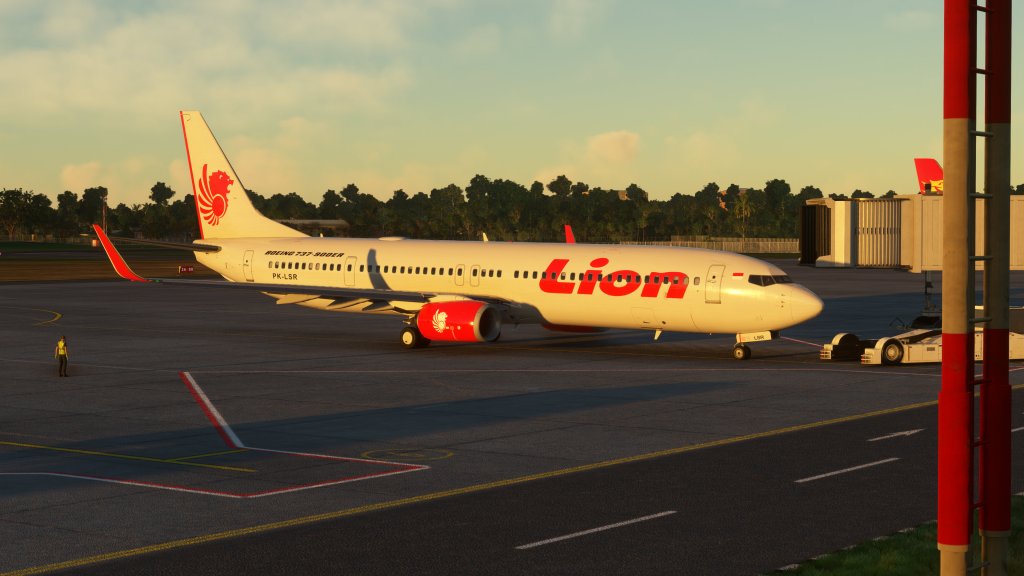
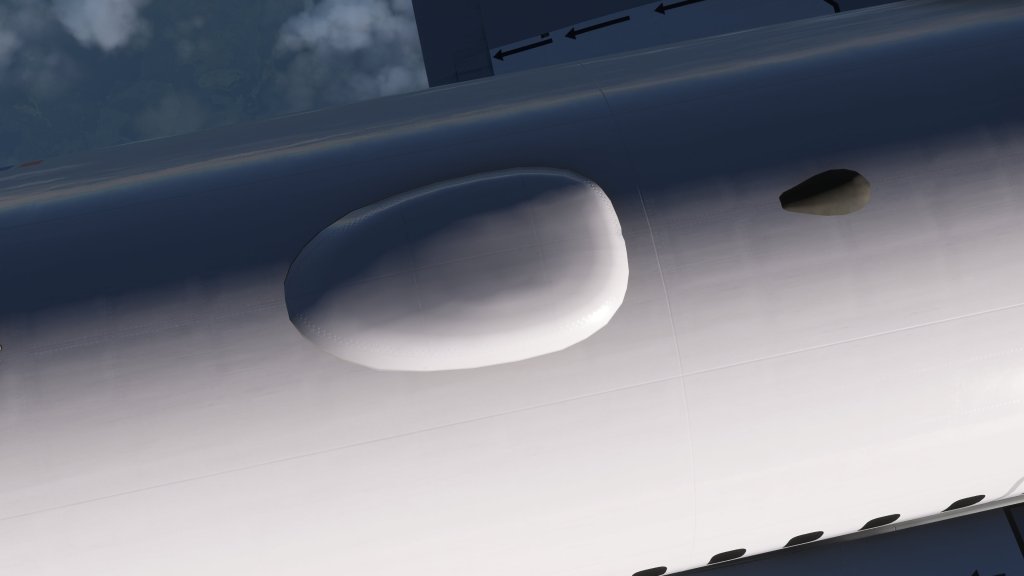
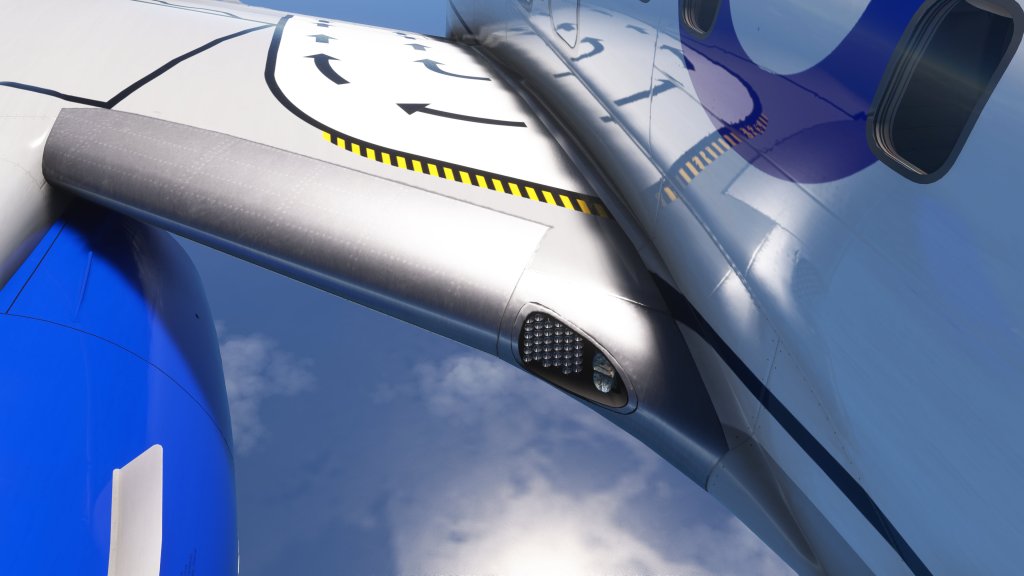
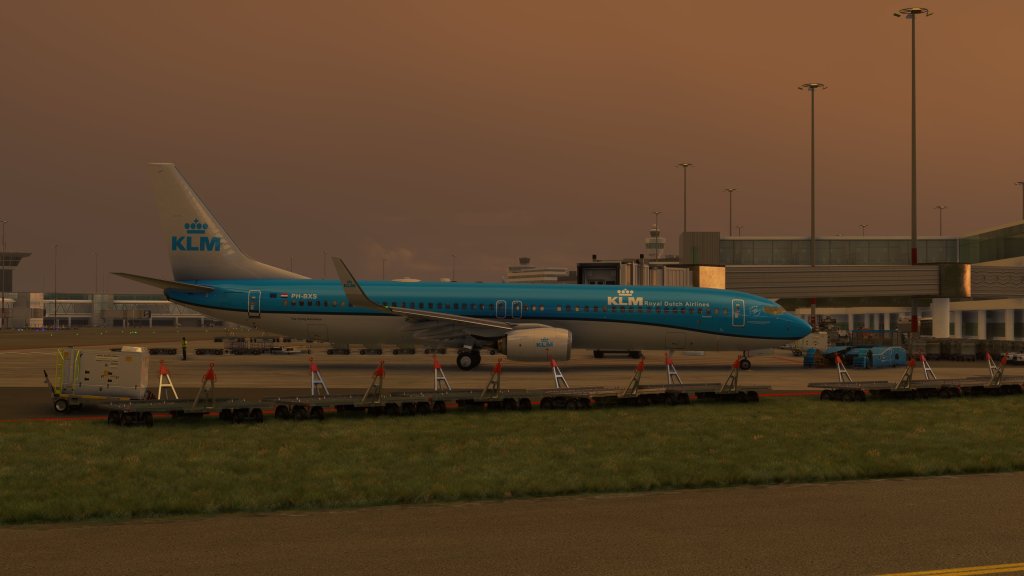
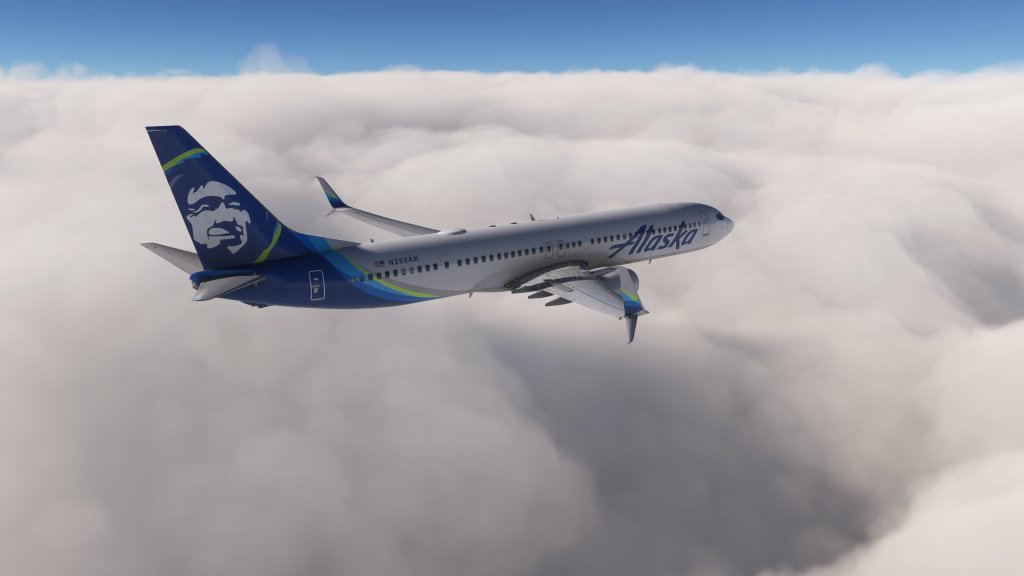
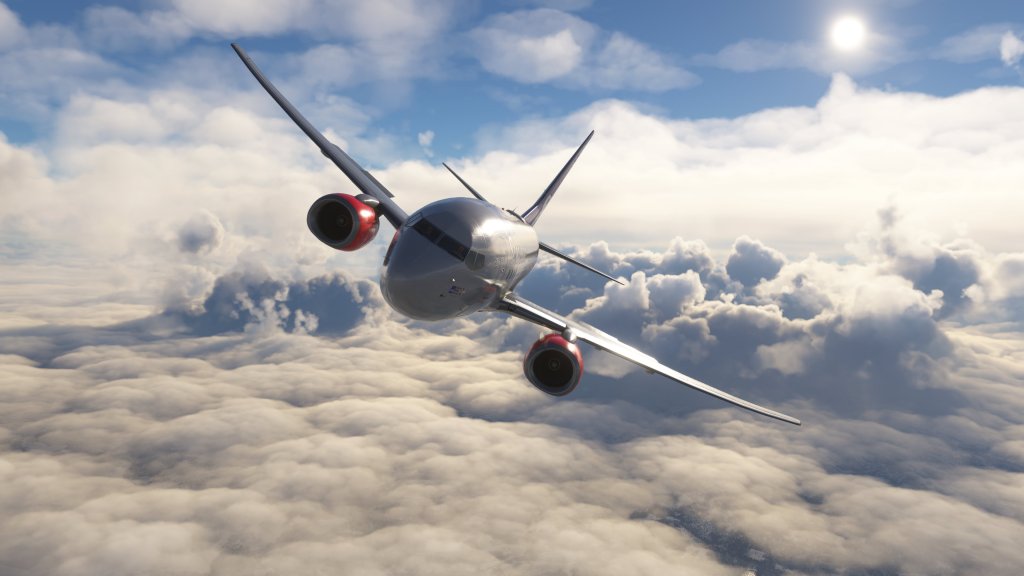
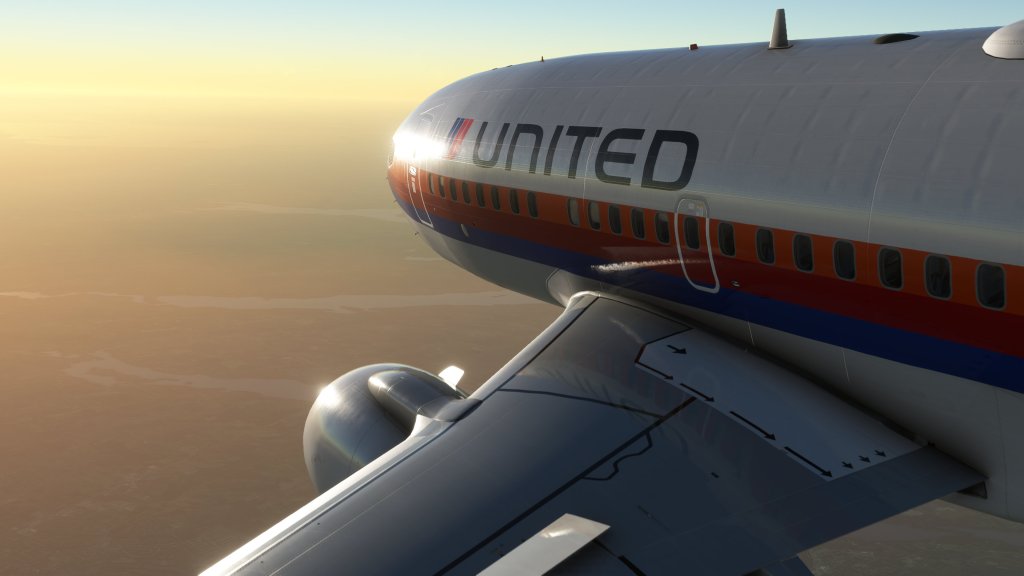
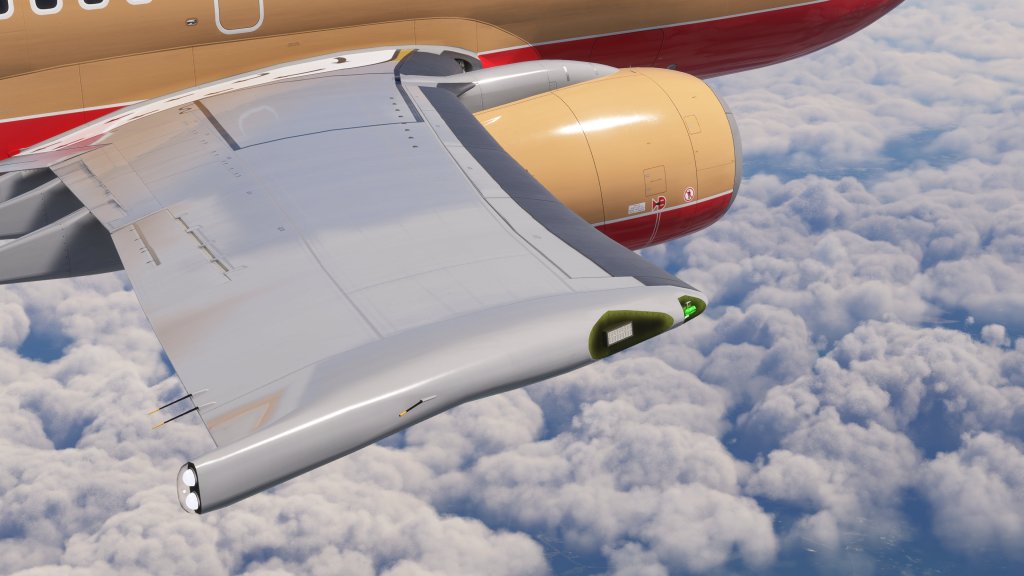
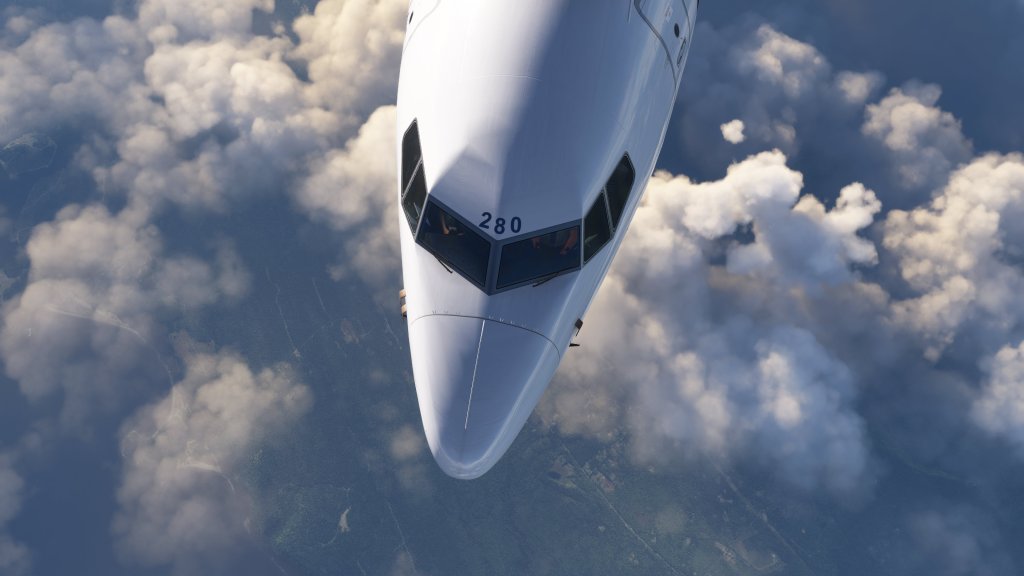
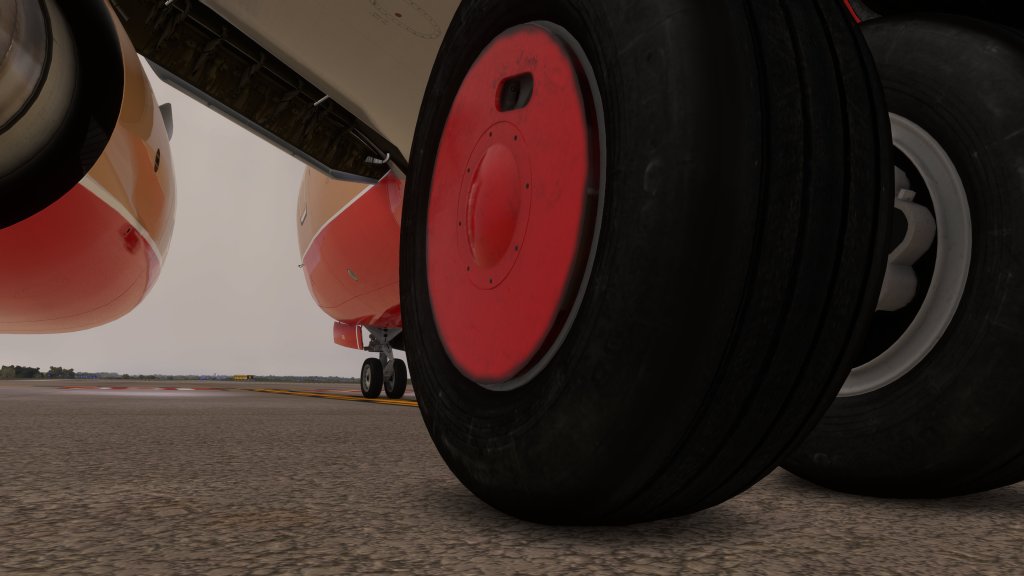
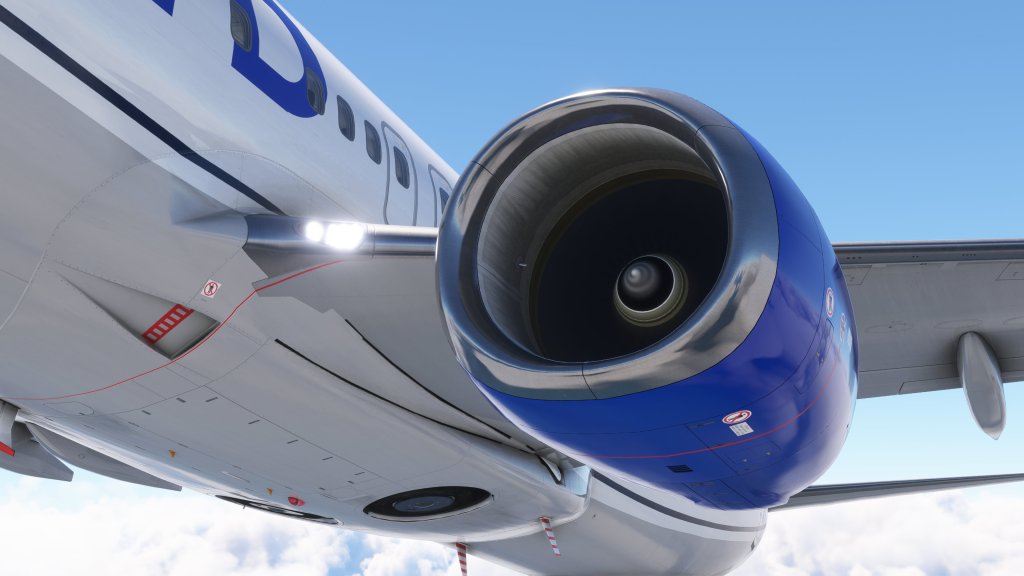
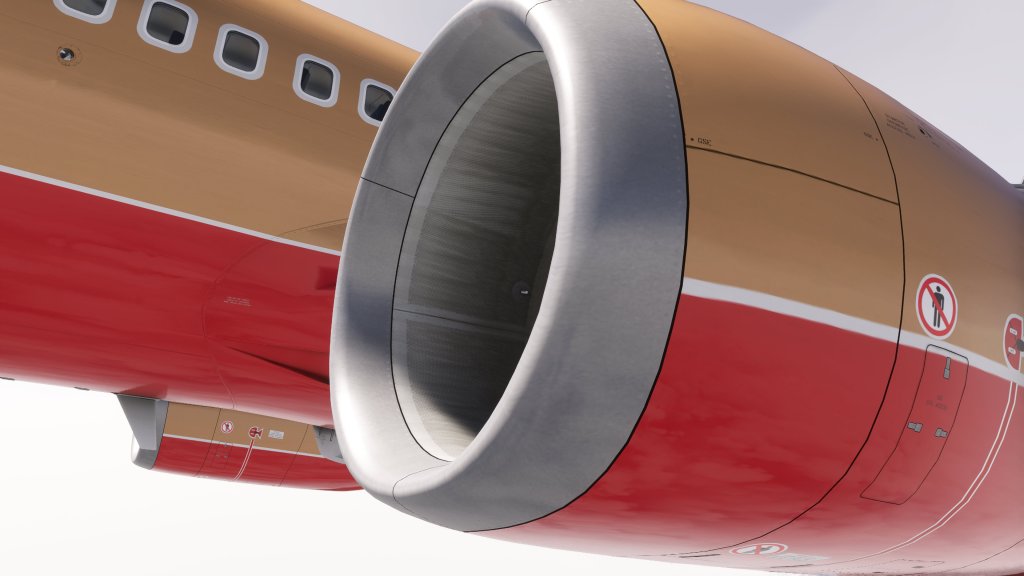
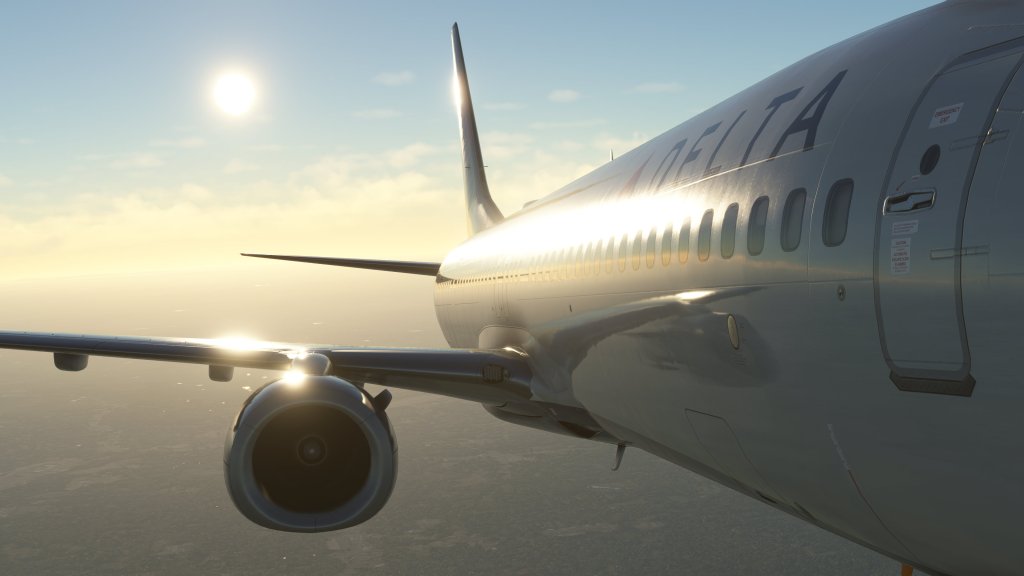
Generally speaking, PMDG have done a really nice overall job of presenting some beautifully modeled 737s for Microsoft Flight Simulator. Details big and small are well represented and all of the hatches, doors, and even the air stairs all work. They aren’t perfect and I have some nitpicks that I can offer but I want to make it clear that these are generally speaking beautifully done aircraft.
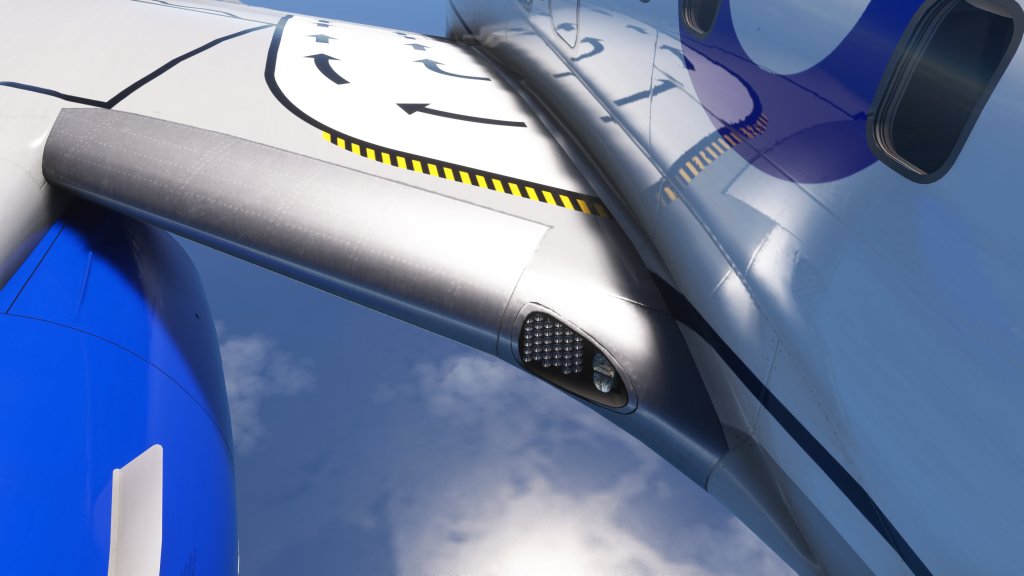
There are some areas that could use a bit of improvement too. The wings do flex in turbulence and in various G situations, however, the animations are a bit choppy. So too are the animations on the folding air stairs. Some areas are also a little less detailed when you get up close. This includes the wing root, the nav light on the wing tips, or even the fuselage where it meets the WiFi antenna and you’ll see that PMDG’s aircraft are maybe a half step back from the competition such as iniBuilds A300-600 or JustFlight’s F28. Still, we’re in rarefied air with all of these and the 737s are generally excellent but my job is to nitpick and so there we are.
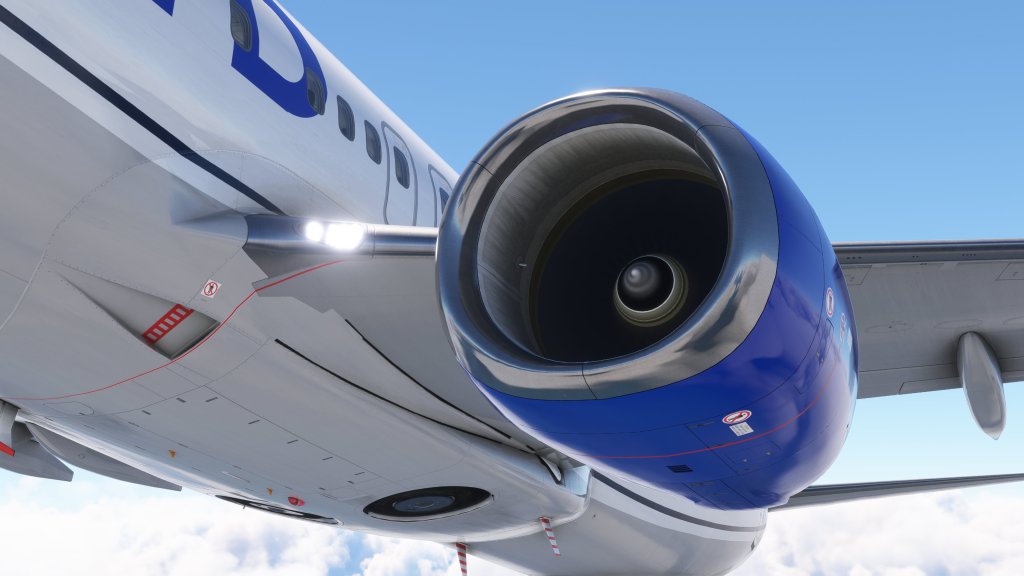
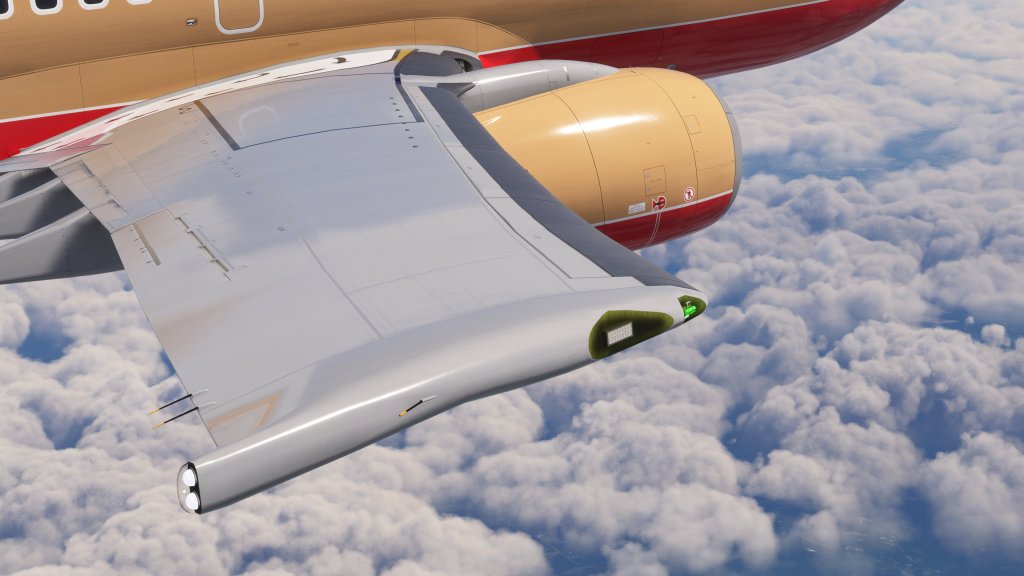
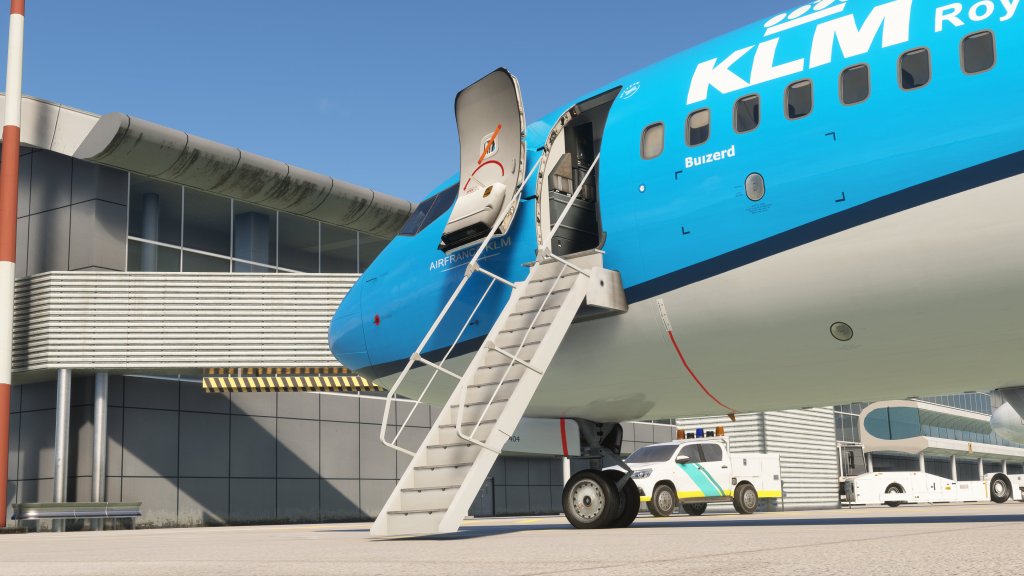
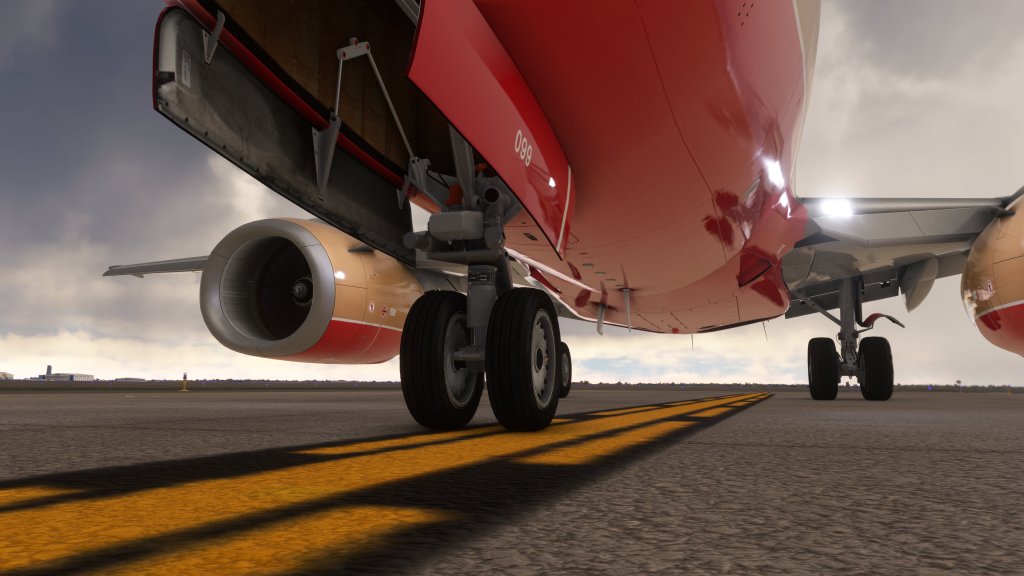
PMDG offer a series of available for download liveries through their PMDG Ops Centre software (more on that later) containing a short but important list of both real world and semi-fictional options for each. The fictional models are simply carriers that didn’t operate that specific version so there’s nothing too fantastical here. Of course a huge list of third party liveries are available on other websites that cover whatever PMDG haven’t done themselves.
If you’re on Xbox, liveries are only available through the Marketplace at a $4.99 price for bundles of them. A bit of a disadvantage there.
Cockpit and cabin
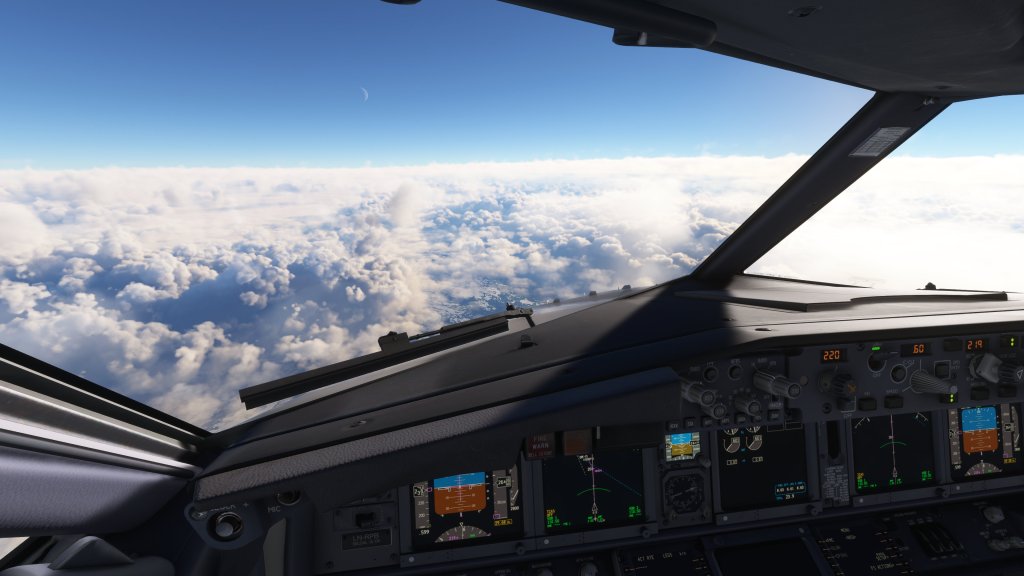
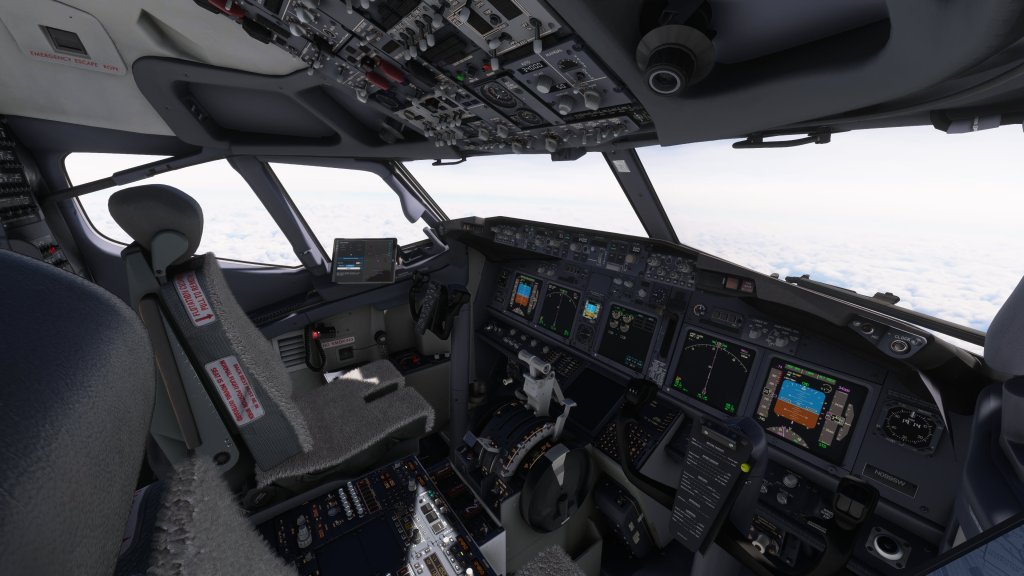
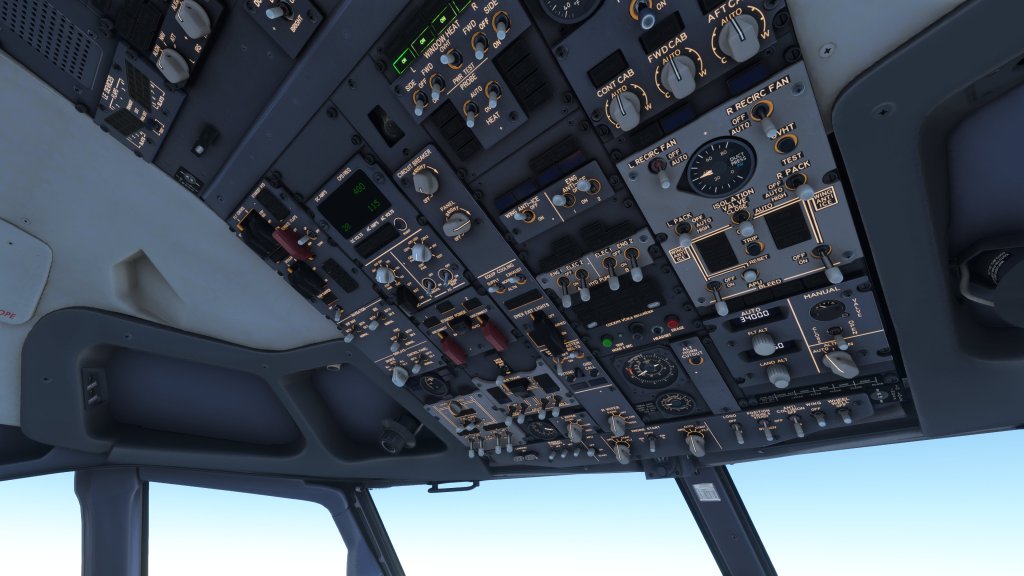
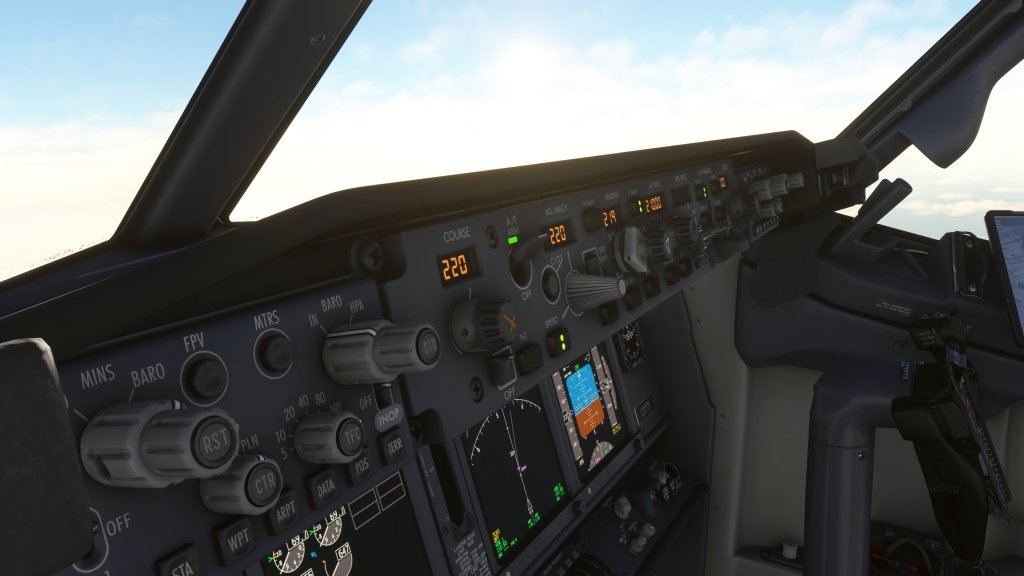
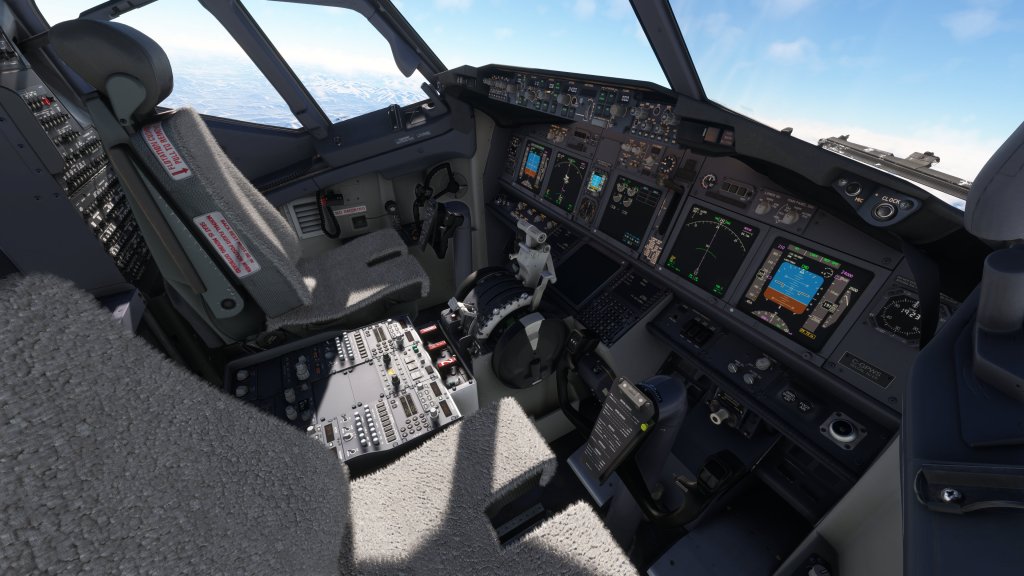
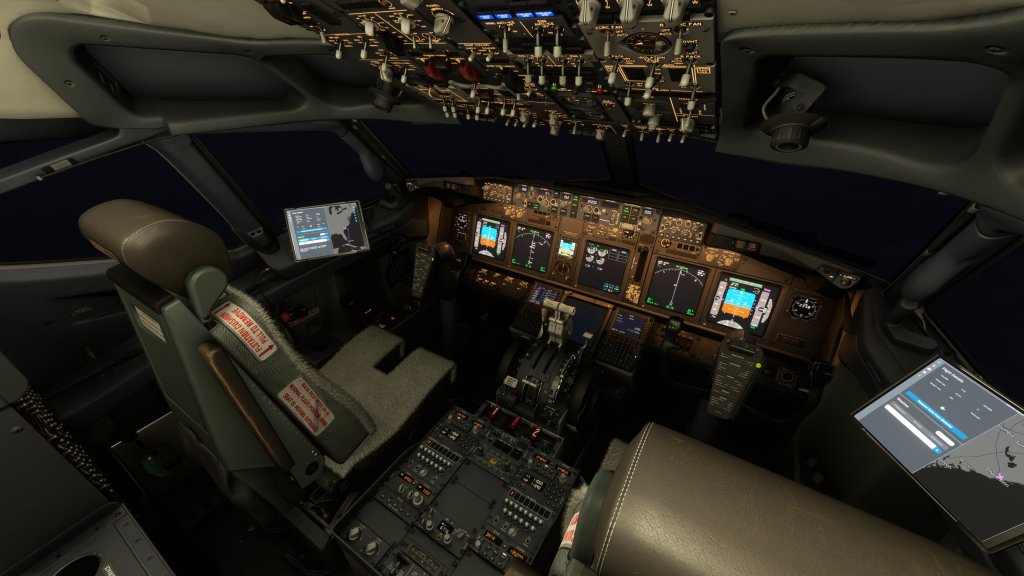
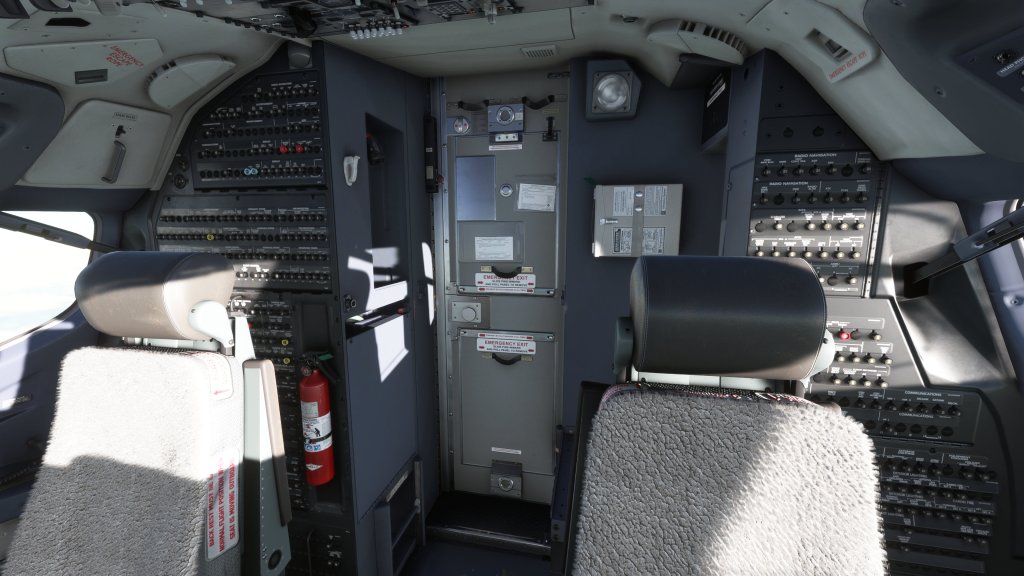
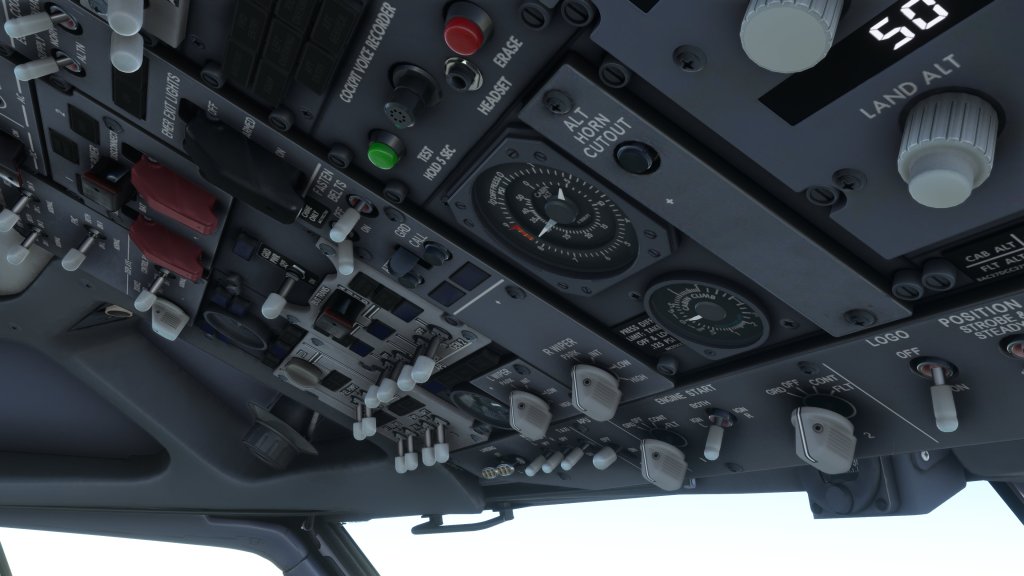
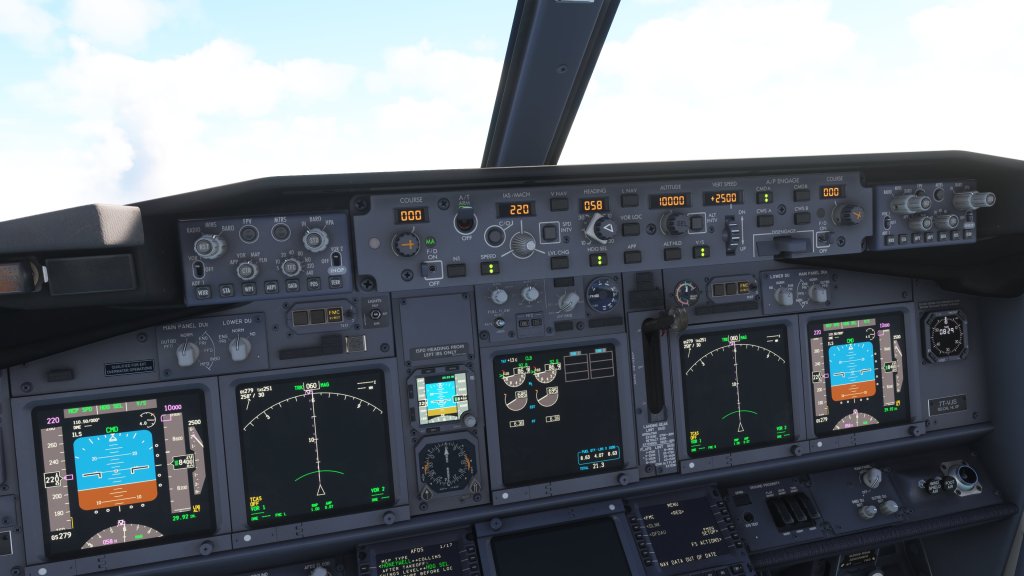
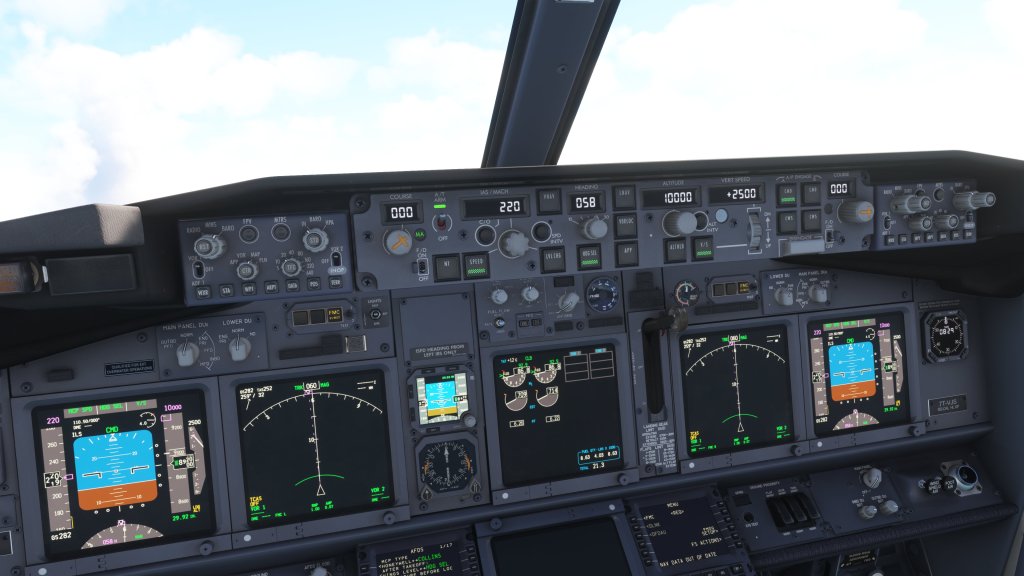
In the cockpit we also again see a strong visual presentation overall. Textures are generally clean and crisp though there are some parts of the overhead panel in particular which are slightly less sharp than I’d expect. There are also a few areas, such as the cockpit door, which seem to present as more of a photograph that was altered to fit a semi-flat texture.
These minor niggles aside, I find the rest of the cockpit to be excellent. Displays are crisp and clear, instruments are easy to read and extra kudos to PMDG’s artists for doing a pretty good job of representing the classic fuzzy seating on the 737 as well! Lighting in the cockpit is also a strong point and is extremely well done. Especially the backlighting on the controls.
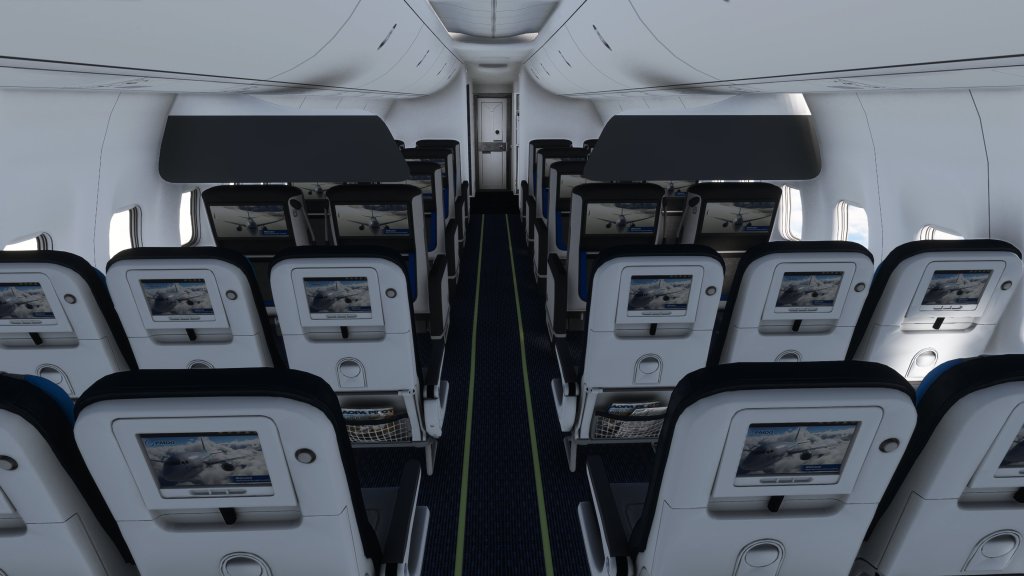
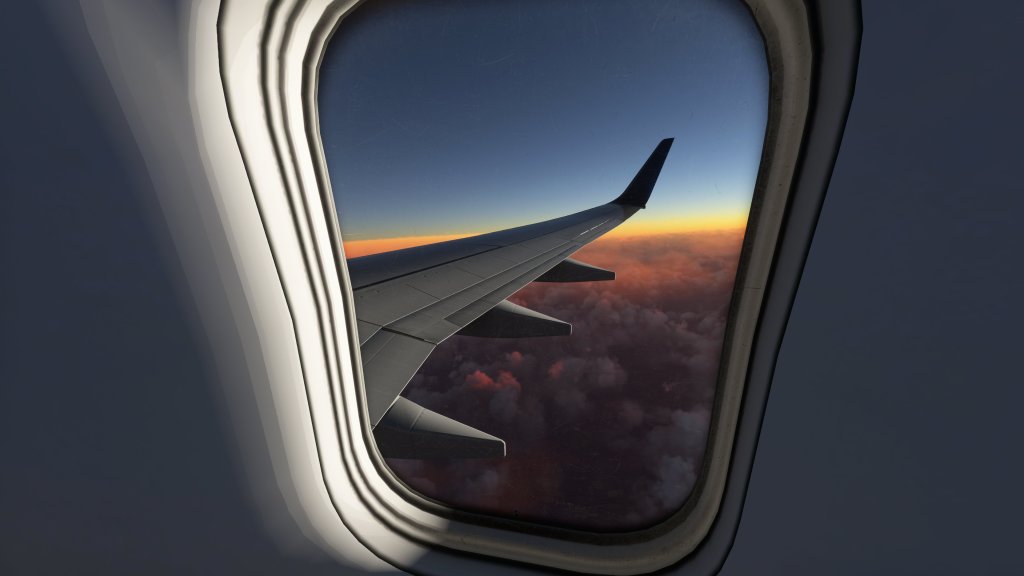
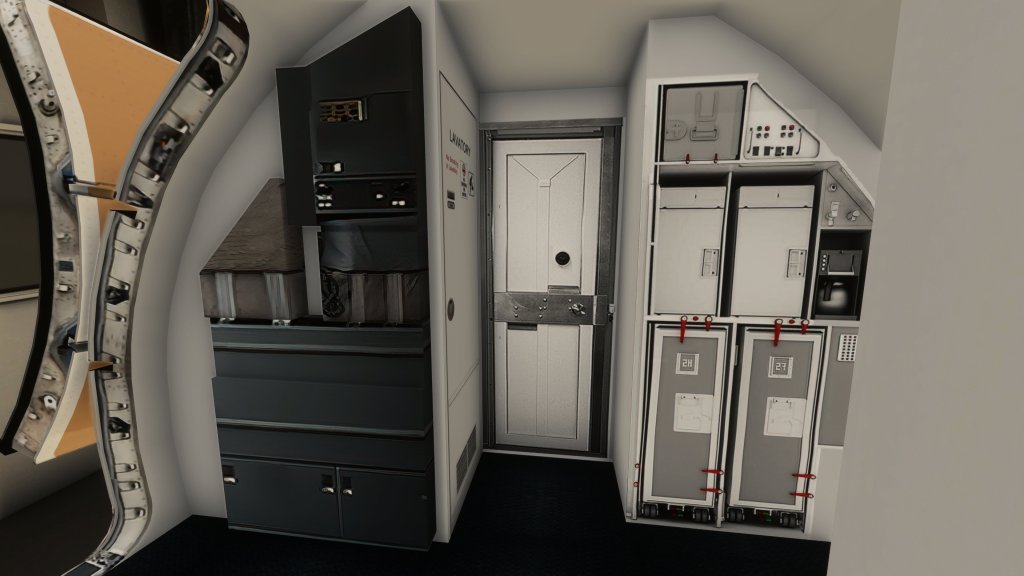
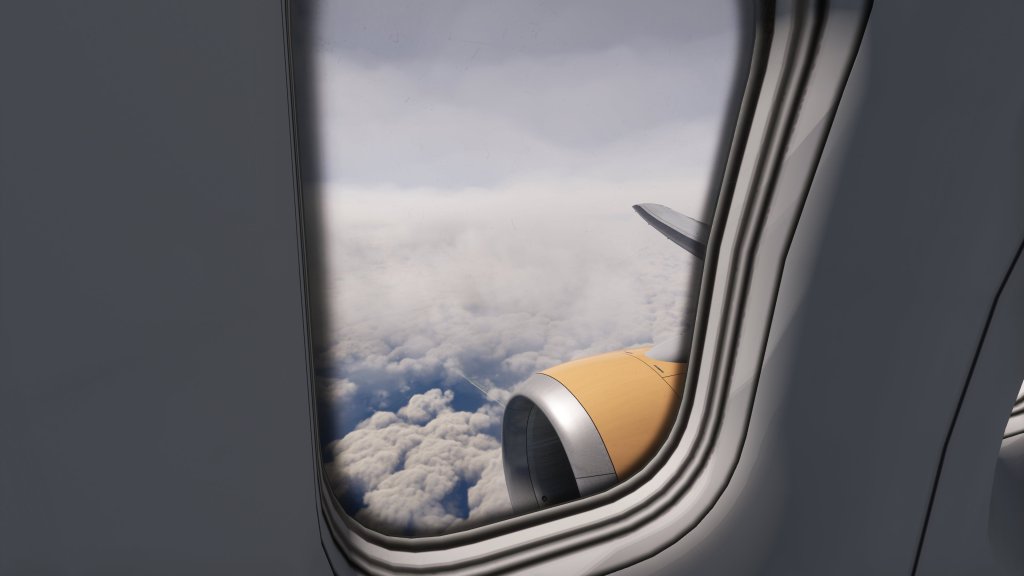
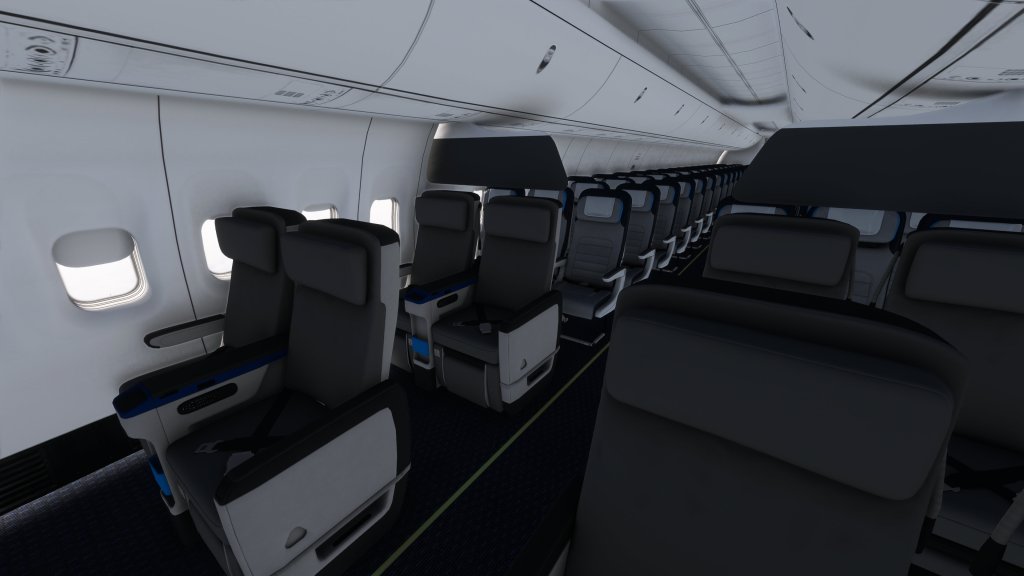
The cabin is another area that has quite a bit of detail though the galley area seems to be where they saved some details and we have the same kind of flat photographic texture work that we see on the cockpit door.
Sounds
Then we turn to the auditory experience which is simply excellent. The clicks of switches, the movement of the trim wheel, the sound of the engines, the airframe and wheel sounds as you taxi along the ground, it’s all very well done and very immersive. I particularly love the power up and then fall back sounds from the engines while taxiing. The mixing job done here is great. Even the stall shaker sound is extremely satisfying somehow!
I experienced no bugs with any of the sounds while I was flying the aircraft which is also a good sign.
Flying, systems and bugs
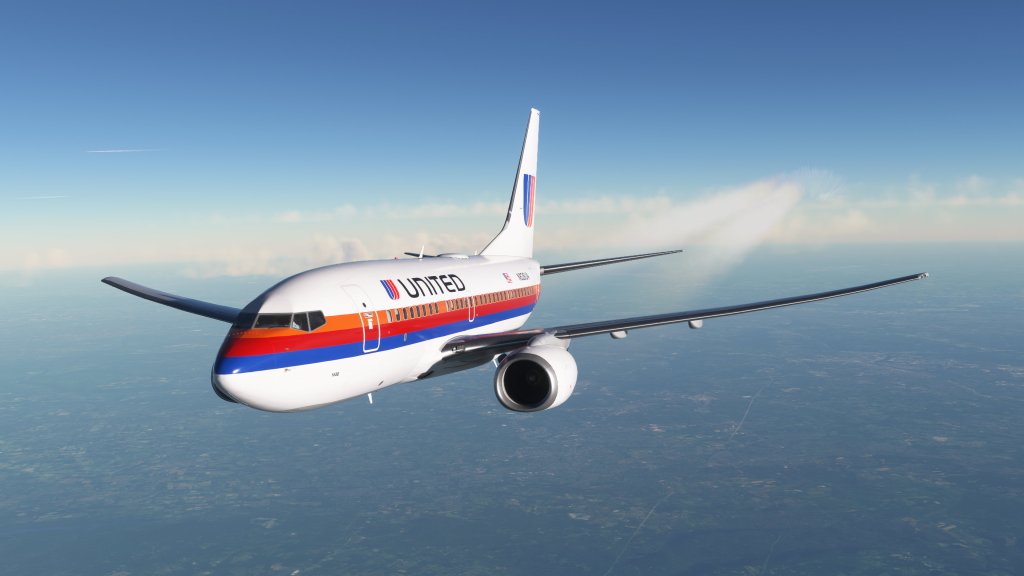
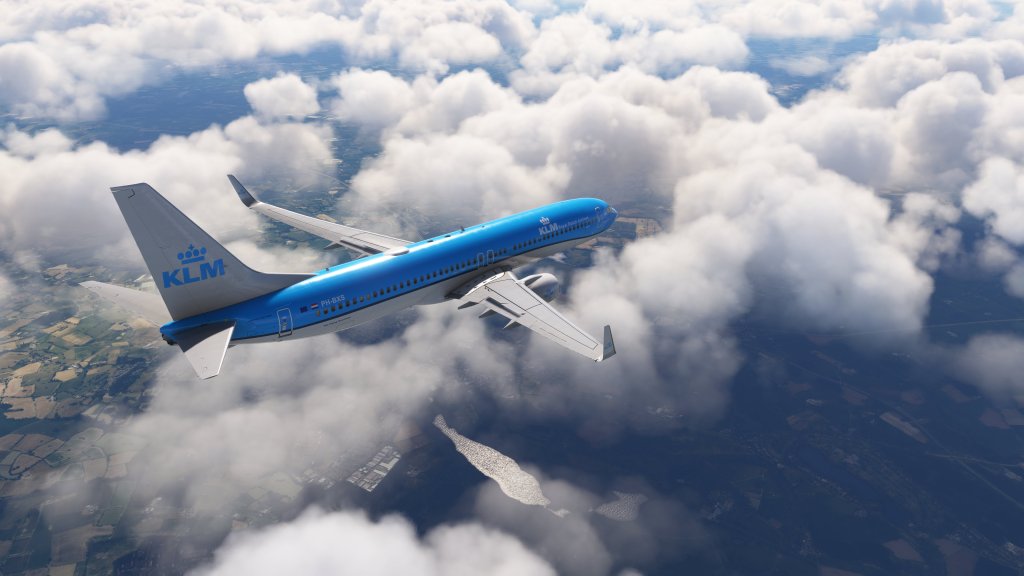
Hands on flying the PMDG 737 is very satisfying. The flight model is fluid and direct and the stalls seem to be modeled in good detail though obviously if you stall an airliner you’re doing things wrong…which I have, all in the name of testing of course!
The subtle differences between models can certainly be felt with the 737-600, the shortest and lightest, feeling like a bit of a rocketship while the 737-900, the longest and heaviest, feeling quite a bit more hefty in all respects. These are the same aircraft but with distinct handling characters between them.
Regular readers will know that I’ve become a bit of an Airbus fan so getting into the Boeing was certainly a challenge though the aircraft has grown on me. Flying and operating the 737NG series is interesting because, although very much updated with glass panels, you can still feel the type’s 1960s heritage. The narrow windows compared to more modern Airbus or Boeing models are just one example of that experience.
PMDG have been offering 737 models across multiple sims for decades now and that expertise pays off with a very clear indication that this 737 is simulated in extreme detail. Nearly every system is fully functional and has all of the nuance that a dedicated team with extreme familiarity of the subject matter can pull off. That includes a lot of minutiae that let you select between carbon or steel brakes, LED or traditional landing lights, between different radio panel setups, single or dual class seating, and you can even swap between Honeywell or Collins panel for the autopilot. In short, PMDG have done an awful lot of work to ensure that you can configure the 737’s systems to be exactly the way you want them.
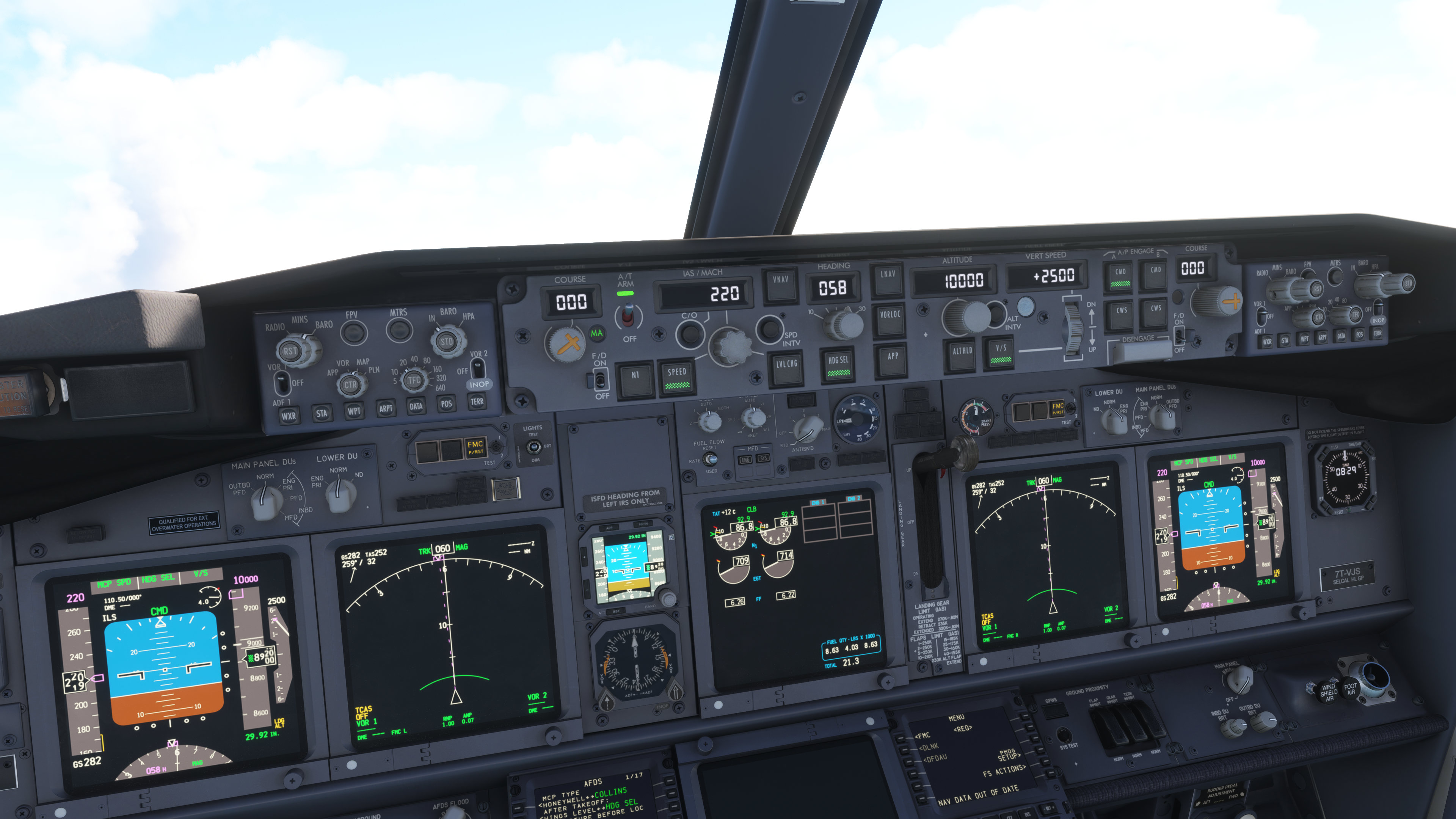
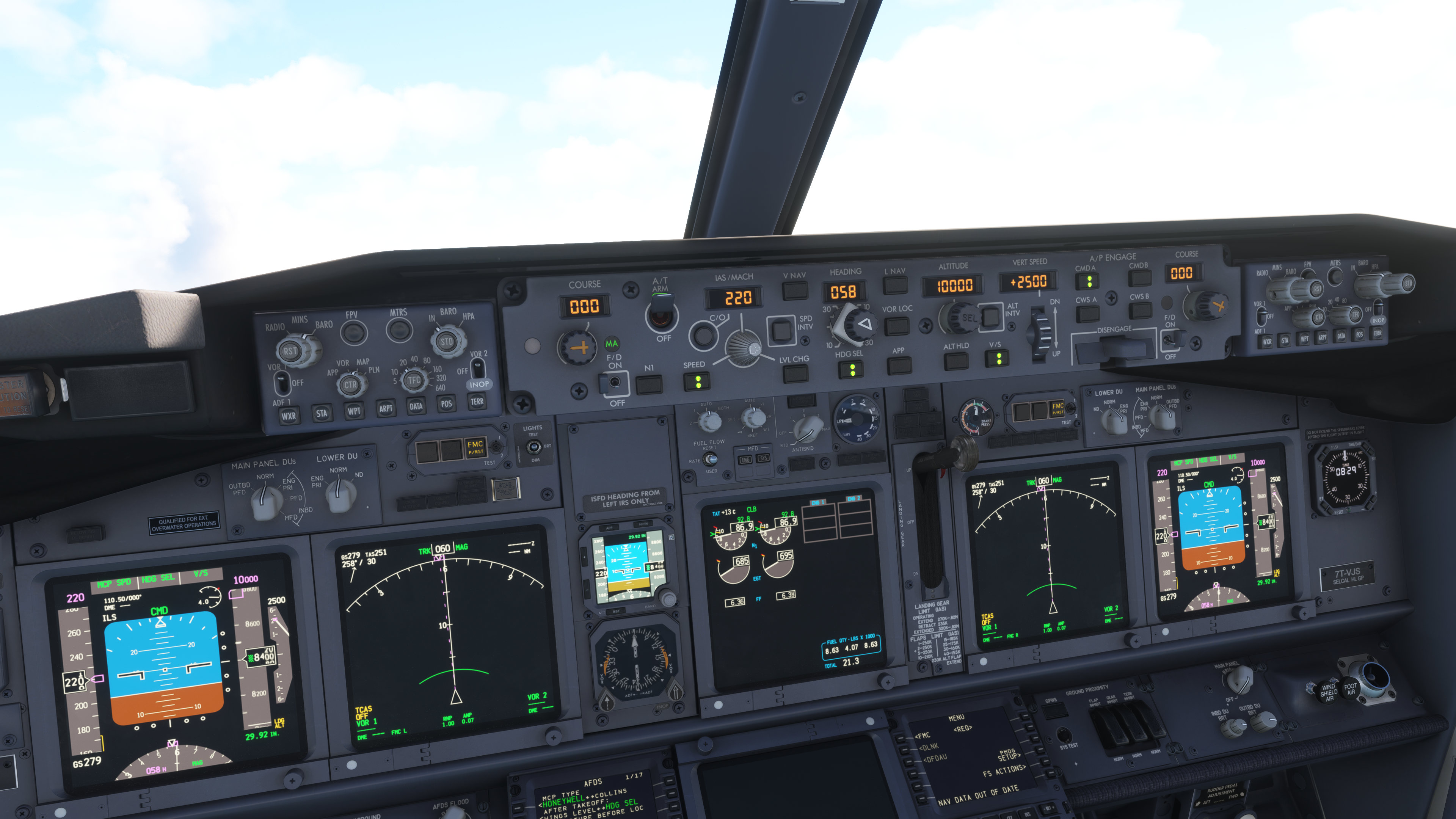
One issue I have is with the weather radar. PMDG have opted not to offer weather radar on their aircraft. They have, in summary, said that what the sim offers is not up to the level that they want it. While I can understand the commitment to realism, it does mean that we are without any weather radar functionality at all. I would have preferred to have an optionally unrealistic one than none at all. Recent indications are that PMDG may be softening their stance on this and I encourage them, wholeheartedly, to give us a radar.
Another area of struggle is PMDG’s reverse thrust implementation. While other aircraft let you configure zones for thrust so that any throttle can make use of a reverser, PMDG doesn’t do that and they also don’t seem to support the reverse throttle toggle that many other aircraft do. Pressing the F2 button on the keyboard is the only reliable way to get it to engage and I do find that a bit frustrating as other airliners either let me map a position my throttle or work with the reverser toggle switch keybind in MSFS.
Moving over to the 737 autopilot which is fully capable with LNAV, VNAV, heading hold, speed, auto throttle and everything else that a 737NG can do. I’ve run it through a multi-hour long flights with no issues and done so with time compression on so I can confirm that its good for your longer flights. Rock solid implementation on this system.
The only other “system” related bug that I’ve found involves the right mouse button after take-off. If after takeoff, you press the mouse button you’ll see the IAS/MACH display add an extra digit briefly and the passenger announcement “ding” can be heard. PMDG have been told about the issue on their forums and claim it to be a double mouse bind, however, I eliminated all right mouse button binds (save the camera move) and it still happens sometimes.
Framerate performance
Regular readers will know that I’m not much of a benchmark person but I do like to call out products that do a really good job (or bad) of optimizing their aircraft. While some airliners, like the iniBuilds A300 are a bit heavy on framerate, others are well optimized and PMDG have done a great job here with the 737.
This aircraft is usually very fluid when it comes to framerates and that makes it appealing on lower spec systems or for folks flying out of some of MSFS more notoriously heavy on the frames airports. Given the complexity on hand, I do have to hand it to PMDG for making an airliner that performs as well as this one does and its probably a close second to Aerosoft CRJ for framerate friendliness.
The EFB
PMDG have only just added a tablet system to their 737 relatively recently. PMDG calls their tablet a “Universal Flight Tablet” but everyone else calls this functionality an EFB so that’s what I’m going with in this review. The EFB at present has only two “apps” at time of publishing: Electronic Flight Bag and a Performance Tool.
The Electronic Flight Bag (the EFB inside the EFB) has a map, settings and then the rest of the functionality is dependent on NaviGraph or SimBrief. I don’t have NaviGraph as of yet but from what I’ve seen from others the integration is also very good. SimBrief integration is very good and it does give you quite a bit of information including a moving map, weather information, and the operational flight plan (OFP) if you want to read the raw data yourself. What is there is very well thought out and the performance is great.
The other app, the Performance Calculator, looks a little intimidating at first but I was able to get through it eventually and it does do some great quick calculations for takeoff and landing. On initial inspection, it doesn’t seem to be able to copy performance data to the FMC itself, however, you can copy data via SimBrief which does aid in speeding up the calculations and then plugging that into the FMC.
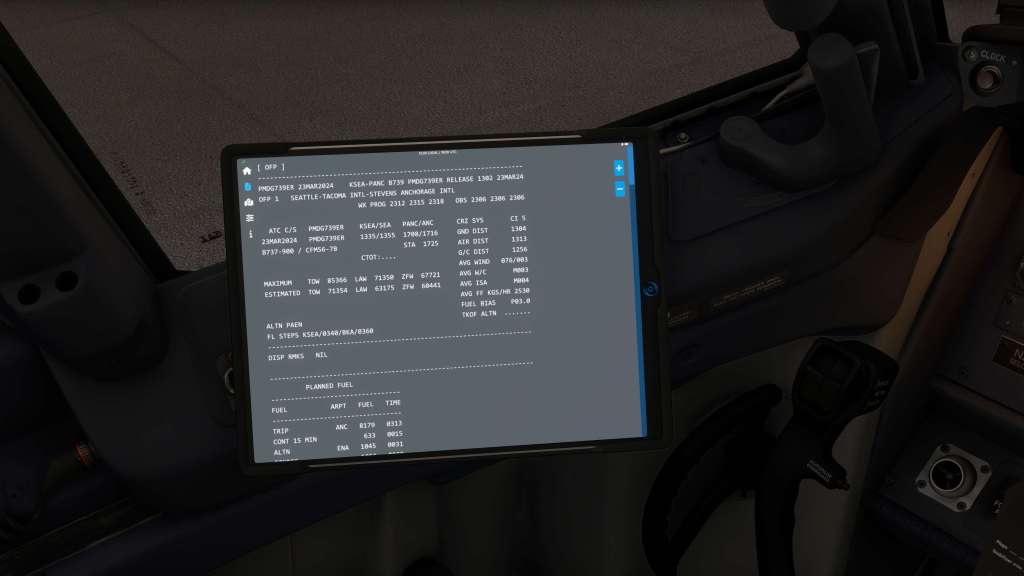
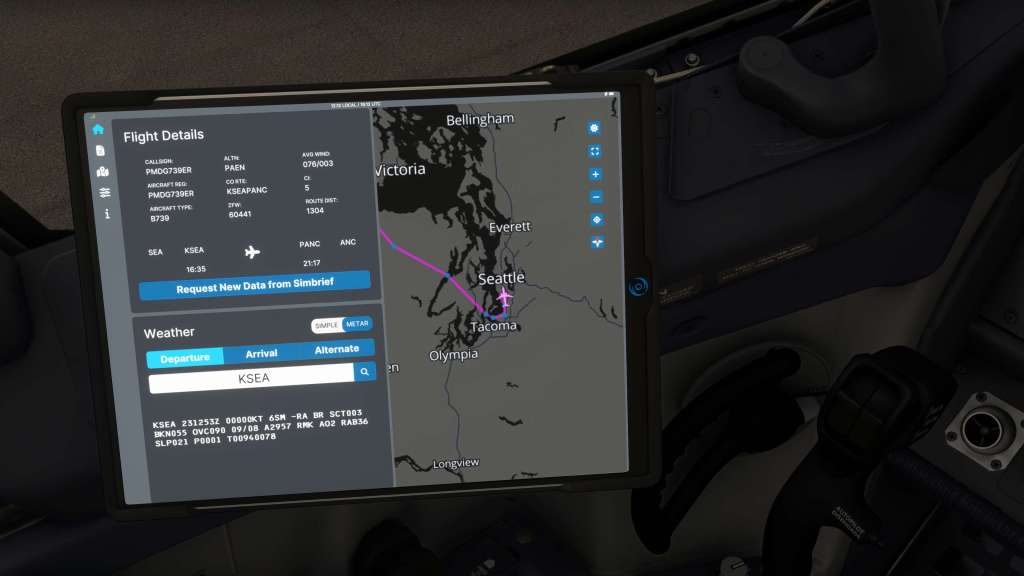
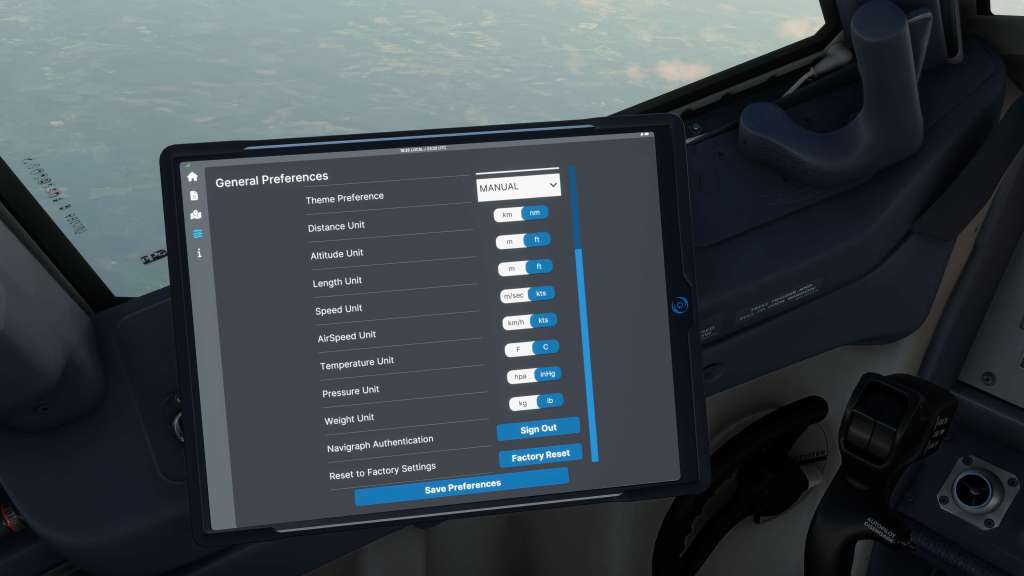
The tablet currently lacks many features that competing aircraft have such as the ability to configure the airplane, configure passenger and cargo, or even do panel state switches for fast start-up or turn-around when desired. Right now, all of the configuration capability is buried in the flight computer interface which is a little clunky. Even to bring up the tablet for display for the first time requires going into the aircraft’s FMC and then selecting PMDG Setup > Aircraft > Equipment. Then you go 15 of 16 to toggle it on.
What PMDG’s EFB (ahem… Universal Flight Tablet) does, it does extremely well but I would like to see it gain some more functionality to reach parity.
Is it fast and fun?
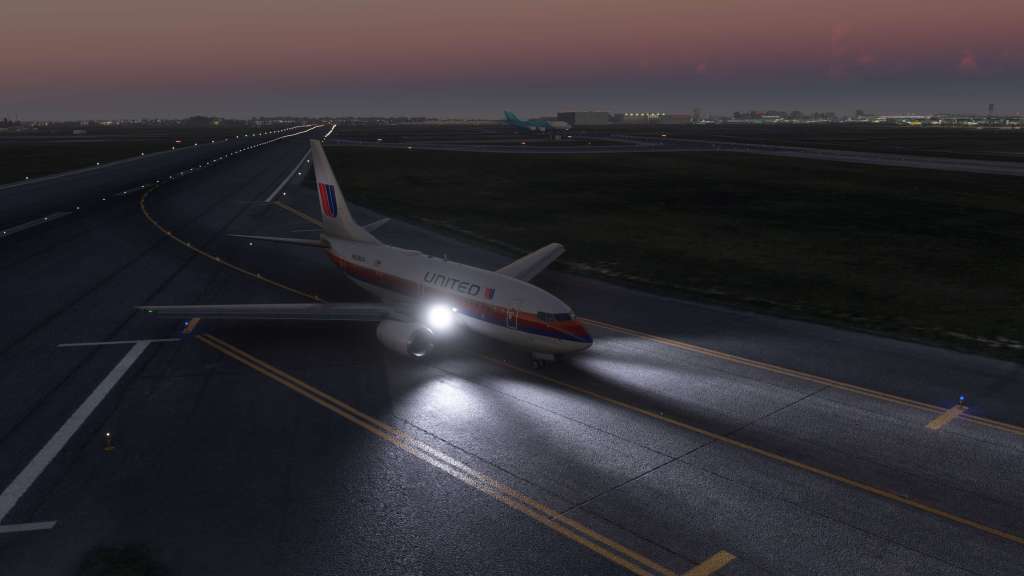
Flying airliners are complex and sometimes time consuming. I’ve watched many a streamer or YouTube content creator run through the complete checklist of their airliner of choice and still been on the ground 30 or 40-minutes later. I absolutely appreciate dripping attention to detail and commitment to doing things as they are done in the real world, however, I’m also pragmatic about real world time constraints and making airliner experiences as available to newbie pilots as possible. Sometimes these items are at cross-purposes.
In prior airliner reviews, I’ve always broached the question: Is it fast? It is fun? Or put another way: Can you just get up and go flying in a semi-realistic manner? Unfortunately, PMDG’s 737NG offerings currently falter a bit in this part of my review.
One of the key features I look for are panel state switching. From Aerosoft’s CRJ to Microsoft’s ATR to FlyByWire’s A32nx and iniBuilds A300-600, each of these aircraft have devoted part of their tablet functionality to enabling fast switches between aircraft panel states. PMDG does do panel states, but you have to select it via the FMC and then you have to restart your flight. It’s clunky.
This is also yet another aircraft that does not load in flight plans from the MSFS fight planner. On those points, the PMDG shares this issue with many other airliners. I’ve heard many reasons for this problem but I frankly would love to see both the aircraft makers and Microsoft find a way to bridge this gap. SimBrief is a fantastic (and free) tool available for multi-sim use but its not immediately obvious for newbie pilots that often show up on the forums or Reddit groups asking why the flight planner doesn’t work. It should just work and I will continue to be grumpy about it.
The workaround here are of course to just use SimBrief to import your flight plan and payloads and then to set the panel state ahead of your next flight. And that works when you don’t have time for the full start.
Newbie pilots are also going to struggle with this product a bit more than with some of the other airliners. Hopefully, PMDG can update their EFB and add both some more newbie friendly and time saving features to the mix. What they’ve done has been an improvement so more would be welcome.
PMDG’s Ops Centre and other miscellany
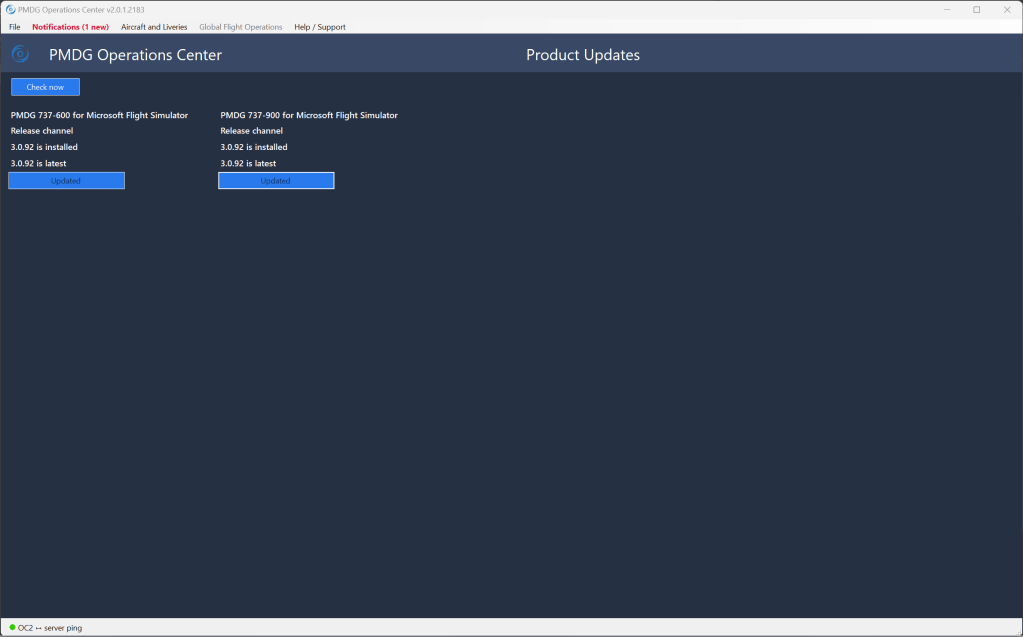
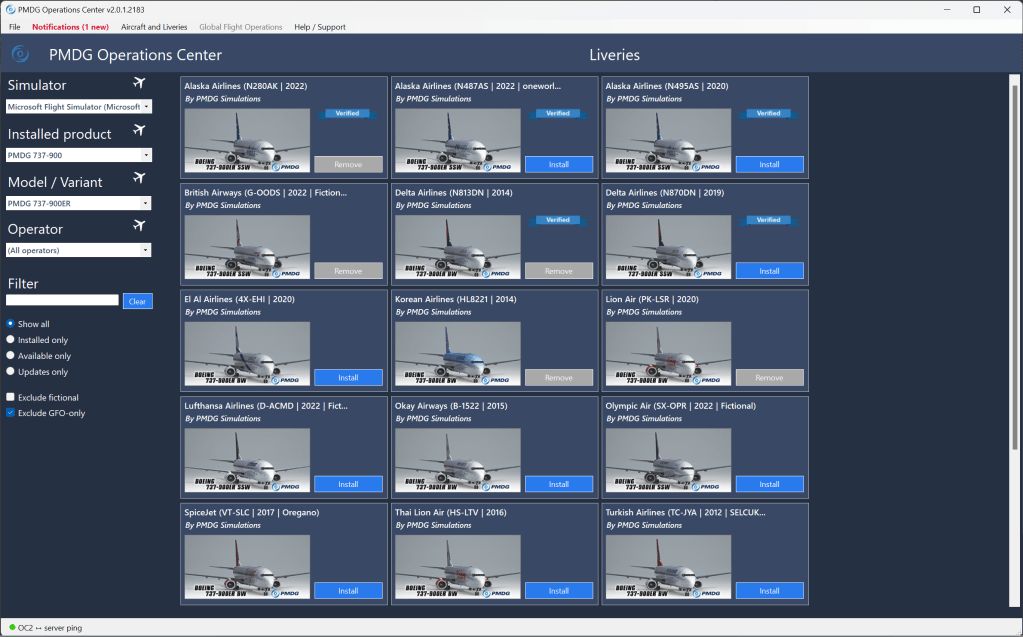
I wanted to take a moment and talk about PMDG’s Ops Centre software. Like iniBuilds and Fenix, PMDG has an external software package that helps you update your airplane and install liveries. You can install new liveries with a couple of button clicks just like its competitors. The same goes for updating the aircraft. A couple of clicks and you’re on the latest build. All good so far.
Unfortunately the software seems to malfunction sometimes which is not so good. The software will start, claim that it can’t find the PMDG server and then stop functioning. The solution? You have to go into the PMDG folder and run a manual updater EXE file to get it to update and then work again. In the grand scheme of things, it’s not a big deal but in the year that I’ve owned the 737 I’ve had to do this 3-4 times so far with the most recent experience in the last month. It seems to be a common issue going by the notes I saw posted on various forums and communities.
Another issue I ran into adjacent to the Ops Centre software was the installation. While the 737-600 installed fine, several months later I hit a brick wall trying to get my 737-900 install to work. The aircraft would load but all of the controls were locked. PMDG’s support forums were littered with some uncertain suggestions (and scolding of new users for not using their full names…sigh ). The solution that worked for me was to clear all installed files and directories out and reinstall the aircraft again. You’ll need to force the install to run as an administrator to get it to work correctly as well.
I feel compelled to note too that while utilitarian needs triumph over flashy presentation, I also find the Ops Centre software is also quite dated in its appearance. It looks like software from the early 2000s and I do wonder if it, and the installer, does indeed date back to that time. Windows reports that its unsigned too which brings up a security warning you’ll need to override. If it worked better I don’t think I’d feel as compelled to critique this side of things (if it works, it works) but it doesn’t consistently enough and it makes me wonder if it needs an update or an overhaul.
Final thoughts
The PMDG 737 series for Microsoft Flight Simulator are really two tales told within one product. The first story involves the detailed simulation of the 737NG airliners and in that story we have a developer who have brought us with an excellent, full-featured, high-fidelity, in-depth simulation with a supreme level of aircraft features and options. And it runs at a frame rate faster than most of the competitors too. The second story is about the supporting software, EFB features, and time-saving and newbie-friendly features that are somewhat lacking especially when compared to the competition.
The 737 series are top sellers and PMDG’s reputation is still a strong one that has been built up over a long time. That perhaps offers them less incentive to make changes yet its clear to me that there are a few parts of the 737 experience that are just irksome. Issues that caused me enough frustration to start and stop my 737NG experience a few times in favour of some other experiences. And yet I do keep coming back because what works is so very good.
I, sometimes begrudgingly, have come to appreciate all of the things that are excellent in this product. Great sounds, great systems, and great performance mostly triumph over the issues but I can’t help but think about how much better an already great experience would be if some of these extraneous issues were sorted.
I want to express too that PMDG does absolutely stand behind their products and have continually updated their 737 line-up since launch. That is especially clear from recent developer updates, though the company is occupied with bringing their 777 to release status, that intend to continue on with the 737 series. That’s a huge plus and it means that some of the things that I’ve highlighted in this review may well get sorted out.
Can I recommend PMDG’s 737 line-up? Yeah, absolutely! But also not without qualifying some of the strong points and some of the weaker ones too. How it matches up to your needs as a flight simmer will very much depend on what matters most to you and how quickly you’ll take to these products.
Thinking about buying one of these 737 models? PMDG sells directly through their website and on the MSFS Marketplace. Updates tend to be slower on the Marketplace but on the other hand you don’t have to deal with PMDG’s occasionally unreliable Ops Centre software for updates.
If you want to dip your toes in and get an experience without spending too much, the 737-600 is easy to recommend with its lower price for what is essentially the same aircraft as the more expensive ones. On the other hand, you may want to fly a specific model that a specific airline flies and in which case you may find other variants more to your liking.
Screenshots


 Stormbirds
.jpg)
Leave a reply to Matt Cancel reply