
The Cockspur PH100, simulating a Phenom 100 business jet, has been out on the market for a little while now and represents one of a handful of aircraft in the very light business jet category available in Microsoft Flight Simulator. How much fun can you have with a little business jet? Quite a lot actually! Let’s check this one out!
Disclaimer
Cockspur Simulations sent me their PH100 for review. As always with these arrangements, I always let the audience know that I’ve been granted access for the purposes of review. Cockspur Simulations has not exercised any editorial control over this review and is reading it at the same time as everyone else.
A bit of real-world history
In 2005, aircraft maker Embraer made the decision to develop very light and light jet aircraft to take on a new category for the company. Getting into the potentially lucrative business jet market is something that many aviation companies have done over the years with everyone from Cessna to Honda tackling the category.
The first of the EMB-500, later marketed as the Phenom 100, would fly in July of 2007 and Embraer brought their experience as an airliner designer to the aircraft while offering something much smaller in packaging. The clean sheet modern design also factored in features like a 20% composite structure. The diminutive Pratt & Whitney Canada PW617F turbofan engine was selected with the two engines mounted in a typical configuration extending out from the tail section of the aircraft.
The Phenom 100, and the larger swept wing Phenom 300 that it was developed from, have seen success in the very light business jet field with 410 being built. The aircraft is similar to Cessna’s competing Citation Mustang. The version on offer here is the earlier model Phenom 100. Later versions including the Phenom 100E, EV, and EX saw various changes including different avionics from the one that we have.
Visuals and sounds








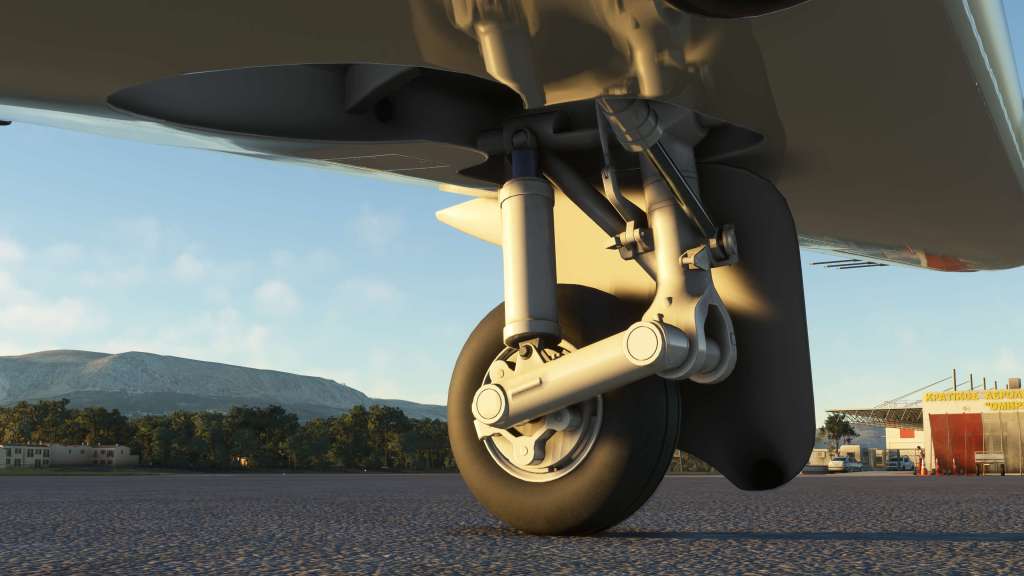
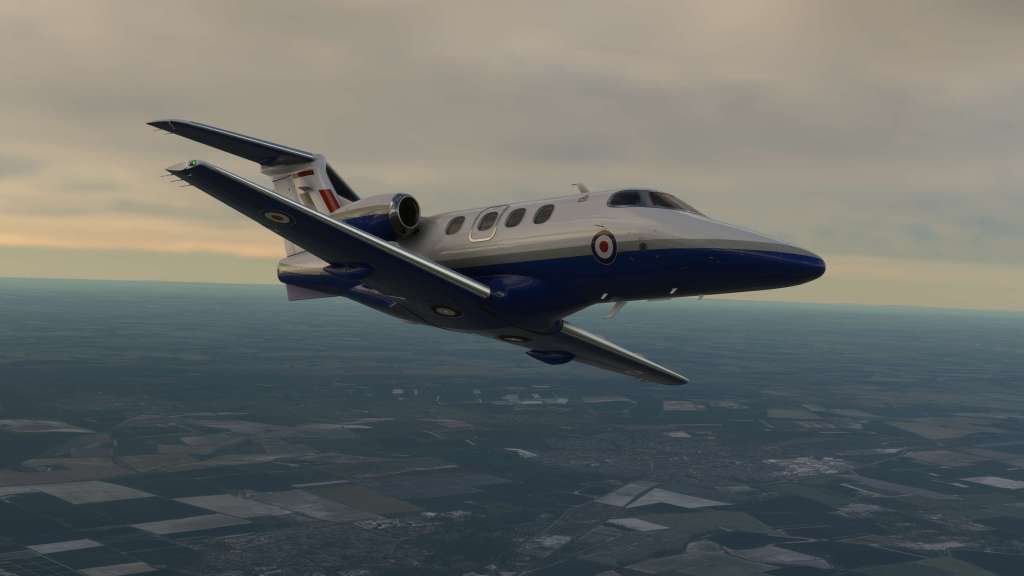
Cockspur Simulations work on the visuals of their aircraft has tended towards the crisp and detailed and their Phenom 100 is a prime example of that. I’ve gotten up very close to the aircraft and very few if any visual maladies affect this plane. Extensive use of stencils on some of the exterior details also really help.
The sharp details can be found on the engines, antenna, landing gear, lights, nav lights, wing fences… everywhere. There are about a dozen liveries included as well that give a good mix of generic business jet liveries combined with a few RAF specific Phenoms (one of the many military users of the jet) and a Finnish flight school livery. I like the combination of some good livery sets that are more on the generic side and then a few very specific models too. Nice work there!
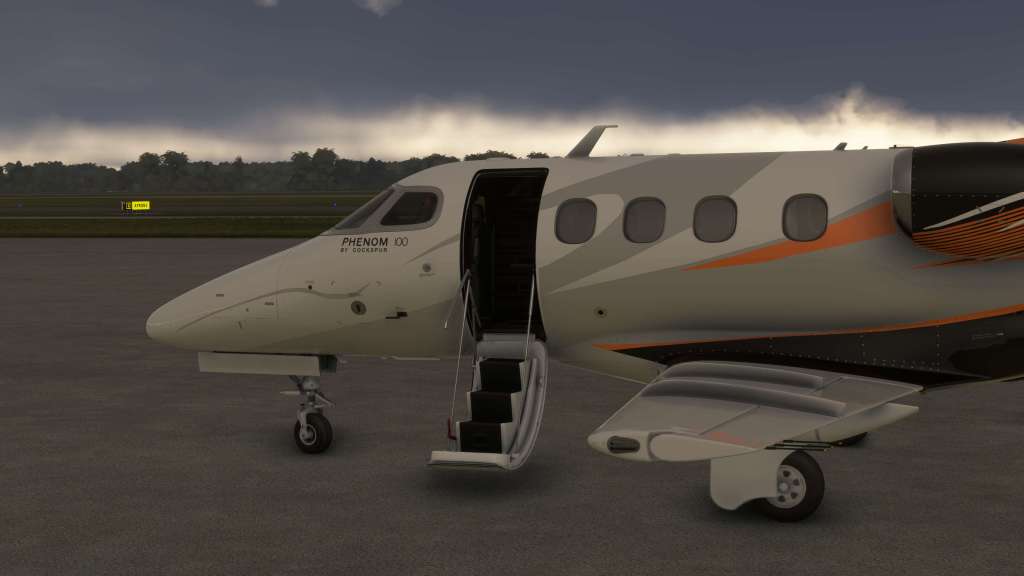
Animations are also smooth and well implemented including a fold down entry way and small nose based cargo door.


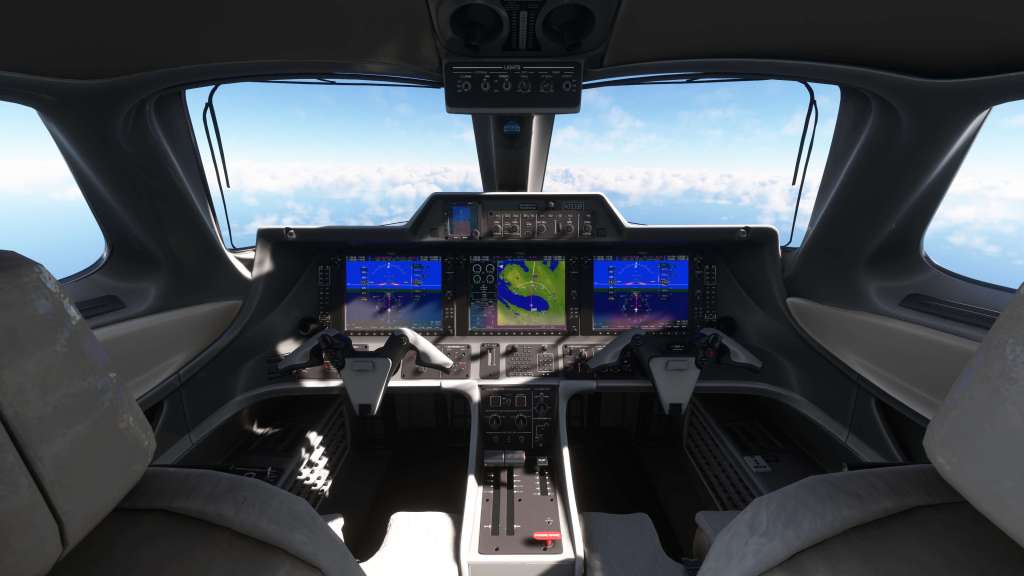
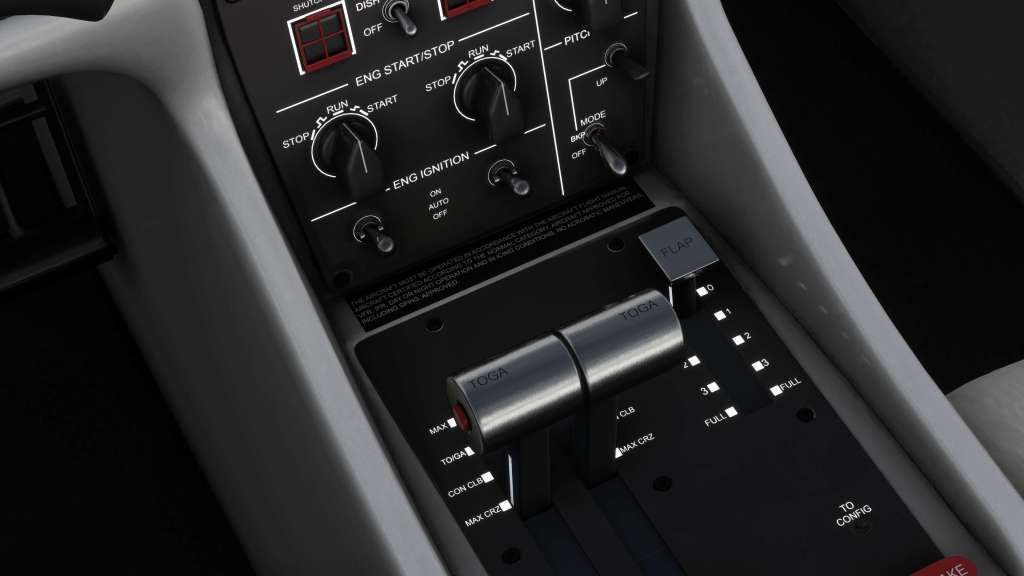
On the inside of the aircraft that detailing continues on with beautiful renditions of Embraer’s handlebar style flight yokes, throttle controls, back-up EFIS, and so forth. Everything is bright, easily readible, sharp, and well modeled. There’s some really nice reflections from the screens showing up on the other parts of the cockpit.
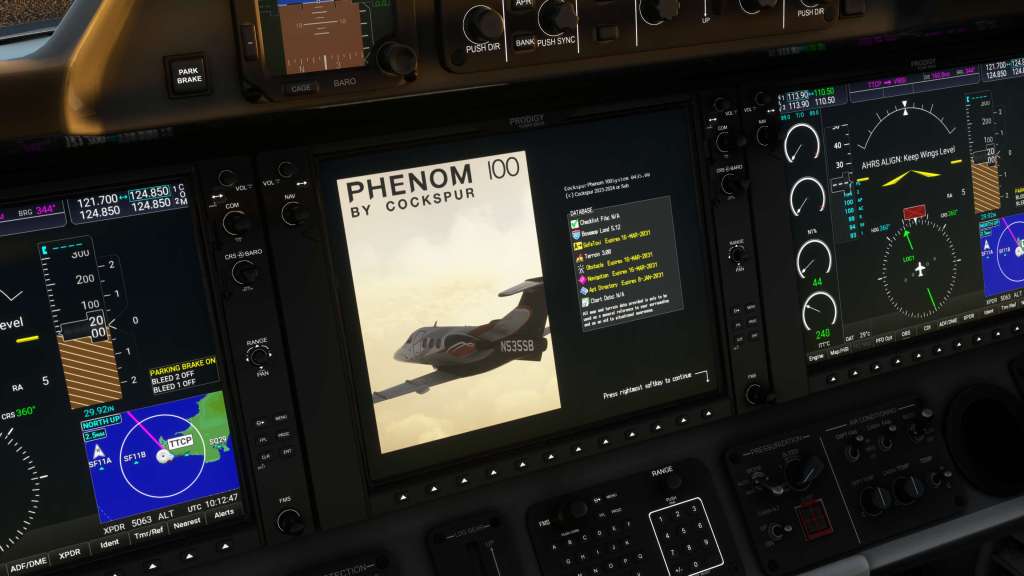
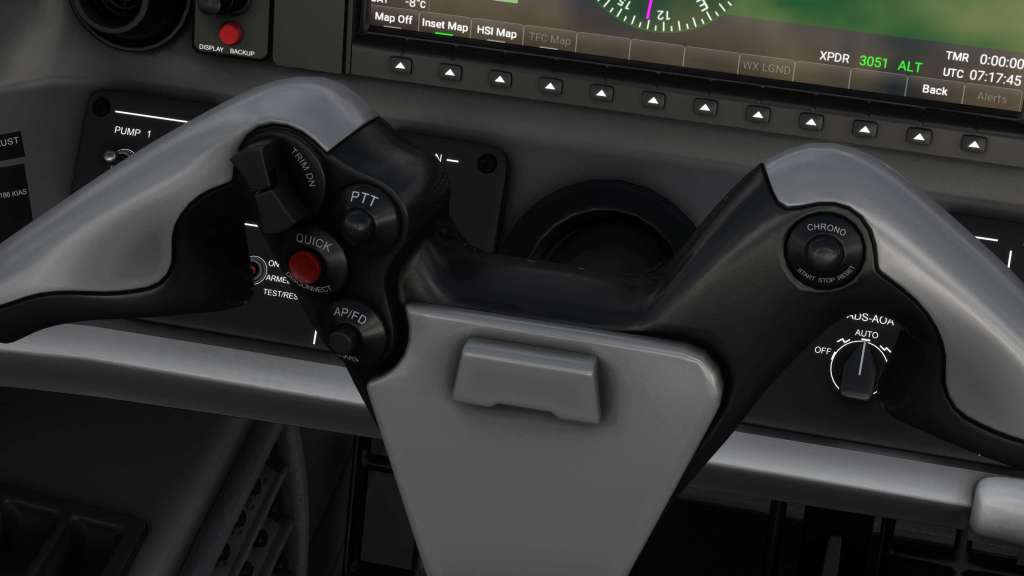
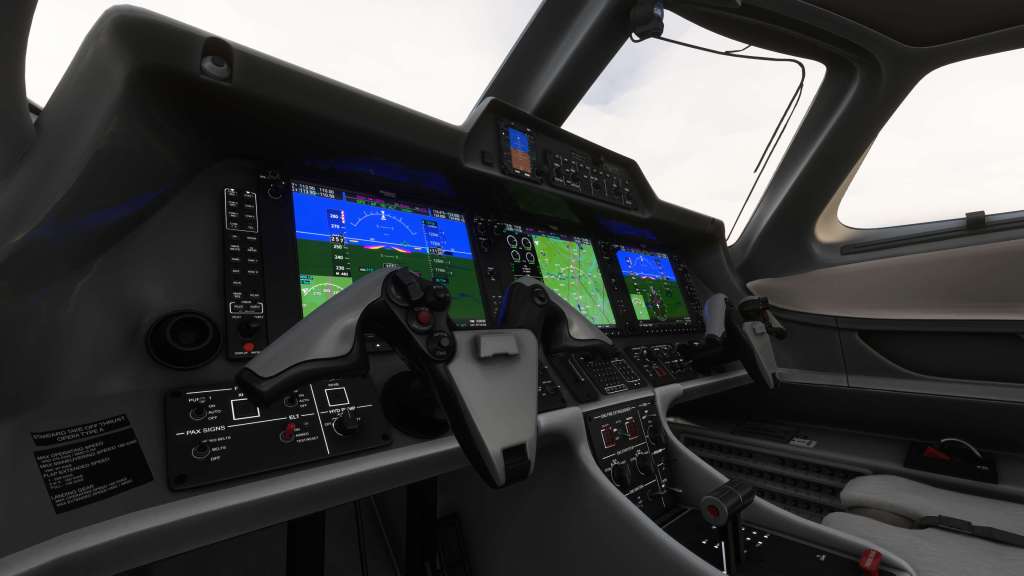

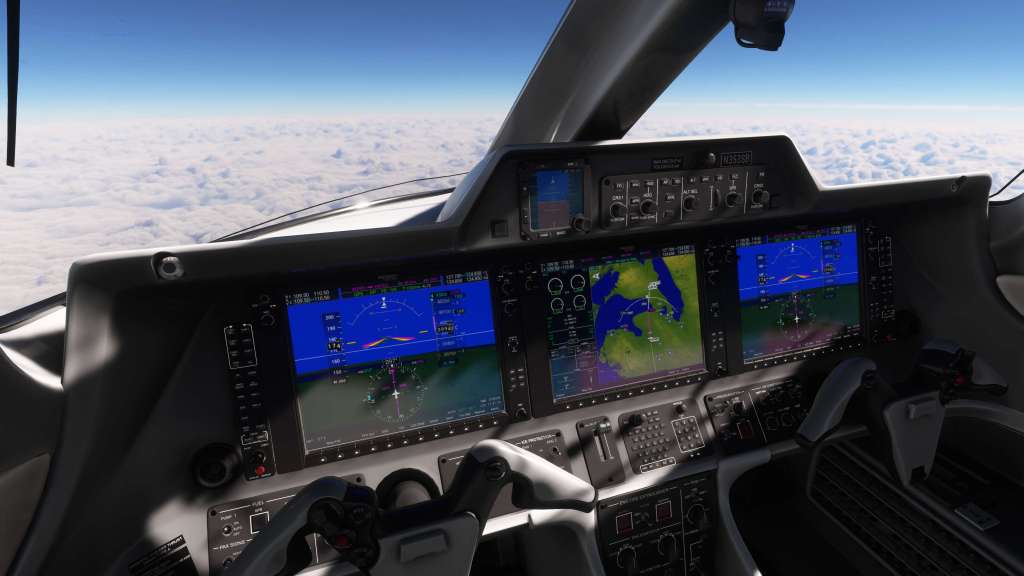
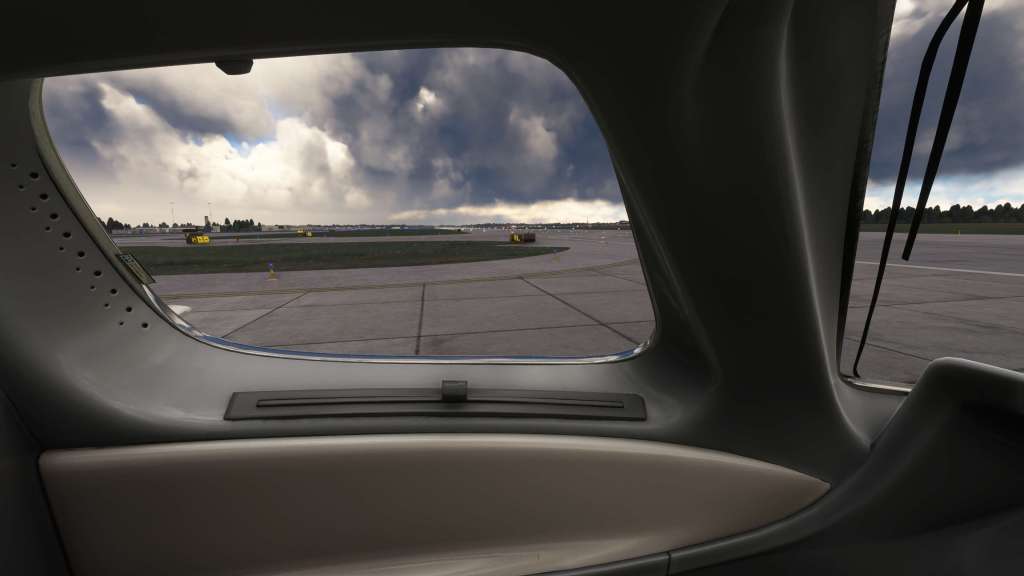

There are a few bonus features up here too. There’s also a checklist in the cockpit that, when clicked, flies up and into view. Great for quick reference! The sunshades work too and windows do ice over and then thaw out appropriately when the ice protection is applied.

Leaving the cockpit, we head back into the passenger area which is quite small on this very light jet. But the details hold up just as well here. The texture work everywhere is great and I love the “up wash” overhead lighting for a beautiful ambient lighting style when flying at night. Passengers are not animated but do appear in the back when added via the fuel and weight screen. Tray tables are not animated but the seatbelt lights do turn on and off.


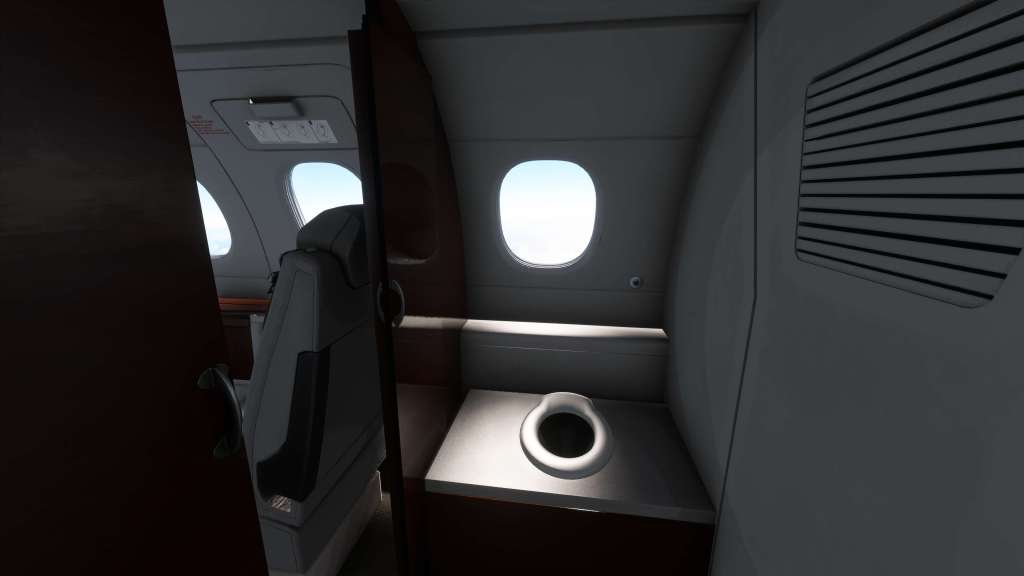
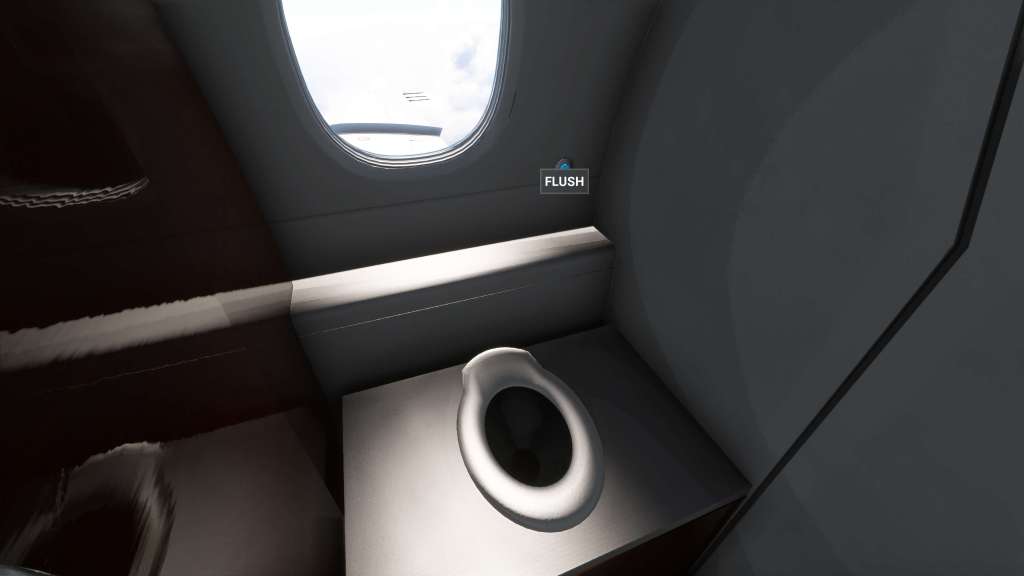
The bathroom area is accessible with an animated door. Also animated? The toilet itself with a water visual and audio effect. Yes! It’s a goofy thing but I love it when you’re exploring an aircraft’s interior and there’s a few fun things like that.
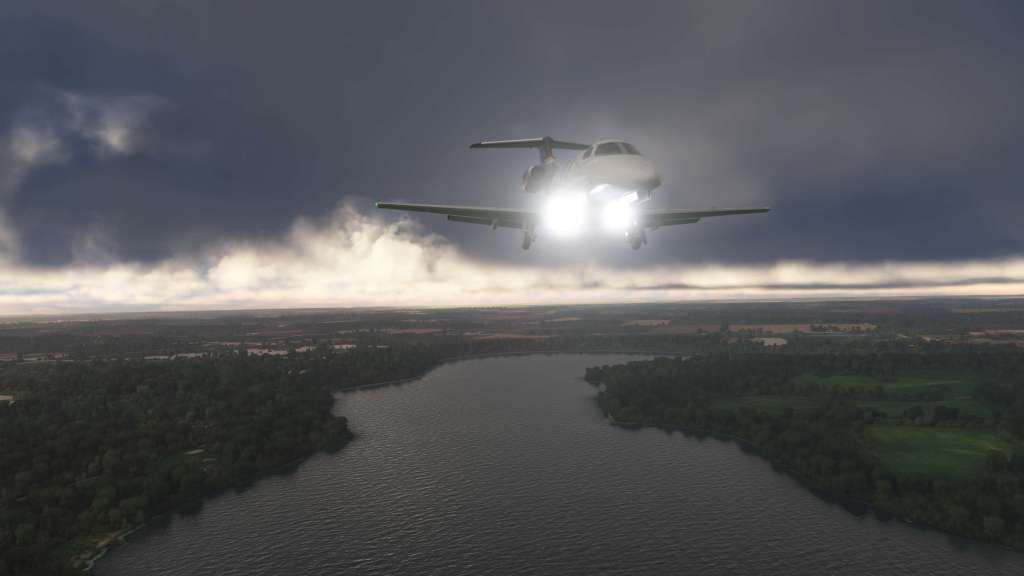
I have very few complaints with the visuals. I will mention that the heat blur effect off the engines is a bit strong and overly pronounced in some situations. It takes on a kind of cone shaped appearance at times and while it’s not always visible it does ruin the immersion just a tad. Other times it looks fine so I’m not sure why that is. I also find the landing/taxi lights to sometimes be overly bright.

In the passenger cabin area under certain lighting conditions there is a fair bit of flickering or light leak. I’m curious to see if MSFS 2024’s new ray traced shadow system might alleviate some of that. The soft seat texture is also maybe a little less than ideal versus everything else in the cockpit. These are small nitpicky things in a sea of beautifully modeled and textured business jet goodness.
The engine sounds on Cockspur’s Phenom 100 are superb both inside and outside with a particularly loud and chunky feeling. When you throttle up and down they have great pick-up and fall off. It’s very satisfying! Other key sounds like the flaps and gear are satisfying as well.
The aircraft is known in real life to be relatively quiet inside so unsurprisingly the interior sound is quite a bit softer and more subdued than the exterior. I like that! The buttons don’t appear to have sounds associated with them and I think some subtle clicky and clacky sounds might boost the audio experience a bit. Again, a few nitpicky things but the core of the audio here is excellently realized.
Frame rates
This aircraft has been nothing but exceptionally smooth with some of the highest frame rates that I’ve experienced outside of some first party aircraft. If you have a lower spec system, this one is likely to be operable without issue.
Flying and avionics

The real-world Phenom 100 and, consequently, the simulated one are very easy jets to operate. Embarer designed it for single pilot operations and cut down the checklist requirements thanks to ample automation. As a result, configuring and flying the Phenom 100 is extremely simple.
Flowing generally from left of the cockpit to the right you setup the oxygen, generator and electrical controls, fuel pumps, ice protection, and bleed air. The engine start system with its that manages nearly all of the process means all you really need to do is turn the engine to start and they start-up on their own. There is a simulated FADEC system here and the engines pretty much take care of themselves which is awesome. The jet also has a take-off confirm button will ensure that the jet is appropriately configured and ready for takeoff.
The jet makes use of the Working Title G1000 implementation plus a custom keypad for easy data entry when required. The aircraft makes use of standard input information so all of your bound heading, speed, and altitude controls will work. There is a custom half screen display for Phenom 100 specific equipment and engine values. It doesn’t have the full custom engine display that we’re starting to see on some aircraft but I’m also not sure if the real one uses that feature either.

The Phenom 100 is also extremely easy to fly with virtually no bad habits and a lot of safety systems intended to prevent stalls and other mishaps. The Phenom isn’t an aerobatic or overly agile aircraft but its small and quite capable of getting in and out of some smaller airports. With a 3,199 ft takeoff run and 2,431 ft landing run, you can get this into smaller locales. It can also climb to (and slightly past) its service ceiling of 41,000 feet. When I tested that it did take quite a bit of time to make it up the last couple thousand which is to be expected.
Takeoff comes quickly with minimal fuss, even at full takeoff weight, through compared to the Aerobask Phenom 300 I’ve flown in X-Plane it has a shallower climb out angle. I think that’s more to do with the Phenom 300’s extra engine thrust than anything else. Landing is very simple too with an aircraft that feels responsive to throttle adjustments and doesn’t really stall all that harshly unless you really push it to the edge.
Coming in for a landing is an interesting experience as the relatively slippery jet does not have thrust reversers nor spoilers. The straight wing, flaps, and throttle are what you have to work with to manage speed on descent but I do find that you have to be a bit more careful to avoid overspeed as you drop altitude. Fortunately, the drag on the aircraft does appear to be well tuned and the aircraft will slow down when the thrust is reduced.
The real world jet has a stall speed around 91 knots, however, this one seems to be controllable well below that value and I haven’t really been able to get it into a complete stall. It does lose control effectiveness but it never really departs in my tests. It also has, like many MSFS aircraft, quite a bit of ground effect in the landing so you can kind of hover over the runway for a long time before finally touching down. The Phenom isn’t a difficult airplane to fly from what I’ve read, but I would like it to bite back just a bit more than I think it is right now.

Other features
Sitting at €27 or about $26-30 USD (depending on the marketplace and exchange rate) the aircraft is priced lower than some higher end producxts. As a result, it doesn’t have a ton of extra features. For example, it doesn’t have an EFB tablet, there are some exterior pieces you can interact with but not many, and the electrical systems circuit breakers are not poppable. You also won’t find a maintenance minder or any sort of persistence like that.
For the price, it’s approaching the edge of where you may start thinking about these bonus features, however, I don’t think they are necessary for a good experience. What Cockspur is offering here is exceptionally good quality on most other categories. No frills, but what you’ll find available is very good.
Final thoughts
Cockspur’s PH100 has a lot going for it. Strong visuals, good sounds, its not hard to learn, the jet is quick and easy to manage, the systems are generally of very good fidelity, and you can take this jet on a ton of fun adventures across the world of Microsoft Flight Simulator.
There are a few issues too of course. Adding a few extra sounds to cockpit buttons and switches, some minor tweaks to the visuals, and some tweaks to the flight model with a more realistic stall would further elevate the experience.
For the price, the Phenom offers an extremely competent set of features offering no frills but doing everything that it does do extremely well. Great visuals, really good sound work, and a good flying experience makes this a terrific airplane to tour around in and visit a variety of airports all the while enjoying the the style of a small business jet. I like it quite a bit!
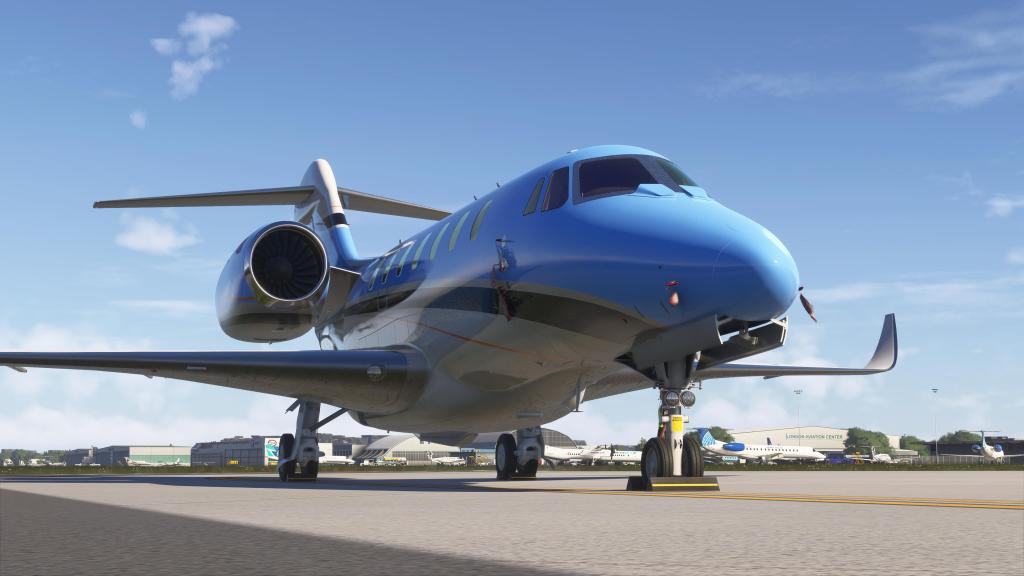
There aren’t a ton of business jets on the market but this one is quite fun fly aircraft for €27 / $26-30 USD. It goes up against Marwan Gharib’s HJet, Cockspur’s own C510 Mustang, MSFS’s default Cessna CJ4 and Citation Longitude and a few others. They are all fun experiences and this one ranks among the top that I’ve flown so far.
The Cockspur Phenom 100 can be purchased through the Cockspur website, on SimMarket, or via the MSFS Marketplace.
Screenshots











 Stormbirds
Leave a comment