
It started with the DA62, then the DA50 RG, then the DA42, and now we’ve got the DA20 SV… if you’re a fan of Aerobask’s products you probably own at least one of their Diamond aircraft simulations. Over the years I’ve managed to collect them all and so when they announced that their DA20 SV was about to come out, I resigned myself to having to make the purchase because the collection needed to be complete. That might sound reluctant but I had a hunch that this one would be a fun little gem that was just as good as or better than the previous iterations. So, how does this simulation of Diamond’s two-seat trainer and general aviation aircraft stack up? Was it worth it? Read on!
The real and the virtual DA20
Digging into the history of the DA20 requires understanding the history of Diamond aircraft itself. We start with the formation of Hoffmann Flugzeugbau in Austria in 1981. The company, started by Wolf Hoffmann, went on to become Diamond after a change of ownership. Before all of that, the company produced the Hoffmann H36 Dimona, a motor glider, which would provide quite a bit of the template for the DV20, then DA20 and then the rest of the Diamond aircraft line.
Initially starting off with the dual designation of DV20 (for Austrian built) and DA20 (for Canadian built), the DA20 was intended as a low-cost, two seat trainer aircraft with capabilities and characteristics that were not the same as the aircraft coming from Piper or Cessna. They sought to provide the market with something a little different and avoid direct competition and offer something different. And the DA20 is quite a bit different!
Using the H36 Dimona motor glider as a base, the length of the wings were reduced, flaps were added, a tricycle gear was created for it, while much of the overall silhouette were retained including the low wing design and T-tail. Thanks to its motor glider heritage, the aircraft retained a good glide ratio at 11:1 and 14:1 depending on the variant.
The DA20 also set the tone for quite a bit of the company’s later models. The wings were designed with an intentional washout design with wing-roots stalling first while the wingtips continue to generate lift ensuring that the ailerons would still have effective control. That and other measures ensures that the aircraft is extremely docile in stalls. In researching the aircraft I watched one video with a flight instructor describing a situation where a student pilot rotated in a panic situation before achieving takeoff speed, the aircraft stalled just off the ground, but miraculously continued to fly and the student was lucky enough to actually pick up enough speed to get out of the stall and continue on with the takeoff. It’s quite the story and clearly not every plane is going to be so forgiving.
The DA20 has gone through a few variations and a few different engine types and is still in production today. It has been produced in the Austrian factory and in the Canadian factory in London, Ontario.
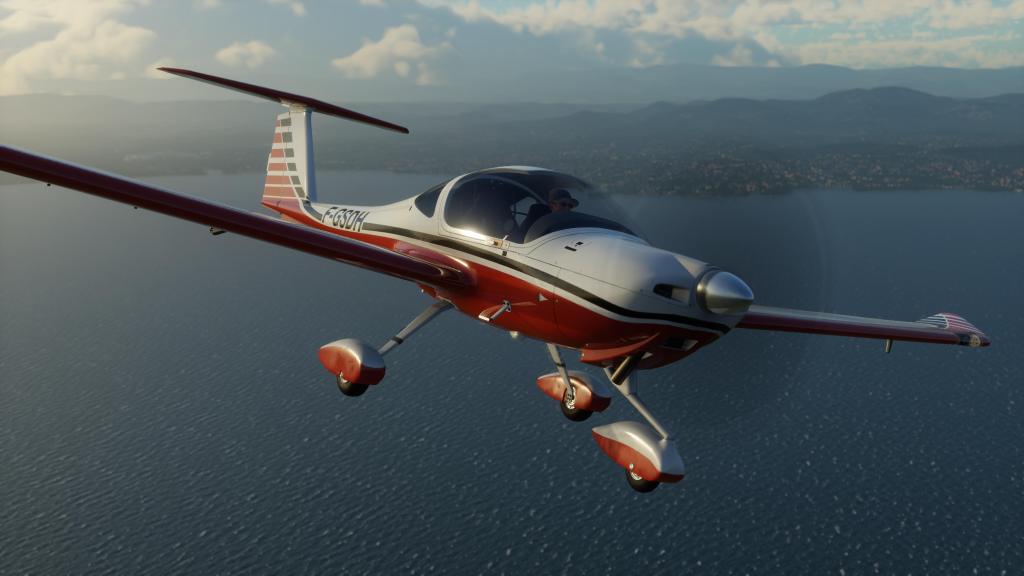
In flight simulation, the DA20 has been done plenty of times including as a default aircraft in MSFS 2020. This is the first time, to the best of my knowledge, that the Aerobask team have tackled the type. The biggest unique feature here with the Aerobask version is that they’ve gone for a glass cockpit setup using a very similar Dynon Skyview Touch configuration that they went with on the Lancair Legacy RG except with two screens instead of the one.
Visuals and sounds


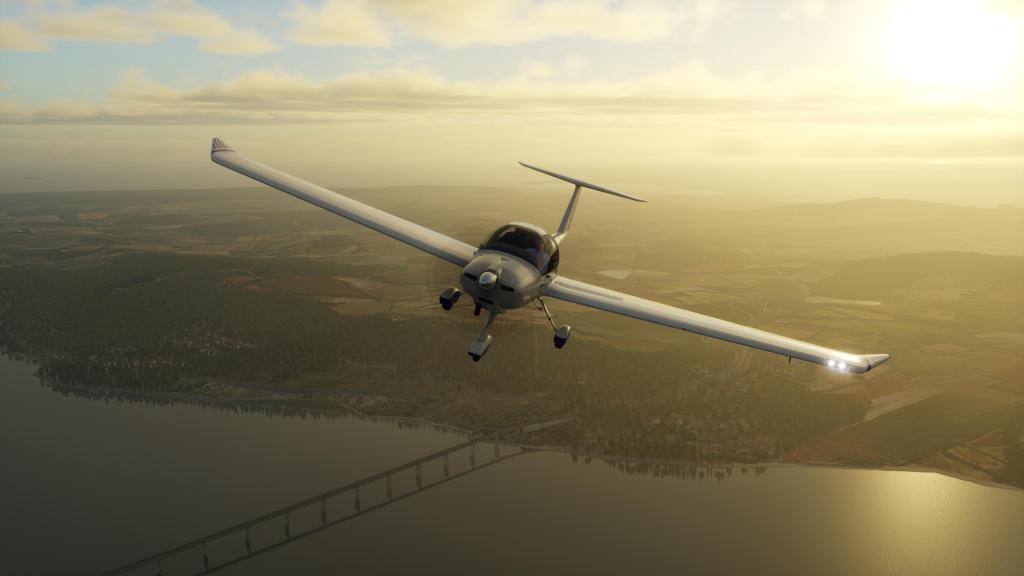


One of the reasons why I was drawn into Aerobask early on was because they made some good looking airplanes. That’s been true of their freeware DR401 Robin and its carried on through the line-up.
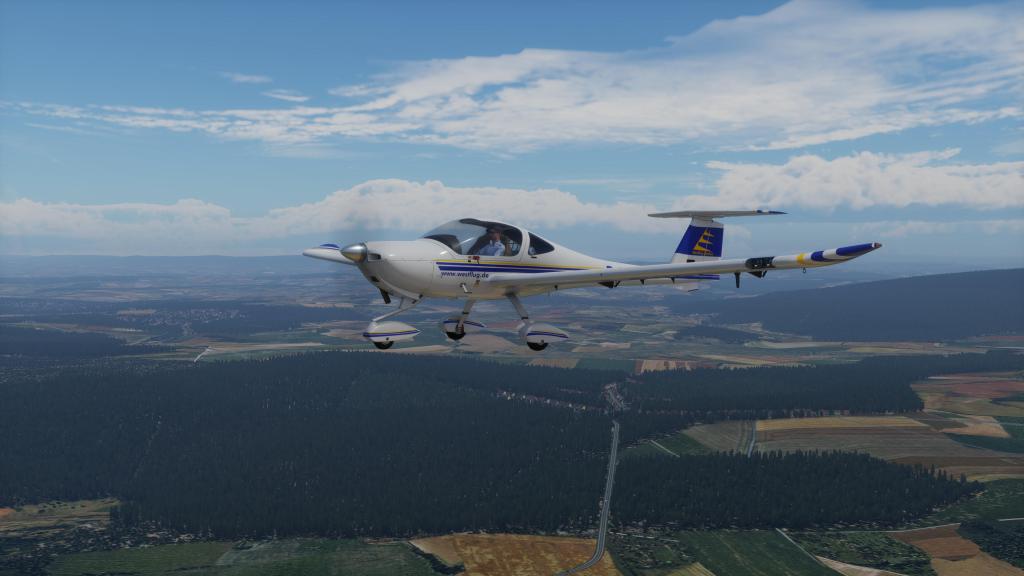
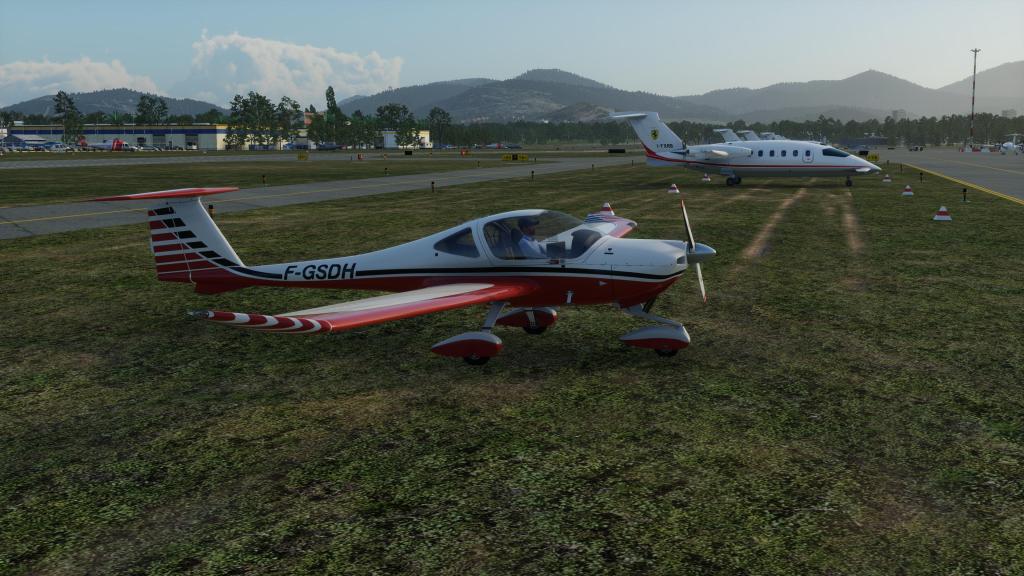
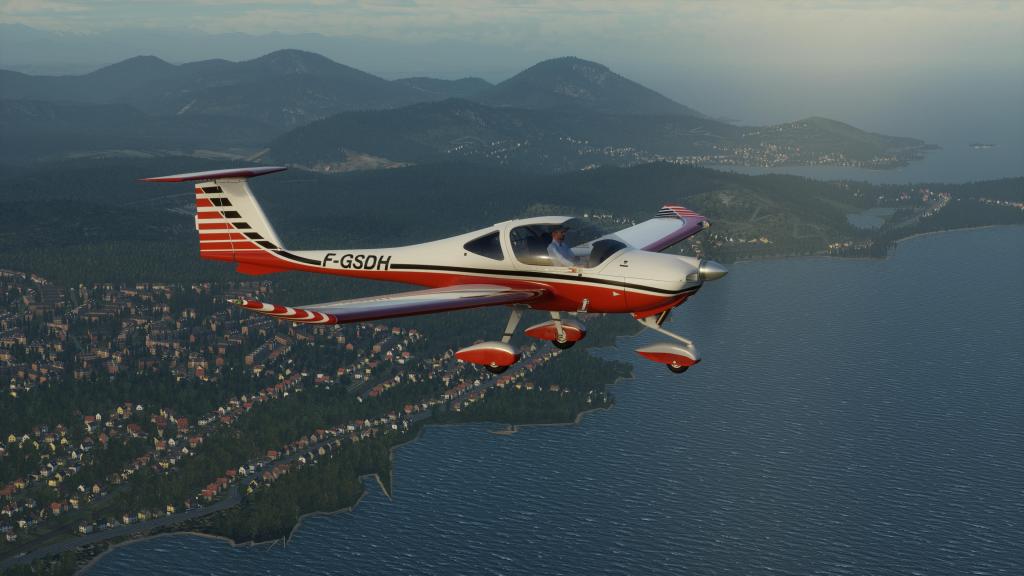
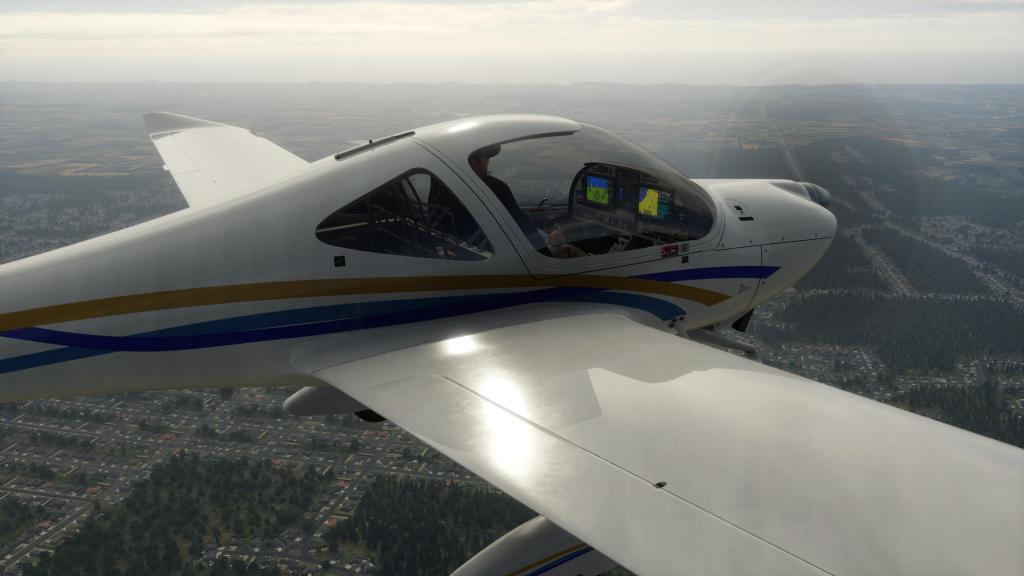
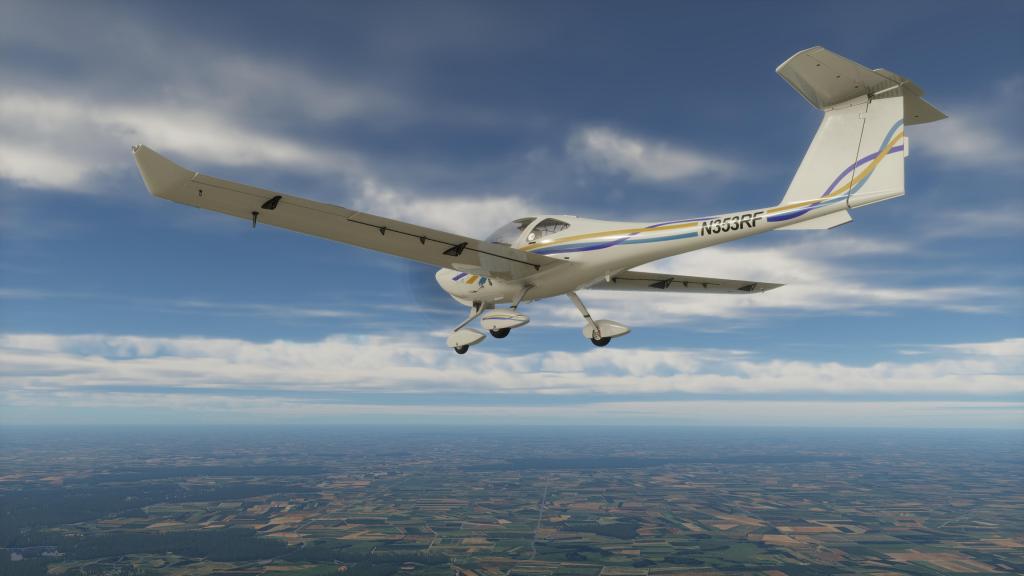
The DA20 probably represents some of their best work yet when it comes to visuals. The company still prefers a very clean look to their airplanes and that combined with the real-world composite materials that these aircraft are designed out of and you get a slightly plasticky kind of look to them. It’s just a little too clean and a little too shiny, however, the DA20 has tamped that down a bit and I think it probably takes advantage of some of the rendering capabilities of X-Plane 12 better than their prior products. None of them have looked bad, I think they all generally look excellent, but this one I think is slightly better and represents a small improvement to one of the few visual issues I did have with it.
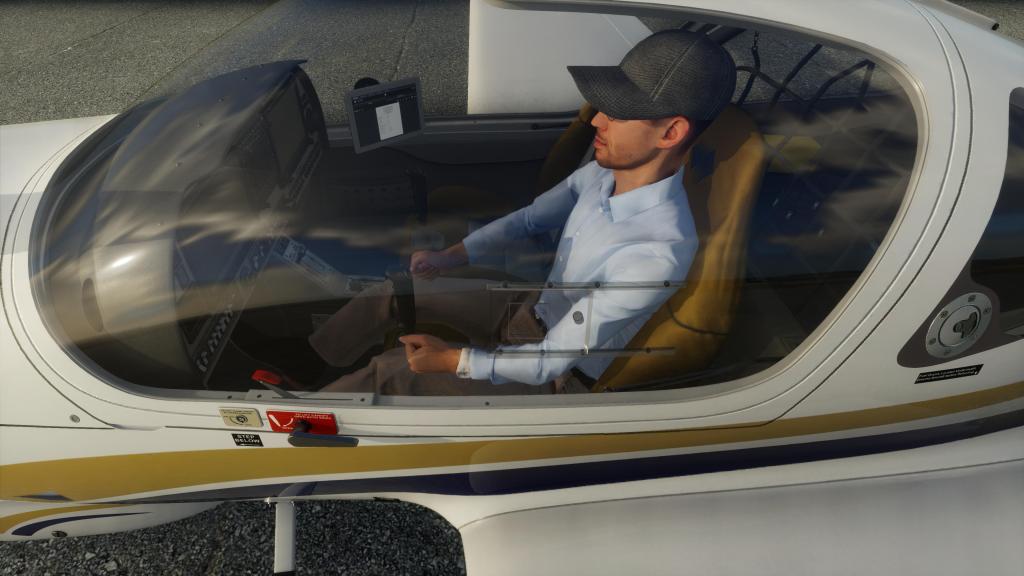
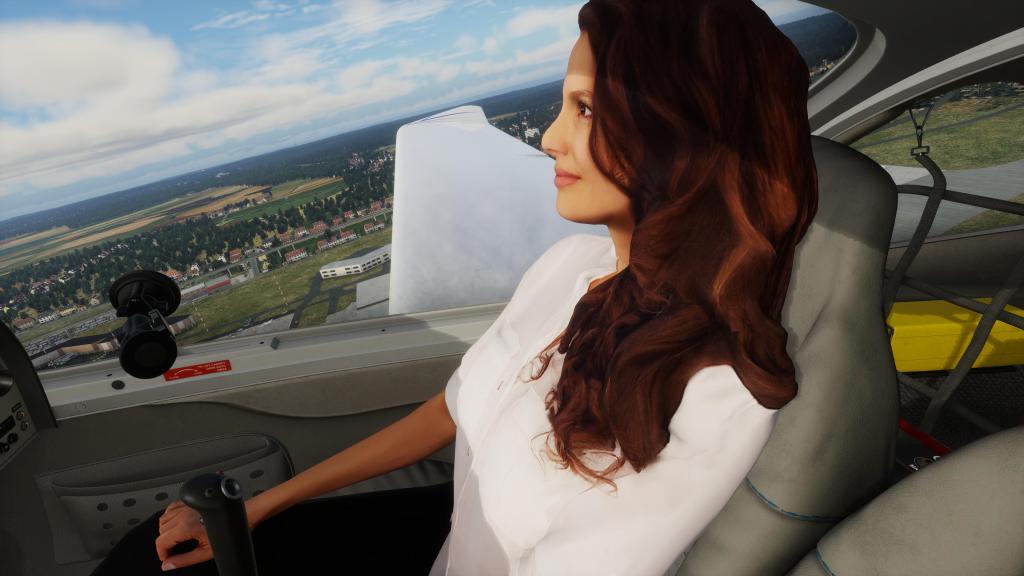
The overall details are excellent with the smooth shapes of the aircraft captured well. The texture work is very good on the outside and excellently done inside. So too is the lighting work which is great from both the screens and the various backlit controls. The seat textures are extremely convincing and the little bit of dirt around the window is very good too. Some subtle scratches on the big glass canopy would be a way to elevate it a bit but I don’t know how well X-Plane does that.
The animations for everything including the opening and closing canopy are excellent and I particularly love the attention to the bend in the gear as the aircraft takes off or lands. You can’t see it until you run the replay but it looks so convincing. Excellent!


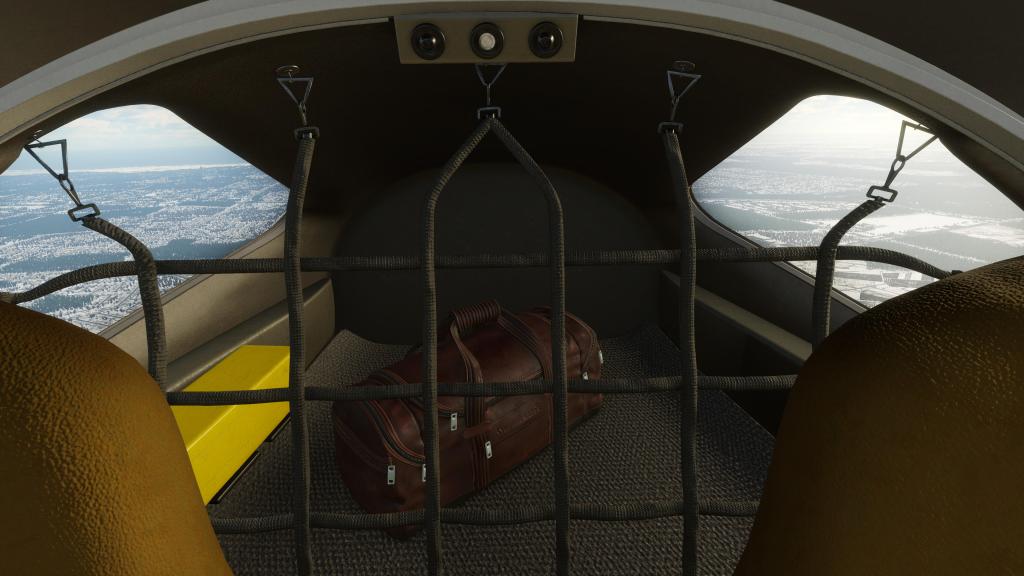


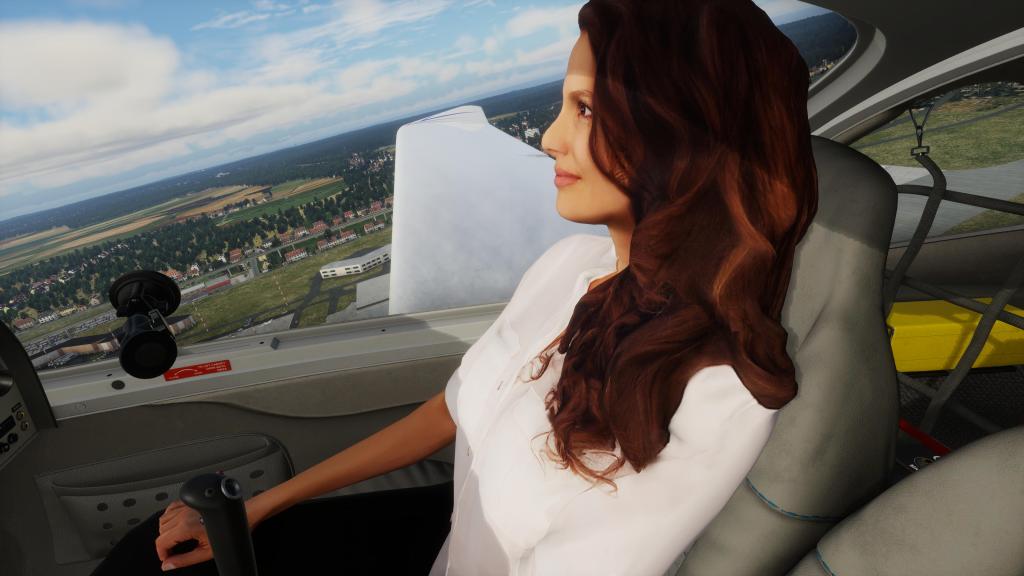

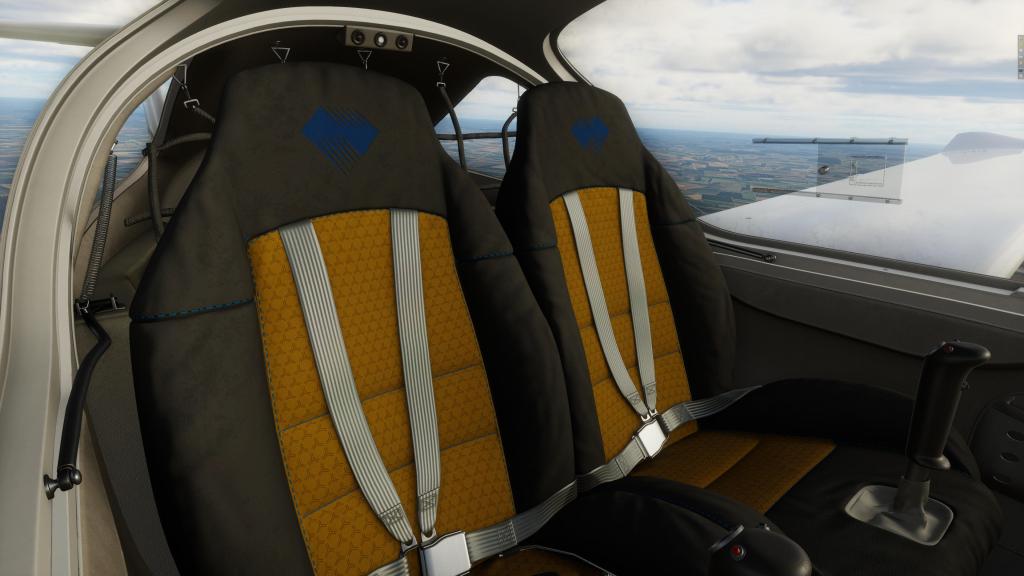
The short version is that while its not perfect, its extremely good and very enjoyable to look at. The included six 4K liveries are all very well realized too and offer a bit of variety mostly focused on flight schools and private aircraft. My only complaint on liveries? No Canadian registered models… and we build them here.
Over on the sound front, Aerobask have employed their long term audio partner Daniela Rodriguez Careri who has once again done an exemplary job of the sounds. The clunking and clicking noises of the buttons and levers in the cockpit are great, the flap and engine noises are convincing and the aircraft has great wind noise which attenuates in pitch based on the speed of the airplane. You don’t need to look at the instruments to know you may be going a bit fast or slow which is fantastic. Exterior sounds are similarly strong and the typical for Aerobask including wind noises when the camera is positioned behind the aircraft help add to the immersion. Its not a complicated airplane audio-wise but it is very immersive.
Flying the DA20
Aerobask have made sure that the DA20, like their other models, comes with a manual and a quick checklist setup as PDFs in the aircraft’s directory. This makes them easy for reference either in your PDF reader of choice or via AviTab. Getting through the checklist doesn’t take long at all and starting the aircraft is quite easy.

The control layout is also really easy with just a few controls generally laid out in a way that I think makes sense. It’s a simple airplane on the whole but it does manage to do an awful lot.
You do want to make sure that you remove the covers, chocks and pylons before starting up or the airplane will burst into flames. I did it once and the effect is quite noticeable!
One of the first checklist items is bringing the canopy down which is a bit fiddly to get the clickspot. I ended up binding a keyboard control because I was struggling to sometimes get the correct clickspot… but once its down you also need to make sure its locked.
Taxiing is a bit sensitive as the airplane, like a lot of Diamonds, has a free-castoring nosewheel and steering is done via the brakes. Its easy enough to do but it can get out of hand if you’re not careful on the controls (or dialed the sensitivity back a bit).
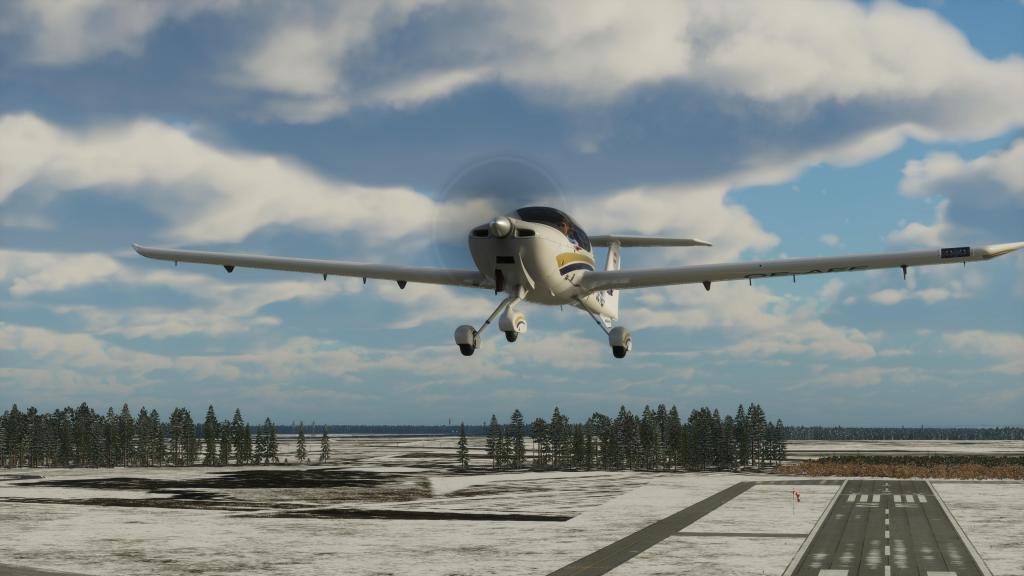
Takeoff is very easy with the flaps in takeoff, you get up to speed very quickly around 55 knots. Best climb speed is 65 knots and the aircraft will comfortably cruise well over 110 knots.
The DA20 isn’t overly spirited in the air, despite its Kantana nickname, but it cruises well, its responsive in pitch and roll, it centres very quickly in yaw, and generally handles easily. You really can’t screw this one up. I tried! It will do a little half-hearted stall, almost into a spin and then it just points down and gains speed. Stalls are, true to the design, fully controllable in roll thanks to the washout effects.
Landing is a bit tricky in my experience, not because its particularly difficult but because the aircraft likes to stay airborne. Full flaps down and it will still comfortably stay airborne until you can get the power fully back and the aircraft touching down onto the ground. I’ve read and heard that this is typical of the type so I believe it to be true and with such a light aircraft with an excellent glide ratio its not too hard to believe either.

Systems and features
The DA20 SV from Aerobask comes with a Dynon Skyview Touch avionics system. This is a custom avionics that Aerobask has simulated for a few of their airplanes and its very well done. One of the pros of doing this is that they have managed to give us a Diamond aircraft without the usual G1000 series setup and instead we have something a bit different.

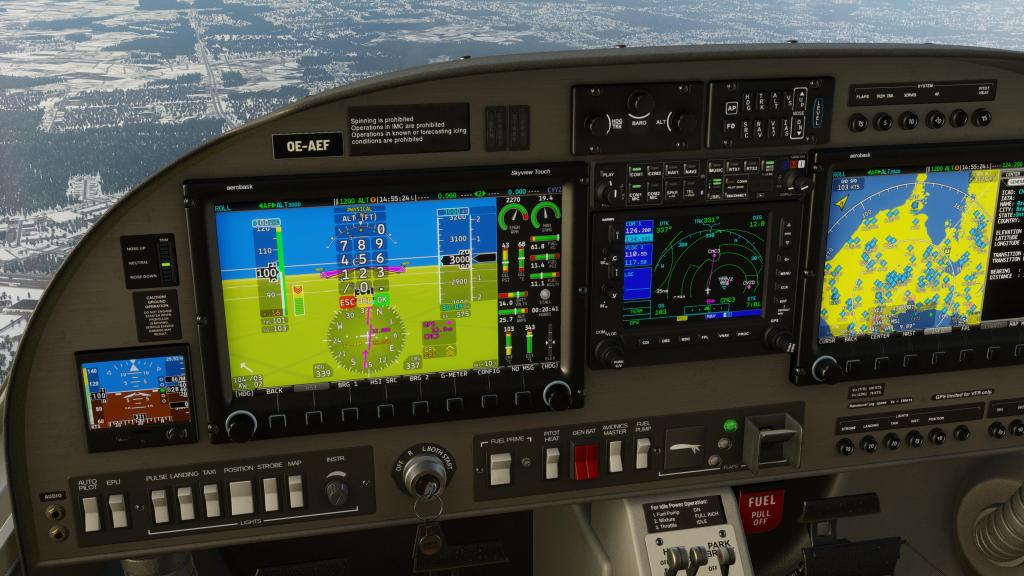


The Skyview Touch, naturally, features touch controls which you can use with the mouse. That makes things fairly easy to do. You can click on the various controls on screen and make adjustments. Changing altitude, climb speeds, even the autopilot can be interacted with using a combination of touch and command buttons around the bottom of the display. There’s also integrated NaviGraph if you’ve got it, you can access a database of airports, beacons and other references right on the screen and you can even get runways, radio information and METAR displayed right there. On the whole, its fast, easy, and reasonably intuitive if you’re coming over from the Garmin. I think I like it better than the G1000 actually.
While the airplane does not have a classic six-pack avionics setup, the Skyview has one built in so you can get a glass cockpit styled version of the six pack if you want to have a quasi-nostalgic charm of that method. Its probably not going to fully satisfy if you want the classic cockpit… but its pretty good.
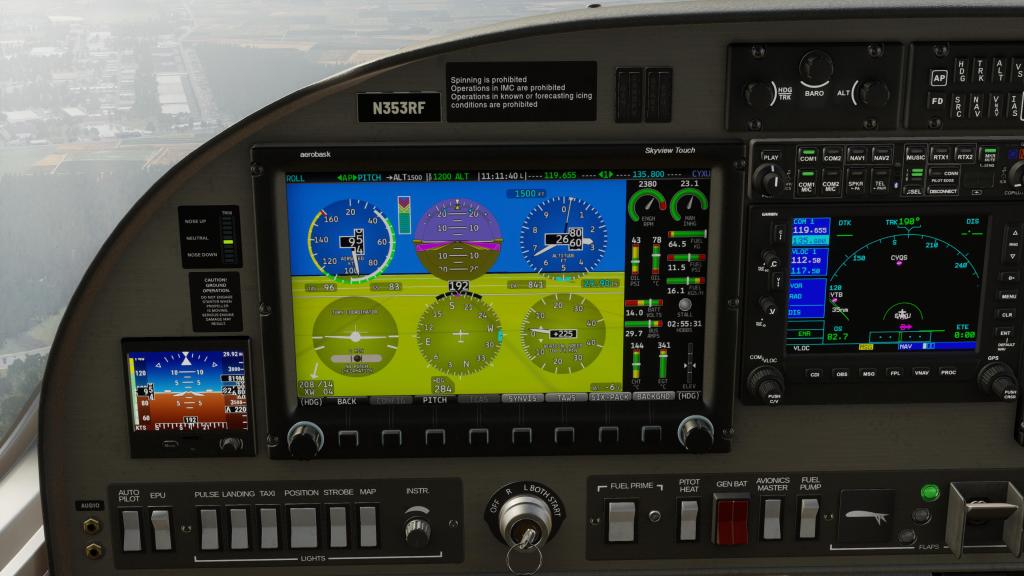
You do still have the GNS530 as a default GPS system and you’ll still need to use that for some of the navigation efforts. If you don’t like that, you will eventually be able to use the RXP GNT750 or TDS GTNXi Pro options if you purchase them (separately). These replace the GNS530 and have support baked in by Aerobask. They have also programmed a ESI-500 as a backup display. All of these are poppable into their own windows too if you want that.
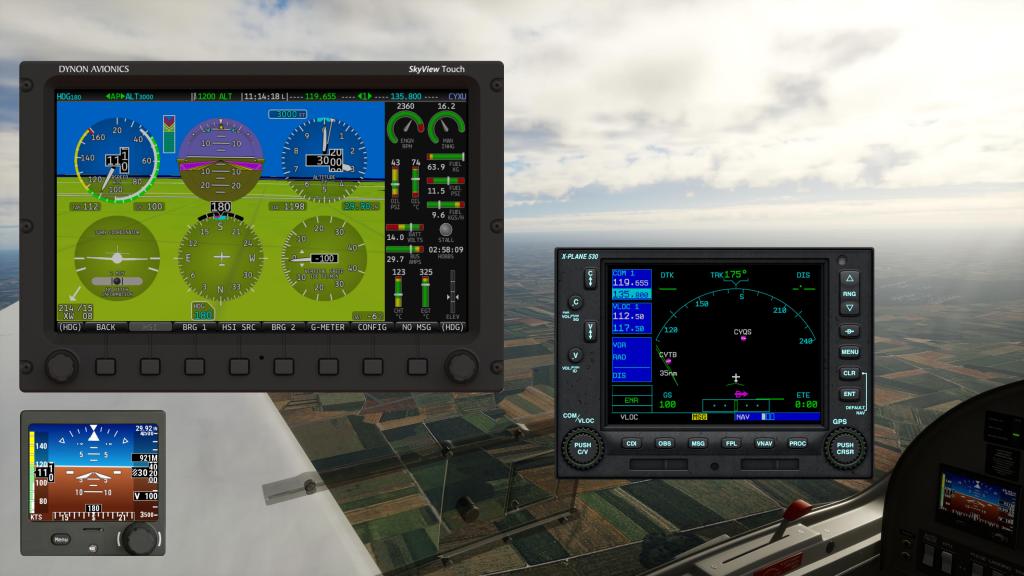
The autopilot is full featured despite the DA20 not being fully rated for IFR flying. You could, ignoring that, do all kinds of IFR style flights and have no issues with the available systems. As a VFR cruiser it works brilliantly although you won’t get places as quickly as you would with another, quicker, type.
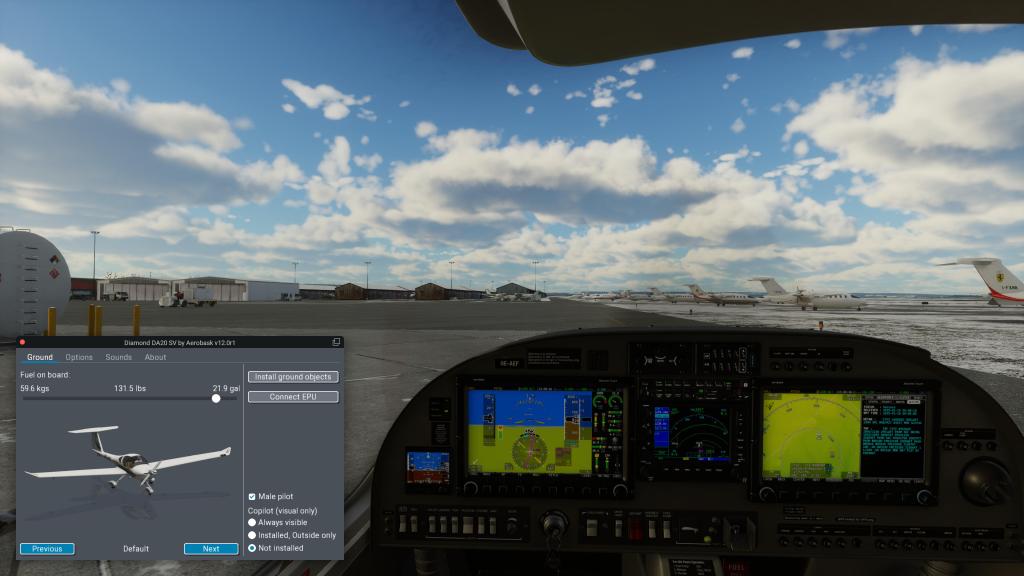
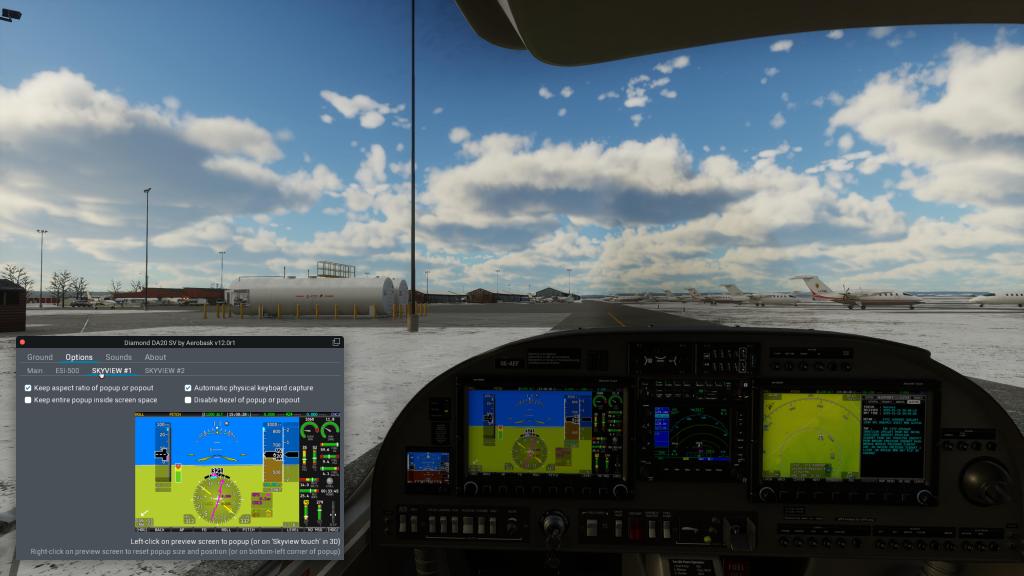
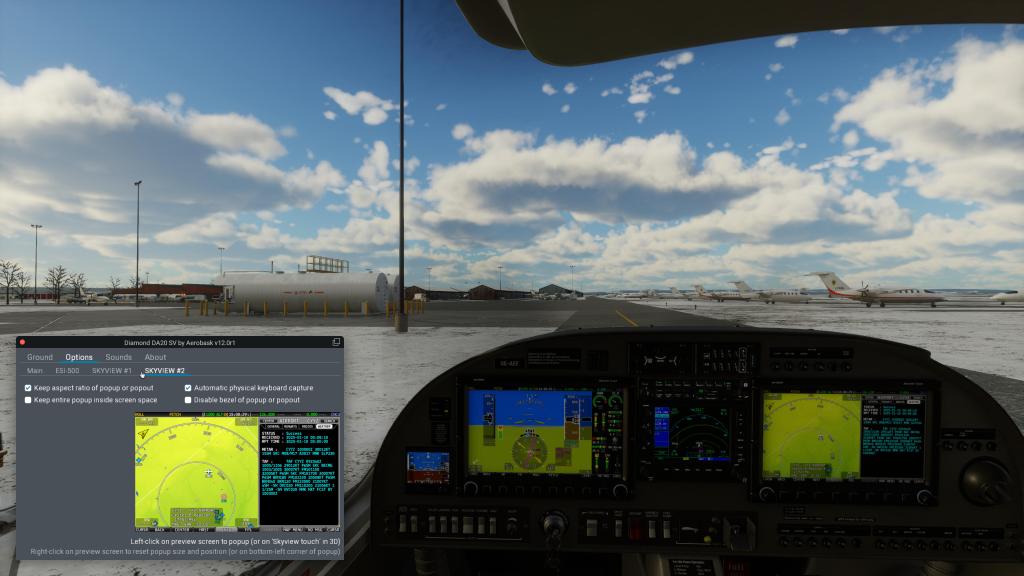
There aren’t too many other extra features but it does come with AviTab support as already mentioned, displayed in the cockpit or hidden away, and it has its own control panel (also displayable in the cockpit or as a pop-out window). The Aerobask control panel lets you adjust the fuel, the livery, swap between male and female pilots, toggle the copilot and visuals of the co pilot, connect the EPU (if the battery has run down), and toggle the external tie downs and covers. There is also persistence features, though not too many complex ones, that track fuel, battery, and panel configuration. An Options screen offers a few extra settings around the avionics panels.


Final thoughts
Its hard at this point for me to not have some preconceived notions going into a review of an aircraft and a flight sim aircraft maker that I know well and generally like a lot. Still, Aerobask could have screwed this one up as its clear that they are producing some of these smaller products while they continue to grind away on their longstanding Falcon 8X business jet project. Despite that, it doesn’t feel like the DA20 was a side project that they just shoved out the door with poor quality control or testing – quite the opposite.
We have already seen a patch to solve a few minor issues but this is one very well polished, well tested, and well executed airplanes from this developer. It doesn’t really break much in the way of new ground for them, second Skyview Touch glass avionic aside, but what they’ve done is absolutely on par with some of their best offerings. Consistently reliable solid aircraft for X-Plane. That’s a great thing!
Priced at $34.95 USD on the X-Plane.org Store, it sits in the middle of the X-Plane marketplace which is where most of Aerobask’s products have been offered at. Not offering a more complicated persistence, maintenance or reliability features is justified given the pricing so I can’t fault them for that.
I’ve read that general aviation aircraft for this sim can be a difficult sales proposition as MSFS has a better VFR experience right now (and I’m still crossing my fingers that X-Plane can find a way to catch up with whatever new terrain system they are cooking up) but I’m still glad that developers like Aerobask are still making these types of airplanes.
I can easily recommend this aircraft if you’re into X-Plane 12, you want something that’s small and fun with good VFR cross country capabilities if you want it and back-to-basics stick and rudder trainer flying if you want that. The Skyview Touch also adds some variety when it comes to glass panels making this a different experience than the DA42, DA50 RG and DA62 which all more or less share the same cockpit and avionics experience. All of those aircraft are great general aviation options for X-Plane and the DA20 SV rightfully takes its places alongside as yet another solid entry into the lineup.
Aerobask’s DA20 SV is available for sale from the X-Plane.org Store.
Screenshots













Leave a Reply