
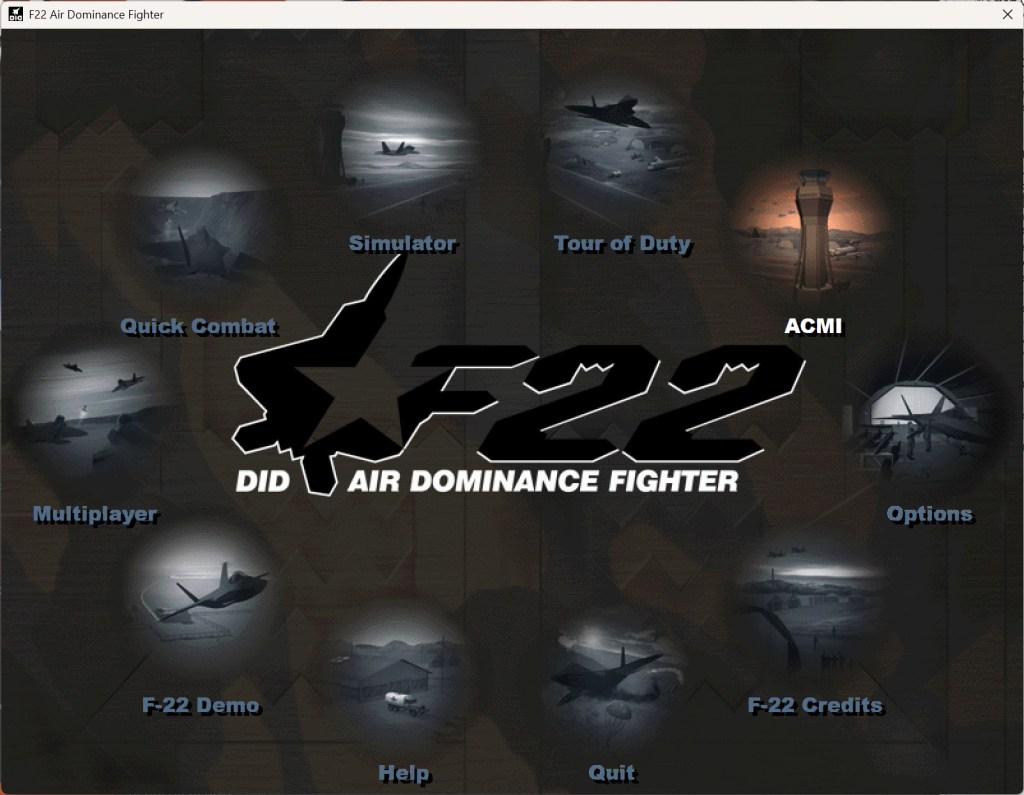
F-22: Air Dominance Fighter was first developed by Digital Image Design (DID) and published by Ocean Software back in 1997! Fast forward almost three decades and we’re digging into some serious nostalgia with the re-release of F-22: ADF from DID and MicroProse, remastered for operation on a modern sim PC. Let’s have a look!
Disclaimer
MicroProse sent me a key to check out the F-22: ADF re-release ahead of the launch. Whenever a developer sends me something free of charge, I always report when that has happened. As always, my opinions are my own and MicroProse are not exercising any editorial control over this article.
Back to the late 1990s
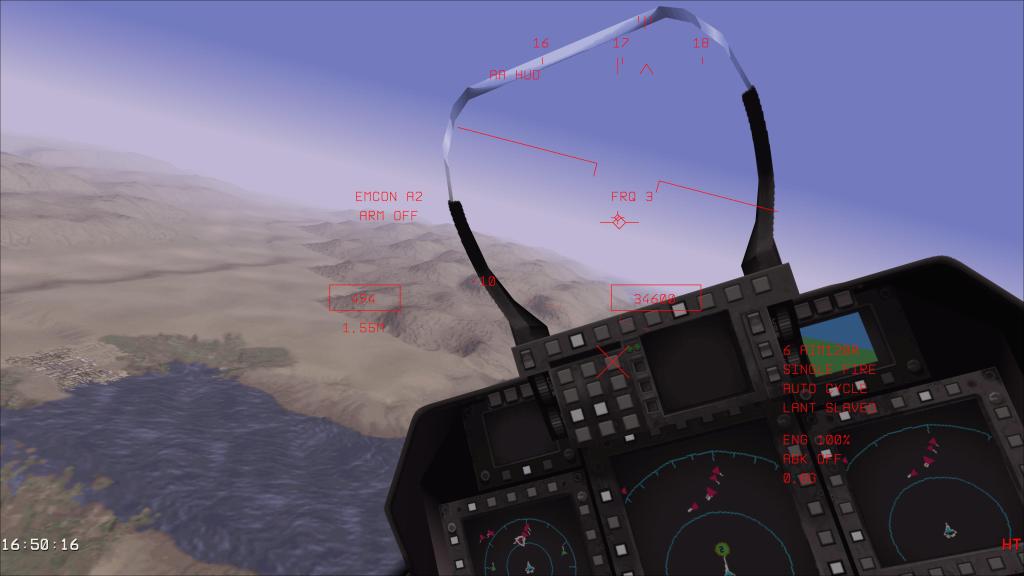
I have to admit, I never played the original F-22: ADF. I definitely looked at the box in my local games store over at the mall but I never got a chance to play it back in its heyday. I did, however, play several titles that came out around the same time like F-14 Fleet Defender (1994), F-15 Strike Eagle II (1989) and III (1992), among others. F-22: ADF came a little later than these but ever moment I’ve spent with the modern remaster has me waxing nostalgic for those classic titles.
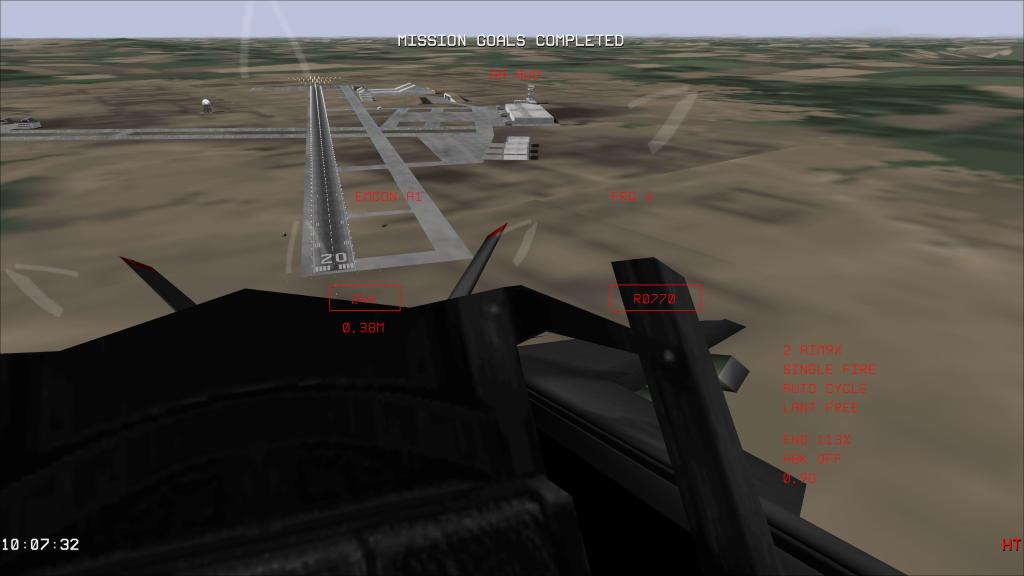
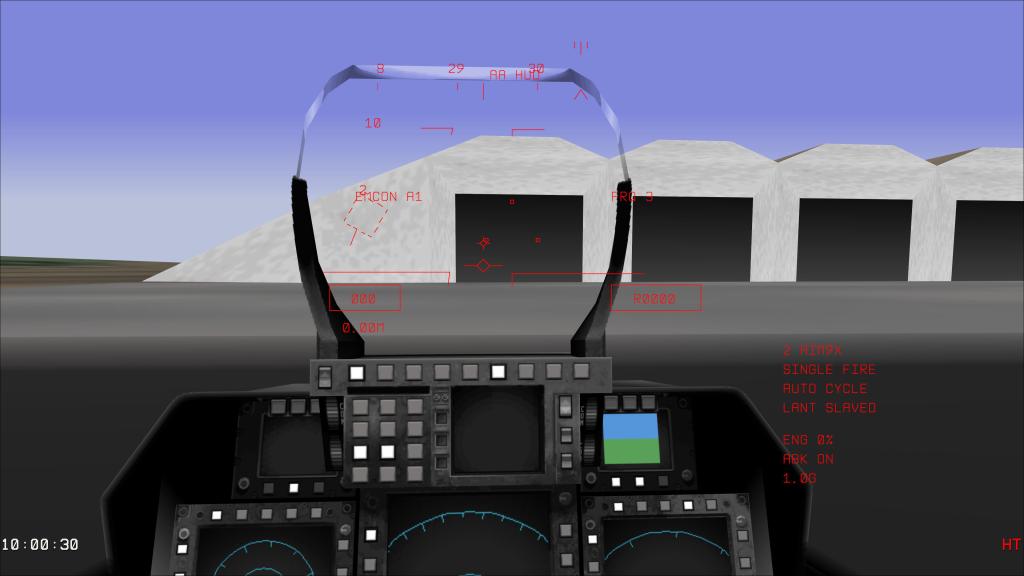
DID tackled the F-22 for their title airplane in this sim and I have to say that I’m really impressed with the systems fidelity for the time. From EMCON (emissions control) states with toggleable auto and manual settings, radio commands, realistic responses from wingmates and AWACS, and a functional 3D cockpit back when that was still very much a novelty.
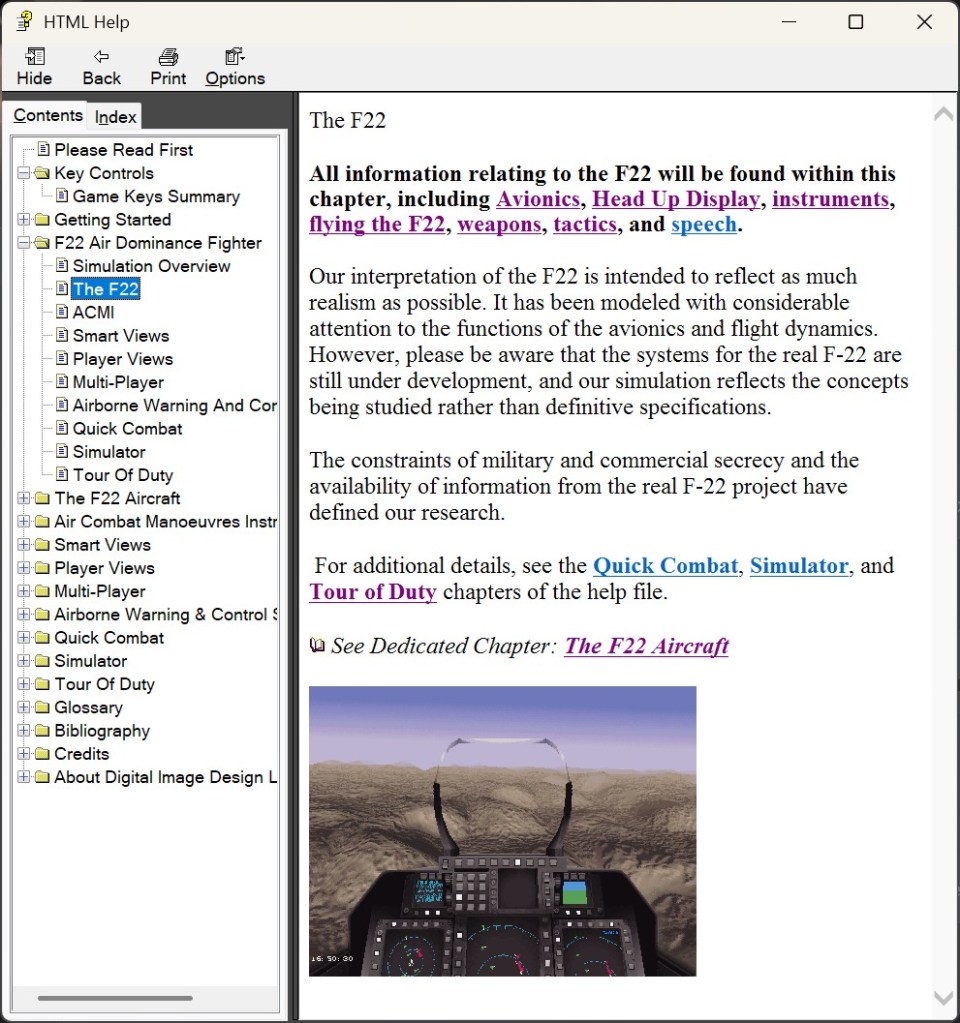
In getting myself up and flying with this sim for the first few flights, its very clear that the control scheme is also very reminiscent of that era of flight sim. There’s a fairly lengthy list of keyboard controls that you’ll need to remember to get yourself up and flying with the F-22. Its not the complexity of a modern clickable cockpit aircraft but you will need to remember a bunch of buttons to make things work.
That said, the layout of those controls is generally quite logically laid out and you can see that the original creators spent a lot of time making a complex fighter work on a standard keyboard. They did a lot back then with not a lot of extra resources and I’m incredibly impressed.
Reading through the manual is a must as a result or you’ll be stumbling around not quite sure how to make everything work. Bonus points for stumbling onto a few Windows 95 references. That takes me back!
Remastered for the modern era
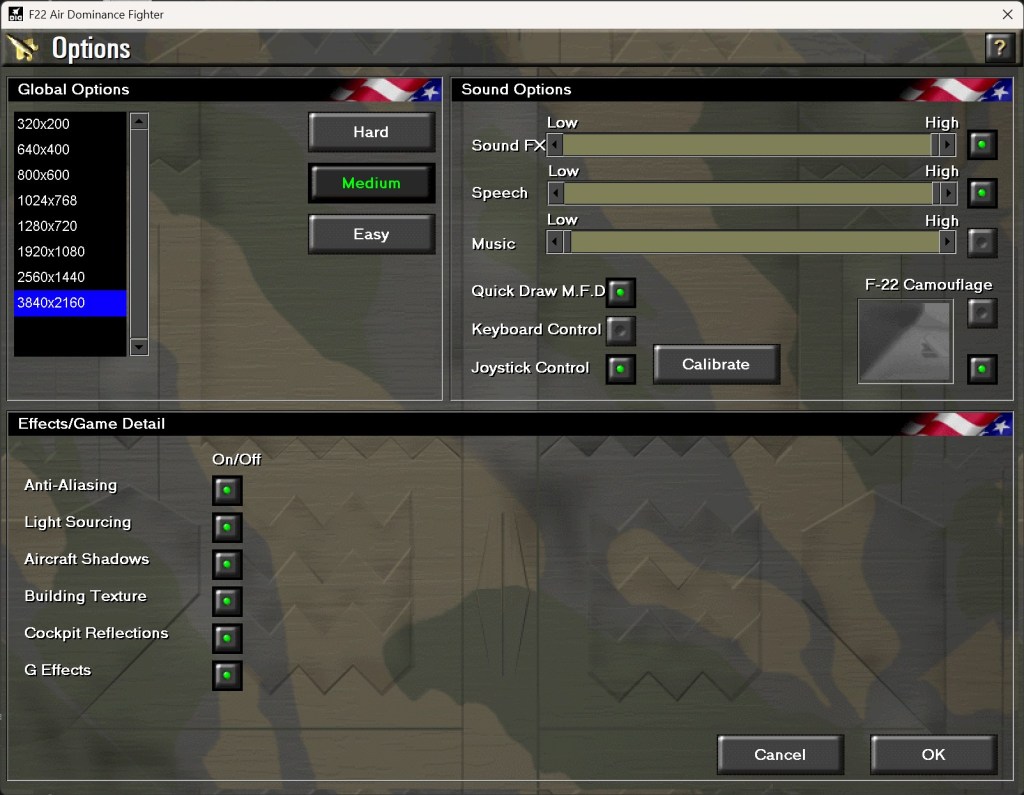
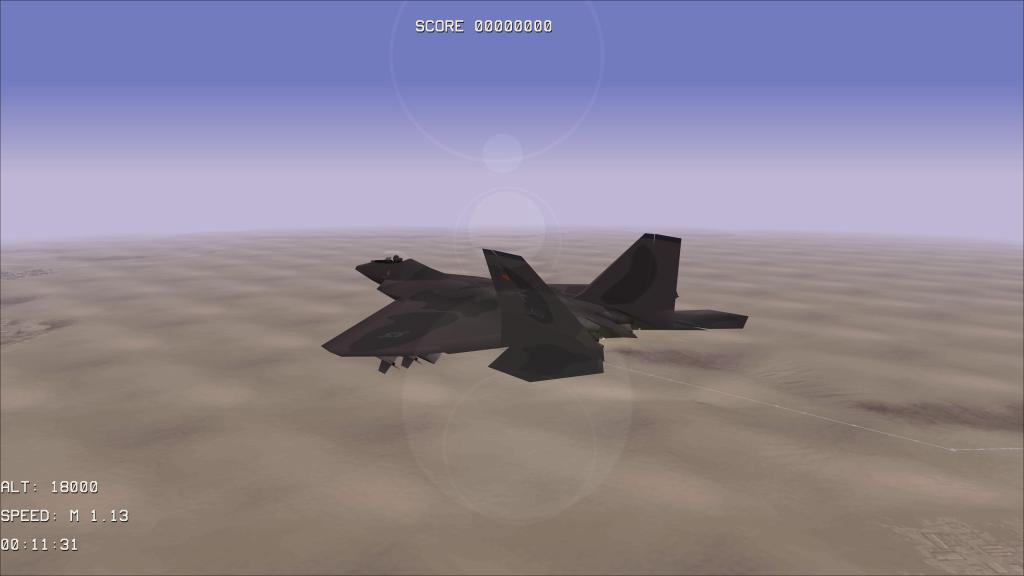
F-22: ADF is very much a product of its time, however, DID in the modern era have done some work to update the title to work in in 2026. You have the option, for example, of running the sim in its original resolution of 320×200 pixels or you can bump things up to 720p, 1080p, 2K, 4K and widescreen native graphics support.
Another headlining addition is the arrival of head tracking support via the TrackIR protocol and with OpenTrack support. If you’ve got anything that supports those protocols, you’ll be working with headtracking with no issues. I used my Tobii Eyetracker with the OpenTrack plugin and it works just as smoothly as any other sim. Don’t have any of that? Mouse look has been added too. The only thing missing is VR which they say is exceedingly difficult for a game engine of this age – fair enough!
There are ton of other fixes that the DID team did to make this work in the modern day. Its been updated to Direct3D 9 (from the original software and Glide support), fixed Alt-Tab issues, fixed the original sim’s issues with CPU frequencies (modern CPUs are all over the place on frequency whereas old sims tended to rely on the common tick rate of well known CPUs of the time).
There are also lots of gameplay tweaks adding AI behaviours, more messaging from wingmates, tweaks to missile warnings, fixed MFD colours and various other changes. A full list is available here.
What is there to do?
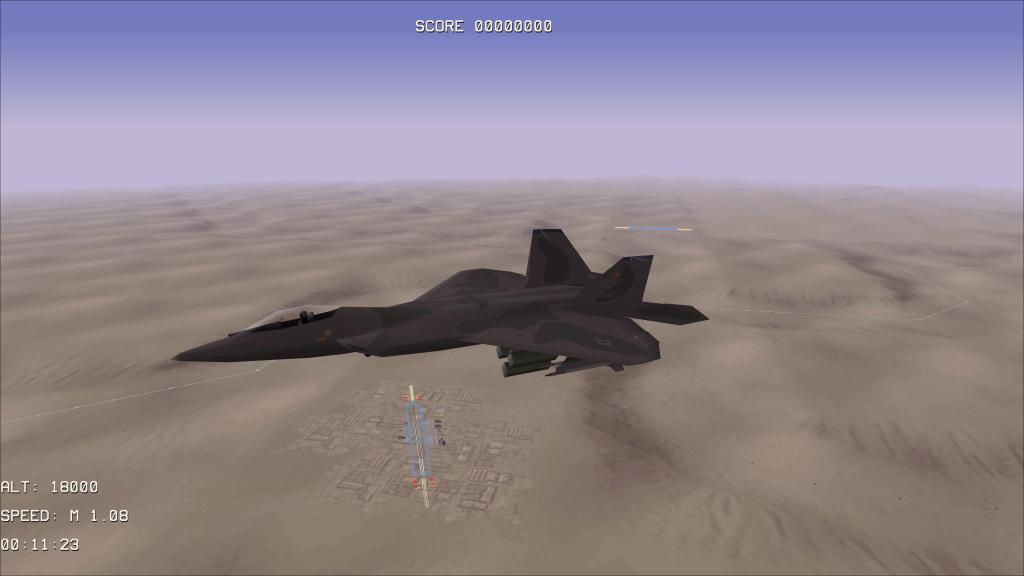
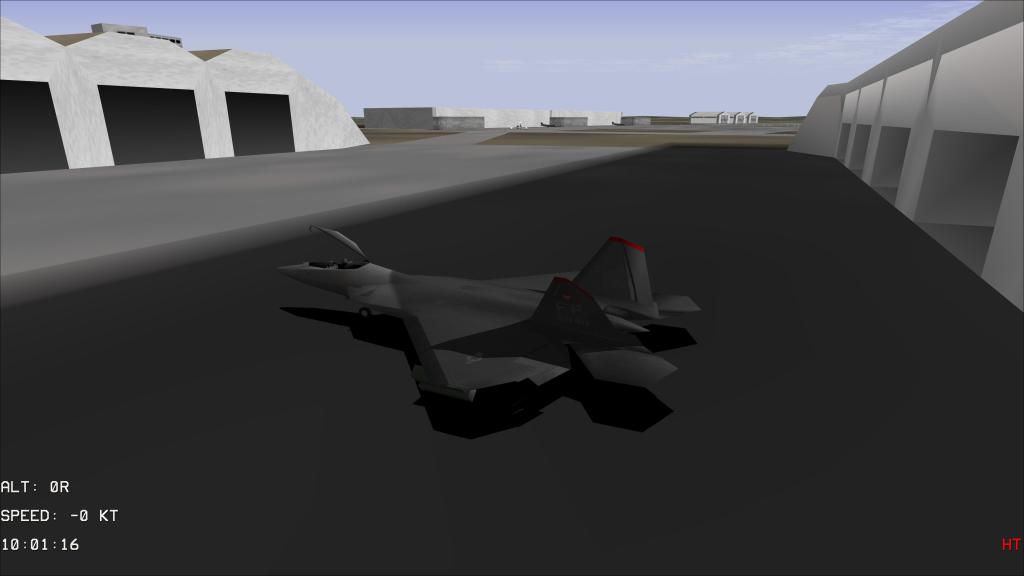
Old sims really knew how to pack in the content! Seven campaigns, a quick combat mode, and training scenarios add up to more than 90 missions to fly. Some of those are quite short (the takeoff tutorial is just a few minutes long) but others can be full length 40-50 minute missions.
In writing this preview I really only had time for some of the quicker scenarios but rest assured that if you had a favourite mission from back in the 1990s, you can fly it here too.
Missions involve both ground attack and air combat. You’ll find yourself up against dozens of different types of opponents while flying with Allied forces as well. There’s your wingmates out there but also friendly aircraft that include modern types like the Rafale and Typhoon. AWACS plays a role too helping build a picture of the target area. It’s remarkable how well all of this works for a sim that is so old. But maybe I shouldn’t be surprised, combat flight sims have always been compelling this way!
What is it like?
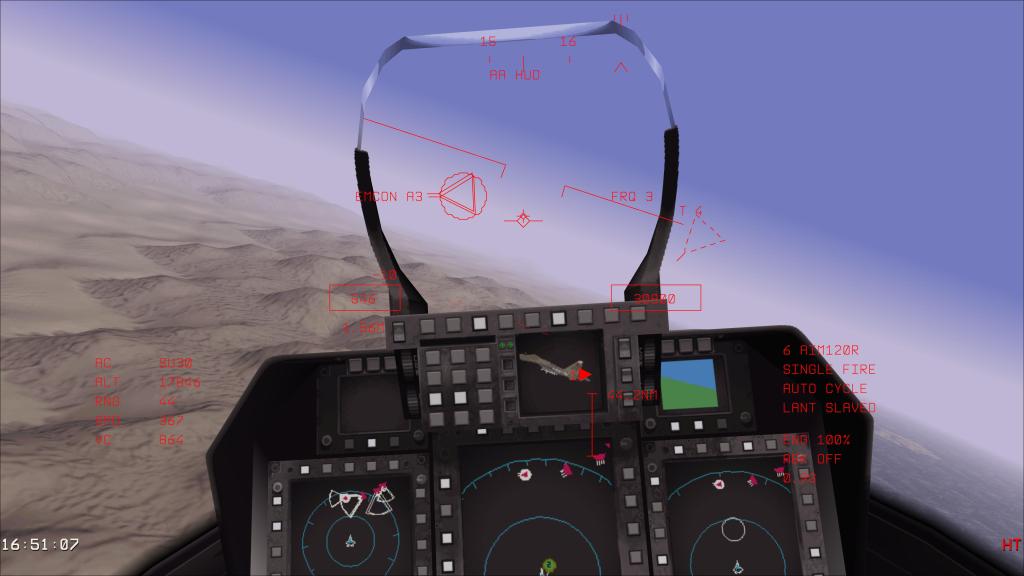
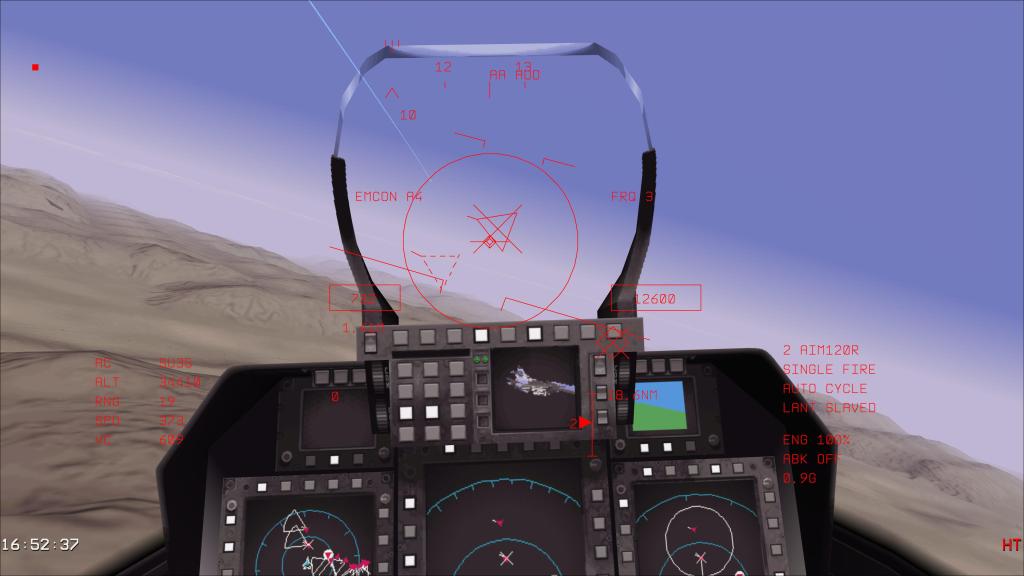
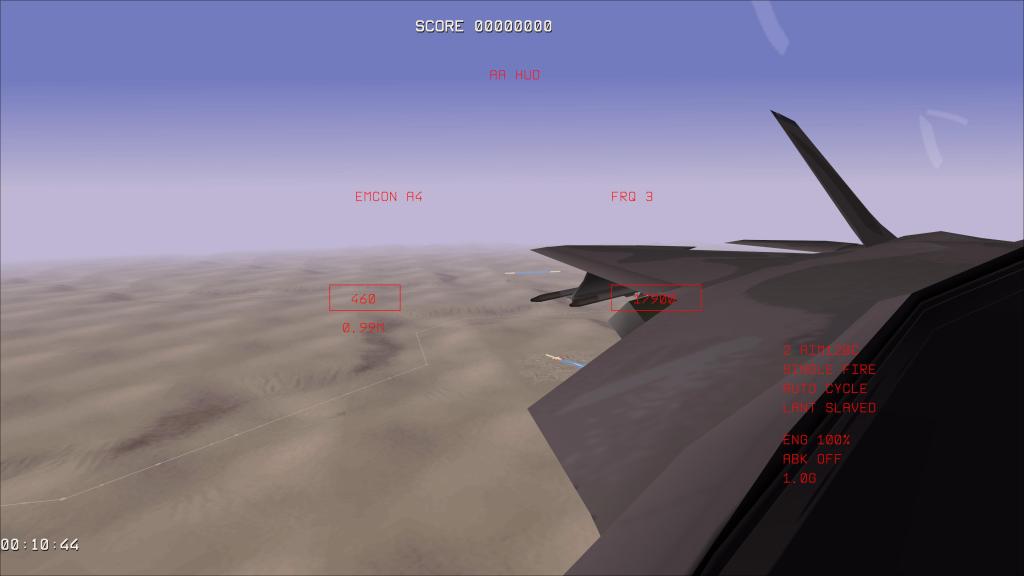
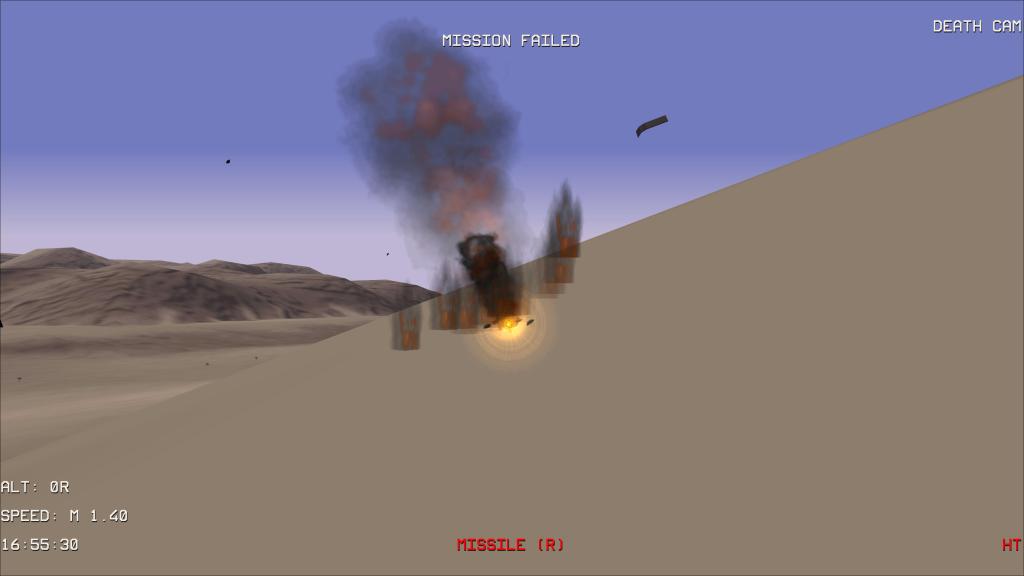
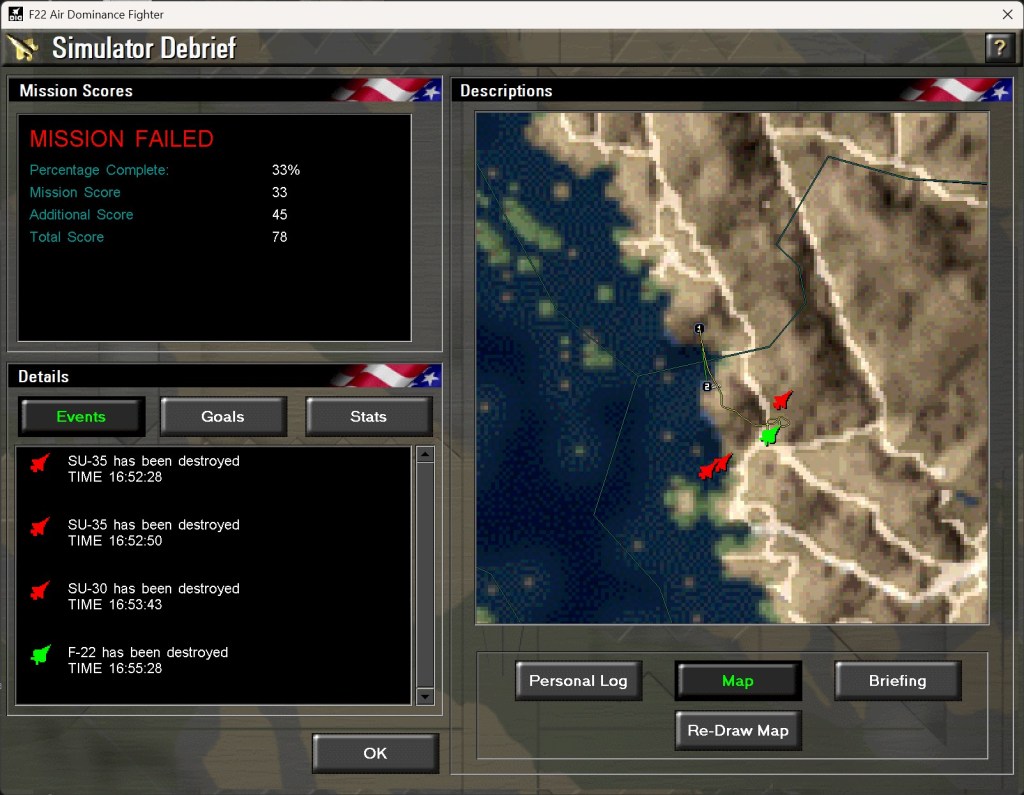
Going in blind will lead you to frustration. You need to study the manual, learn the key presses, and figure out how this developer approached simulated flying and systems. It’s the same as any combat flight sim but particularly so from the era where they made everything work from a keyboard. Once you’re through that, things get fun really quickly.
Doing some BVR and WVR combat with a bunch of Flankers in the F-22 is fun but also intense. Displays give you warnings of enemy detection ranges to your stealthy F-22, target queuing makes it possible to target and engage enemy aircraft with relative ease. The AIM-9 target mode searches around realistically looking for a target to lock onto.
Voice overs from wingmates and from the onboard systems warn you about enemy fighters, report Chaff and Flare releases, and so on and so forth. The tension picks up rapidly and its all so very fun that way. We’ve come a long way in almost three decades but that core feeling of being in a tense combat situation on your home PC hasn’t really changed… its the same feeling in DCS as it is here in F-22: ADF. Sure the graphics are antiquated, but the core design here is so good.
I particularly appreciate that the F-22 has a display (in the game at least) with a kind of picture in picture display showing you your target. It’s a great way to ID the target but its also very fun, from a videogame perspective, to see what you’re shooting at which may otherwise be a dot on the screen…especially at 320×200 pixels. Smart design back in the 1990s there!
I did have a few tech problems, namely getting my joystick working with the sim. I set it to joystick mode, the stick is recognized in the list, but I couldn’t seem to get any response from it. I’ll keep trying and it may be something I’m doing wrong.
Final thoughts
F-22: ADF is a classic flight sim product updated with some useful fixes and technology support to make everything work on a modern 2026 PC. The graphics and sounds aren’t going to wow you the way they may have back in the day, but that isn’t what this is about. This is a nostalgia laden trip back to the first golden age of combat flight simming and DID and MicroProse deliver on that experience.
This sim also miraculously fits into just 88 megabytes of memory. Funny story but when I was looking to install it on my sim PC, I kept reading that as 88 gigabytes and thinking that I’d have to maybe make some room somewhere while at the same time wondering how such an old title had grown so much. It hadn’t, I had to remember that we used to measure game sizes in megabytes and this one takes up almost no room at all versus modern sim requirements.
If you’re feeling like taking a nostalgic trip to the yesteryear of combat flight sims, give MicroProse and DID’s F-22: Air Dominance Fighter a look. It appears to be a solid sim that does everything that the original did while running on modern sim hardware.
No pricing has been published as of yet, however, speculation suggests it’ll be $10-20 USD. F-22: Air Dominance Fighter comes out tomorrow, February 17, 2026, on Steam.
Screenshots




Leave a comment