
We’ve had a growing collection of business jets come to Microsoft Flight Simulator over the last few years. In recent history I’ve spent quite a bit of time with Flight FX’s HJet and Citation X and now it’s time for a new entrant into the field to challenge the marketplace. FSReborn’s prior work has been highly praised but did they have what it takes to make a complex business jet like the Phenom 300E? Let’s find out!
A bit of history
Brazilian aerospace manufacturer Embraer are better known for their commuter oriented E-Jets and ERJ series that dominate short haul routes around the world. The company has also made a name for itself and been highly successful in the business jet market offering a mix of small and large business jet products to customers including private owners and charter companies.
The Phenom 300 started life as an extended and enlarged variant of the Phenom 100. That initial goal saw the company ultimately decide to make more significant changes to the jet not only adding length but also designing new swept wings and increasing overall performance. While the Phenom 100 fits into the very light jet category, the Phenom 300 is a category larger slotting into the light jet designation.
The Phenom 300E is an upgraded derivative of the earlier Phenom 300 featuring slightly uprated Pratt & Whitney Canada PW535E1 turbofan engines, Garmin G3000 Prodigy Touch avionics, as well as slightly increased performance to Mach 0.8 and a range of just over 2,000 nautical miles. Like most business jets, high altitude performance is highly valued and the Phenom 300 can climb to a maximum cruise altitude of 45,000 feet. These attributes also make it the world’s fastest single pilot aircraft – certainly a unique feature.
To date, Embraer have manufactured 921 of the Phenom 300 and the aircraft remains in active production.
Core features and systems
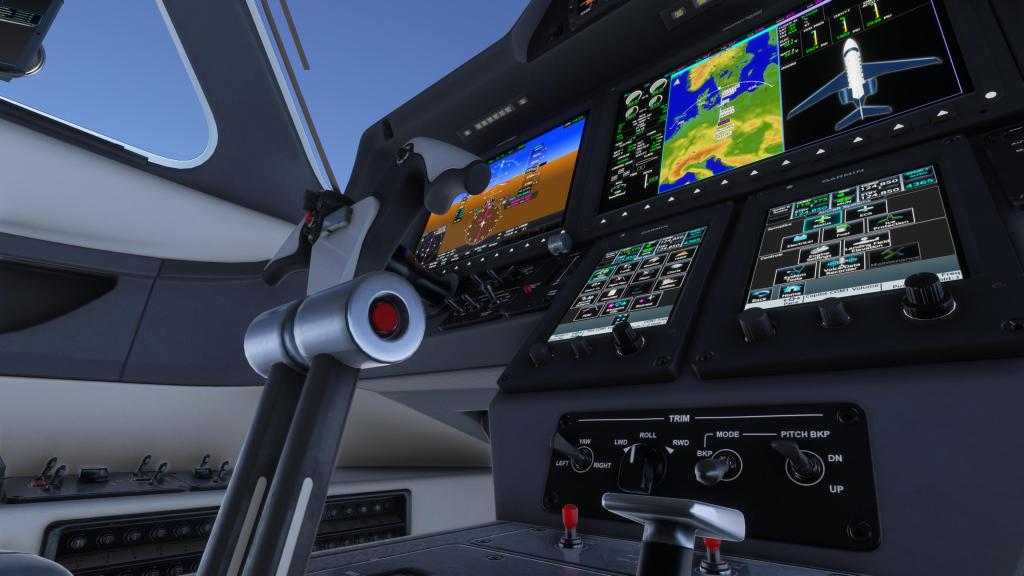
Let’s start with core features because FSReborn have really done a lot of work to make their Phenom 300E a compelling experience.
We start with the first time operation where you get walked through some of the core features and which items you want on and which you want off.
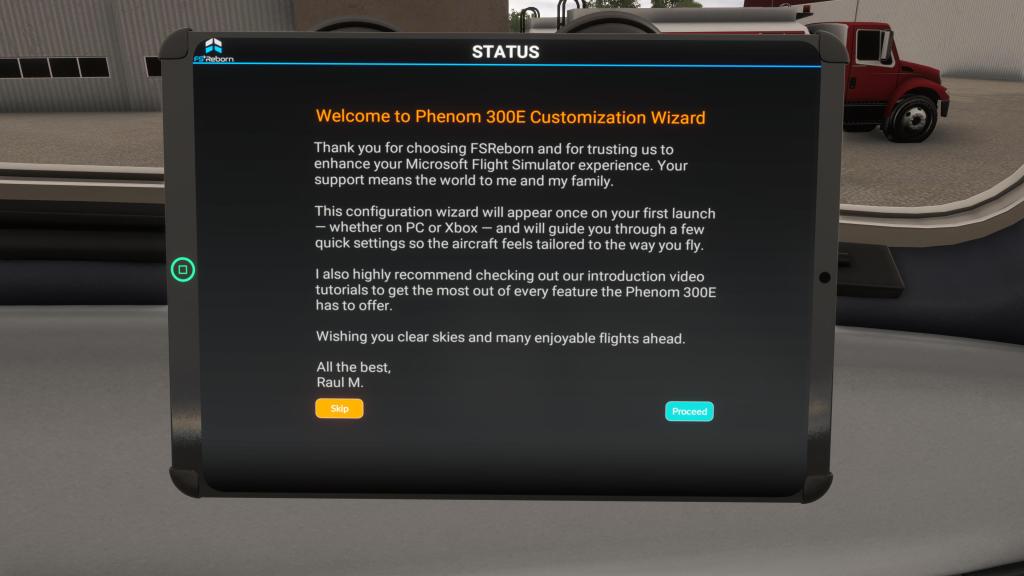
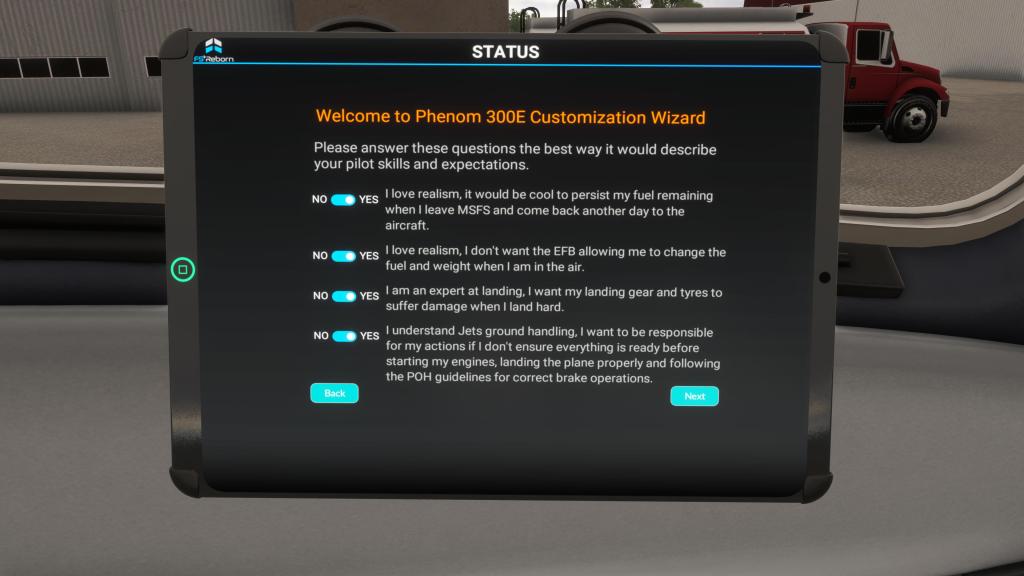
The FSReborn 300E has included a long list of failure options including engine failures, electrical failures, battery wear and tear, light bulb failures, hydraulic failures, bird strikes, persistent fuel and payload settings, and wear and tear on items like the tires. Its seemingly quite comprehensive and an interface in the included EFB lets you configure these and set randomized failures as needed.
The Prodigy Touch G3000 setup comes from Working Title (that’s a good thing!) but FSReborn have made sure that all of the Phenom 300E specific customizations are present. You’ve got synoptics for various system status from electrical to fuel and they all seem to work the way they should. I’ve not noticed any issues certainly.
My experience with the failures has been pretty limited so far but the aircraft I have been flying consistently has had its share of wear and tear and that seems to be represented by things like reduced breaking action and power voltage off of the battery. Every time I land, a few more percentage is taken off the tire health for example. I love that I can both see the systems in action but also feel the changes over time.
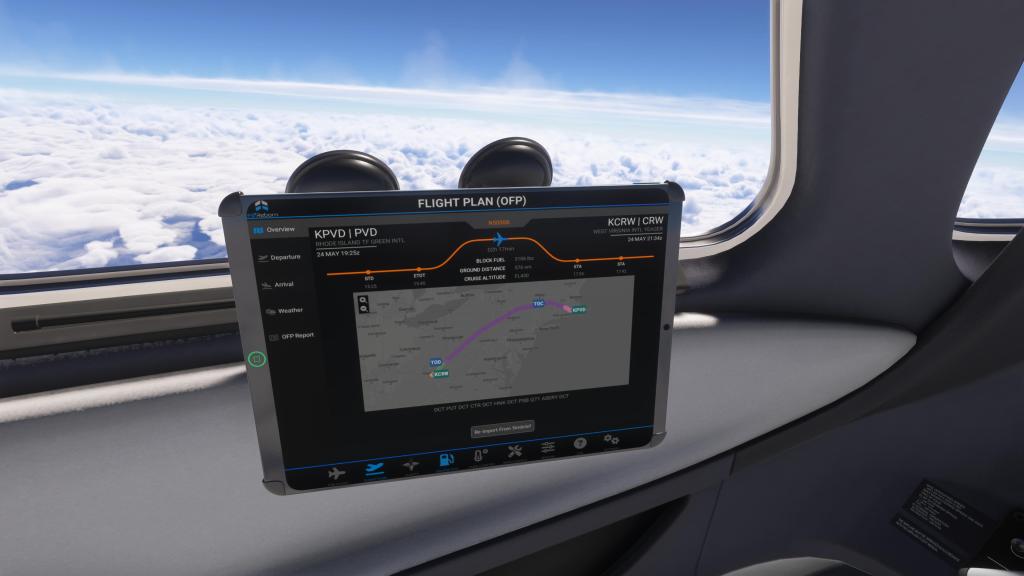
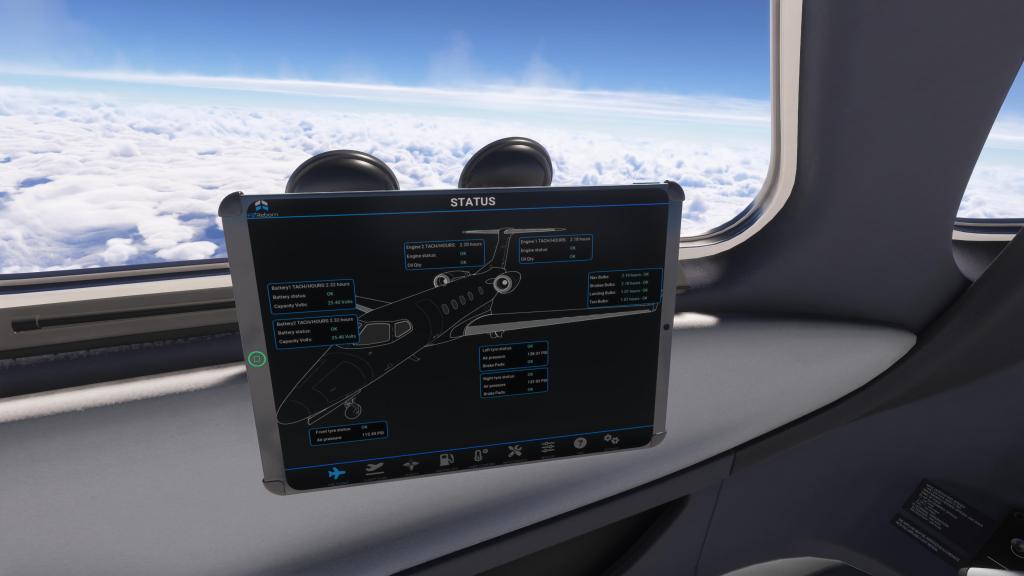
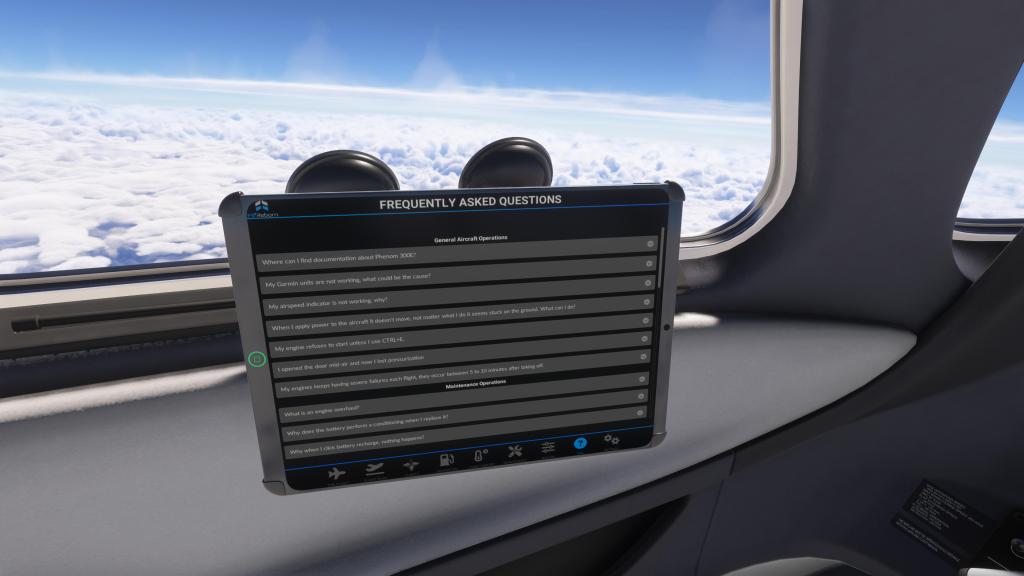
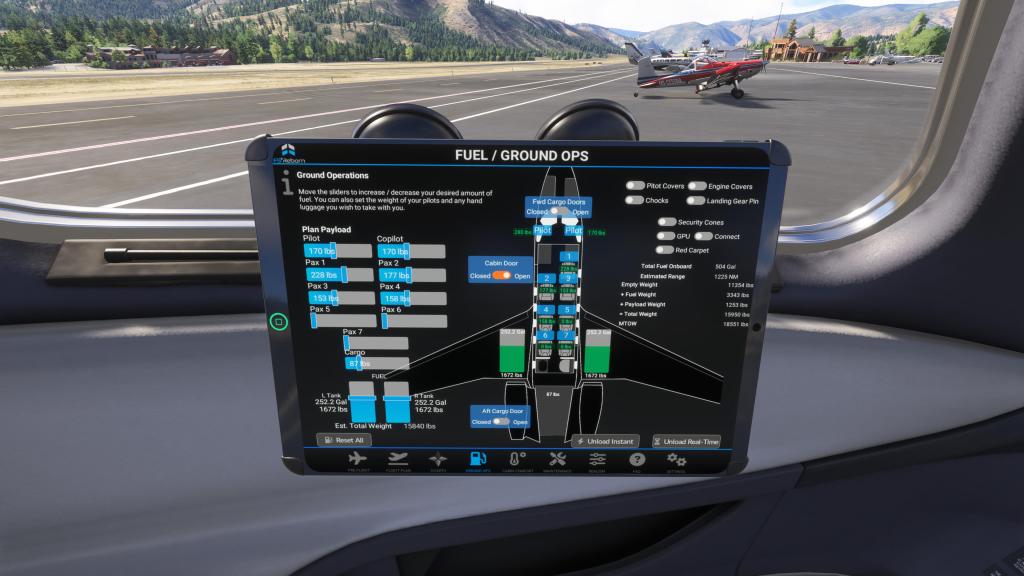
The EFB also has solid flight planning options with SimBrief and Navigraph support. You can use those methods to plan your flight or you can use the built in MSFS 2024 flight planner to import a route. It’s reasonably agnostic to both methods which is great to see. I’ve long thought that aircraft should do their best to support both and we’ve got that here.
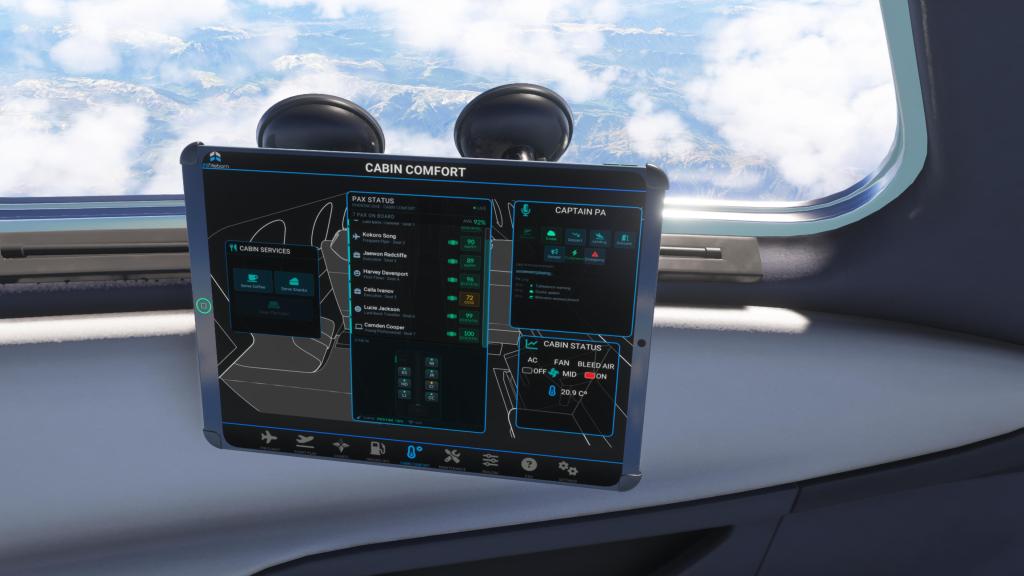
Another core feature is the passenger management section. The folks onboard your Phenom 300 each have a name (sometimes some famous names slip in there) and their rating of the flight is updated in real time. Keeping the cabin cool (or warm), coffee and snacks flowing, and the flight smooth and managed helps make the passengers enjoy their flight and give you a high rating. Screw something up, land hard, mix up the air condition setting, or otherwise perform poorly and that rating drops. You’ll even get some feedback at the end of the flight.
I love this feature as it gives you something to do on the cruise part of the flight. It also makes you care slightly more about the virtual passengers at the back as you fly from place to place.
Sometimes, however, it is a little bit of a mystery why each passenger likes or doesn’t like the flight. A hard landing will certainly annoy them as will a mistake with the cabin temperature or pressure (if you forget to turn it on… even sim people like oxygen!). But sometimes I think I’ve done everything correctly and they still aren’t happy… maybe that’s just a little too realistic. Anyone who ever worked in customer service knows!
Visuals and sounds

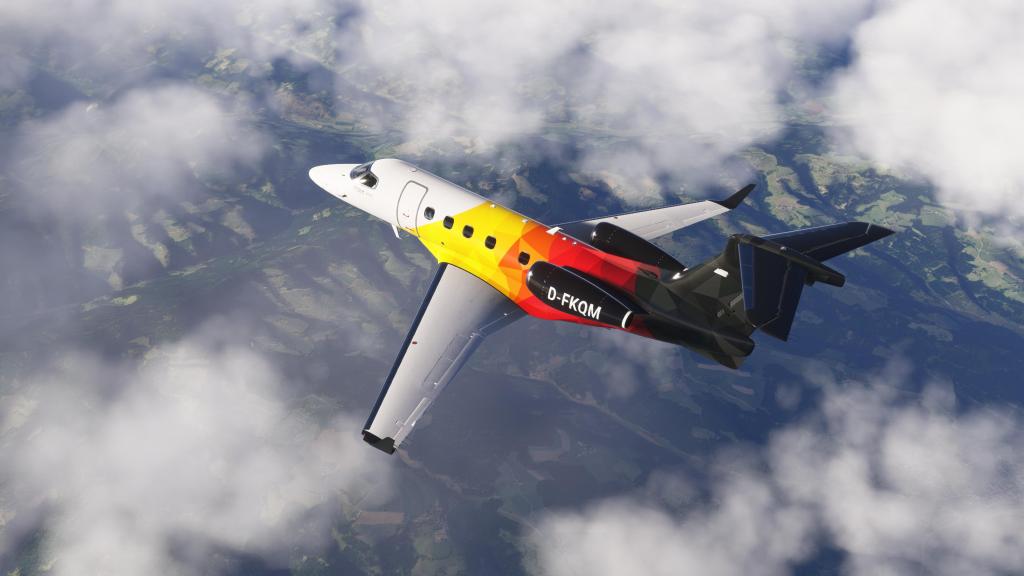

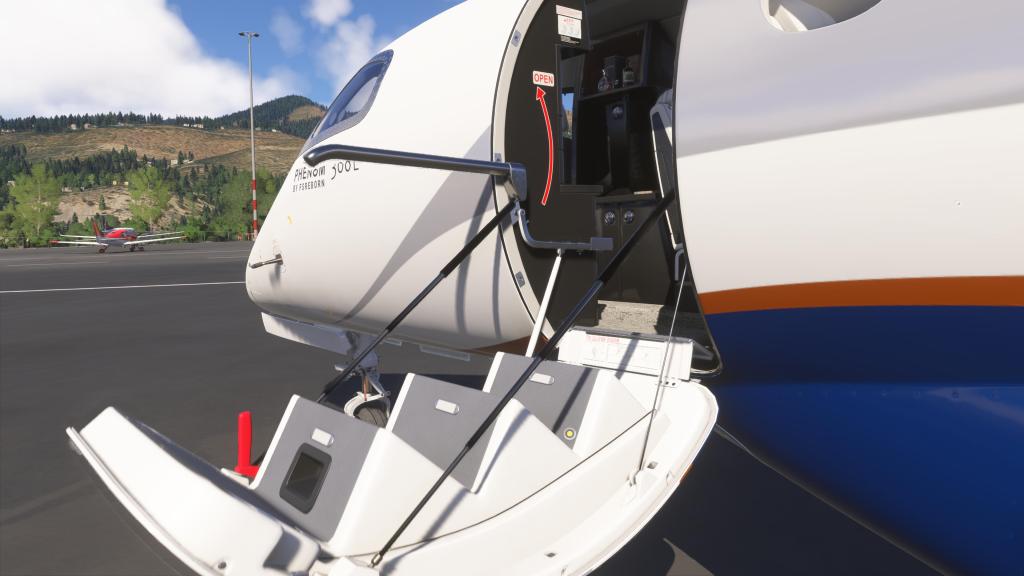
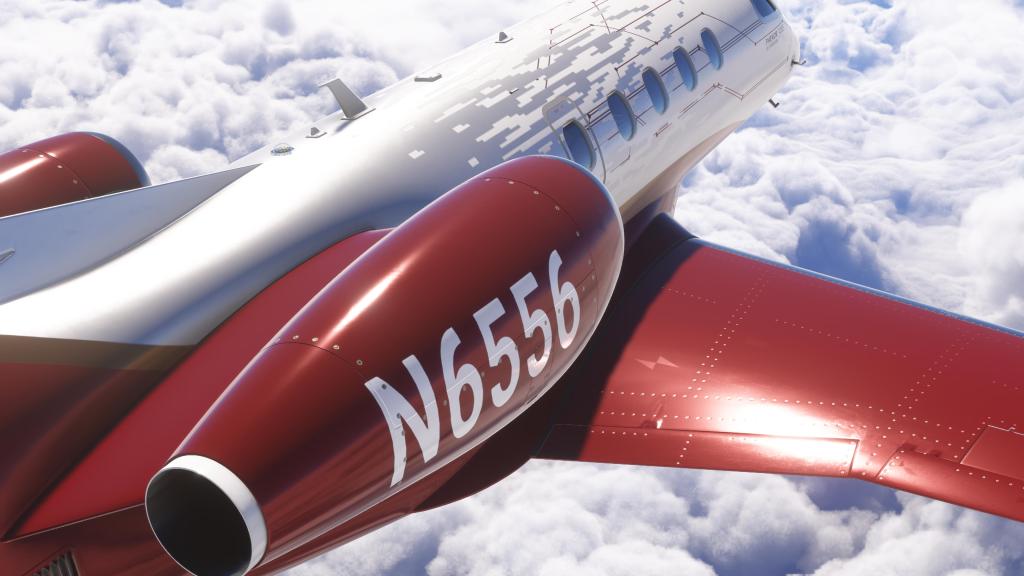
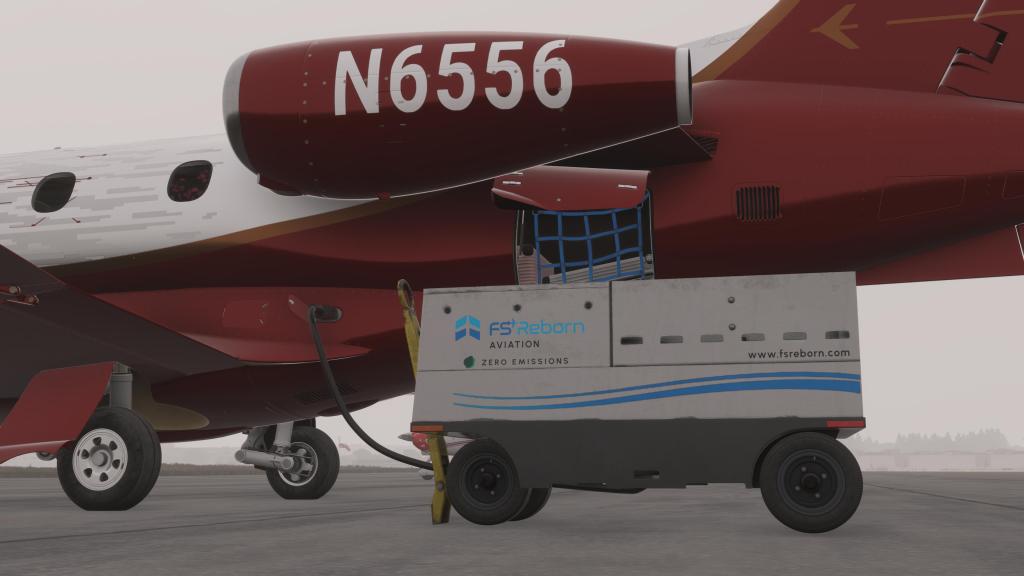
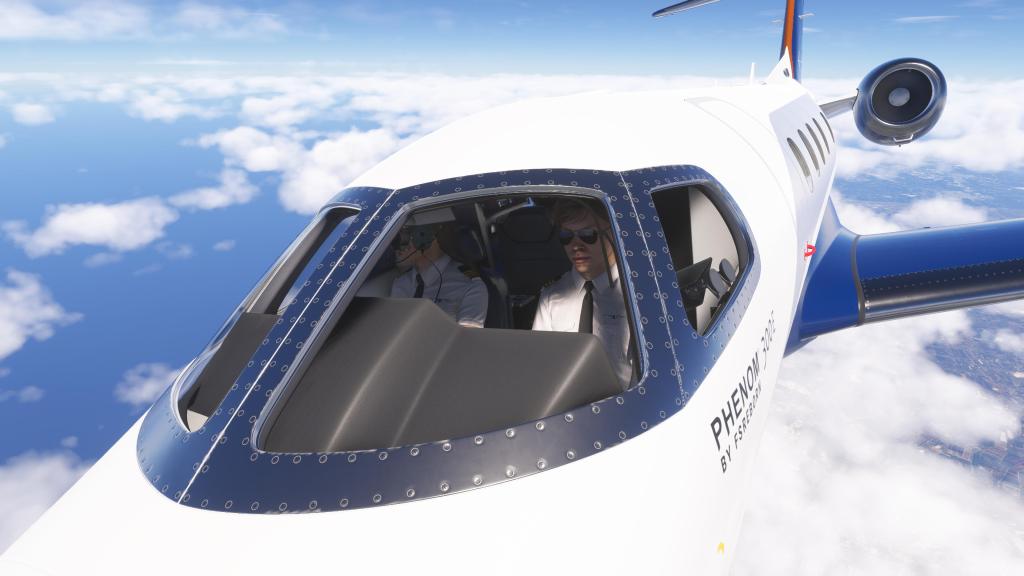
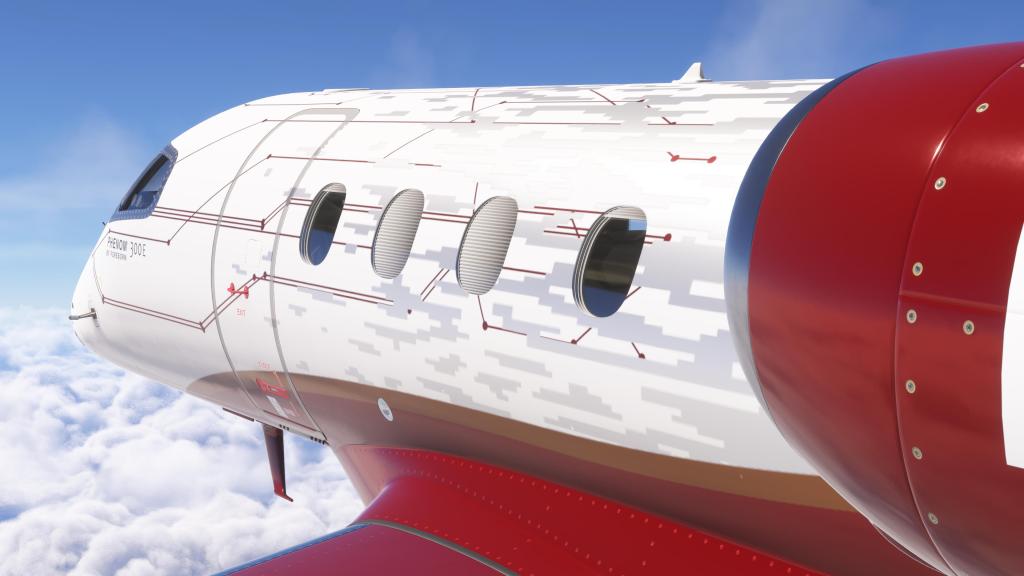
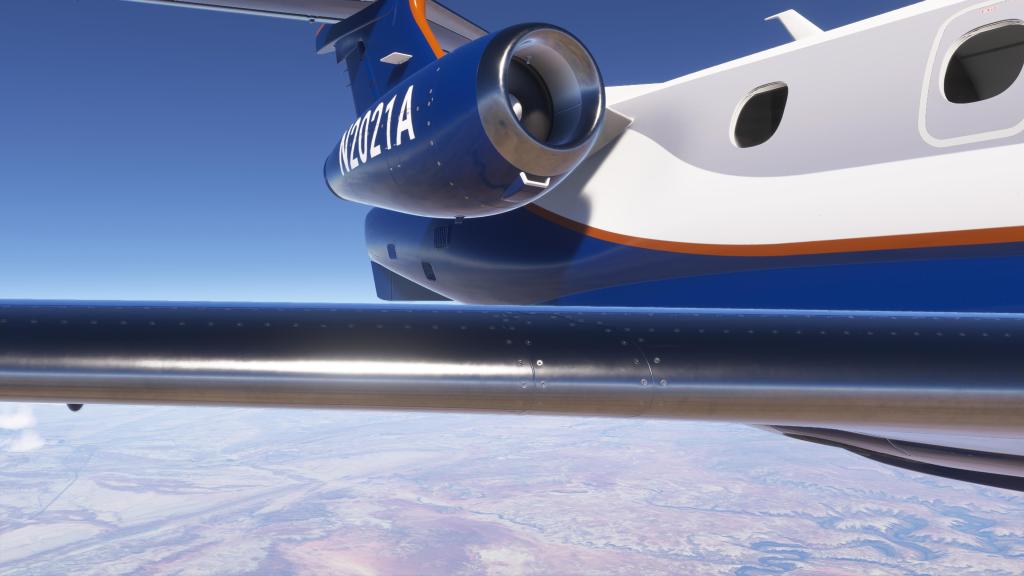
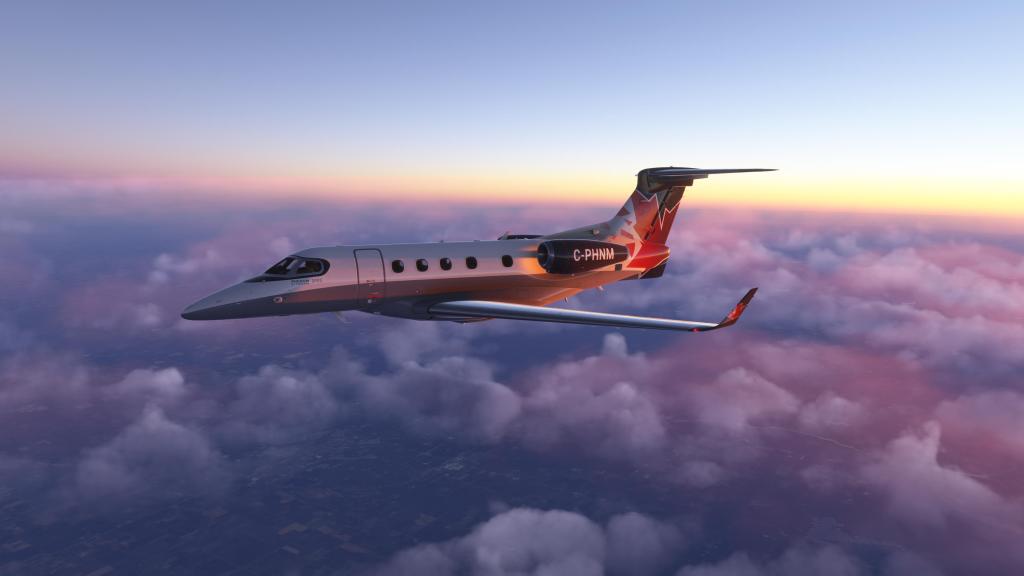
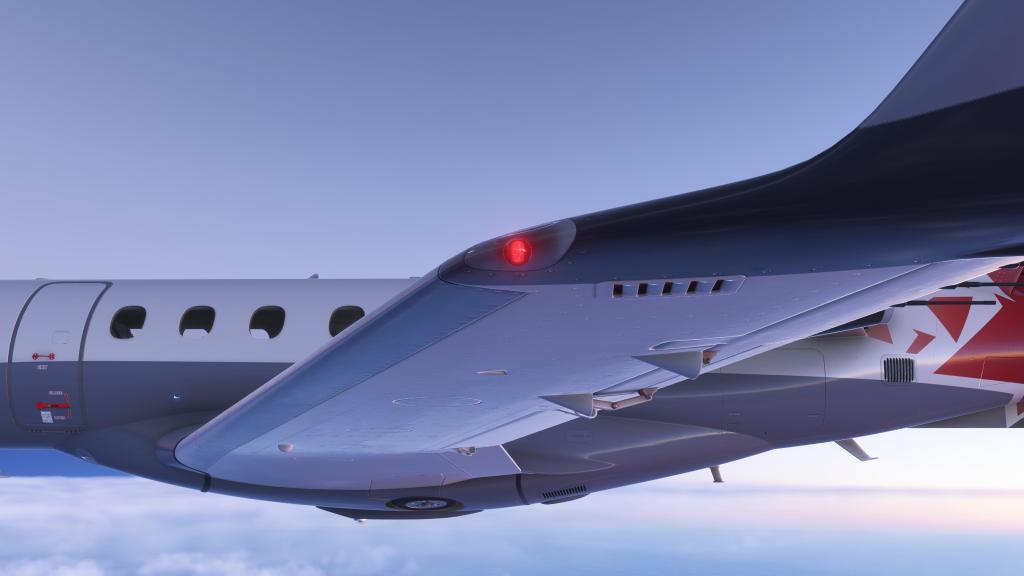
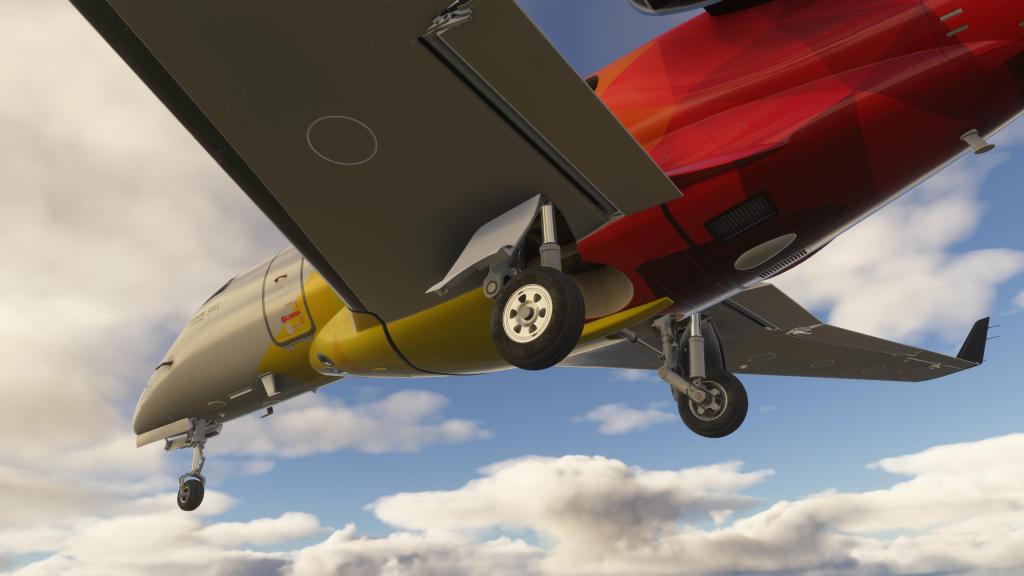
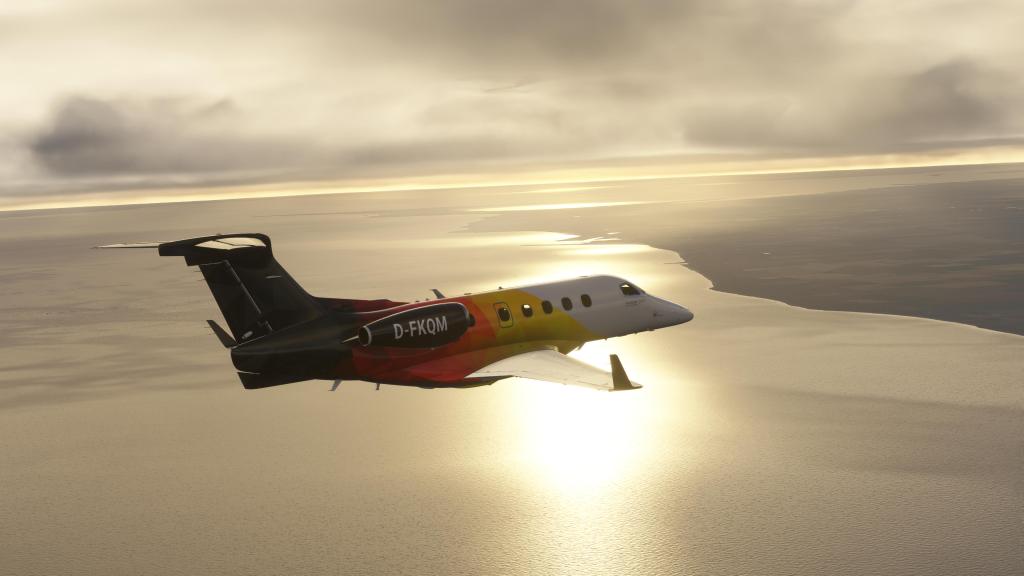

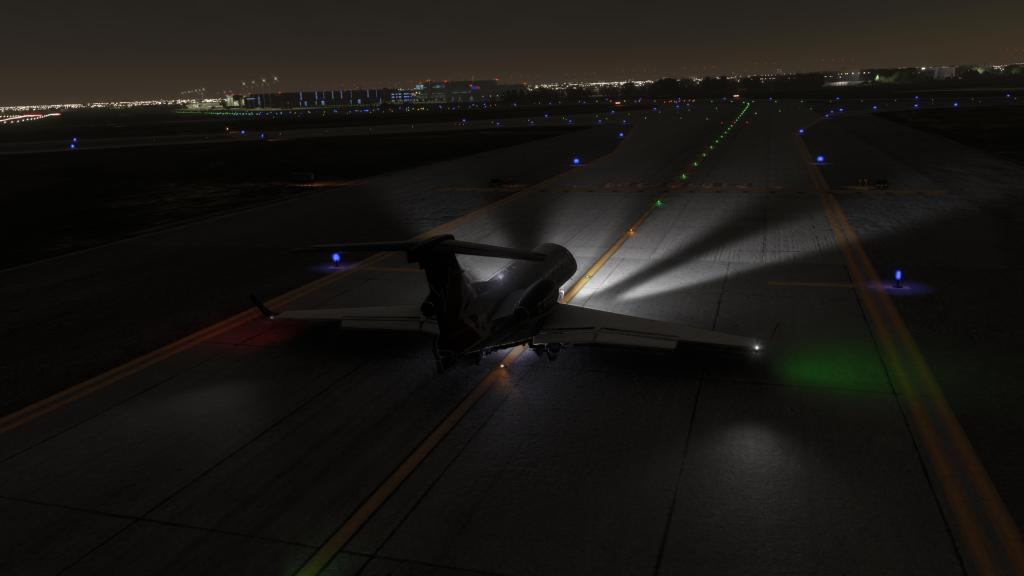
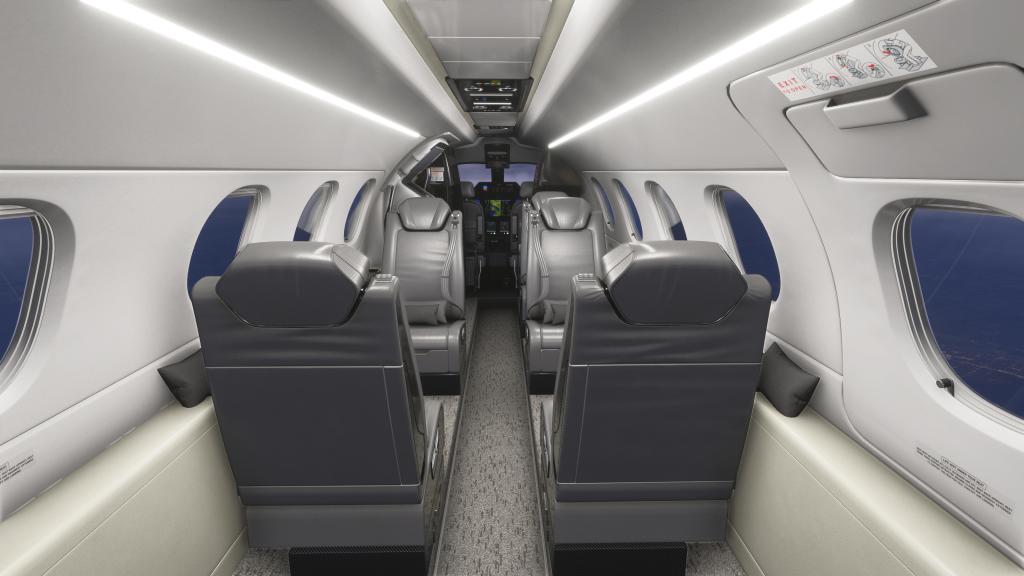
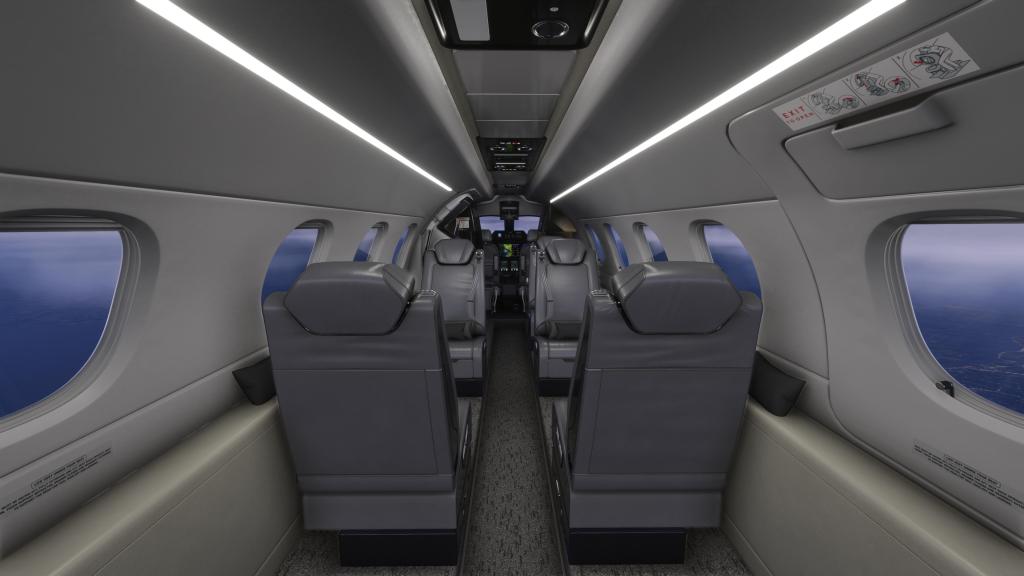
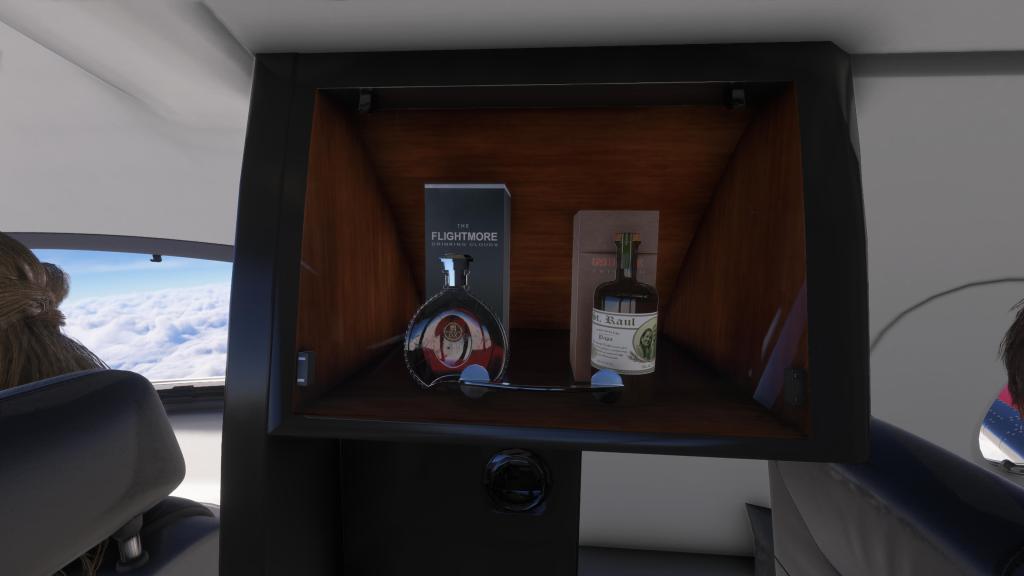
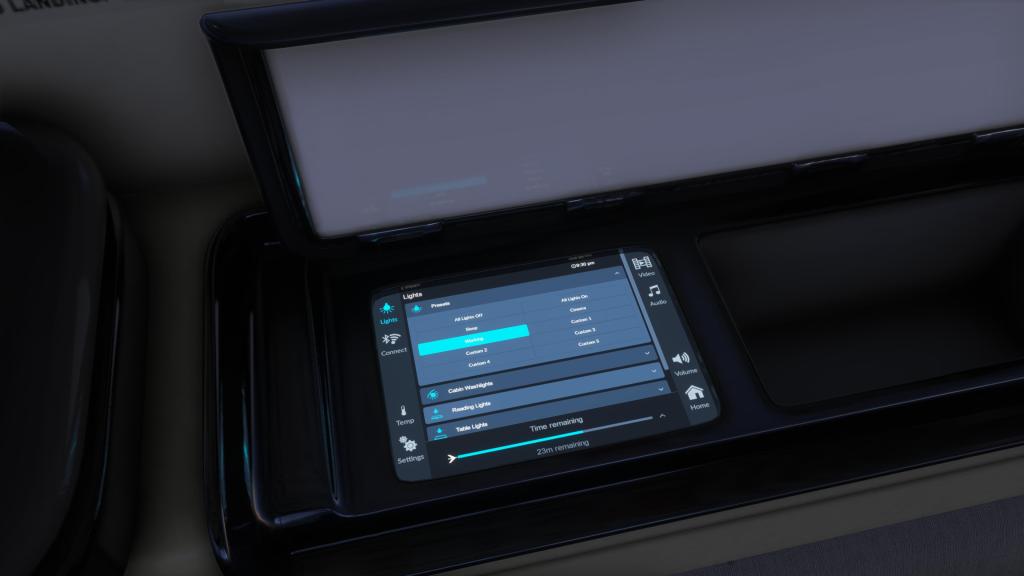
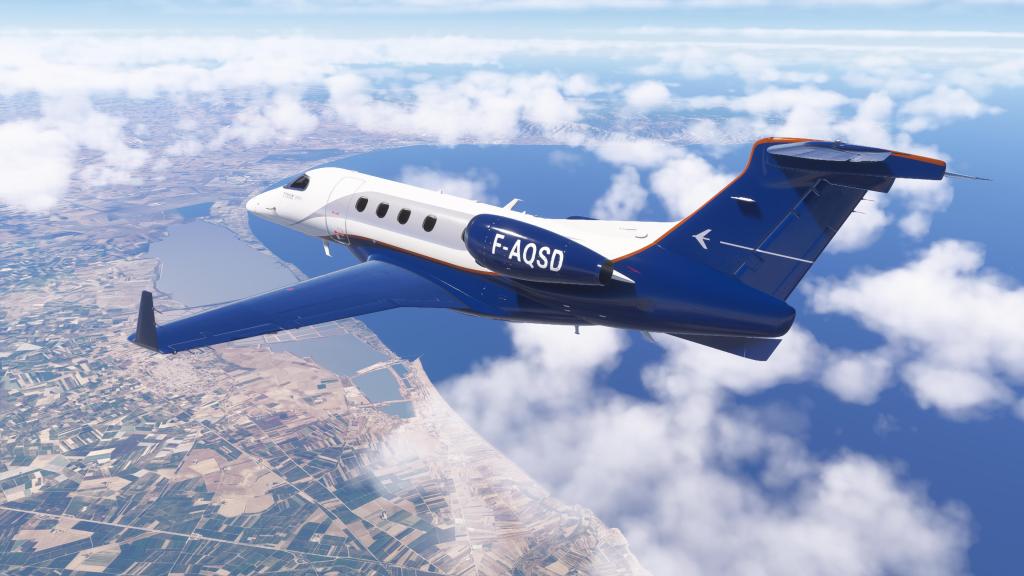
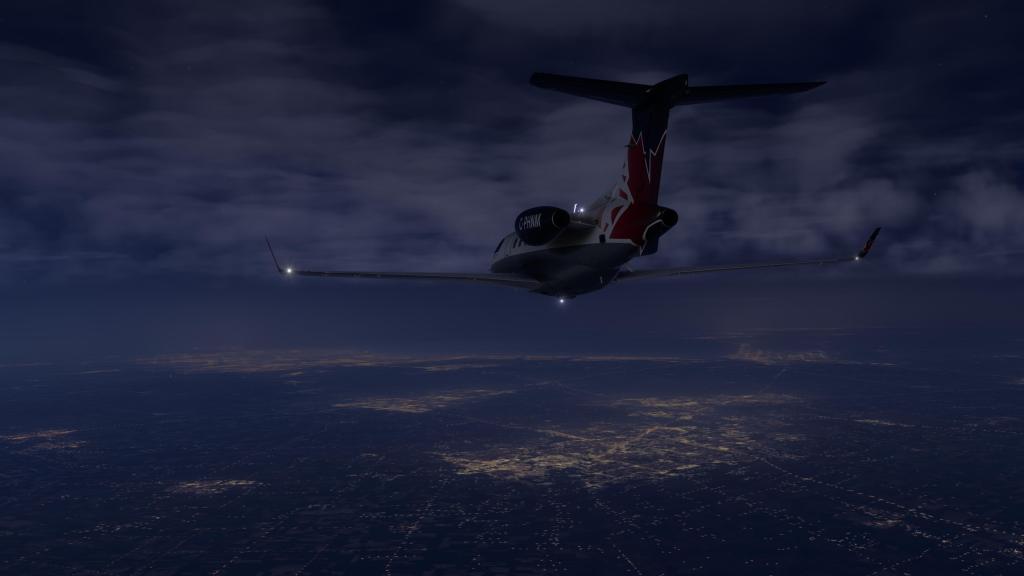
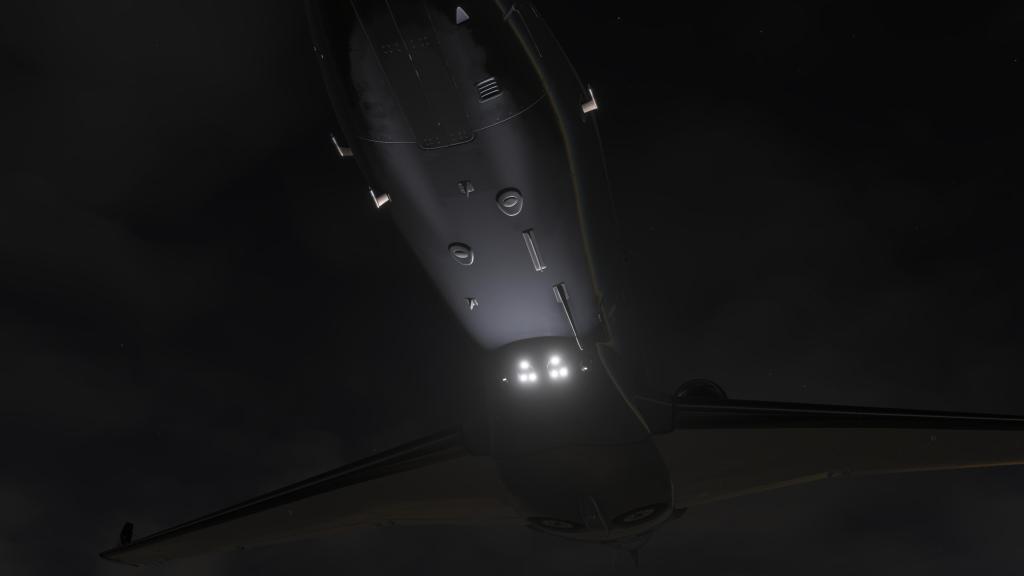
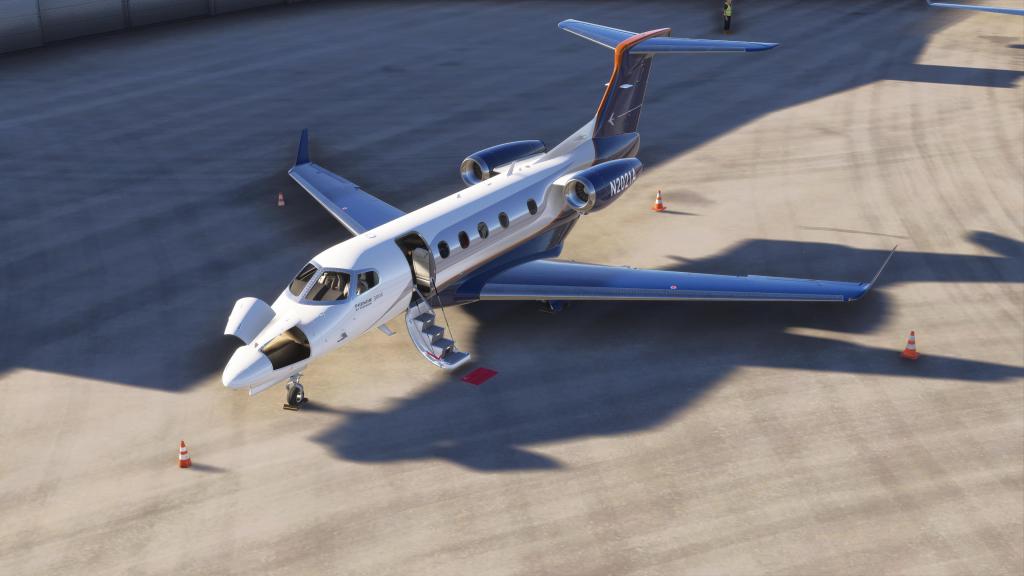
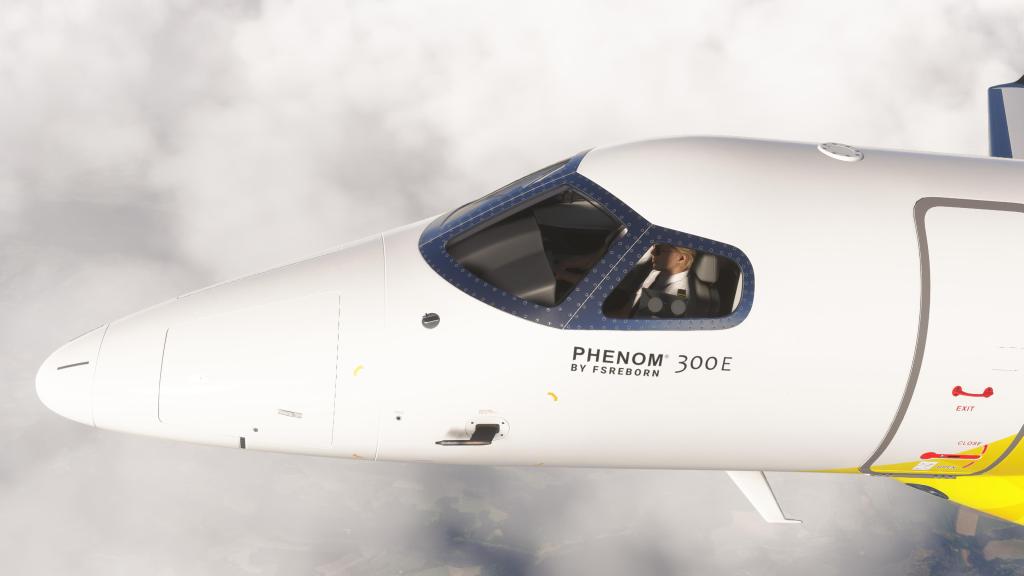
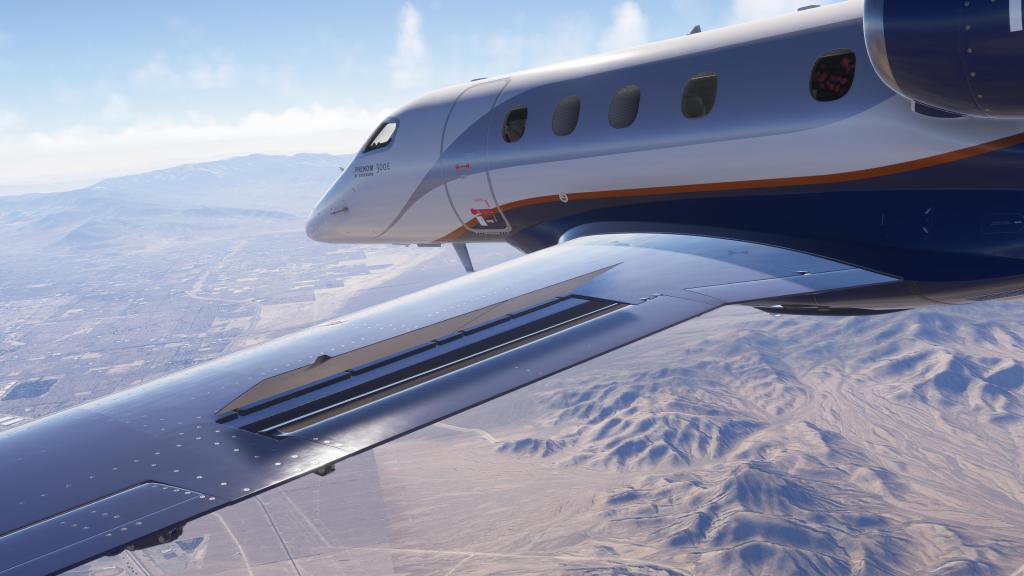
The FSReborn Phenom 300E boasts the usual array of features like high resolution PBR textures, close range detail textures and decals for extra detail. All of that is expected but I find that the artistry is really exceptional and clean and there are tons of details everywhere on the inside and the outside of the aircraft. The lighting is also excellent from the reflections in the cockpit and the soft glow of the backlighting to the multiple different lighting configurations for the cabin.
There’s also a couple dozen different liveries available, all with dynamic registration, that all look the part on a business jet like this. Some of them appear to be either real world based or a close match to a real world airplane and business jets come in a lot of different schemes so they all feel quite authentic.
There are also three different interior colour schemes compatible with all of the liveries so you can make for some impressive combinations.
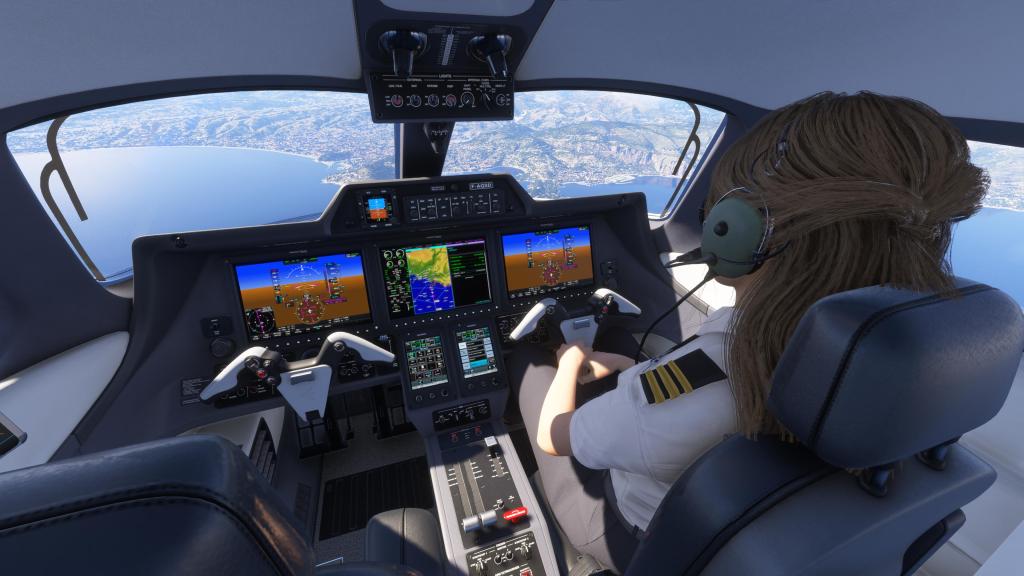


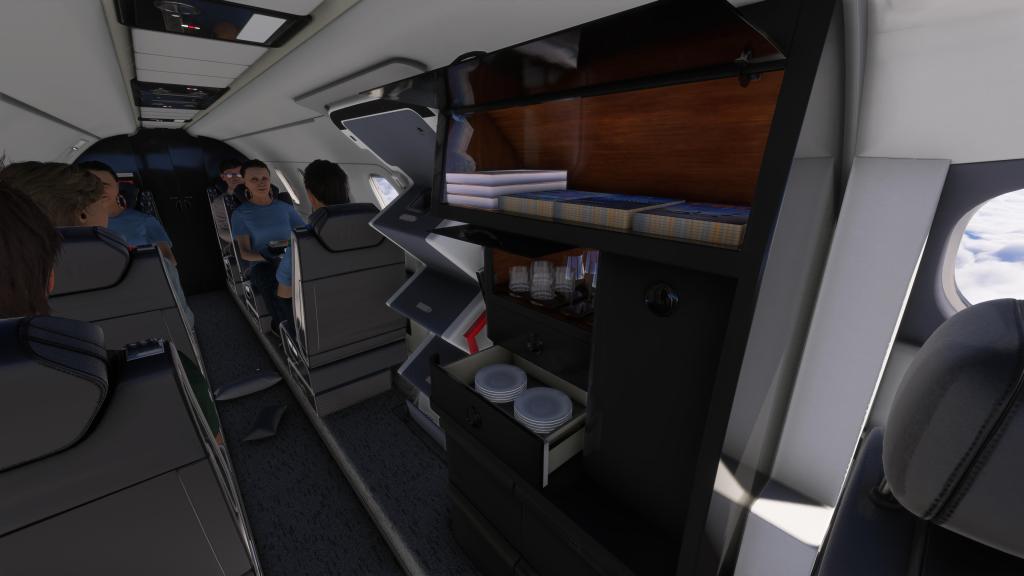
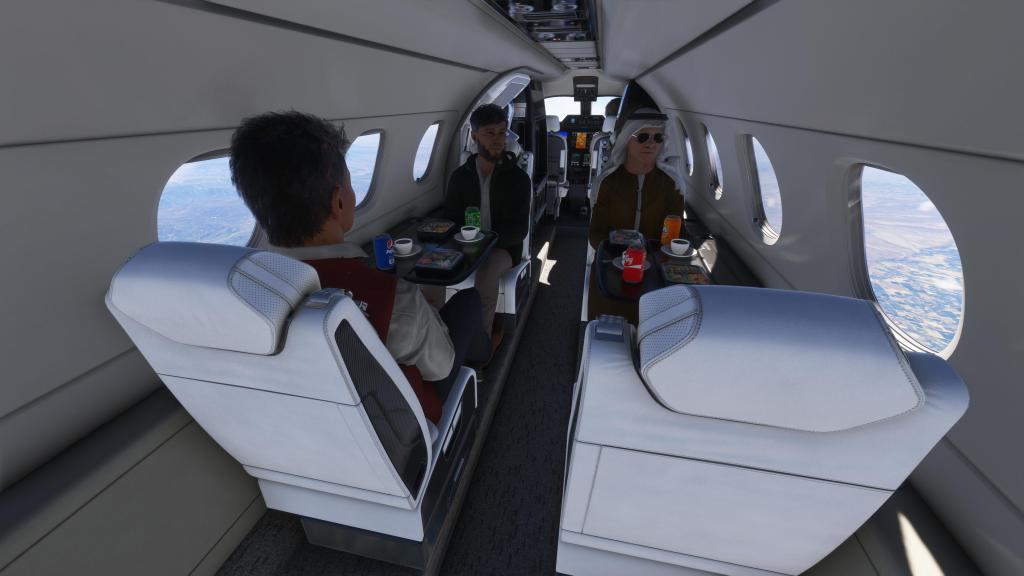
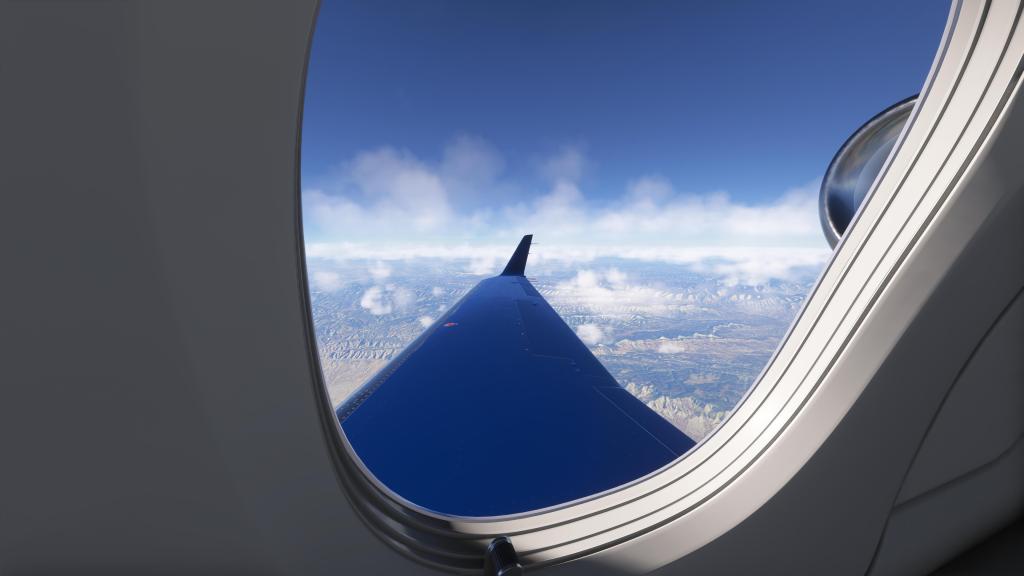

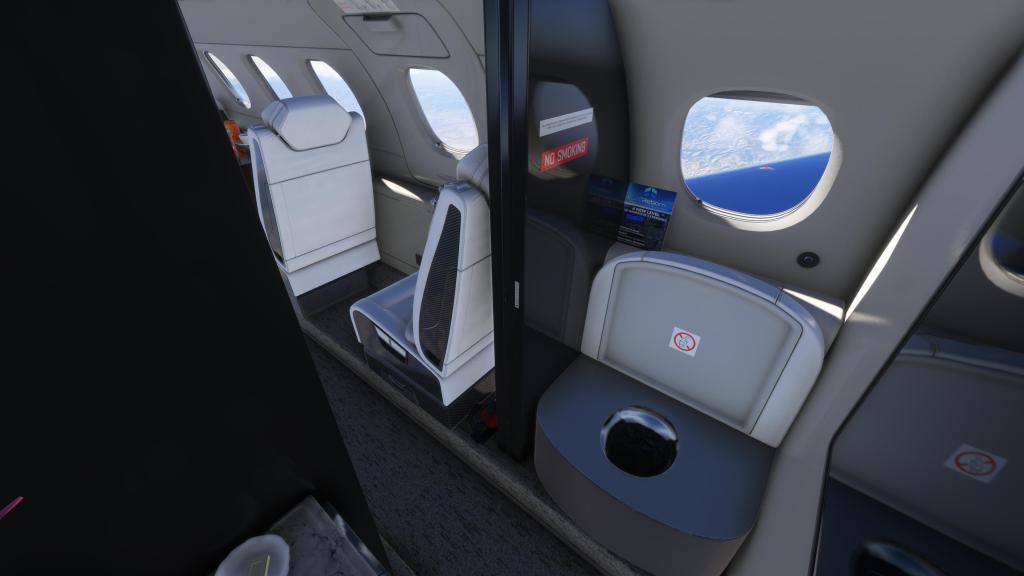
There’s also the Wwise sound pack (recorded by Echo 19 naturally) that really sounds the part as well. From buttons and switches to avionics fans to the throttle up and down of the engines… it feels smooth and well integrated with the aircraft. I wouldn’t mind slightly more rumble off of the engines during full power but, generally, its satisfying!
I do have one audio glitch when rotating the camera around on the outside of the aircraft at the front. A little “brrp” as you move closer or further away. Only from that angle.
Flying the Phenom 300E

One of the things that I found a bit surprising was the number of incredulous flight simmers flying the aircraft for the first time and thinking that the aircraft had a flight model issue because there’s no way that the real one is this capable. But it is!
The Phenom 300, in the real world, is an impressive performer and reading some basic notes suggests that backing off power and climbing at 20 degree angle is standard in most cases… even just to prevent an overspeed while the gear and flaps are still retracting.
Climbing to a cruise of 45,000 feet is no problem for this airplane and medium distance cruise is not an issue at all.
I wasn’t surprised by any of this having flown the Aerobask Phenom 300 in X-Plane 11 and 12 quite a bit. This one flies remarkably similar to its X-Plane counterpart in nearly every way. There is still something special about the X-Plane flight model with a kind of nuance that MSFS 2024 just doesn’t have… but by the numbers it seems to largely be the same.
That includes the tremendous difficulty in getting the sleek business jet to slow down. Its not easy and if you find yourself high and fast you may want to consider a go around rather than trying to make something work. In some airliners and slower aircraft you can sometimes get back into position for a smooth landing. The Phenom 300 is not as forgiving in that sense.
Landing also requires a good on speed angle and descent rate so that you plane the aircraft’s trailing link gear on the ground and keep it there. The Phenom 300 is less about excessive flare and floating and more about getting it smoothly on the ground. Do it right and it feels great, do it wrong and you’ll know!
I do feel, however, that there is a quirk in MSFS physics that is on display here more so than other types. Excluding crosswinds and other factors, the plane does like to slide left or right on touchdown with more momentum than seems realistic. It has lead to some hairy landings that maybe should’ve been smoother.
Build your own FBO?
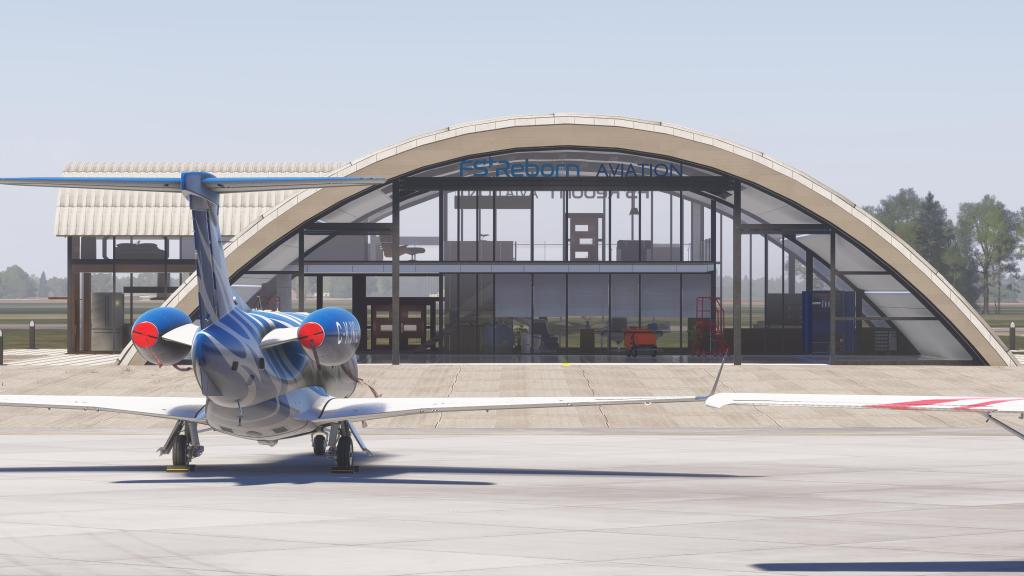

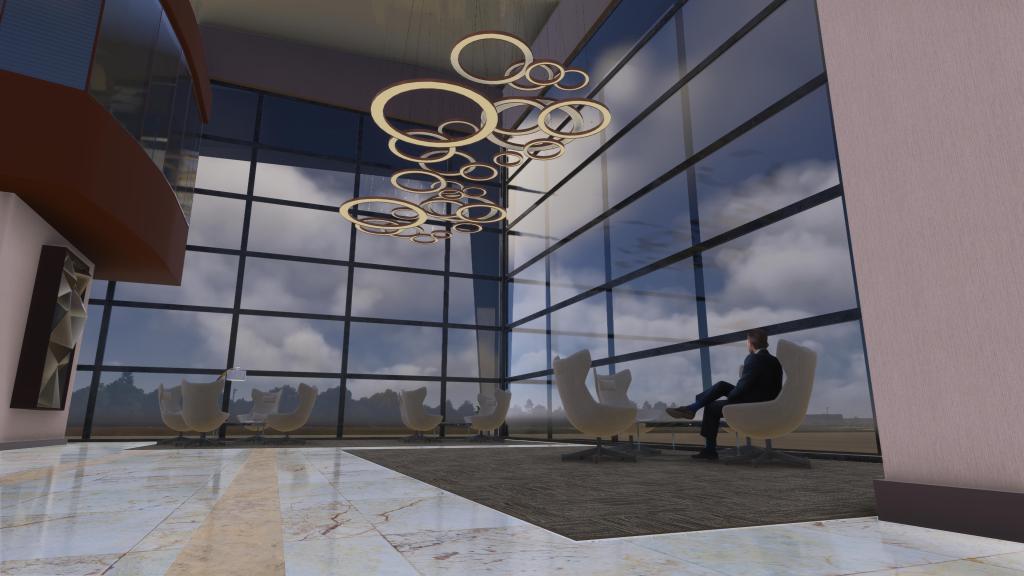
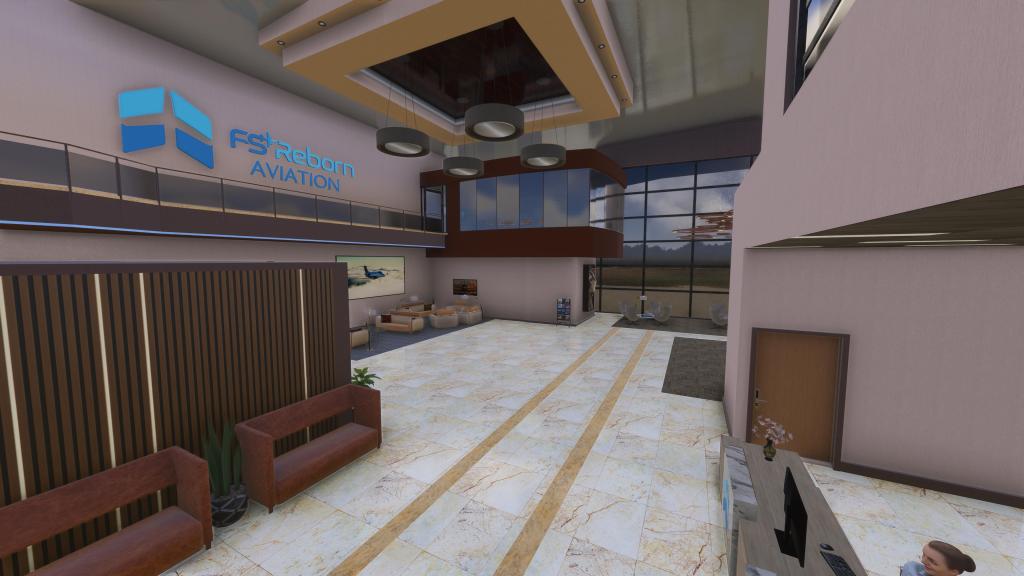
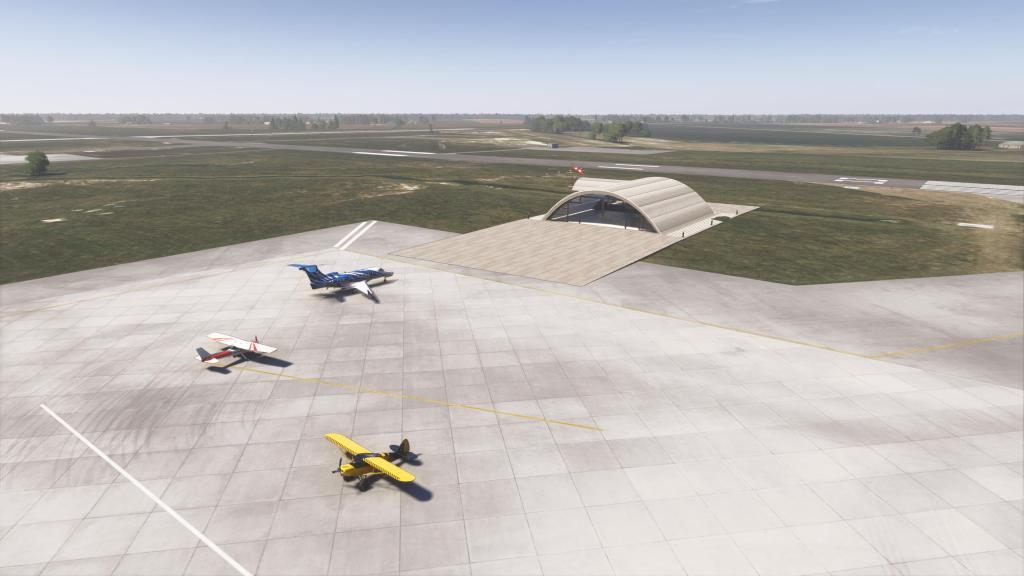
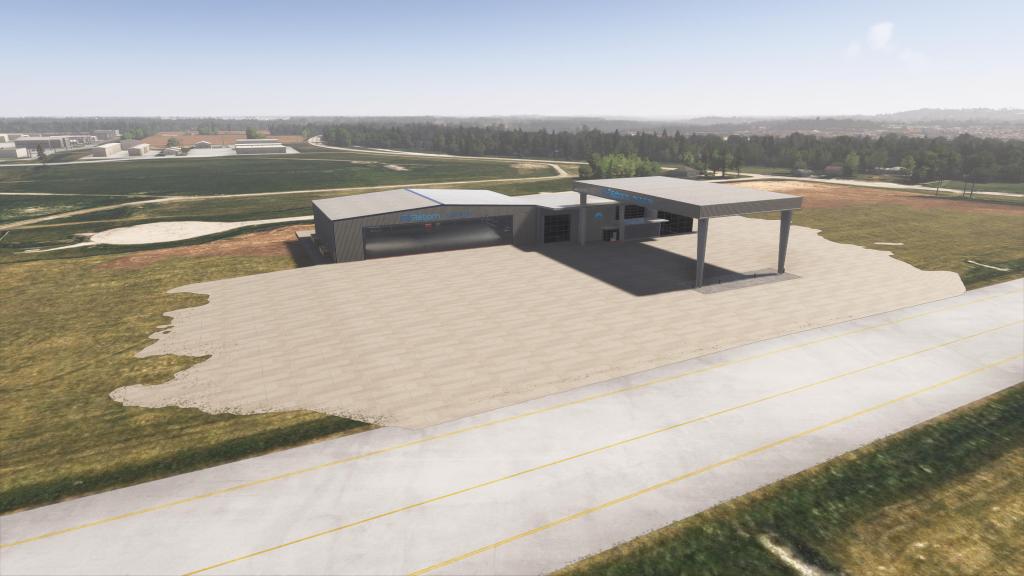
Here’s an interesting piece of the experience: FSReborn have added an FBO system where you can place one of a few differently sized bases at your favourite airport.
The modeling of these business jet bases are really quite involved. You can change the logos, configure different elements of the buildings, choose the size of facility to place on the map, adjust the orientation, height, and other factors to help it better blend into the nearby area. It’s really quite impressive!
Add in some really superb texture work, lighting, and animations for things like the hangar doors and you really have a very cool experience.
That all said, I haven’t personally found a lot of use for it. I tend to fly out of a lot of airports with their own FBO scenery already integrated and so creating my own doesn’t hold the same appeal as I thought it might. Fitting it into established airports is also challenging. As good as the tools are at making it work I find it often just doesn’t quite fit in.
This feature may resonate better with other flight simmers. For me, I could have taken or left it as it was. Its well implemented high quality work but it has limited appeal.
Business jets to consider
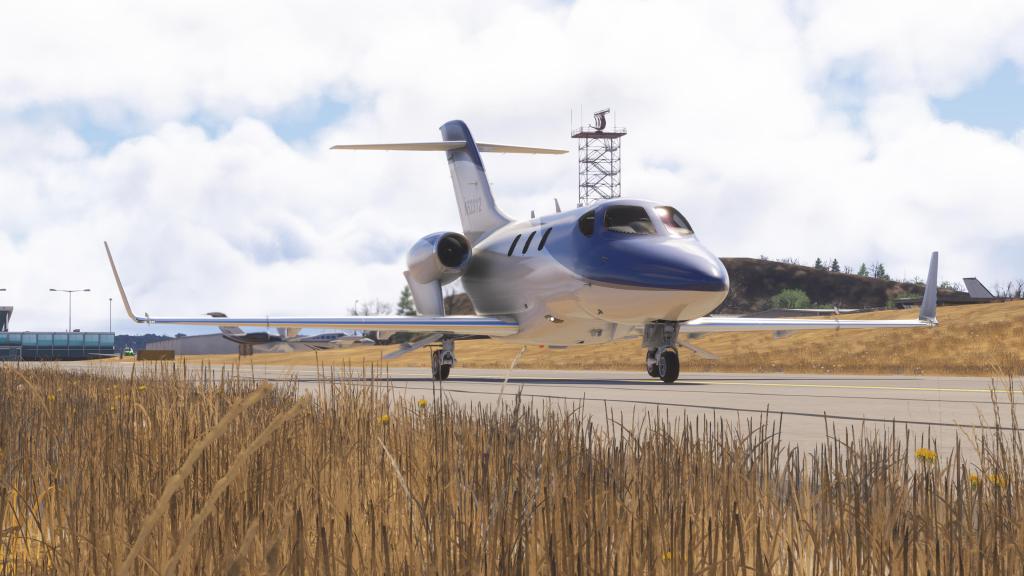



Microsoft Flight Simulator 2024 has a reasonable collection of business jets to fly. The PC-24, CJ-4, and Longitude are among the more popular options out there in the included aircraft list. And we’ve seen developers like Flight FX deliver the excellent revamped and updated HJet and Citation X as well as the P.180 with its business jet-like mission and performance albeit with turboprop power. Also just released is Skyward Simulations Citation Sovereign+ which has been garnering praise. Microsoft, Asobo and Working Title are also working on the larger Embraer Praetor 600 business jet which may arrive before the end of the year and there’s a very interesting Falcon 50 coming from Contrail.
When compared against the competition, FSReborn’s Phenom 300E fits beautifully into this collection. While I haven’t reviewed or yet flown the Soverign+ yet, I can say that FSReborn have worked hard to beat the others out by offering just as much as they have and then adding more thanks to deeper systems persistence, maintenance cycles, and the passenger tracking system.
Of all of these, I think its that passenger tracking system that I’ve gotten the most out of personally as it is interactive experience that I use on every flight. It also gives you something to do while cruising along. It makes you care more about the function and role of the airplane and I think that is fantastic from an experience perspective.
We’re now spoiled for choice in this space with excellent products from excellent developers.
Final thoughts
I’m happy to report that FSReborn’s Phenom 300E is yet another top notch business jet experience. This aircraft has everything that I’d want out of a business jet experience. From graphics and sounds to interactive and flexible systems, flight planning, and the passenger experience system, there’s really quite a lot packaged in here. A few quirks with landing physics and a take-it-or-leave it FBO customization system aside, the $39.99 USD price seems more than fair for something that is so well represented.
Some of my readers and community members have raved about prior FSReborn products and I can see why. The developer has spent quite a long time developing the Phenom 300E making sure that all of the systems have been given a through examination and that care and attention to detail are found throughout the product. We’ve seen the developer actively updating the few minor quirks that have come up
The Phenom 300E from FSReborn is an easy recommendation for anyone wanting something in this category of aircraft. It’s a Marketplace exclusive so you’ll have to go and visit the MSFS 2024 marketplace to pick it up for $39.99 USD – a very reasonable price for what is on offer!
Screenshots









Leave a comment