
Back in January I wrote a preview of X-Craft’s latest airliner release – the ERJ Family 2.0. Simulating the variants of the Embraer ERJ series, this 2.0 release saw the developer return to their early days and perform a complete rebuild of a classic airliner project. Now that the product has been out for a while, I wanted to return to it and give it a proper review! How is the ERJ series from X-Crafts and is it worth your hard earned cash? Let’s have a look!
Disclaimer
X-Crafts set me up early in the year with a preview version of this airliner. Then, later after release, they set me up with a release version for the purposes of review. As always, my thoughts are my own and X-Crafts has no editorial control over the contents of this review.
In the package and pricing considerations
X-Crafts offers the ERJ Family 2.0 in a few different variations and variants depending on what you’re looking to fly. Available variants include the ERJ E135, E140, E145, E145XR and Legacy 650 and they are packaged as follows:
- Embraer E135 2.0 by X-Crafts – $69.95
- Embraer E140 2.0 by X-Crafts – $69.95
- Embraer E145 & E145XR 2.0 by X-Crafts – $69.95
- Embraer Legacy 650 2.0 by X-Crafts – $69.95
- Embraer ERJ Family 2.0 by X-Crafts – $139.95
Each of these features authentic FMS (with holds, flyover, DME arcs, intercepts, etc.), custom coded electrical, fuel, hydraulic, pneumatic, anti-ice, APU and system test functionality. There are accurate EICAS warnings and cautions, thrust rating and derate system, custom avionics package with navigation map, synoptic pages, integrated weather radar, and terrain radar compatibility. It has a custom EFB (more on that later) with some NaviGraph and SimBrief support.
In my estimation, minor variant differences aside, the E135 through 145XR are all quite similar experiences. That may be obvious to say but its not always the case. During the writing of this review, I flew many of these on back to back days and while there are minute performance and handling differences between each of them, its not a dramatically different sim experience between any of the models. Each of them fly and operate in more or less the same way which is about what you’d expect.
Pricing for individual aircraft are reasonably priced given the X-Plane marketplace where airliners tend to run $60-120. The Family bundle gives you everything, which for some is going to be of value, but in other instances it really doesn’t give you more variety. If you’re a virtual pilot that wants to simulate the real world, your choice may be decided by the operator(s) that you want to fly with. If you’re more focused on experience and adventure in your sim, then the Legacy 650 business jet may be more the ticket you want to punch. If you have to have two or more then the bundle is far cheaper but if you want to just get in and fly one of these, you’ll need to be a bit more choosy and pick the right model. While the prices are fairly high, its not outside of the norm for high end airliners on the X-Plane platform (and lets be honest, MSFS airliners are in this range too).
Visuals and sounds
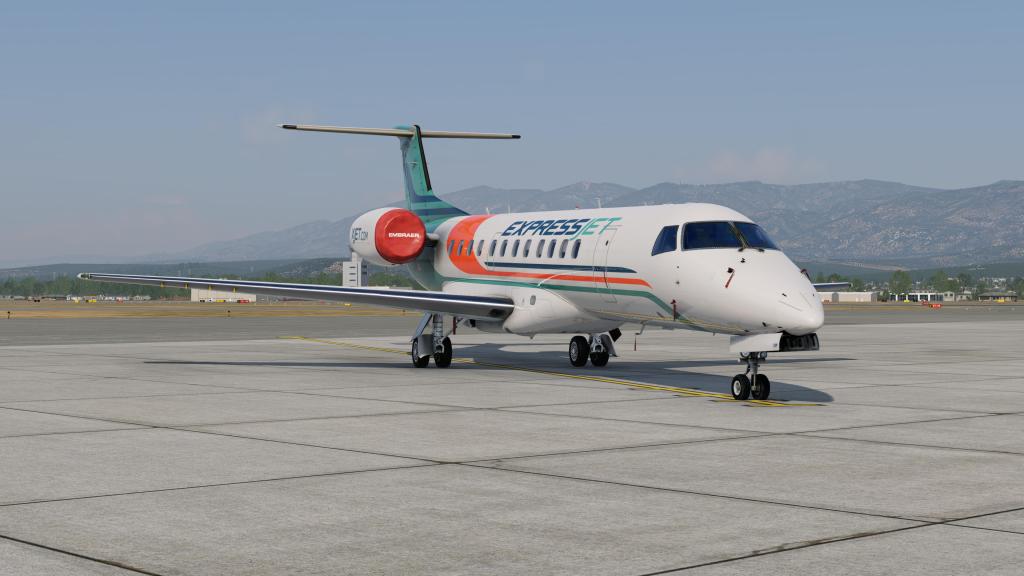
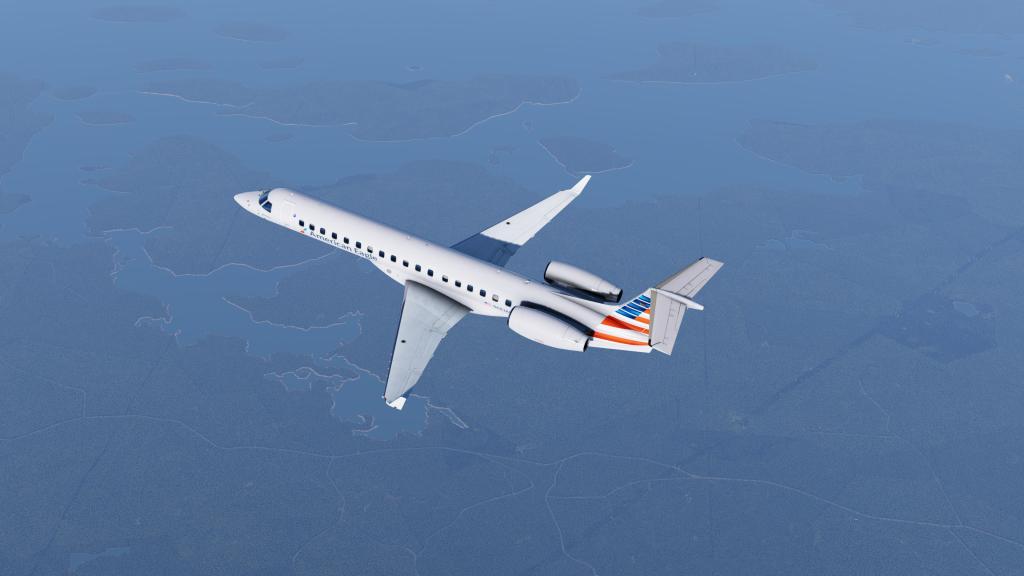

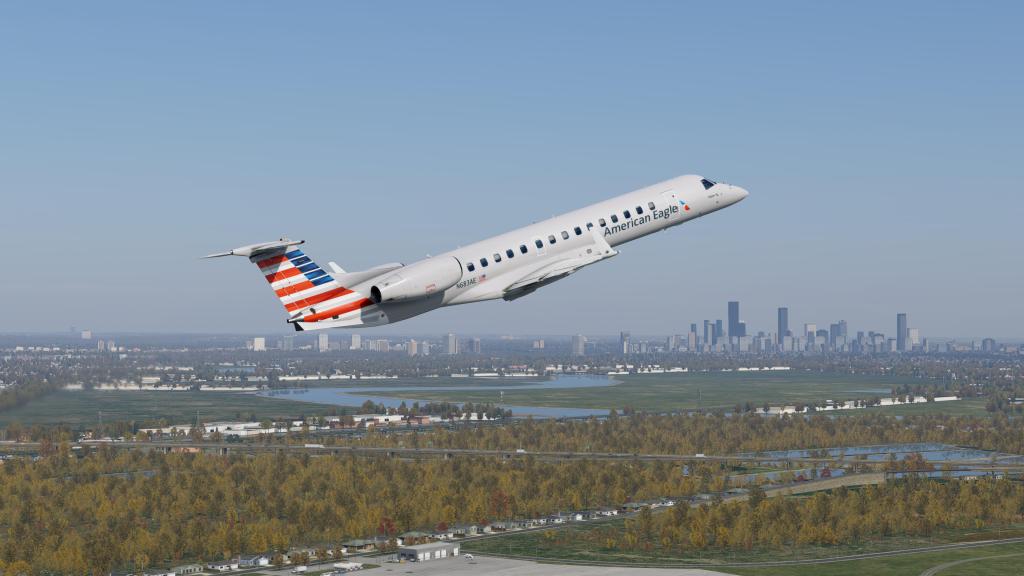
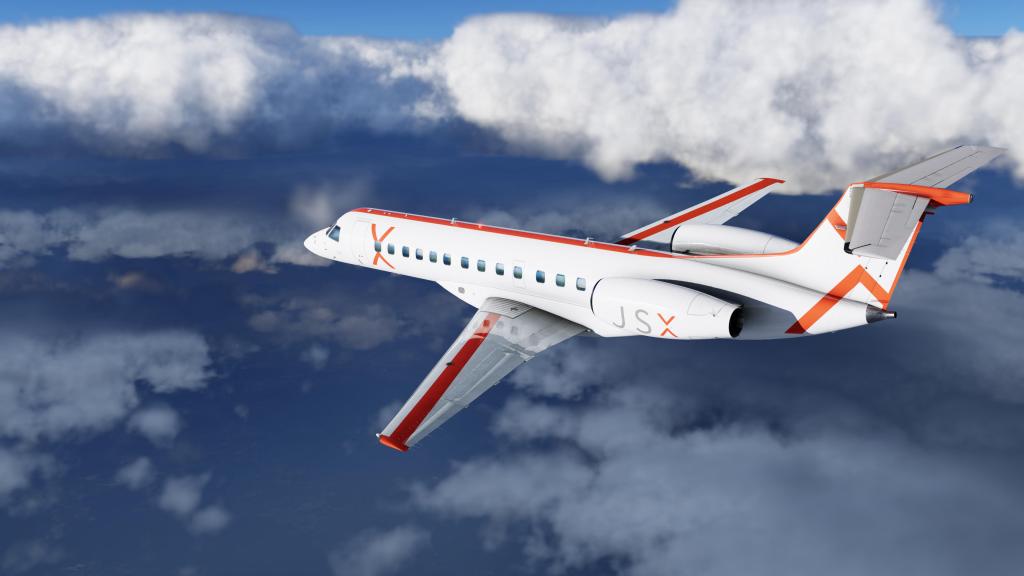

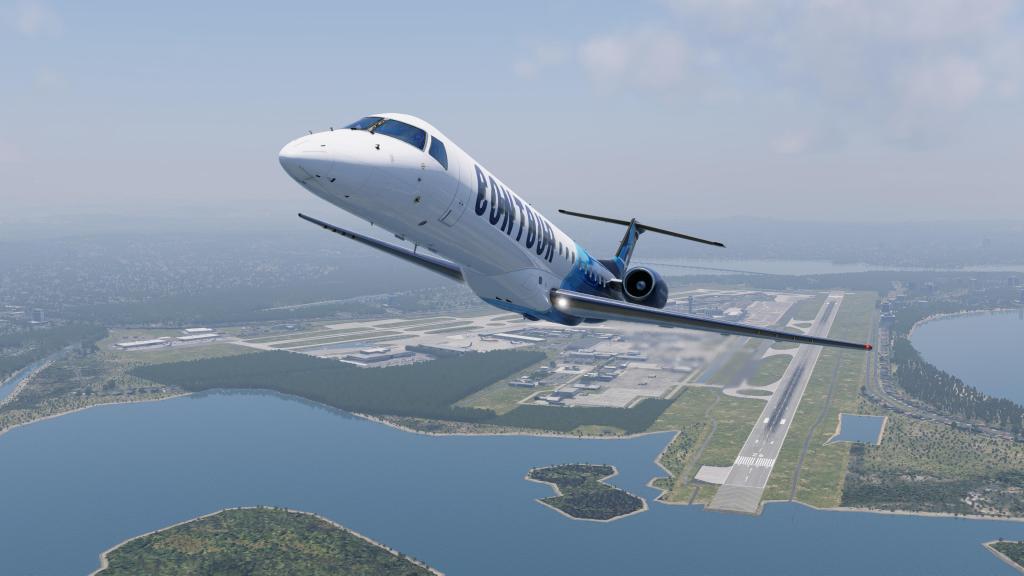
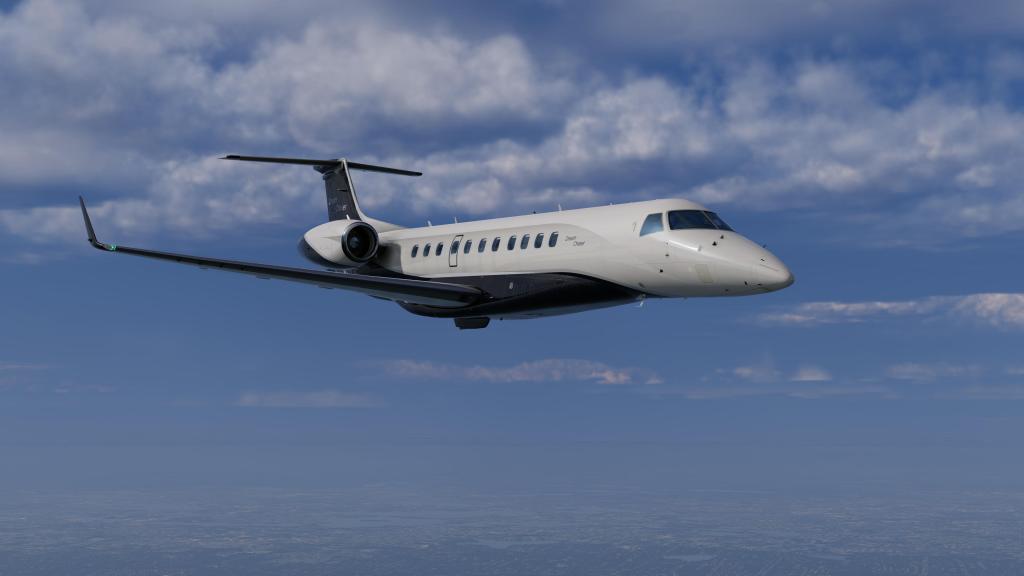
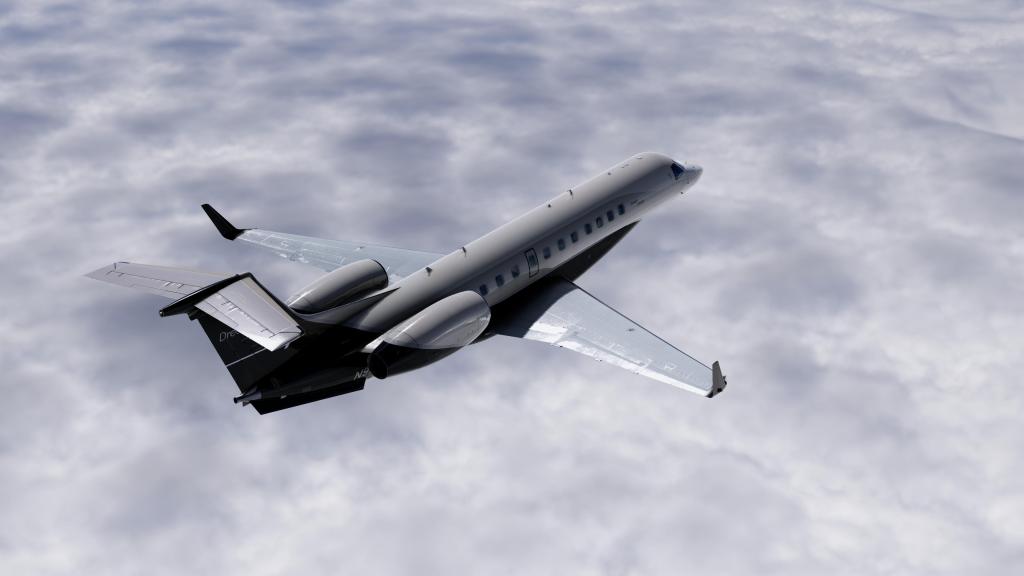

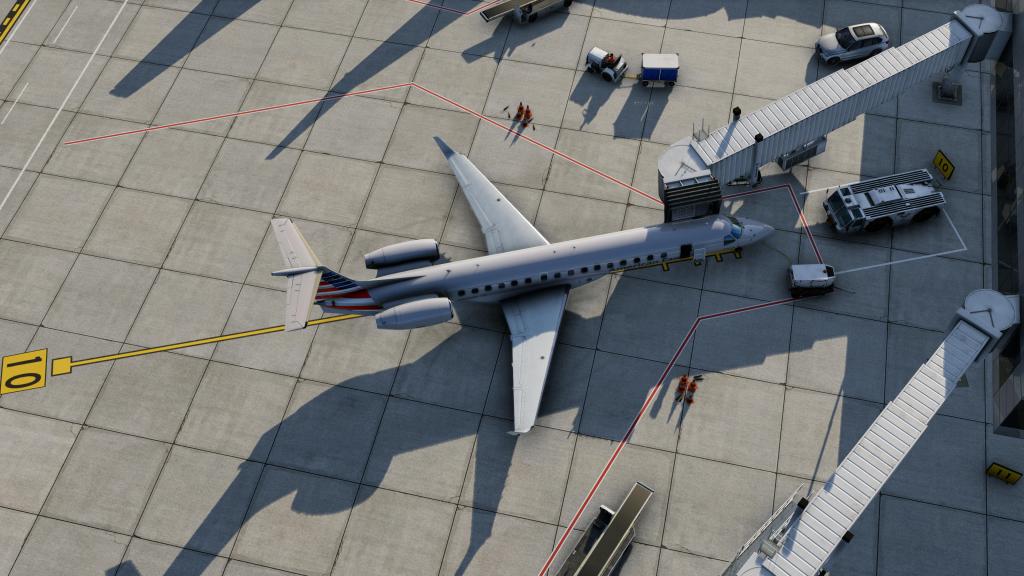



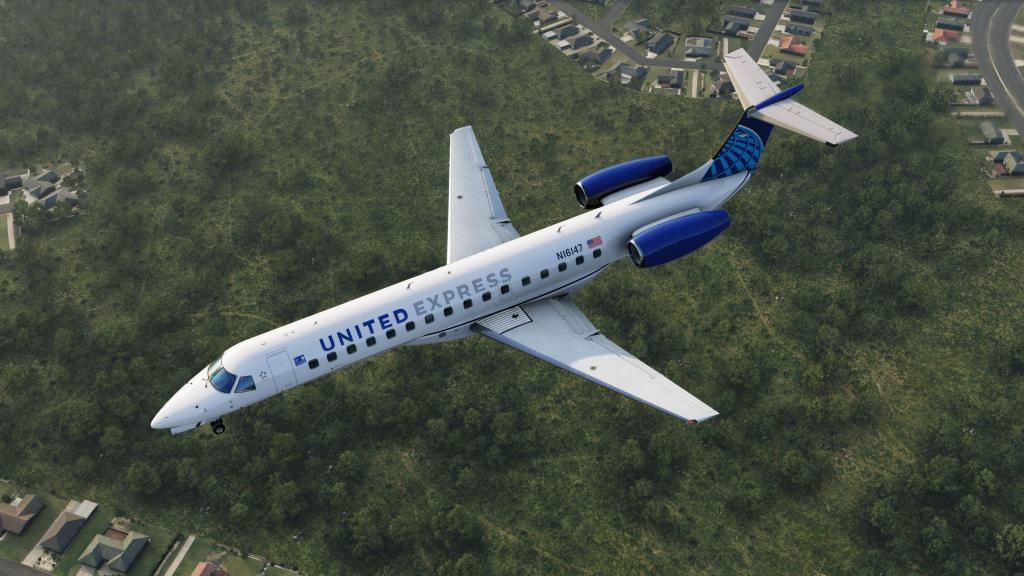
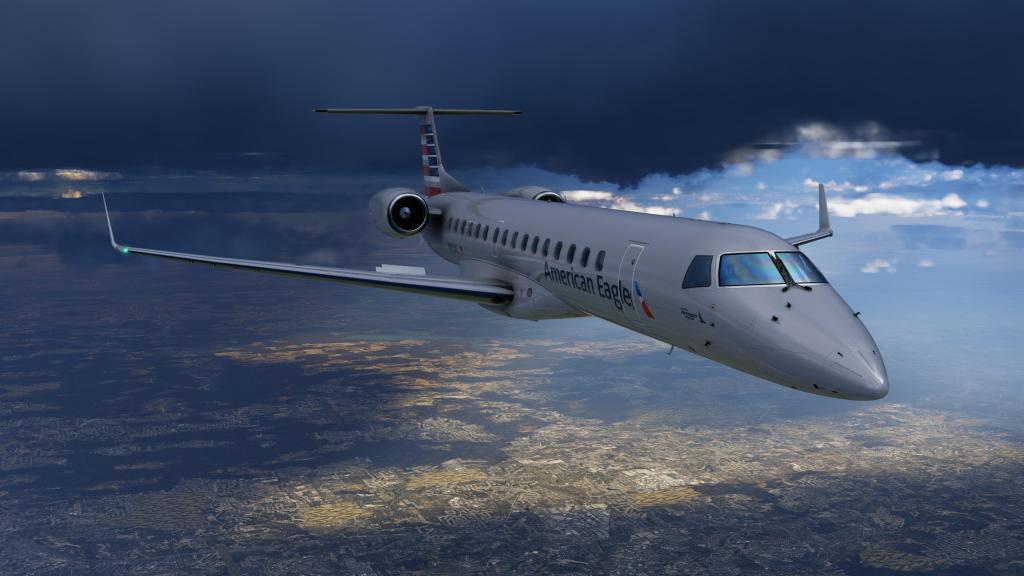
X-Crafts have generally done quite a very good job with both visuals and sounds over their past product line and the latest ERJ Family 2.0 release has brought the family firmly into the modern era for X-Plane aircraft releases.
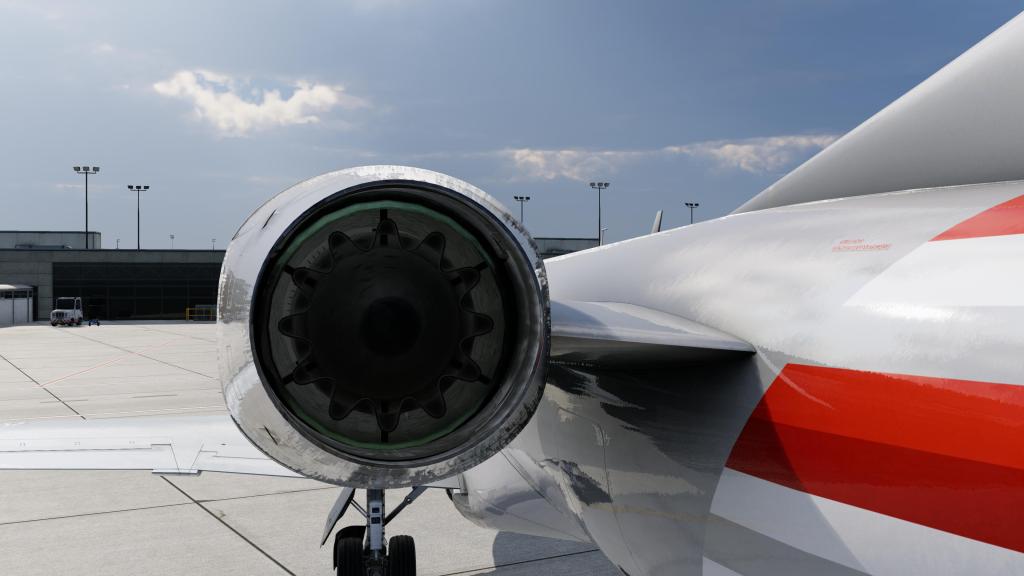
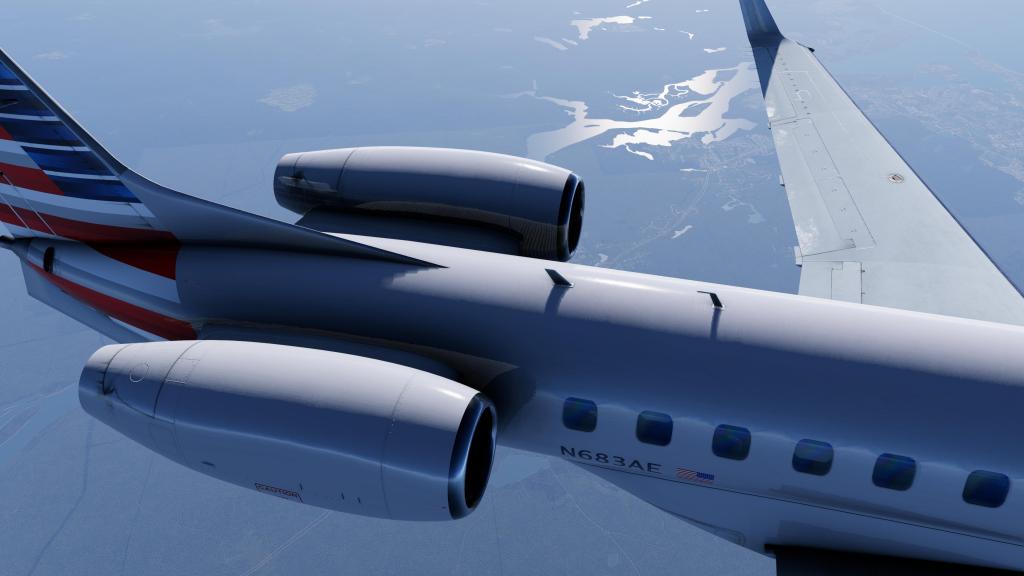
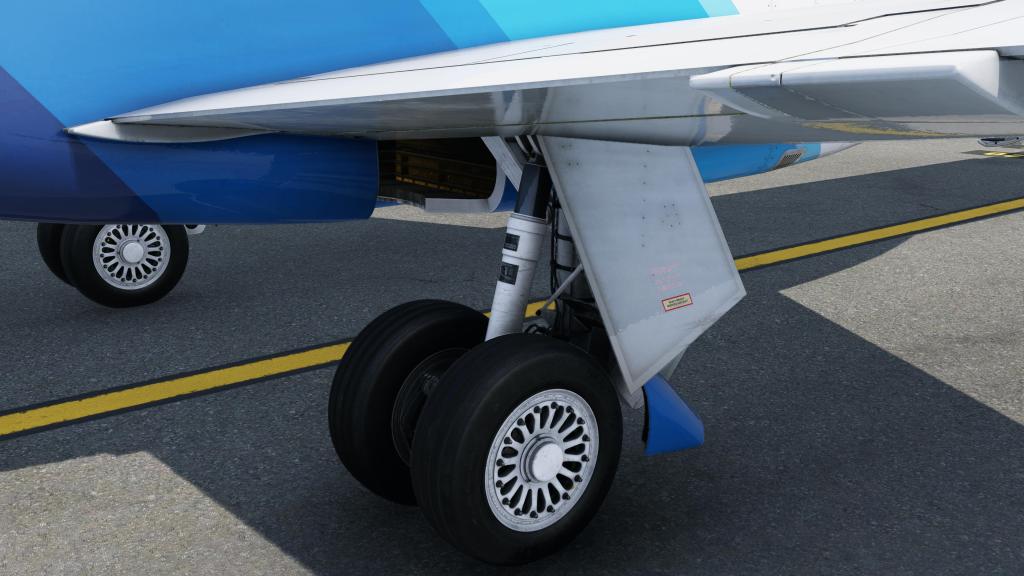
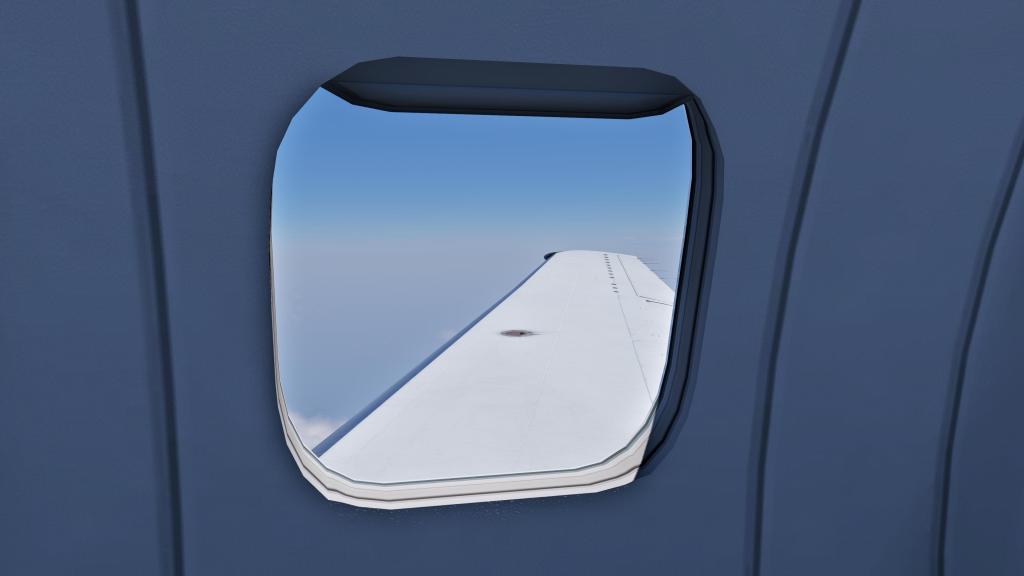
When looking at details big and small, the jet tends to impress. Roughmet textures on the wings shine beautifully, lights are nicely detailed even at extreme close distances, and seldom seen areas like engines, and the mechanisms behind the air brakes are nicely and consistently detailed.
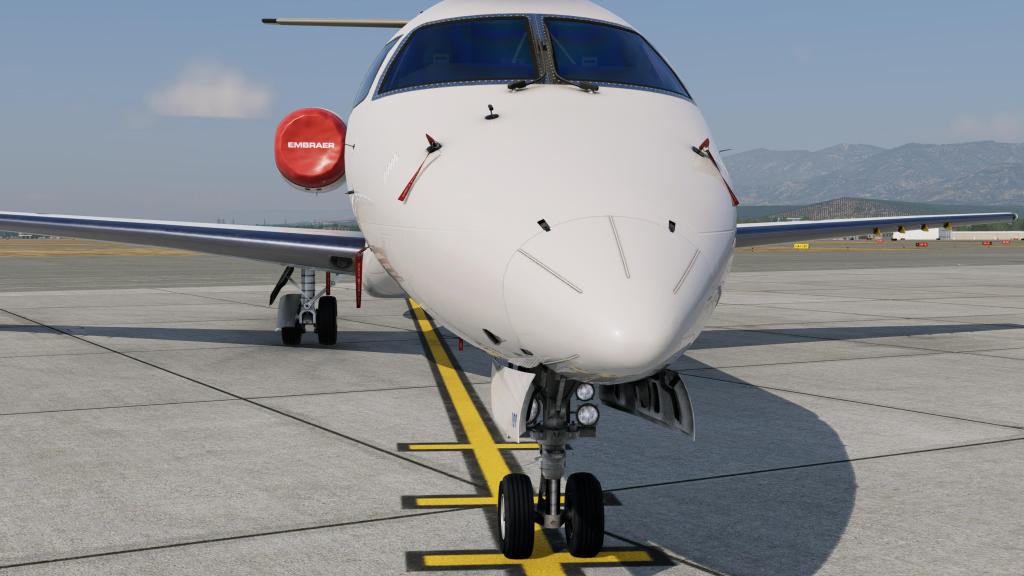
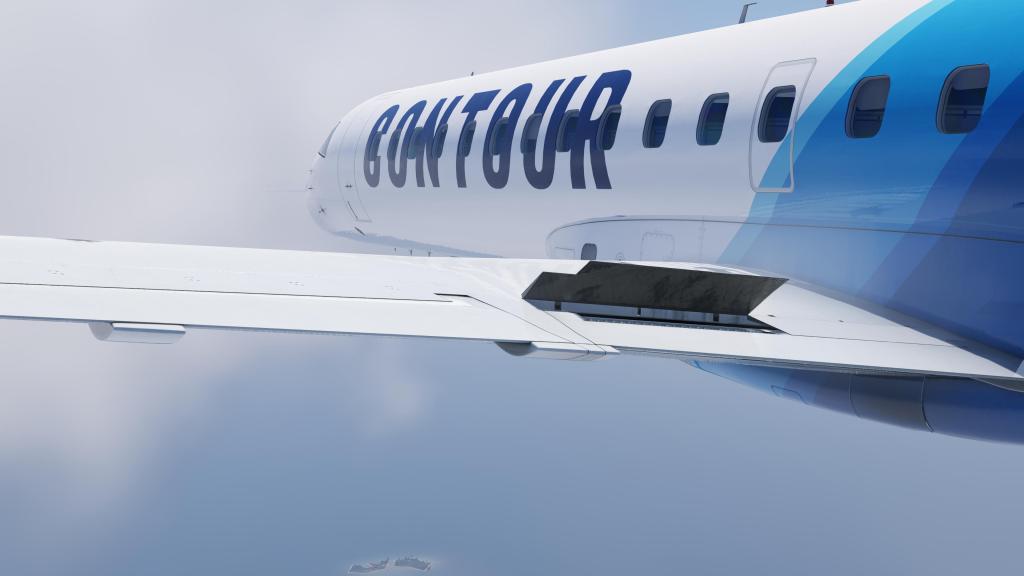


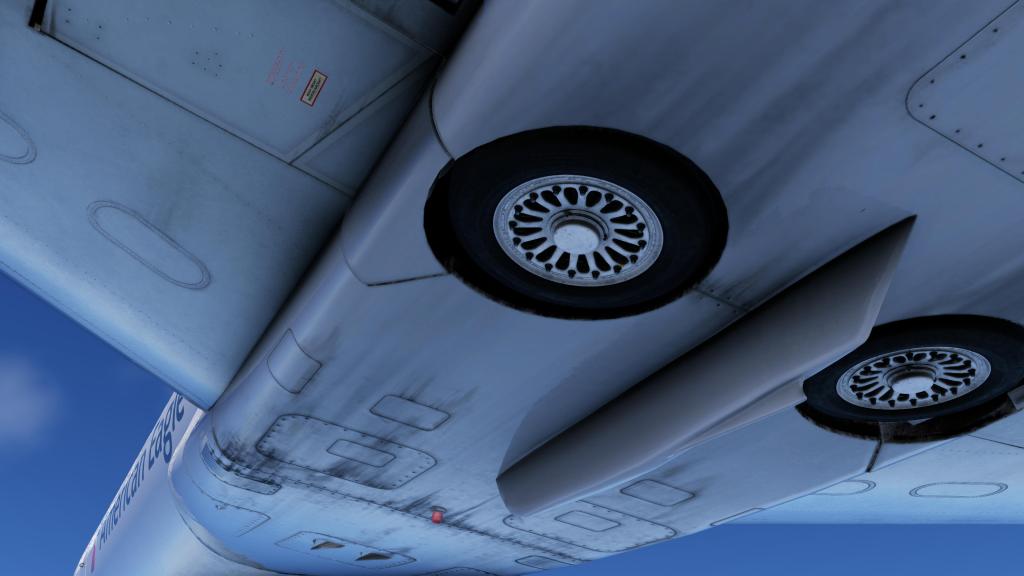
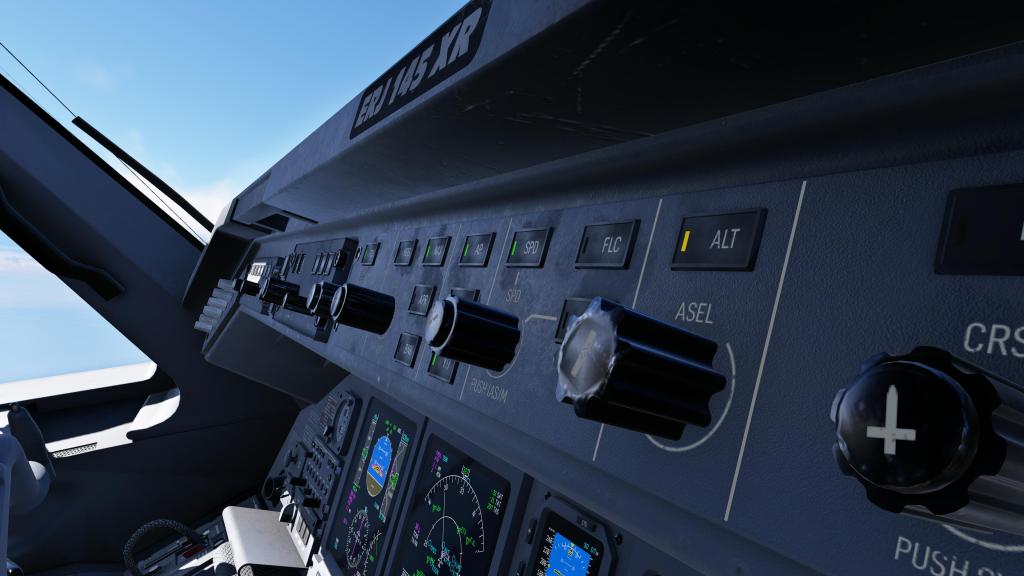
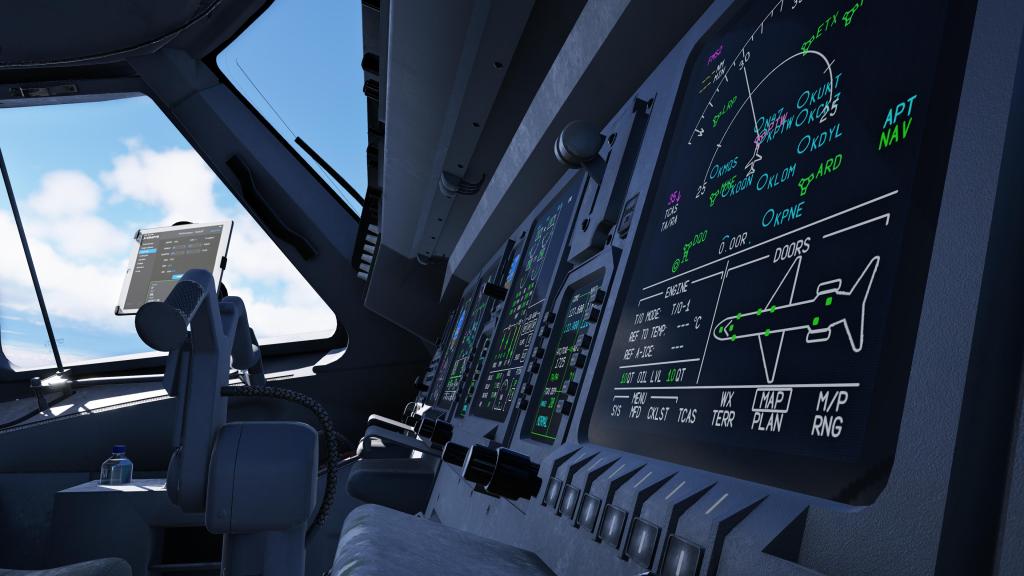
The cockpit, something you’ll be looking at a lot, has very good details and artistry that convey the aircraft’s workhorse operation. There are an appropriate level of scratches and wear and tear on items without it being overbearing. Writing and displays are sharp and contrasty enough to be seen in most lighting conditions. Everything holds up well under close inspection as well with nice texture, materials and detail work. When you get up close to the displays and you can even see the pixel grids… a great sign of attention to detail. Night lighting is also pretty good and everything is very visible and usable.
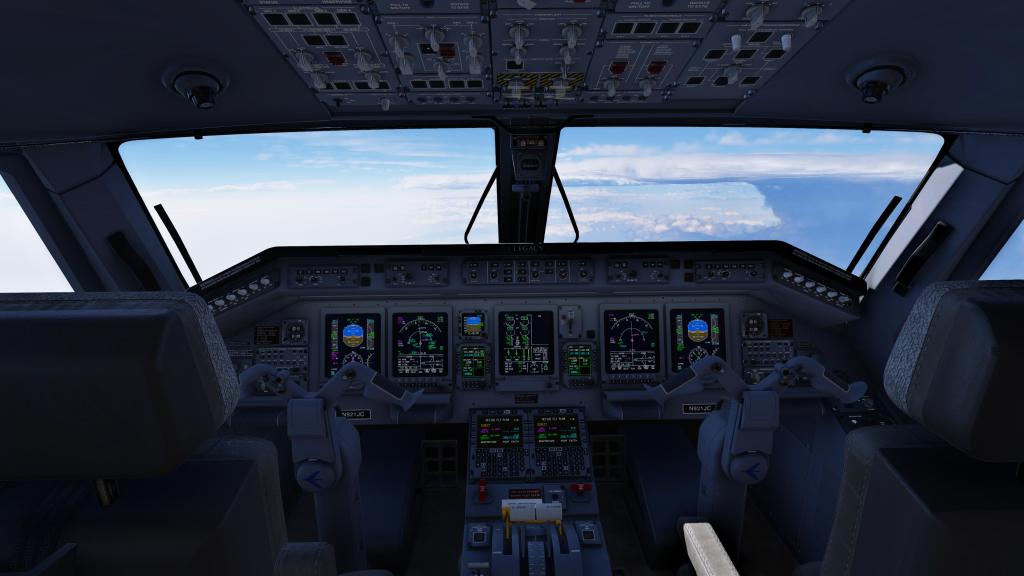
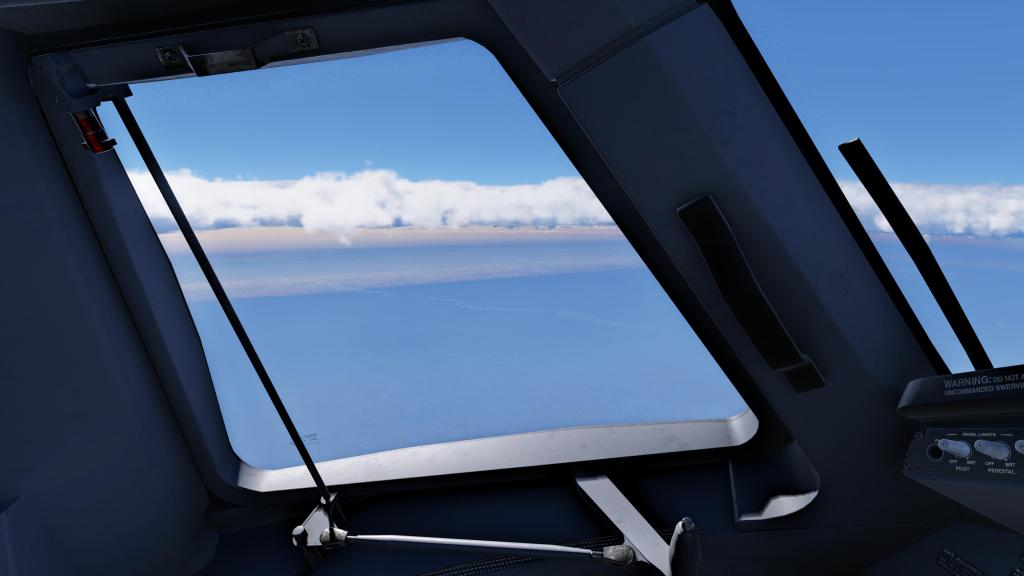
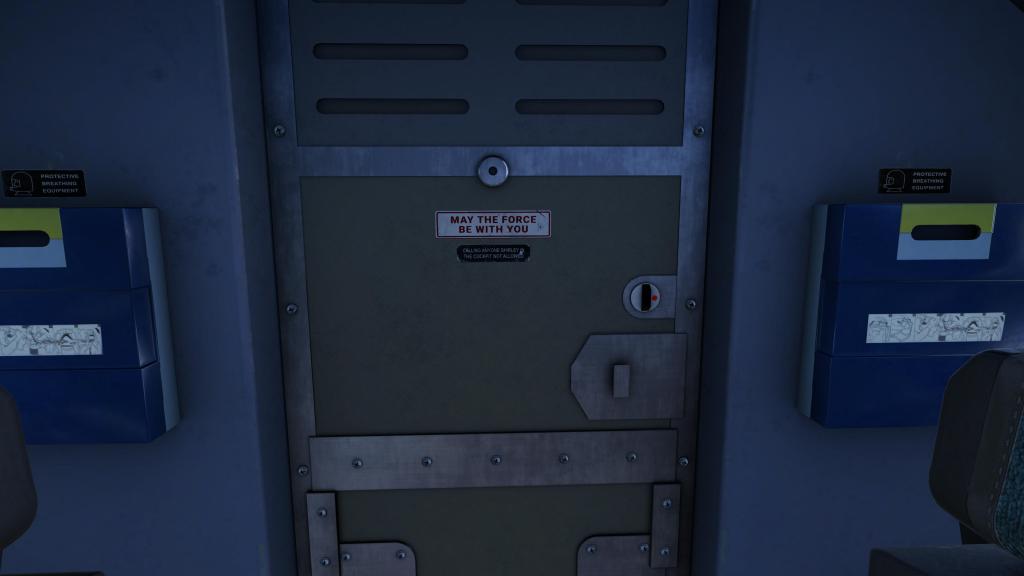
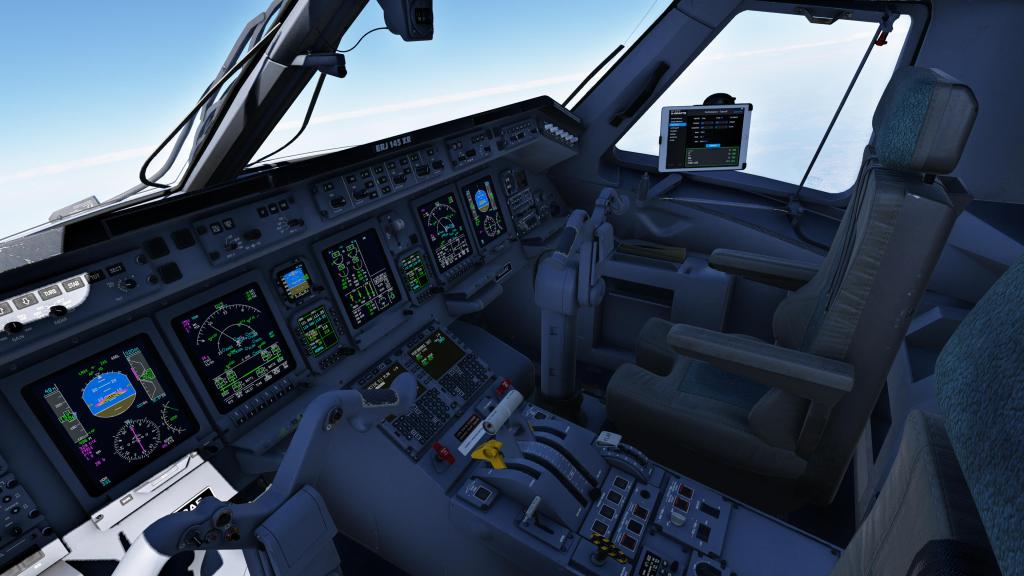
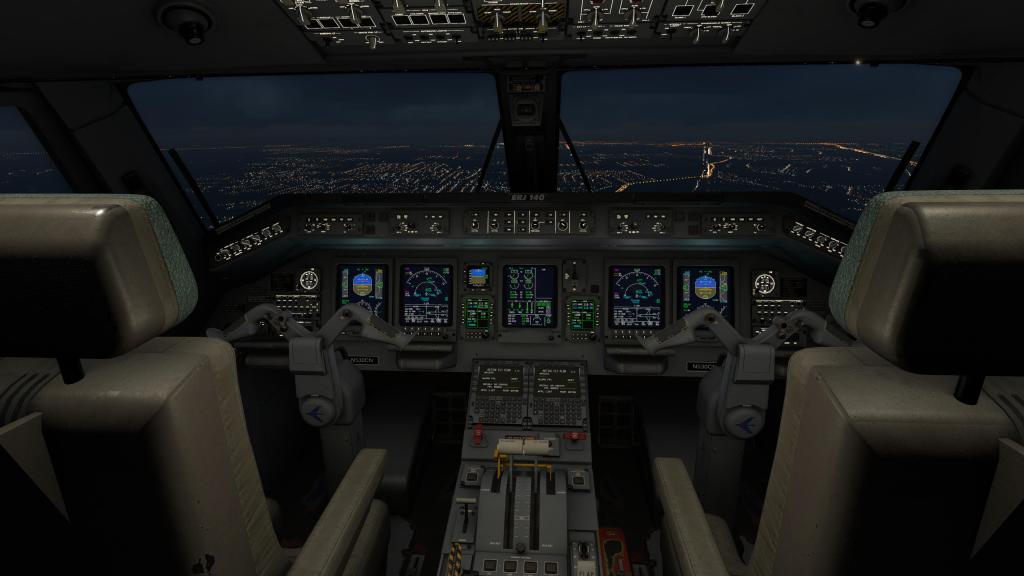
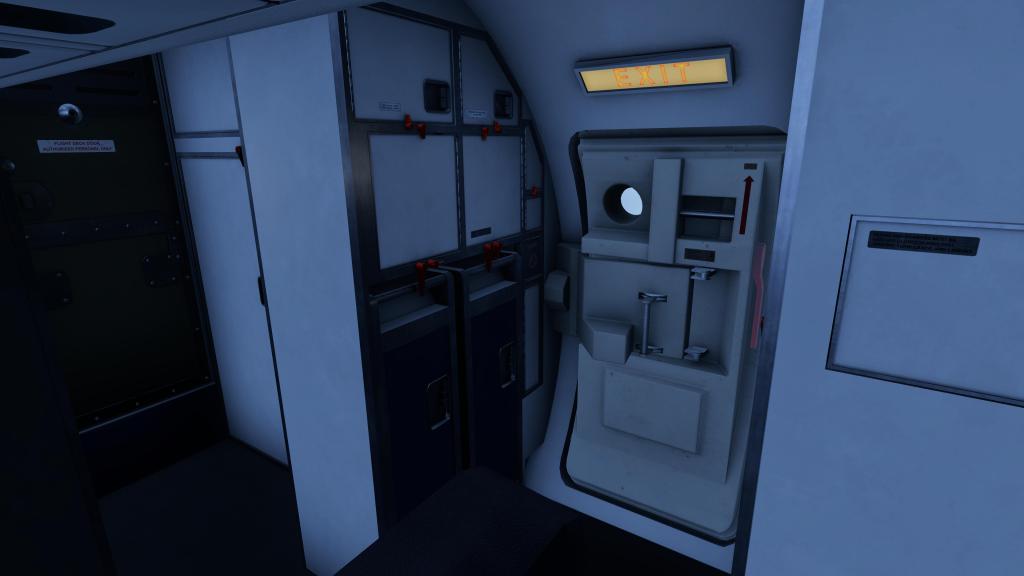
The cabin is a bit more simplified from what we’ve seen from other products in X-Plane and MSFS recently. The detailing is done to a clear polygon and texture budget and interactivity is lower than other products I’ve seen recently. That said, I feel like this is an appropriate level of detail and those added details take away from performance and development time that could be spent doing something more important. You can absolutely move a camera back there, position it out a window, and get a passenger looking out the window ERJ experience.
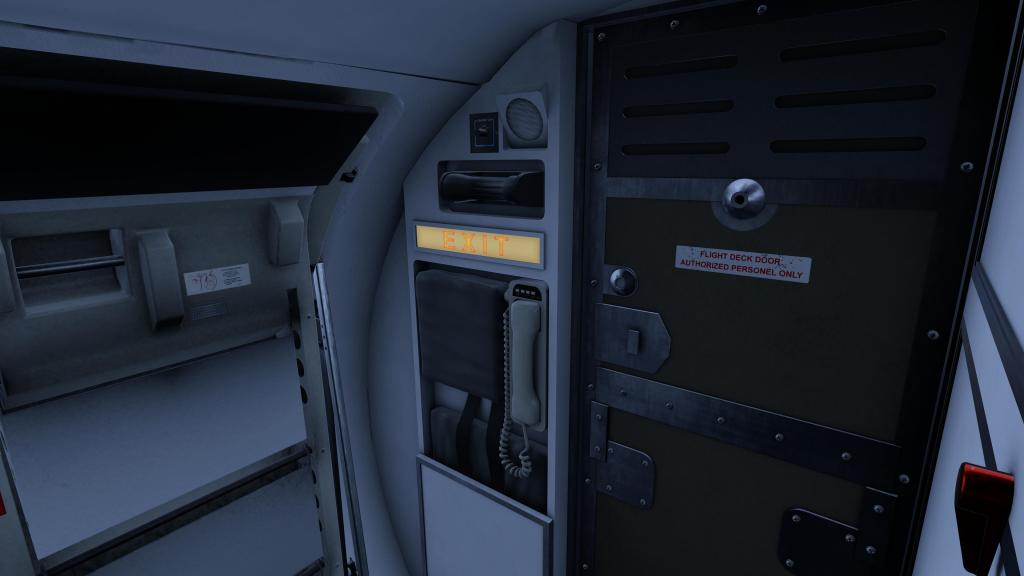
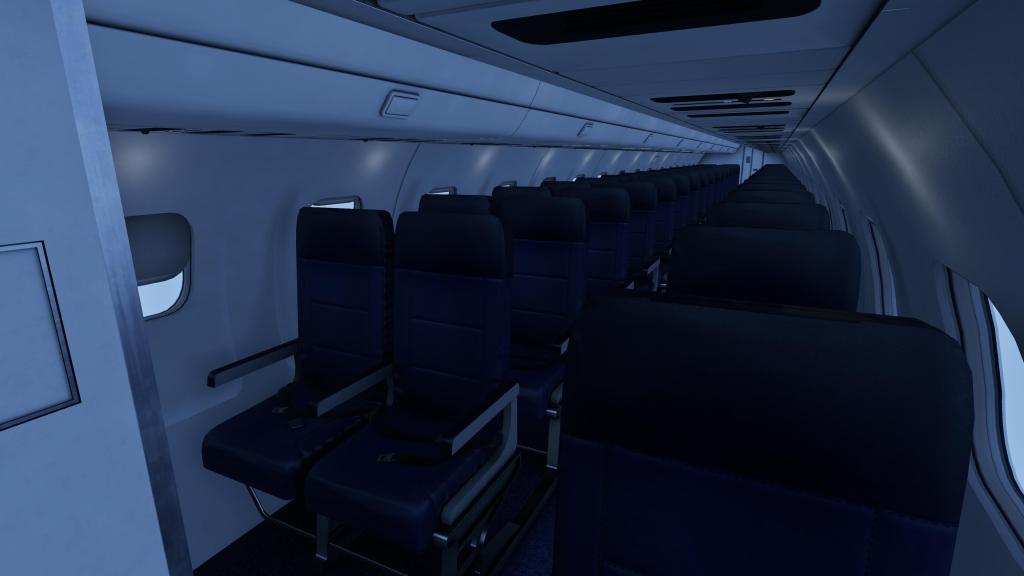

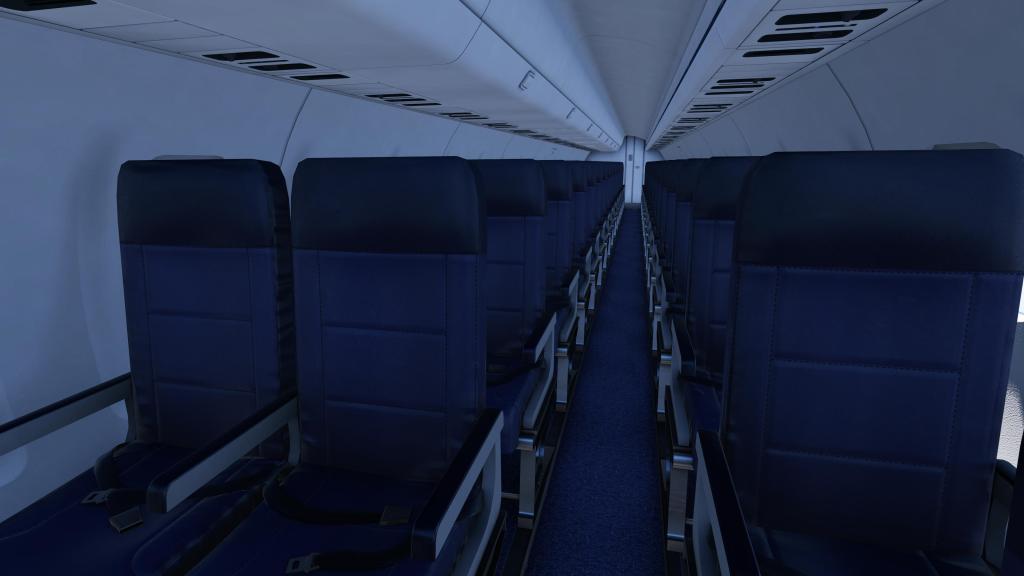
That all said, one variant of the line-up has quite a bit of extra interactivity and that is the Legacy 650 version. Unlike the commuter version, this is the luxury business jet option where there are lots of extra details. There are custom displays, lights and pull out trays and tables that you can interact with. It’s all very plush and competes nicely with other business jets in the sim marketplace.
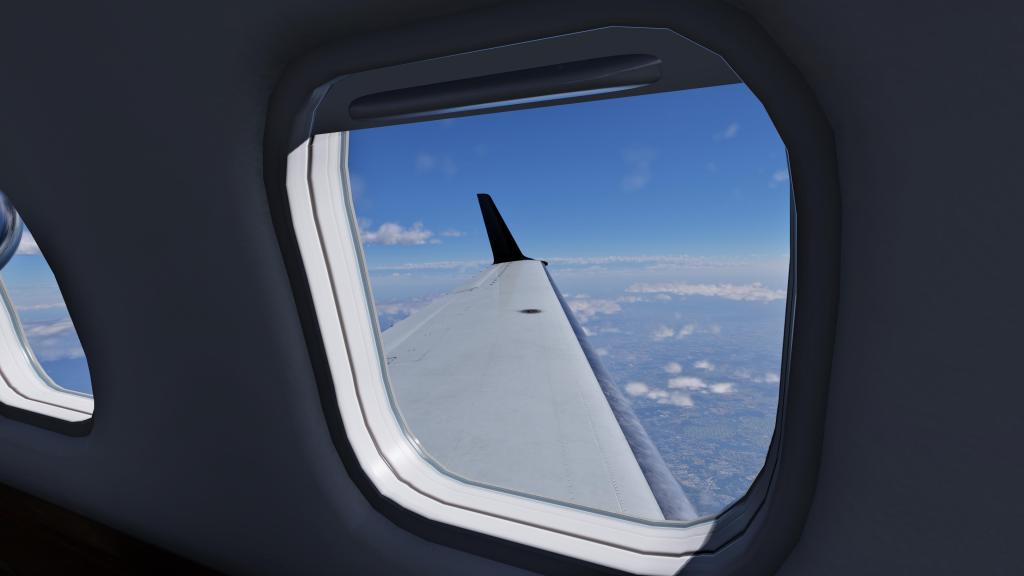
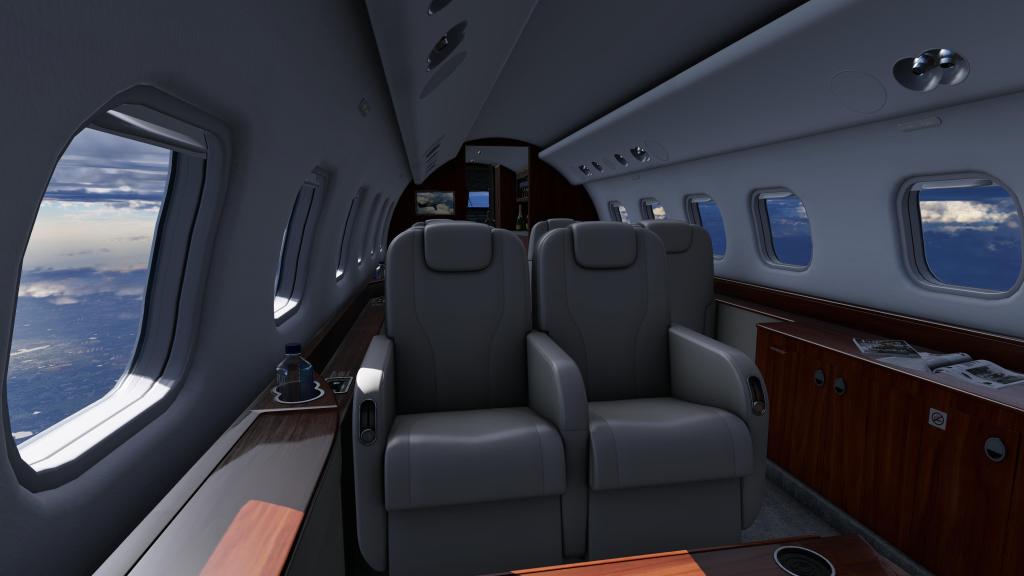
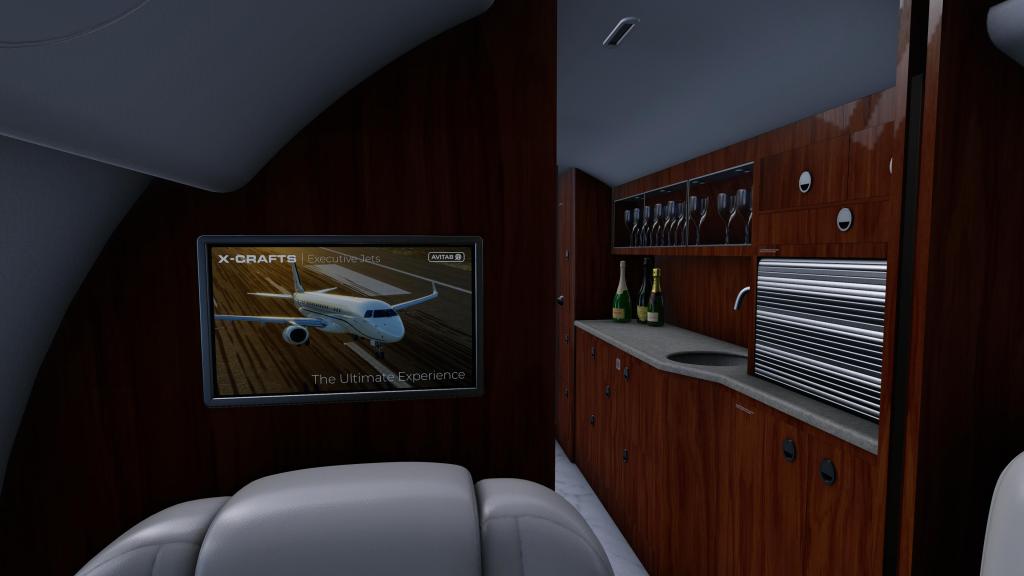
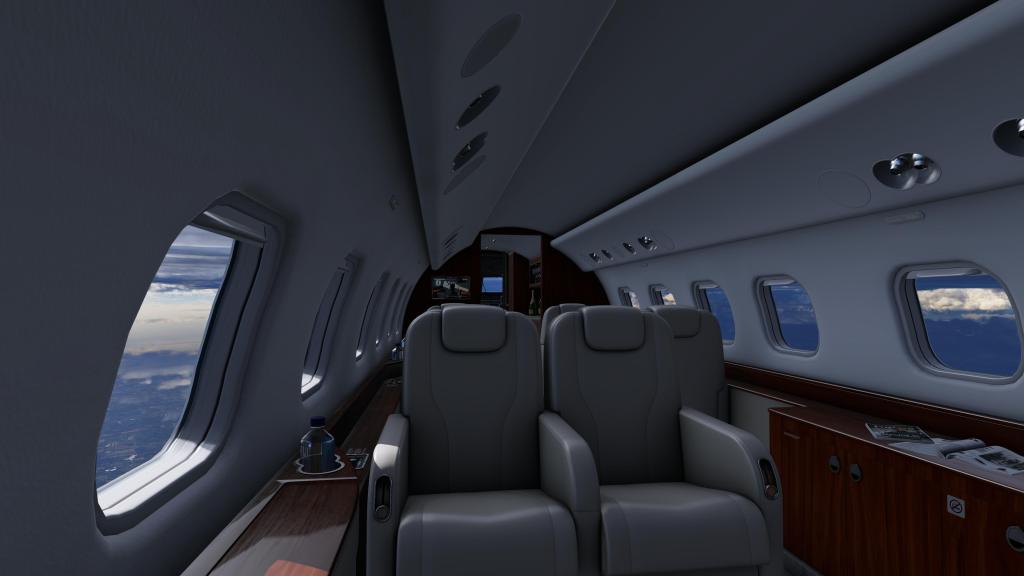
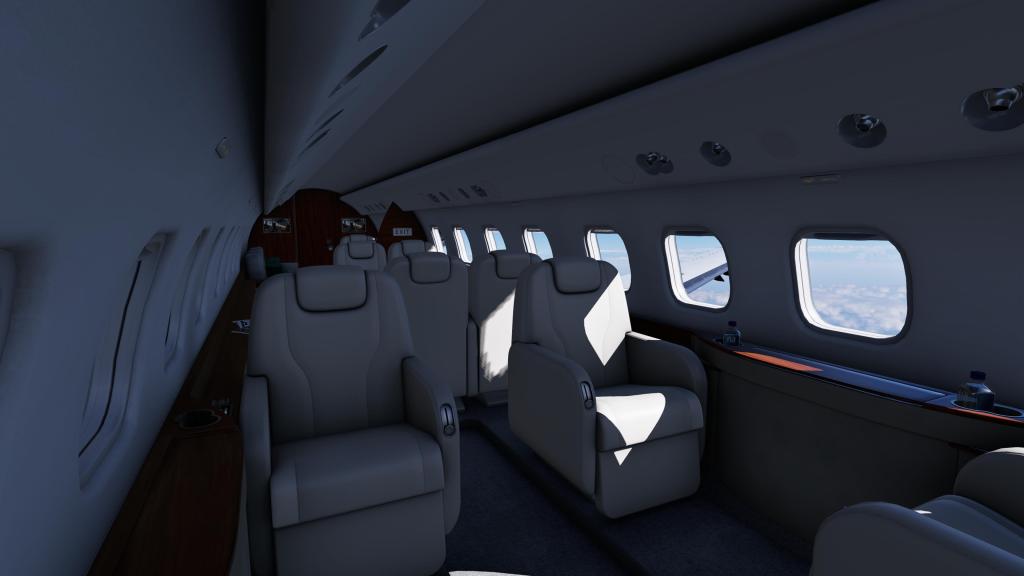
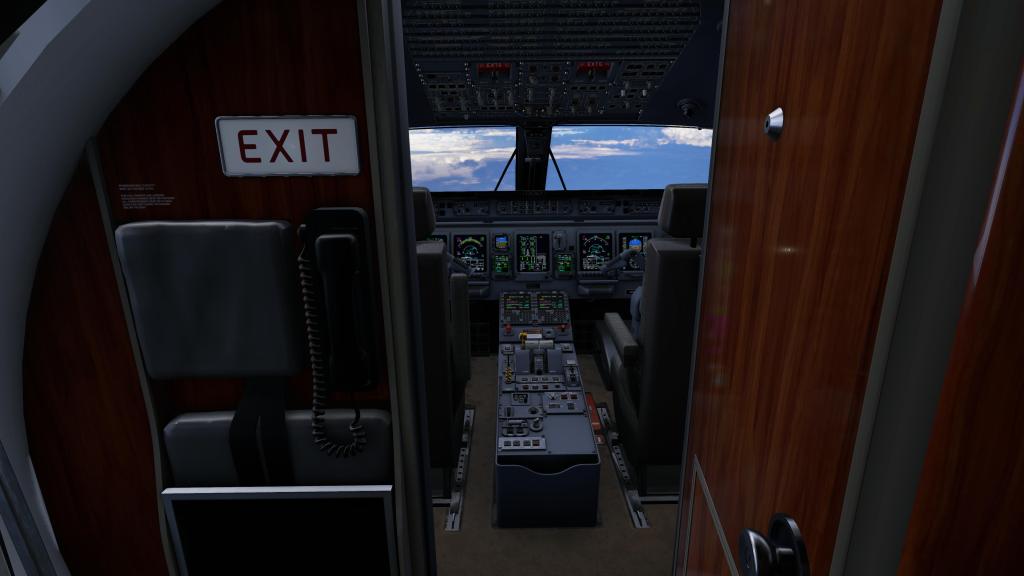
There are some hidden and not so hidden details scattered around the aircraft. A sign on the back of the cabin says “May the force be with you” while in another spot there’s a hidden compartment that has a giant red button that turns the airplane into a carrot (its a long running gag with X-Crafts). These are optional and can be disabled should you wish.
There’s over a dozen liveries included which run through the most typical operators. They are mostly American-centric as that tends to be where the majority of ERJs fly these days but they do cover the basics. The Legacy 650 pack also has its own unique liveries as well that cater to the business jet crowd.
If you’re looking for something else, X-Crafts have a dedicated community that have put together high quality offerings and the developer maintains a Google Sheets document that lists over 120 liveries. Well known and even more obscure operators are covered by this community list.
Moving over to sounds which, on the ERJ, are quite good! Buttons inside the cockpit have some subtle sounds and there are some nice environmental effects while moving through the cockpit. You can hear the GPU running outside and you can hear the avionics fans and other associated items whirling away when you get them started. There’s good feedback from the overhead switches when you use them too. The APU and engines are all well done with appropriately punchy sound levels both inside and out. There’s also good volume changes as doors close and outside sounds fall away and exterior flyby sounds are quite good too!
I did find a few sounds to be a little quiet such as tire or suspension noises and I’m not sure if there are no raindrop sounds on the windscreen or they are just inaudible at the audio levels I play it at. I do wish it had those.
If you really want an even more detailed soundscape, some folks have enjoyed the pack developed by Mango Studios. That may add some extra detail to the soundscape, however, I don’t feel like its strictly necessary. Some X-Plane airliners have very barebones sound work but X-Crafts have generally done a very good job.
Flying and managing the jet
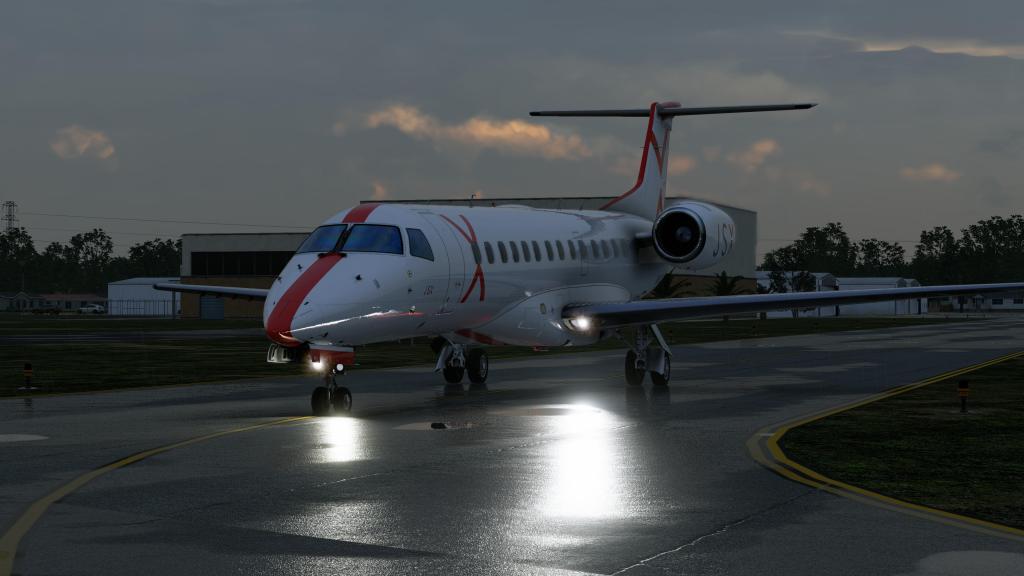
X-Plane, true to form, is a great platform for flight modeling and X-Crafts have made great use to make sure that the ERJ Family 2.0 feel solid and satisfying to taxi, takeoff, fly, and land. Ground handling is superb with subtle rolling motion as the aircraft trundles along the never fully even surfaces of the runways and taxiways. They feel different on dry taxiway and runway from wet and you must take much greater care in wet and icy conditions.
The ERJ’s aren’t overly difficult to hand fly either with slow, yet direct, control inputs. They more or less go where you point them and they have plenty of power on tap thanks to the Rolls-Royce AE 3007 engines (same family of engine as those on the Citation X). The aircraft stalls at the appropriate reported speeds (around 105-110 knots typically) and they tend to wallow more than stall at first which makes them reasonably docile and easy to recover.
These aircraft have no automatic stall protection like in a fly-by-wire jet but it does have a stick shaker and critical angle of attack warning. The stall shaker is quite jarring when it happens which certainly does the trick!
The guides I’ve read suggest a reduction in AoA first before working on regaining speed and then returning to altitude are important should you stall it. I don’t find them overly difficult planes to manage on the whole and most of the time you’re not going to be stalling an ERJ… just flying smoothly from point A to B. It does have a fair bit of momentum in a landing so you need to be ahead of the jet and staying ahead of the engines just as much.
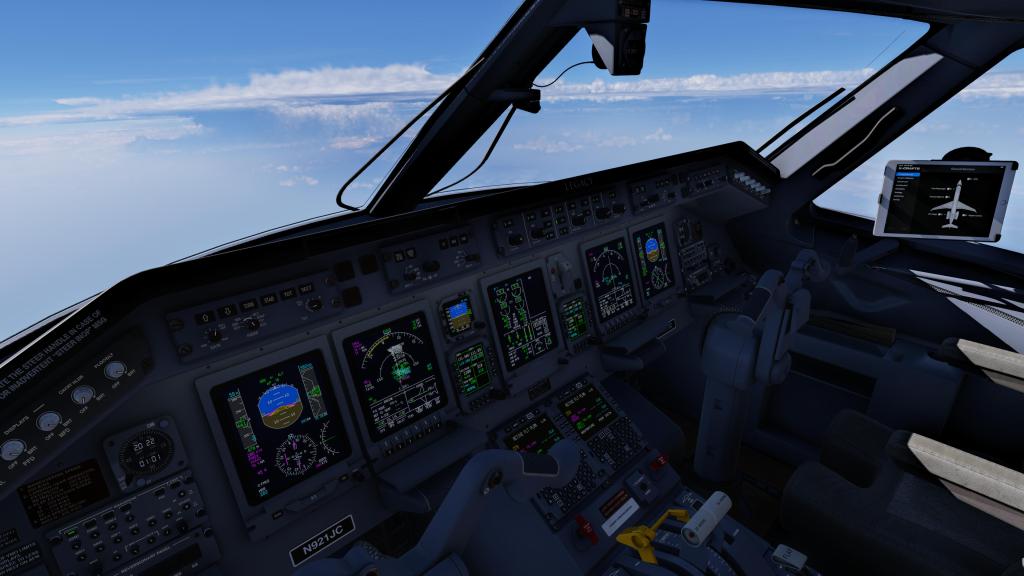
While the E-Jets are somewhat easier to manage on quick turnaround flights, the slightly older style of avionics in the ERJ family of aircraft mean that you’re going to be doing a fair bit more work with these aircraft. There’s no auto throttle, no VNAV (not even an advisory), and the start-up sequence is a bit more involved than the somewhat more automated E-Jets. There are also some other quirks like how you input V-speeds on the PFD display rather than in the FMC. Otherwise, there’s a lot here that is familar and some folks are going to absolutely love this more hands-on approach to airliner flying. With shorter cruise times and more hands on interaction, you’re going to be busy in the cockpit and potentially more entertained. Other folks may find this a bit of a chore. It’s up to you if this appeals!
The autopilot system is generally agreeable too. Its fairly straightforward for an airliner and I’ve had no issues with random disconnects or unusual behaviour. Engaging the autopilot is smooth and the airplane doesn’t just snap into an autopilot heading but moves its way smoothly into trying its best to follow the conditions. It has done exactly what I’ve told it to do in all situations that I’ve thrown at it. This all suggests that X-Crafts really worked to make sure that it was a solid system. It does holding patterns too, so you can consider it VATSIM ready and that is indeed what X-Crafts reports in their marketing material.
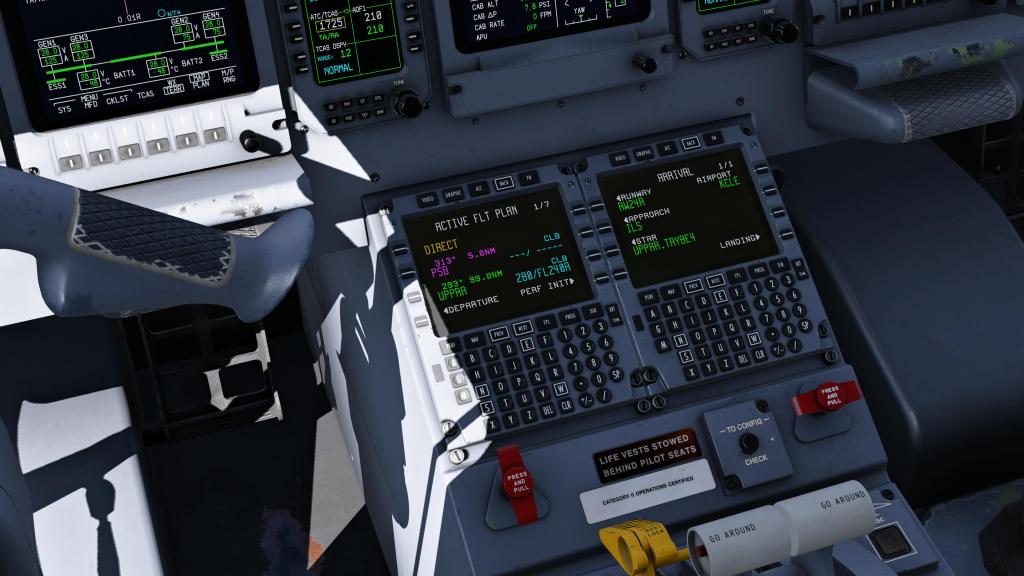
The FMS in the ERJ Family is a fairly basic setup (both in real life and in this simulated airplane). Its not the most fully featured FMS and I find it’s quirks to be slightly annoying – you need to make sure that the flight plan is “closed” before inputting arrival information for example. I’ve also managed to entirely delete the entire flight plan by attempting to do a direct-to waypoint. It’s just a quirky FMS and its probably my least favourite part of the experience. So far as I can tell, from the comments I’ve read from real ERJ pilots commenting on it, this is not too far off of what the real airplane is like so the quirks I can accept as part of the real world experience.
I have heard some complaints from community members over the limitations of the system, however, I haven’t found these to be of any trouble for flying realistic flights. But you do need to manage the jet, as I’ve already wrote, and deal with things like altitude constraints and descent calculations on your own. It’s just not automated on the ERJ … either in the sim or in the real one.
The EFB and the AirComms
ERJ Family 2.0 has the latest version of the X-Crafts now standard EFB. Its a competent EFB, if a little barebones compared to some of the others that I’ve seen out there. It has a good management interface to control things like doors and tie-downs. It has performance calculators for takeoff and landing, a weight and loadsheet system, and you can send some performance indicators to the PFD so you don’t have to manually dial in V-Speeds. Good.
It also supports AviTab and it has provisions for NaviGraph support. It unfortunately doesn’t do a full flight plan import but you can bring in the loadsheet and some performance calculations, except for weather, and then import that into the PFD display (where V speeds are stored on the jet). I’ve gotten used to more fully featured EFBs over the last few years and I think I’d like to see more here too.
Yes, you can import a SimBrief flight plan into the jet but its the very old school way of doing it by downloading a file, putting it in a folder, and bringing it in that way. This feels very old fashioned to me.
It does have a good ground manager that works well together with the X-Plane ground manager for things like jet bridges, pushback, chocks, APU and other ground assets.
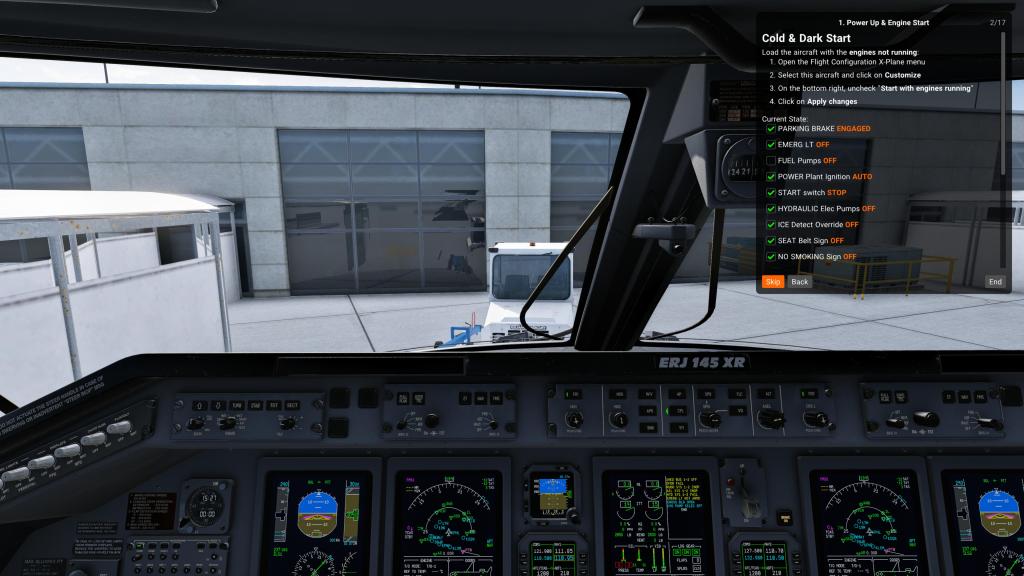
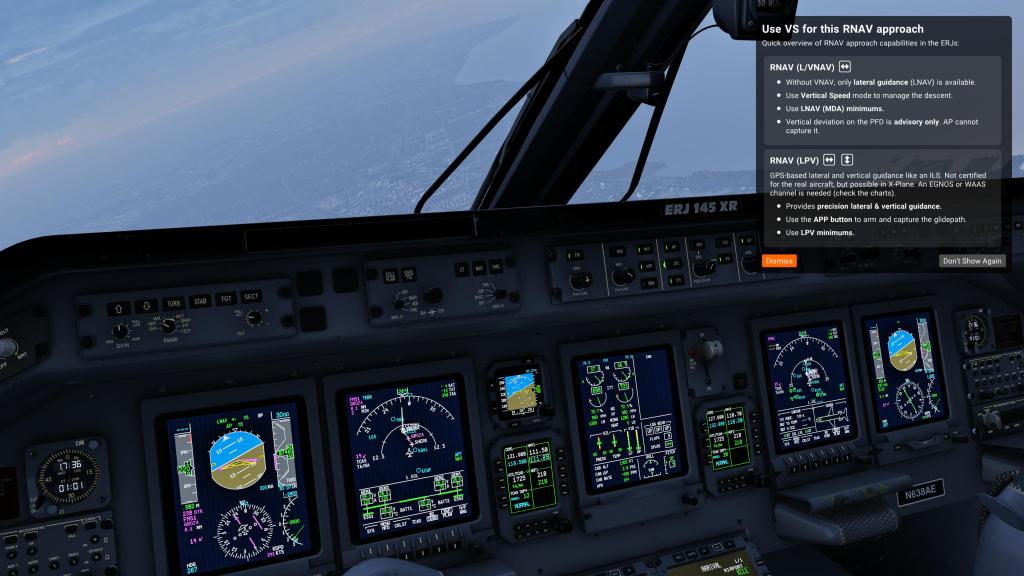
I’ve written before that X-Crafts like to do things a little different and they’ve implemented a great system that they call AirComms™. It has a couple of different functions but it ultimately works to help you with the jet.
One feature is a step-by-step tutorial system with interactive checklist or it can automatically jump in when you make an obvious mistake. It then fills you in on how to rectify the issue that you’ve made which I think is fantastic. A really helpful system when you’re learning the airplane and I think its a great innovation! It’s also optional so you don’t need to have it but I tend to jump from plane to plane and so for the months that I’ve been flying this jet I often forget steps – AirComms jumps in with an explanation and a suggested course of action. I think this is a great feature that I’ve love to see in more products!
Weekly flight plans
X-Crafts continues to do a great job of attempting to build as much community around their products as possible. To that end, they offer weekly e-mail messaging with “Your Weekly Flight Plan” featuring real world routes flown by both ERJ family and E-Jets family aircraft.
The mailer will contain information like departure and arrival airports, callsigns, routing, SimBrief files, cruise altitudes and payloads to help you get going. The purpose is undoubtedly to help inspire pilots to fly their products but it certainly helps get you flying and gives you something to focus on week to week.
Its a nice bonus feature that not every developer offers or stays consistent about over as prolonged a period of time as X-Crafts has.
Is it fast and fun?
Borrowing from my airliner reviews in MSFS, I like to ask the question: Is this airliner fast and fun? Can you get it up into the air in jet a few minutes and still fly it in a realistic fashion?
Unfortunately the answer is largely no. You can spawn on the runway with the jet powered up, like nearly all X-Plane aircraft, but you’d still need to setup the jet for a flight. With no state change feature ala most MSFS airliners and only limited SimBrief import capability, the ERJ Family 2.0 require the full start-up process to really get the aircraft going properly.
This may be less of an issue with the X-Plane crowd, however, when I compare across sims and experiences overall, I look for all kinds of ranges of comparison.
Final thoughts
Delivering a good flight simulator experience means hitting the mark across a bunch of different and sometimes disparate categories. X-Crafts has done very well here with the ERJ Family 2.0 release by doing just that: executing very well on visuals, sounds, systems, and features and then making sure that you have an in-cockpit assistant with AirComms that helps you through common mistakes and helps you to get to know the ERJ. It’s really a good overall product and that makes me want to recommend this jet to anyone who is interested in it.
I’ve heard community comments say that its “not study level” but frankly there are few items here that I could definitively point to and say it isn’t offering a high fidelity experience. It doesn’t have full failure modeling and you don’t get cascading system failures as a result of a fault in an electrical or hydraulic system the way a few X-Plane airliners do, but this still manages to be a solid airliner experience in nearly every other way.
Some critique I’ve seen leveled at the plane seems to be more about dealing with the quirks of the ERJ as an airplane than the sim module itself. This isn’t an Airbus, nor a Boeing, and its an older generation of Embraer so you kind of have to lean into the process and understand that the airplane isn’t quite as automated or functional as a more modern airliner. It straddles the line between more classic options and more modern ones.
If the extra management is fun for you, this is going to keep you engaged across a good chunk of your short and medium distance hops that you’ll be doing with this jet. If you want a more automated experience, X-Craft’s own E-Jets Family experience is maybe more what you’re looking for. And if you really do need all of the deep system simulation then you do need to go and seek out a developer like ToLiss and their excellent Airbus series.
If you’re seeking out a solid regional airliner experience on X-Plane and you enjoy a bit more of a hands on experience. X-Crafts ERJ Family 2.0 is definitely worth your time and attention!
You can buy the jets individually for $69.95 USD or buy the whole family for $139.95 USD on the on the X-Plane.org store. You can also read more about them on the X-Crafts website!





Leave a Reply