
iniBuilds contributed quite a few airplanes to Microsoft Flight Simulator 2024 and among them were a bunch of Airbus products including a good cross-section of the A330 line-up. I haven’t had a chance to check any of them out yet so I thought this was a good day to do so with a fun cross country flight.
Widebody on a domestic medium haul route
Today’s flight and resulting flight journal had a couple of criteria. I wanted to spend a bit of time with the A330 on a medium length flight. I also wanted to see how some of the scenery that I purchased for MSFS 2020 was doing in 2024.
FlyTampa’s CYYZ Toronto Pearson International has been one of my go-to departure and arrival points for a couple of years now and FSimStudio’s Calgary is a more recent purchase that I’ve enjoyed flying in and out of as well. Both developers have updated their products for 2024 though some bugs do seem to be cropping up right now.
I picked up a great third party livery from Flightsim.to featuring an Air Canada A330-300 with Rolls Royce engines. The company doesn’t tend to operate their A330s on that many domestic routes (favouring their A220s, A321s and 737 MAX aircraft these days), however, I’ve bent reality to fly airliner routes before and here I am doing that again!
Setup and takeoff
Setting up the A330 took me a bit of time as this was my first flight with the airplane. The iniBuilds EFB is quite similar to the one that I’ve seen on many of their other aircraft so doing the whole setup took only a short period of time. That included setting up and doing the throttle calibration, putting in my SimBrief ID code number, and importing the SimBrief data for the flight.
Once that was done, I setup the airplane itself and imported the SimBrief flight plan into the MCDU. That process went very smoothly and it didn’t take long to get all of the performance and initial data entries to be set and ready for flight.
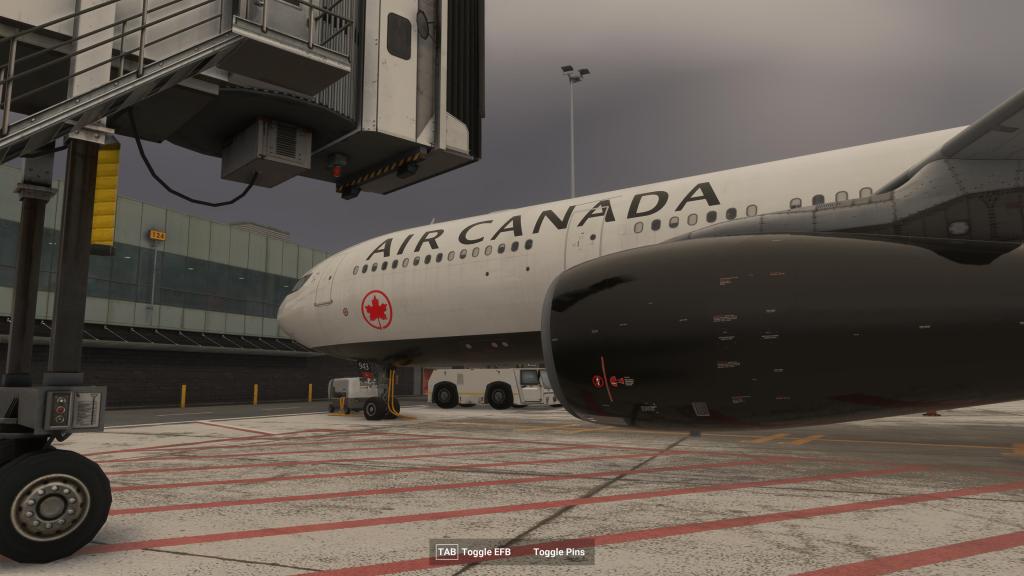
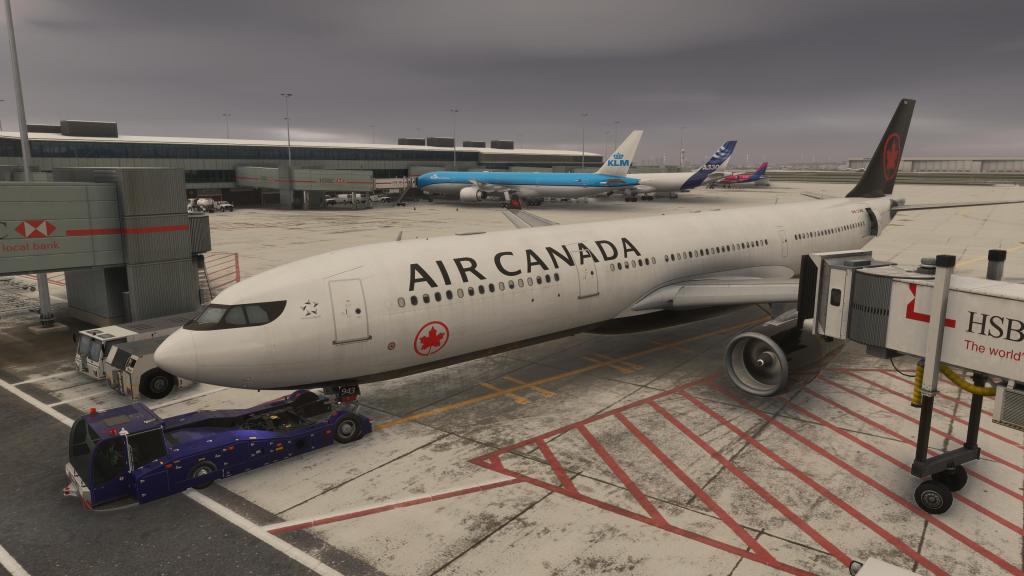


MSFS 2024 ATC has been nothing short of a regression from the sometimes challenging 2020 ATC so for this flight I ignored it altogether. That included ignoring the pushback services and instead using the built in EFB controls which, in my opinion, are more responsive though the tug does try and turn you way too soon (as it does with ATC controlled pushback).
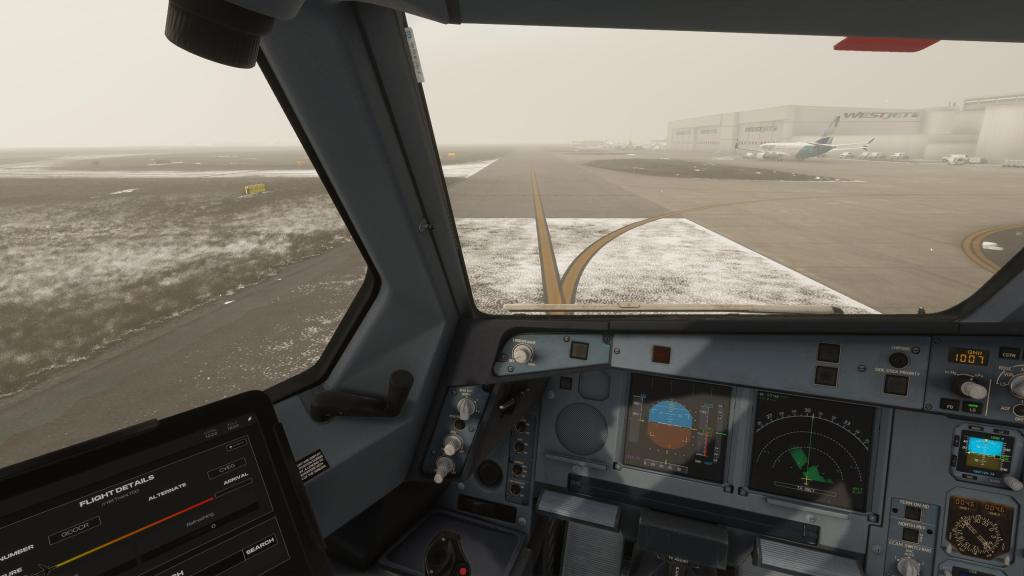
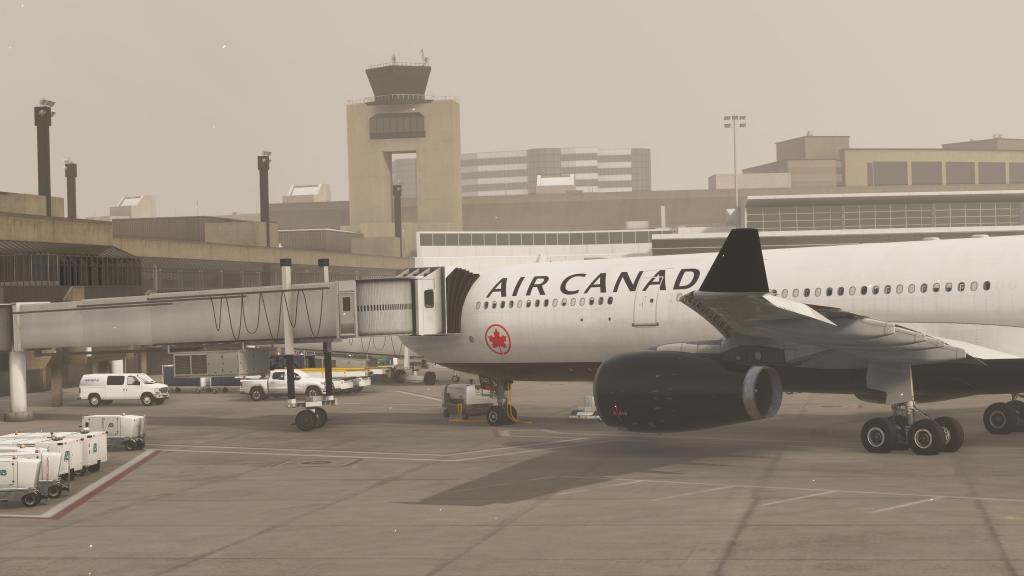
I did have some problems with the jet bridge not lining up with the passenger door on the left. That was strange. There were scenery related issues too with a whole underpass section untextured – not a problem with the 2020 version of the scenery and something that I expect the Sim Update or a scenery update will solve.
Another scenery problem? Green textures were showing through for the grass all over the place instead of the deep snow that had just blanketed the Toronto area when I flew this. The surrounding scenery was correct but the airport scenery was having problems. This is going to take a while to sort out I’m guessing and indeed FlyTampa have indicated that these issues will be fixed in future updates.
Taxiing out past the Air Canada maintenance facilities and on to Runway 24 I got the A330 lined up, pushed the throttles to TOGA, and away we went!
Hours of cruise time means its time to check out the A330 details
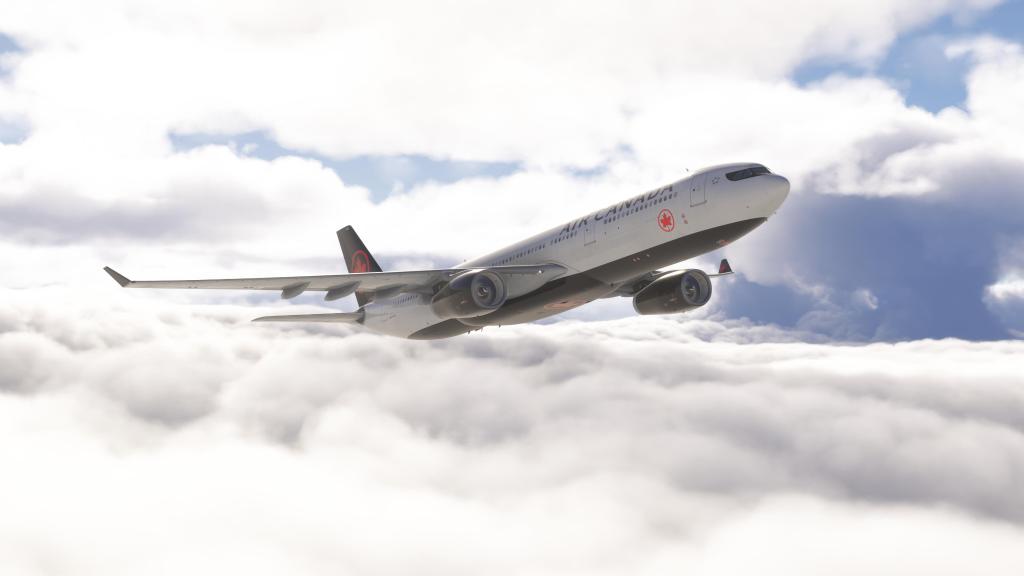
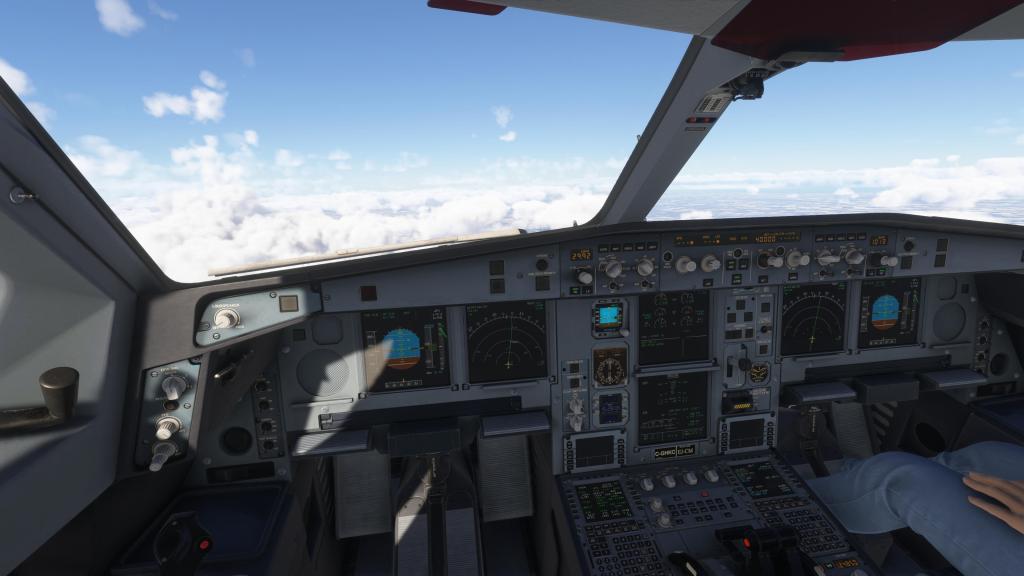

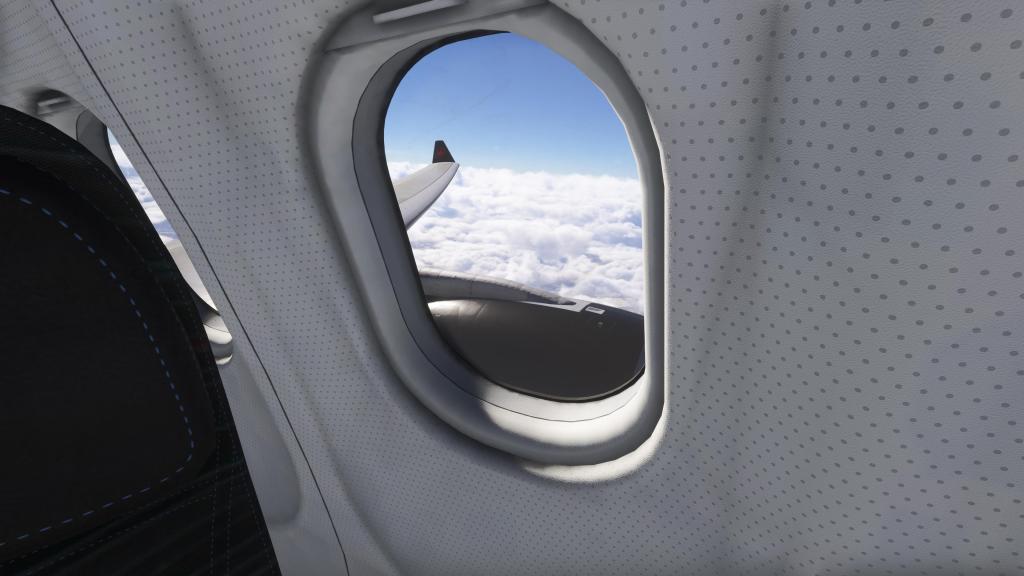
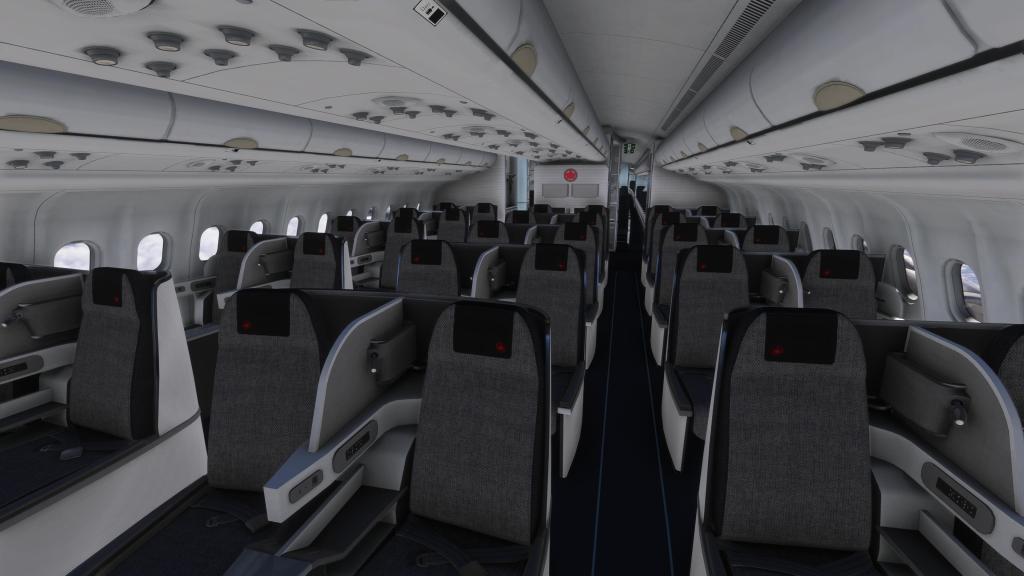

The A330 systems are setup to be almost identical to the A320. While the two aircraft are undeniably different with the A330 handling in a much more sluggish way thanks to its size and weight, much of the operation is the same. Familiar MCDU interface, autopilot controls, and glass cockpit displays are on display everywhere. It took almost no-time to come to grips with this airplane after a considerable amount of time spent on A320 variants over the last few years.
Our flight plan called for a climb to FL400 and while it did take some time, once we got there the cruise was extremely easy and comfortable. I did this on a cold, stormy, snowy day so my flight saw me write a couple of articles, check in on the airplane, eat some lunch, shovel some snow, and get some chores done around the house, before checking on the aircraft again. Just in-case you wanted to know what a medium haul flight looks like!
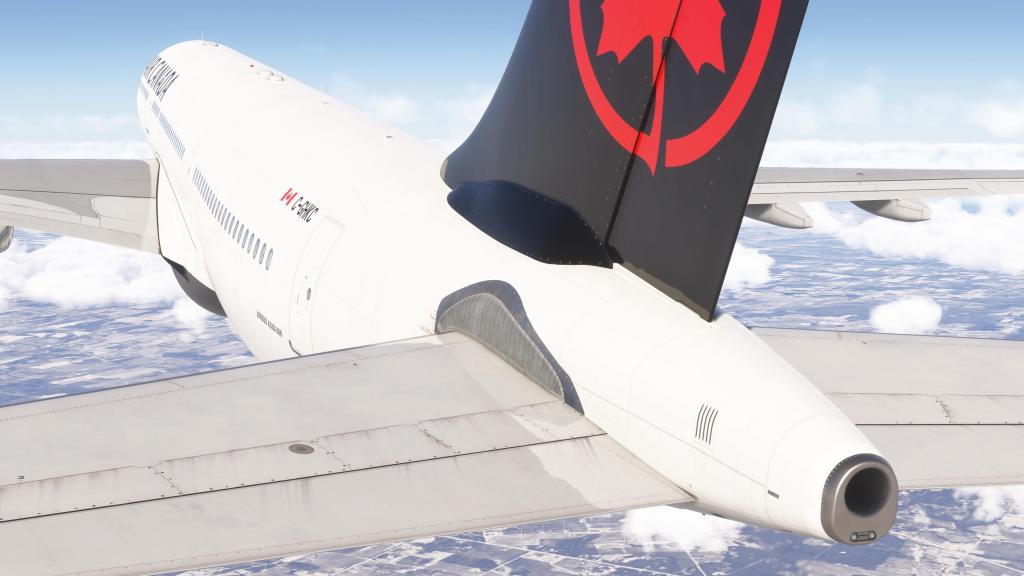
This was also an opportunity to admire the A330’s details inside and out. The custom skin I picked from Flightsim.to has been excellently done. While the author reports that there are some mirroring issues with the model itself, I was bothered by none of that as the sharp and crisp 8K textures, great livery work, and superb decals (both by the artist and iniBuilds) really shine here. Close inspection of the windows, the internal three class configuration, the control surfaces and nav lights all being very impressive. The engine animations were surprisingly less detailed than I would have expected and the jerky animation there was occasionally off-putting. The rest of it was excellent!




Approach to Calgary
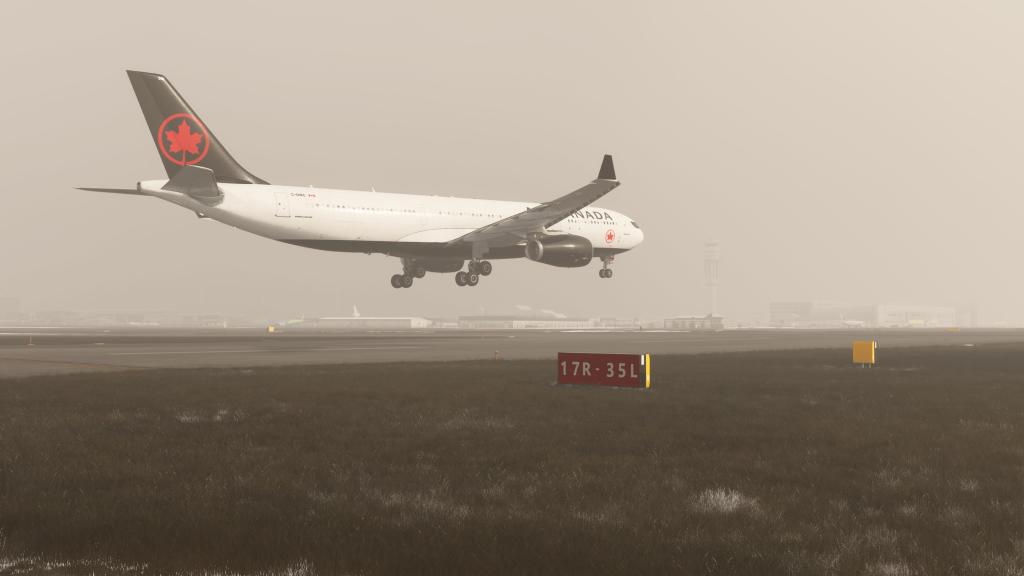
Flying into Calgary proved to be a little challenging. While the weather forecast when we left was reasonably clear, things changed enroute and low visibility, freezing fog, and light snow showers made for a trickier approach.
That was made worse by mistakes by this virtual pilot. It took me longer than usual to get stabilized on approach, longer than it should have to recognize I hadn’t activated the approach, and was too busy messing around with the radar and flight planner to get myself setup on Runway 11.
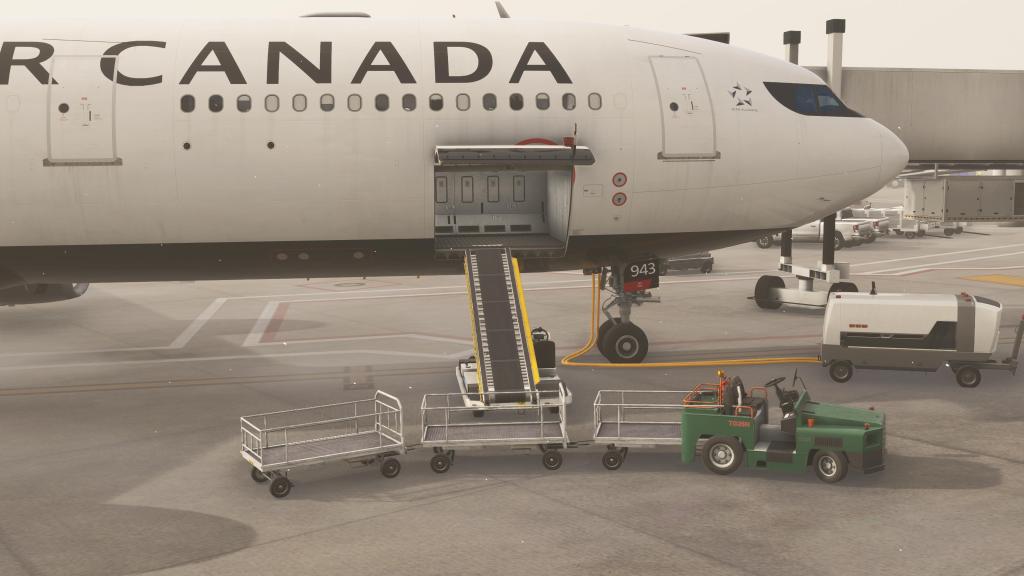
My landing was ugly and long though I managed to get it stopped right at the end of the runway. Too close! Still, I was able to taxi off and find an acceptable parking spot, shut down the aircraft, and get the services out for catering and luggage. Nice animations for both!
The CYYC Calgary airport scenery is made by FSimStudios and I’ve got a few of their products in my collection now. Generally the scenery is great and this one is no exception, however, it suffers from some of the same bugs that FlyTampa’s Toronto suffers from. You can see the uneven application of snow textures on display in more than a few places. Still, most of it is excellent!



Aircraft impressions
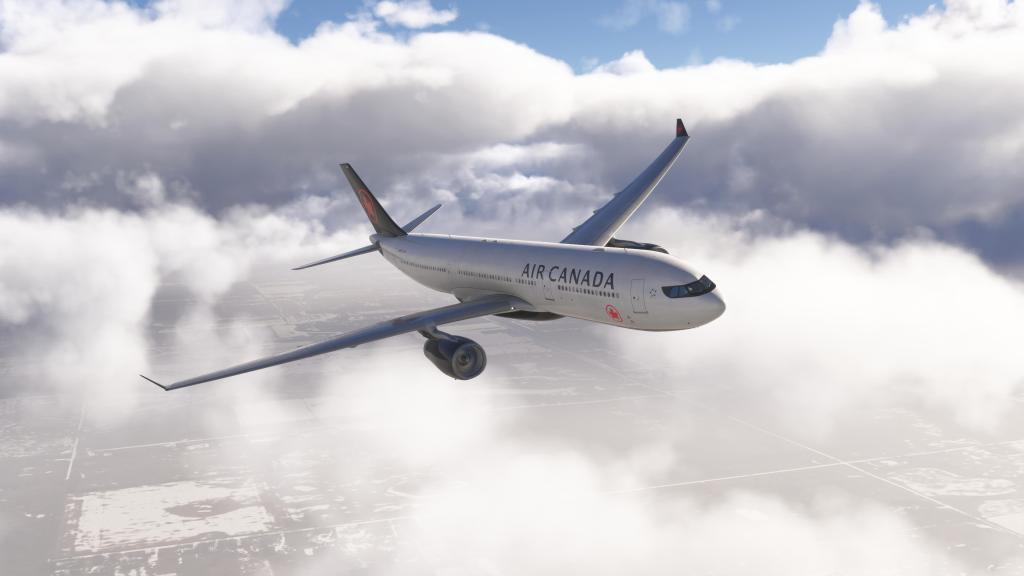
My overall impression is that the iniBuilds A330 is quite a good experience. While the company’s A320neo, added at the end of MSFS 2020’s product cycle, has generally received overall good marks I did want to see how much would translate over. Yes, the Fenix series of products has a leg up on the iniBuilds for fidelity, but both products operate in rarefied air of high fidelity airliner experiences that would have been extremely well regarded as peak of what was possible just a few years ago. Now they are “default” experiences and that’s great.
The visuals are absolutely solid, system depth and detail meets or exceeds my admittedly modest understanding of airliner systems, the included EFB has plenty of features including SimBrief integration, and the sounds are quite good too. Other more knowledgeable airliner content creators have also had positive things to say about these so this is me lending my voice to the chorus that these included airliners are solid experiences that shouldn’t be discounted just because they were included “default” options.
My experience with the jet too has shown remarkably few bugs in a sim that has really had its struggles. While the sim overall has issues, the A330 itself seem to have just a few of its own and even those may well be sim bugs.
The other positive thing in all of this was the frame rate performance. The folks at iniBuilds have taken some criticism over the years because their aircraft have been famously heavy on framerates but they do seem to be getting better at it and the A330 ran great for the entire length of my flight.
All of this stands in stark contrast to the recently released Aerosoft A330 which has quite a few issues and not much in the way of studio messaging aimed at addressing it. If you want an A330 experience, MSFS 2024 is probably the way to go!
Final thoughts
There are more versions of the A330 that I will be checking out. MSFS 2024 includes the A330-200, the -300 that I just flew, freighter versions of both, versions with the GE engines (today’s flight was with the Rolls Royce), and there’s the A330 derived Beluga XL. The only major variant not currently on offer is the A330-900neo… though a good freeware version is on offer!



 Stormbirds
Leave a reply to shanolenny Cancel reply