
Coming out of seemingly nowhere, Flight FX released the Hawker 800XP with minimal warning until the very last minute surprising nearly everyone in the community. The developer has previously released the Citation X, P.180, HJet, and various other projects for Microsoft Flight Simulator. Each time the developer has managed to push things a little bit further but the Hawker 800XP feels like they have really tried to take everything learned before and then go a few steps beyond. Here’s what you can expect if you buy the Hawker 800XP for MSFS 2024.
A bit of history
The Hawker 800 owes its design lineage to the de Havilland DH.125 Jet Dragon project. Before design work could be completed, the aircraft company was bought by Hawker Siddeley and its name changed slightly to the HS.125 Jet Dragon. This early version first flew in August of 1962 and the aircraft was sold to both military and civilian operators. In 1977, Hawker Siddeley merged with the British Aircraft Corporation and became British Aerospace and subsequently renamed the airplane again to the BAe 125. A further ownership change happened when the aircraft was sold alongside BAe Corporate jets to Raytheon in the US.
Through all of these ownership changes, the aircraft design continued on from the early Series 1 through to the Series 700 and 800. The 800 saw an increased wingspan from earlier versions, a new streamlined nose, tailfin extension, more fuel, and was the first corporate jet to feature an EFIS in the cockpit. The follow-on 800XP included new TFE731-5BR1H turbofan engines featuring more power and rated at 4,660 lbf each.
1,720 of the series were completed in total from 1963 through to 2013 when production ceased. Of those, 650 were built as Hawker 800 models.
Included in the pack
The Hawker 800XP is a single, Marketplace exclusive, release for Microsoft Flight Simulator 2024 priced at $36.99 USD.
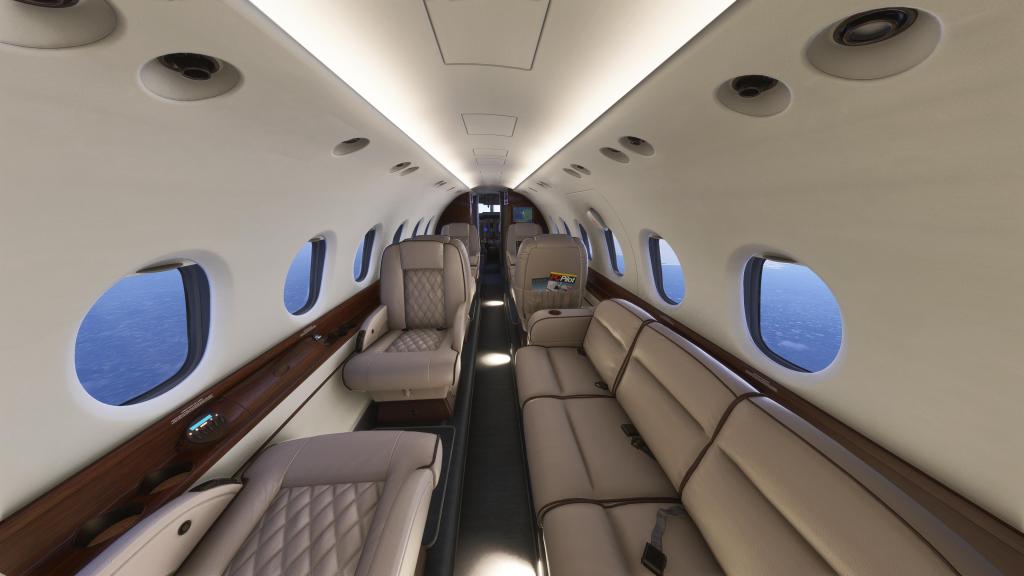
The overall packaging is simple with a single aircraft variant, a single interior style (with a classic looking beige, white, and wood trimmed scheme), packing in a half dozen liveries and a lengthy list of features. Those include a feature rich EFB system, advanced avionics (featuring a Pro Line 21 suite by Working Title), custom electrical, hydraulic, fuel, and cabin pressure system, custom engine and engine control simulation, a Boris Audio Works soundscape, and a highly detailed interior and exterior of the aircraft.
Flight FX have given the aircraft significant persistence systems with the Hawker as well. There are 1,300 tracked parameters on a per-airframe basis with optional shutdown/start-up persistence tracking every button and system. The aircraft also has a maintenance system that tracks wear and tear on aircraft systems and some systems, like the engines, develop their own character over time with slightly varying performance numbers depending on the age, use, and wear on the engine.
Visuals and sounds
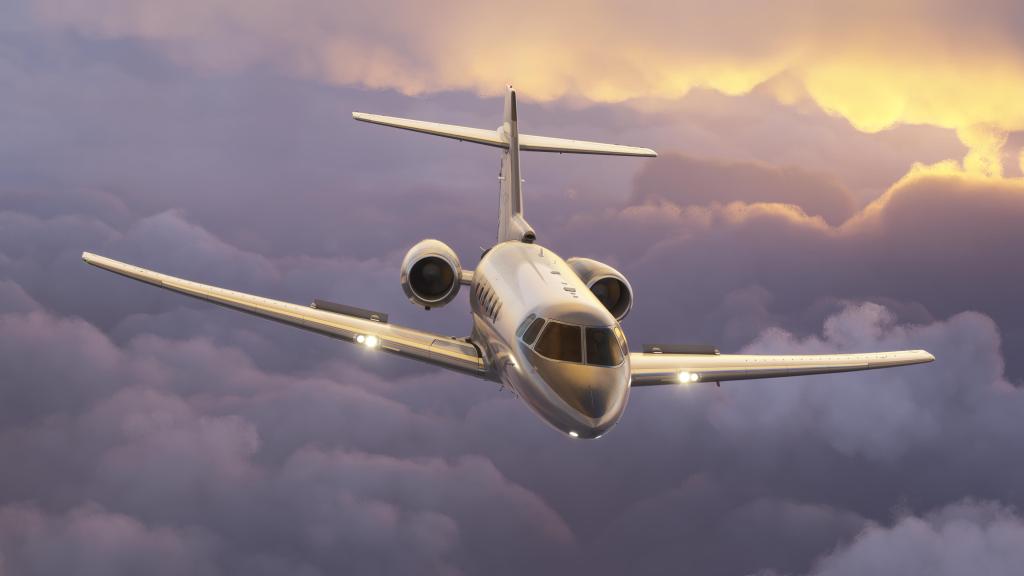
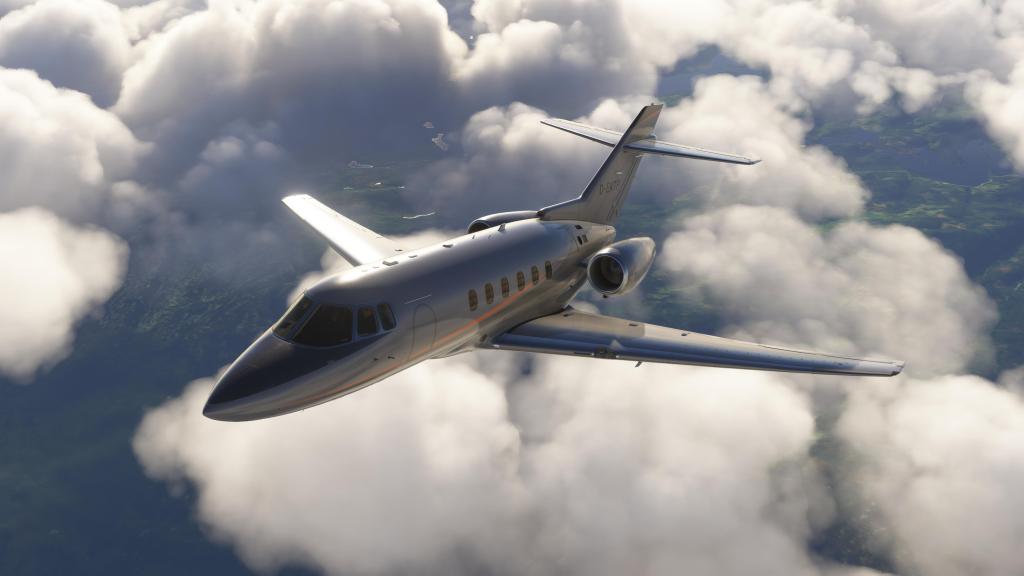
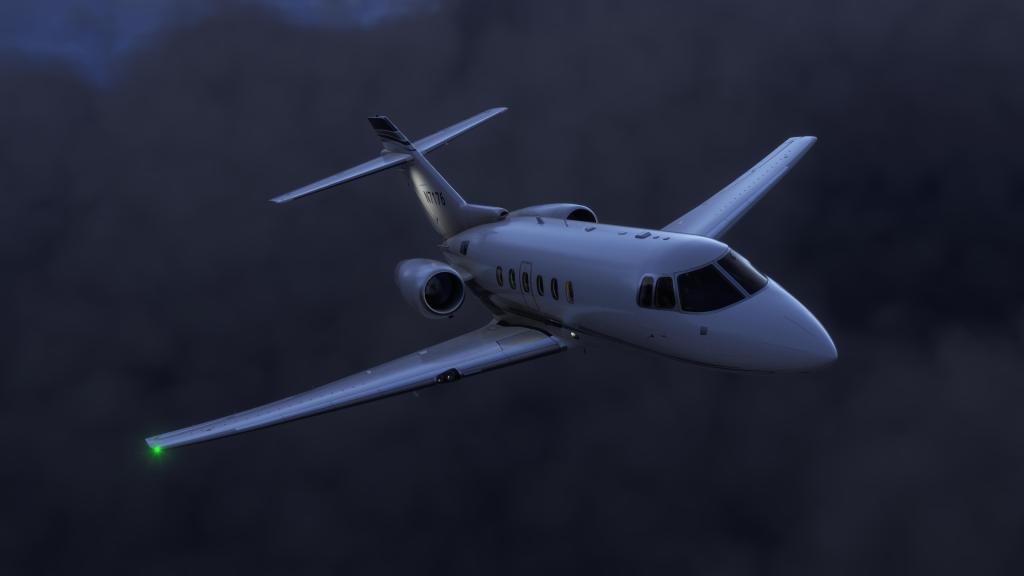
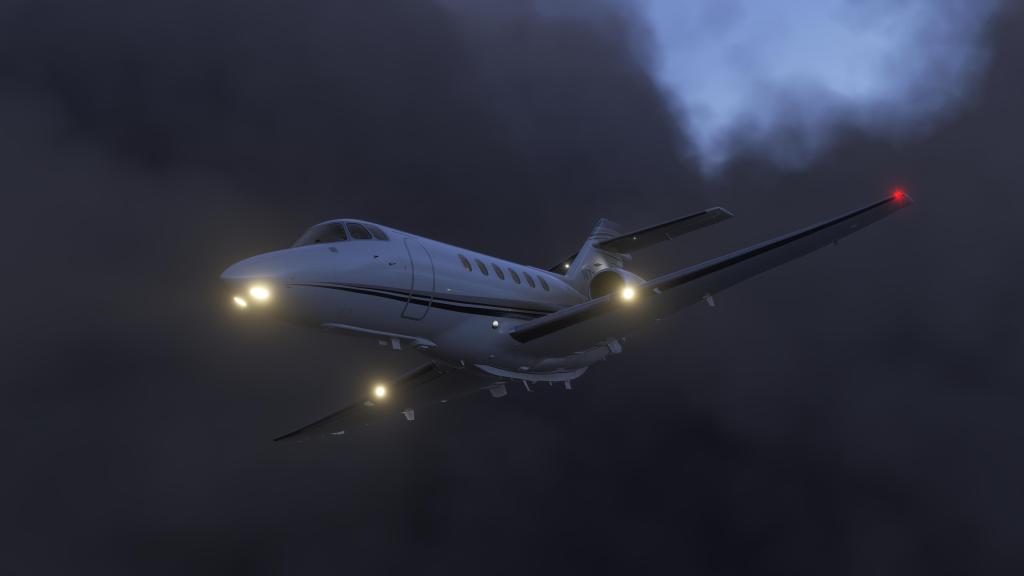
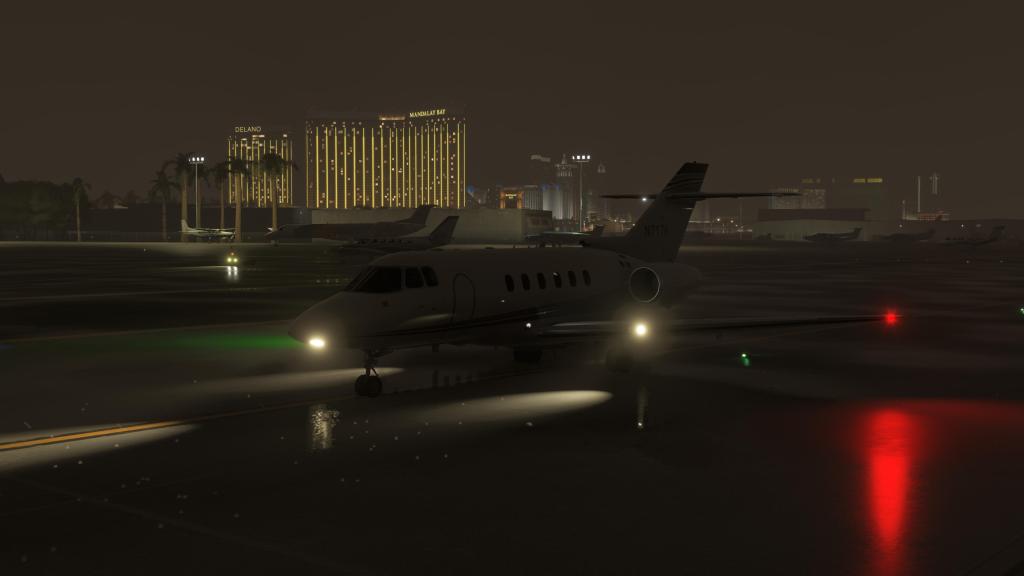
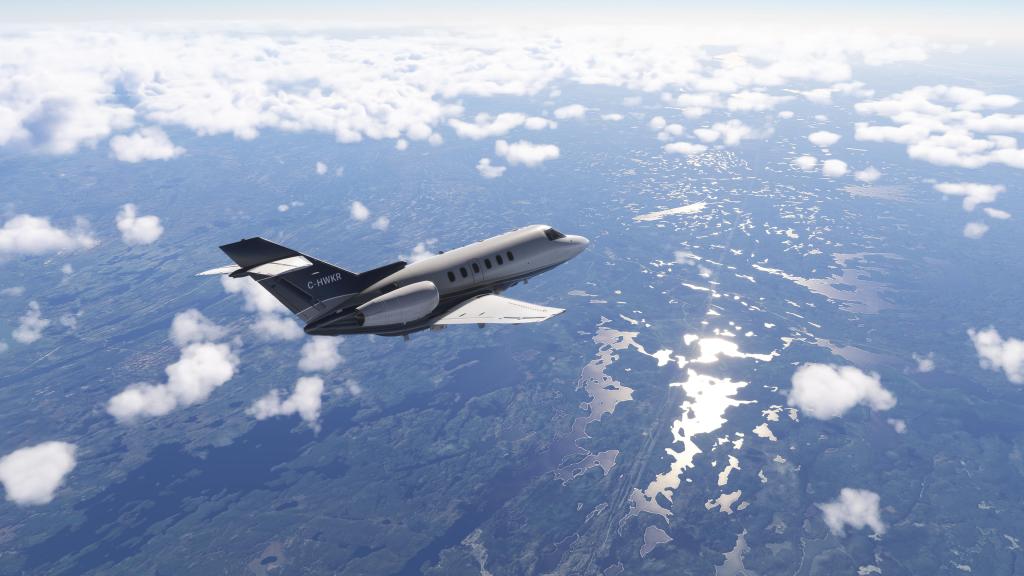
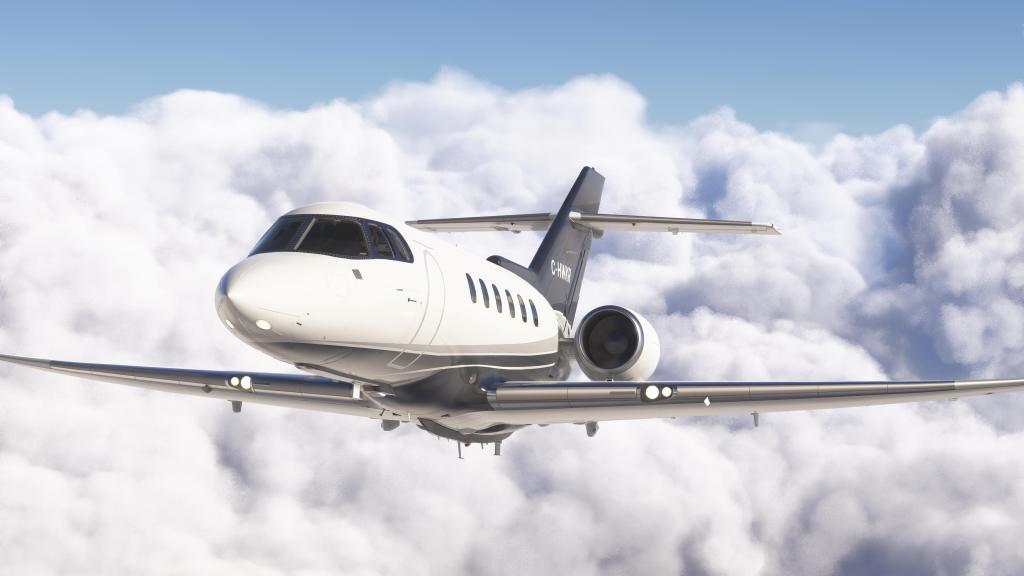
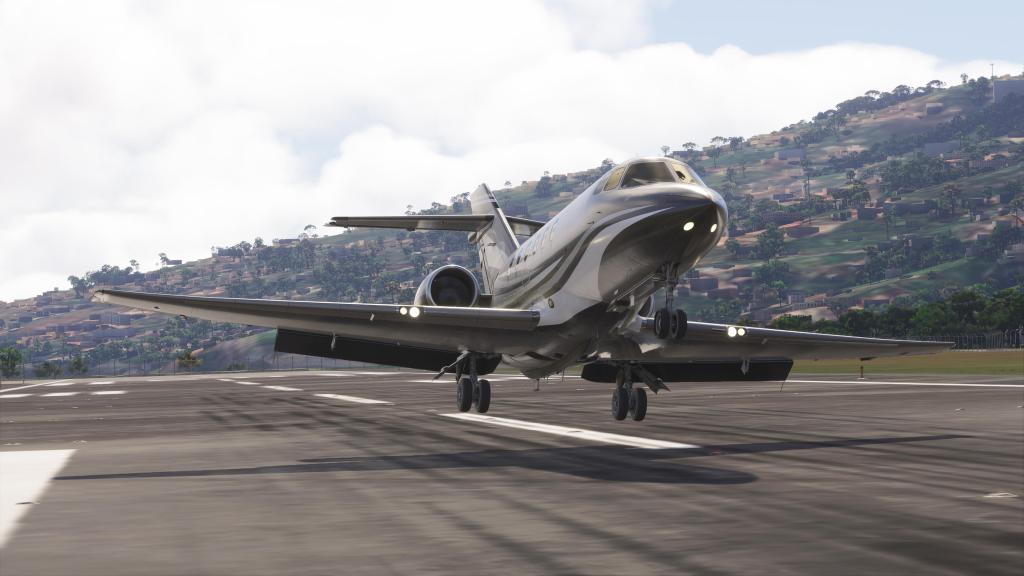
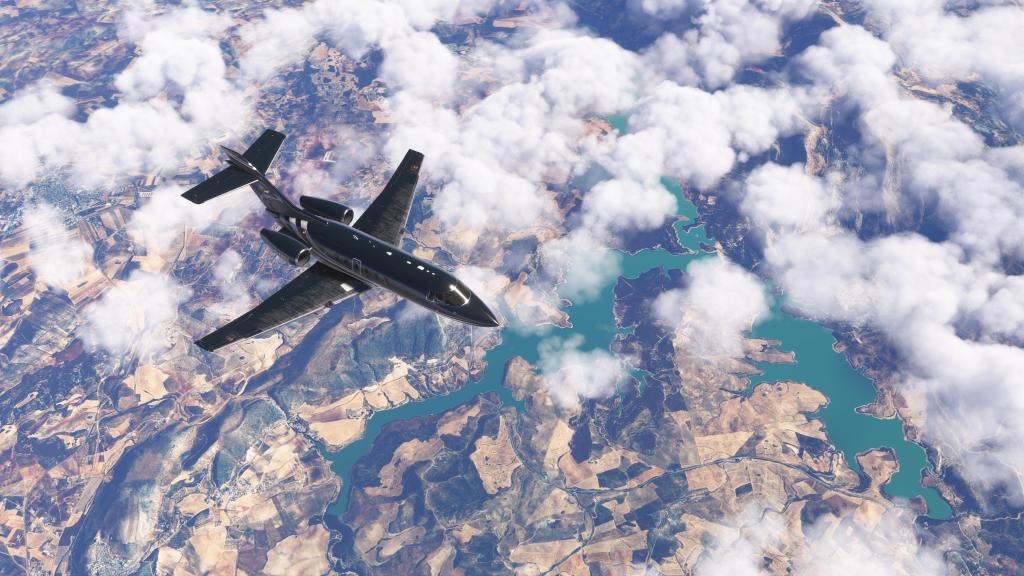
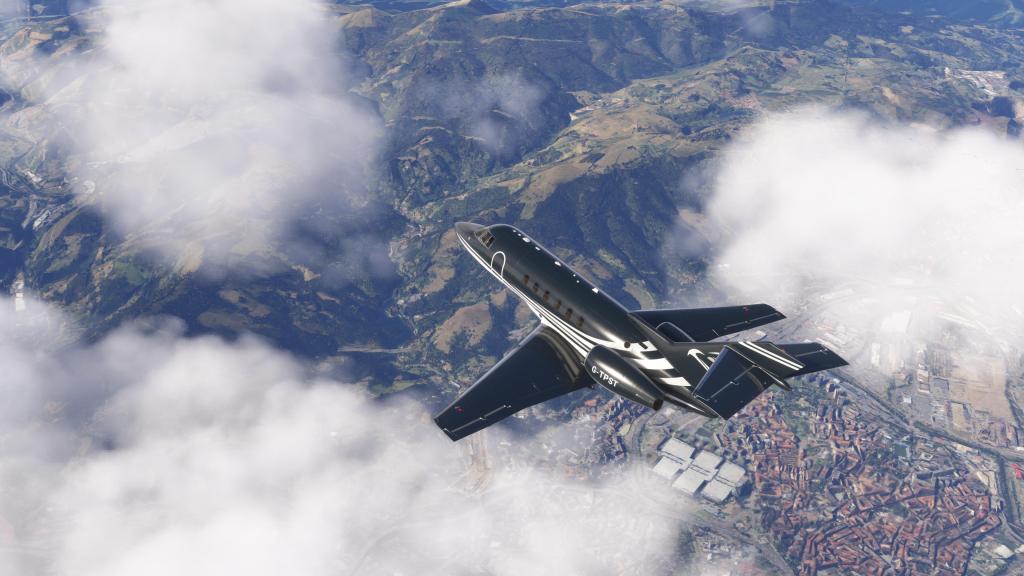
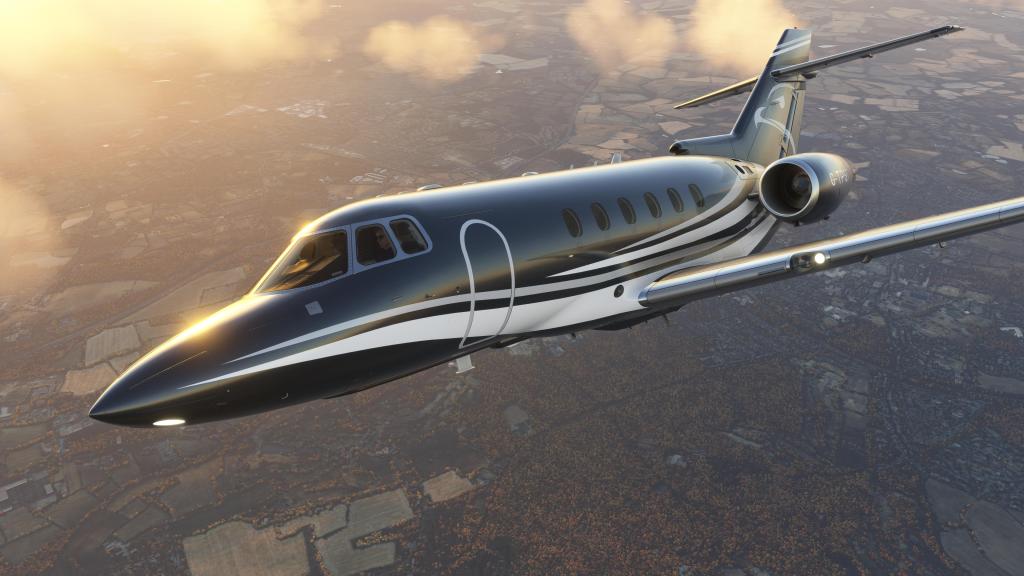
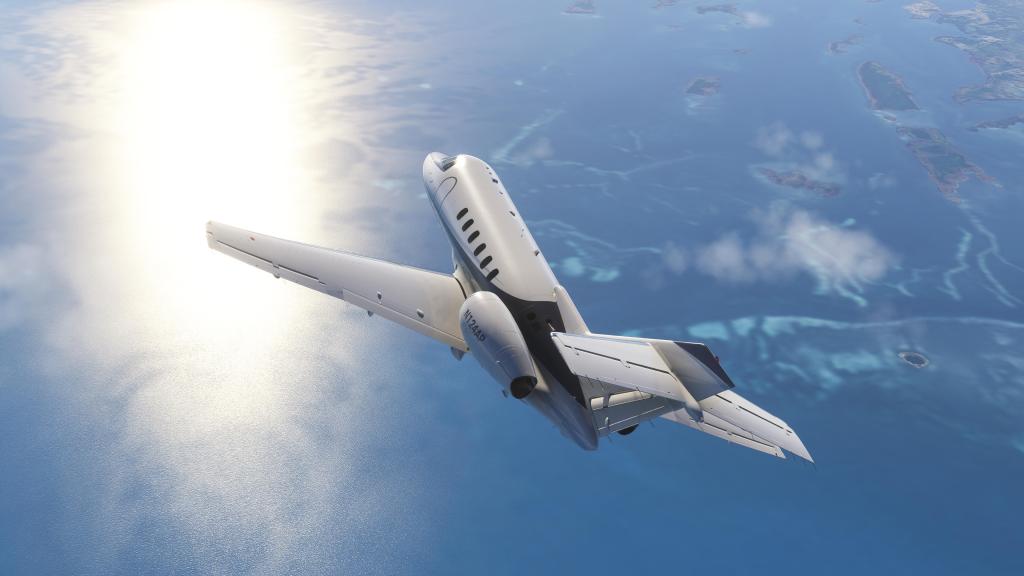
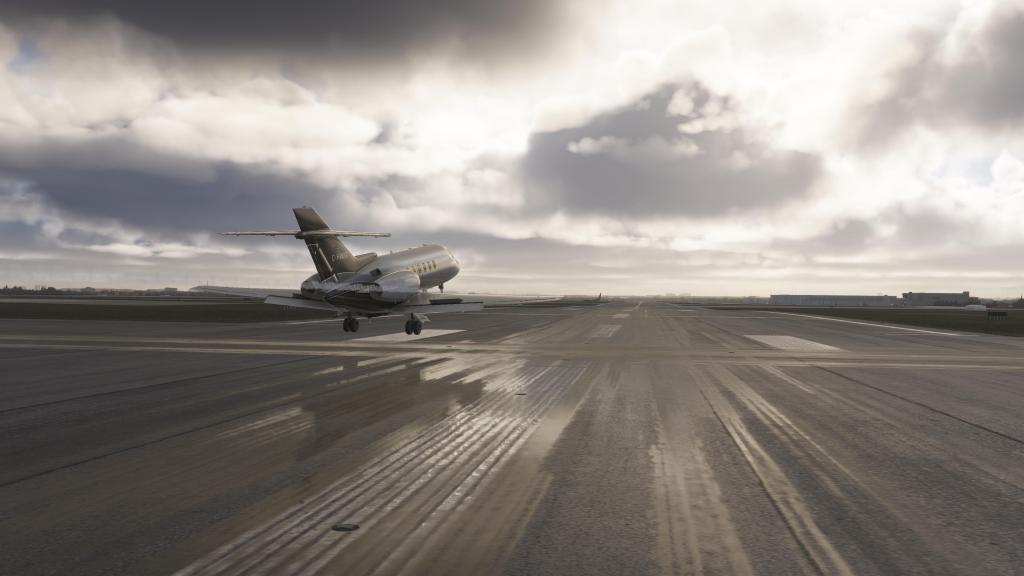
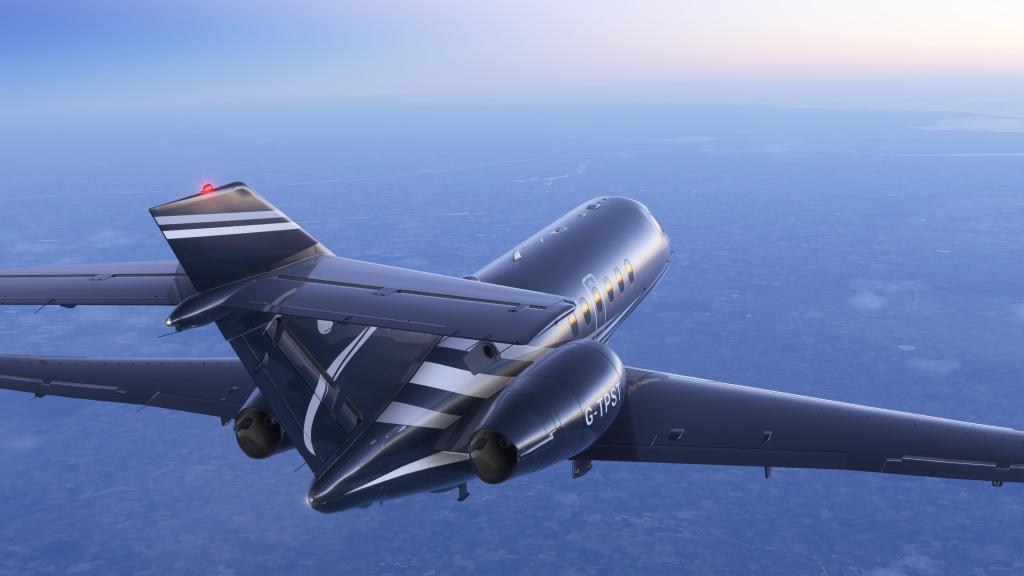
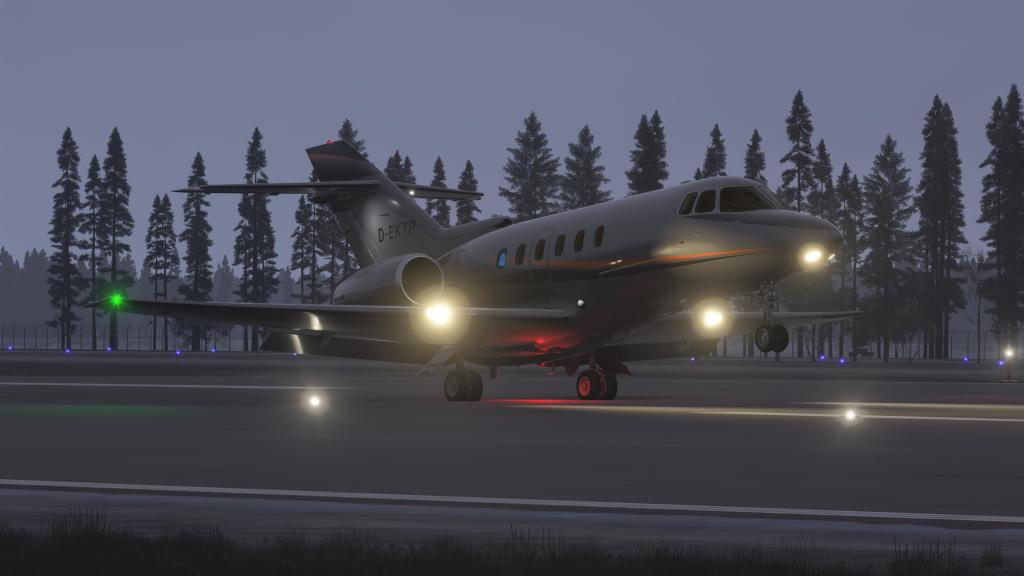
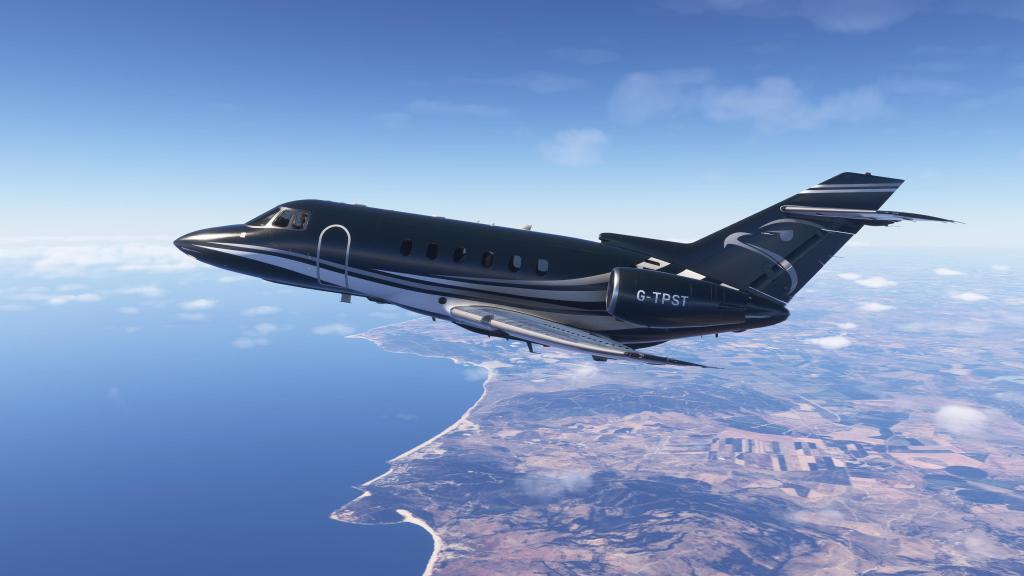
Flight FX have done some really solid looking projects before. The HJet was good (and even better with the re-release), the P.180 and Citation X were really solid, and the Hawker 800XP takes it a few notches further still. Infact, I think this is one of the most consistently good aircraft I’ve ever reviewed because Flight FX manage to make it look really impressive from nearly every angle.
Beautiful modeling is found throughout. There are excellent details on even the smallest antennas, on the landing gear, flaps, spoilers, wingtips, around the engines and the APU exhaust. The smooth shape of the Hawker’s complex nose contours really shines from most angles on the jet.
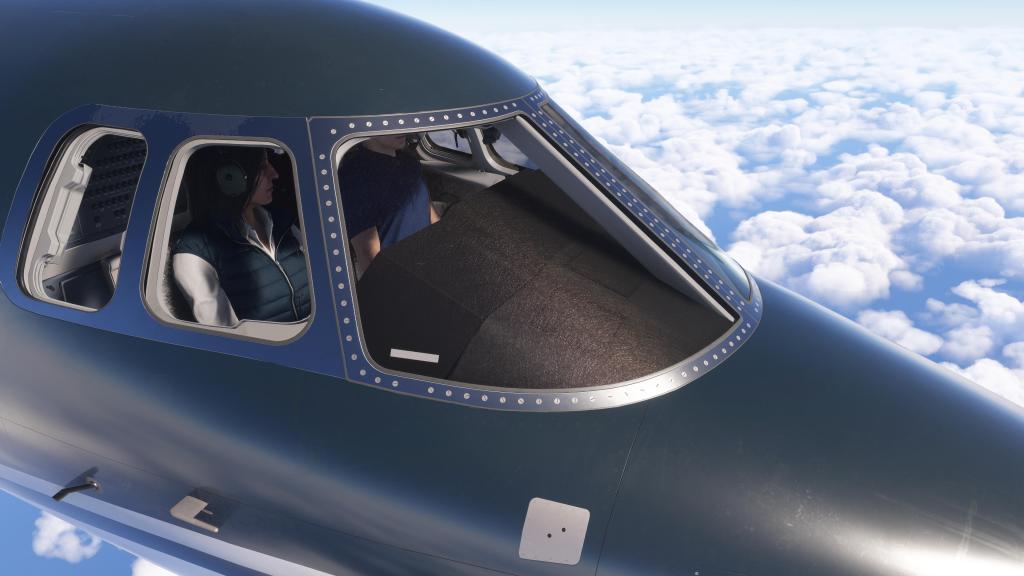
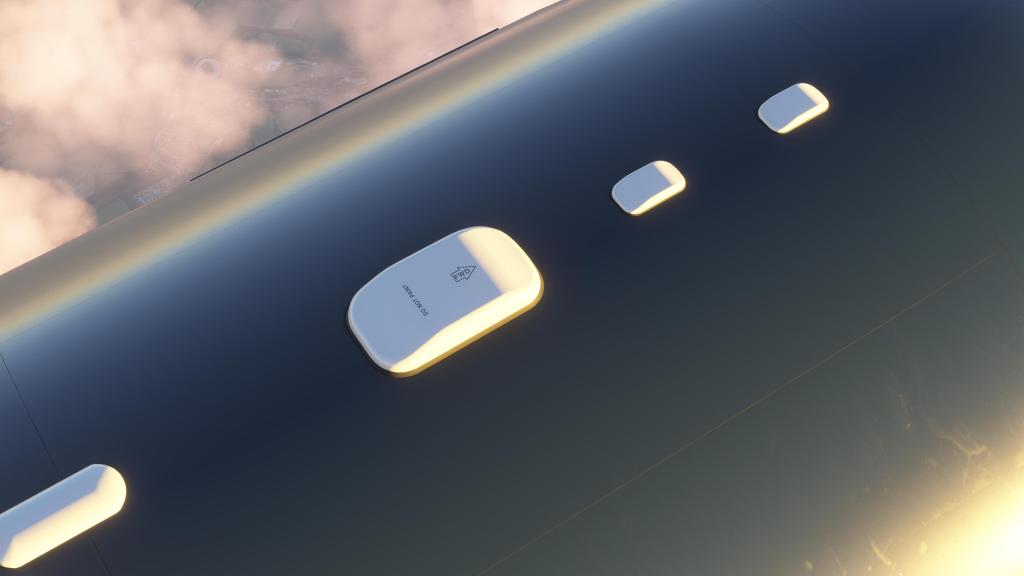
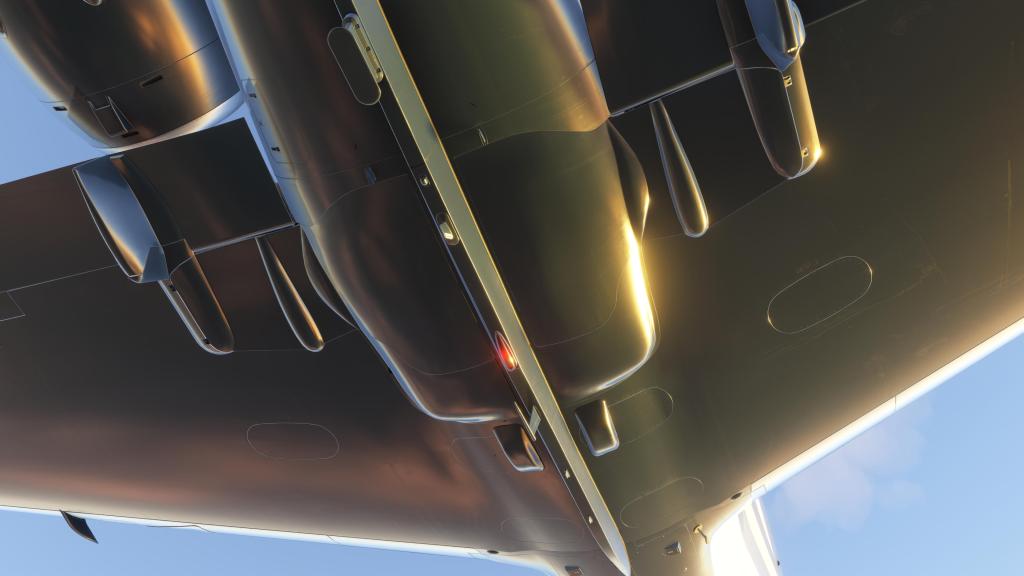
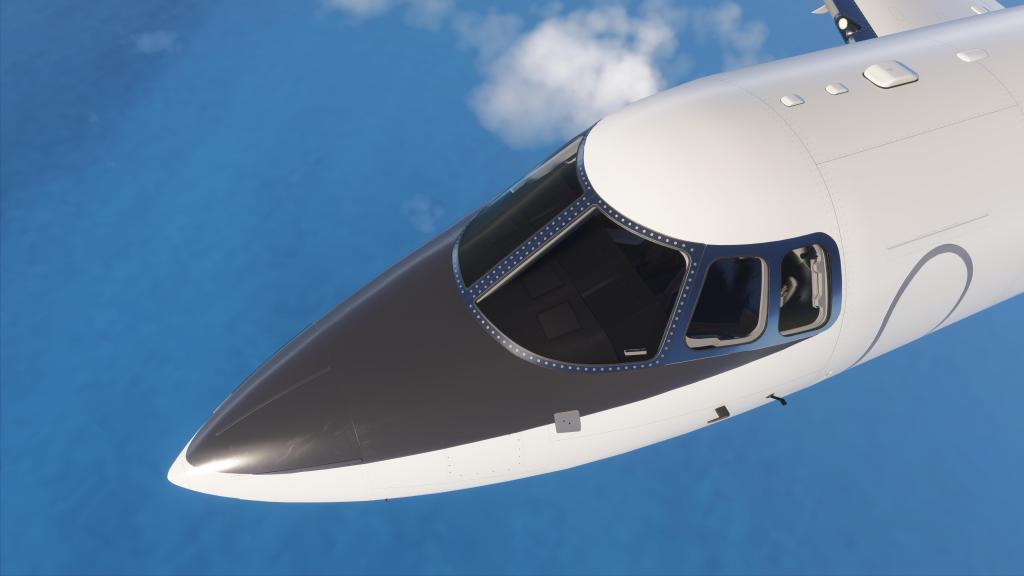
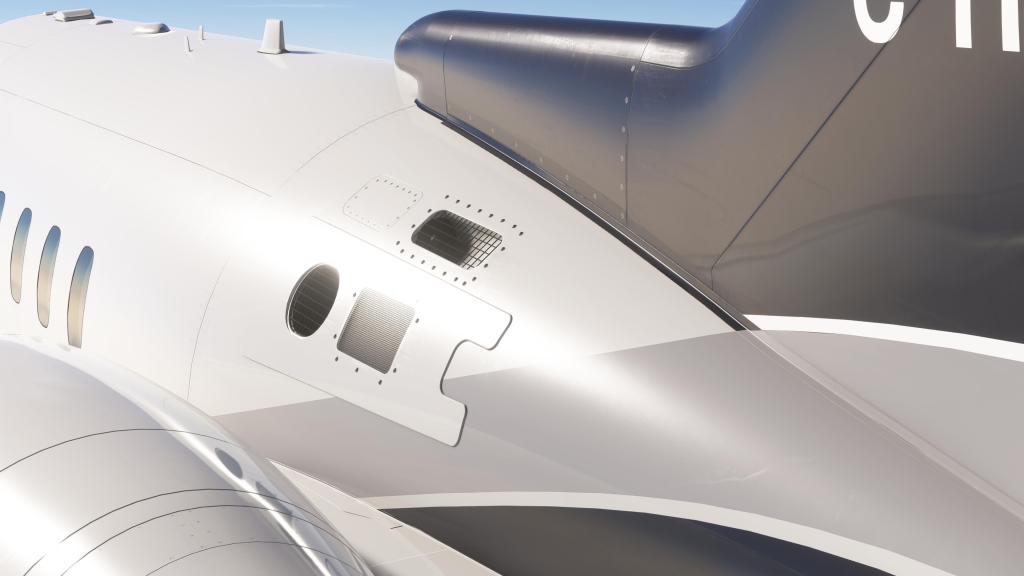
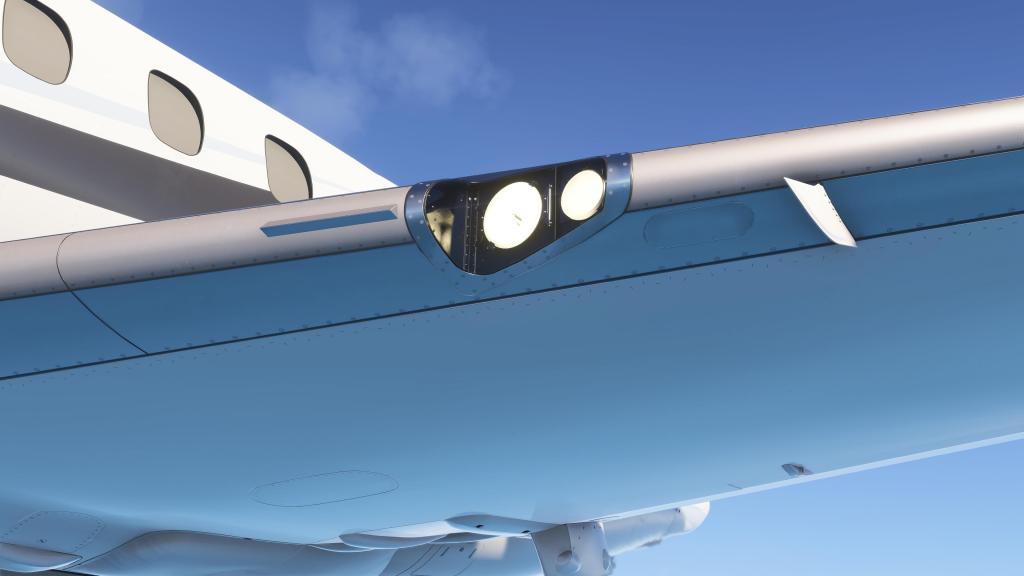
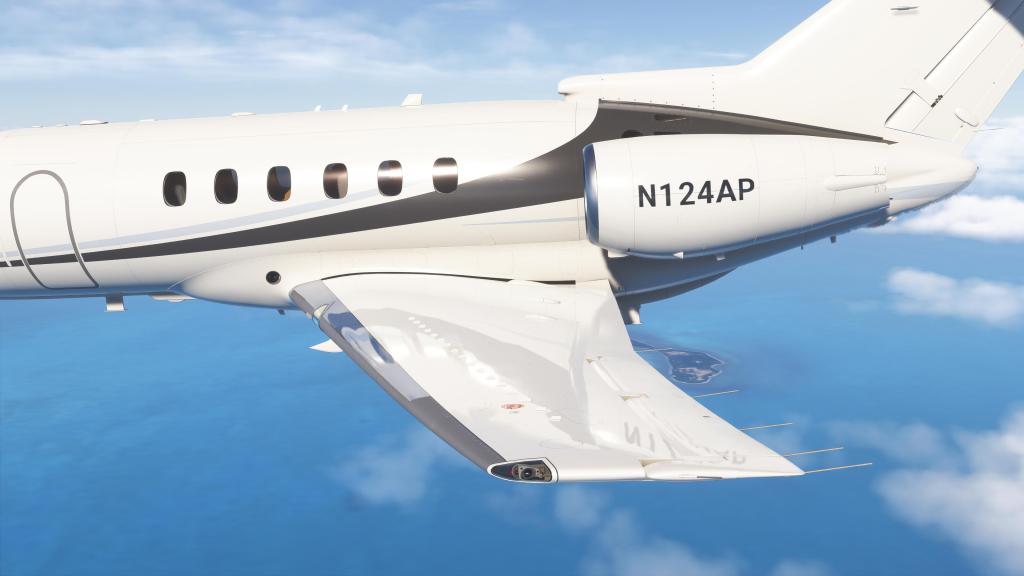
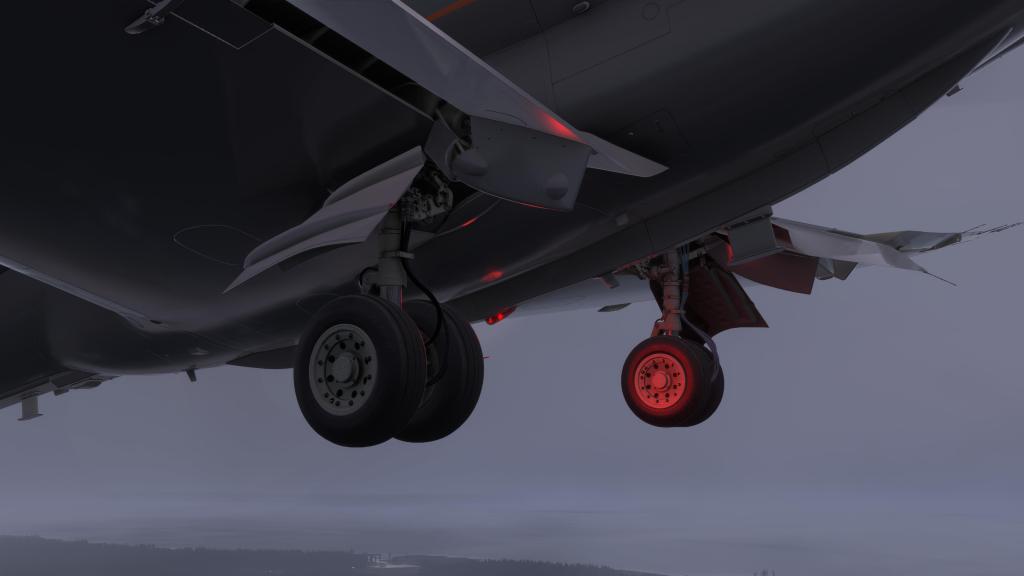
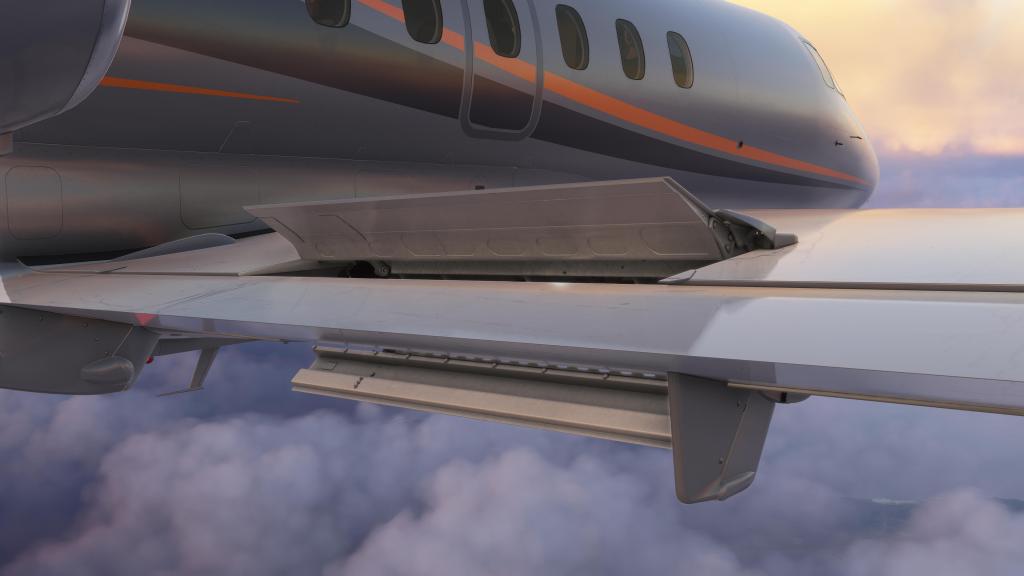
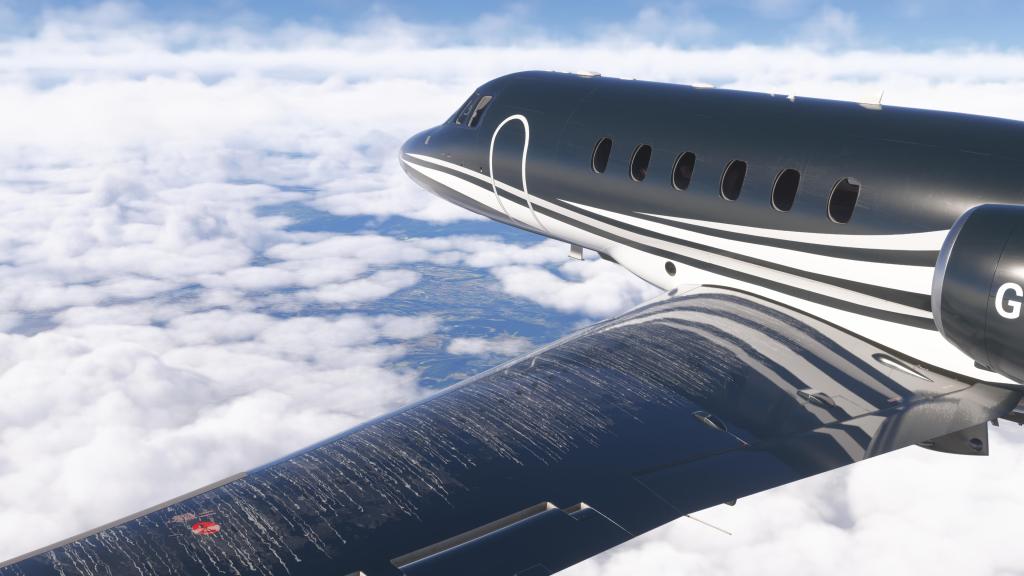
The same goes for the textures with excellent overall texture work inside and out and plenty of detail textures for those up close details. Even the screws and indentations on the wings and fuselage shine in the right light and everything has a really nicely done weathering approach that gives the jet a slightly used yet still sleek and well maintained look.
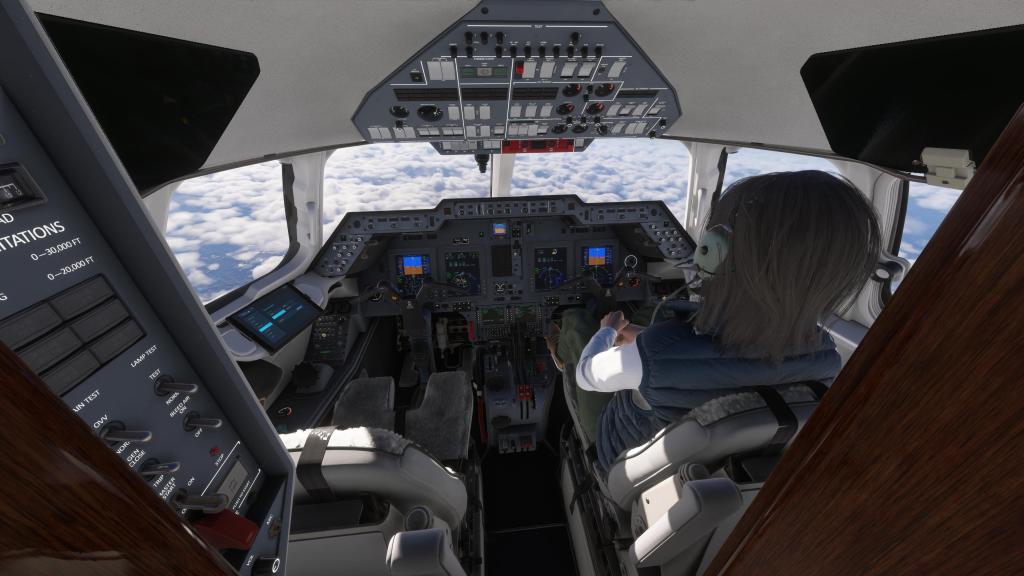
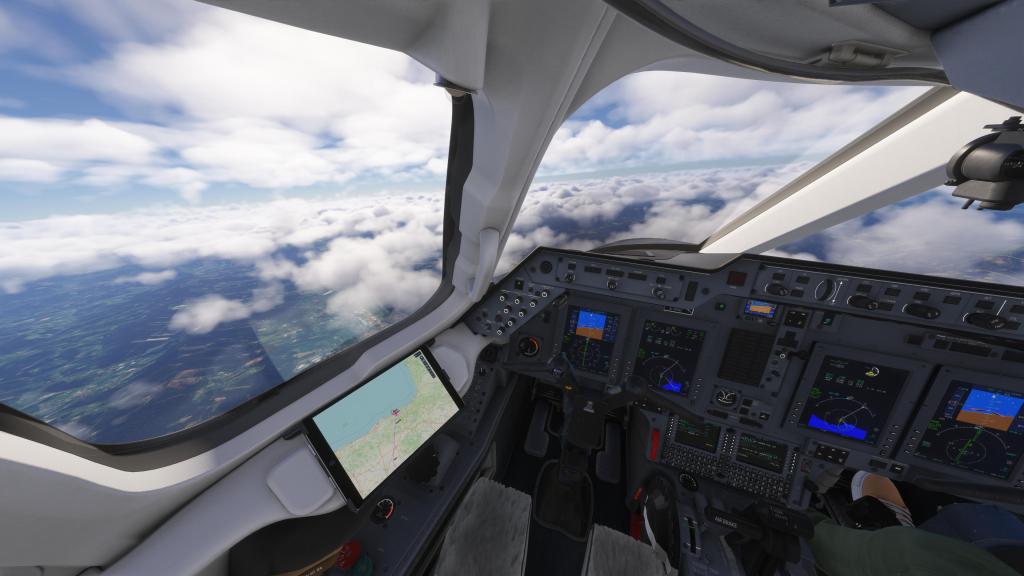
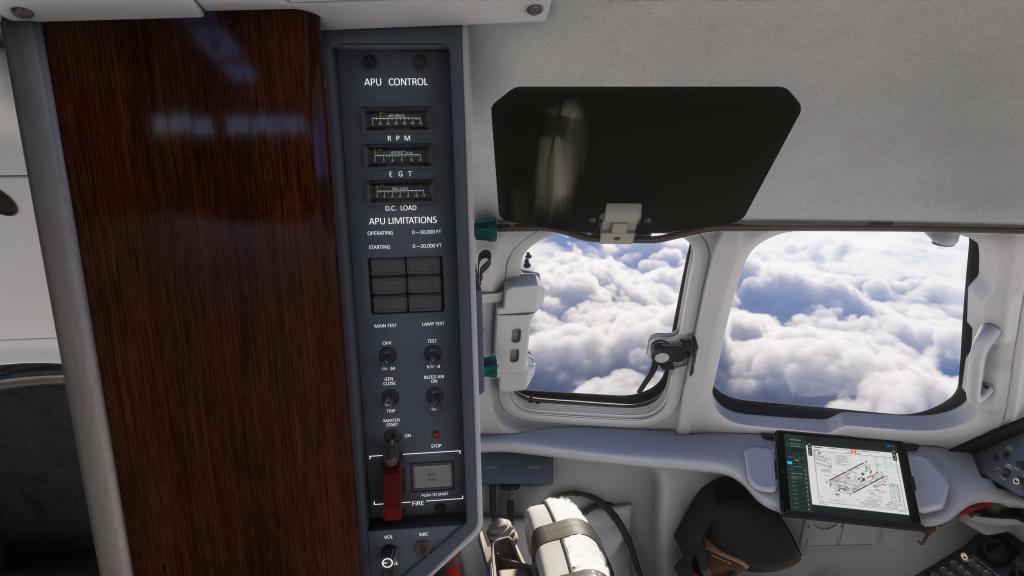
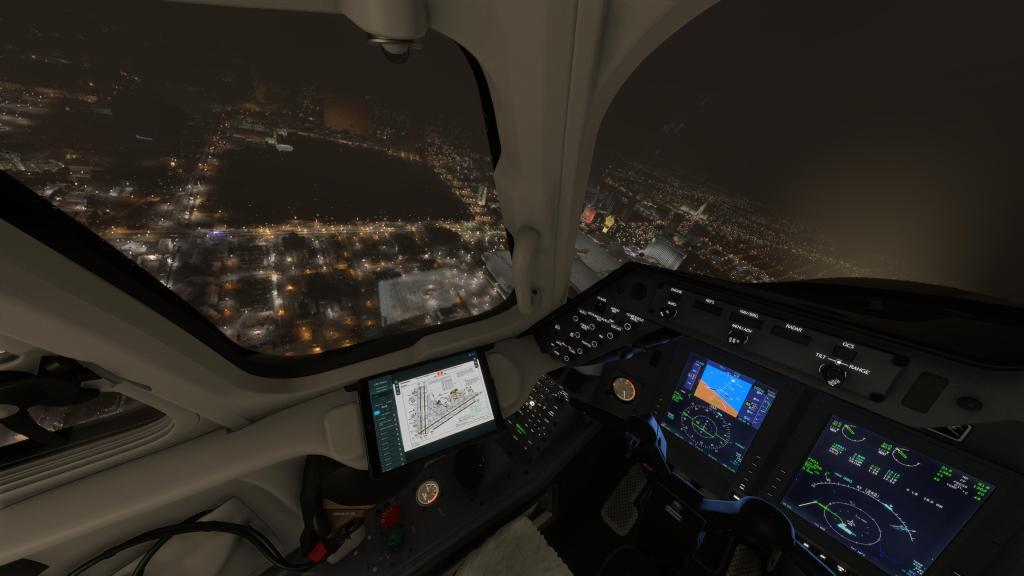
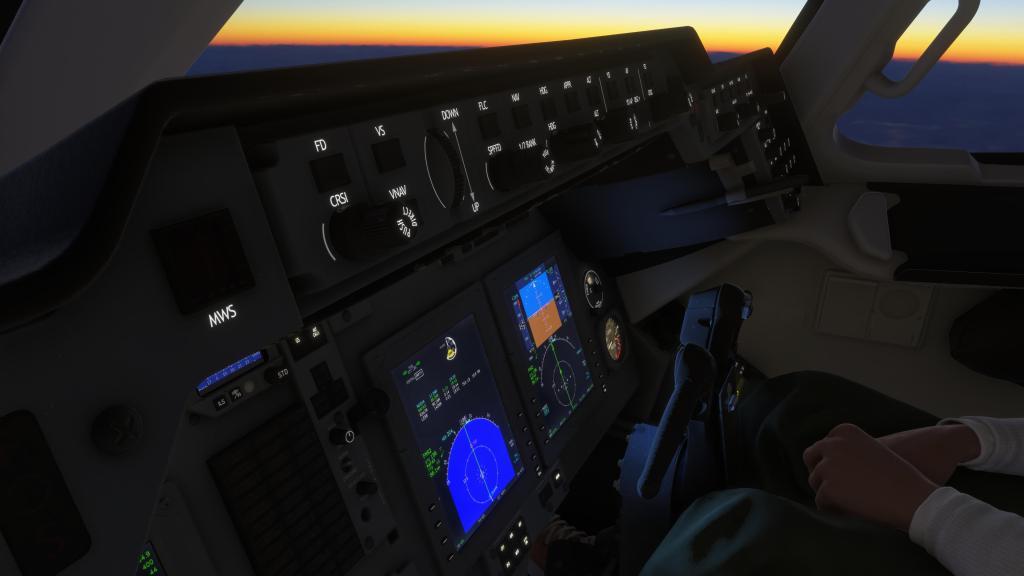
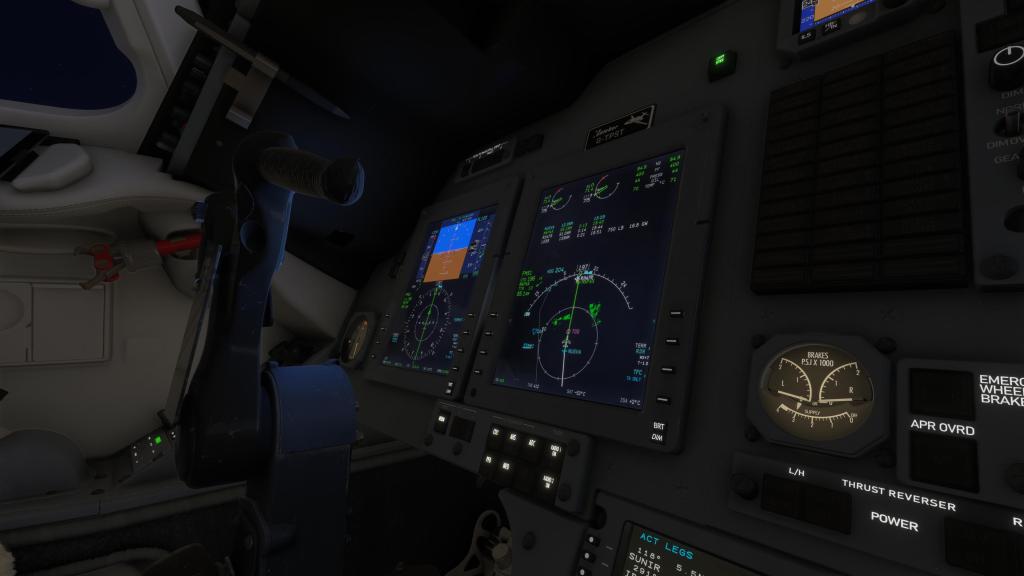
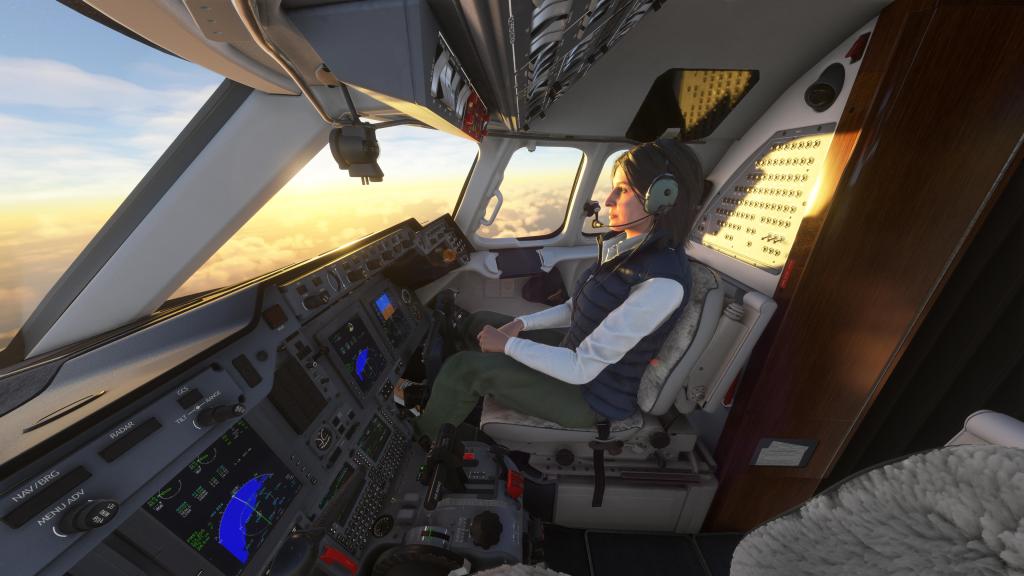
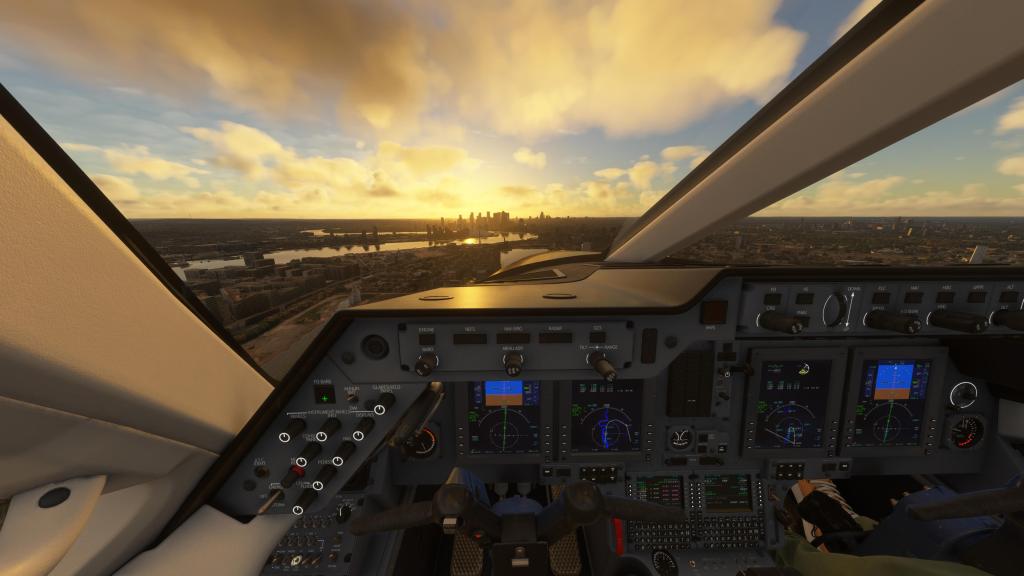
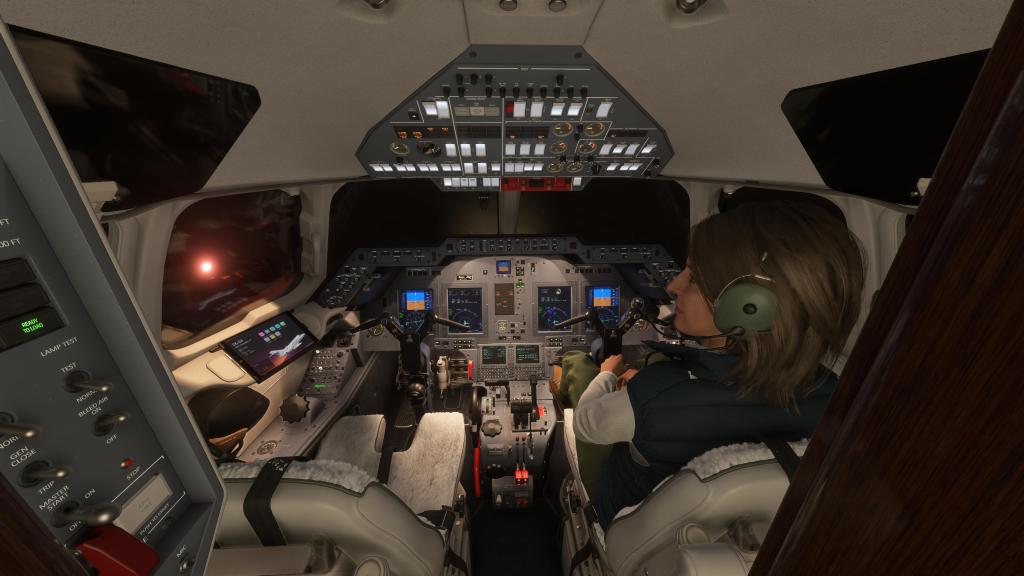
The cockpit is the same with great detailing and lighting work throughout. The aircraft holds up when zoomed right into various controls and it looks great at a distance too. It does have a very clean look and isn’t as “used” feeling as some aircraft but this is probably more representative of a business jet rather than an airliner. Lighting throughout the project is also top notch as you can see in the low light situations.
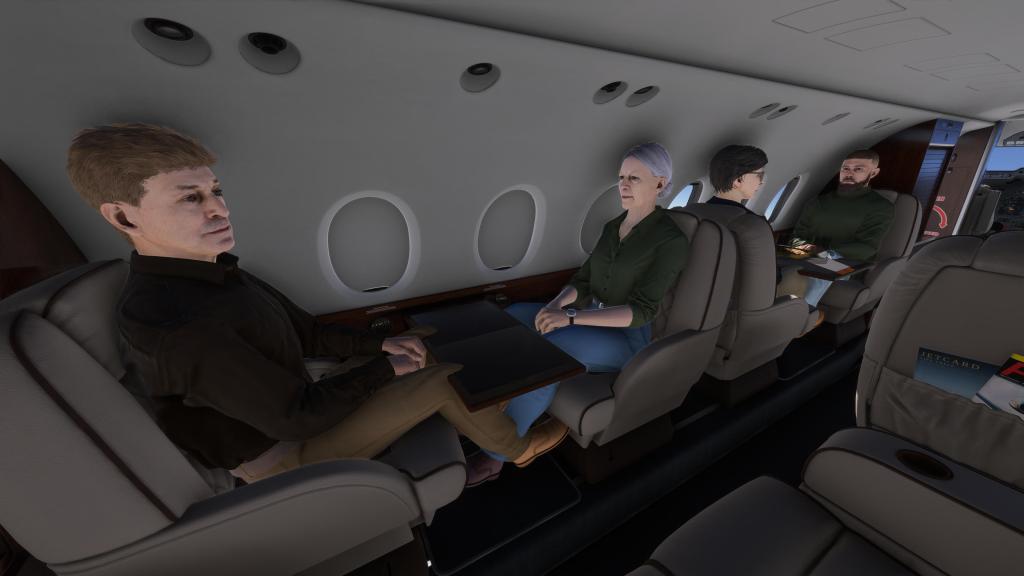
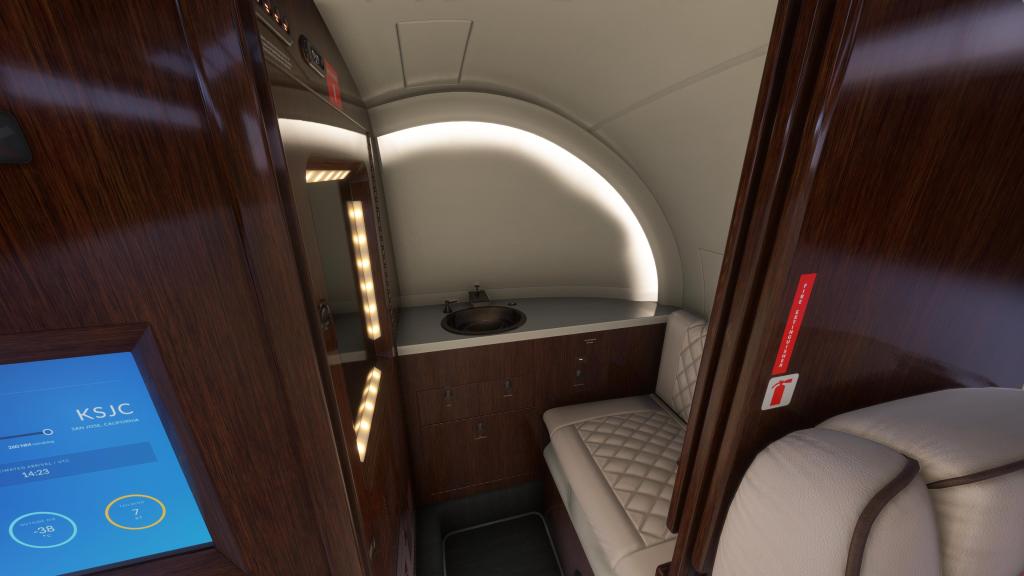
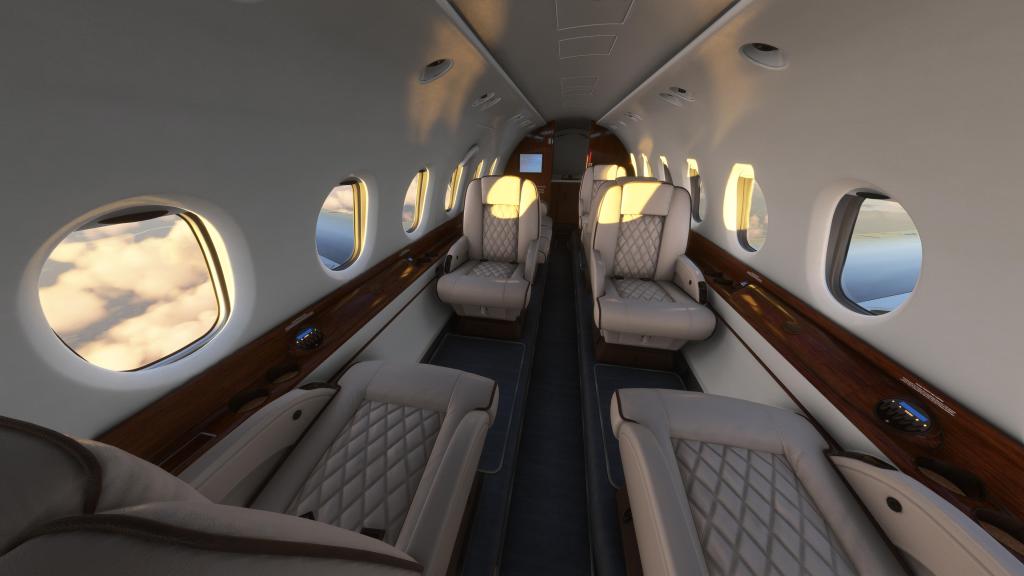
The cabin also very much looks the part. Interactive tray tables and window shades, optional food and a laptop are toggleable from the EFB for passengers, and the lighting once again makes for some great views rearward. Especially at night! We even have a fully lit toilet area (though the toilet itself does not flush).
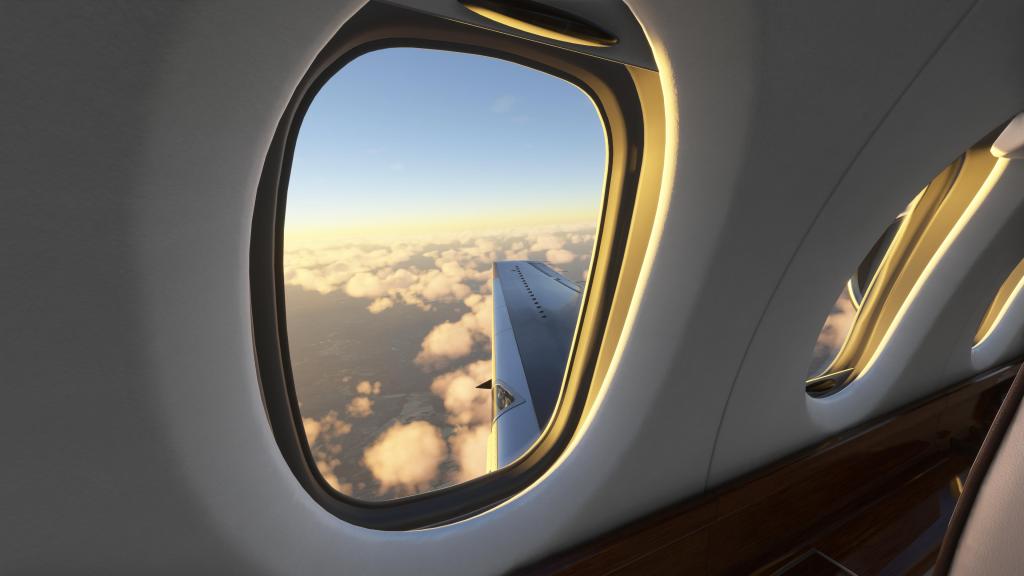
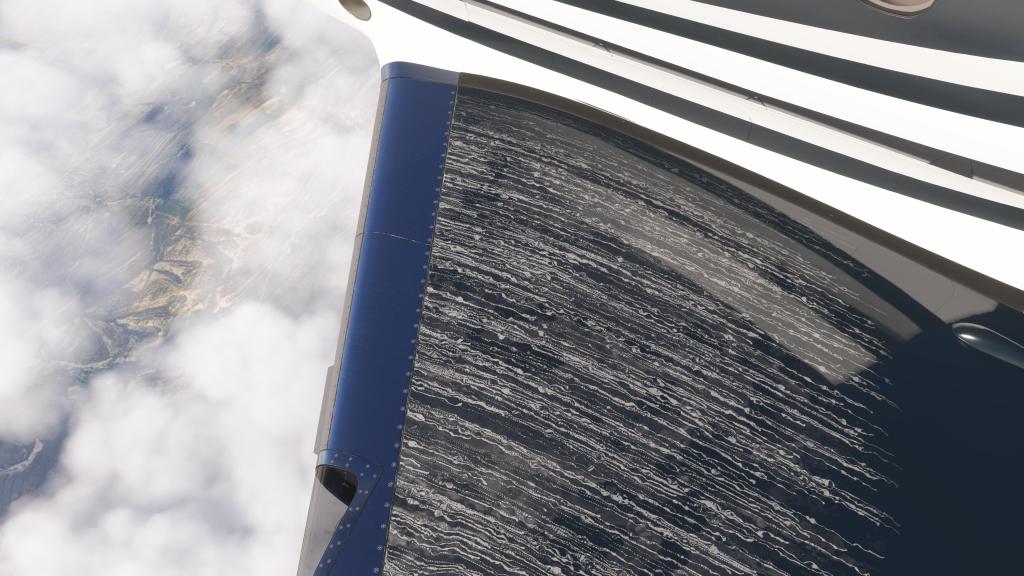
Then we go a notch further on things like the TKS de-icing fluid leaving actual streaks on the leading edges and across the wing surface. That really impressed me! So did the subtle wing warping on the jet’s relatively short and stable wings. The slight movement is just as impressive as more significant warping on larger airliners. Here it feels immersive and believable in some more turbulent weather.
No matter where I look on this jet, I’m very satisfied with the visual modeling. It’s really impressive all around! If I were to find any area of complaint, its that the MSFS 2024 models don’t quite fit the cabin seats perfectly and clip through each other and the tray tables. But that’s more of a platform flexibility issue rather than anything else.
The sounds are also quite good and that goes both inside and out. The rumble of the air with the air brakes out, the whir of the avionics fans, the roll up and down of the twin jet engines, and even the sound changes with the cabin door open and closed. There’s even some really solid work on how the tires sound over different parts of the runway and taxiway with the pitch changing significantly.
I can’t leave this section without mentioning that the aircraft has its own sound system (controlled from the co-pilot seat) which lets you dial in a bunch of different tunes ranging from jazz, classical, to island and others. You can’t hear it from the cockpit but move the camera back into the cabin and you too can jam out to the tunes being played back there. Such a cool extra feature!
Operating and flying the jet
The Hawker 800XP exists in a kind of middle ground when it comes to operations and it all has to do with how modern it is. The FSReborn Phenom 300E, for example, is a more automated, more modern business jet experience while the Contrail Falcon 50 is a more classic experience. The Hawker exists somewhere between these two (and other jets). It’s Proline 21 avionics suite, virtually the same as that on Flight FX’s Piaggio P.180, is a capable avionics suite with integrated navigation, autopilot, radar, and terrain display that make it fully suited to operating in all kinds of conditions. Even in low visibility with variable terrain, the displays gives you confidence that you’re not about to run into a mountain peak.
The FMC is fairly easy to operate. Its a basic FMC with typical performance and routing capability without endless pages of information that you need to be filling out all of the time.
The rest of the cockpit feels sensibly laid out with an overhead panel containing most of the electrical power, lighting and start-up controls. The center console doesn’t have a lot on it and the rest can be found scattered around the forward dash with autopilot placed in the conventional front dash section. The only quirk is the APU controls which are located behind the pilot.
I’ve already talked about persistence but it’s worth reminding readers again that flying the same airframe overtime gives it a unique character with the aircraft slowly degrading in notable ways or suffering from failures over time. That requires some on the ground work that includes refilling the TKS anti-icing fluid so that you have enough for the next flight. That will all affect subsequent flights which is very cool!
There are some optional features that can affect how you fly the jet as well with the biggest being the option of an auto throttle. I actually prefer to fly this one without the auto throttle but for those that must have it – its available in the EFB as an optional add-on. It’s a pretty good auto throttle system though it can be slow to react and you do need to anticipate it a bit if you intend to make sudden altitude changes for example.
EFB features
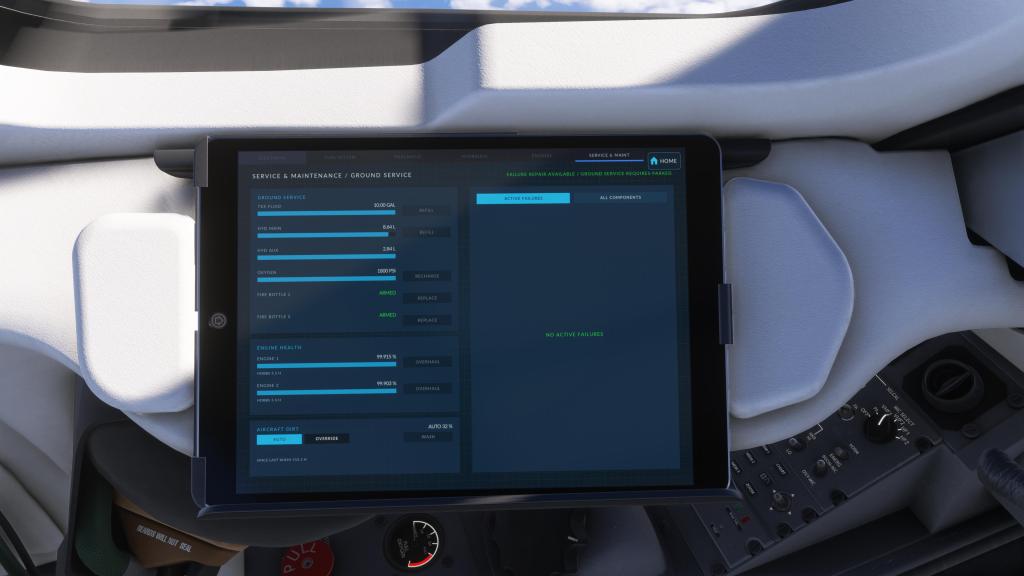
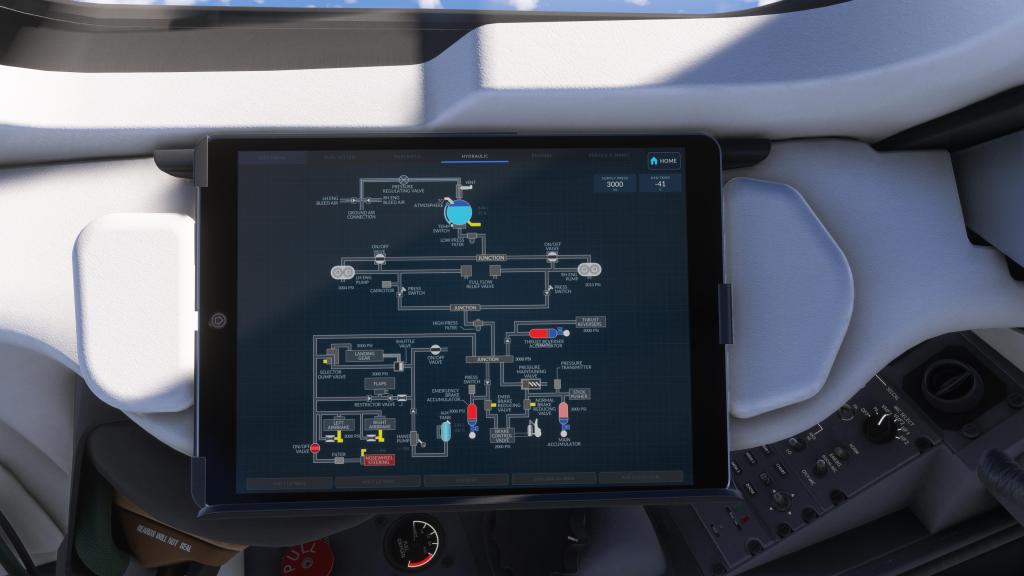
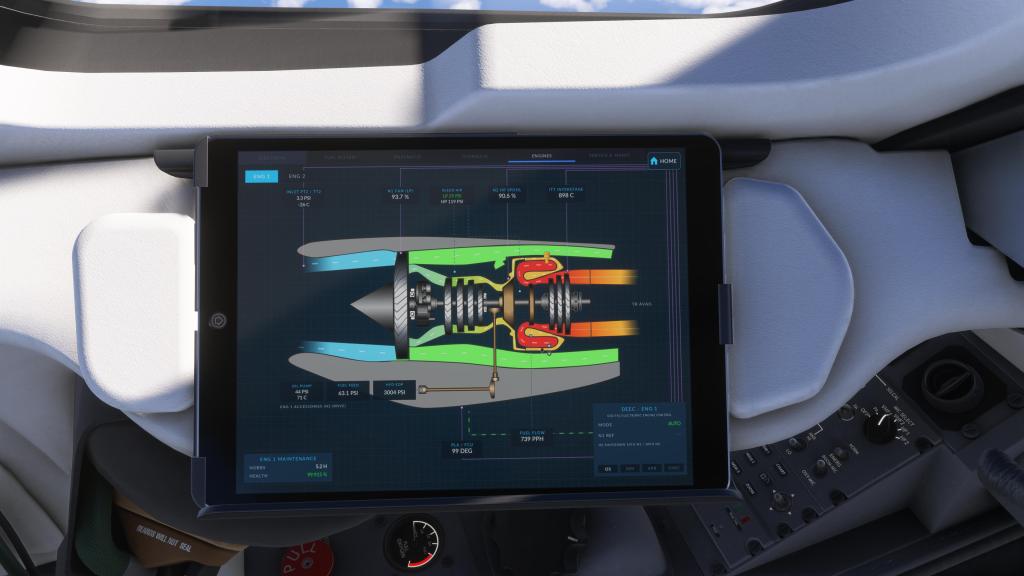
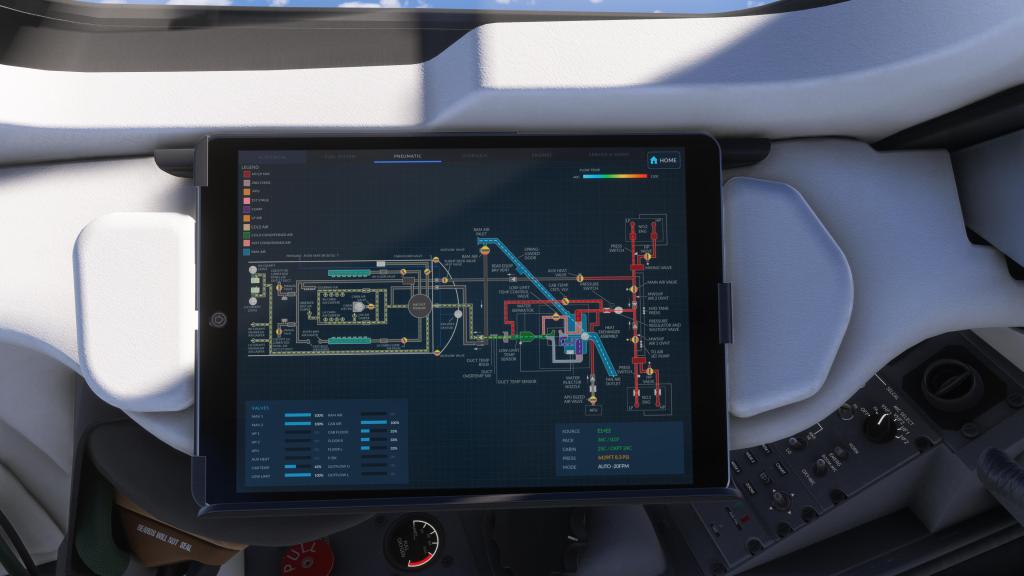
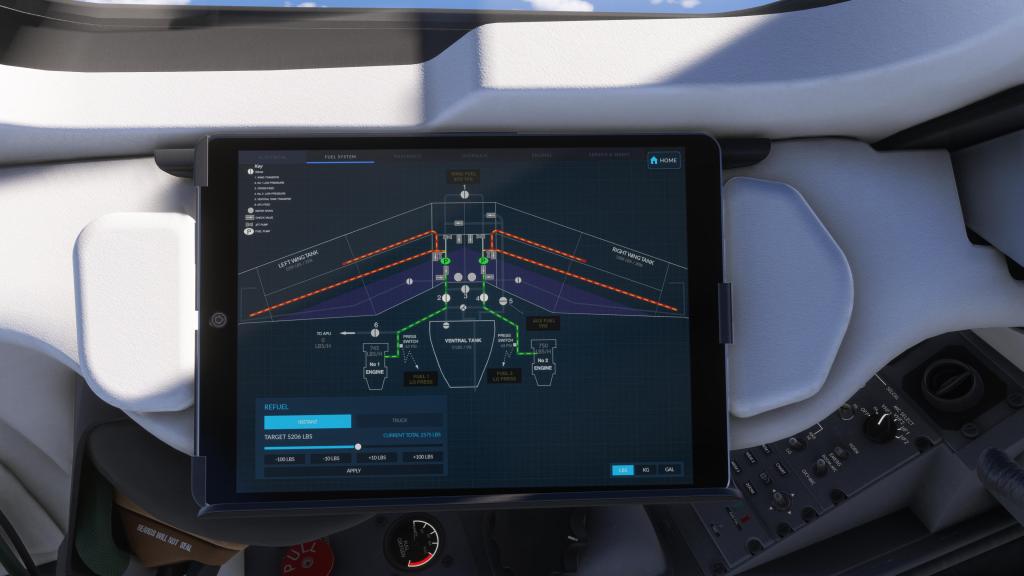
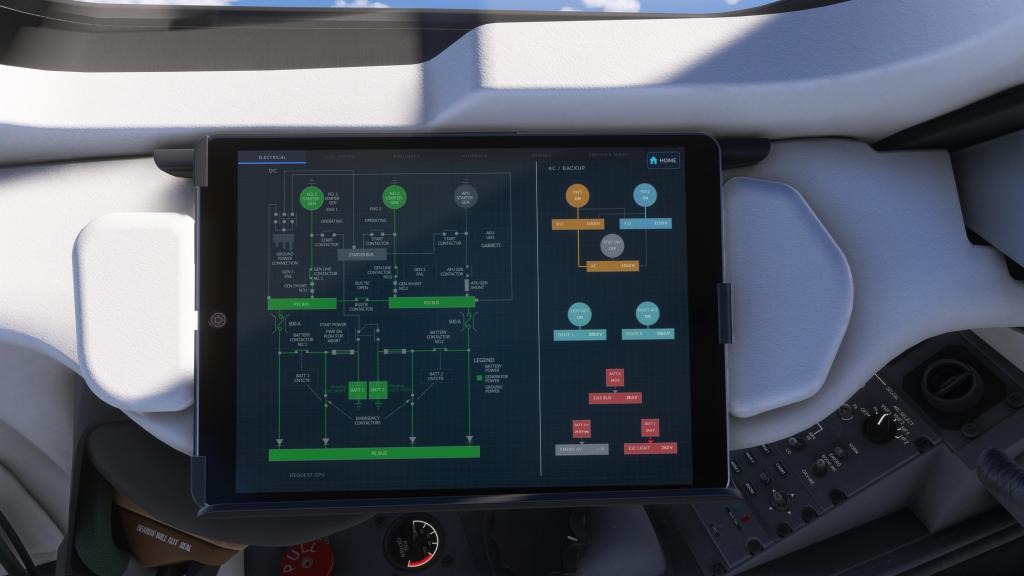
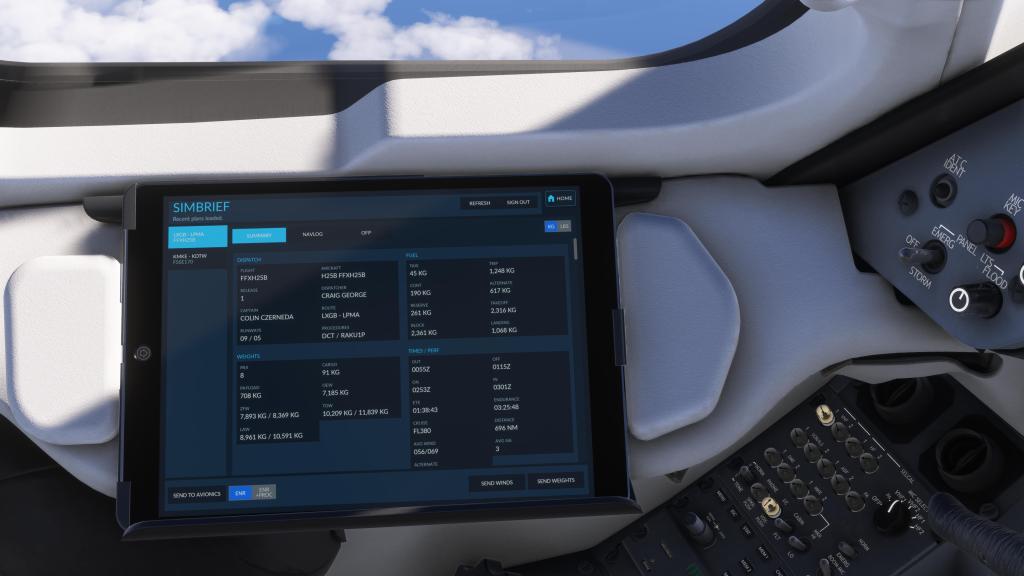
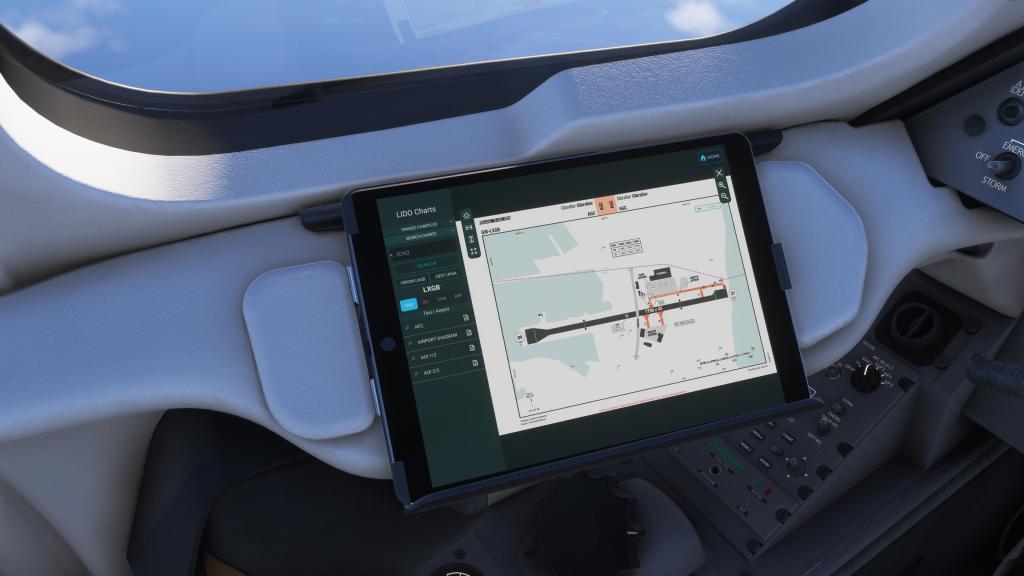
When Flight FX introduced their tablet on the P.180, it was fairly basic and had just a few apps on it that you could interact with. It was capable and competent but without a lot of frills. Things have evolved with their tablet system and the Hawker 800XP together with the Citation X V2 have the latest offering of the system though the Hawker has even more features.
One of the coolest new features is called Systems. I took one look at it and I immediately though two things: First, its very reminiscent of some of the offerings from Black Square which also use systems visualization to show off what is happening with the aircraft. Cool! But also, I think the developers put it there to show people what was really happening being the scenes. I’ve seen community members say that the Citation X, for example, wasn’t a deep enough experience. Well, here’s a visualization system to show just how deep they’ve gone on the 800XP.
We’ve also got Navigraph charts, LIDO charts (from MSFS 2024), a SimBrief flight plan manager and load system (which lets you autoload flight plans, weights, and other data quickly and easily), we’ve got a moving map (with road and satellite info), weight and balance manager, a ground services manager, and a config or setup screen which lets you manage units, throttle calibration, and aircraft state.
Its a well thought out system that has most major features built in. I will admit, FSReborn have really impressed me with their Phenom 300E EFB including a passenger comfort system, and that’s maybe the only thing I’m missing here. Otherwise, Flight FX have nailed the EFB experience for this aircraft.
Fast and fun
Like prior products from Flight FX that have come sporting their EFB system, the developer has included state changing as an option in the settings screen. You can pop in there and turn a cold and dark Hawker 800XP into a ready to fly jet in less than a minute. Skip the checklists, load the flight plan in from SimBrief or Microsoft’s EFB planner, and get going within just a couple of minutes.
You can, of course, do everything yourself from cold and dark, run through the safety systems, fuel the plane, and so on and so forth. Or you can go quickly. The choice is yours and I think that’s ideal!
Performance
I’ve seen consistently solid frame rates out of this airplane with the Hawker 800XP staying consistently in the 40-50fps range on my system. Some users, particularly on console, have noted frame drops once the avionics come online but I haven’t experienced that at all with this airplane. I think its one of the best optimized that I’ve tested and it certain performs at or above most of the airliners that I’ve tested and similarly to FSReborn’s Phenom 300E which also gives me solid and smooth frame rates.
Final thoughts
I am impressed with the Flight FX Hawker 800XP in nearly every way. I didn’t actually want to buy it because it’s already been a good year for business jets and adding yet another to my list wasn’t really on my bucket list. I was drawn to the design, the performance, and the features of this airplane and I am so very glad that I did pick it up.
The aircraft offers just the right level of interactivity in the cockpit being semi-automated but also hands on just enough to keep you busy during most phases of flight.
We’re at a point in Flight Simulator’s history where new modules keep on trying to best each other and we’ve seen developers do some absolutely incredible things. Flight FX has taken notes on what other developers are doing while iterating on their own process to make their best product yet. Their prior business jets were already great but this pushes the bar forward for them and for the genre as a whole with an impressive level of persistence and overall polish across the entirety of the product.
I have very little to complain about with this product because it really touches on everything – persistence, quality visuals and sounds throughout, deeply simulated systems, and enough options and ease of use to appeal to a wide variety of simmers. You can start-up and go or you can plan the flight out intricately including doing the fueling yourself. What could Flight FX add to the list? Maybe a passenger minder system like in the Phenom 300E from FSReborn? I struggle to find anything else that I want in something like this.
One of the year’s best releases, hands down and the year isn’t done yet. I highly recommend the Flight FX Hawker 800XP for MSFS 2024!
Screenshots




Leave a Reply